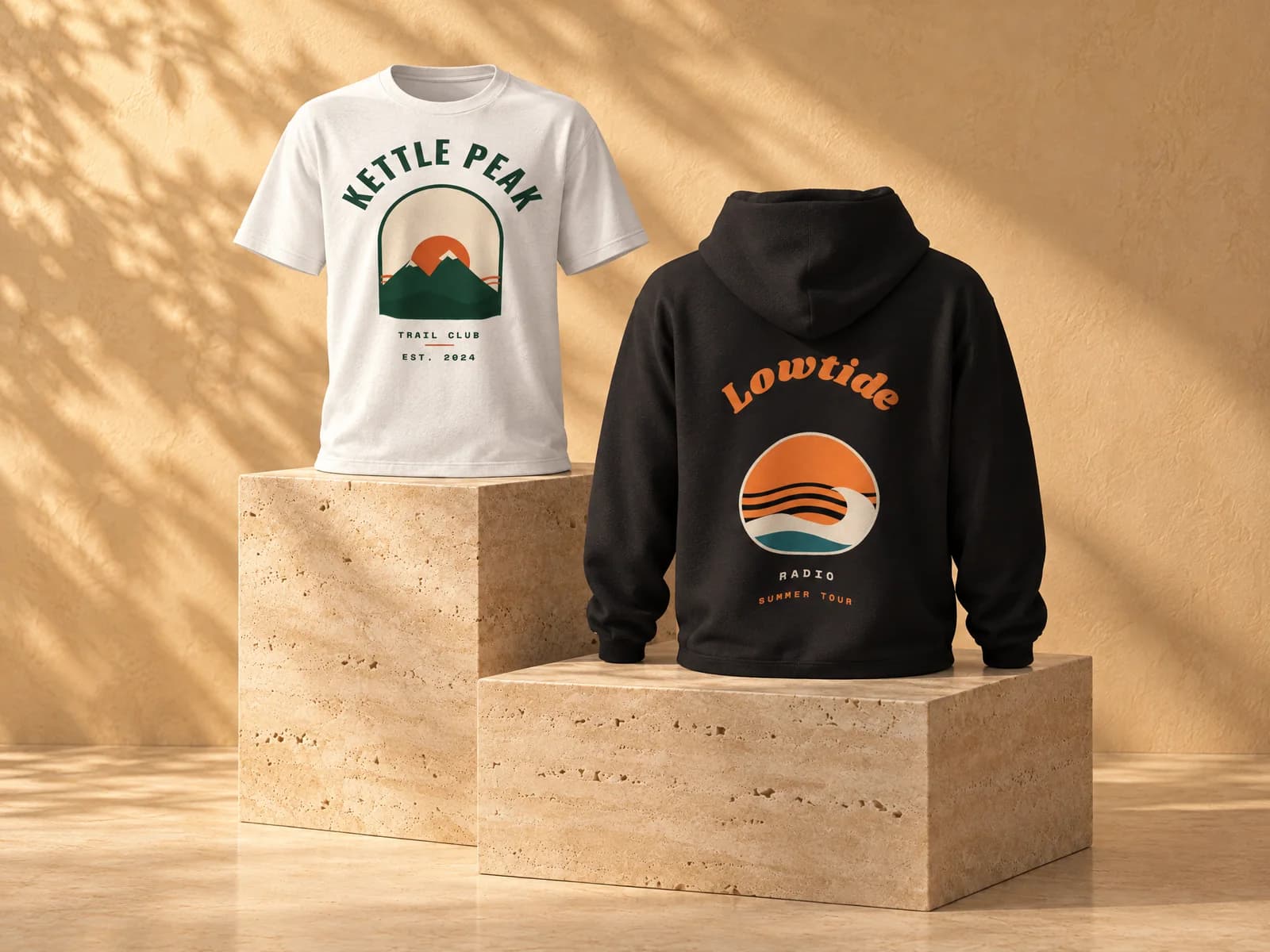
Your design as a 3D product mockup
Mocks puts your artwork on a photoreal box, bottle, can, bag or tee. Turn it to any angle, set it in motion and export images ready to list, free in your browser.

Product mockups that move
Every model plays the editor's animation presets, from a slow turn to a gentle sway. Pick one and export a short MP4 for a listing, an ad or a launch post.
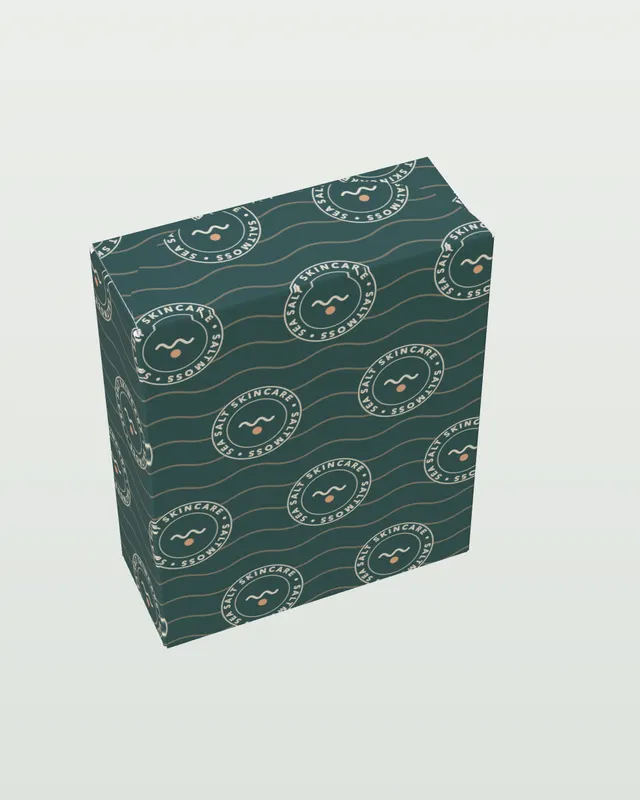
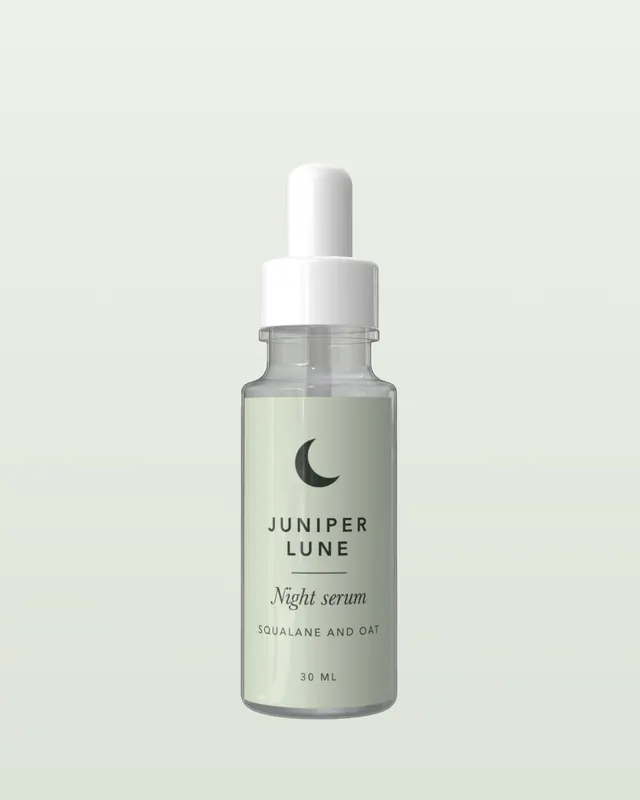
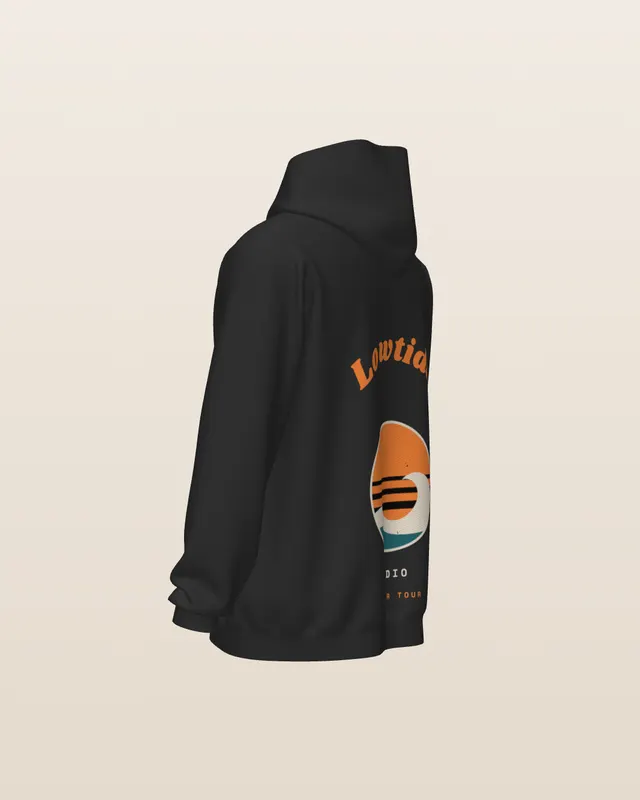
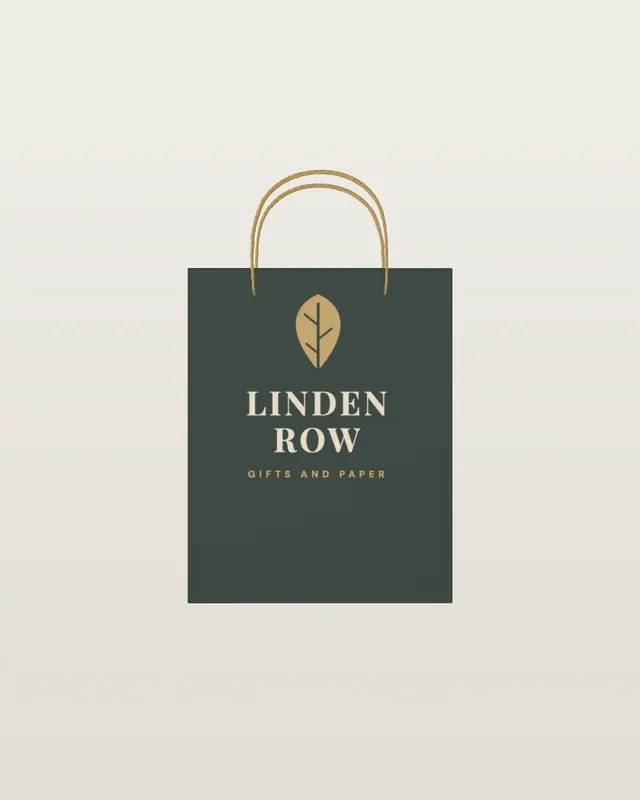
MP4 export, free to use
Product mockups for boxes, bottles, cans, bags and apparel
50 3D models in five product types. Each type has its own page of models, tips and answers.
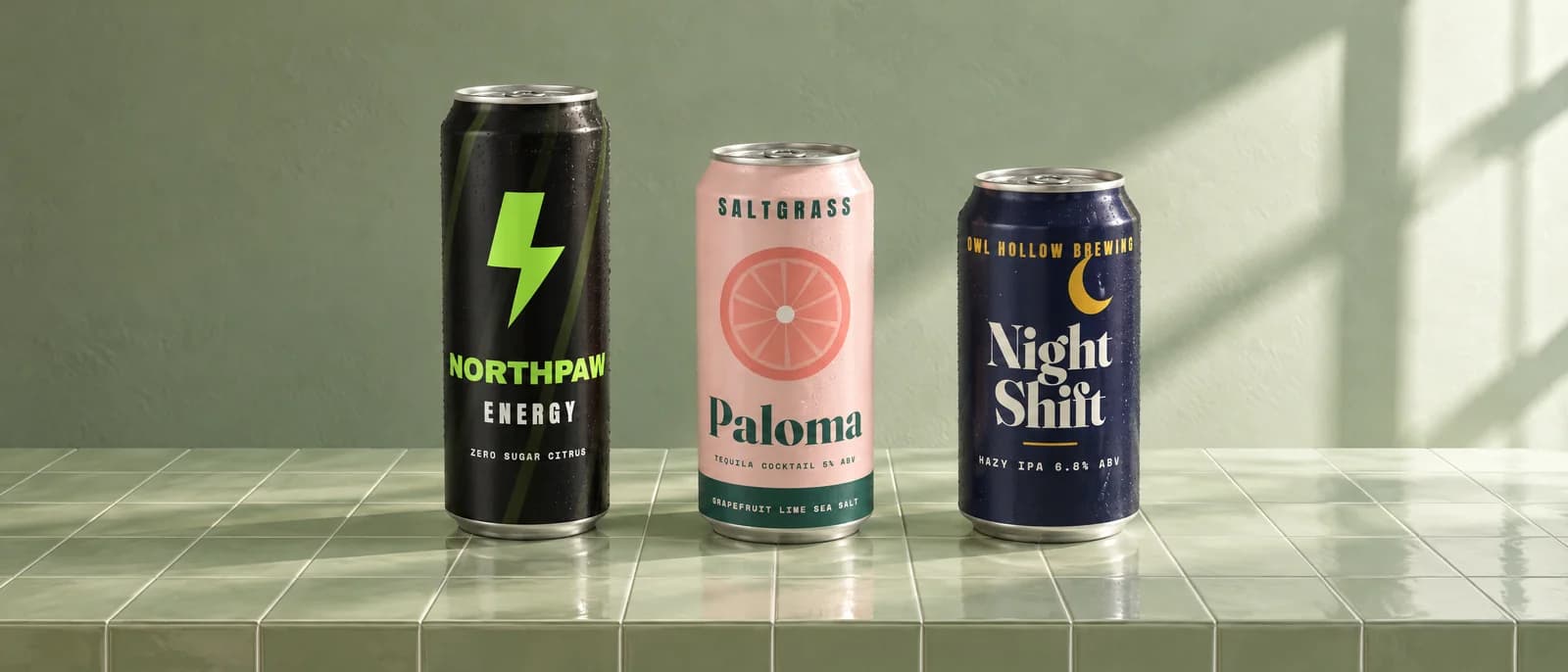
Can mockups
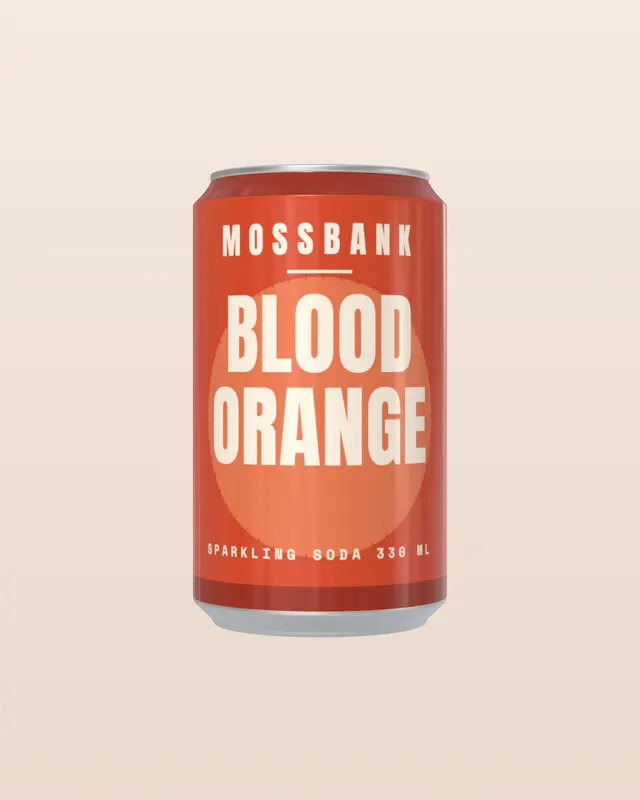
Energy drink, soda, cocktail and beer cans. One label wraps the whole can, so a new flavor is one upload away.
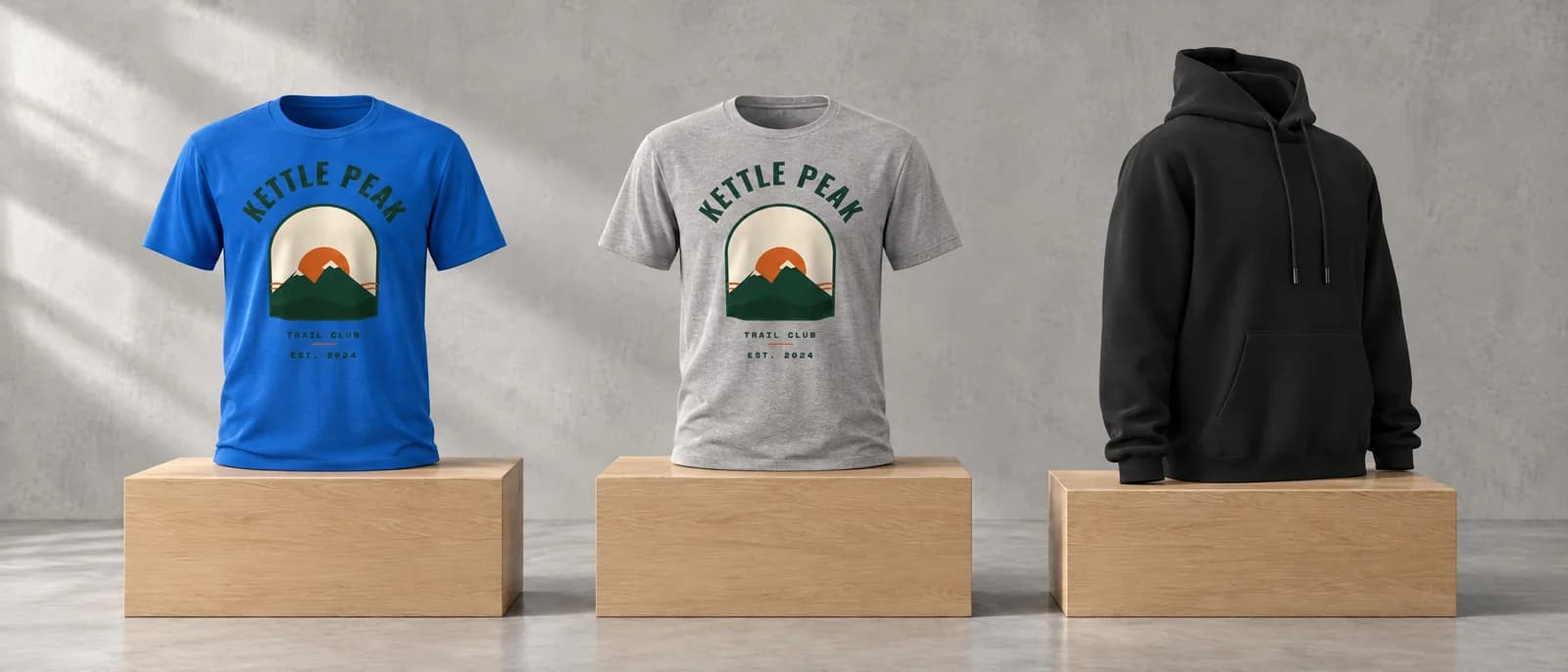
Apparel mockups
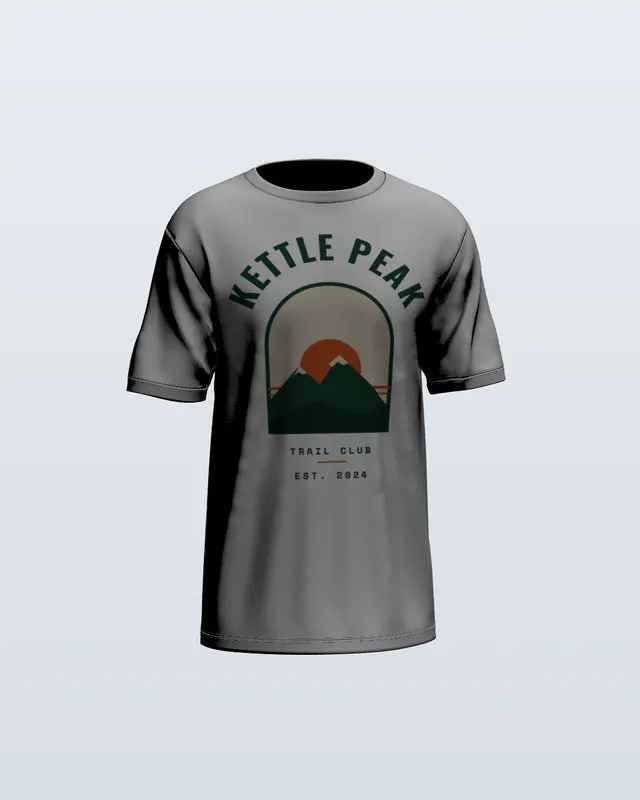
T-shirts, hoodies, polos, hats and socks. Place your print on the real sewing pattern and switch the fabric color.
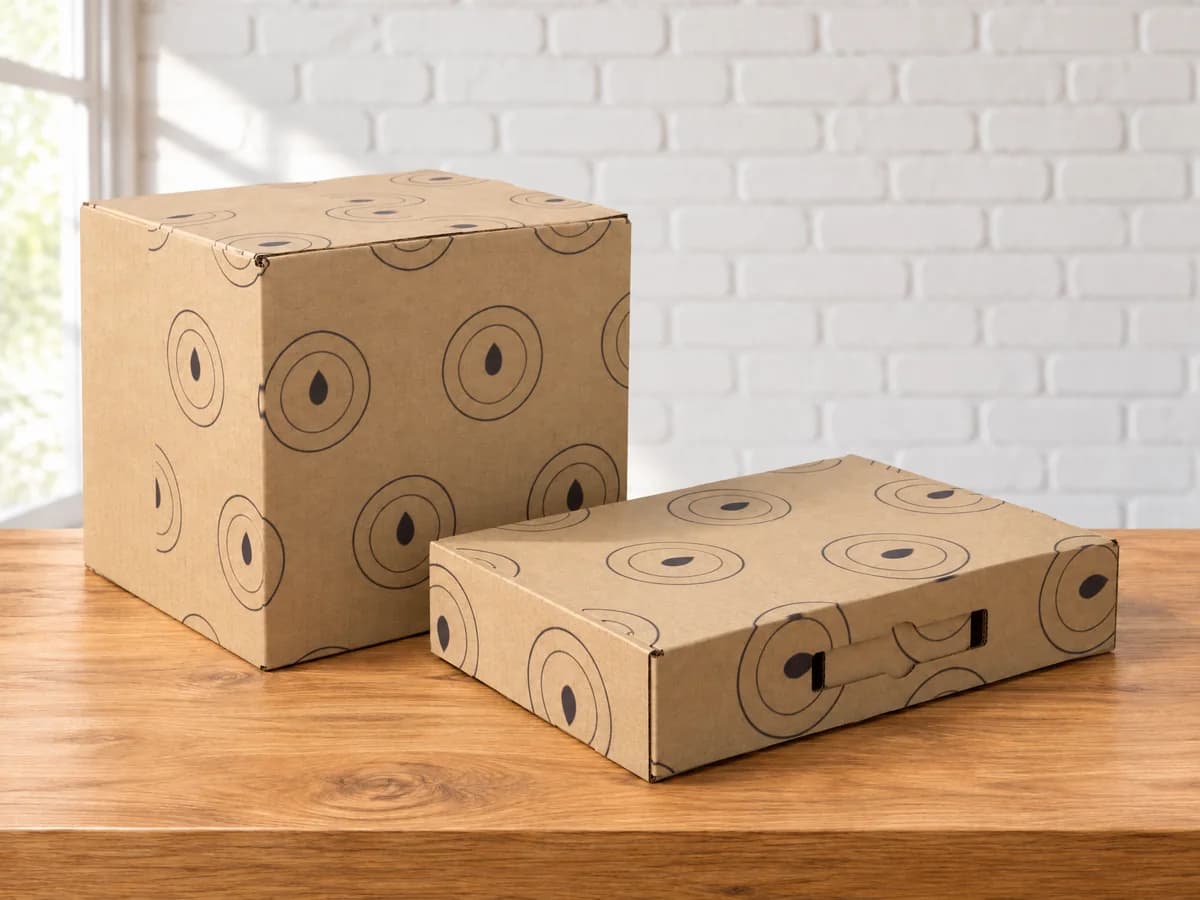
Box mockups
Mailer, tuck end, shipping and gift boxes that open and close with a slider.
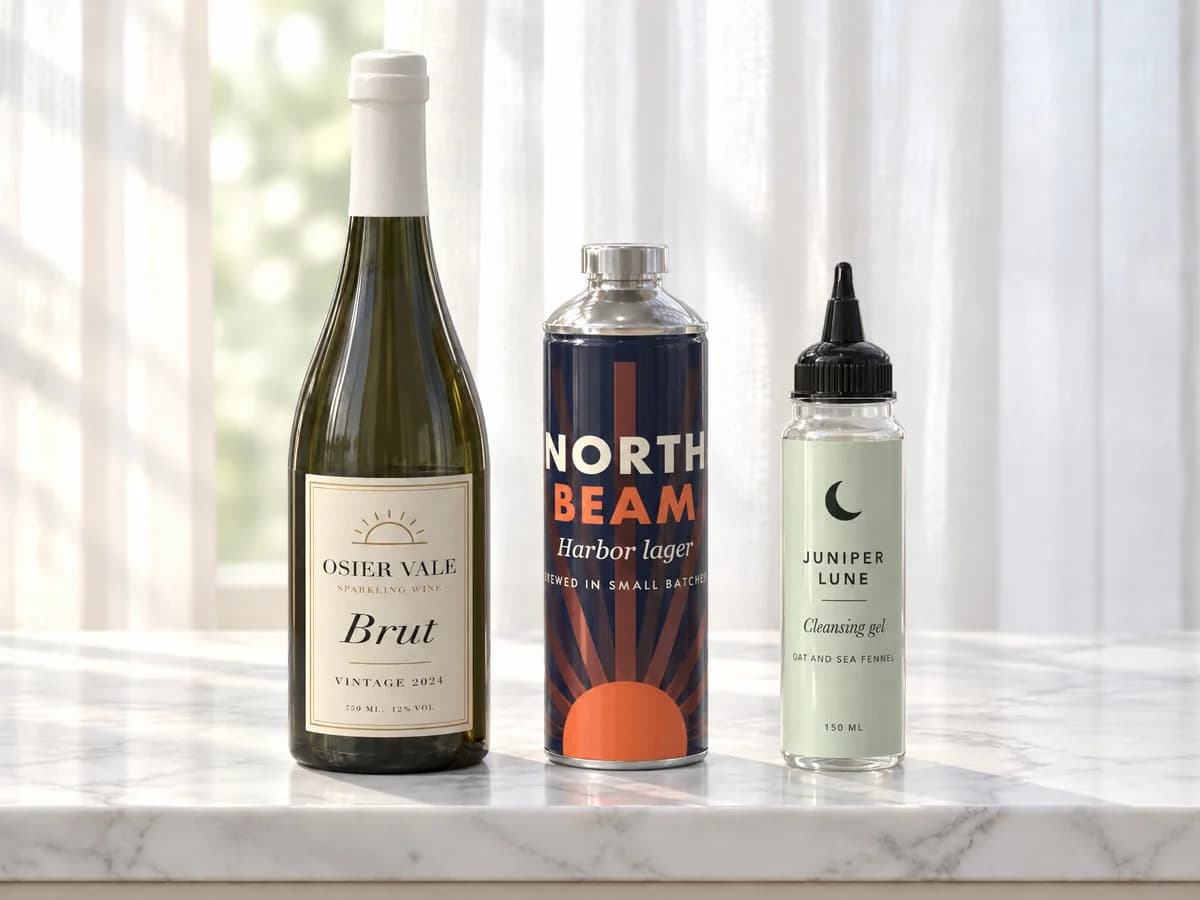
Bottle mockups
Dropper, pump, water and wine bottles in glass, clear plastic or metal.
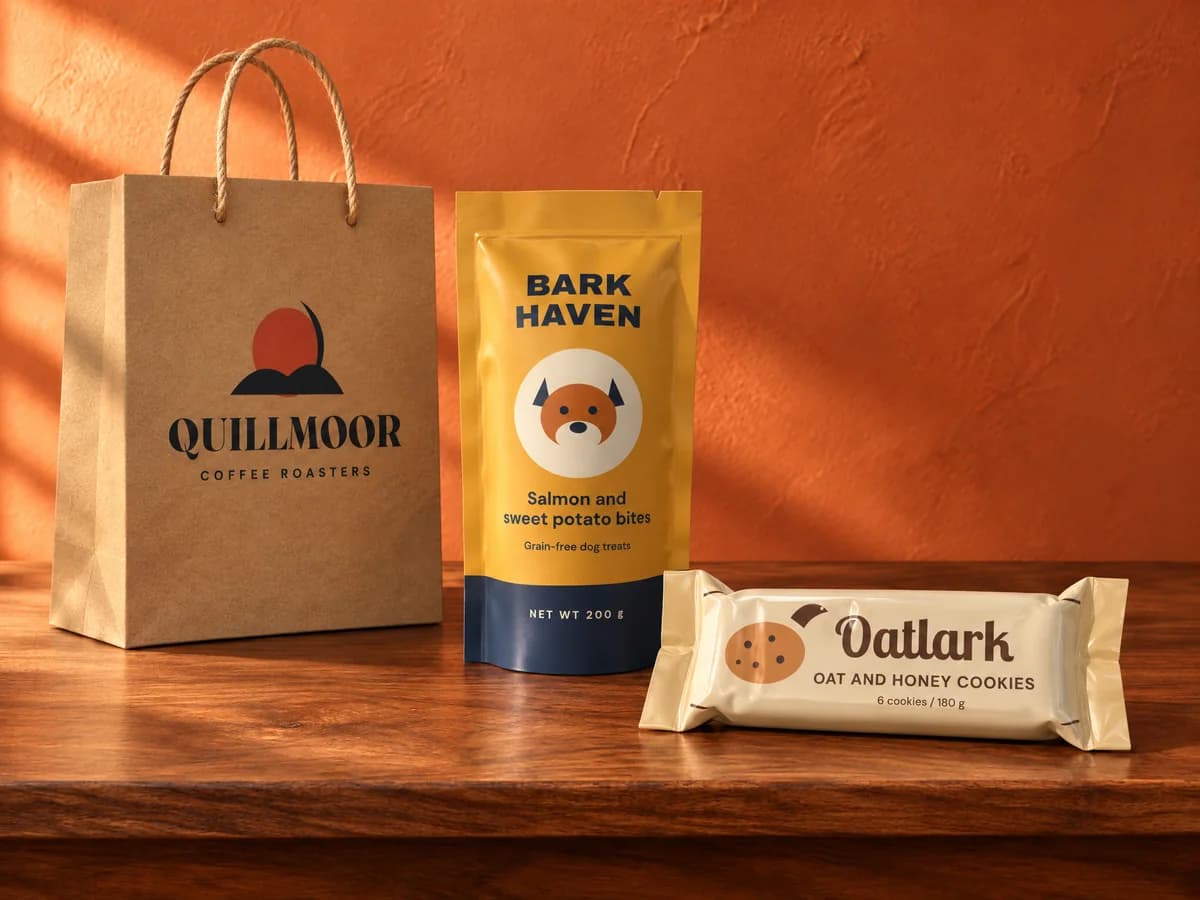
Pouch and bag mockups
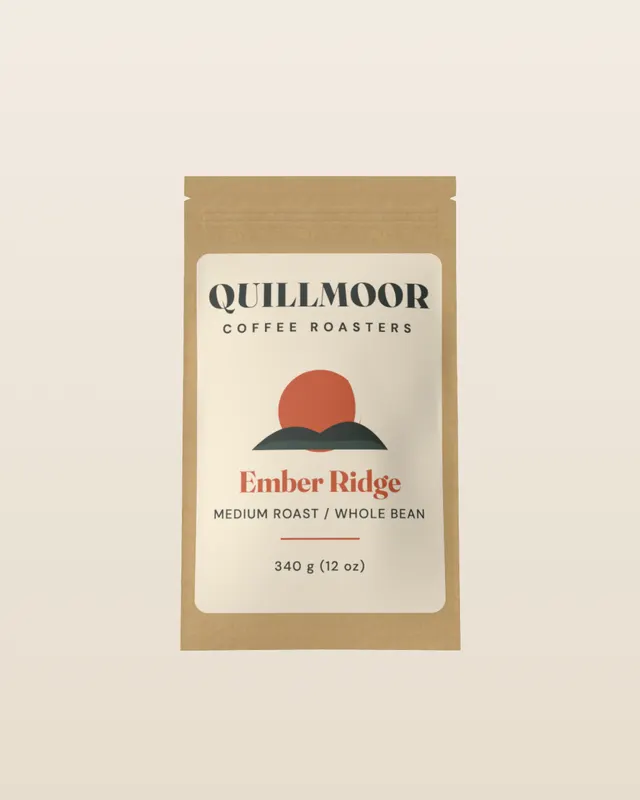
Stand-up and zipper pouches, sachets and paper shopping bags.
How to make a product mockup in your browser
Nothing to install and no account to make. Try the controls below: they work like the editor's own, and anything deeper opens the full editor.
Artwork
Add your artwork
Place images, text and shapes on the dieline.
Upload and designPrint area 529 × 907 px
Custom material
1Pick a model
Choose the shape closest to your product. Boxes, pouches and bags open on their real dieline, measured in millimeters.
Browse the catalog2Add your design
Open Upload and design and drop in a JPG, PNG or SVG, or add text, shapes and patterns right on the dieline in Mocks.
Upload a bottle label3Export
Set the angle, material and backdrop, then download a JPG, a transparent PNG or an animated MP4.
Export your first image
What every product mockup can do
The same controls on every model, so one design gives you a full set of product images.
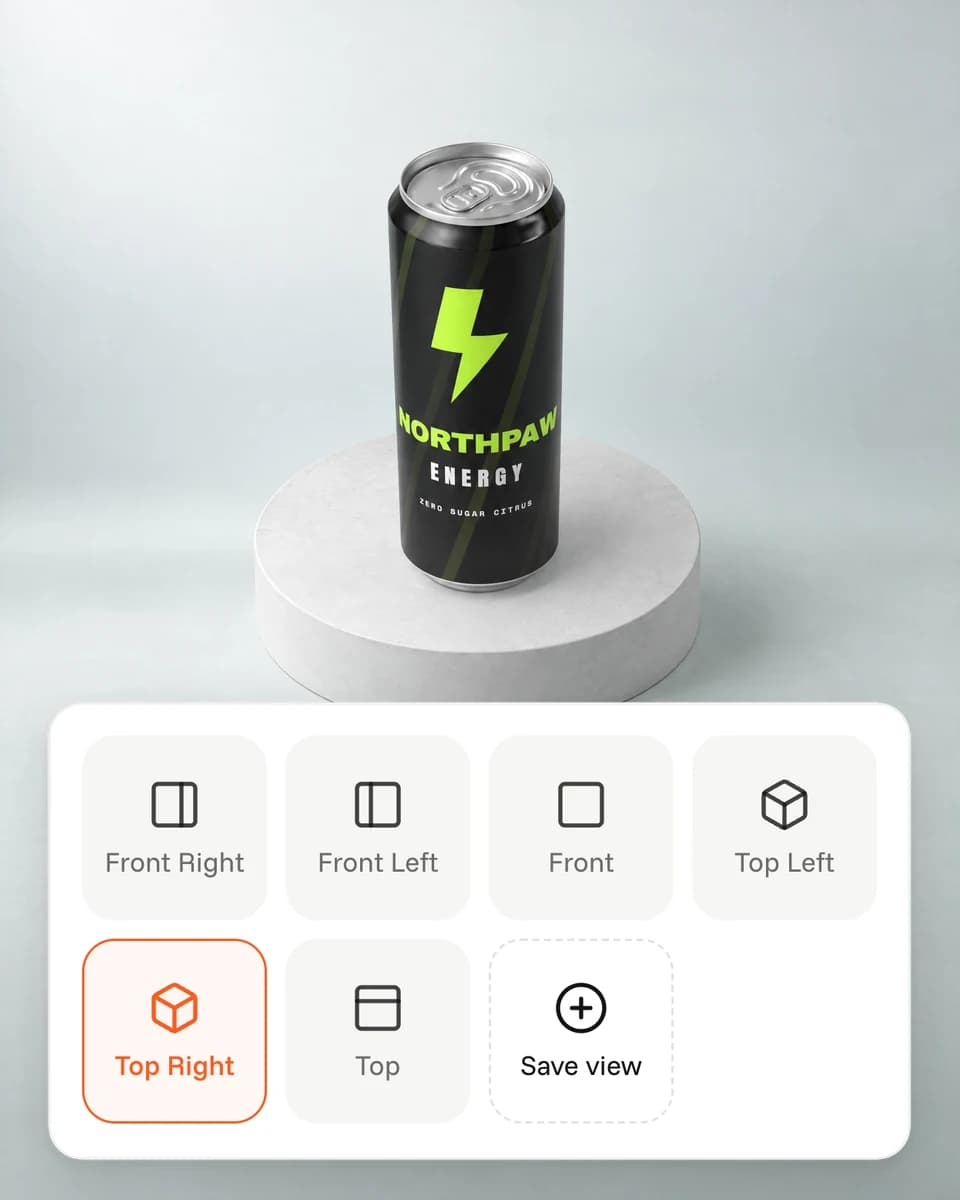
Any angle from one upload
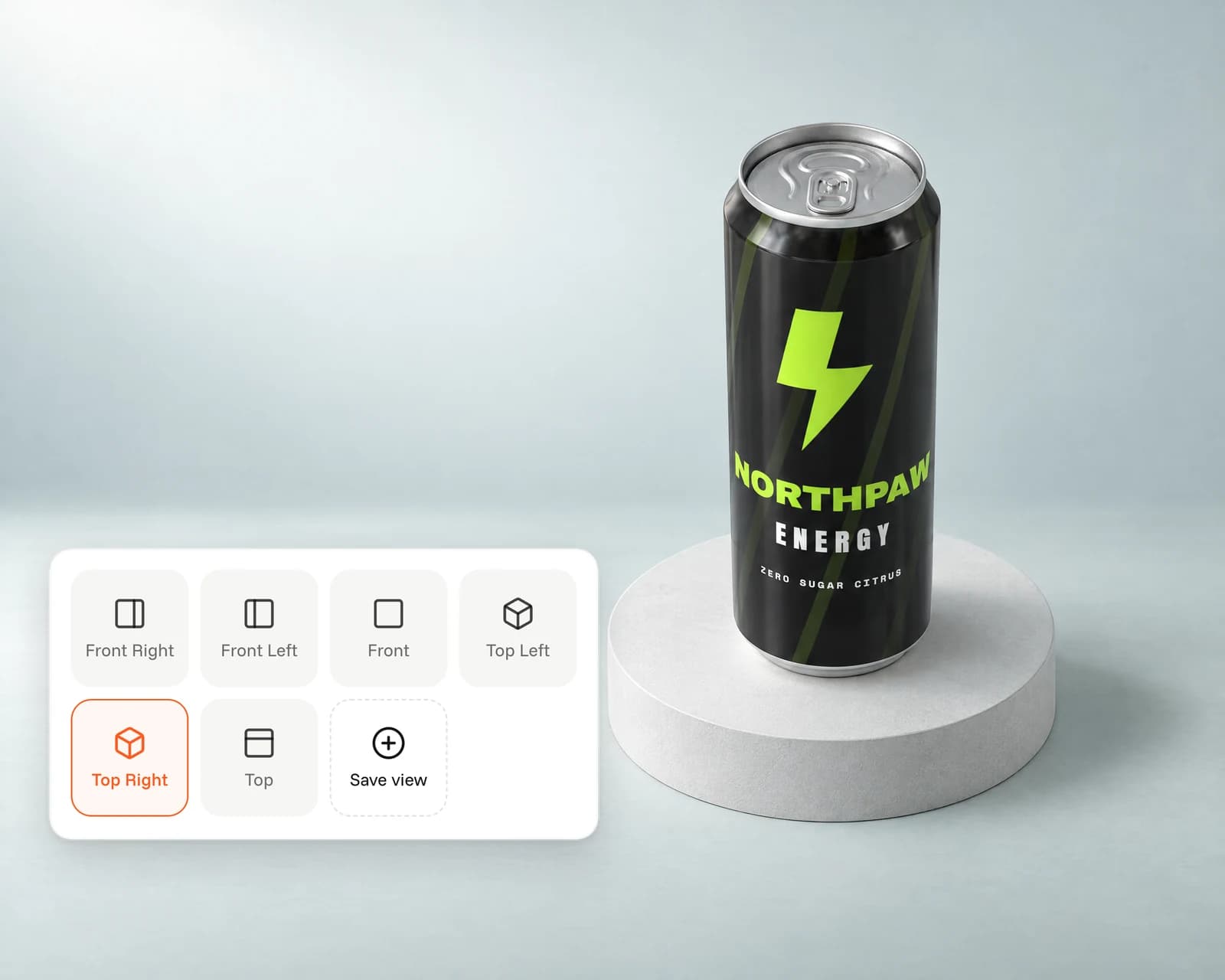
Jump between six camera views or drag the product yourself, then save the view so every color or flavor shares the same angle.
Turn an energy can around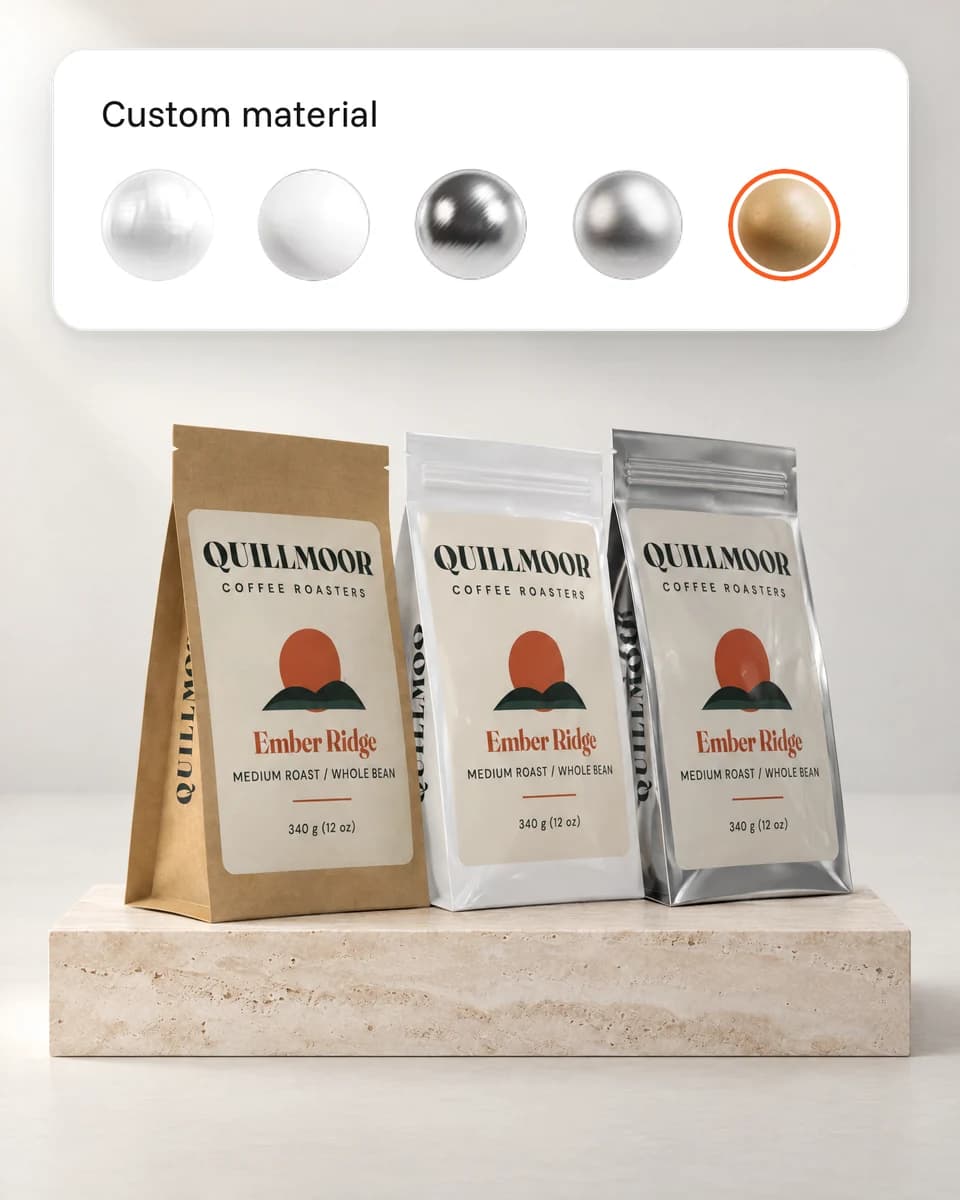
Real materials and finishes
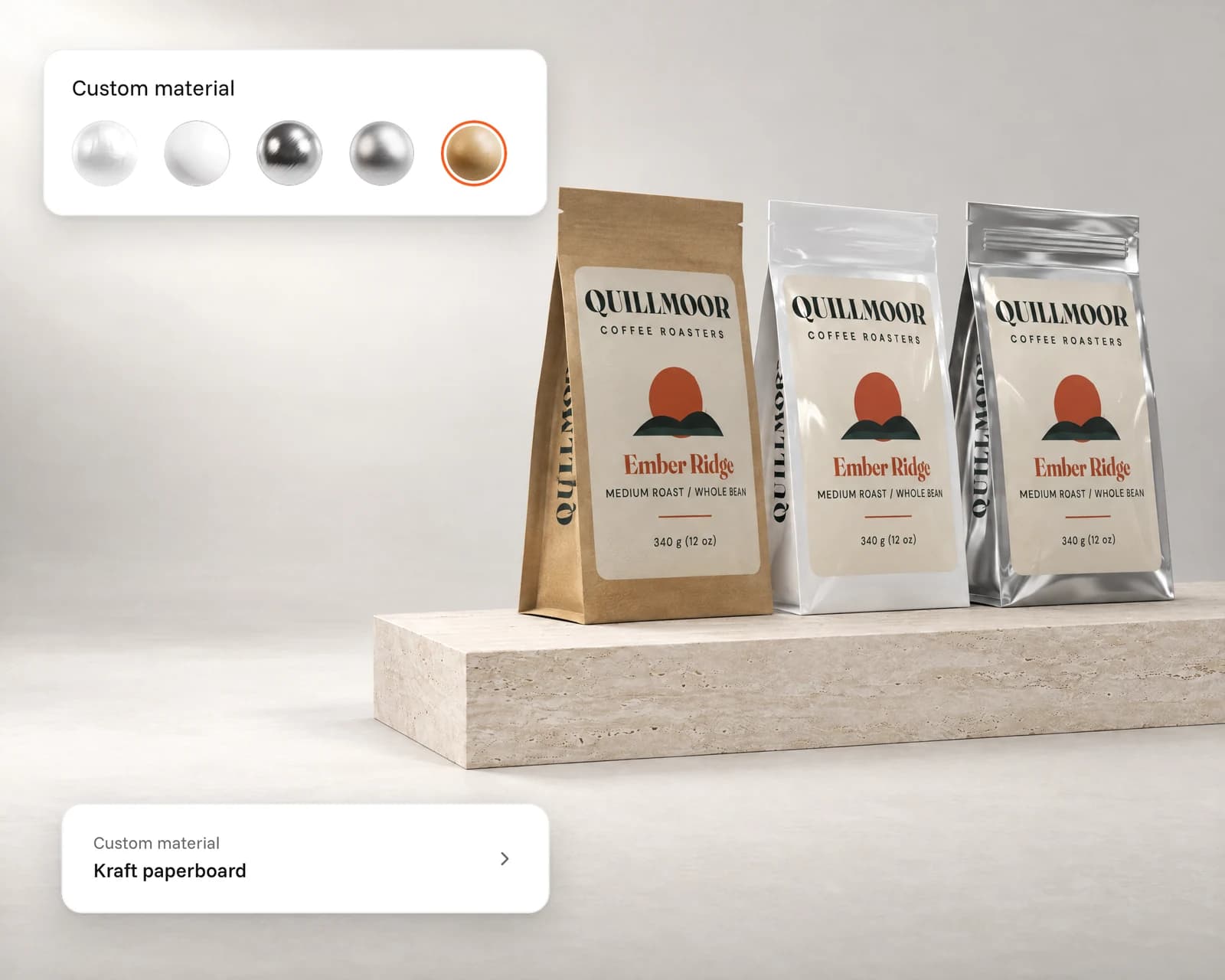
Switch between white and kraft board, matte or glossy metal and clear or matte glass, then pick a package or fabric color, including your own.
Try coffee bag finishes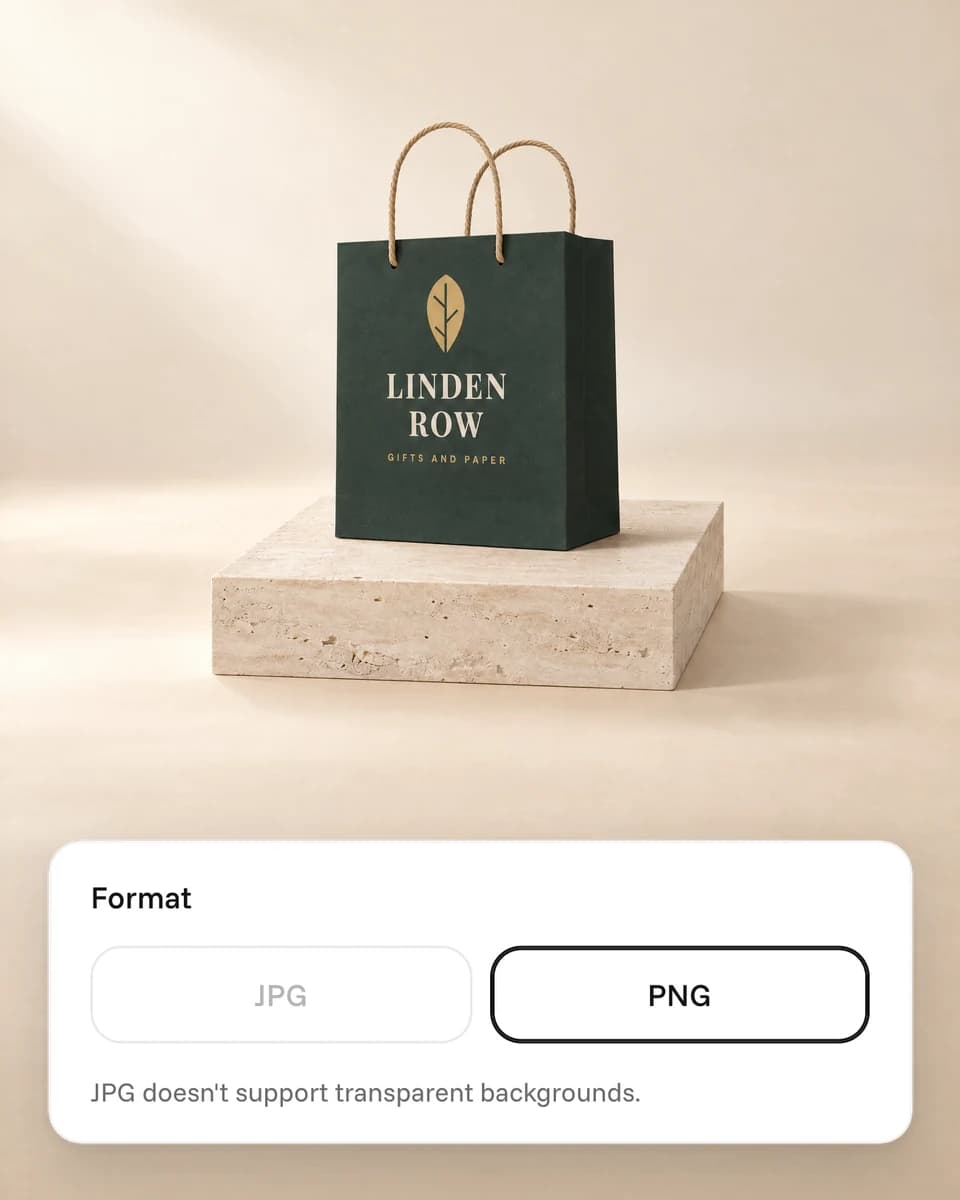
Exports ready for your listing
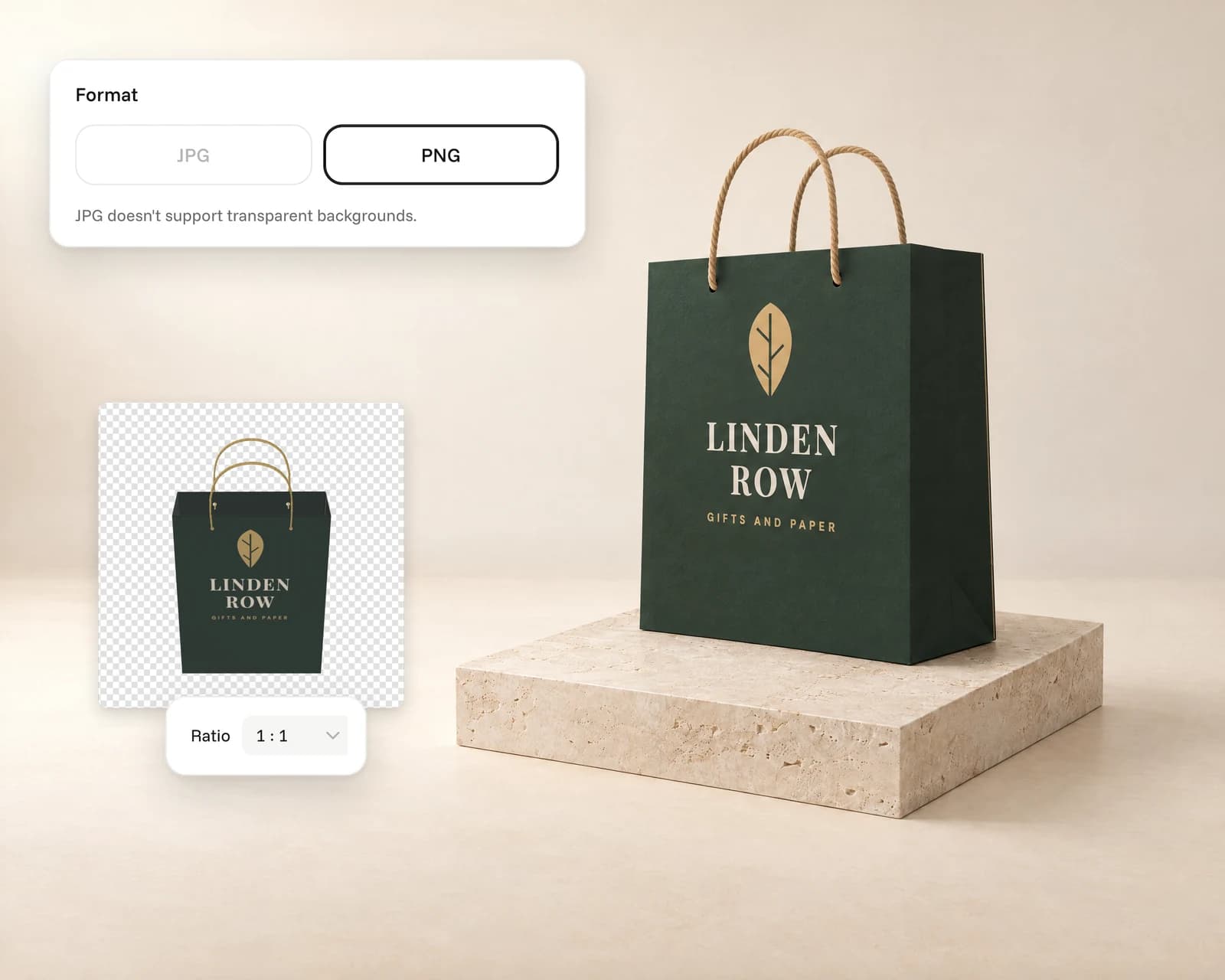
Render a JPG or a transparent PNG in a 1:1, 4:5, 3:4, 4:3, 16:9 or 9:16 frame, or save an animation as an MP4.
Export a bag as PNG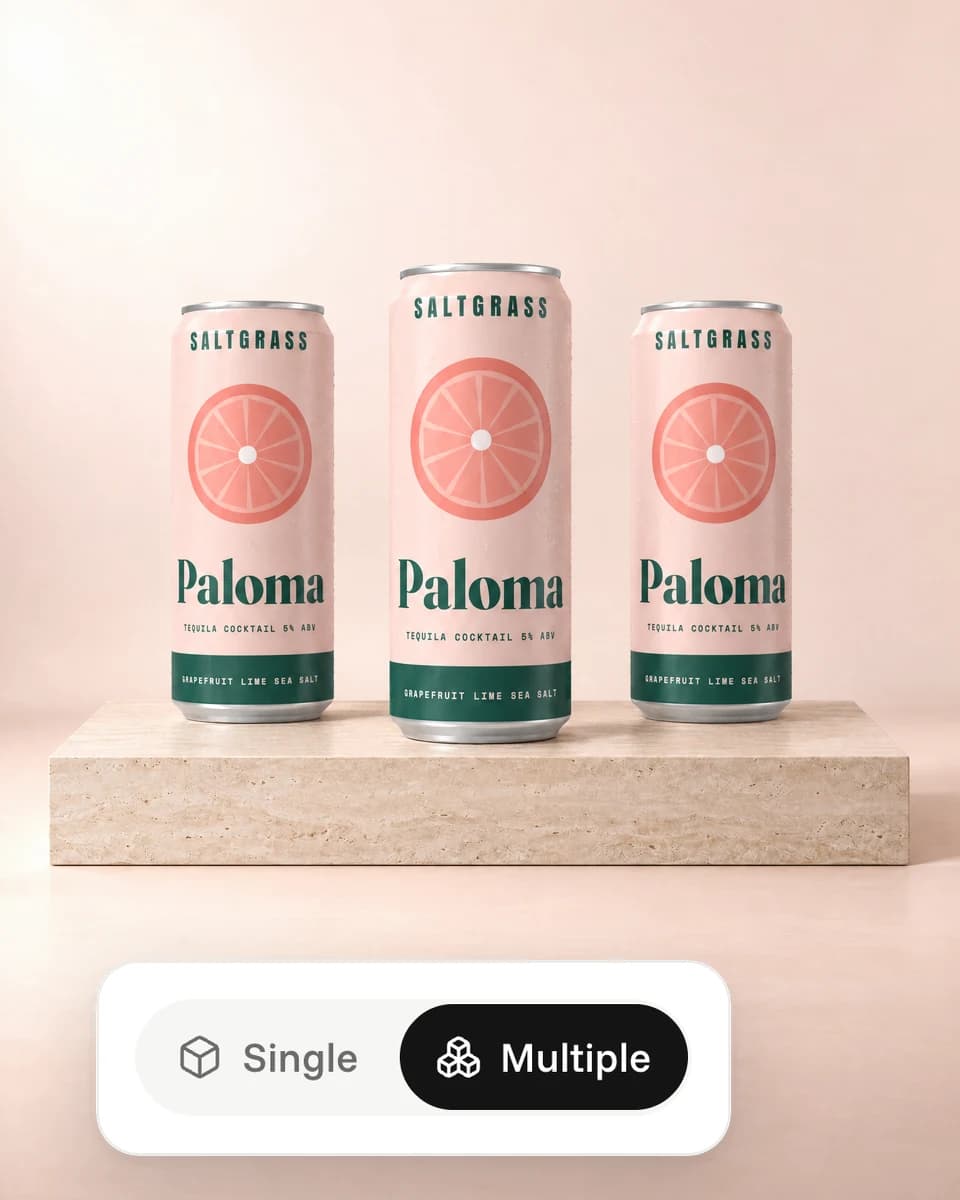
A whole range in one shot
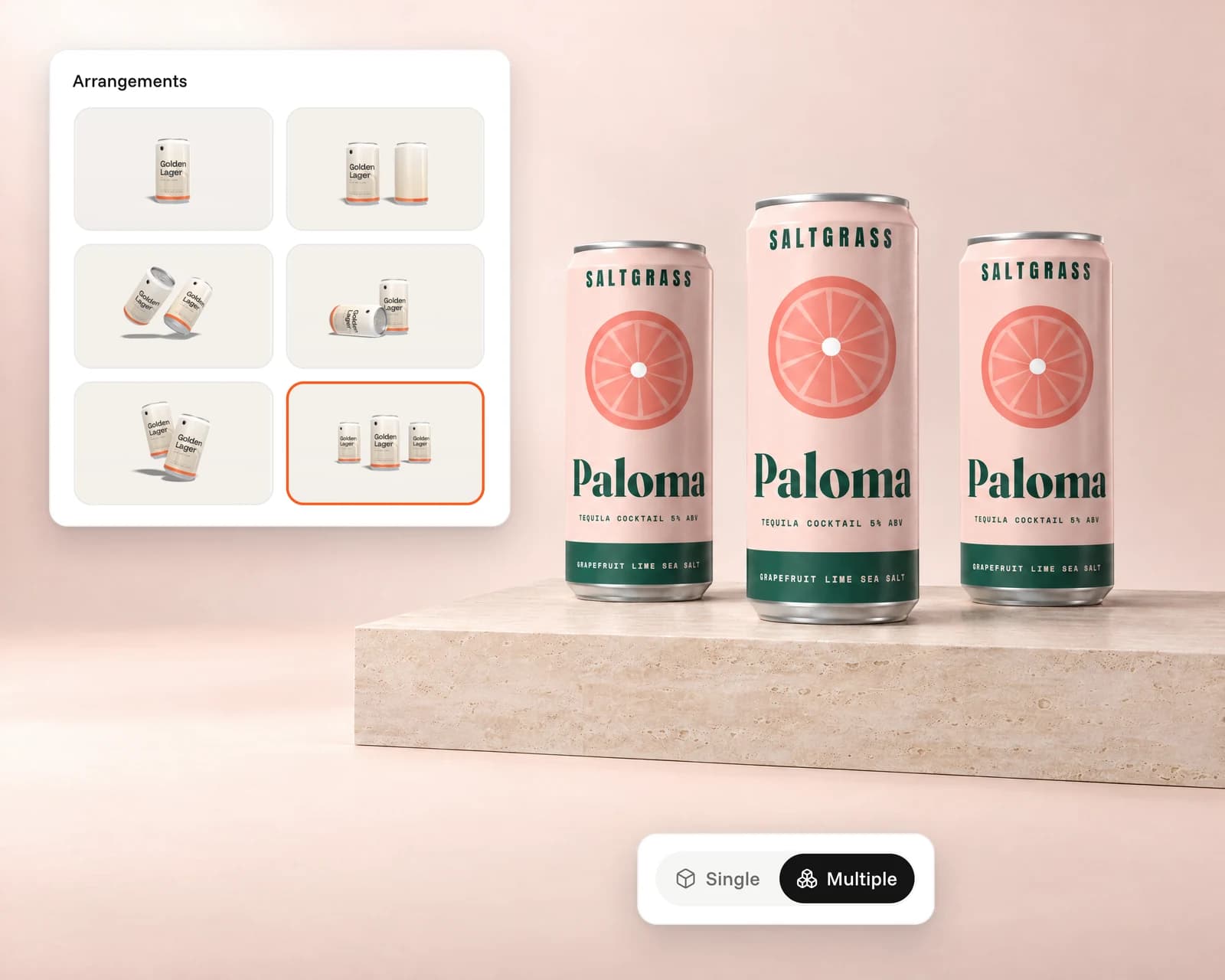
Layout arrangements copy your product into rows and pairs, so a multipack, a front and back view or a flavor wall takes one click.
Line up a multipack
Made for launches, listings and merch
Who mocks up a product before it exists.
Pre-order pages
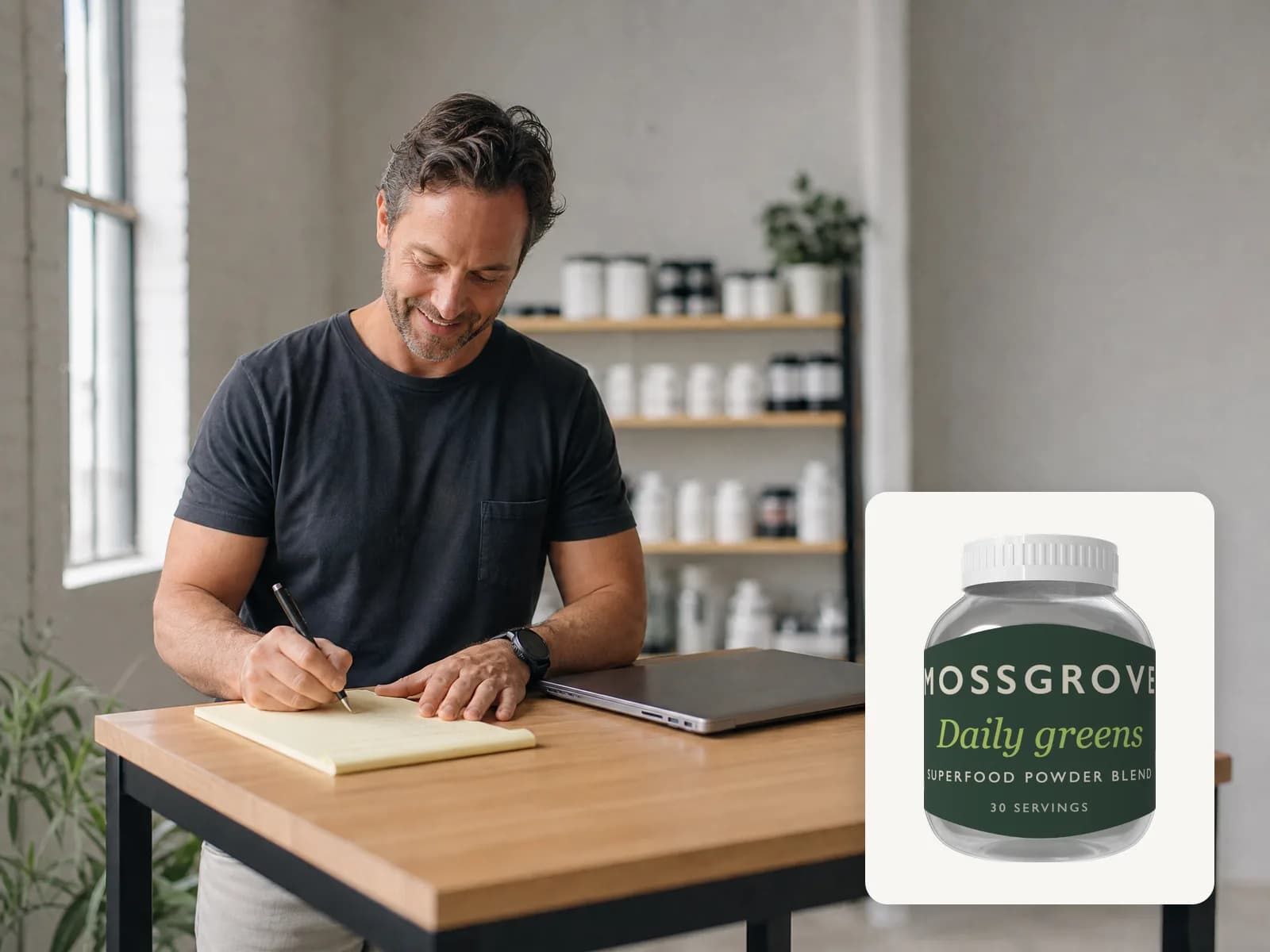
Show the new jar on your pre-order page and pitch deck while the first batch is still at the co-packer.
Mock up a supplement jar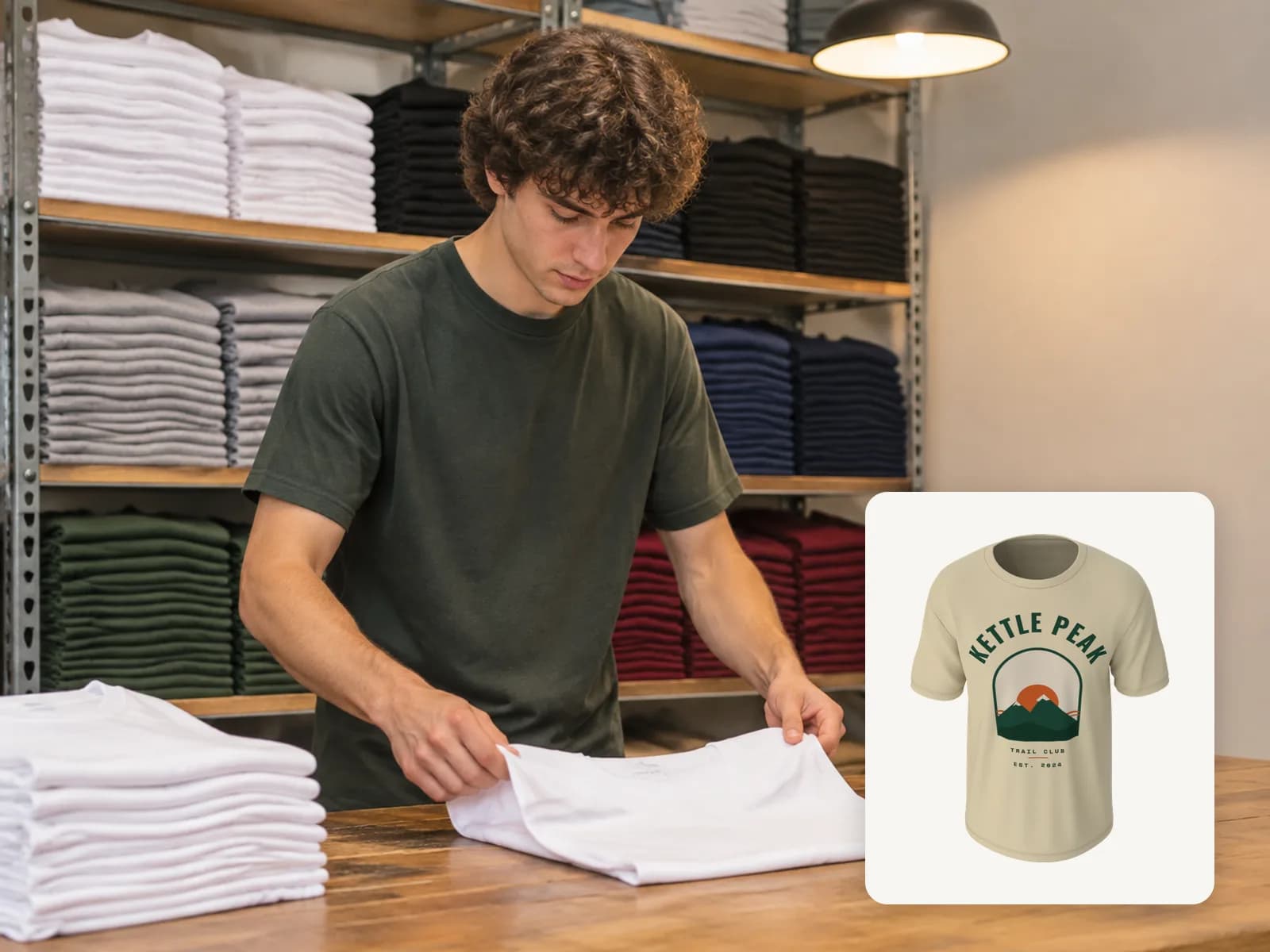
Print-on-demand shops
List a new design in every colorway on the day you finish it, with matching angles for each variant.
Try a tee in four colors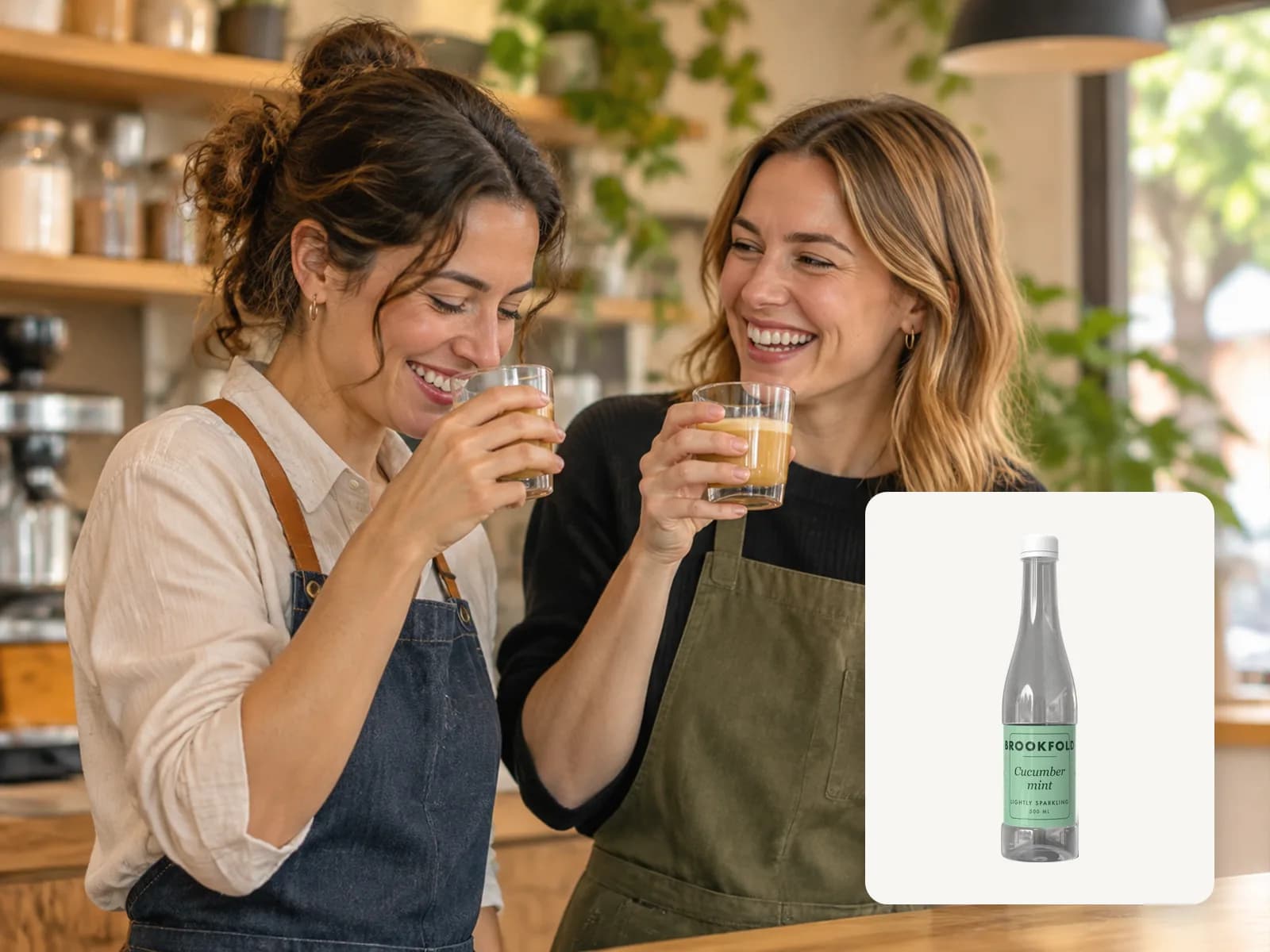
Cafes and drink brands
Put a new bottled drink on the menu board and the shop page before the first case is filled.
Label a water bottle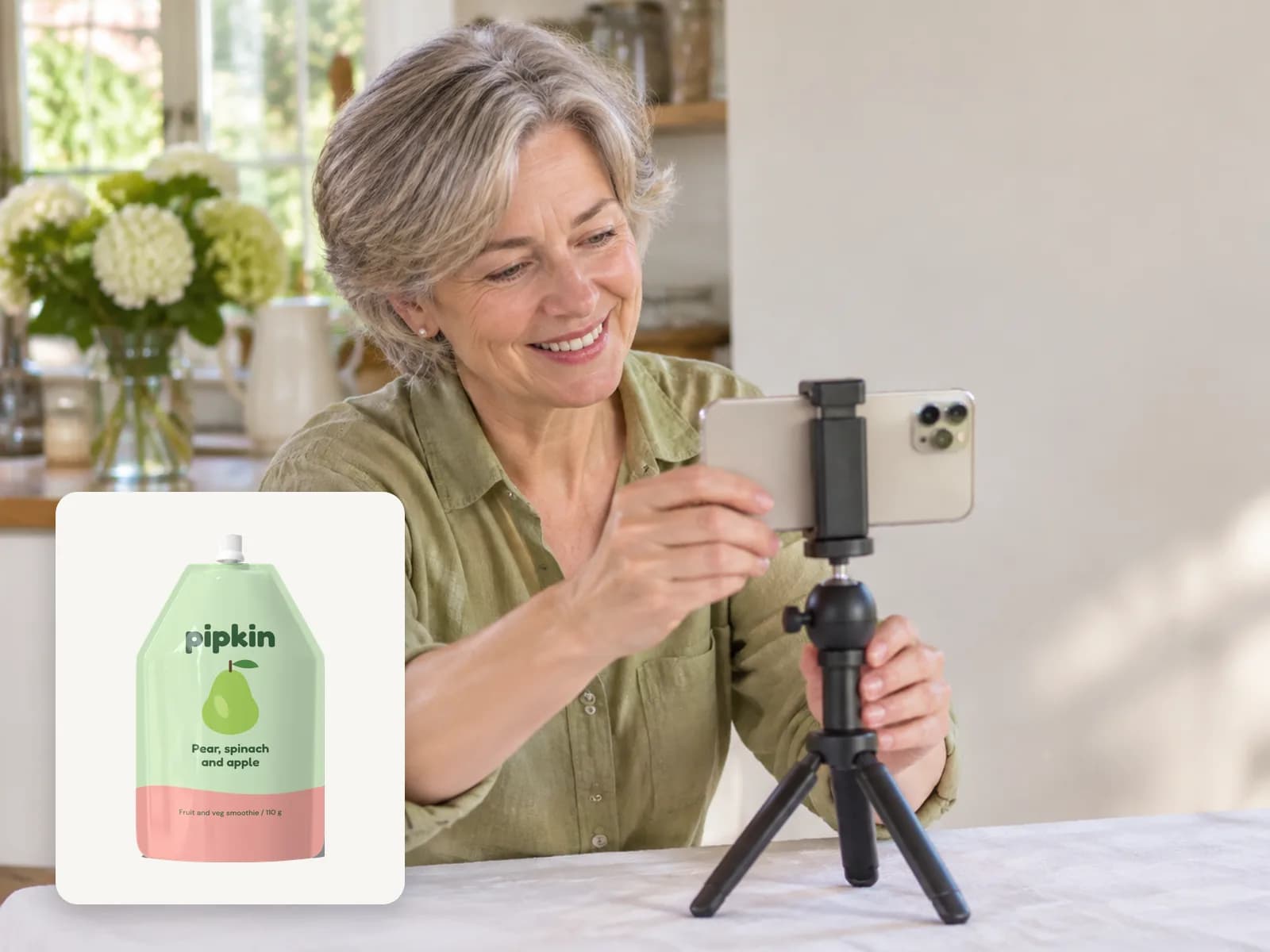
Launch teasers
Export a pouch turning as an MP4 for a teaser post, then reuse the same angles for the shop page.
Animate a smoothie pouch
Product mockup questions
Make your first product mockup
Pick a model on mocks.ai, drop in your design and download your first image. Free to use, no sign-up.