
Pouch and bag mockups
Put your label on a 3D coffee bag, stand-up pouch, sachet or paper shopping bag. Try kraft, foil or matte film, turn it to any angle and export a transparent PNG before you print.
10 mockups
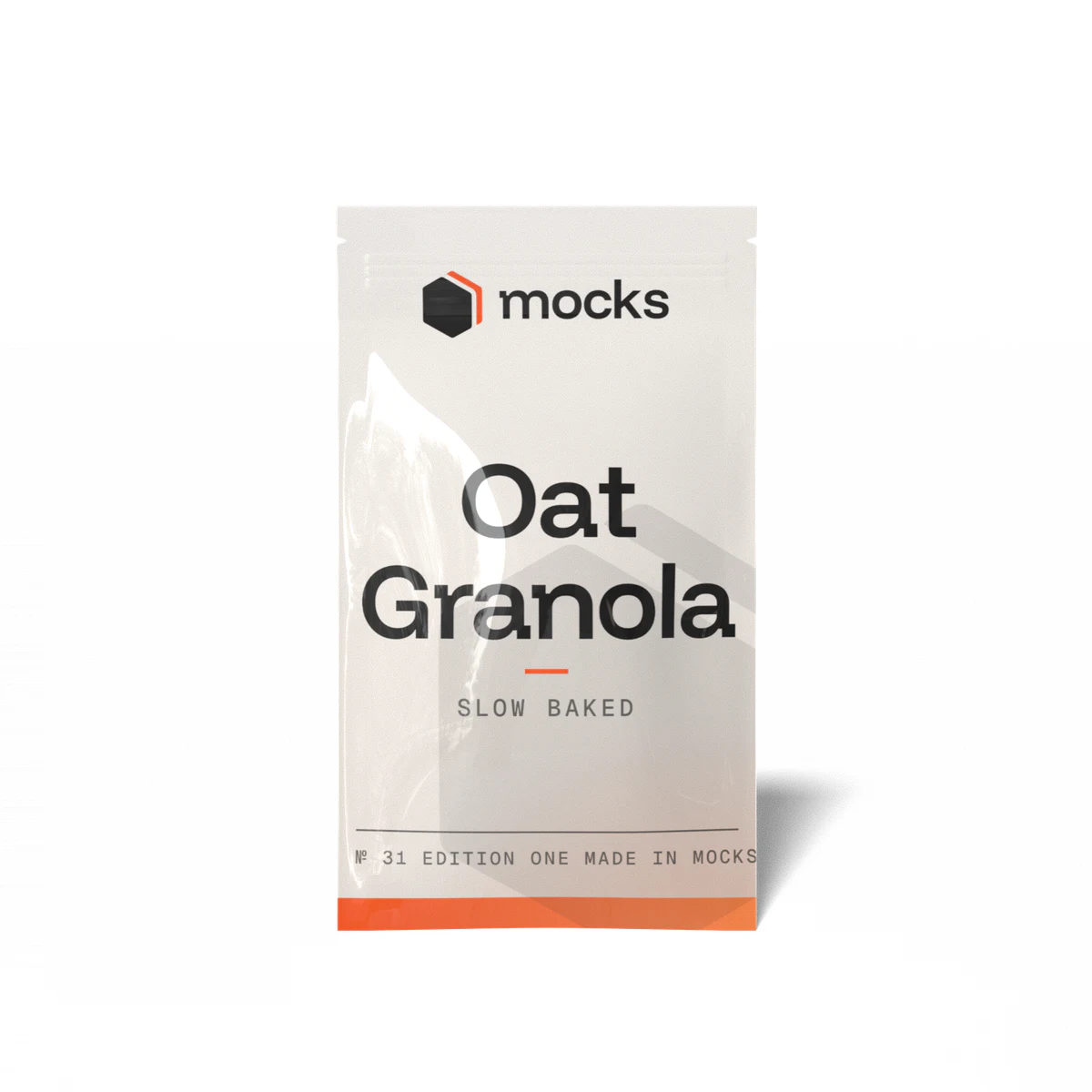
Flat-Bottom Zipper Pouch
Pouch
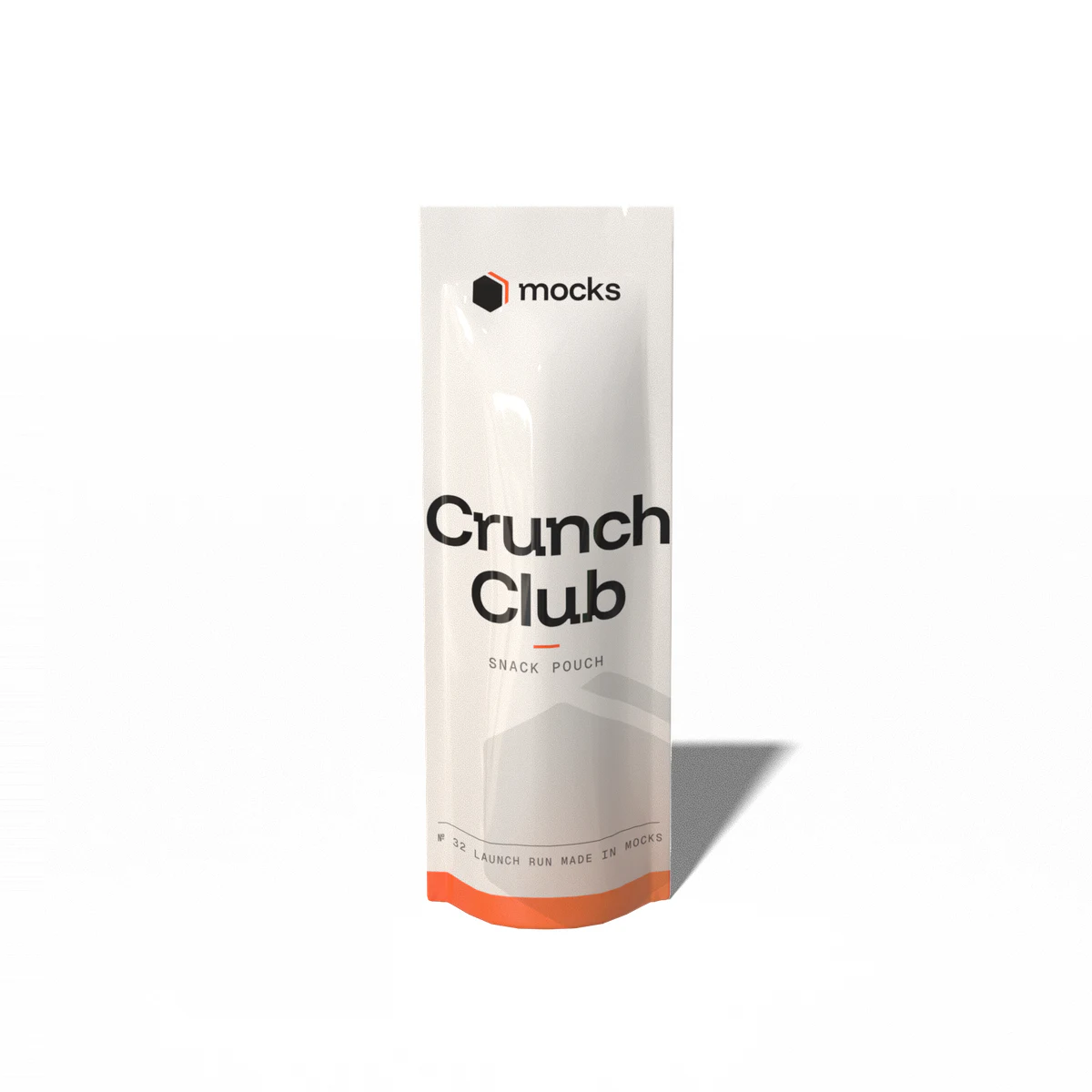
Stand-Up Snack Pouch
Pouch
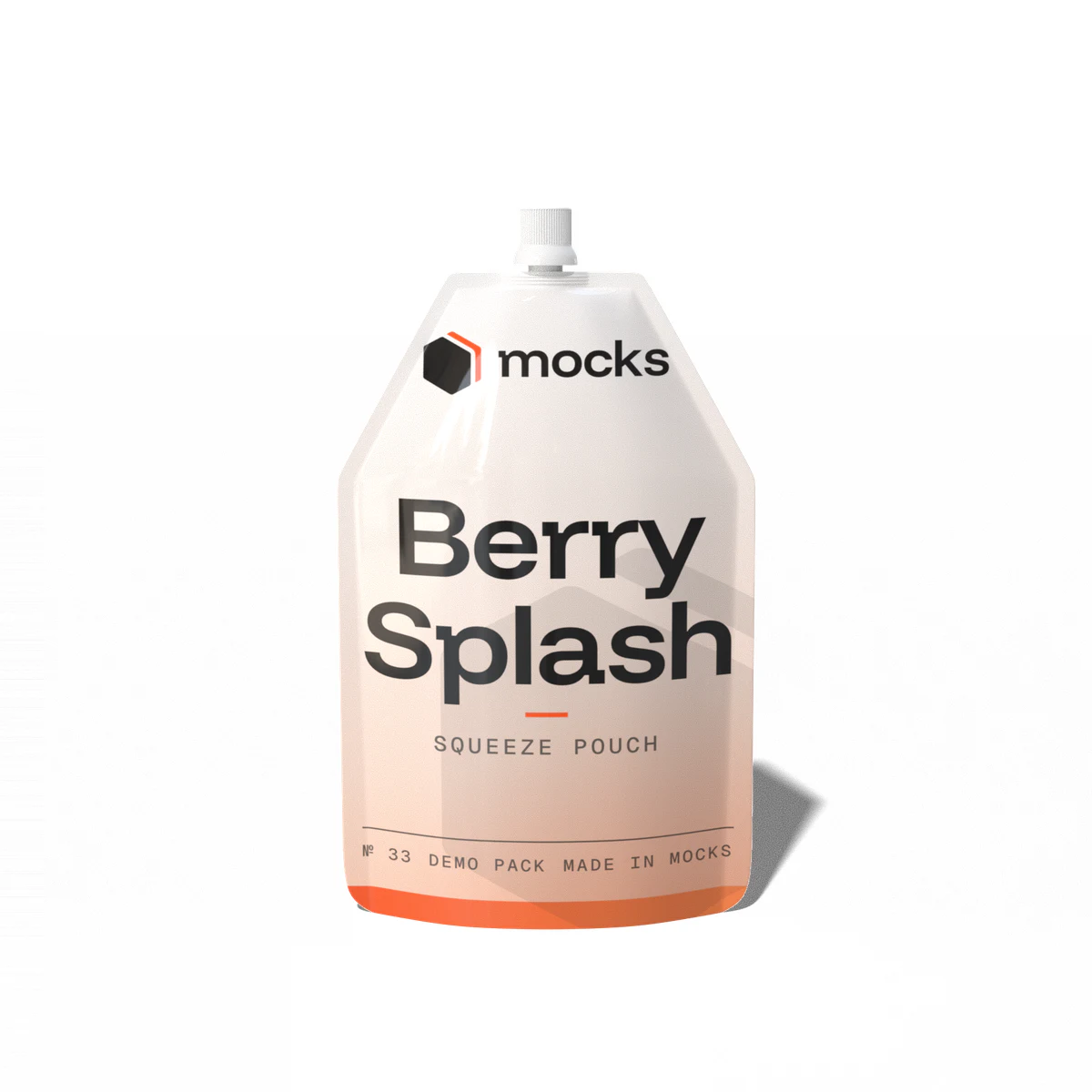
Spouted Drink Pouch
Pouch
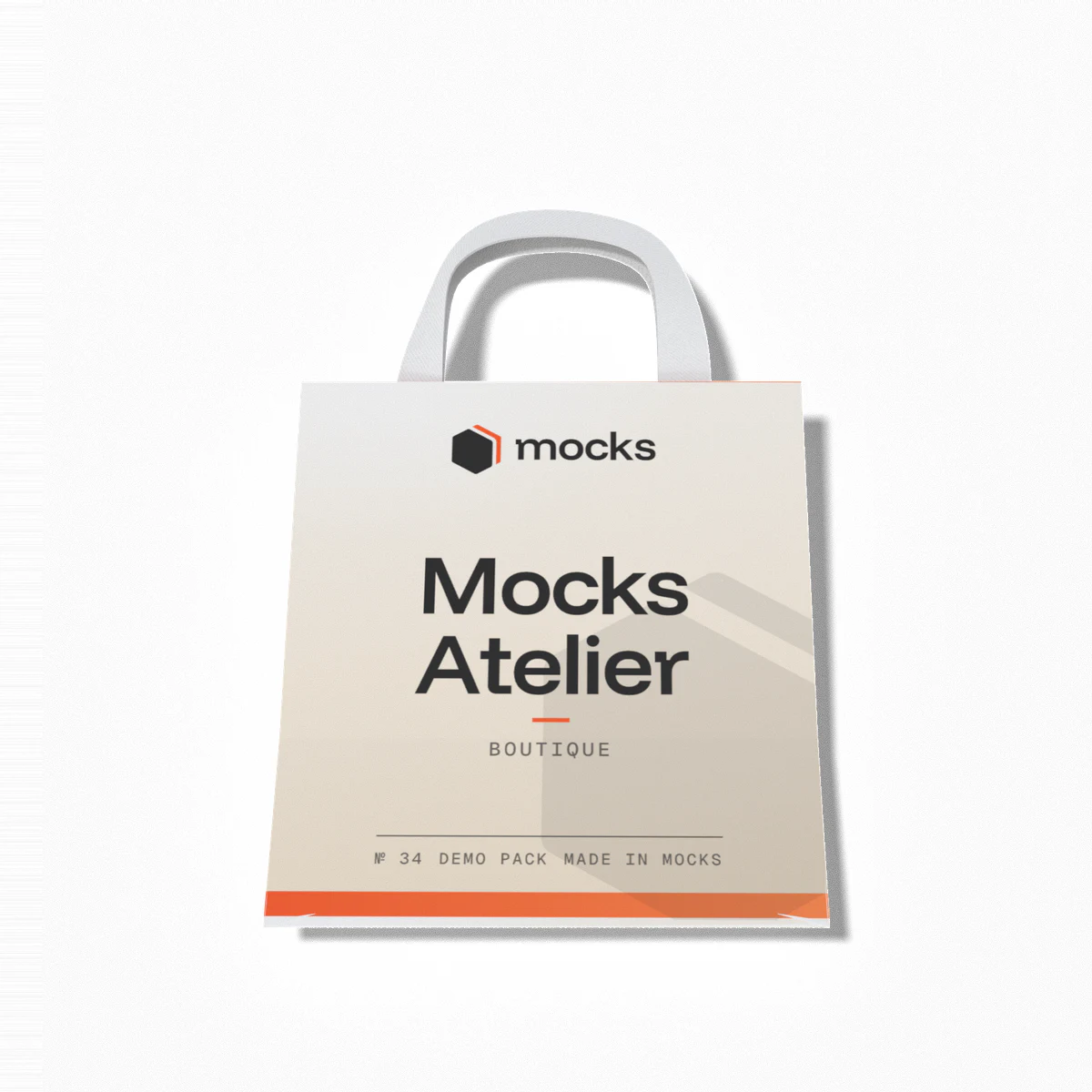
Luxury Paper Shopping Bag
Paper Bag
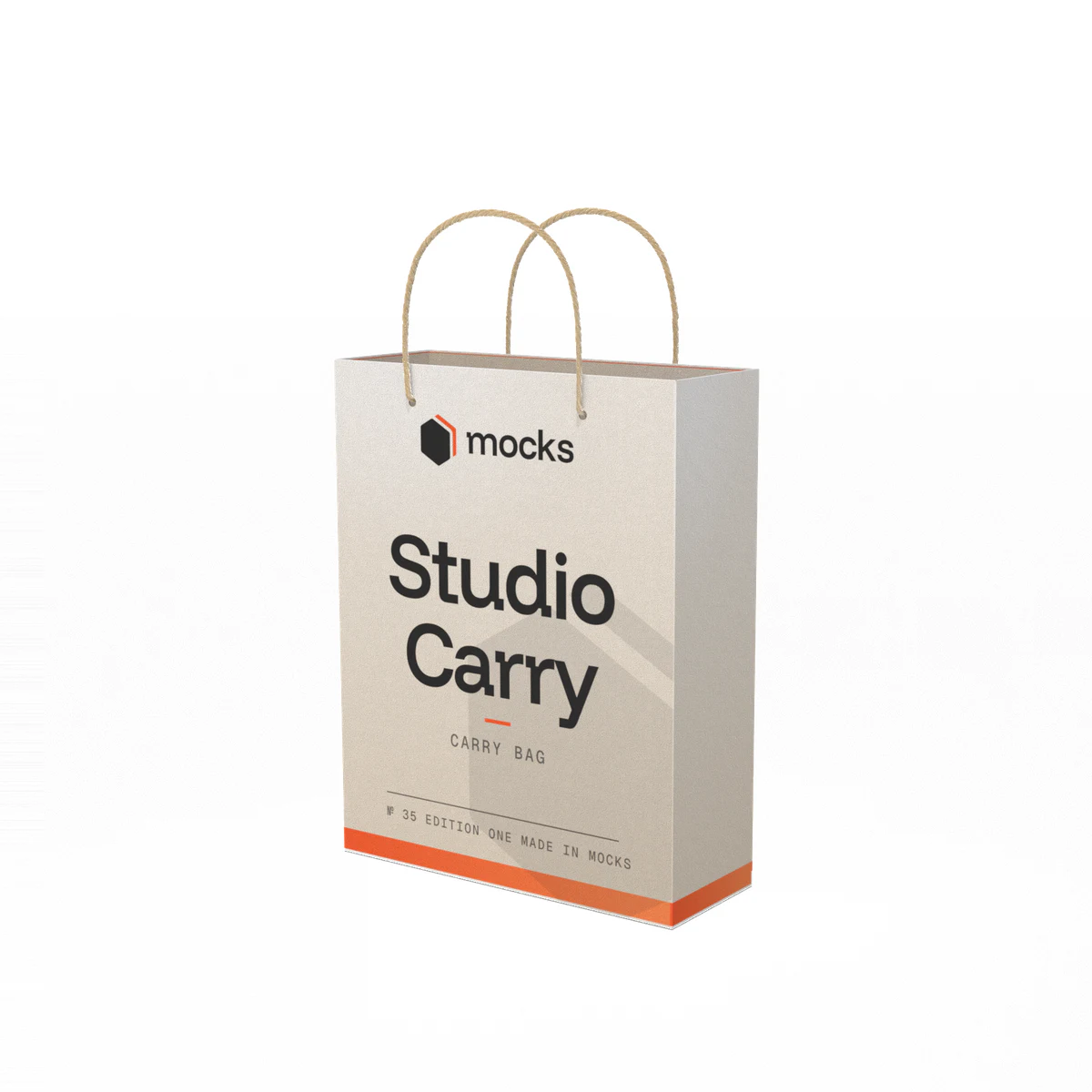
Brown Paper Carry Bag
Paper Bag220 × 80 × 280 mm
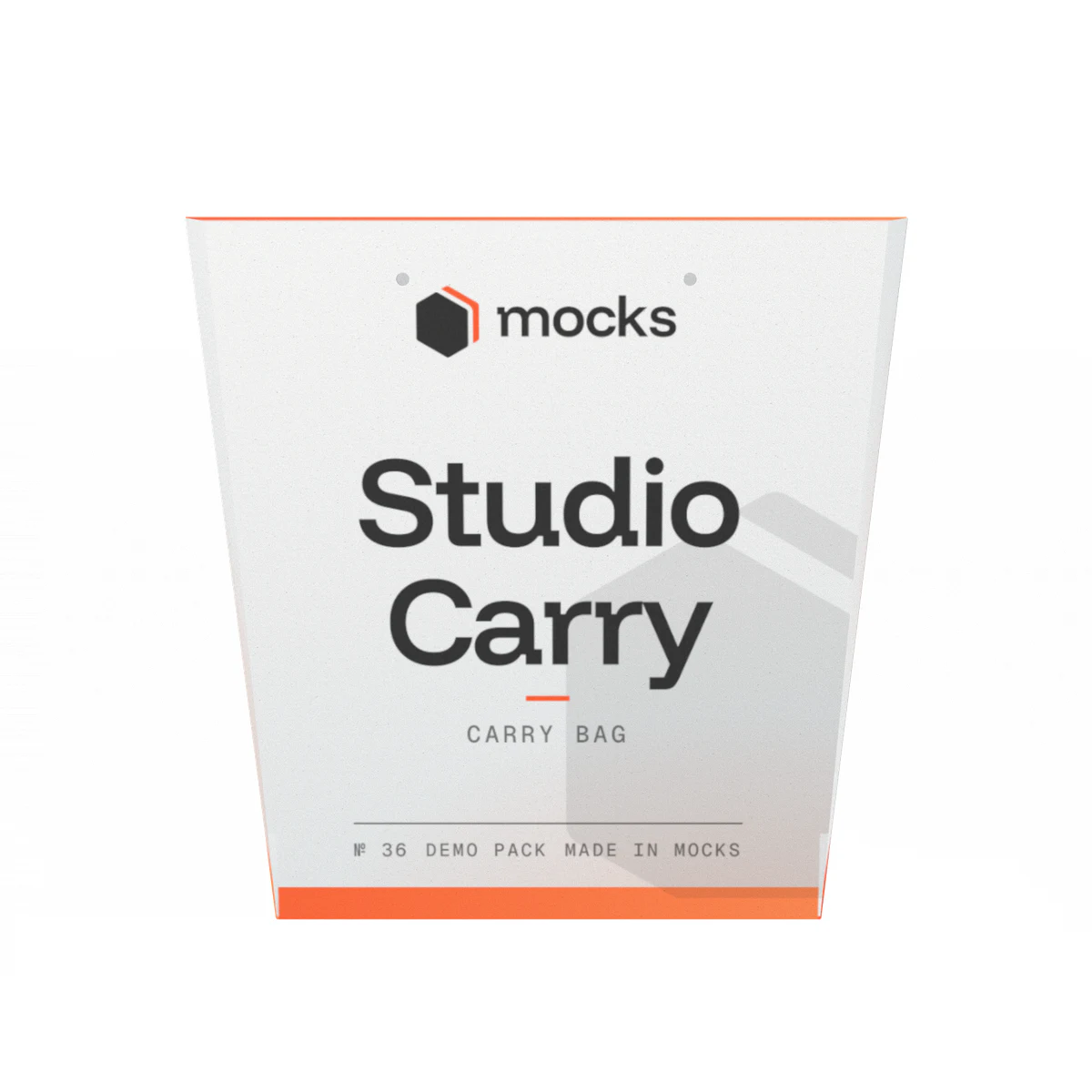
Trapezoid Paper Shopping Bag
Shopping Bag220 × 80 × 280 mm
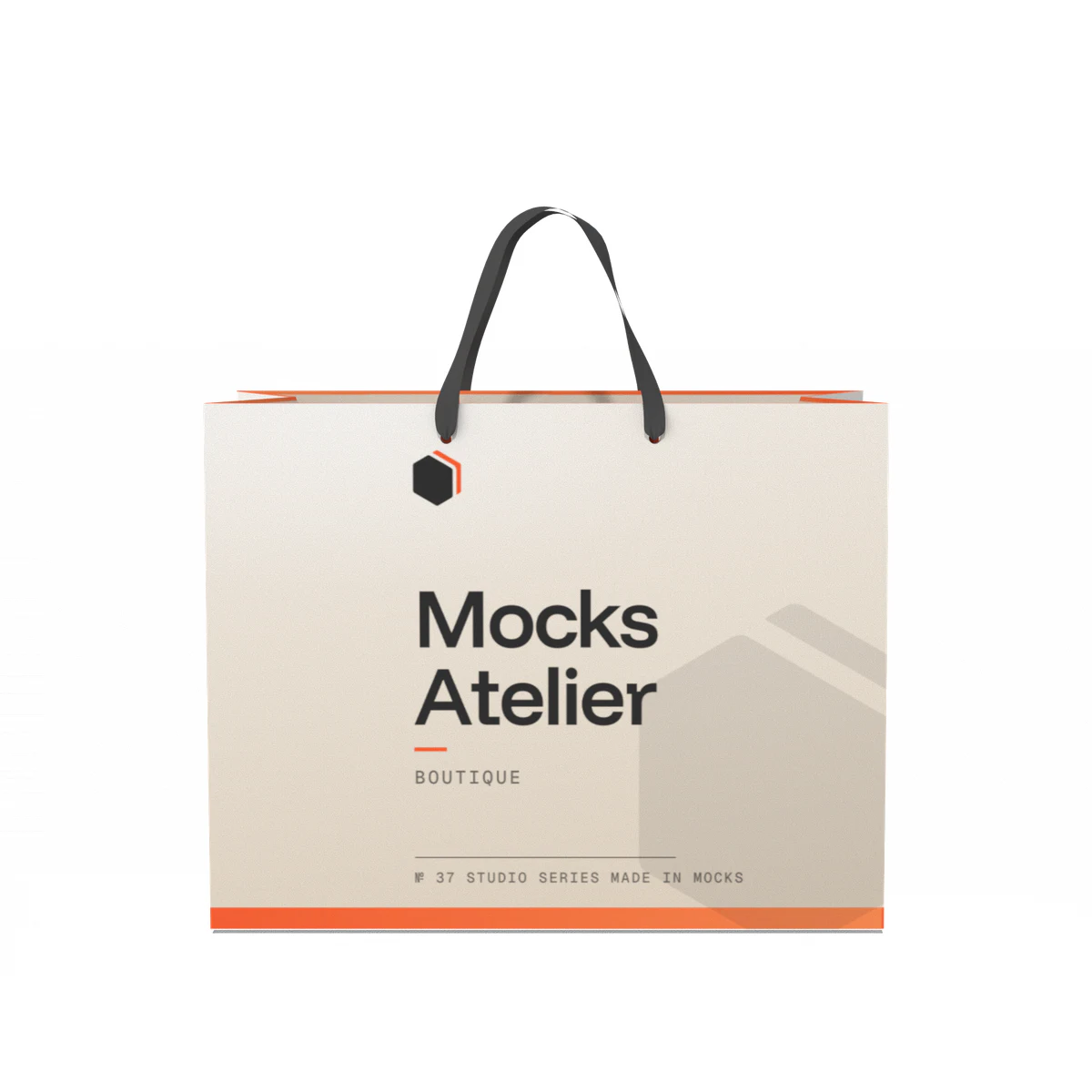
Small Boutique Shopping Bag
Shopping Bag
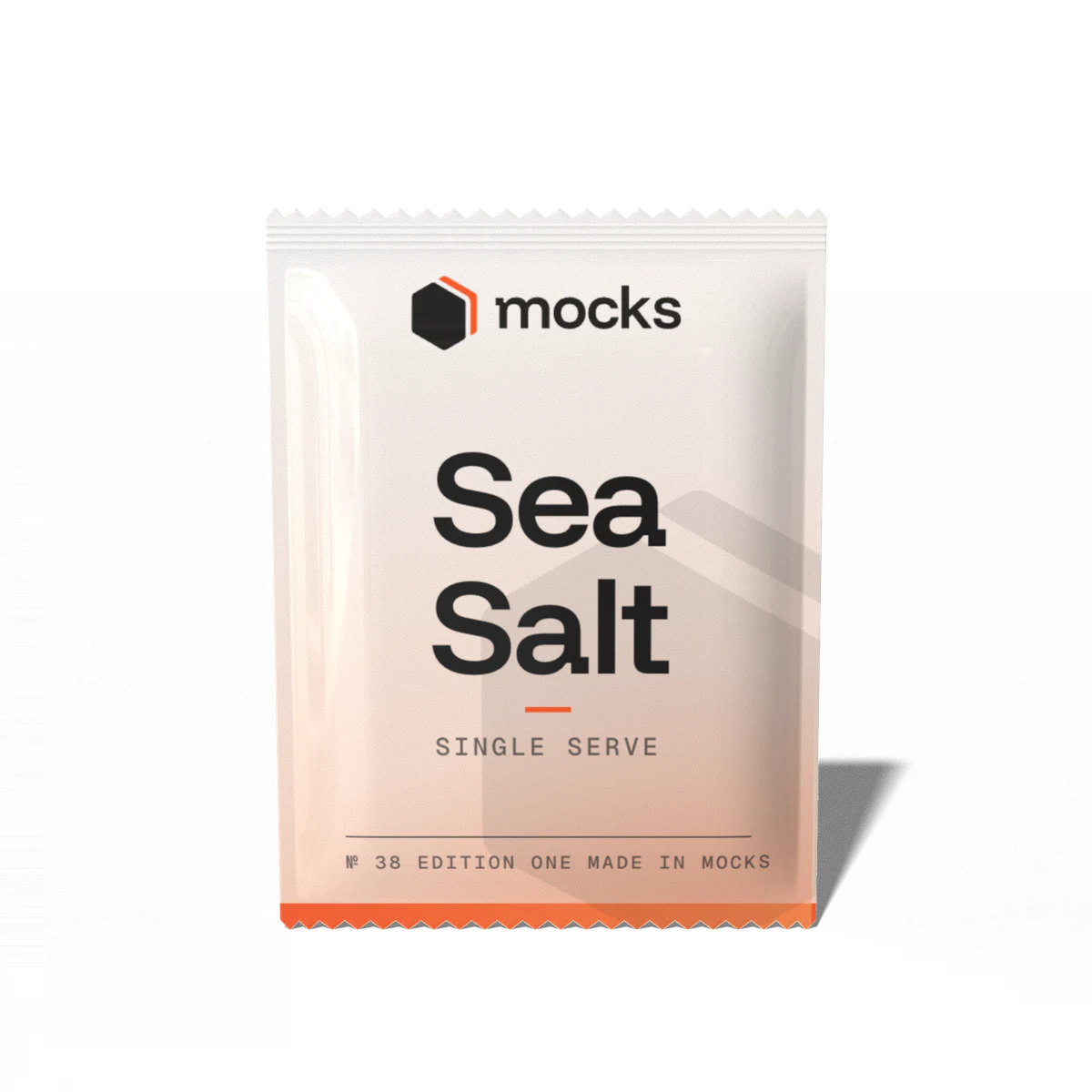
Small Condiment Sachet
Sachet
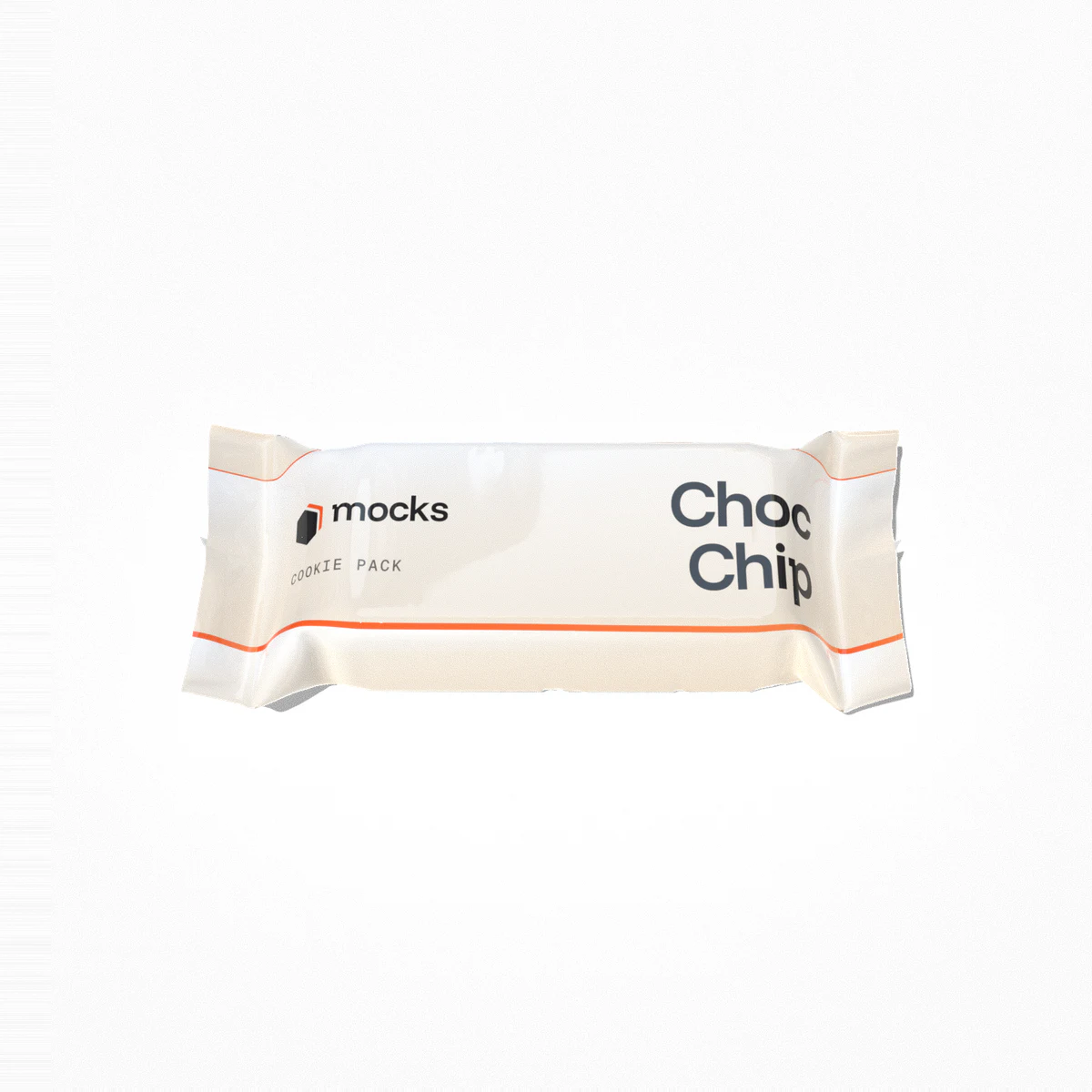
Cookie Pillow Pack
Sachet
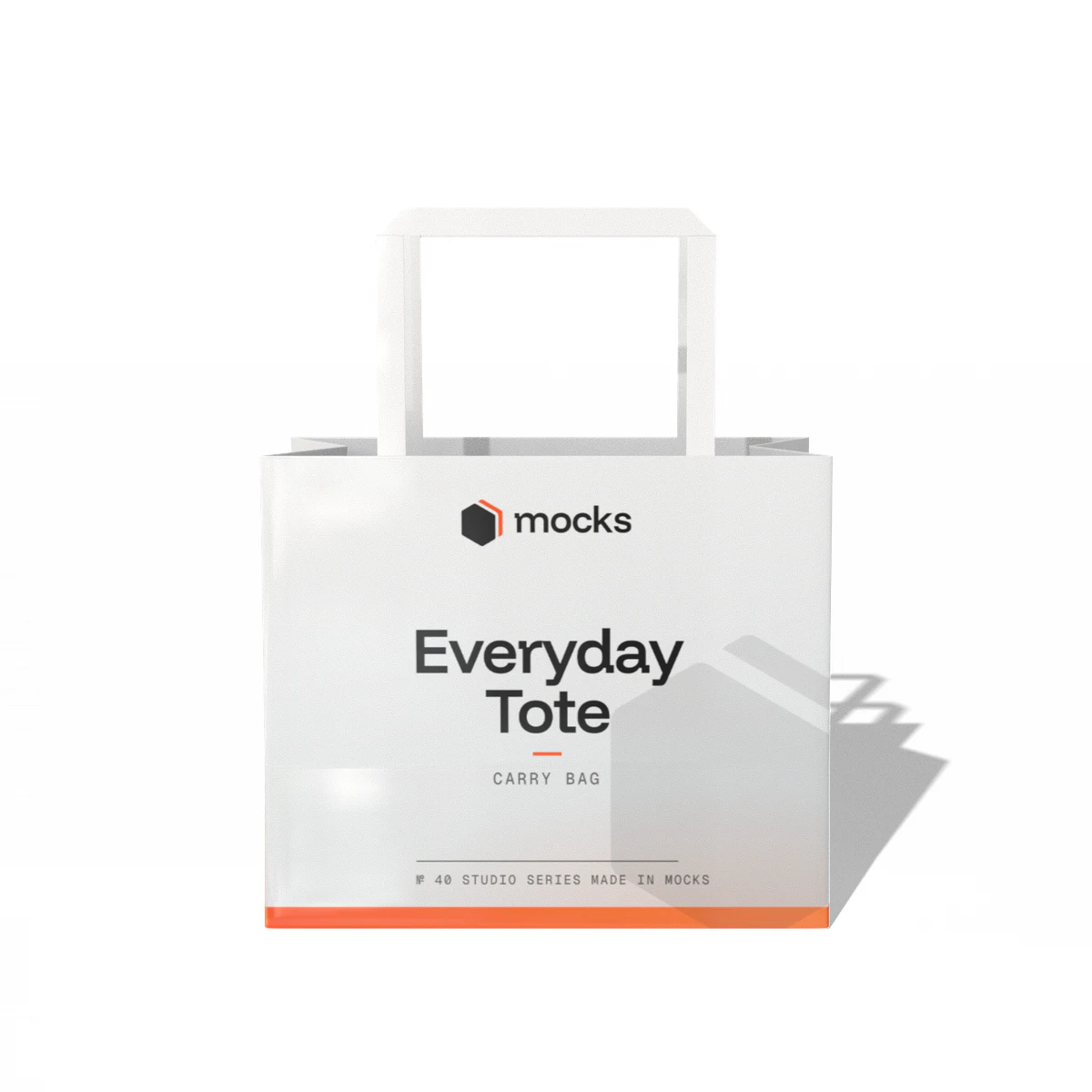
Paper Tote Shopping Bag
Tote Bag240 × 120 × 200 mm
A bag mockup for every product on the shelf
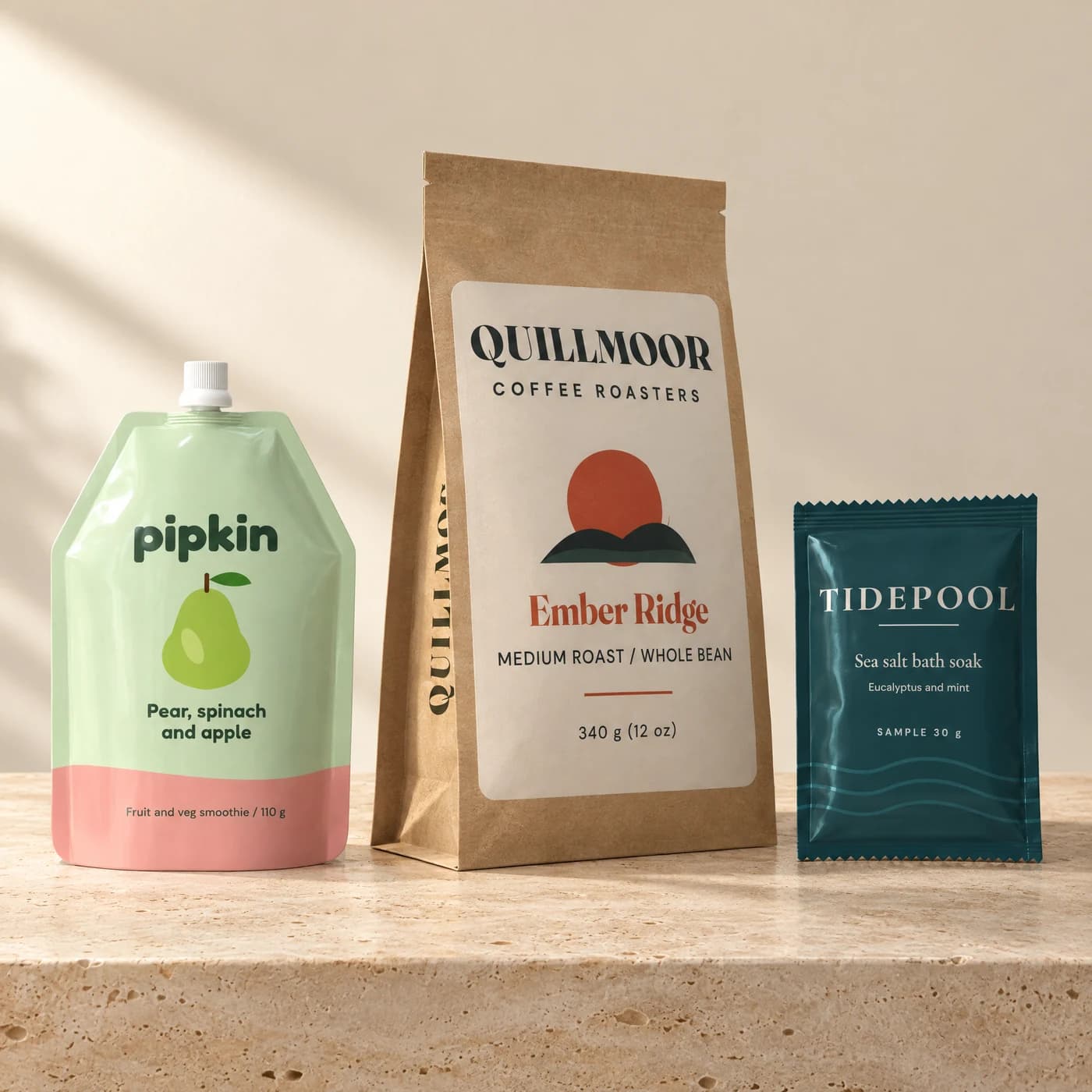
Coffee, dog treats, smoothies, bath salts, cookies and take-away bags. Each one is a 3D model wearing a label we uploaded in the editor, just as you will.
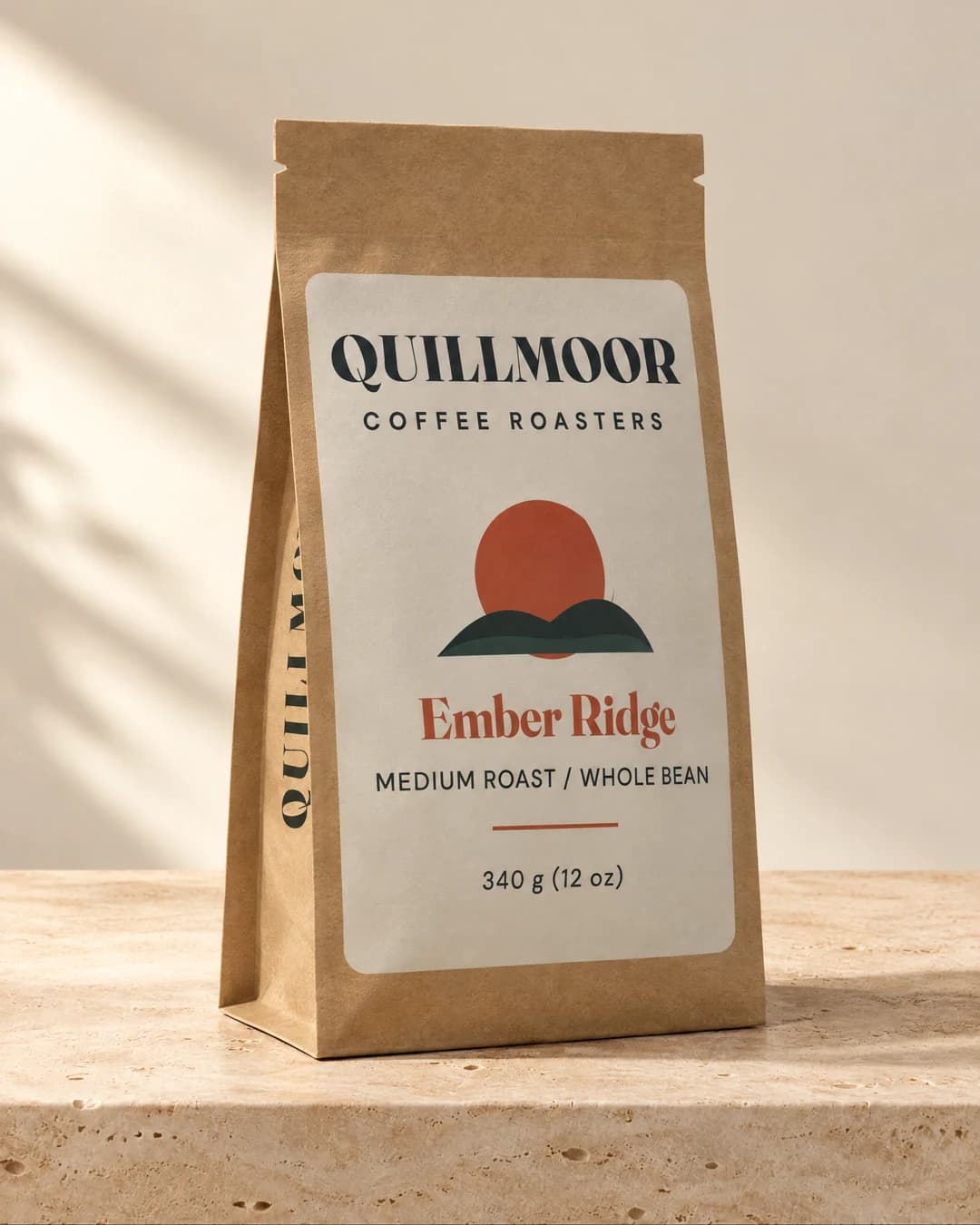
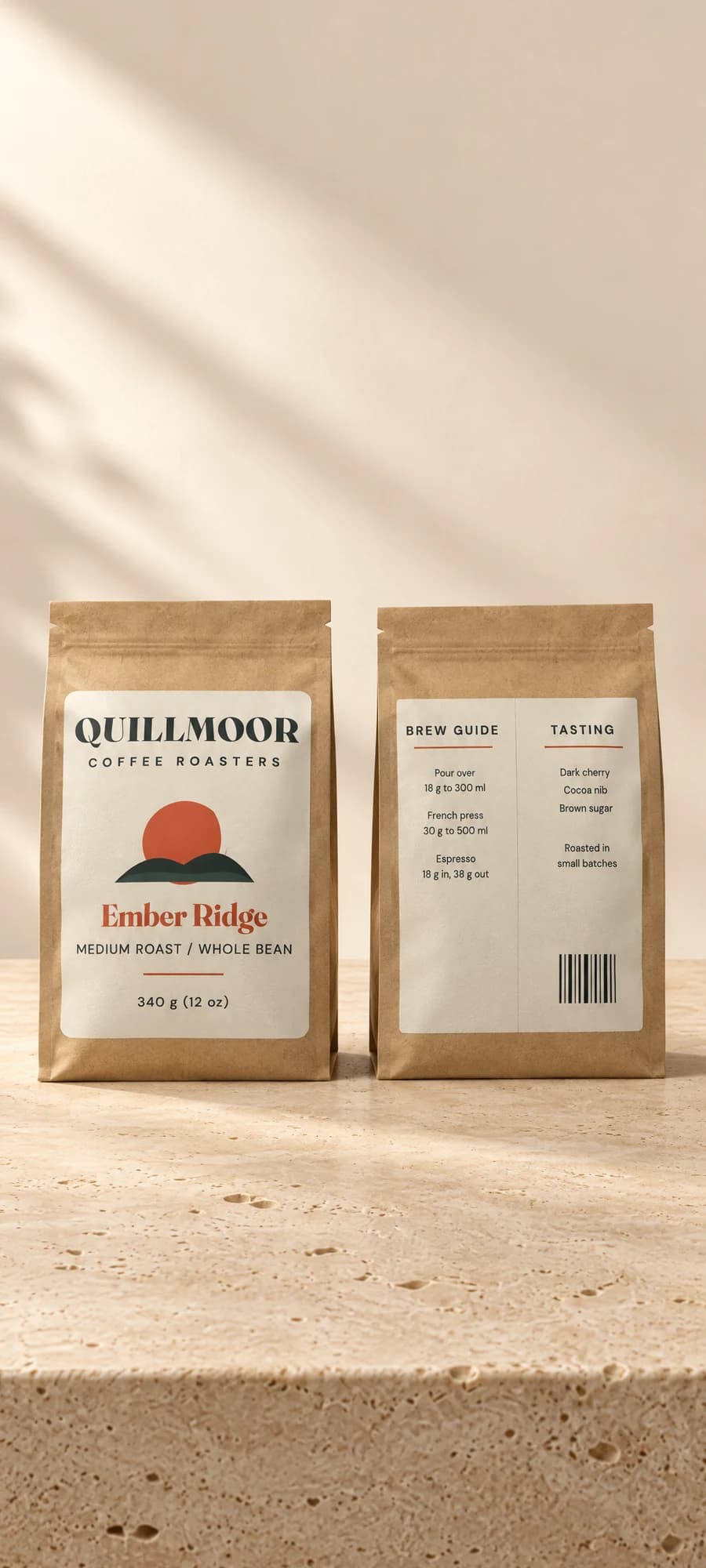
Coffee bag mockup: a flat-bottom zipper pouch in kraft 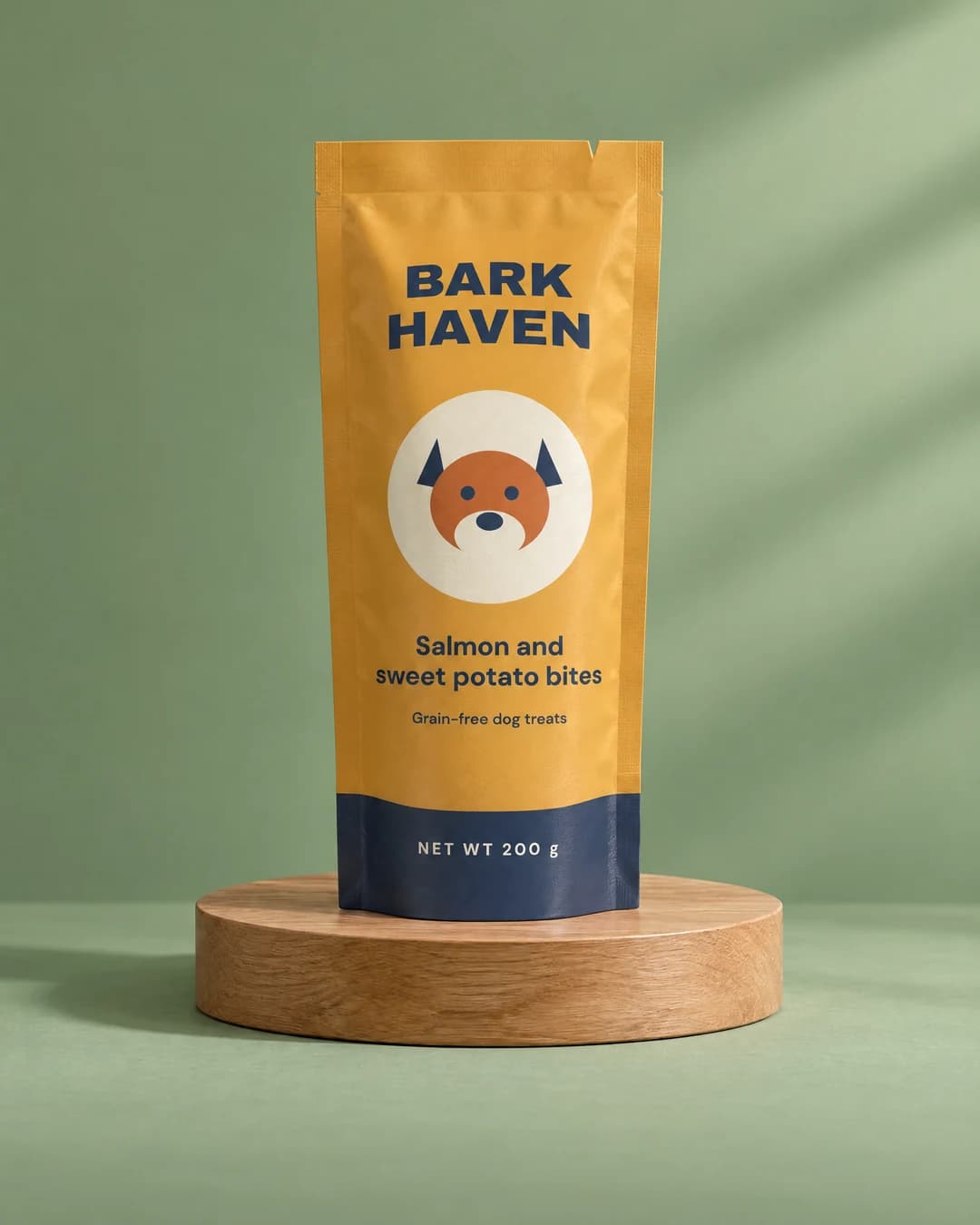
Stand-up pouch for dog treats, matte film 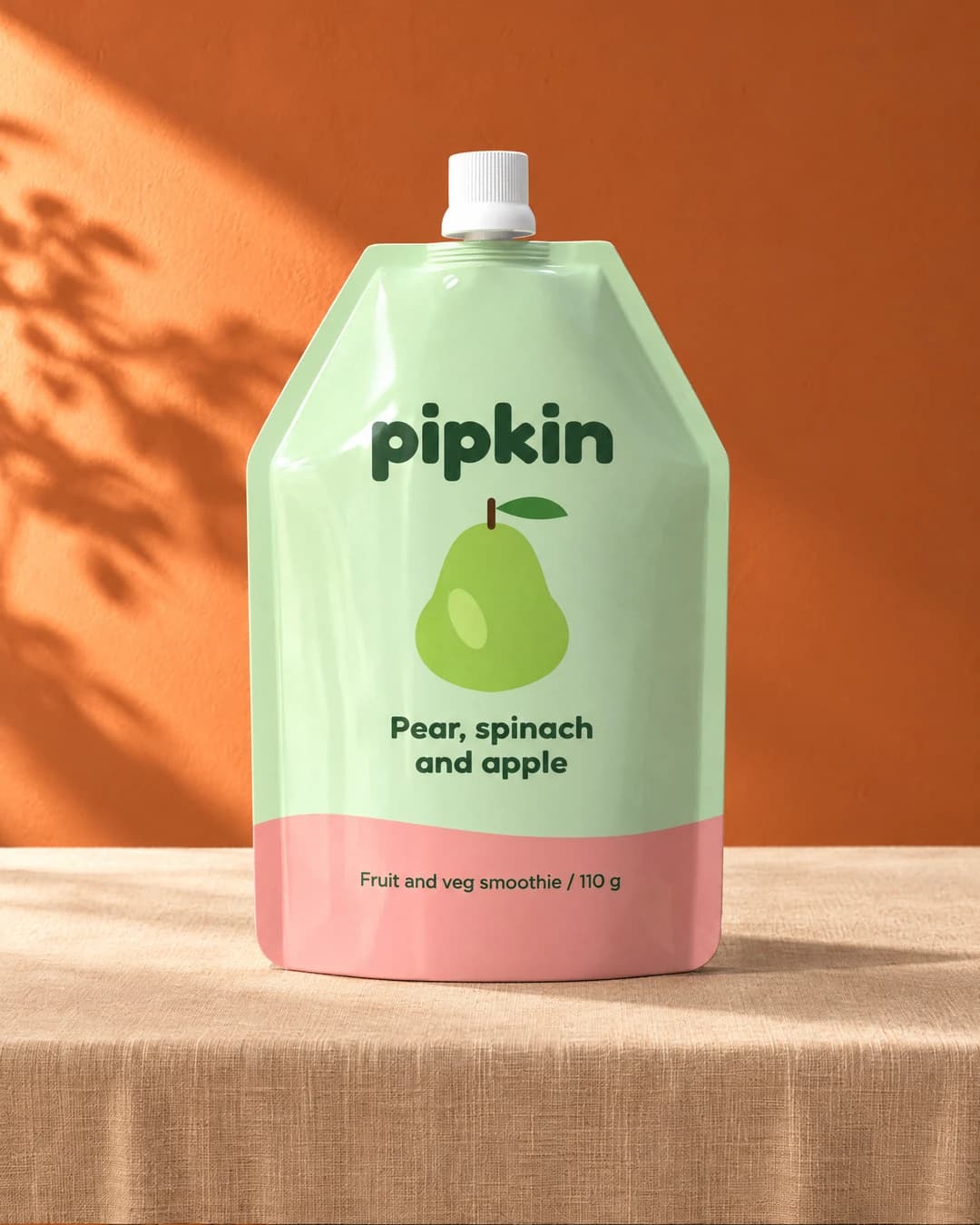
Spouted pouch for a fruit smoothie 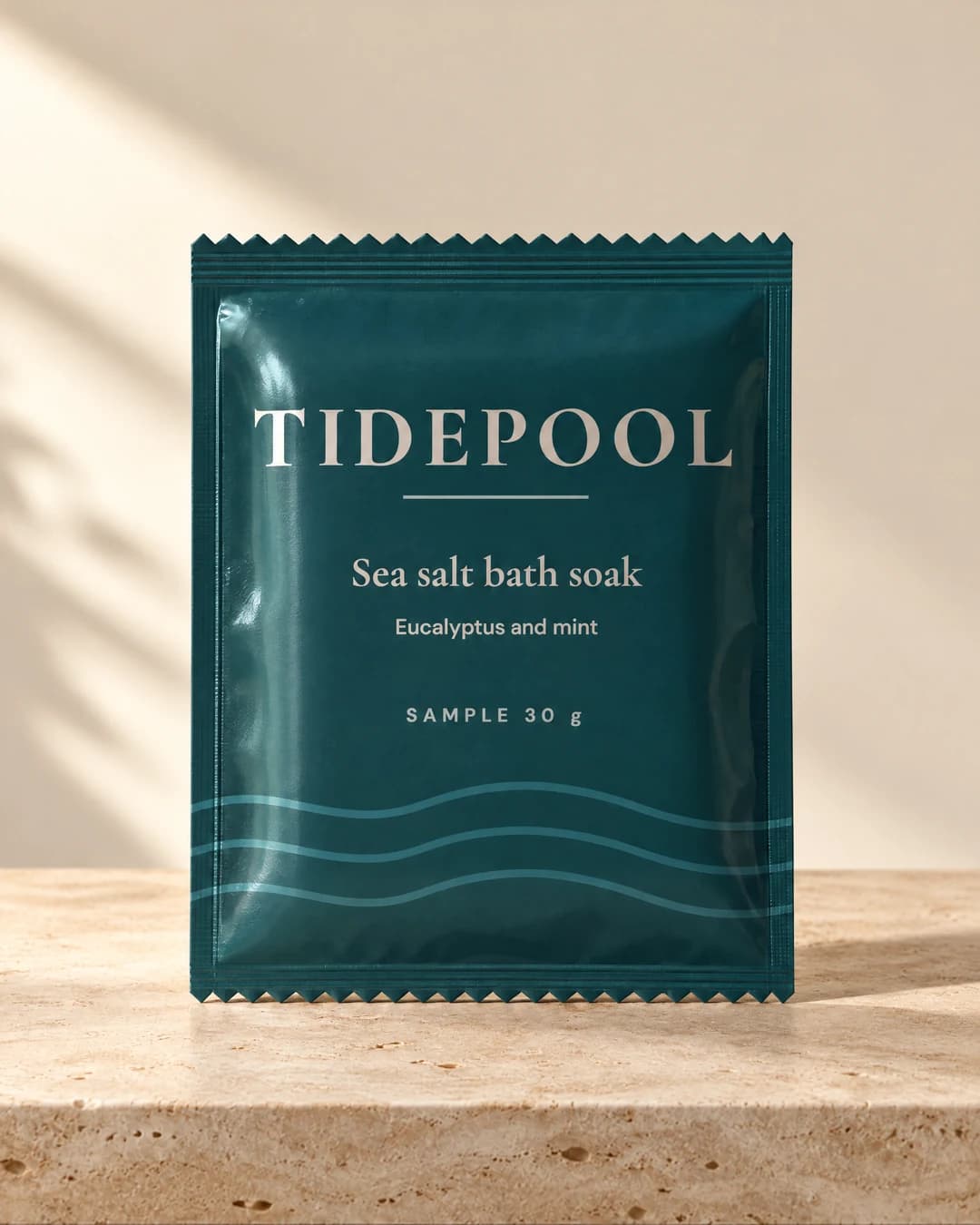
Sample sachet for a bath soak, brushed foil 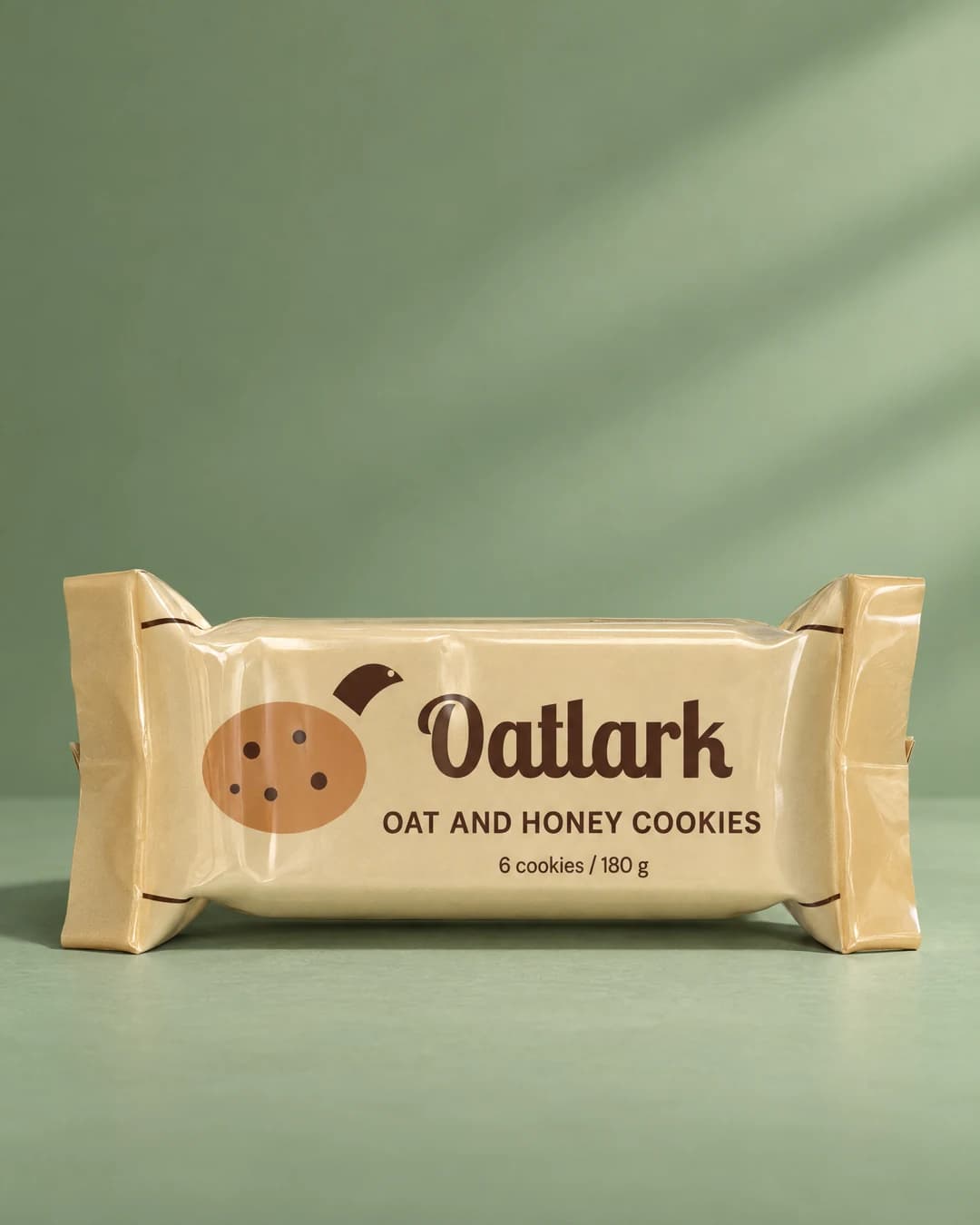
Pillow pack for a stack of cookies 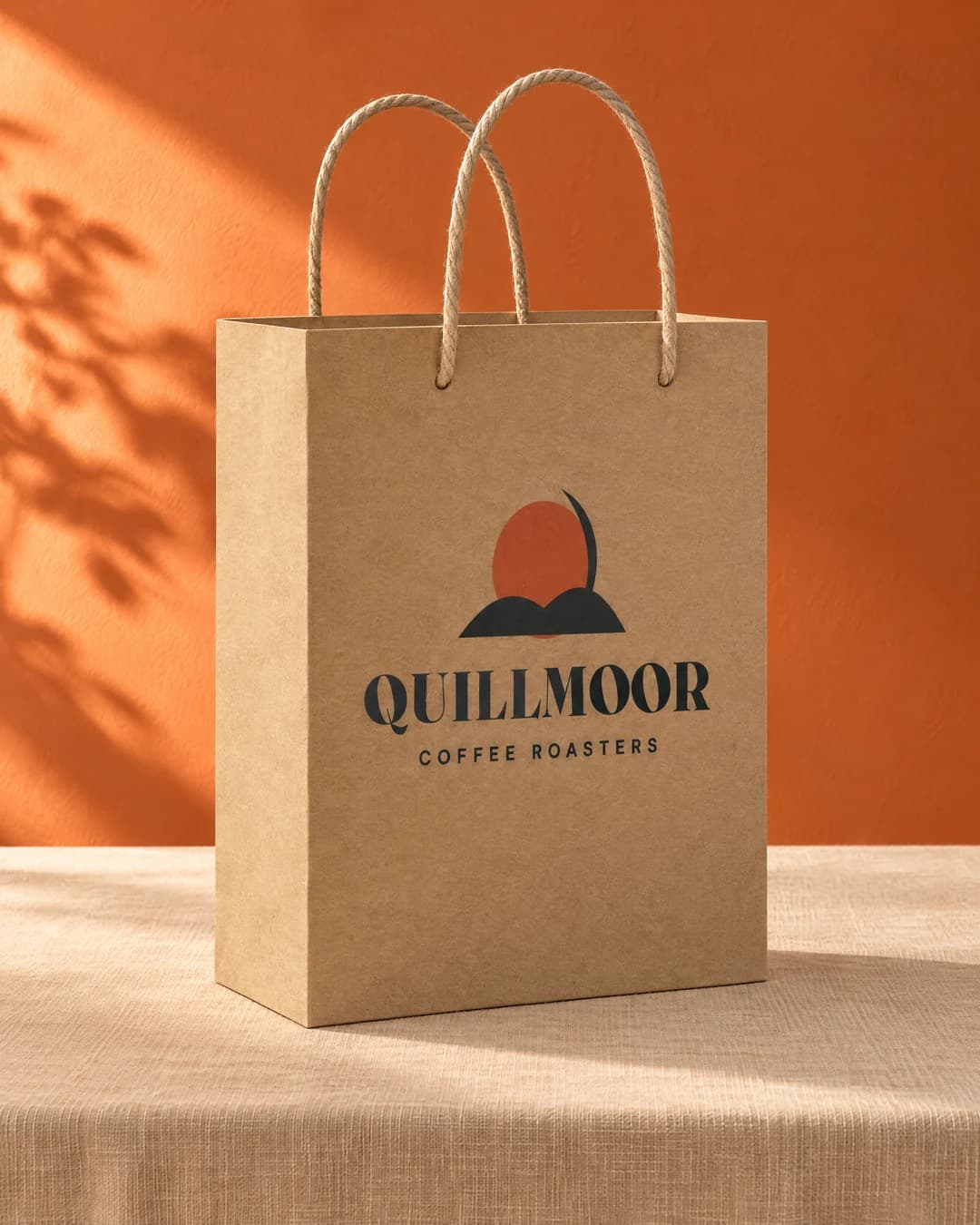
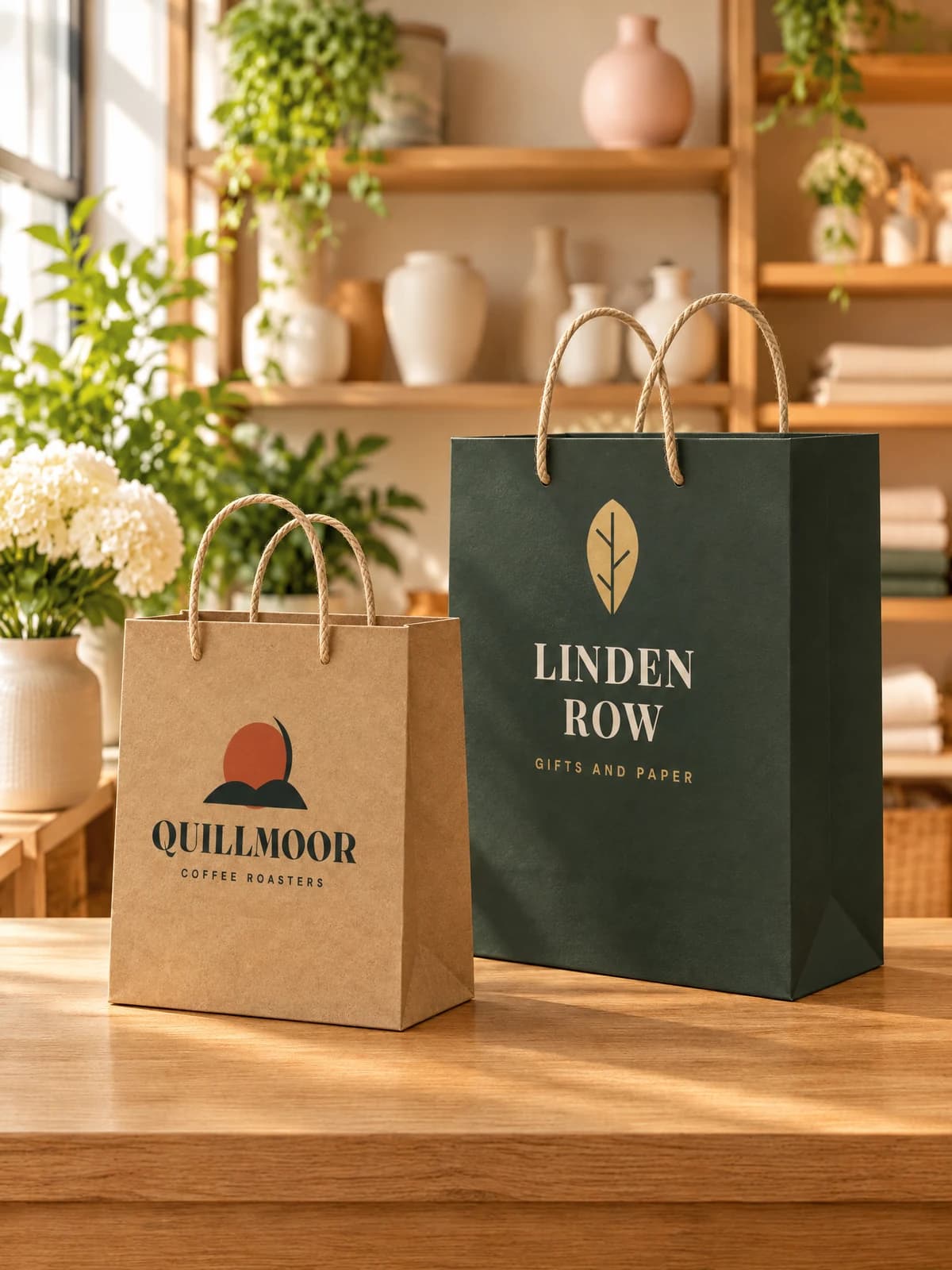
Kraft carry bag with a one-color logo
Free to use, no sign-up
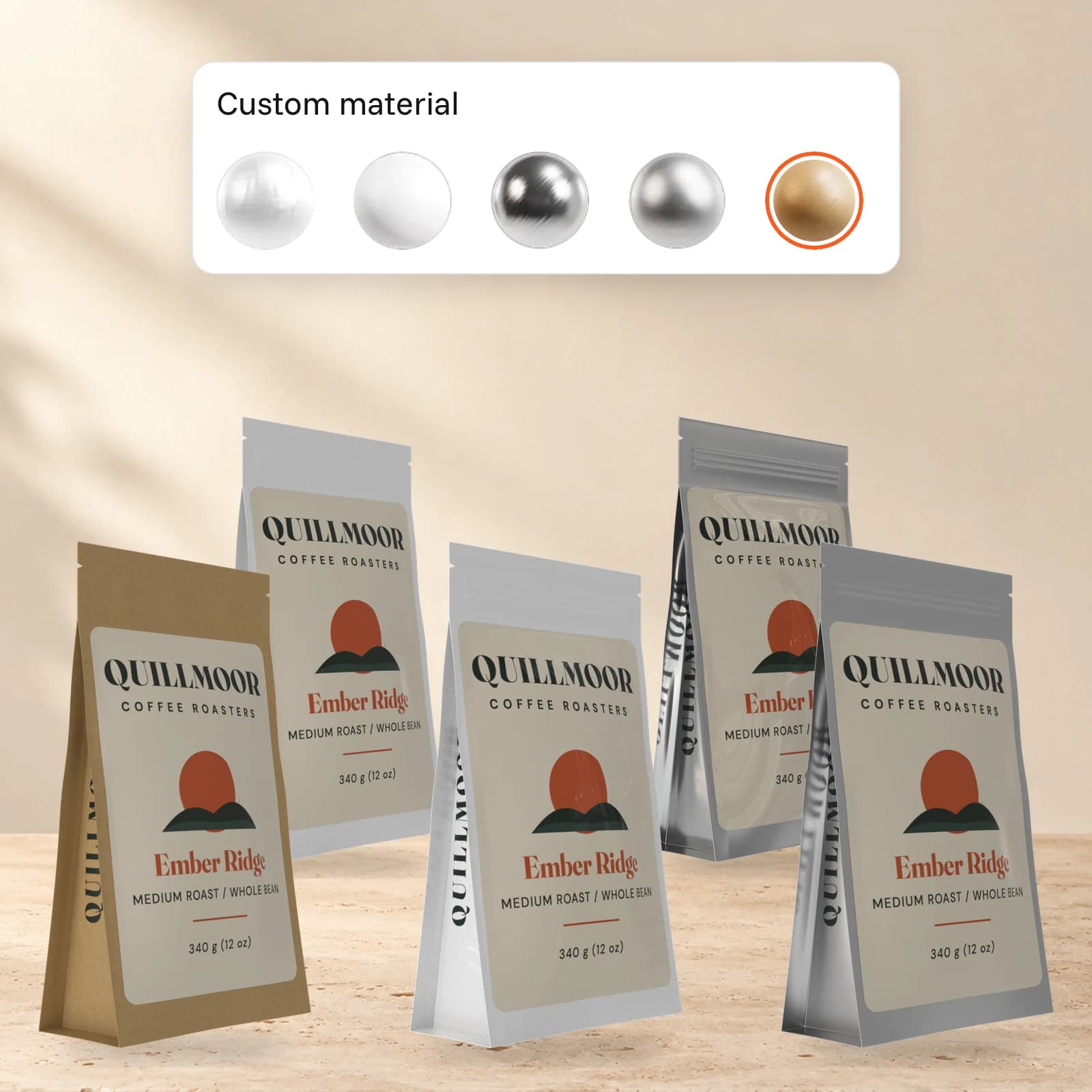
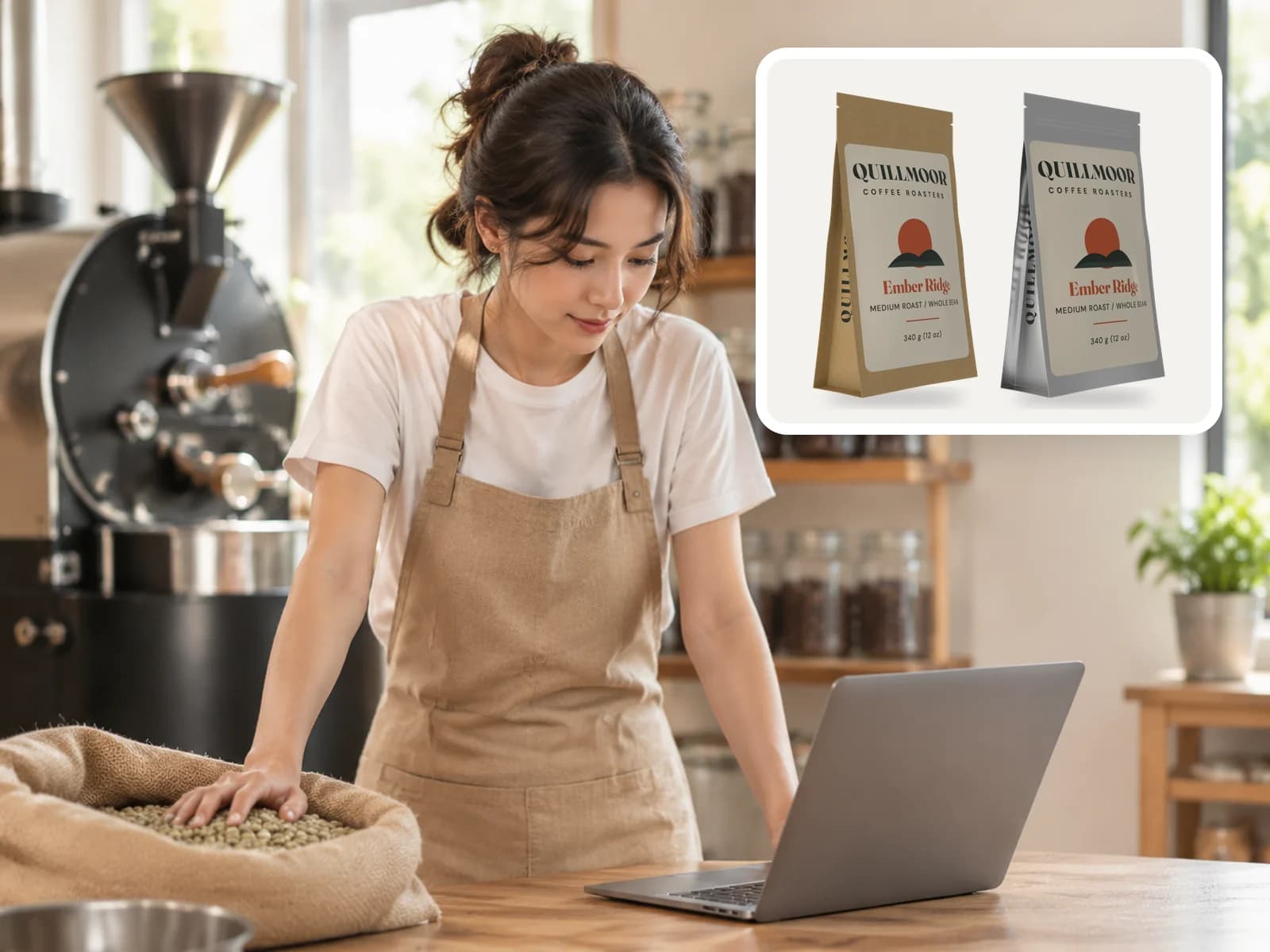
Kraft, foil, matte or glossy
One label reads differently on every film. Switch the material of a pouch mockup in one click and compare the finishes before you order a print run.
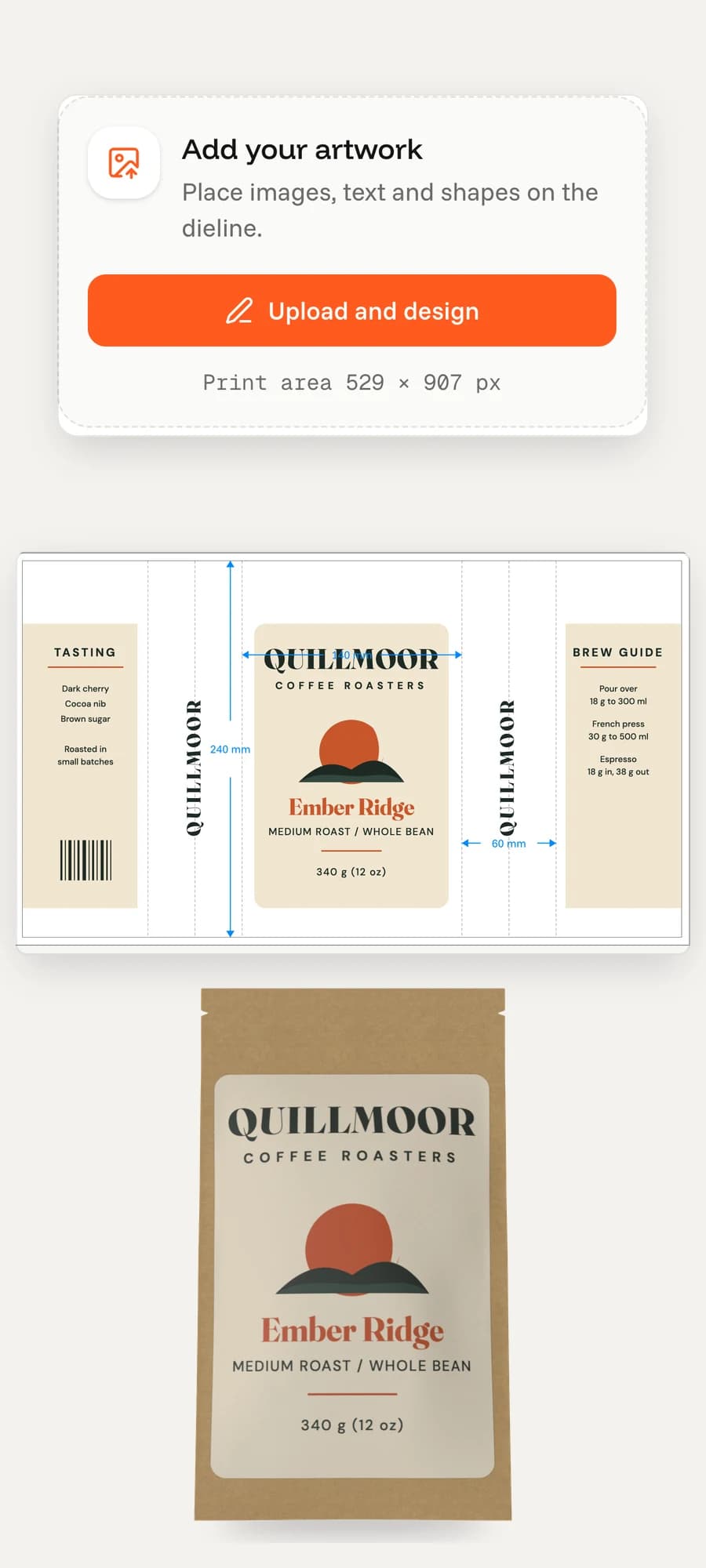
Design the front, back and gussets
Shoppers turn a pouch over before they buy it, so the editor lays the whole bag flat and your artwork wraps around every side.
One file, the full wrap
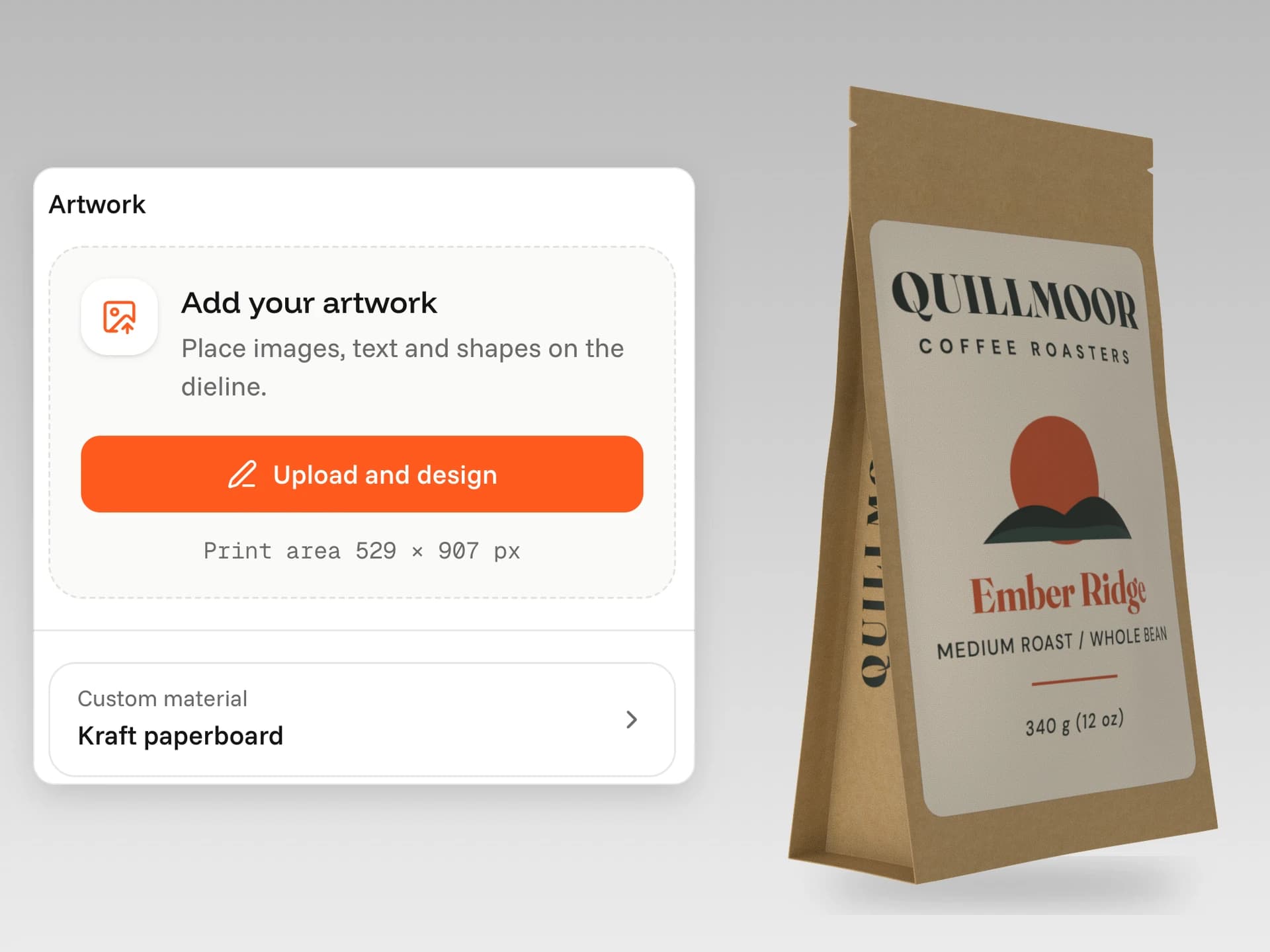
Upload a JPG, PNG or SVG and place it across the front panel, both side gussets and the back. The print area is shown in pixels.
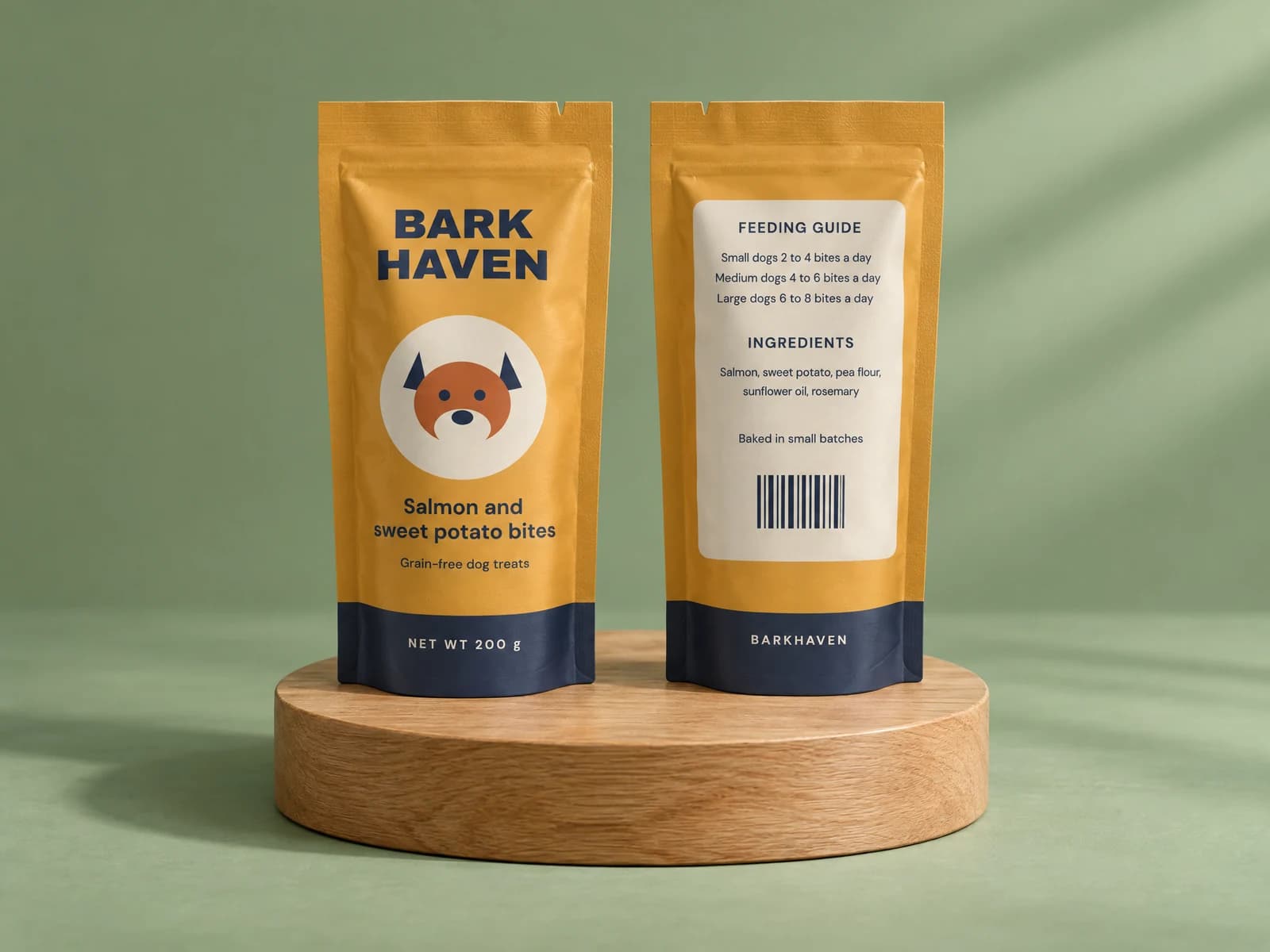
Check the back panel
Turn the bag around to read the feeding guide, ingredients and barcode before your printer does.
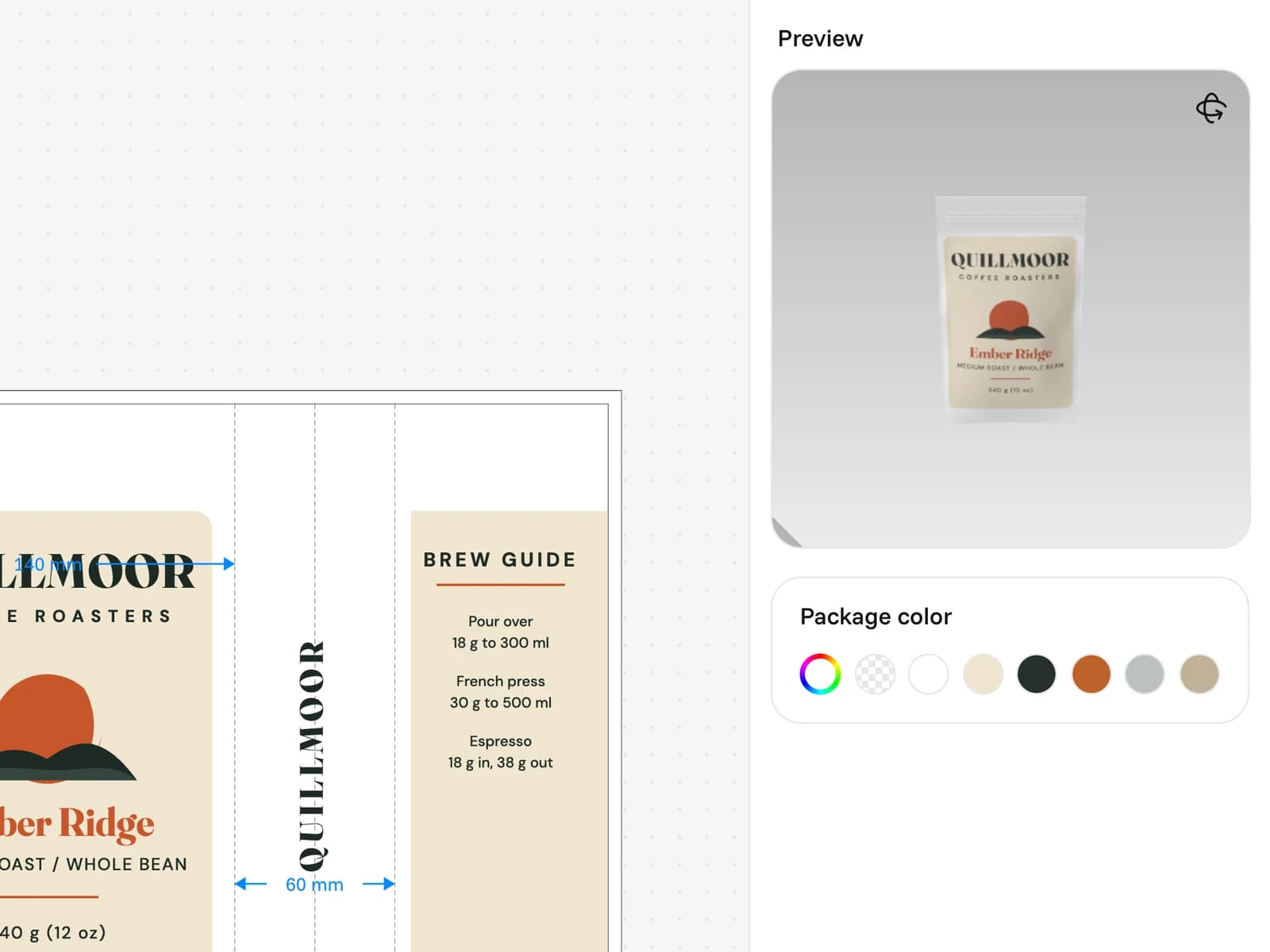
Package color
Pick a swatch or mix any shade for the areas your label leaves bare, and see it on the 3D preview.
Front and back in one shot
Pick a layout and the editor places two copies of your pouch side by side, one turned to the back, ready for a product page or a wholesale sheet.
How to make a pouch mockup
From a blank model to a finished image in four steps, all in your browser.
1Pick your bag shape
Choose a flat-bottom, stand-up or spouted pouch, a sachet or a paper bag from the grid above. The editor opens with the print area in pixels.
Browse pouch shapes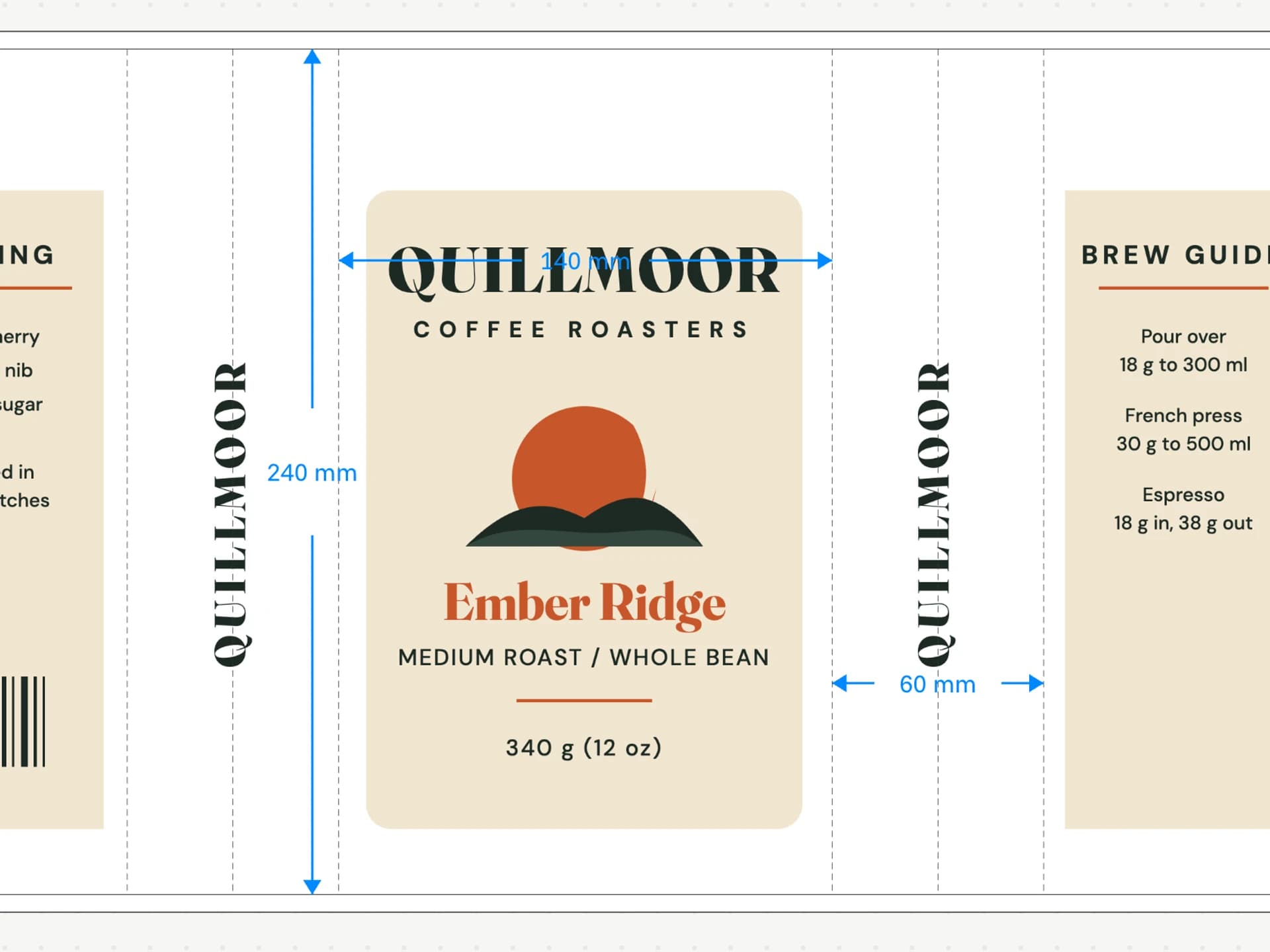
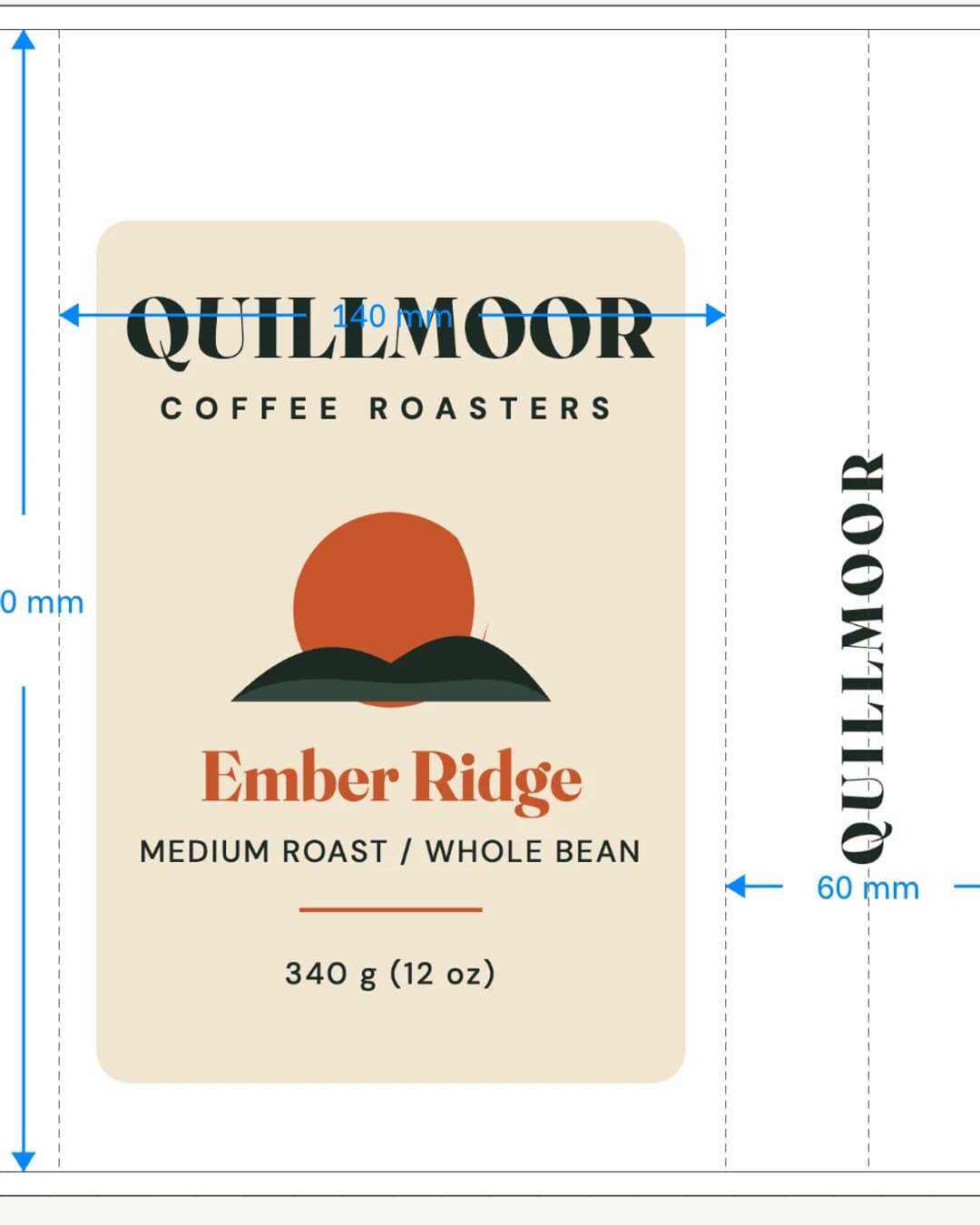
2Place your label
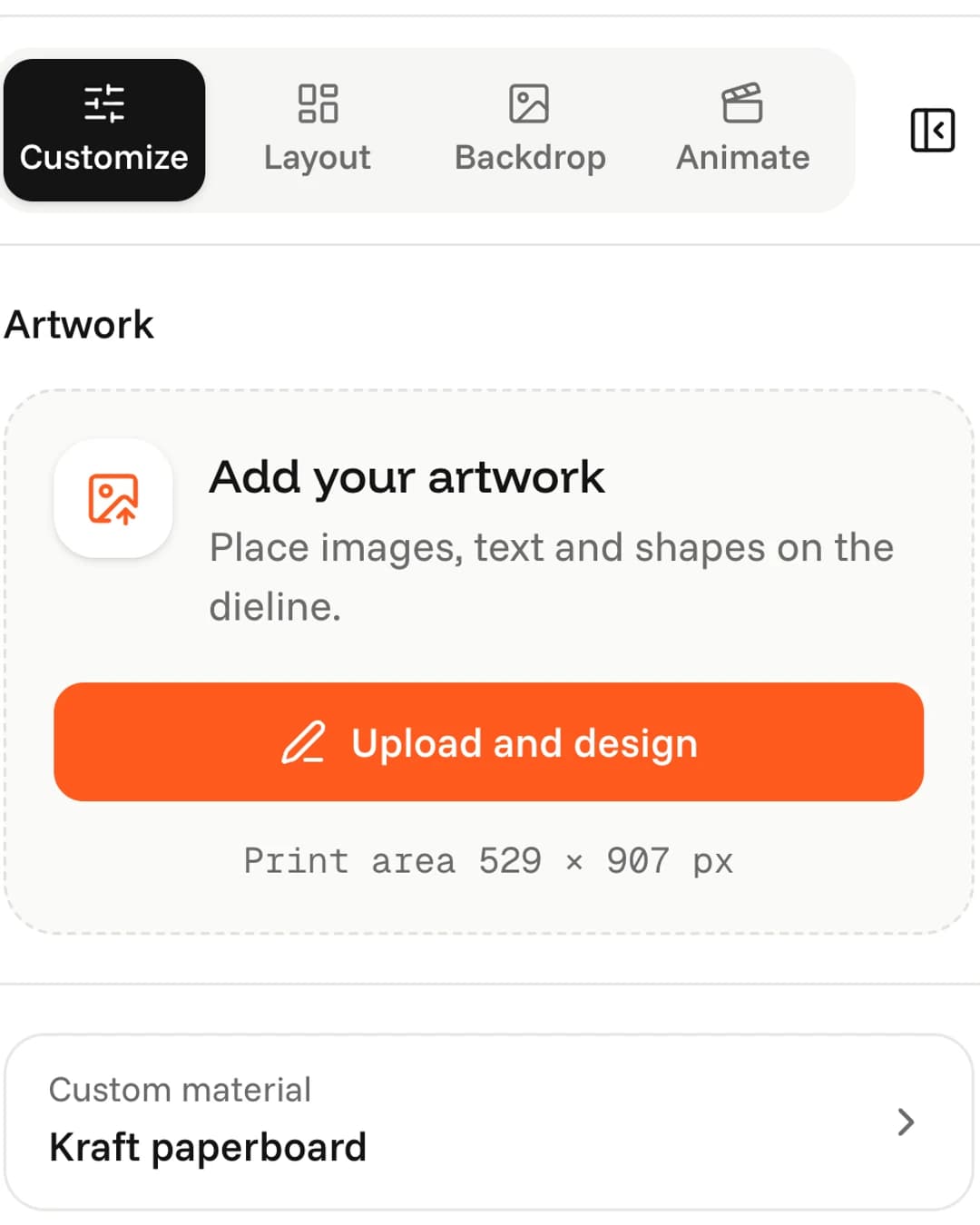
Open Upload and design, add your file and drag it over the front, back and gussets. Add text or shapes there too.
Upload your label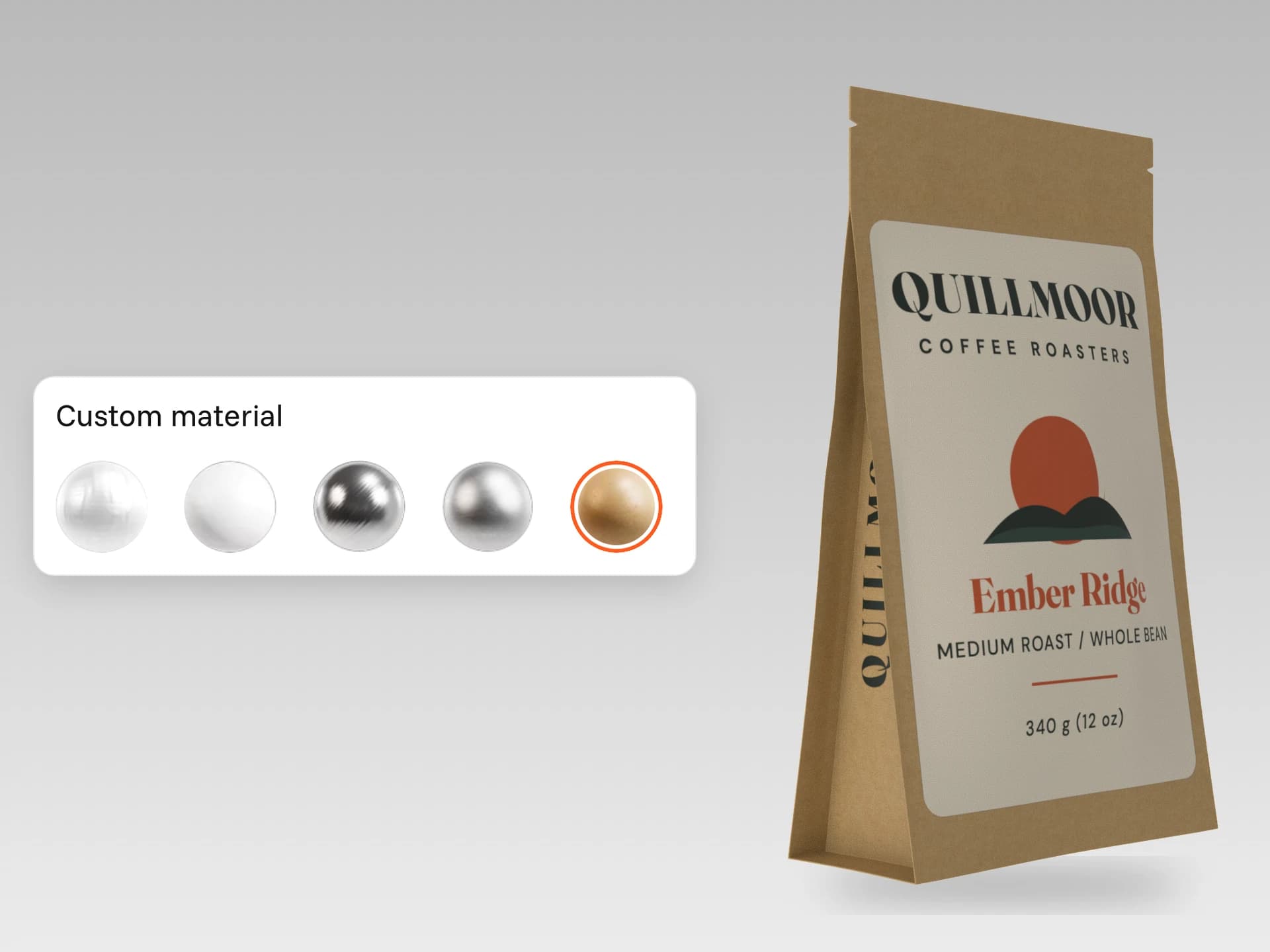
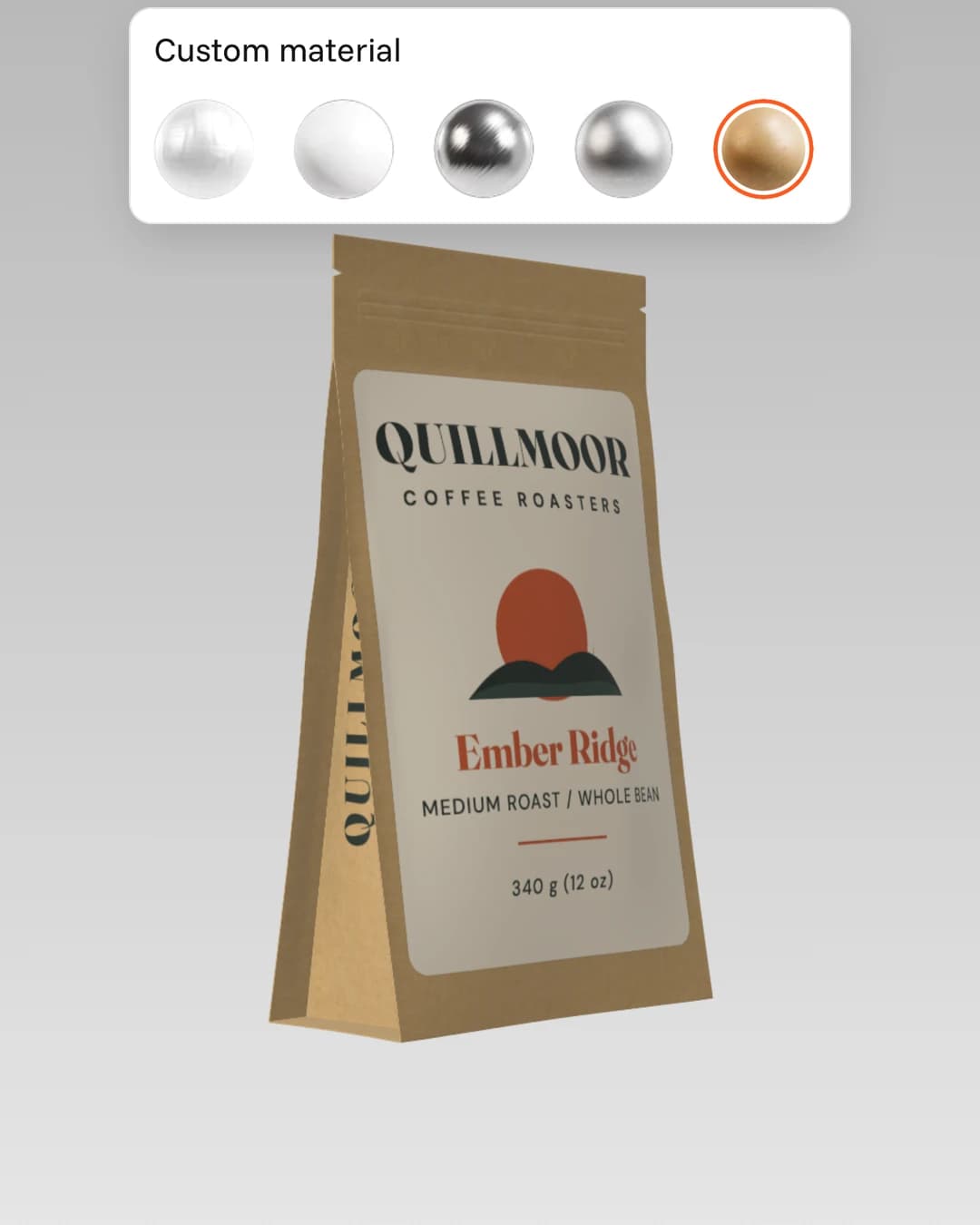
3Choose the finish
Open Custom material and switch between kraft, matte, glossy and metal films while the 3D bag updates.
Switch the material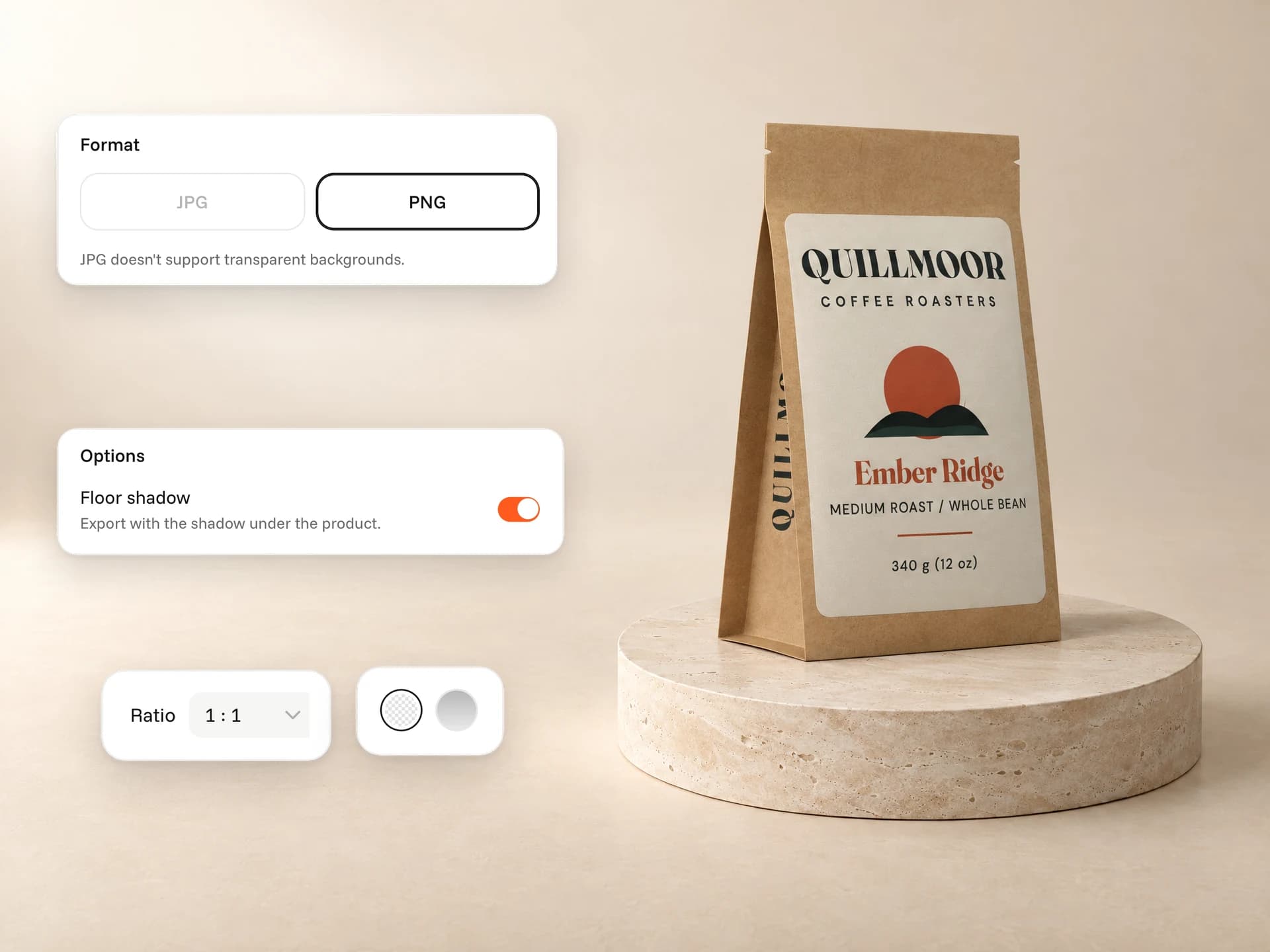
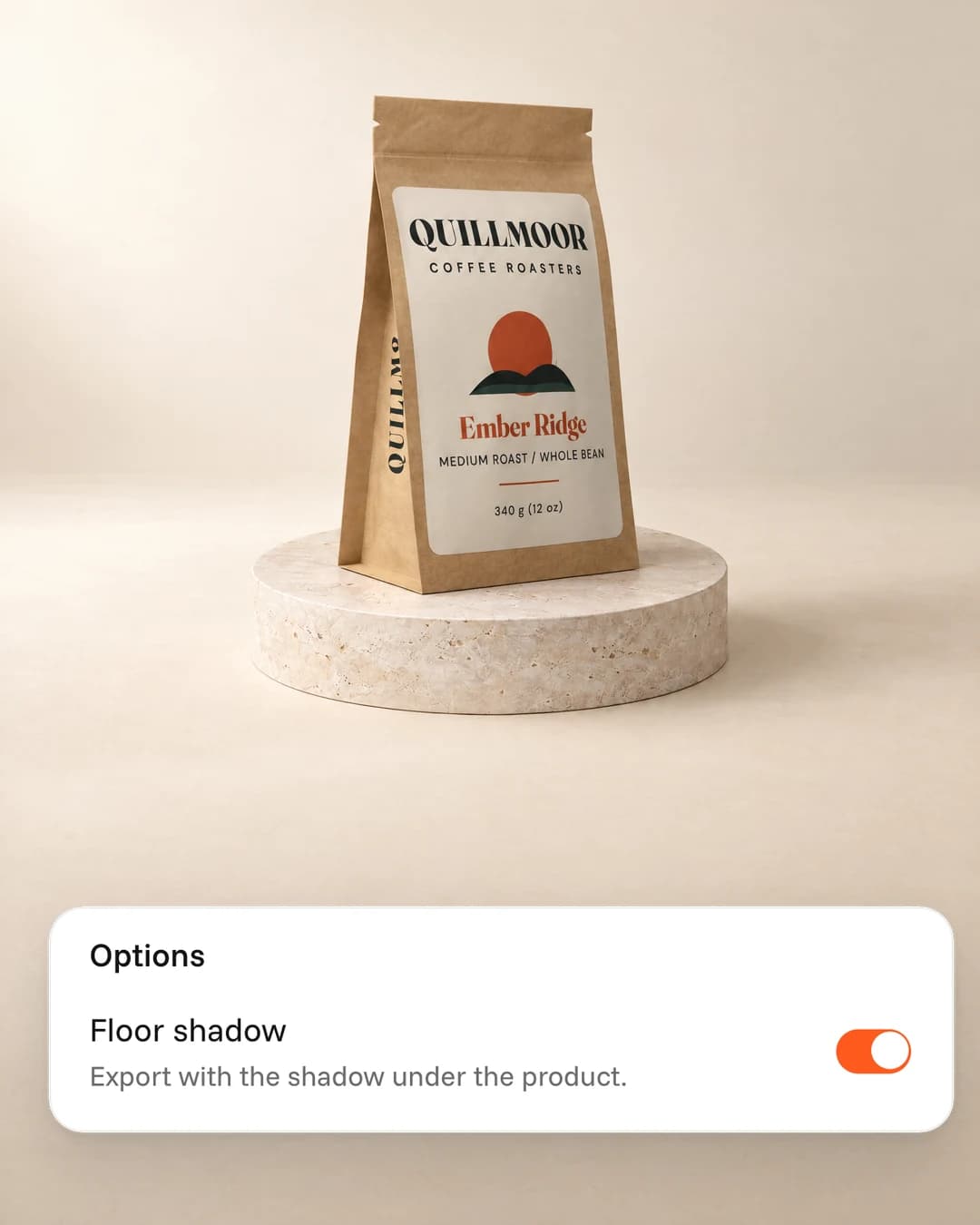
4Keep the floor shadow
Turn on Floor shadow before you render a transparent PNG. The bag keeps its soft shadow, so it sits naturally on any page, banner or marketplace listing.
Export with a shadow
Stand-up, flat-bottom or sachet?
Pick the pouch mockup that matches the bag your product will ship in.
- Stands upright
- Front and back panels
- Side gussets
- Material presets5
- Stands upright
- Front and back panels
- Side gussets
- Material presets5
- Stands upright
- Front and back panels
- Side gussets
- Material presets5
Paper bag and shopping bag mockups
Take-away, gift and retail bags with handles, for the counter as much as the shelf.
Kraft carry bag
Brown kraft with twisted handles. Upload a one-color logo on a transparent background so the paper shows through, or cover every panel in color.
Luxury shopping bag
A rigid gift bag for boutiques, with a full color design on both faces and the side gussets.
Trapezoid and boutique bags
Tapered and small shapes for jewelry, cosmetics and bakery orders.
Paper tote
A wide paper tote for clothing and larger orders, with room for a big logo.
Test a new bag mockup before the print run
Pouch printers usually set a minimum order, so a label nobody likes is an expensive mistake. Mock up two or three versions, show them to customers, a stockist or your co-founder, and send only the winner to print.
Pouch and bag mockup questions
Explore more mockups
Make your first bag mockup
Free to use, no sign-up, runs in your browser.