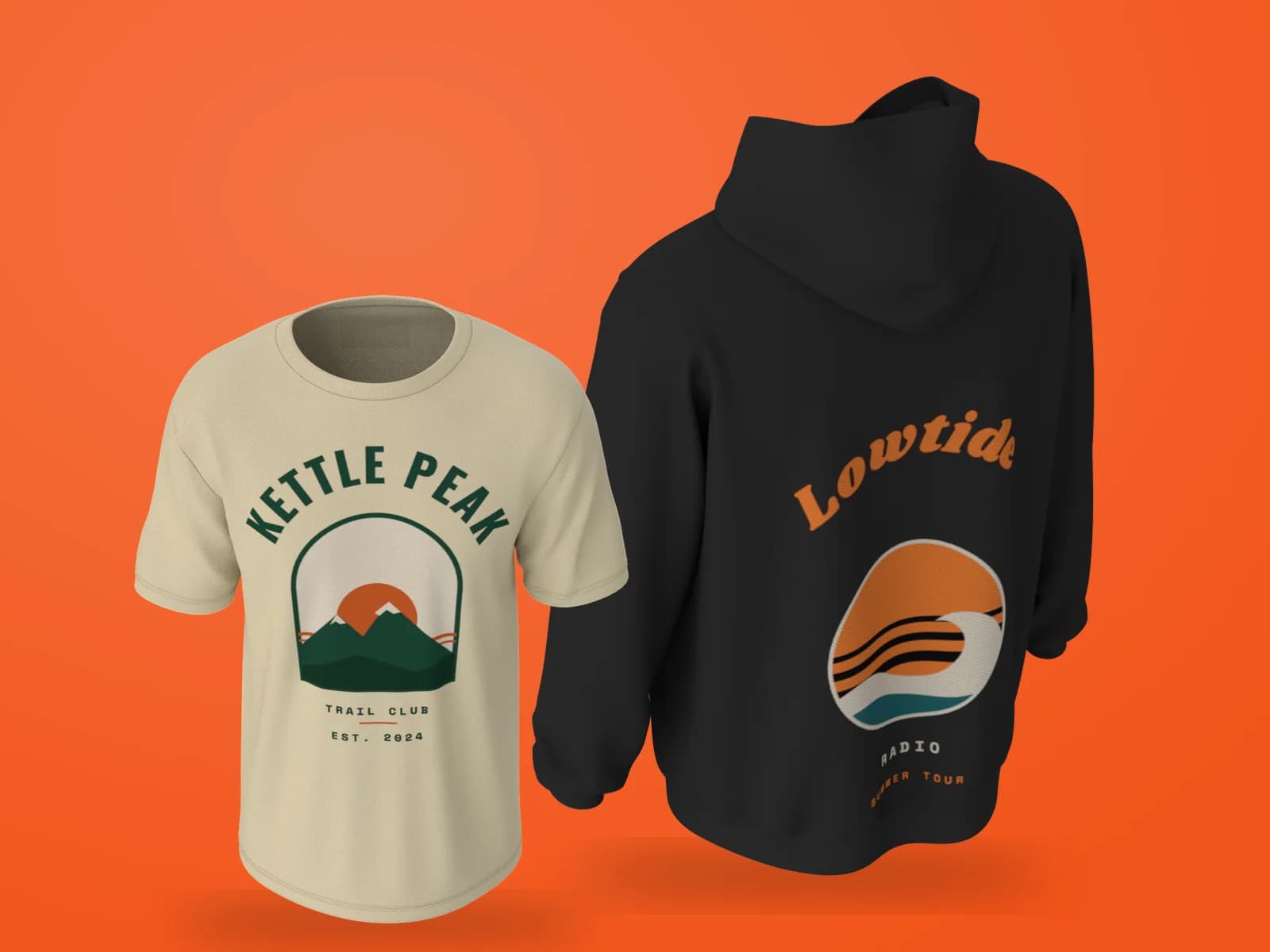
T-shirt mockups and more apparel
Put your artwork on a 3D tee, hoodie, polo or hat, pick the fabric color and turn it to any angle. Export a transparent PNG or a short MP4 for your listing.
10 mockups
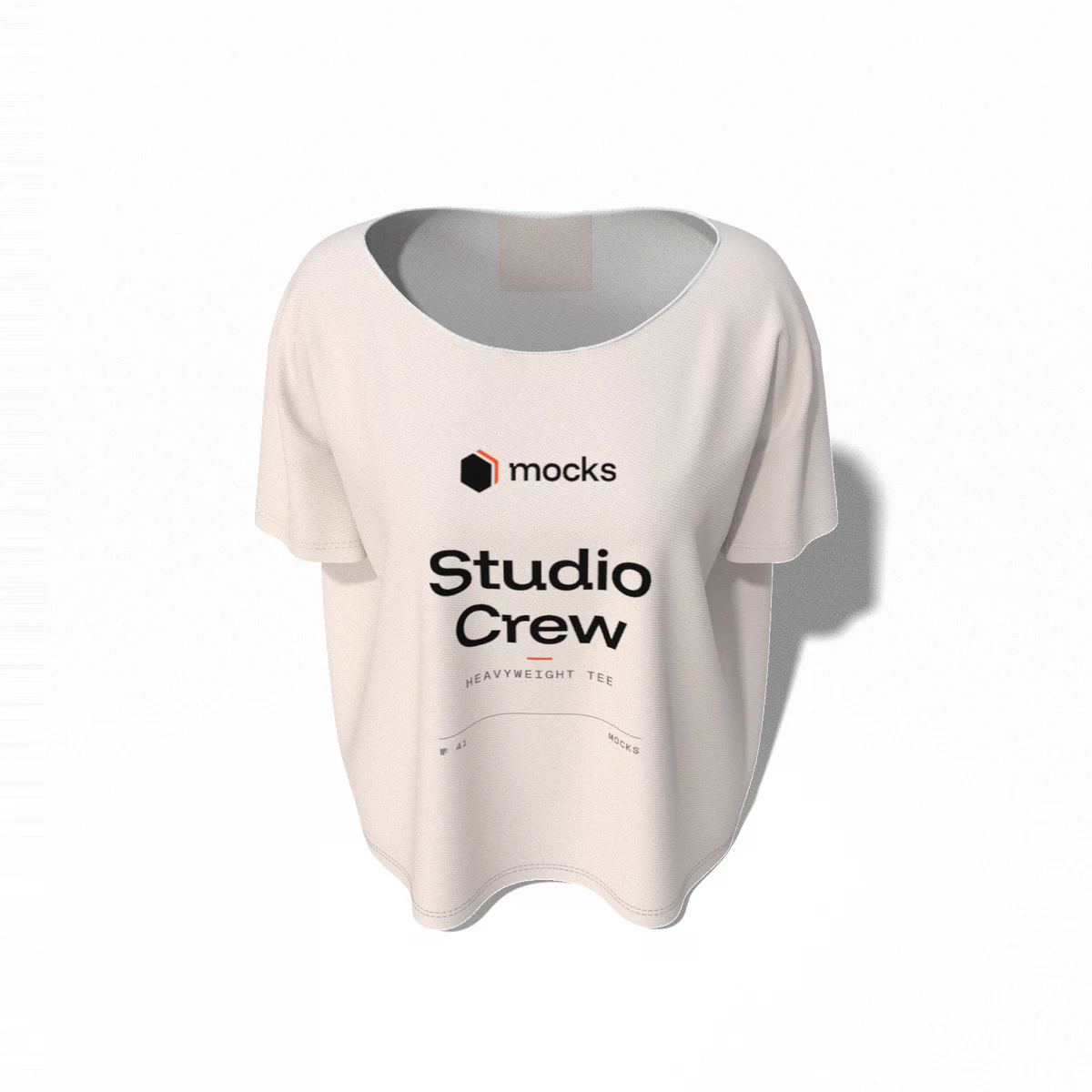
Women's Oversized Tee
T-shirt
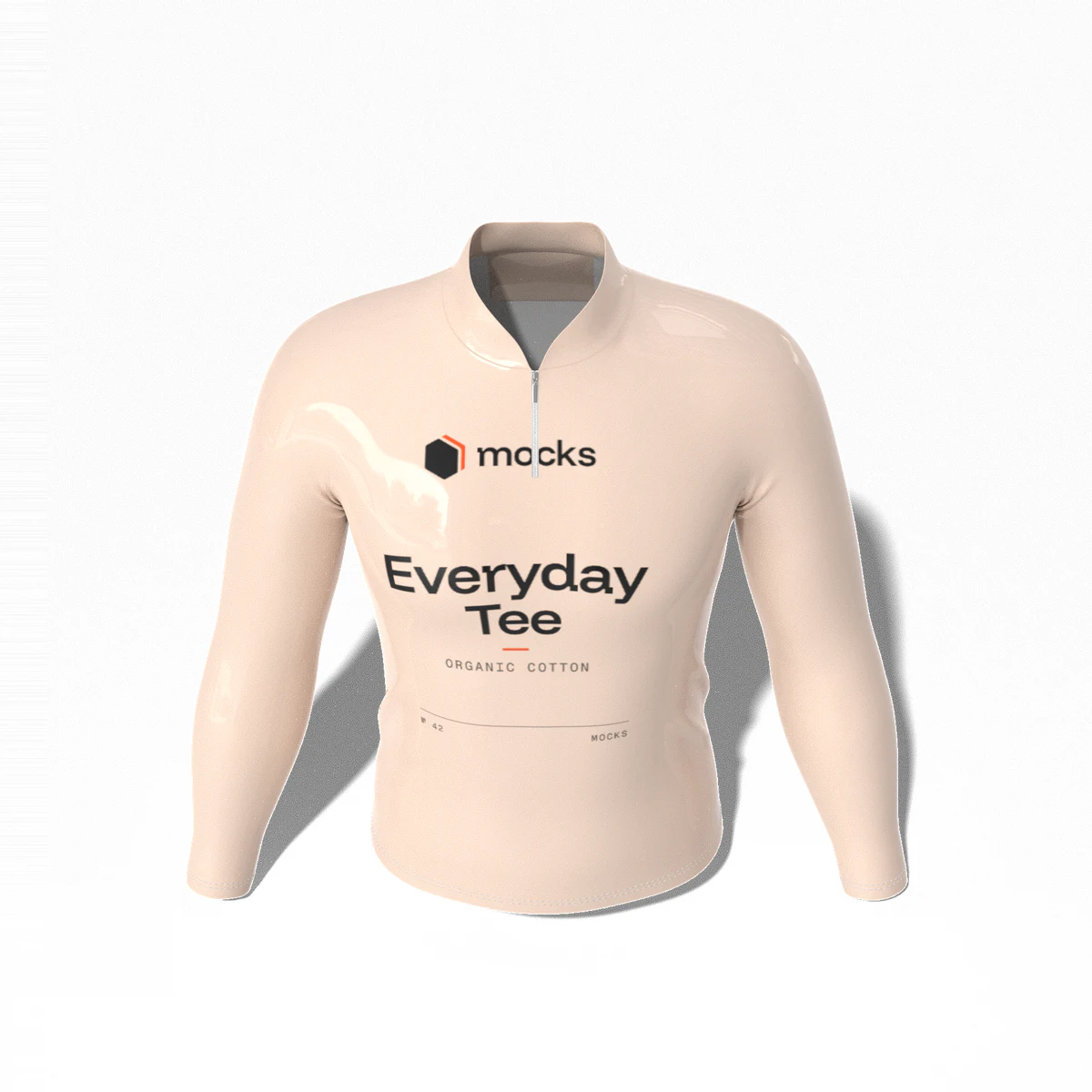
Long-Sleeve T-Shirt
T-shirt
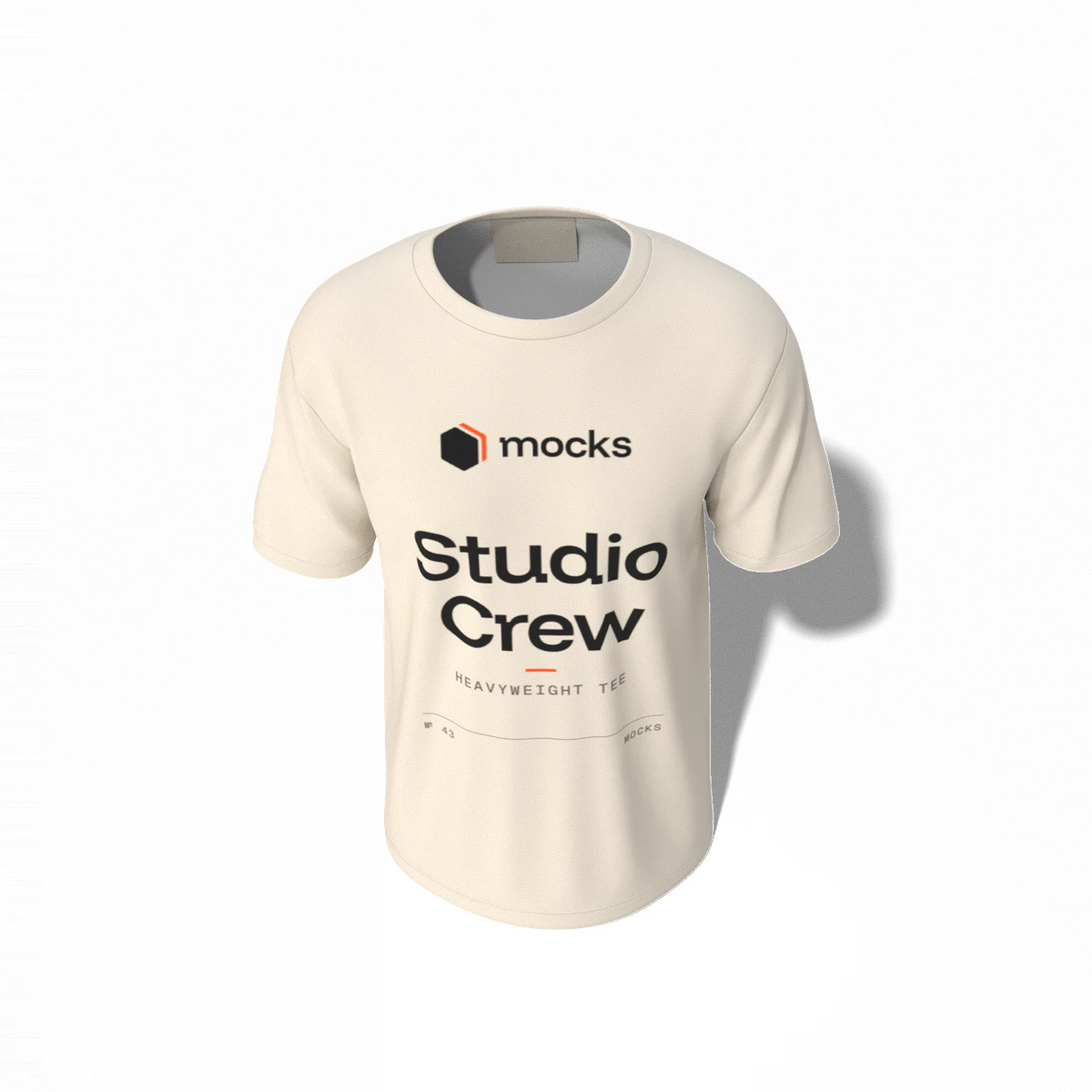
Basic T-Shirt
T-shirt
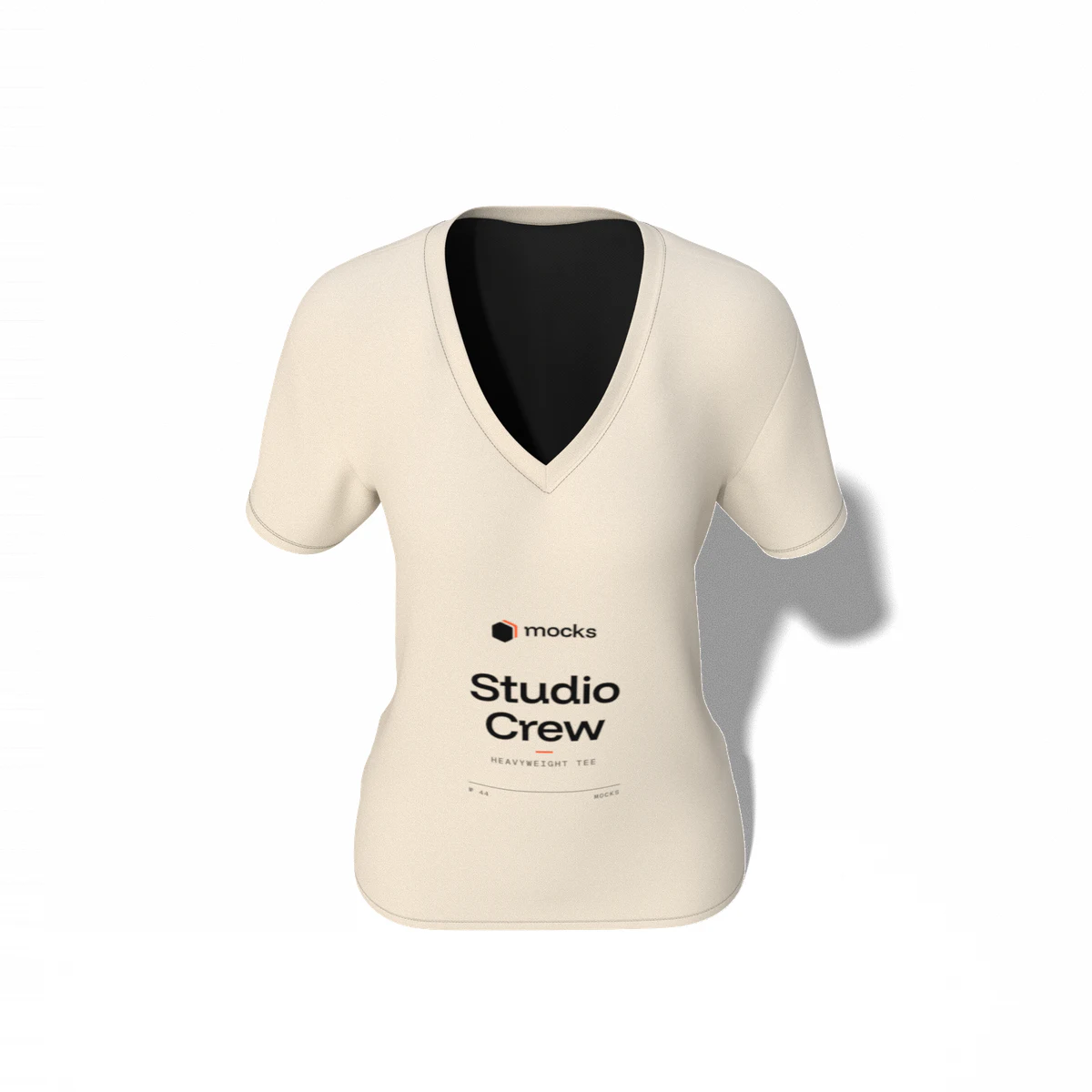
Women's Deep V-Neck Black Tee
Black T-shirt
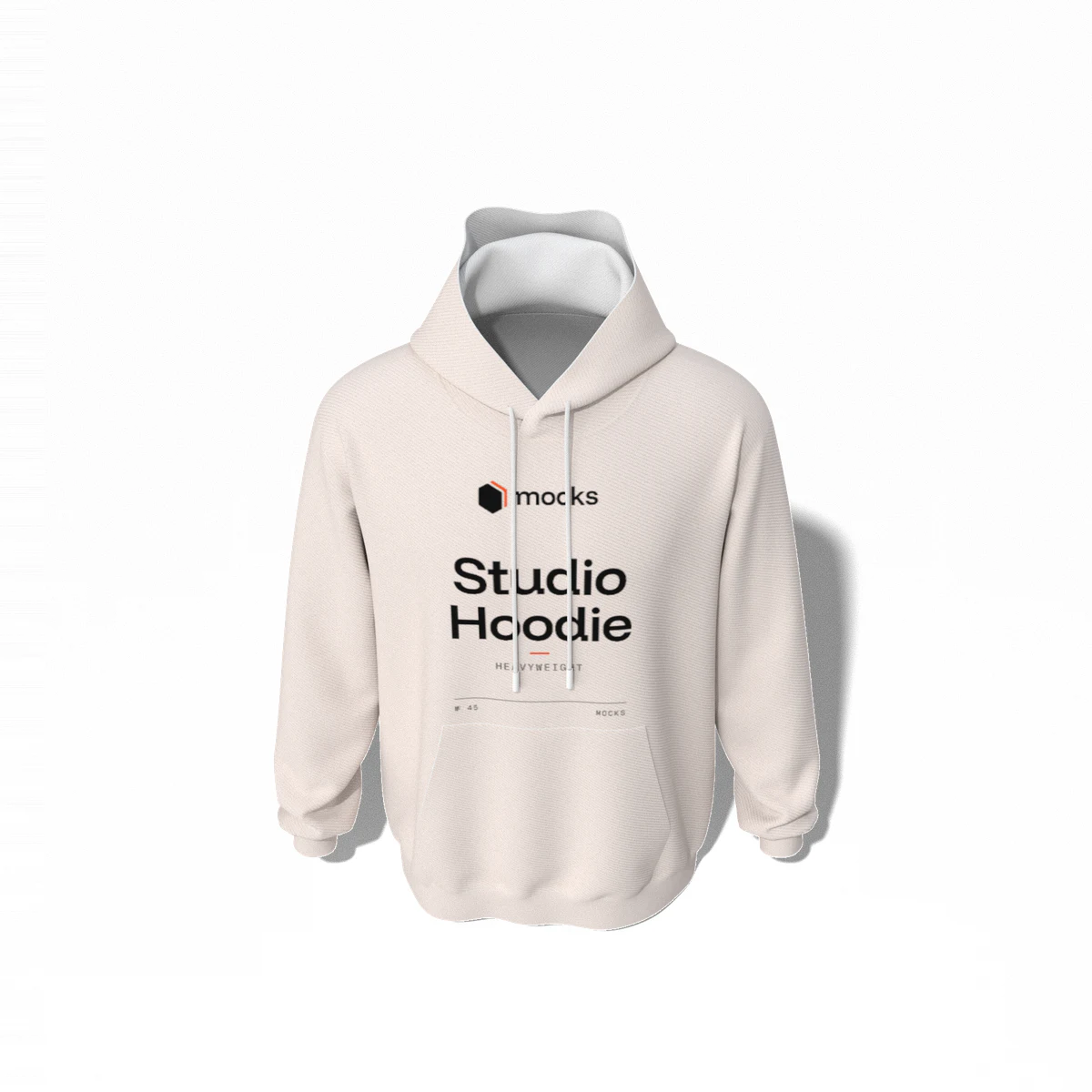
Oversized Drawstring Hoodie with Pocket
Hoodie
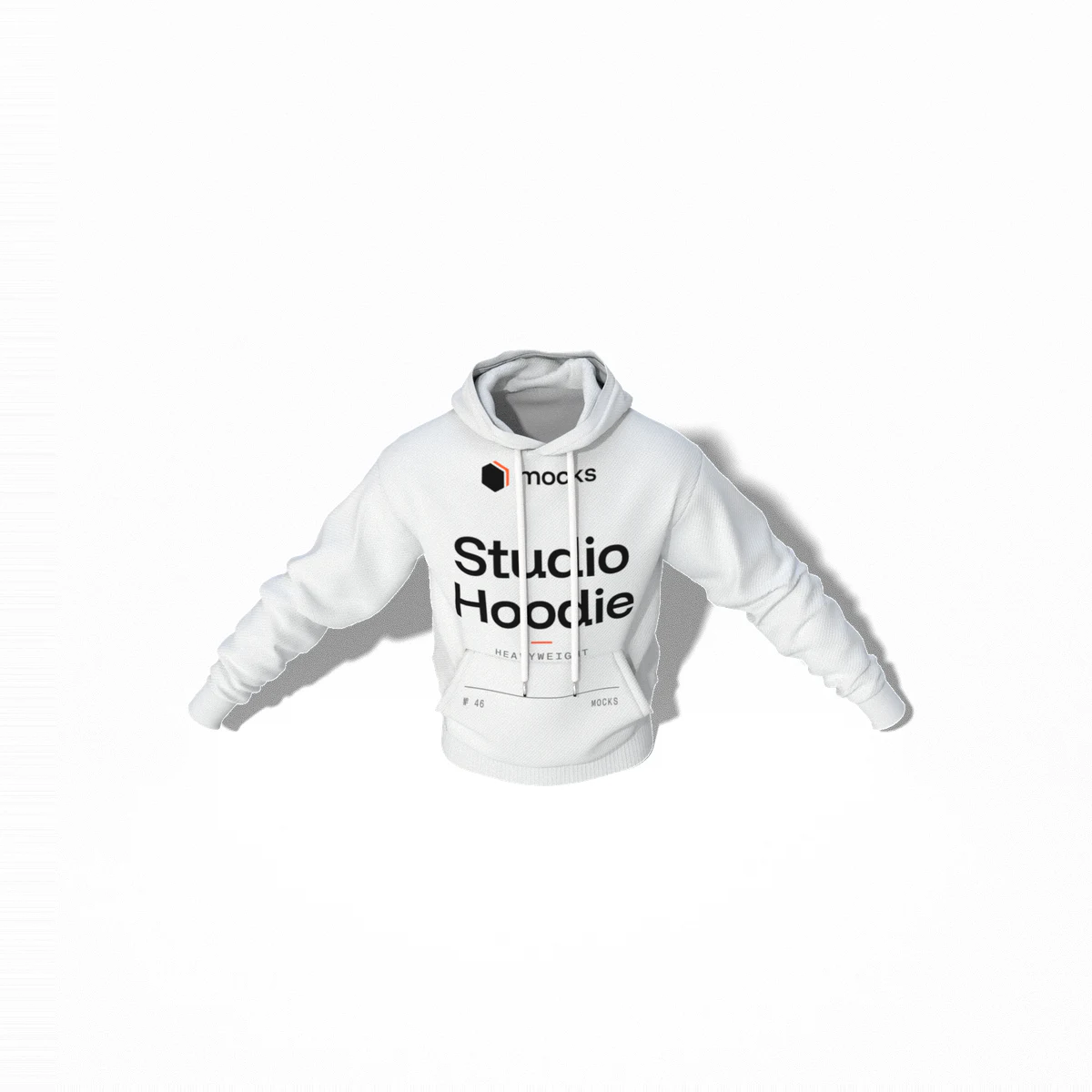
Boxy Hoodie on a Model
Hoodie
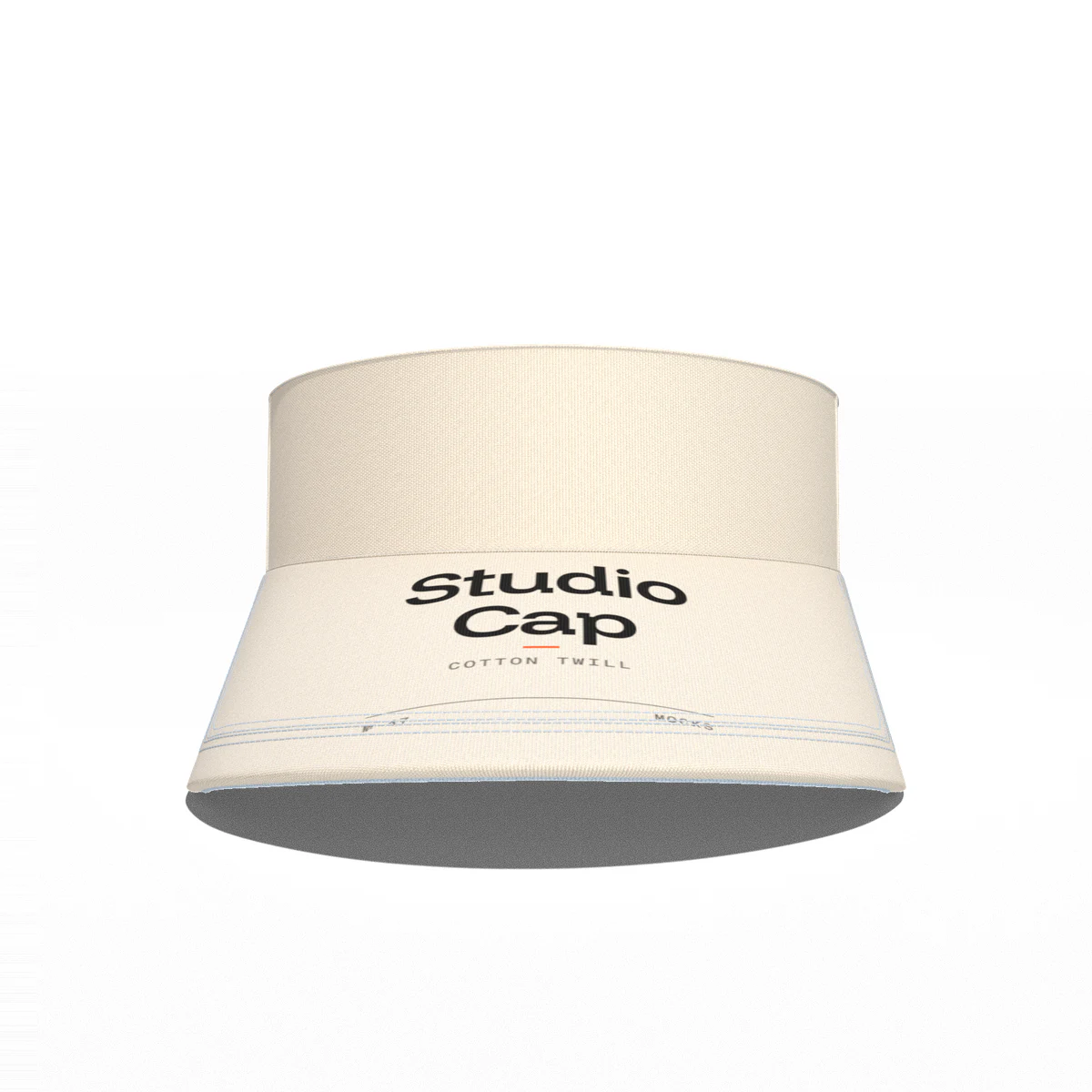
Tennis Sun Visor
Hat
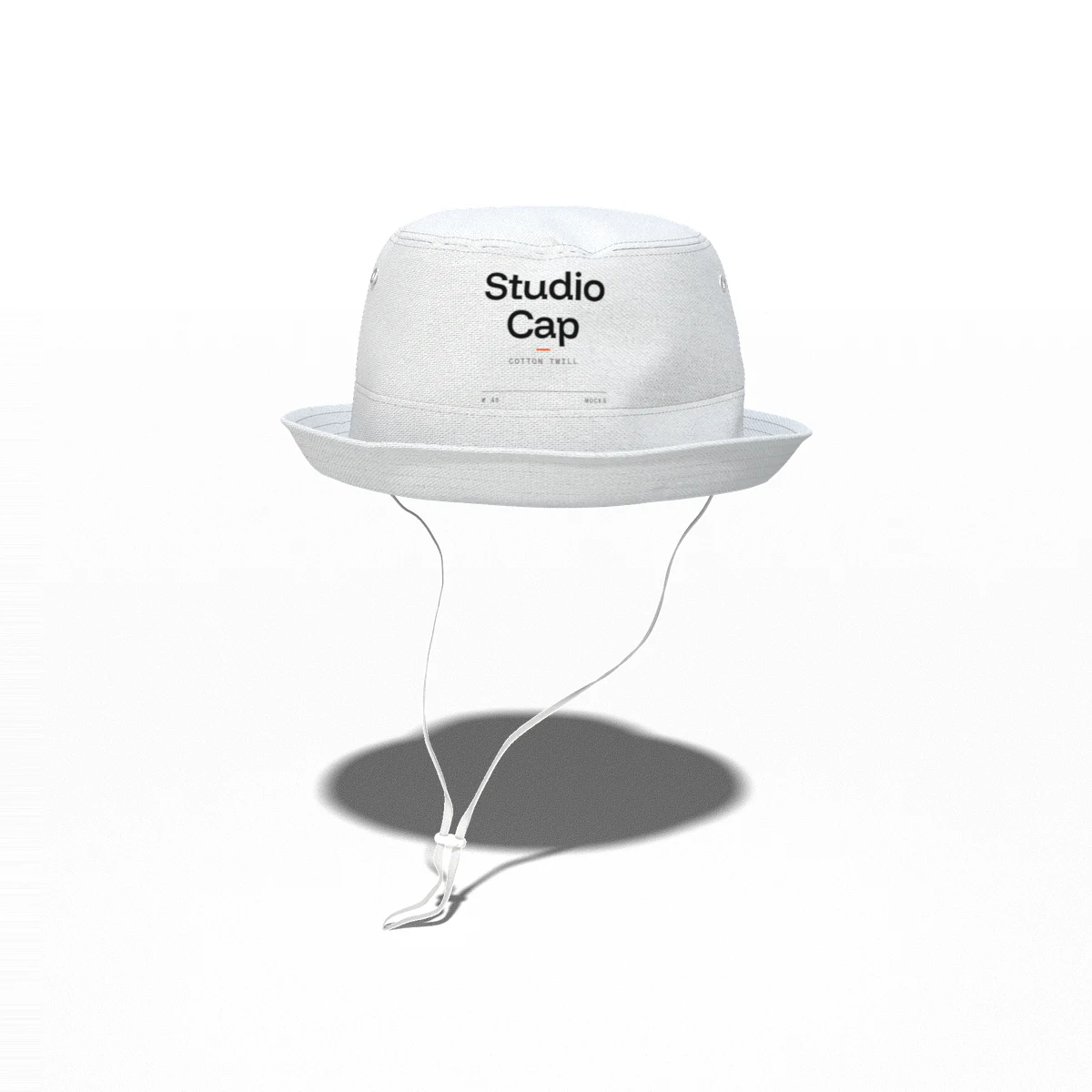
Drawstring Canvas Bucket Hat
Hat
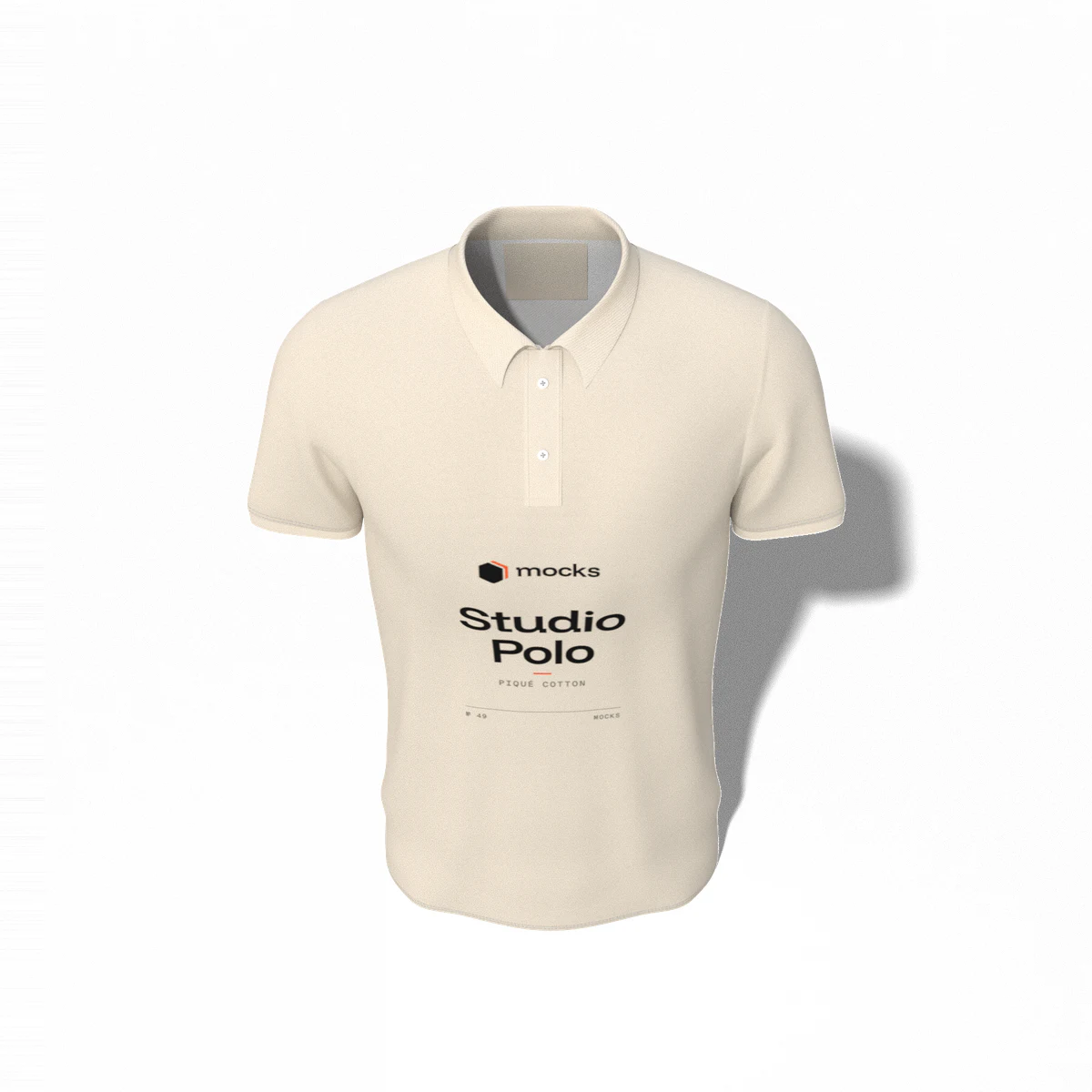
Classic Short-Sleeve Polo
Polo Shirt
Argyle Knit Socks
Accessories
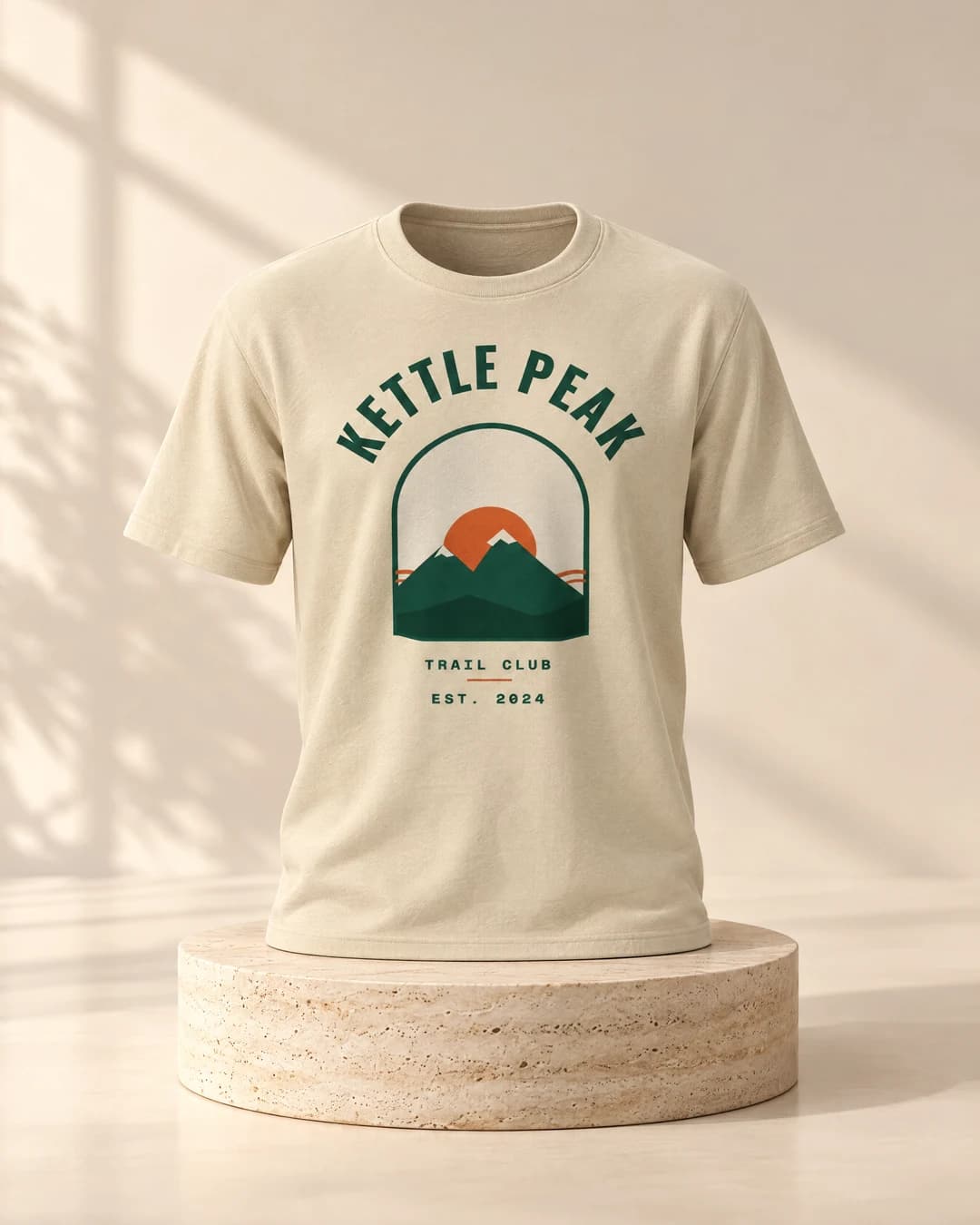
Your design on a 3D t-shirt mockup
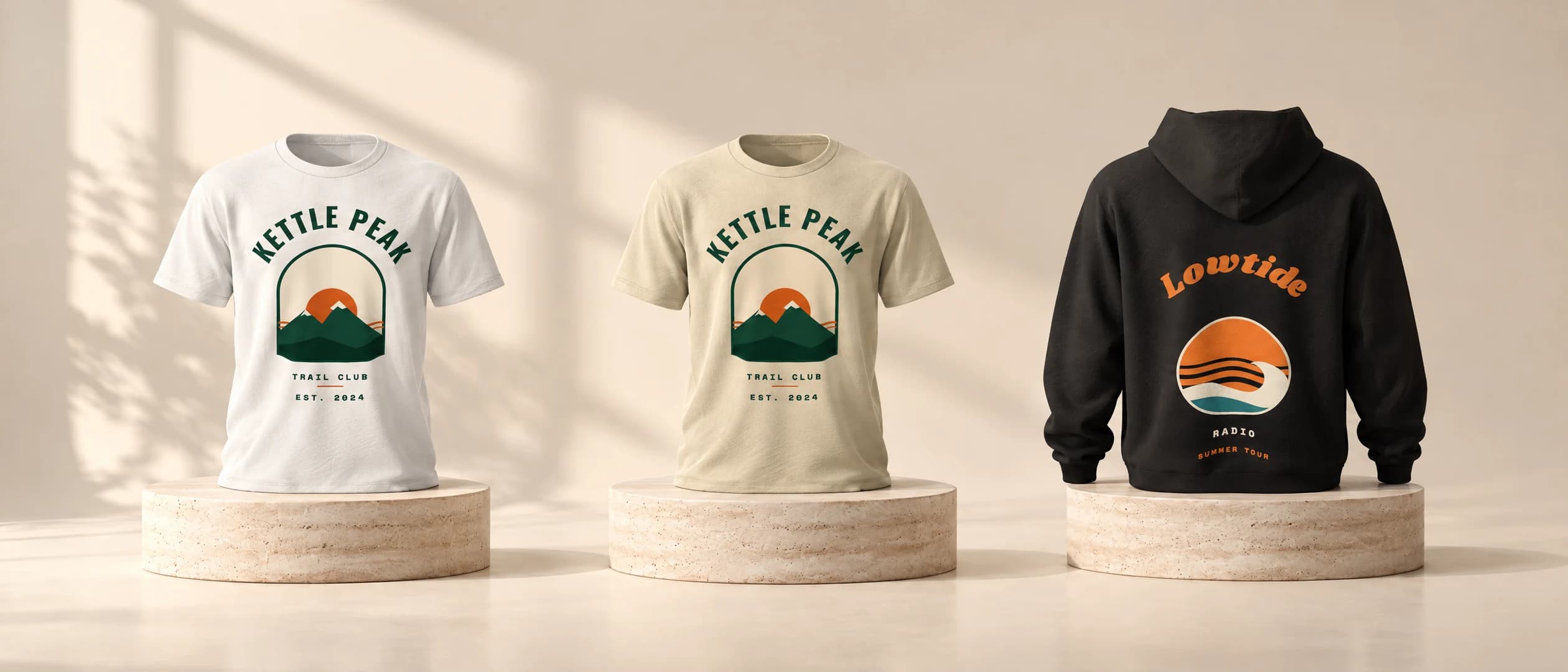
These are not photos: each shirt is one of our 3D models wearing a design that was uploaded, placed and exported in the Mocks editor, just as you will make yours.
Free to use, no sign-up
Why make apparel mockups in 3D
One artwork file, real garment models and every output a product page needs.
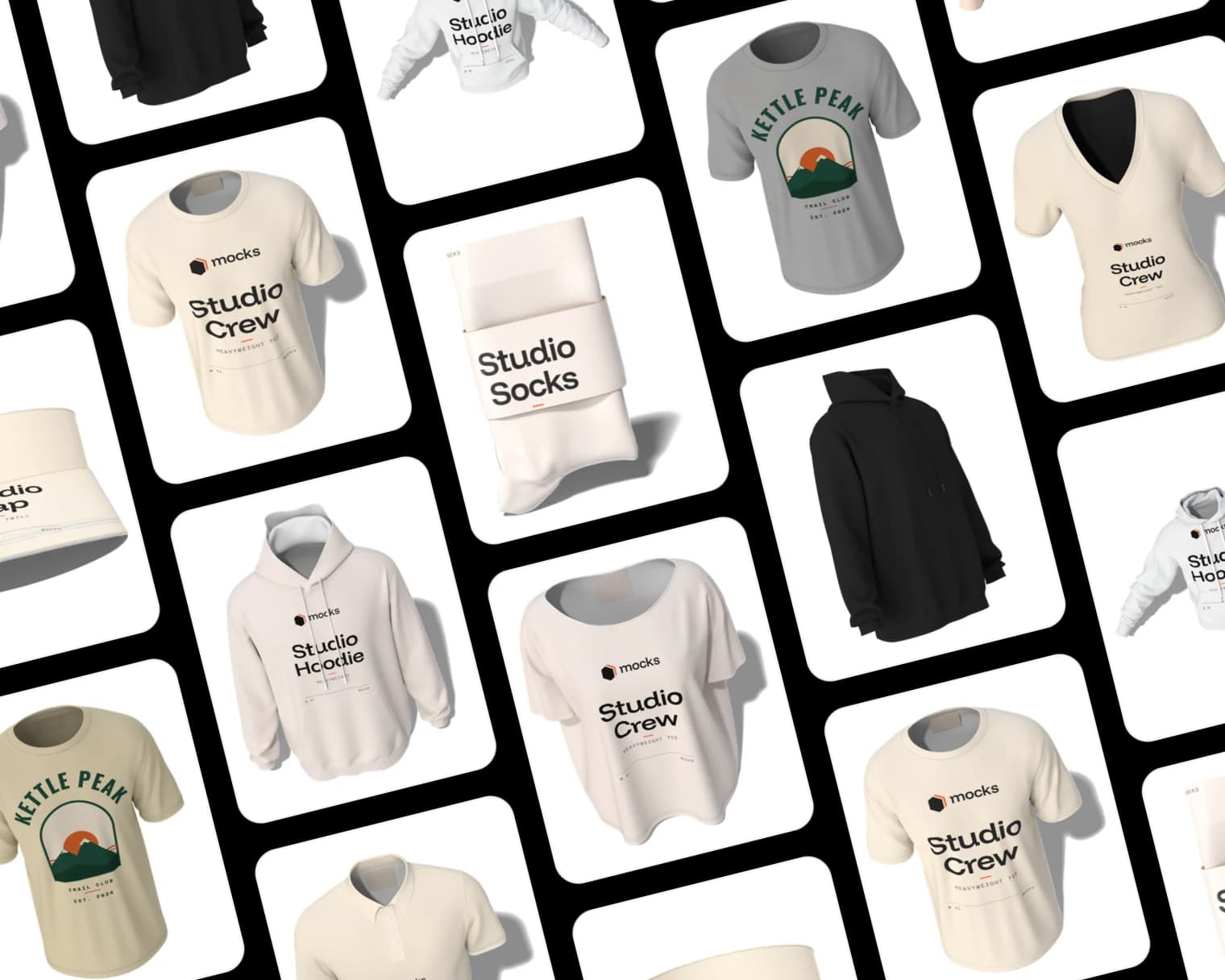
Tees, hoodies, polos and hats
Every garment is a 3D model with its own sewing pattern, from a basic crew neck to a boxy hoodie, a polo and a bucket hat. Upload your design once and try it on each.
Try it on a hoodie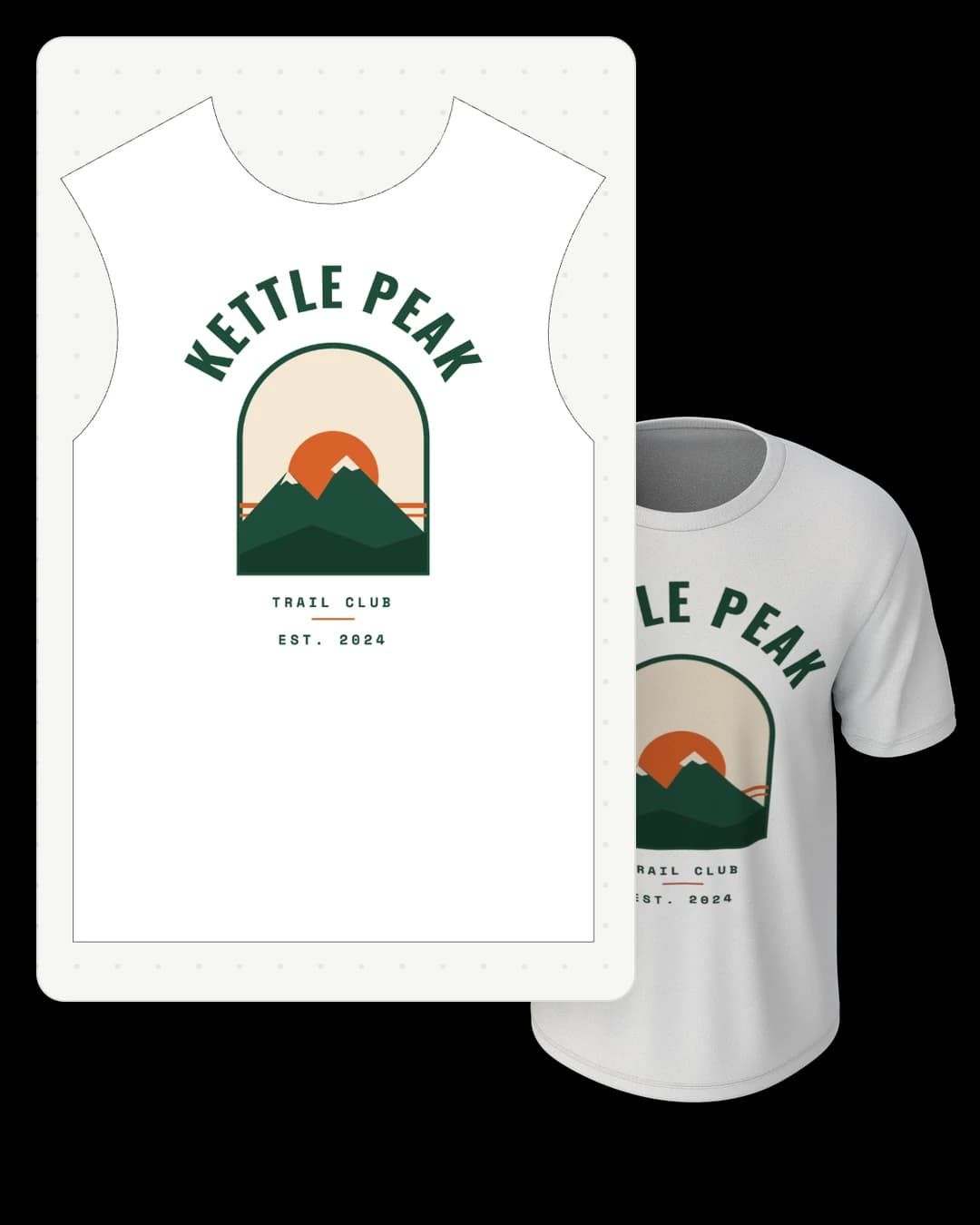
Your artwork on the real pattern
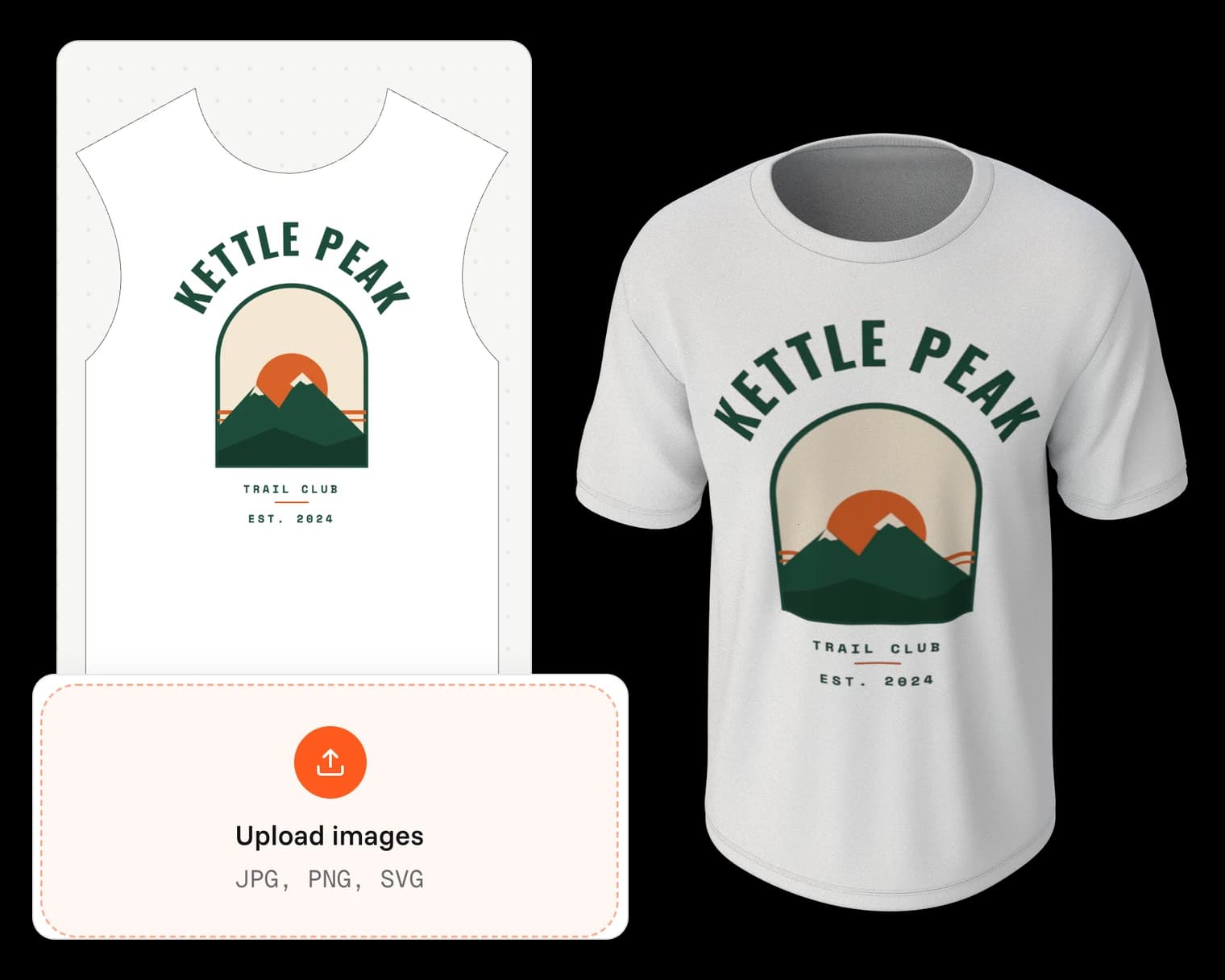
Drop a JPG, PNG or SVG on the front, back or sleeve piece of the flat pattern. The 3D shirt follows its folds and seams, so you can judge print size before ordering blanks.
Place artwork on the pattern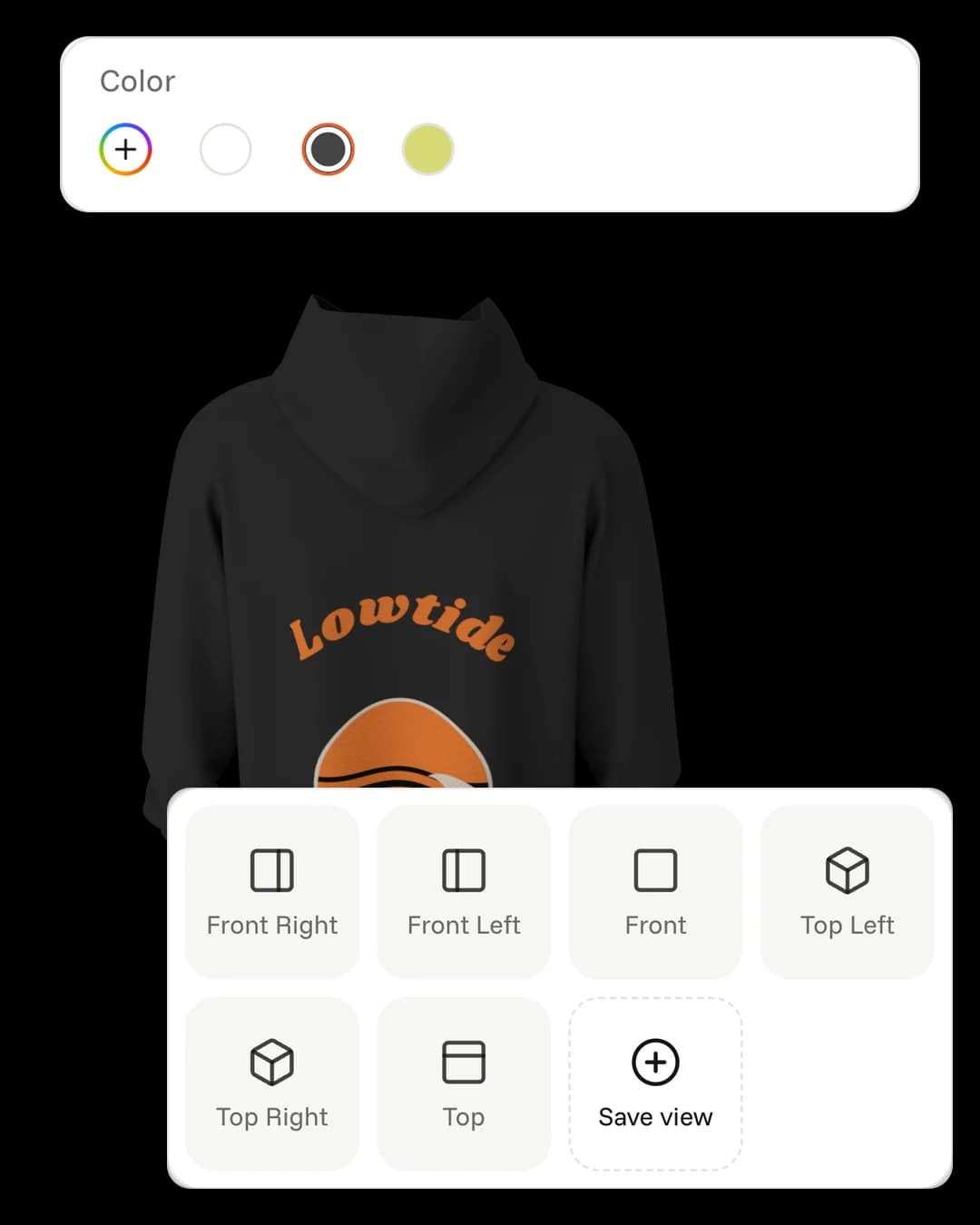
Fabric color, angle and backdrop
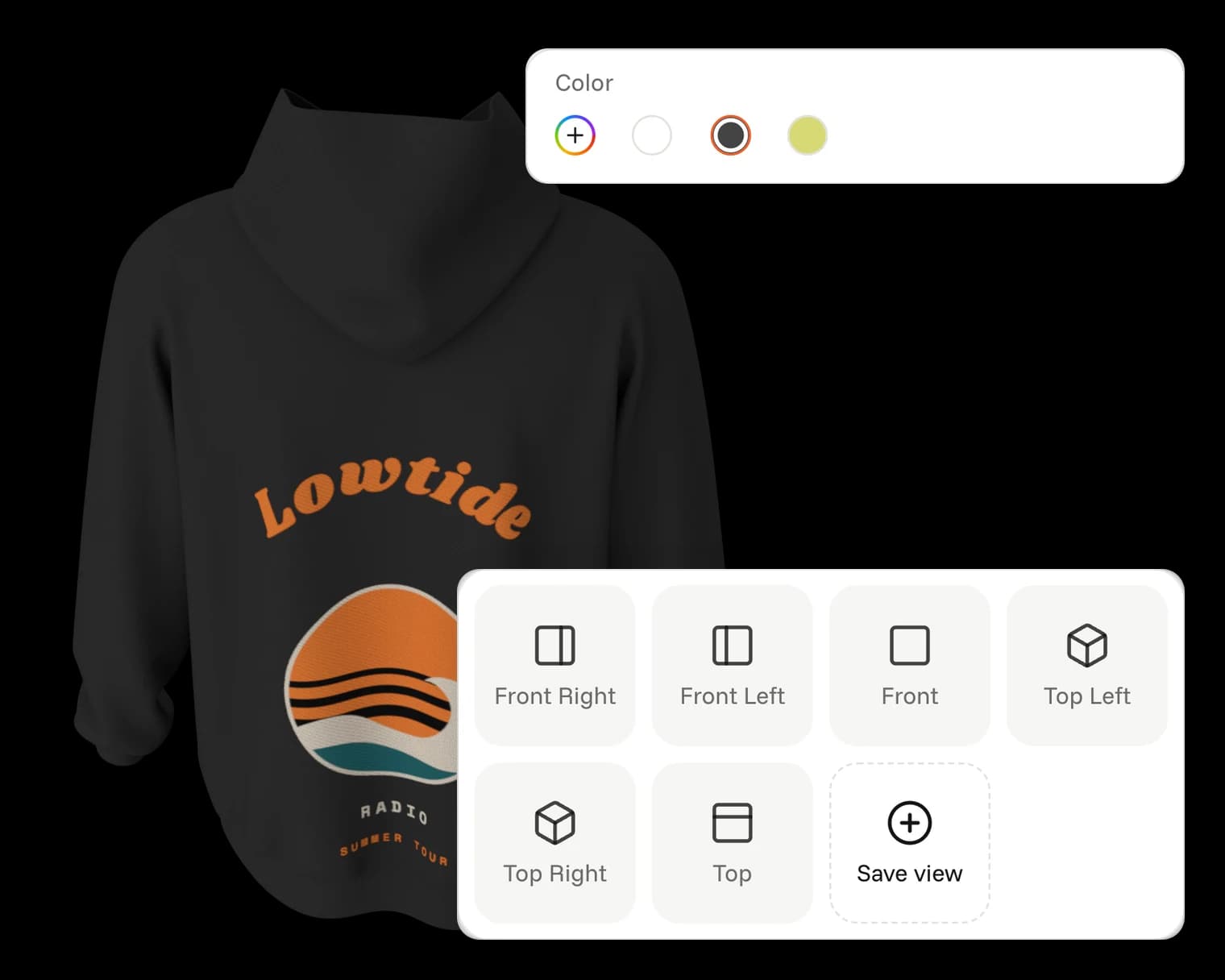
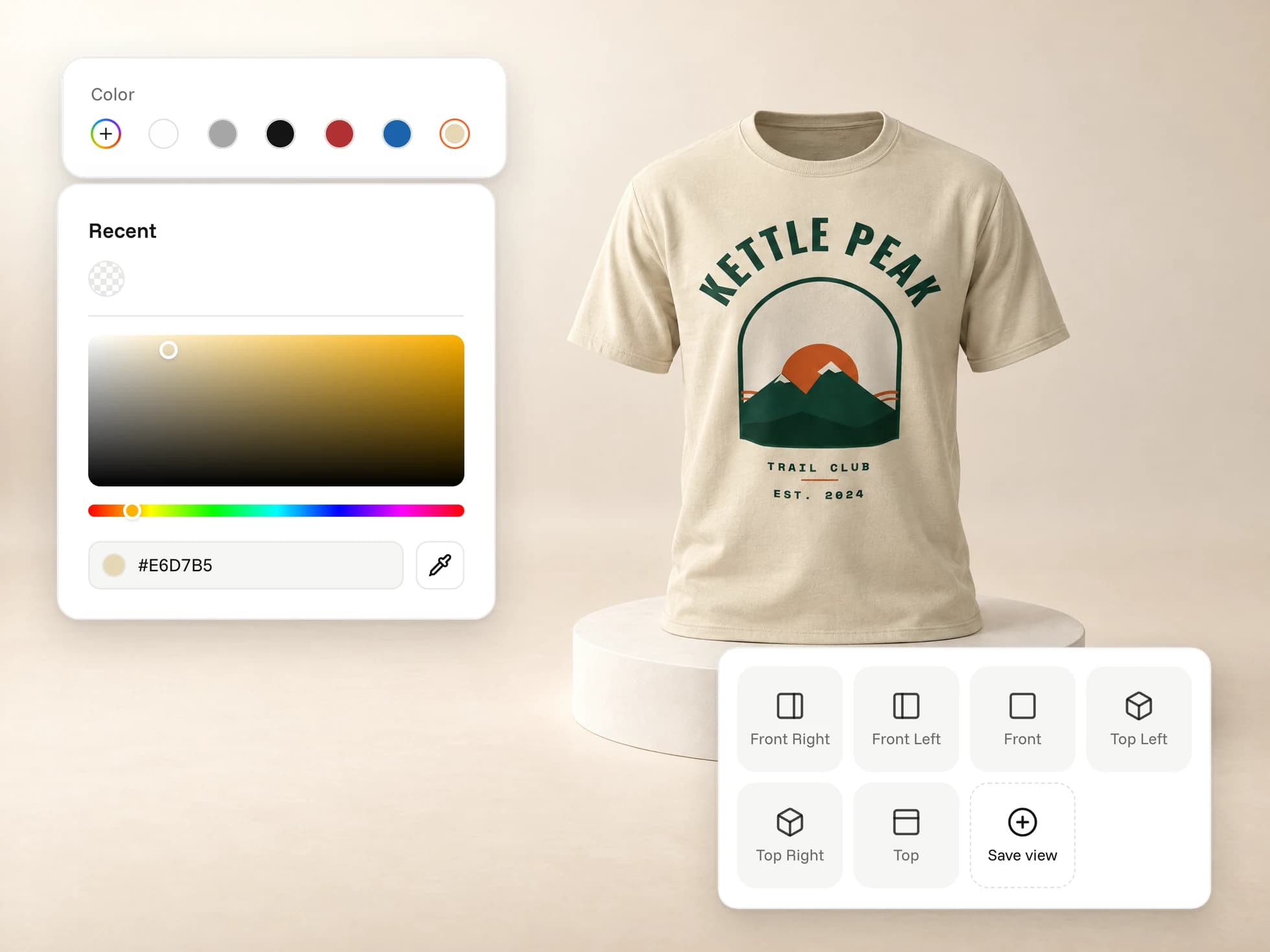
Tap a swatch or mix any shade, jump between six camera views or drag the garment yourself, then set a solid, gradient or transparent background.
Recolor the charcoal hoodie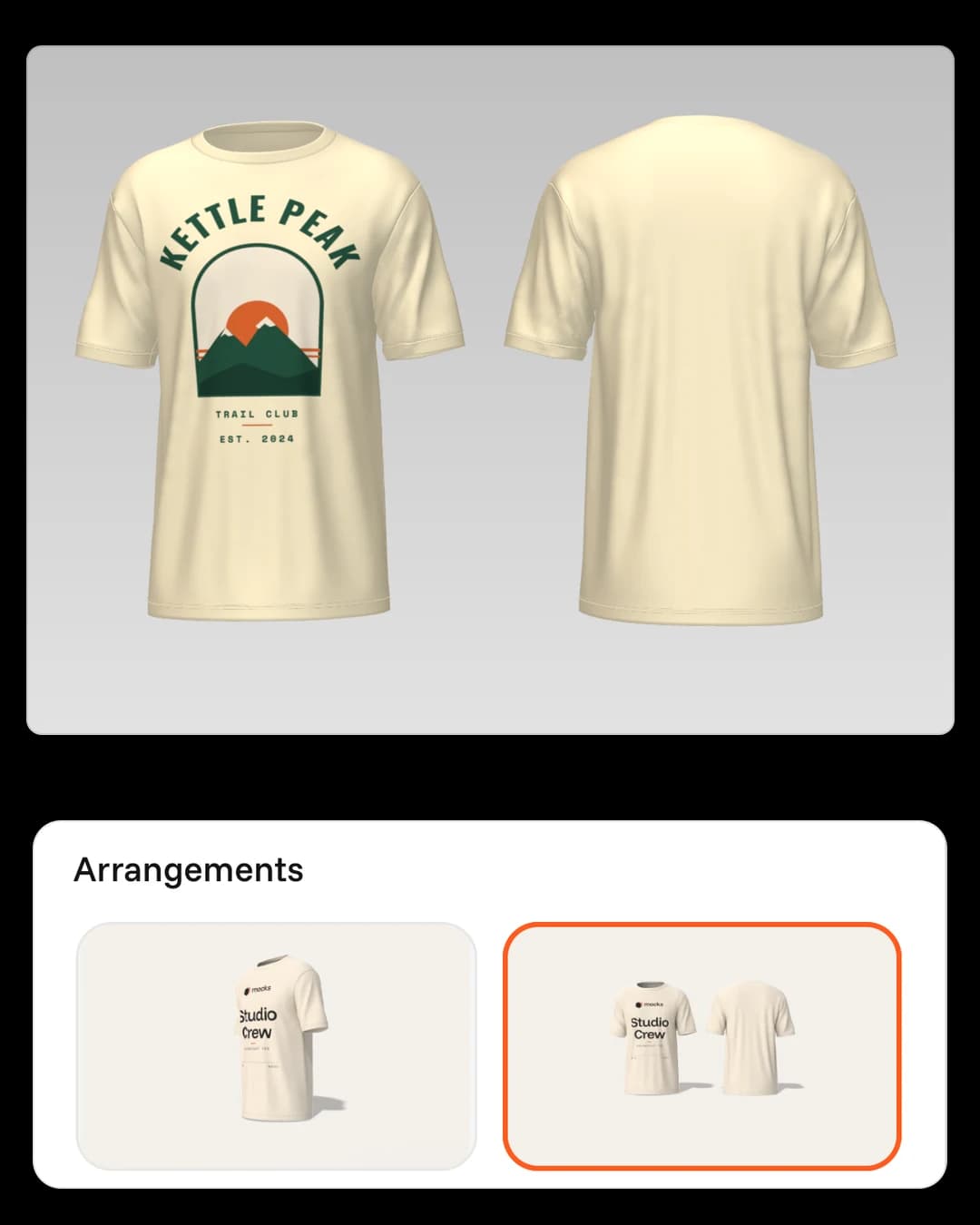
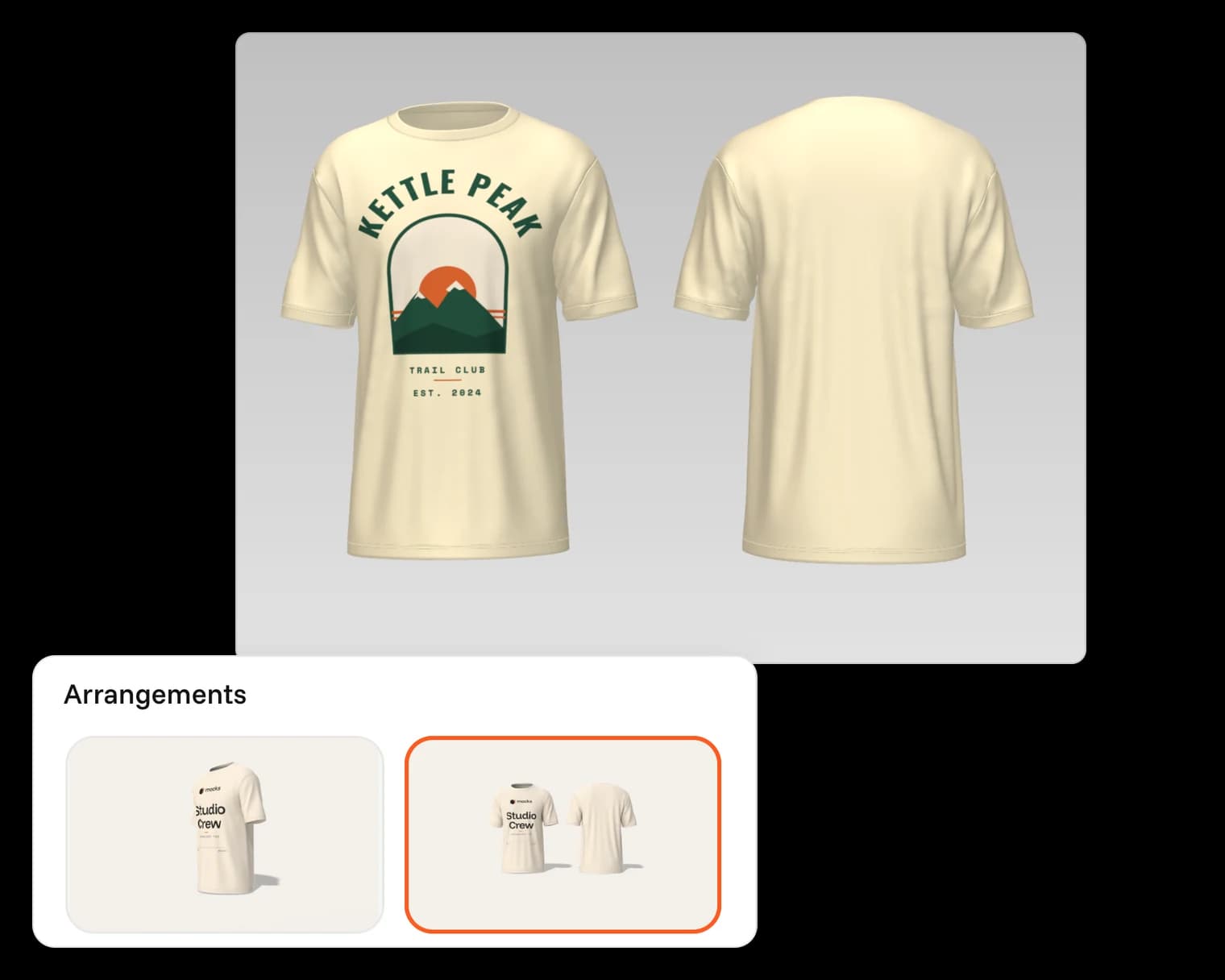
Several shirts in one shot
Pick an arrangement and the editor lines up copies of your garment with the same print and shadow, ready for a collection banner or a bundle listing.
Line up a row of tees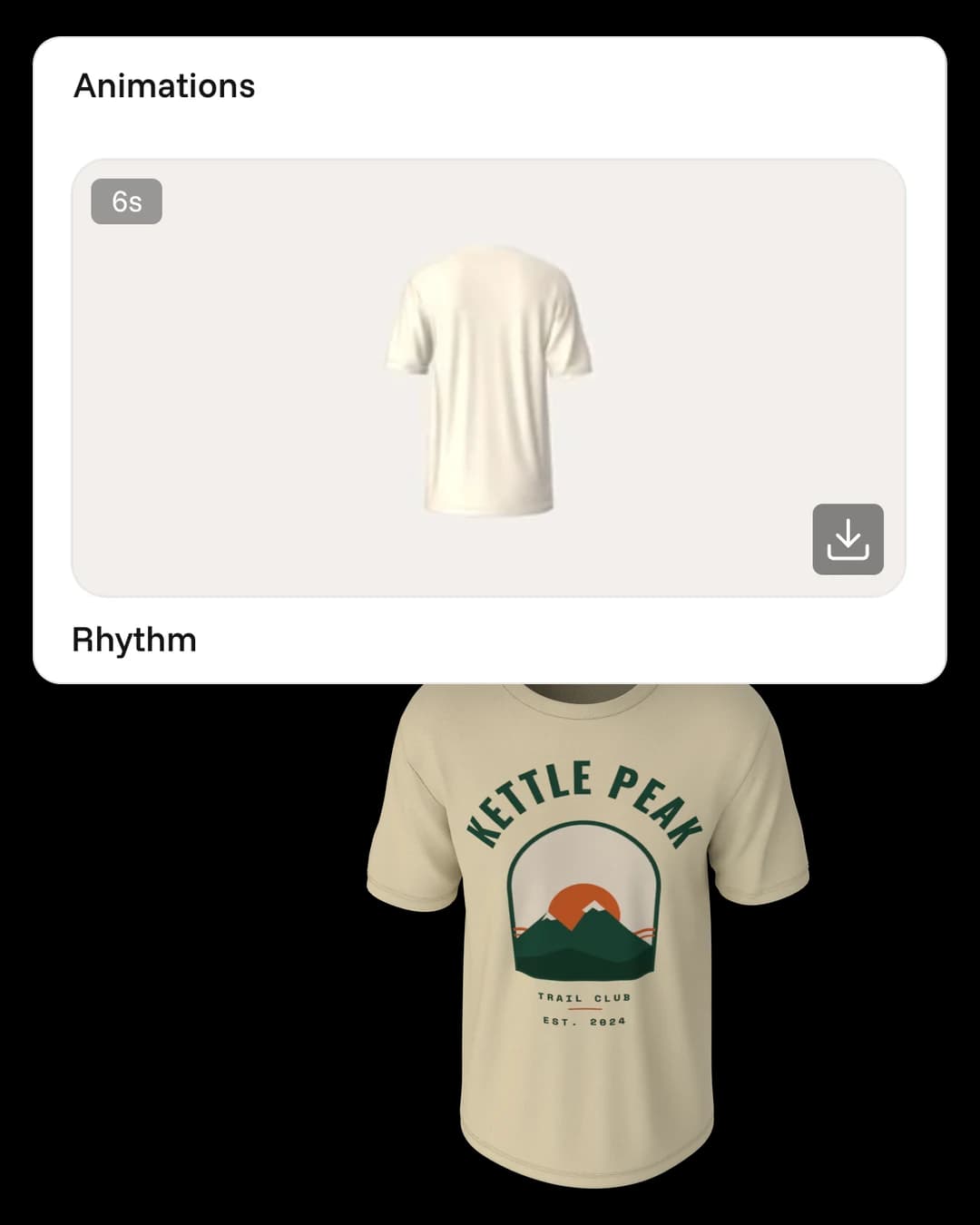
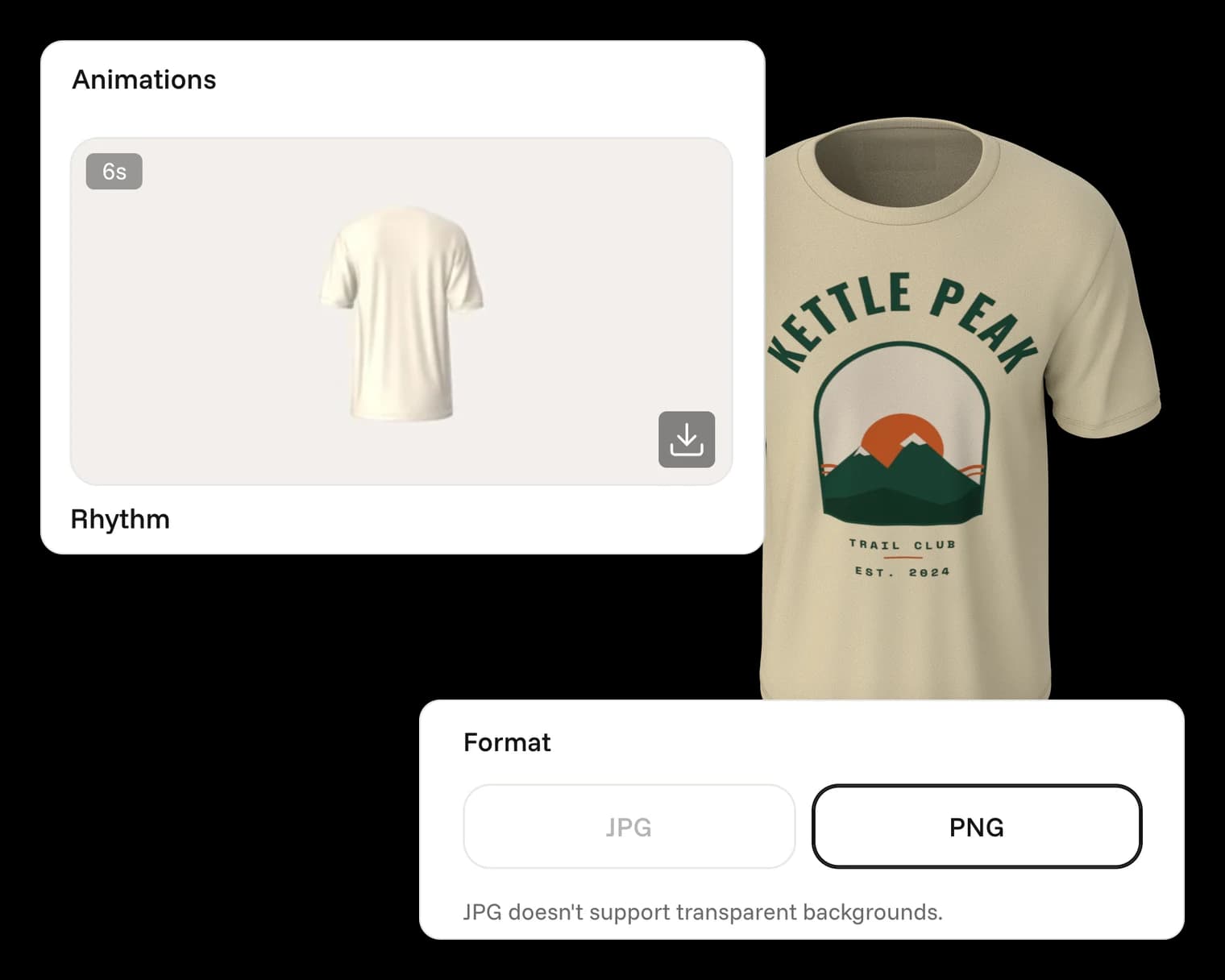
A short video and a clean PNG
Apply an animation preset such as Rhythm or Rotation and export an MP4, or render a JPG or transparent PNG in frames from 1:1 to 16:9.
Animate a basic tee
How to make a t-shirt mockup in four steps
All in your browser, nothing to install.
 1
Pick a t-shirt model
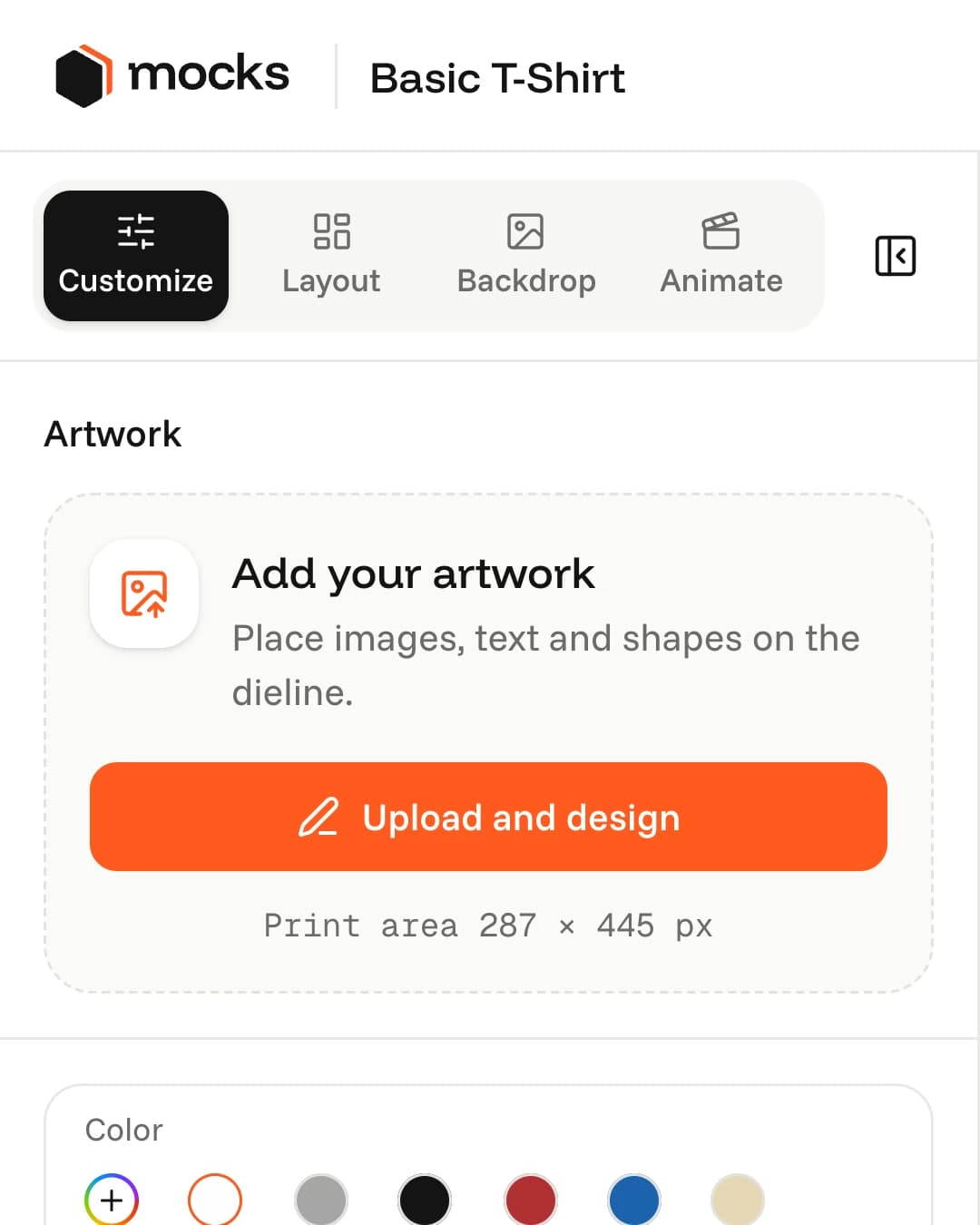
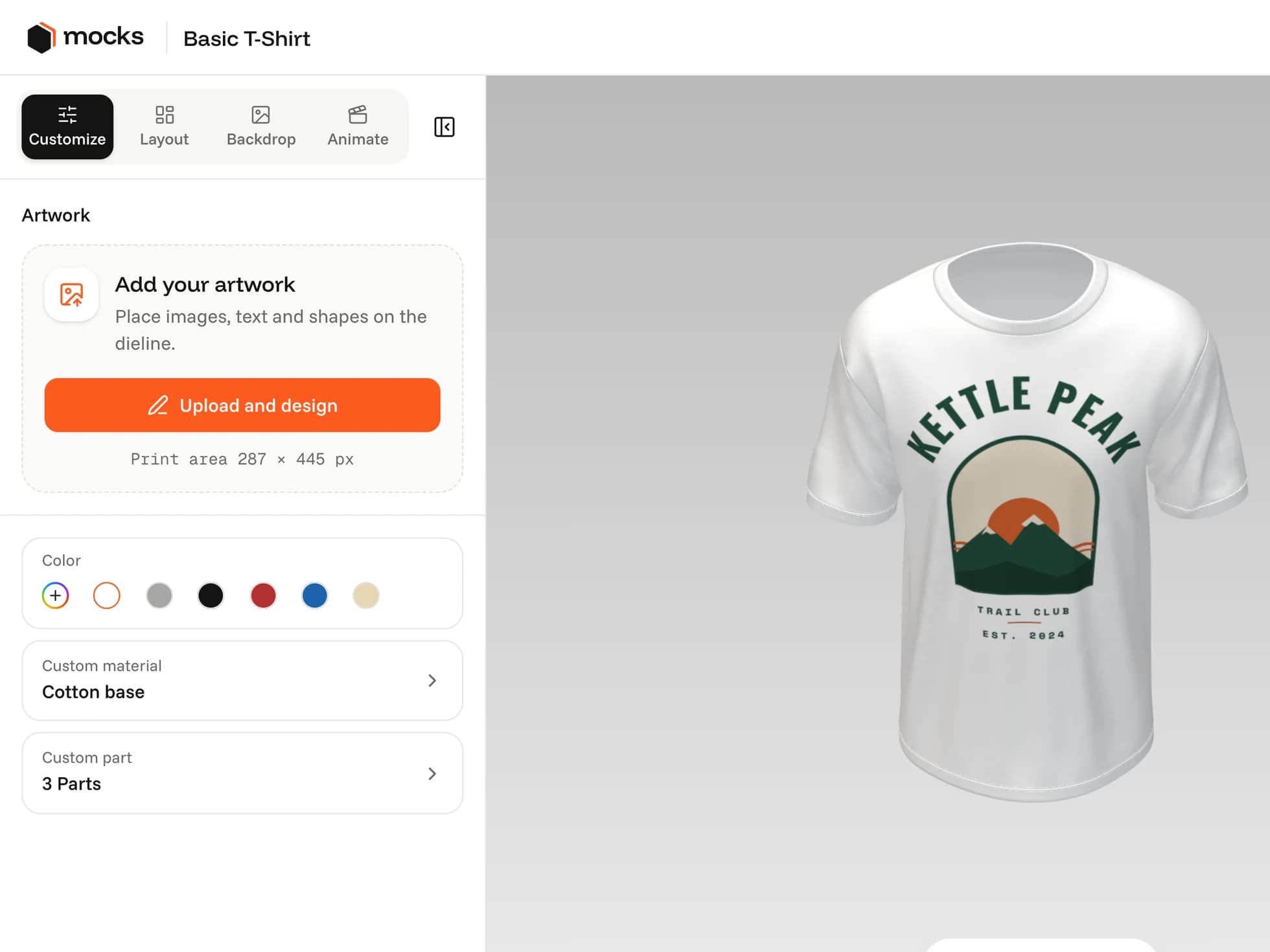
Choose a crew neck, oversized, long-sleeve or V-neck tee from the grid above. The 3D editor opens on the model page with its print area in pixels.
See the t-shirt models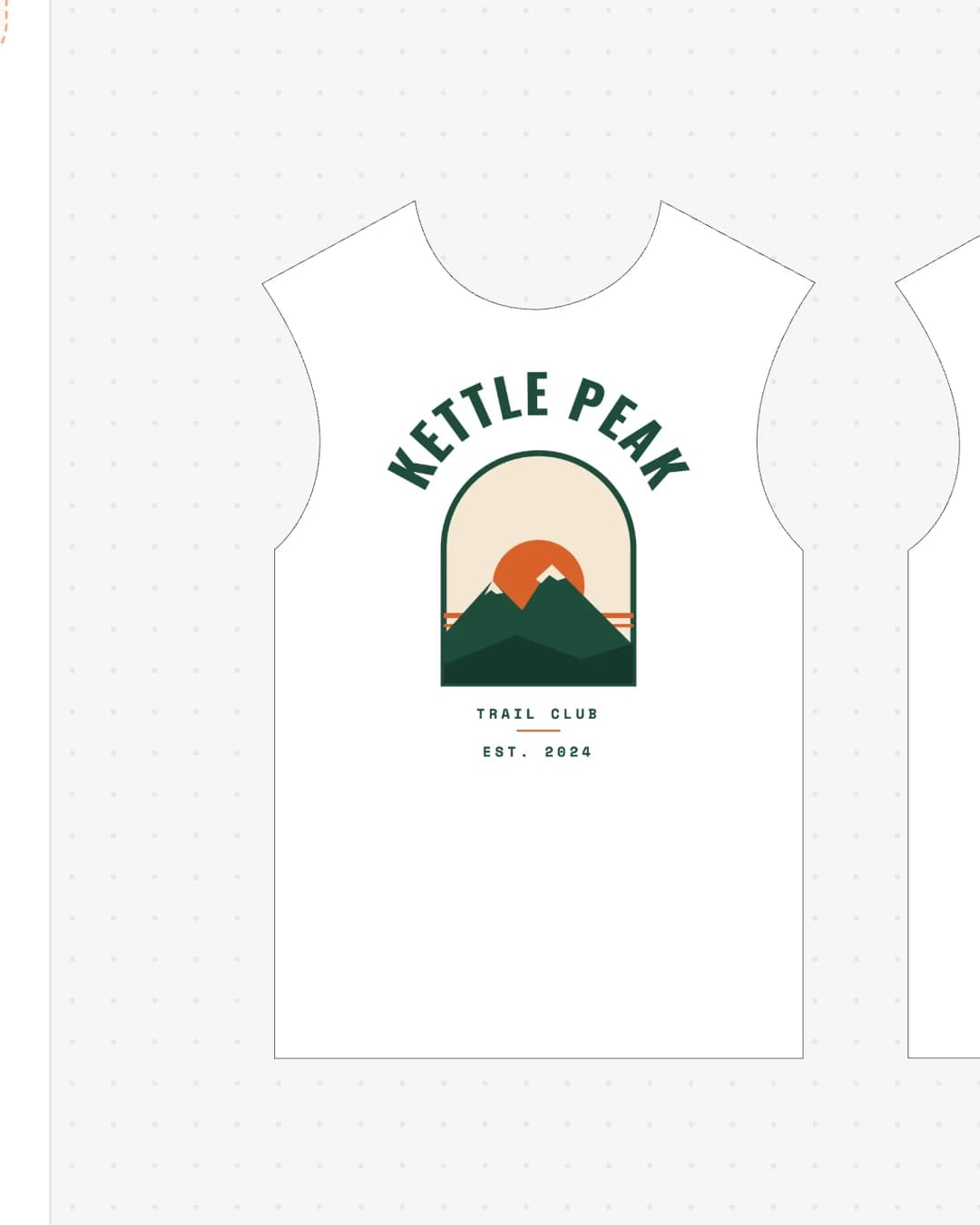 2
Add your artwork
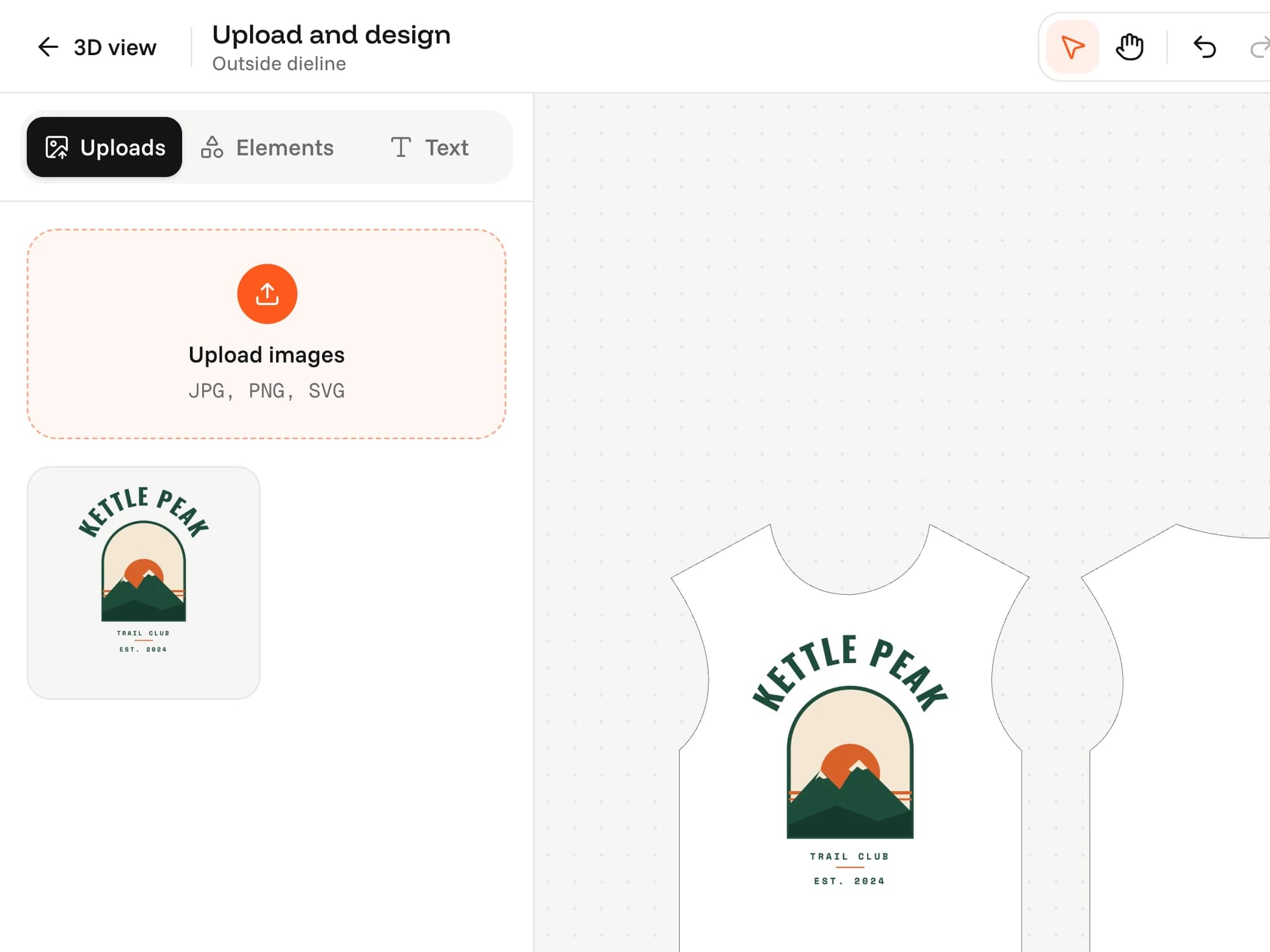
Open Upload and design, add your file and drag it onto the front piece. You can add text, shapes and patterns here too.
Upload your artwork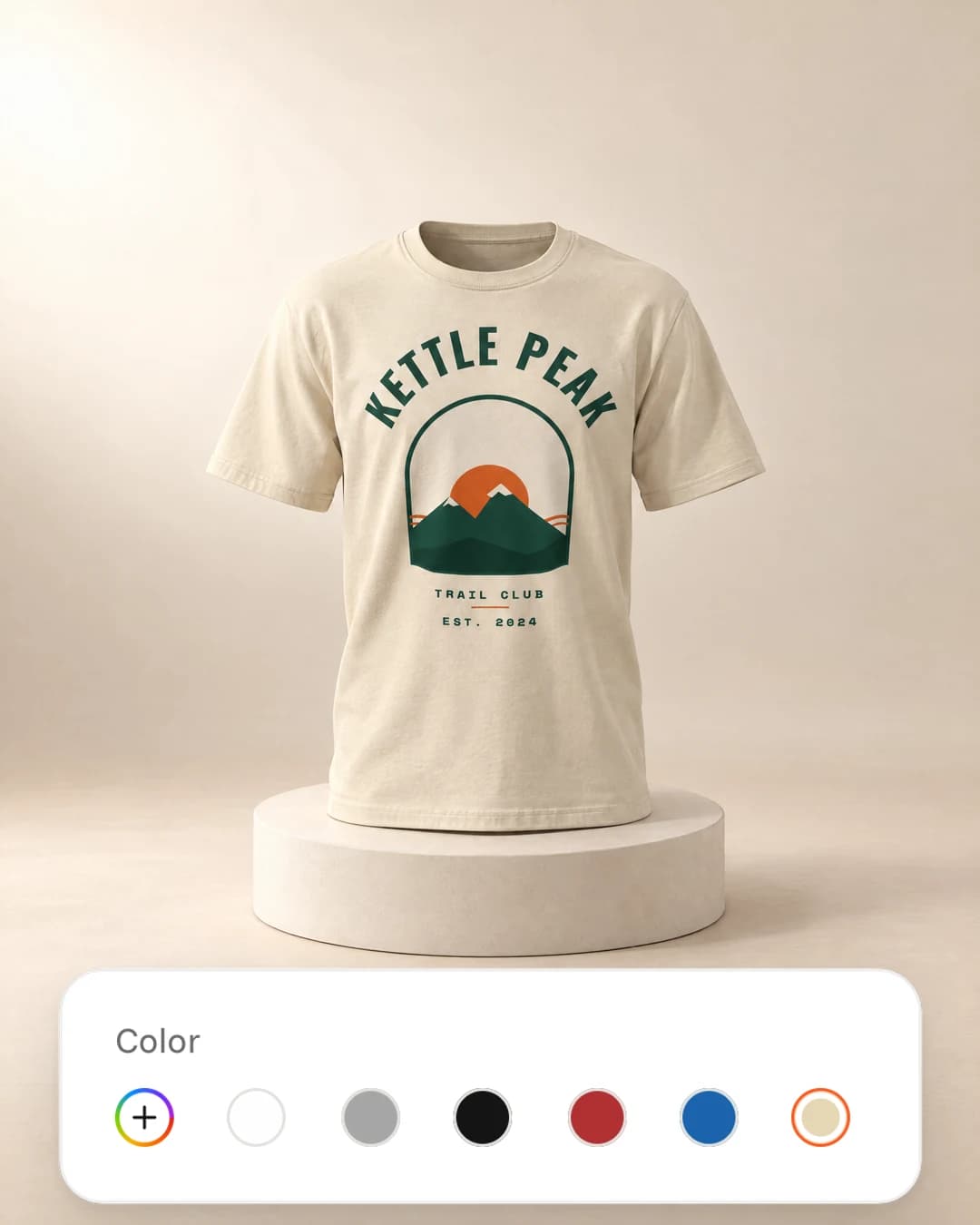 3
Pick a color and angle
Tap a fabric swatch or mix your own shade, then drag the shirt or use a camera preset for the view you want.
Try the color picker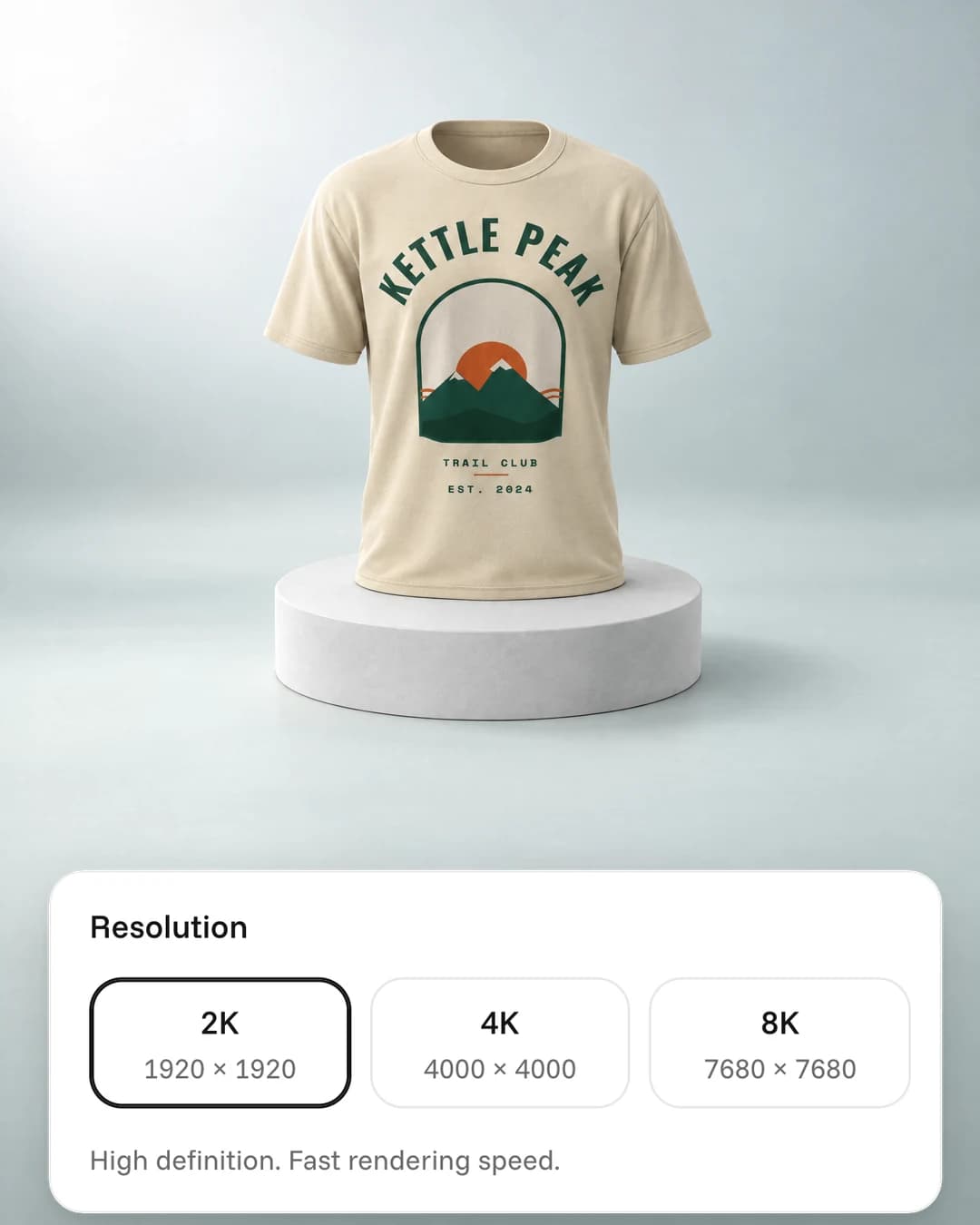 4
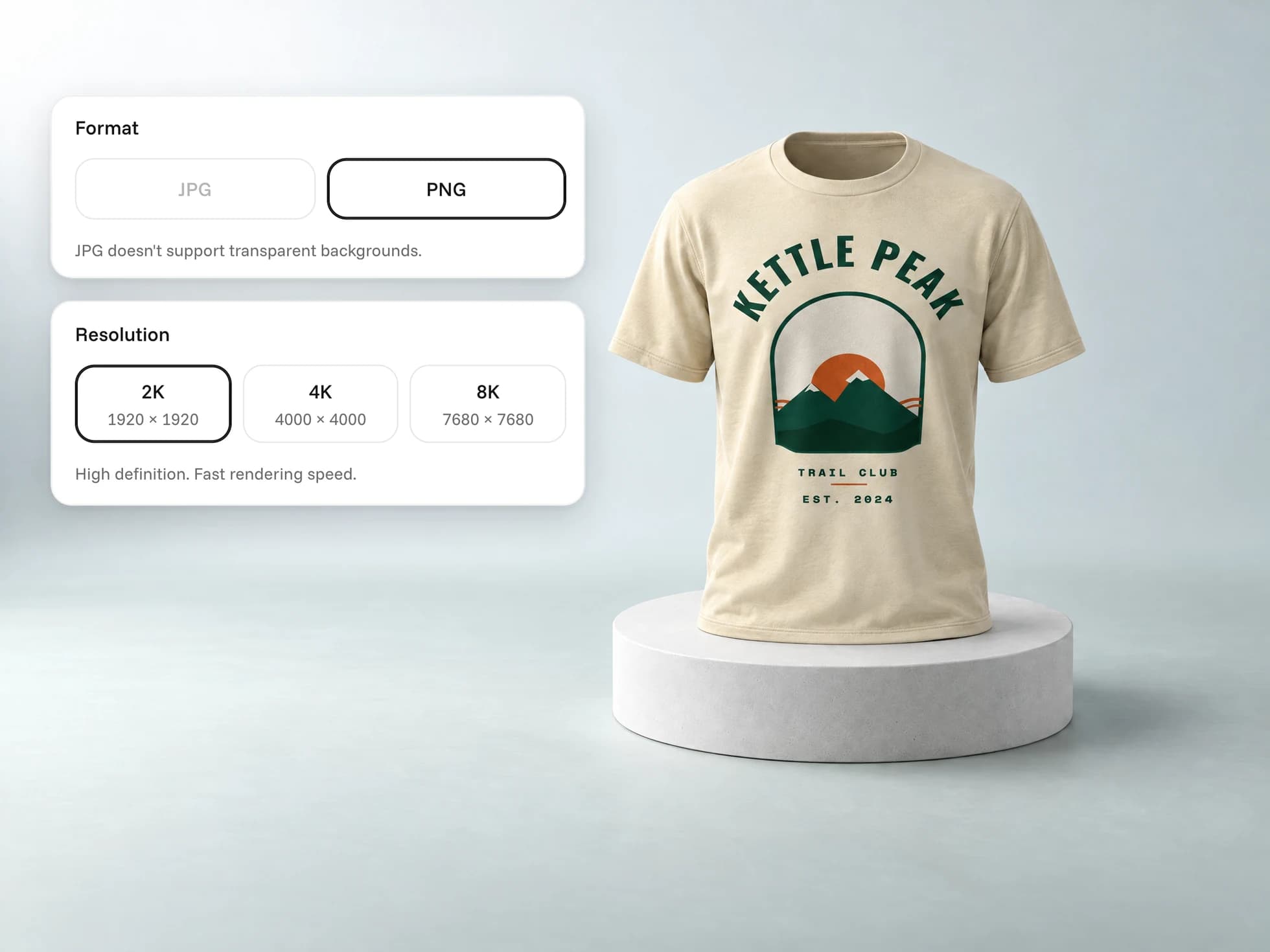
Render in 2K, 4K or 8K
Pick PNG for a transparent background, then choose the size. 8K renders at 7680 × 7680 px, so the print stays sharp when shoppers zoom in on your listing.
Render an 8K mockup
Colorways and angles from one model
Same artwork, same model. Change the fabric color for each variant, then turn the garment to show the back print.
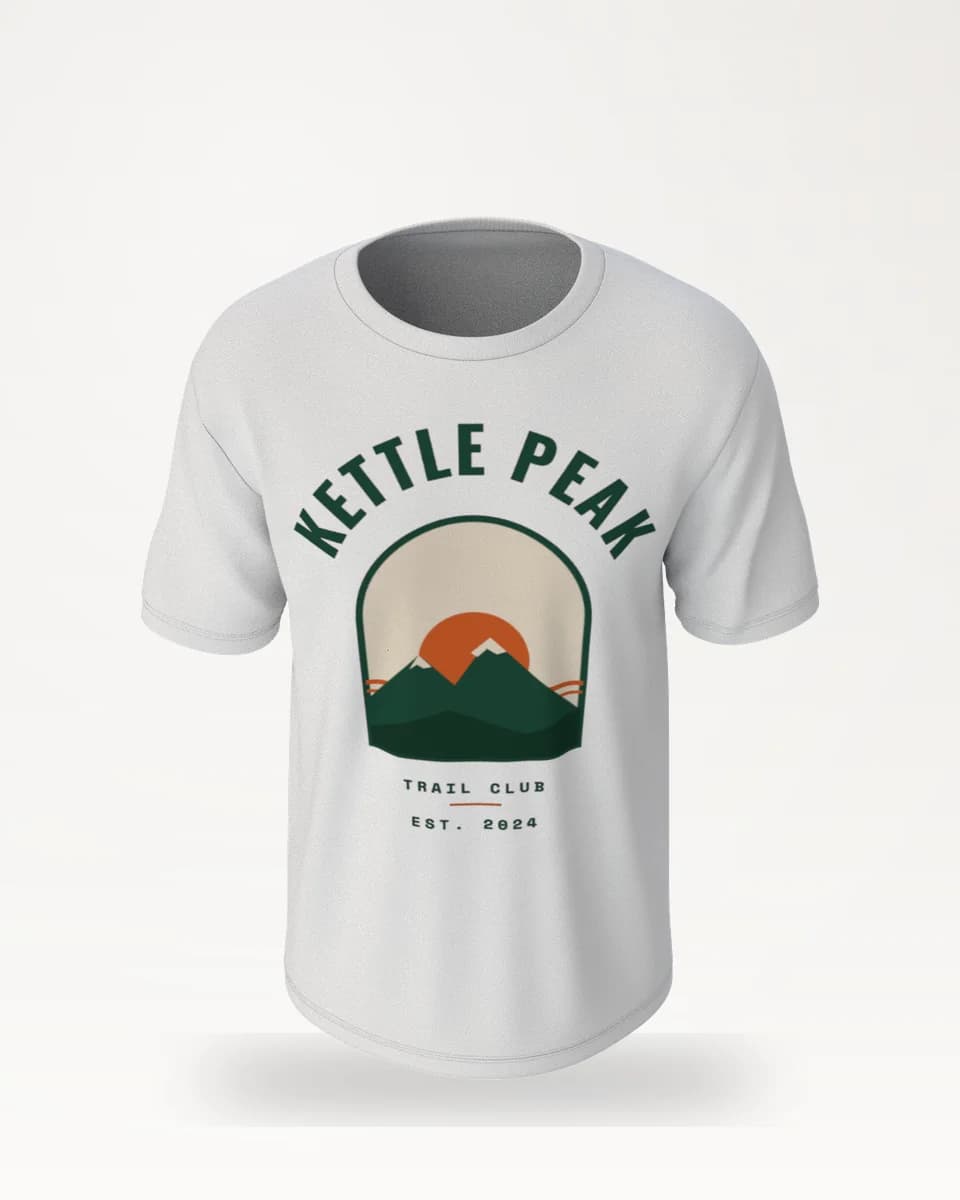
White 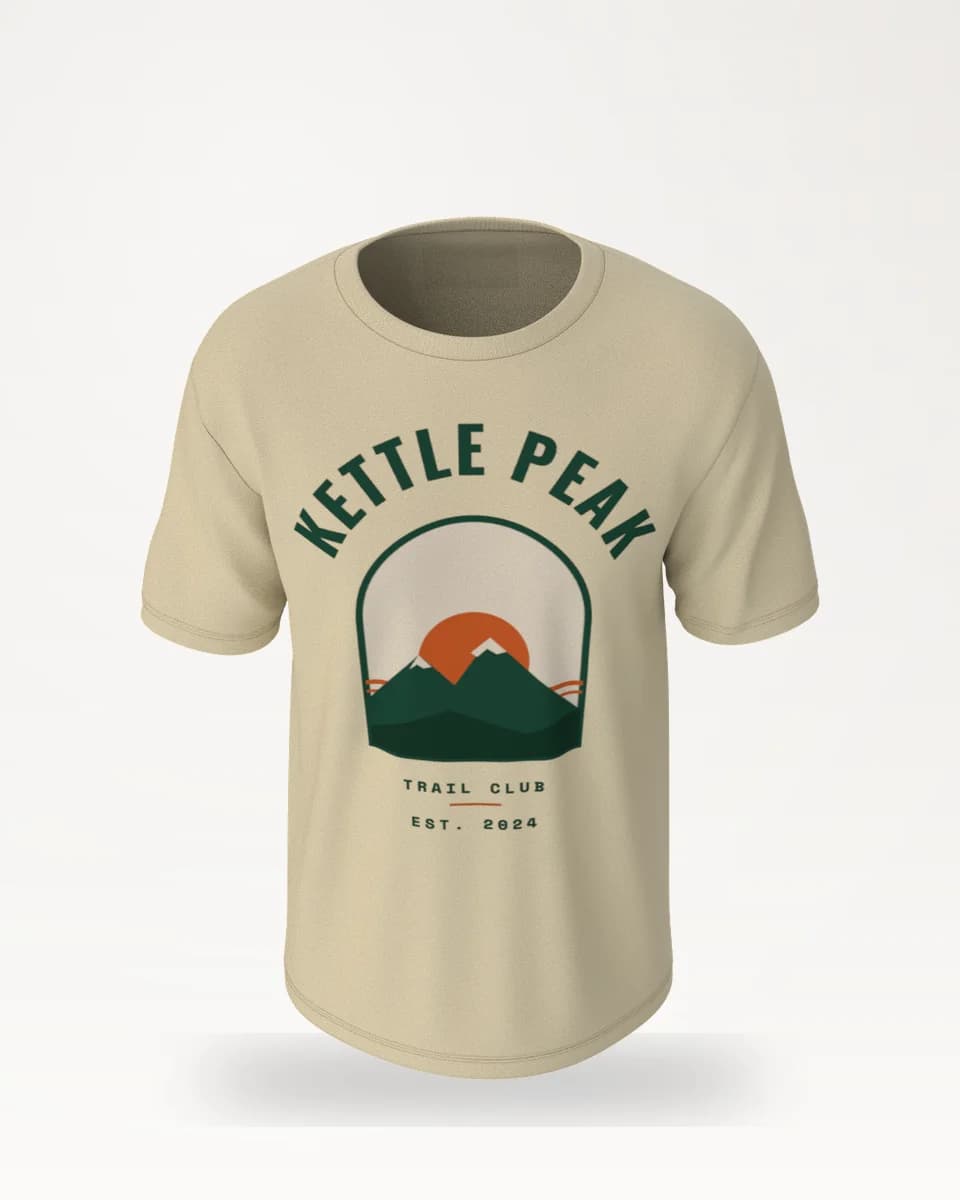
Cream 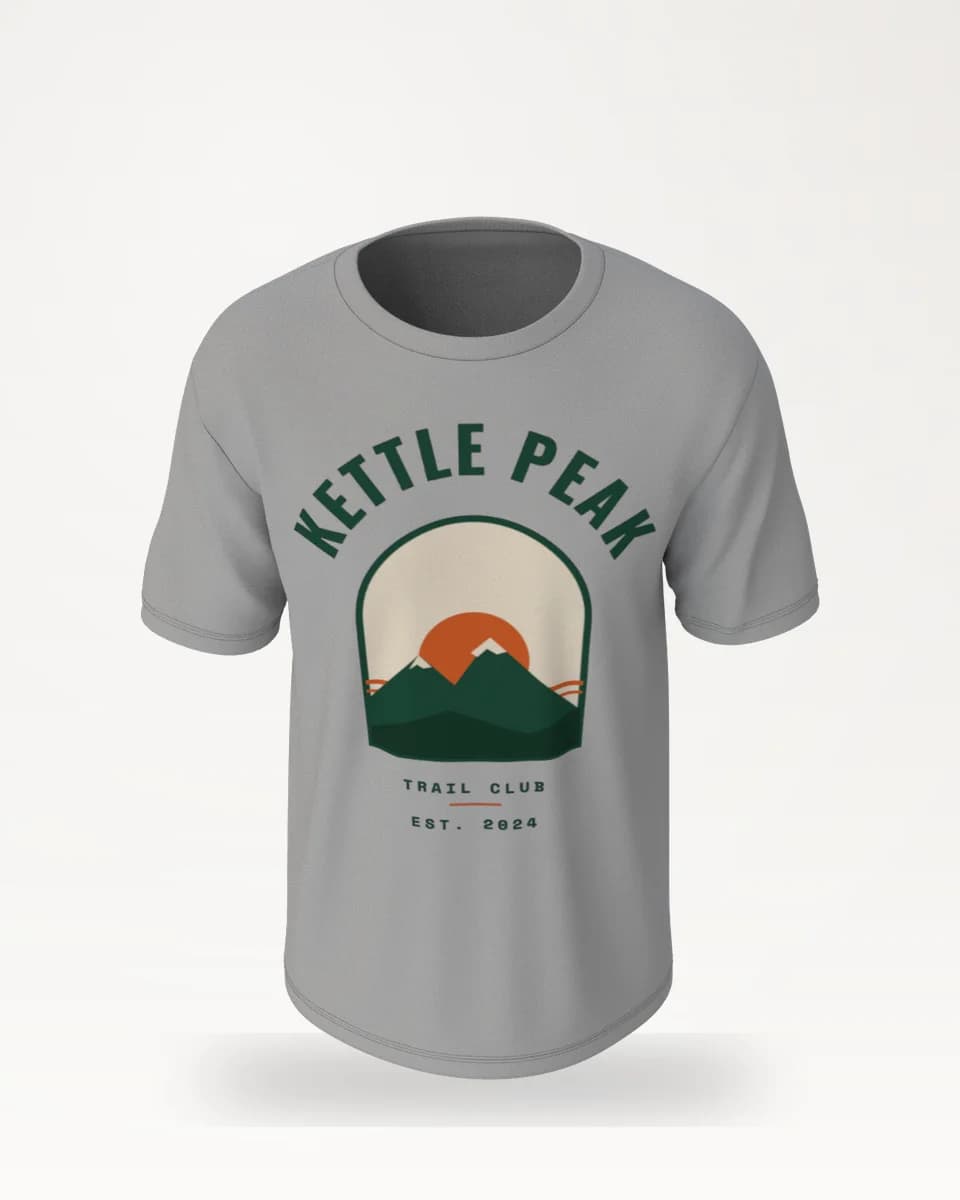
Grey 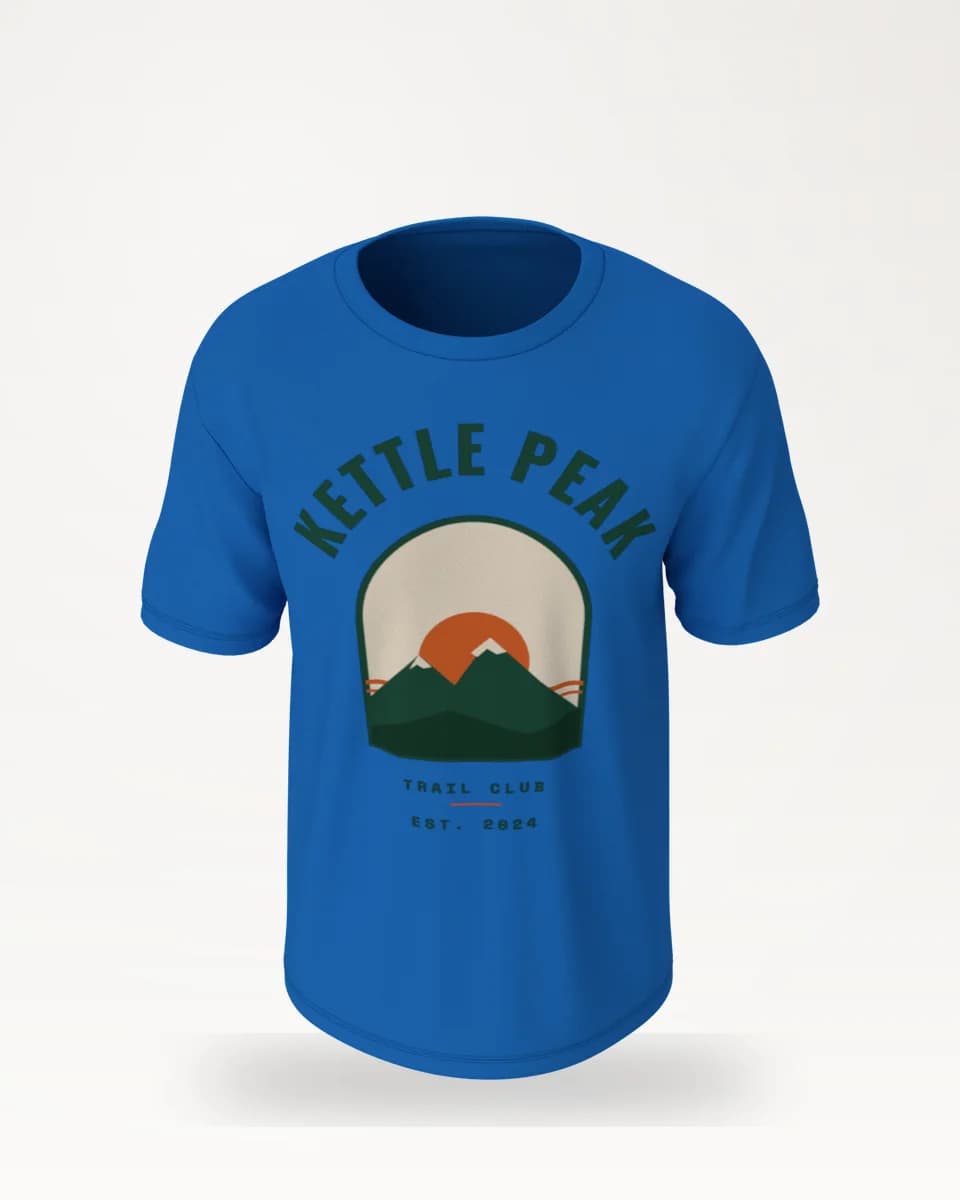
Blue 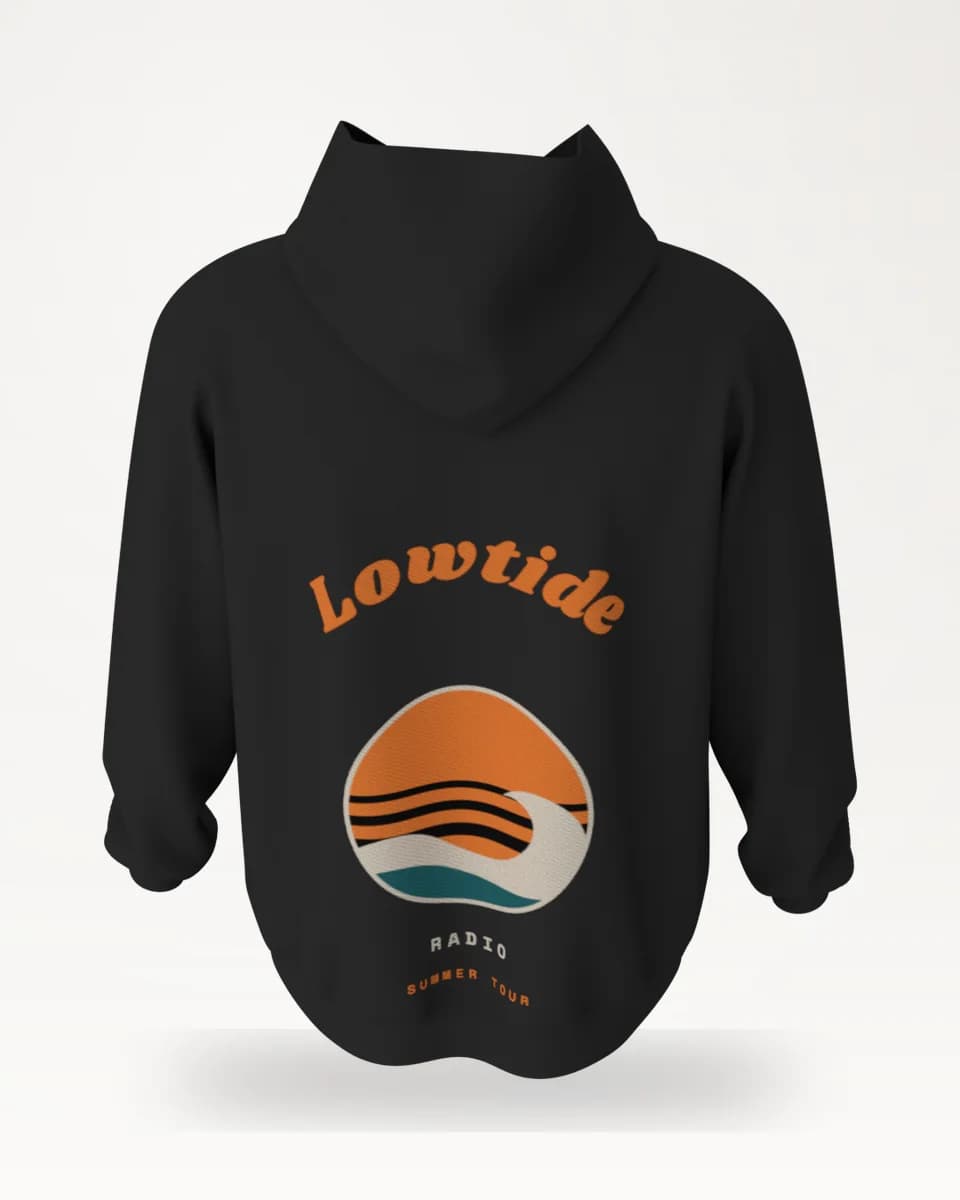
Charcoal hoodie, back print 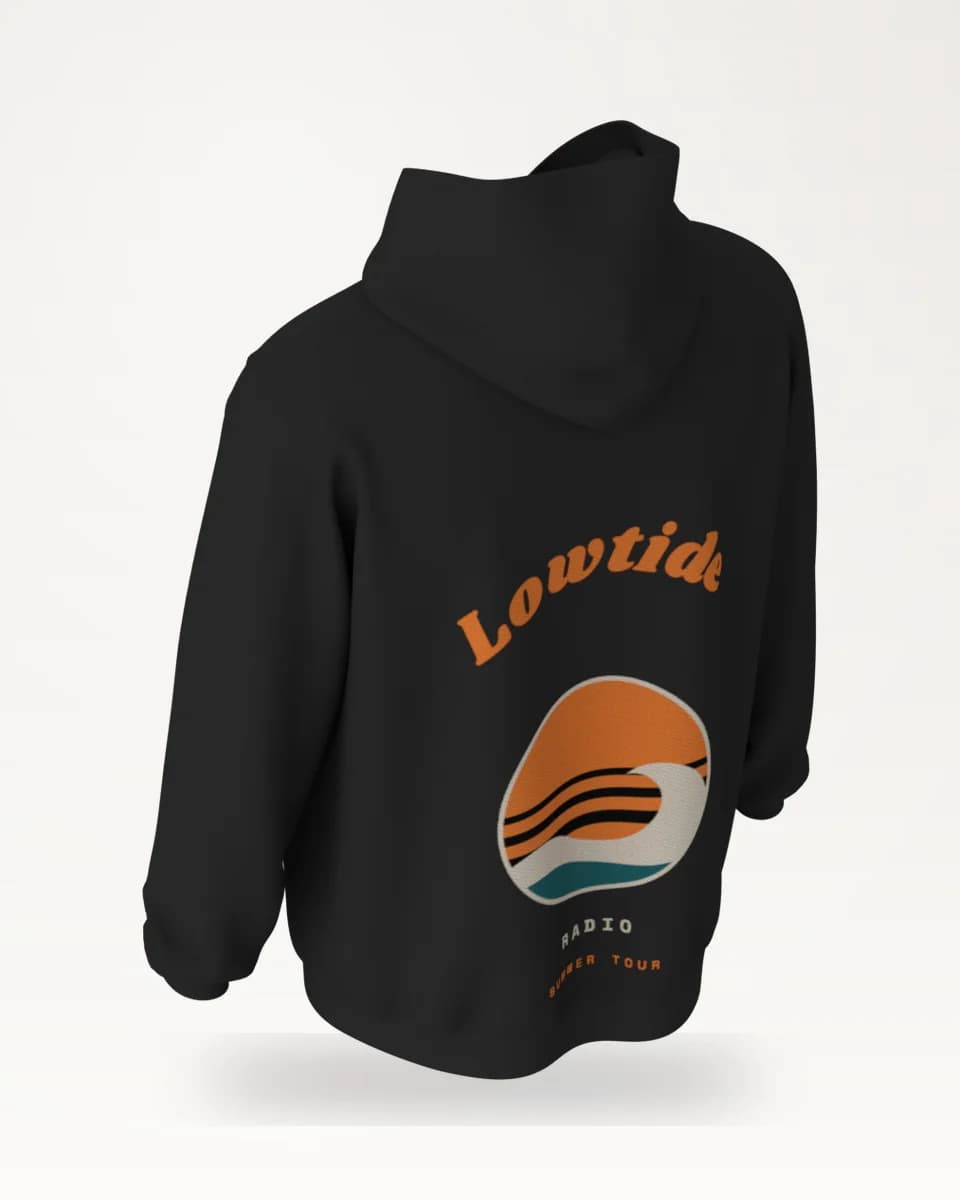
Same hoodie, three-quarter back
Hoodie, polo and hat mockups too
Keep the artwork, switch the garment, cover a whole merch range.
T-shirts
A basic crew neck, an oversized cut, a long-sleeve tee and a women's deep V-neck.
Compare t-shirt cutsHoodies
An oversized pullover with a kangaroo pocket and a boxy hoodie, with room for a large back print.
View hoodie mockupsPolo shirts
A classic short-sleeve polo for staff uniforms, golf clubs and a small left-chest logo.
Open the polo shirtHats and socks
A drawstring bucket hat, a tennis sun visor and argyle knit socks to round out a merch table.
Try the bucket hat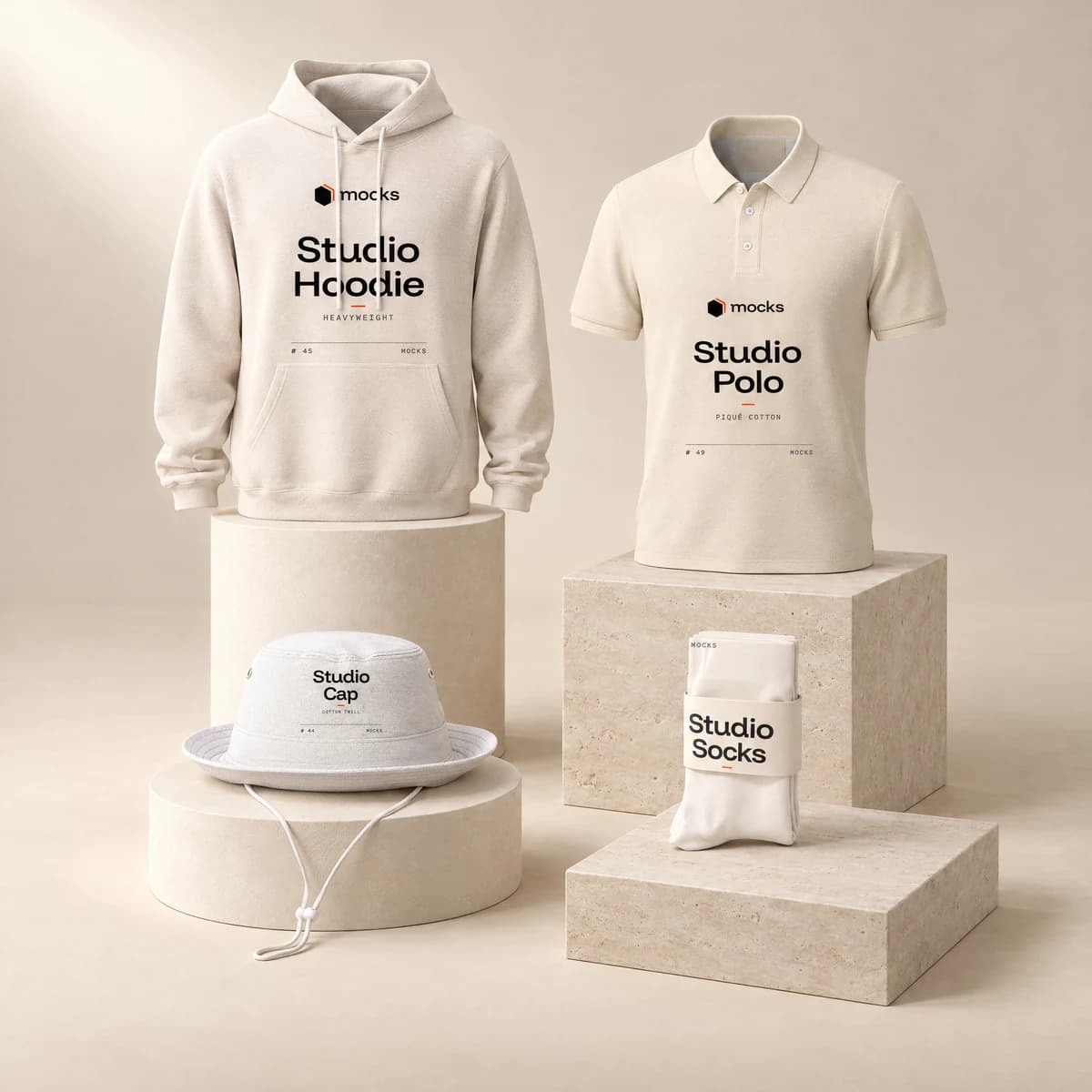
Apparel mockups for sellers, bands and brands
Why people mock up a shirt before it exists.
Print-on-demand listings
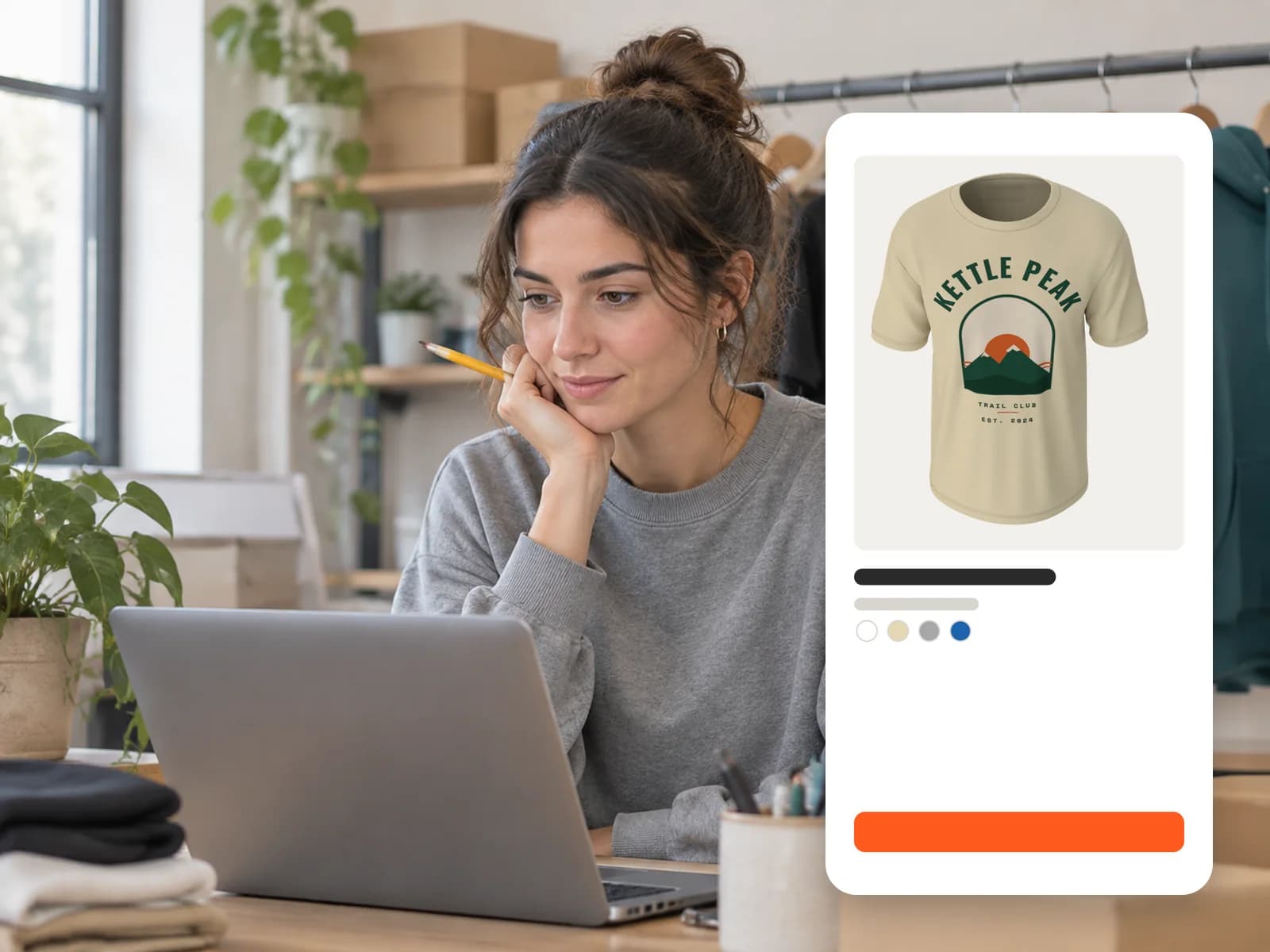
List a new design in four colorways on the day you finish it, with matching angles and a transparent background for every variant.
Merch drops
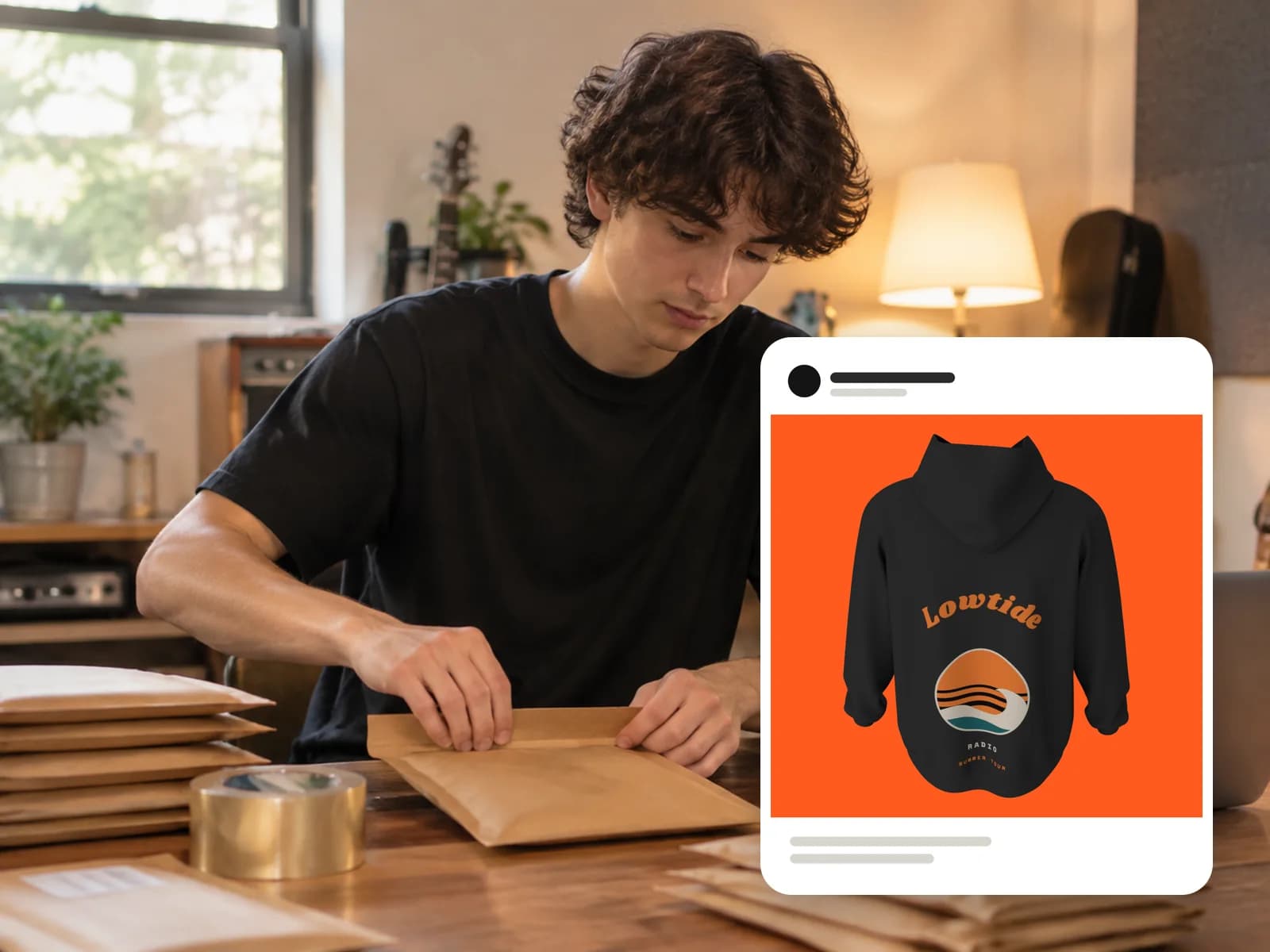
Show fans the front and back of a tour hoodie before the print order, then post the rotation video as a teaser.
Lookbooks and pre-order pages
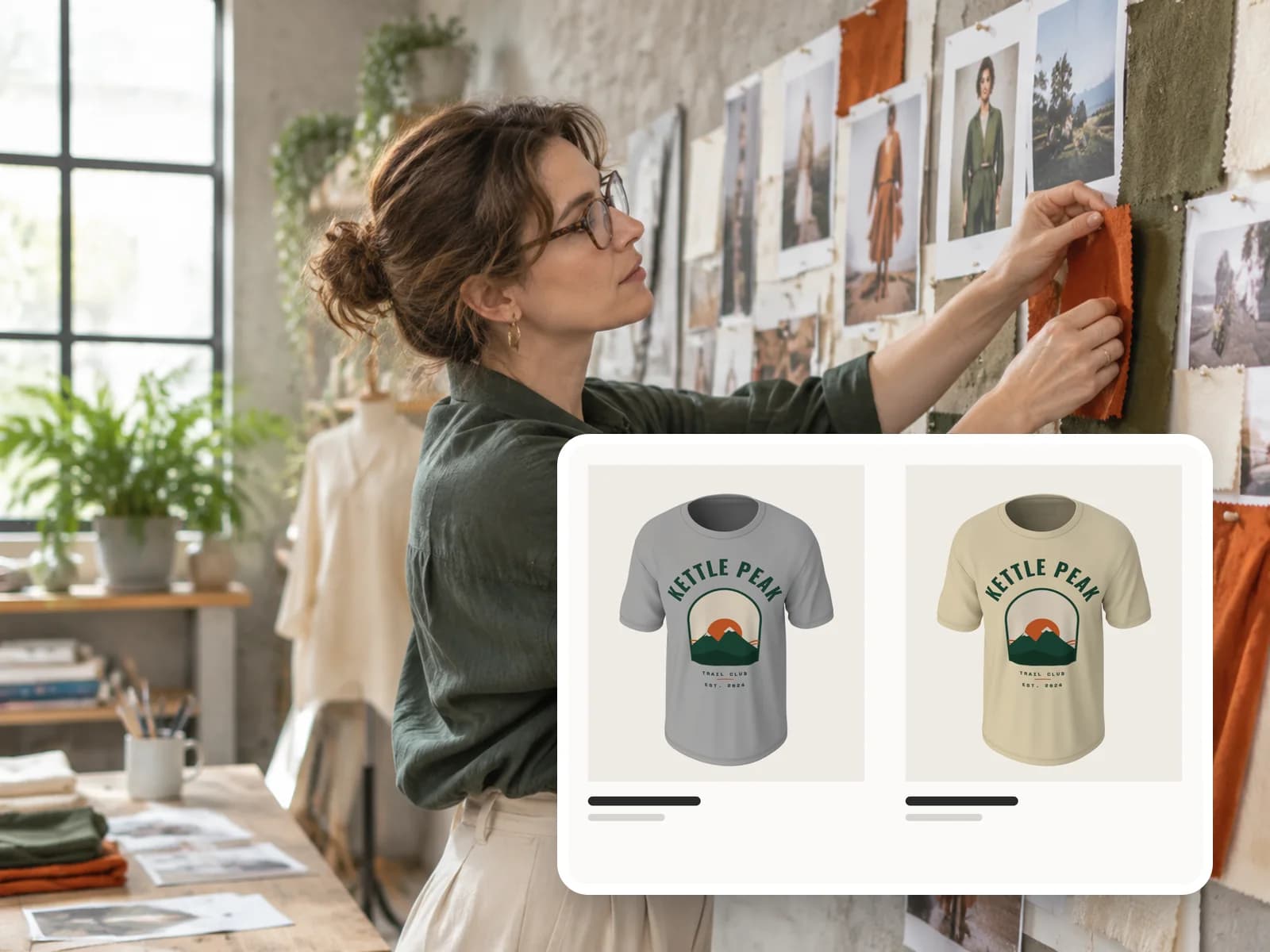
Lay out a small collection on matching backgrounds so a pre-order page or a line sheet looks like one shoot.
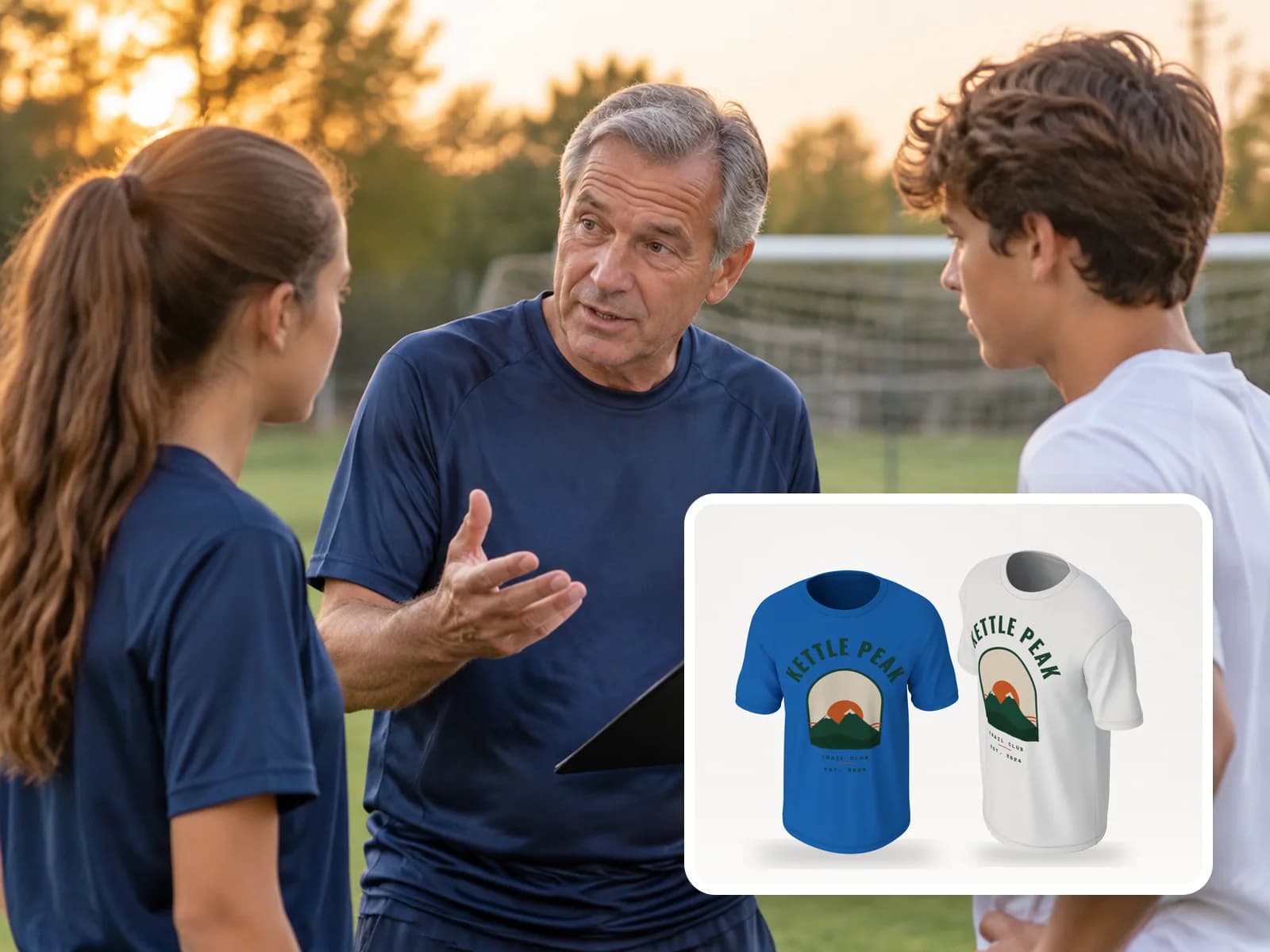
Team and club kits
Send coaches or members a few options in club colors and agree on a design before anyone orders shirts.
3D mockup, photo shoot or flat template?
Each has its place; here is what changes with a 3D model.
3D mockup in Mocks | Photo shoot | Flat mockup template | |
|---|---|---|---|
| Needs a printed sample | No | Yes | No |
| Change the fabric color | One click | One sample per color | Depends on the template |
| Show the back and sides | Turn the model | Extra shots | Usually one fixed view |
| Transparent background | Built in | Needs cutout editing | Depends on the file |
| Short product video | MP4 from a preset | Separate video shoot | Not included |
| Real fabric and model | Rendered, not photographed | Yes | Photo of one sample |
T-shirt mockup questions
Explore more mockups
Make your first t-shirt mockup
Free to use, no sign-up, runs in your browser.