
Can mockups for soda, beer and energy drinks
Wrap your artwork around a 3D soda, beer or energy drink can, pick a matte or glossy metal finish and turn it to any angle. Export a transparent PNG or a short MP4 for launch day.
11 mockups
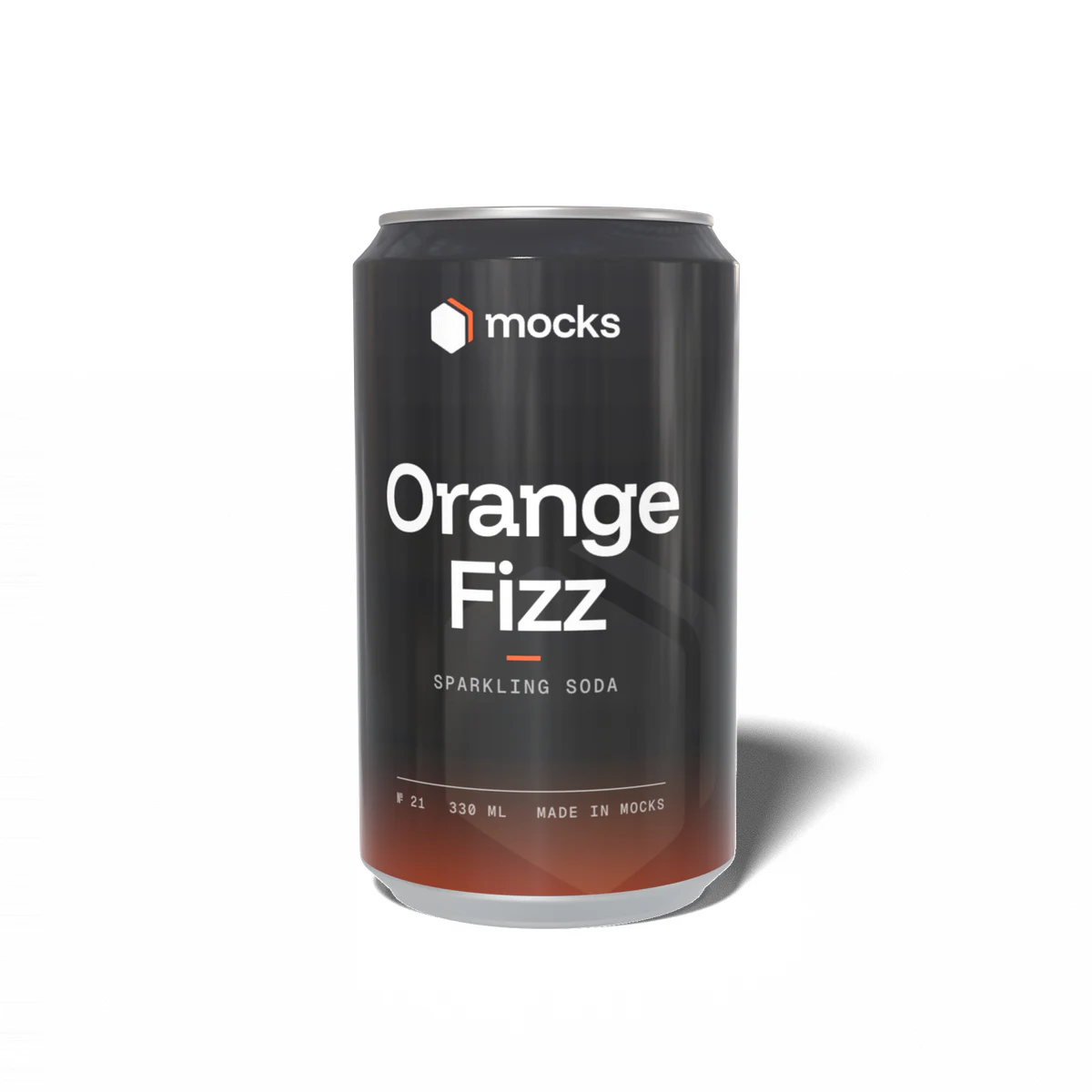
330 ml Standard Soda Can
Soda Can
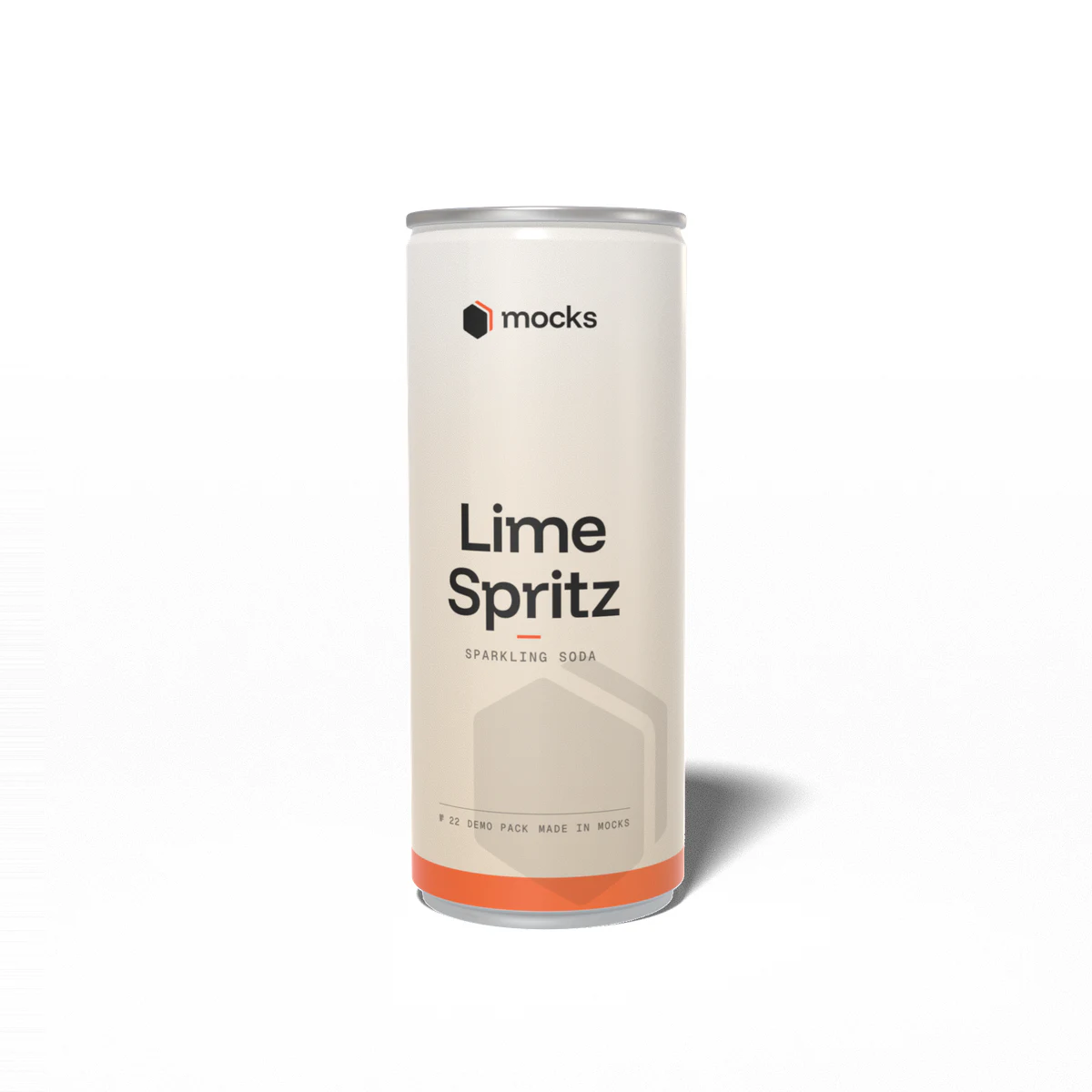
Tall Slim Soda Can
Soda Can
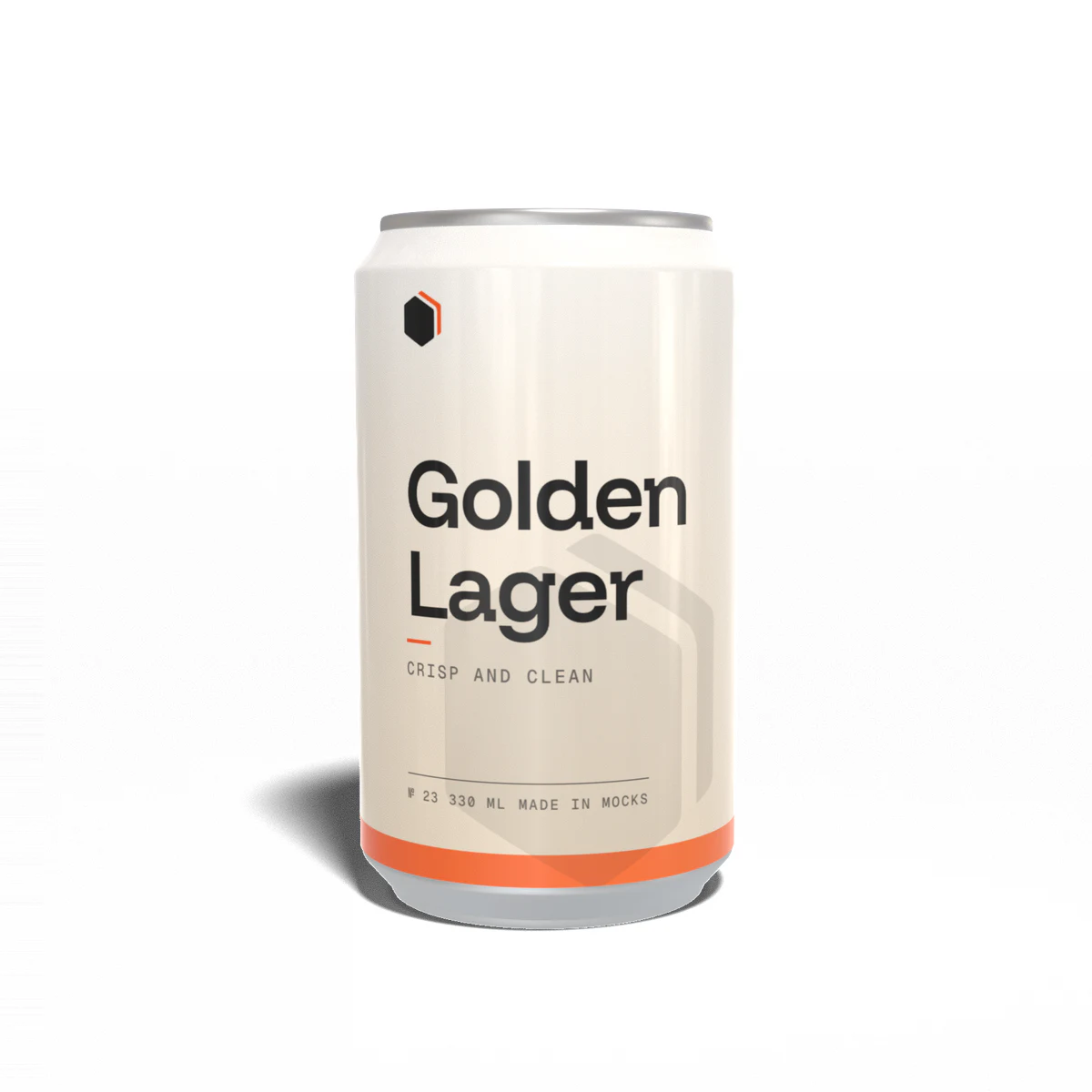
330 ml Standard Beer Can
Beer Can330 ml
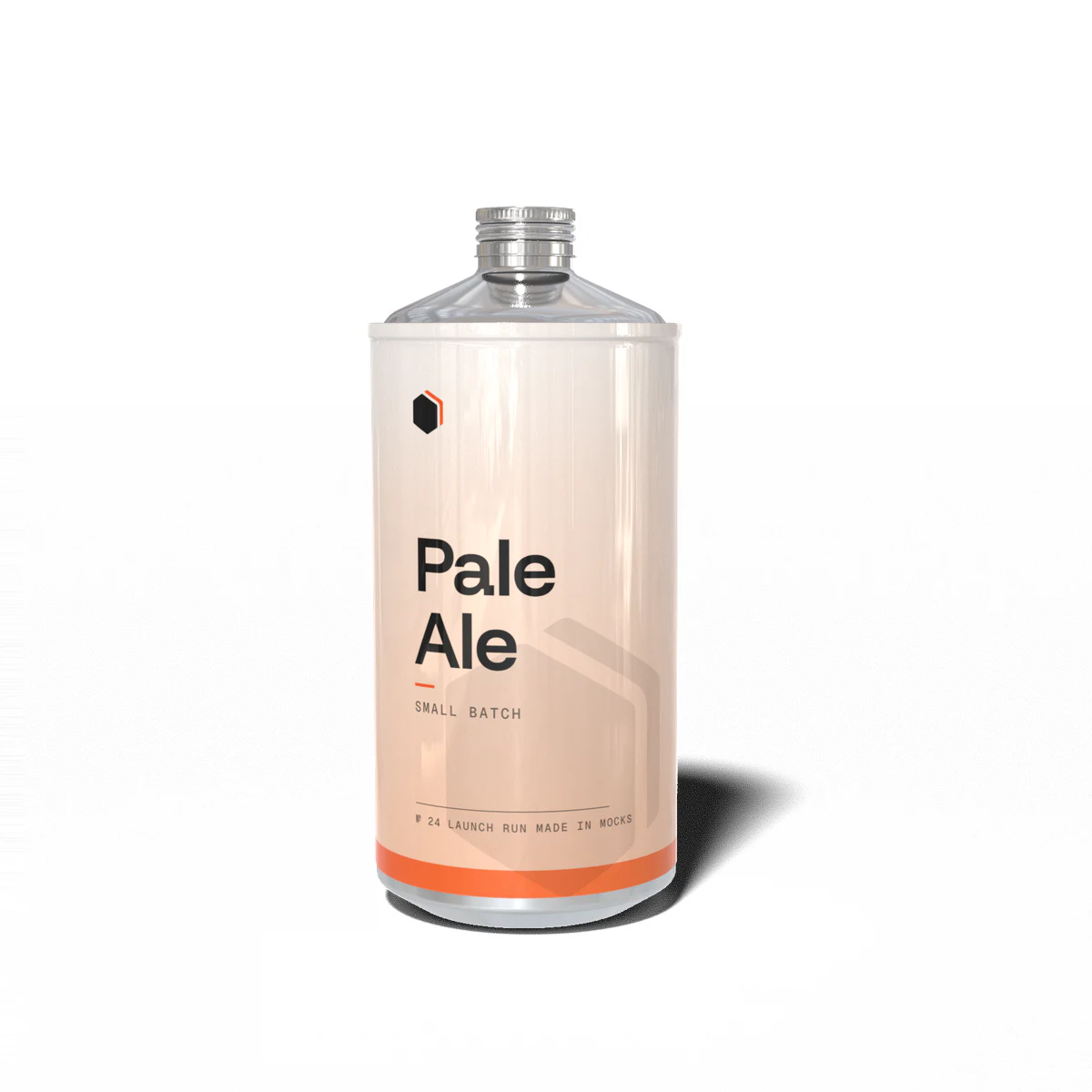
Large Draft Beer Can
Beer Can
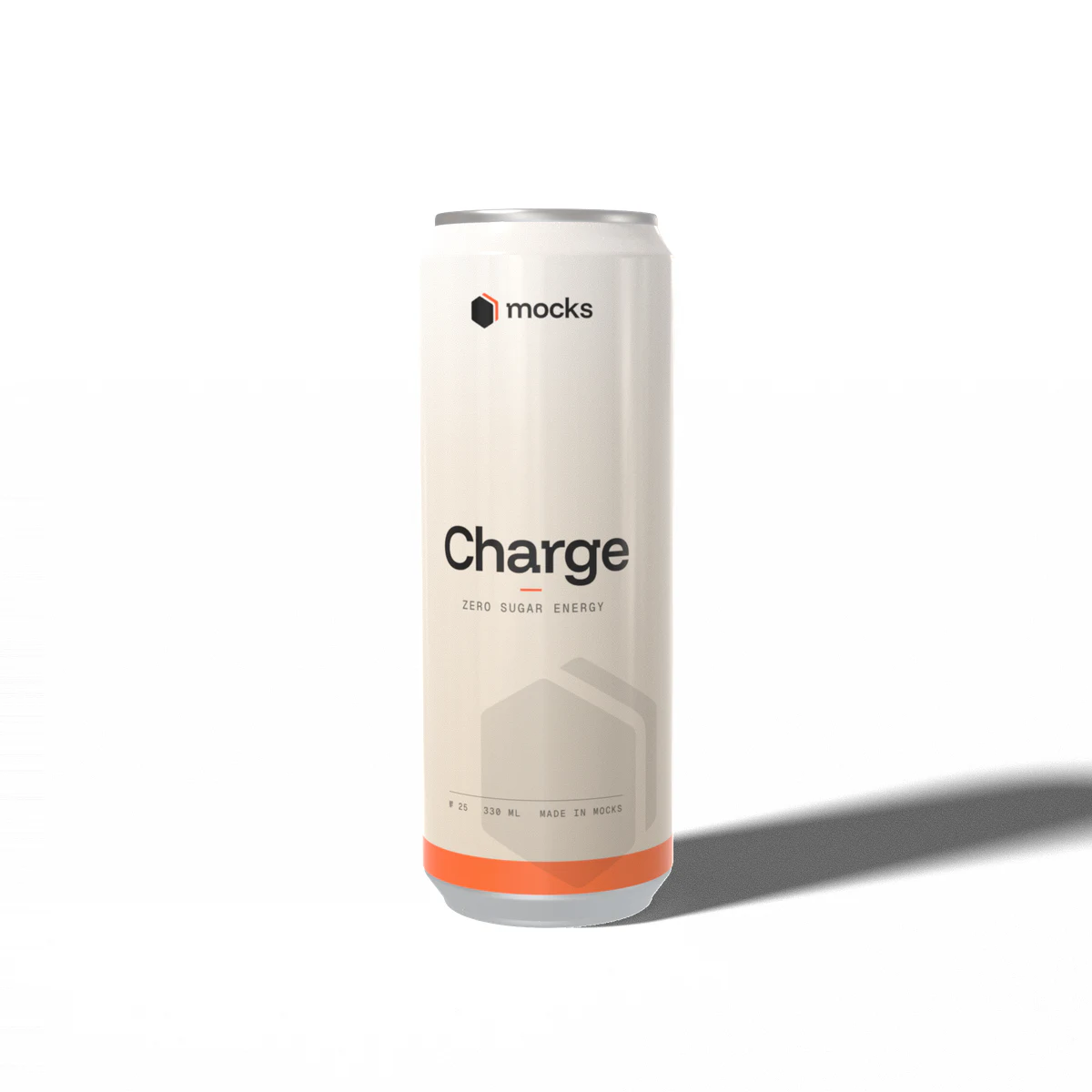
330 ml Sleek Energy Drink Can
Energy Drink330 ml
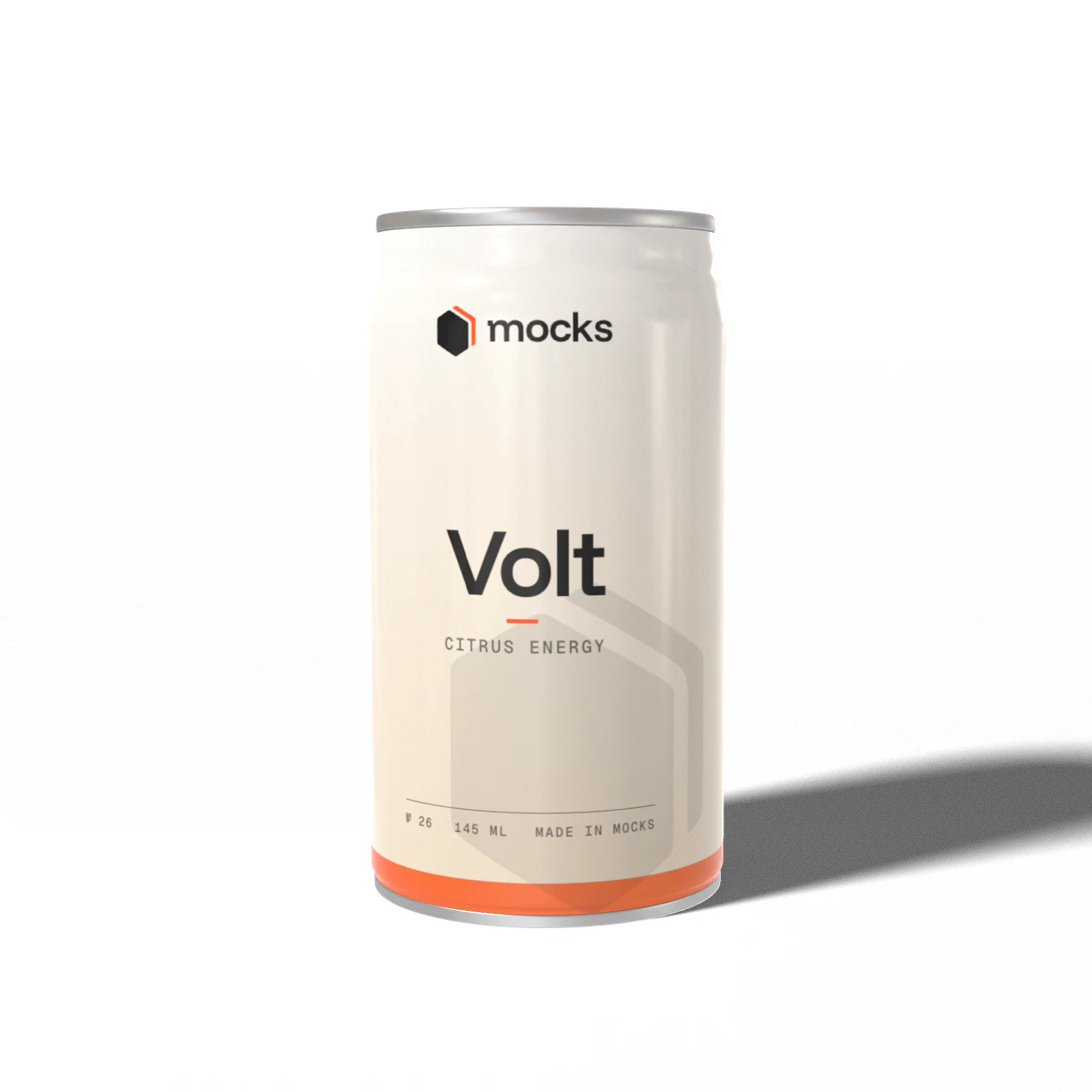
145 ml Energy Shot Can
Energy Drink
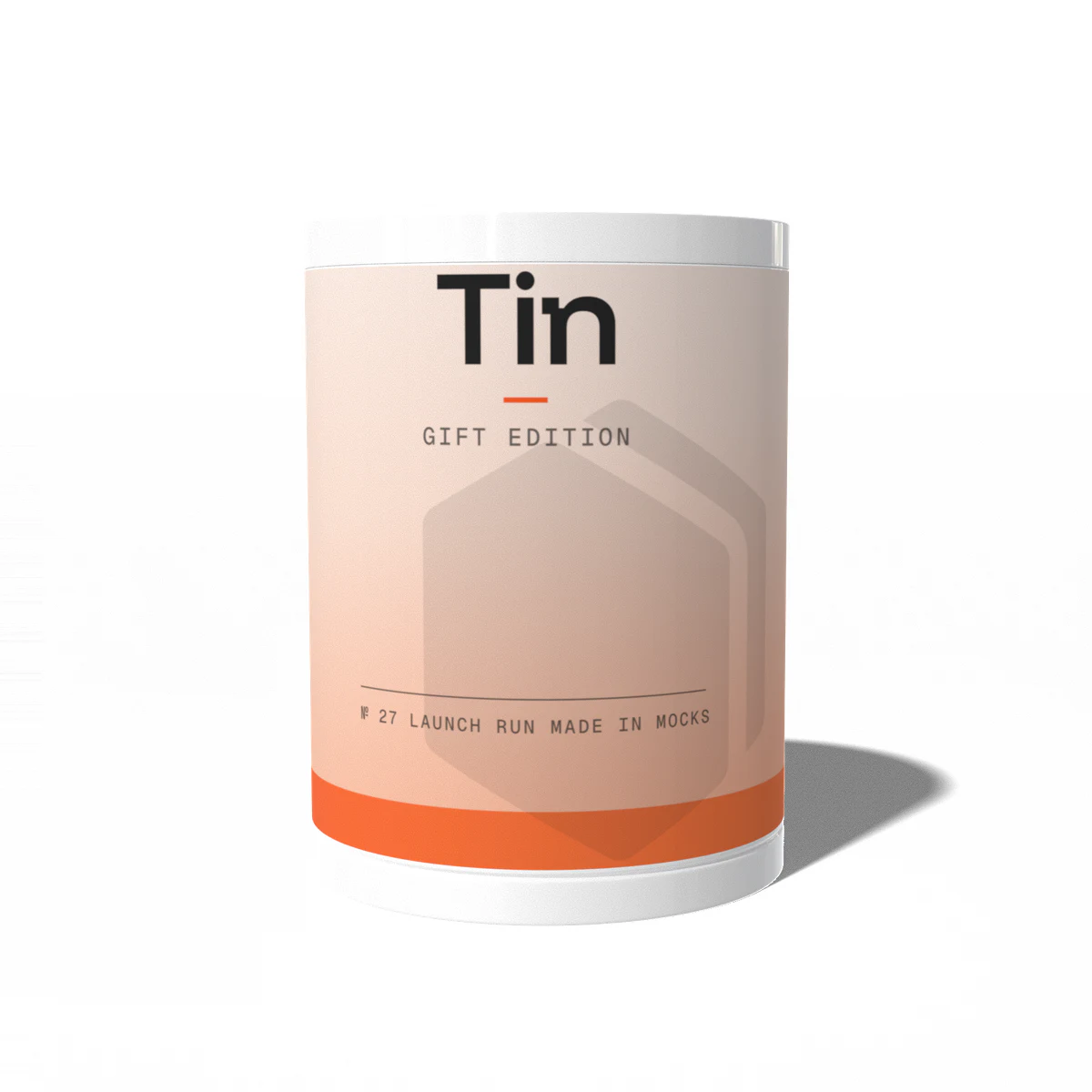
Large Round Tin
Coffee Can
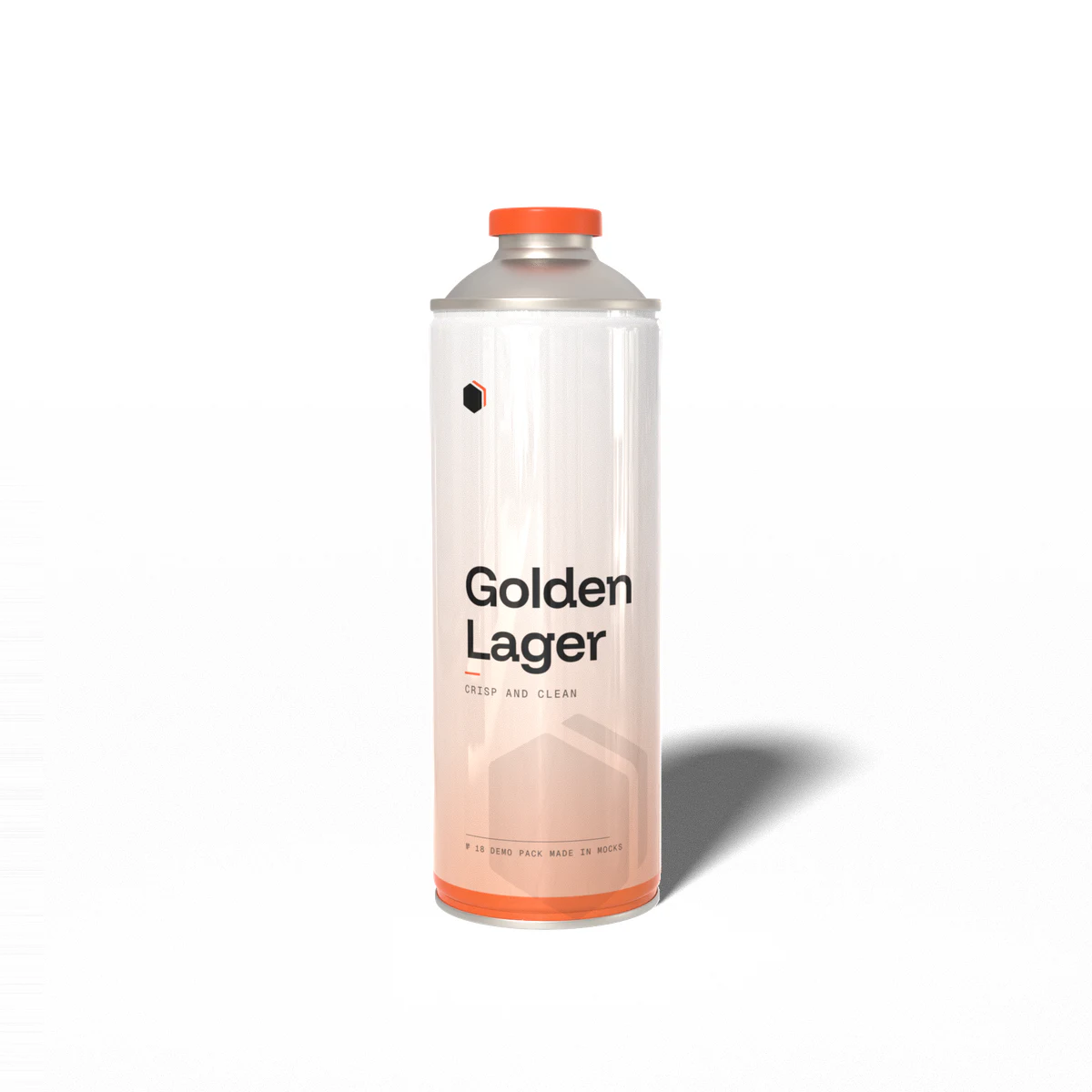
Aluminum Beer Bottle
Beer Bottle
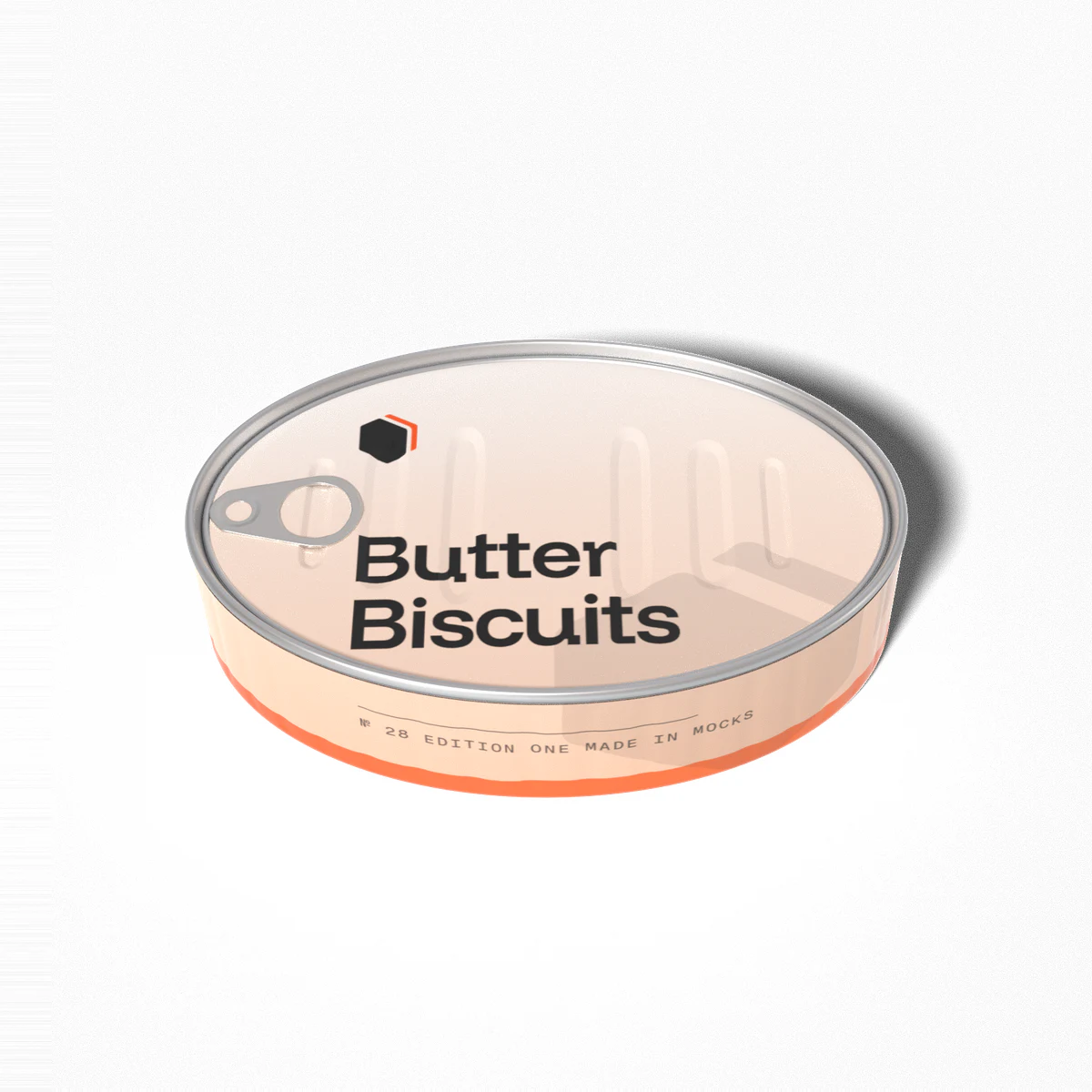
Wide Flat Food Tin
Food Can
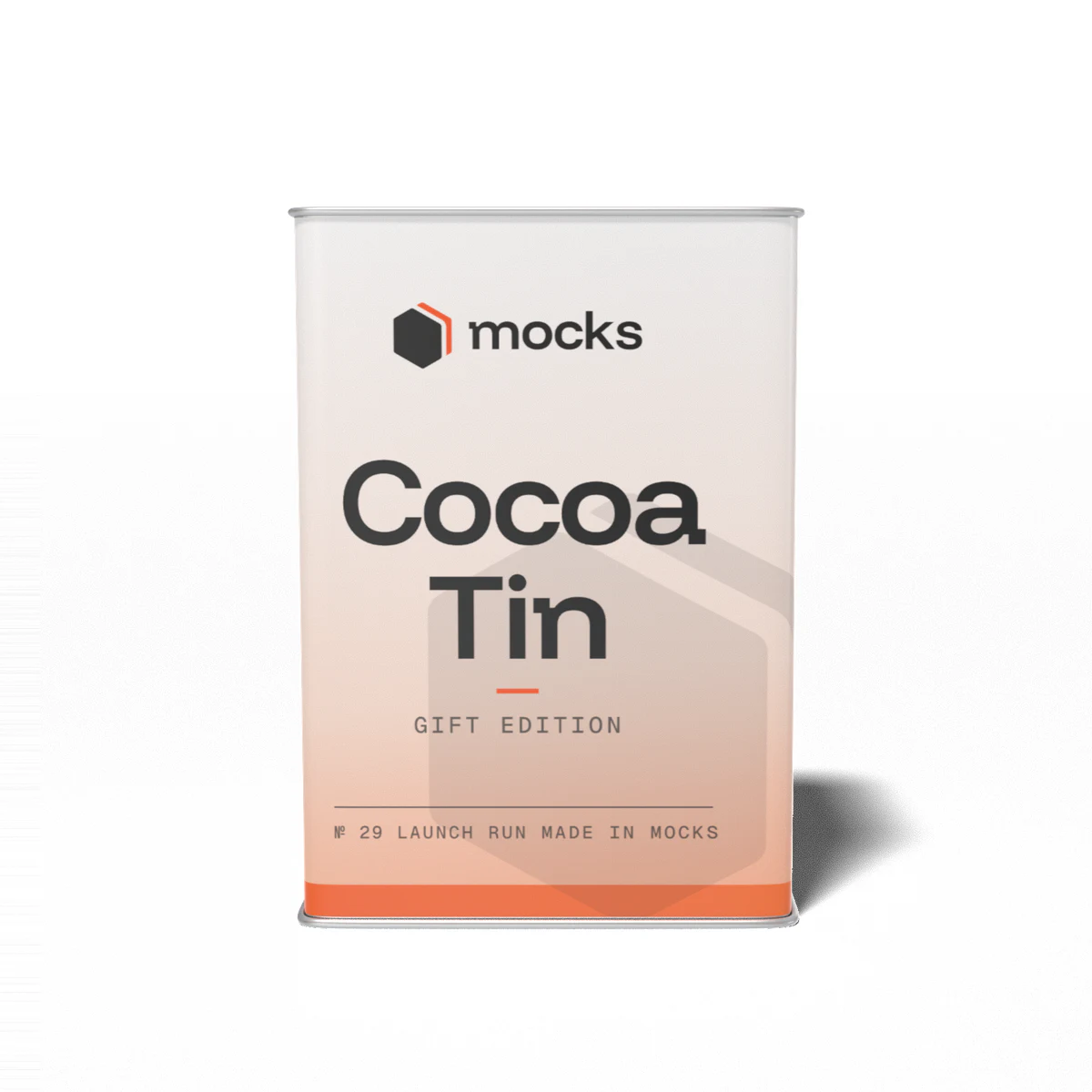
Square Biscuit Tin
Tin
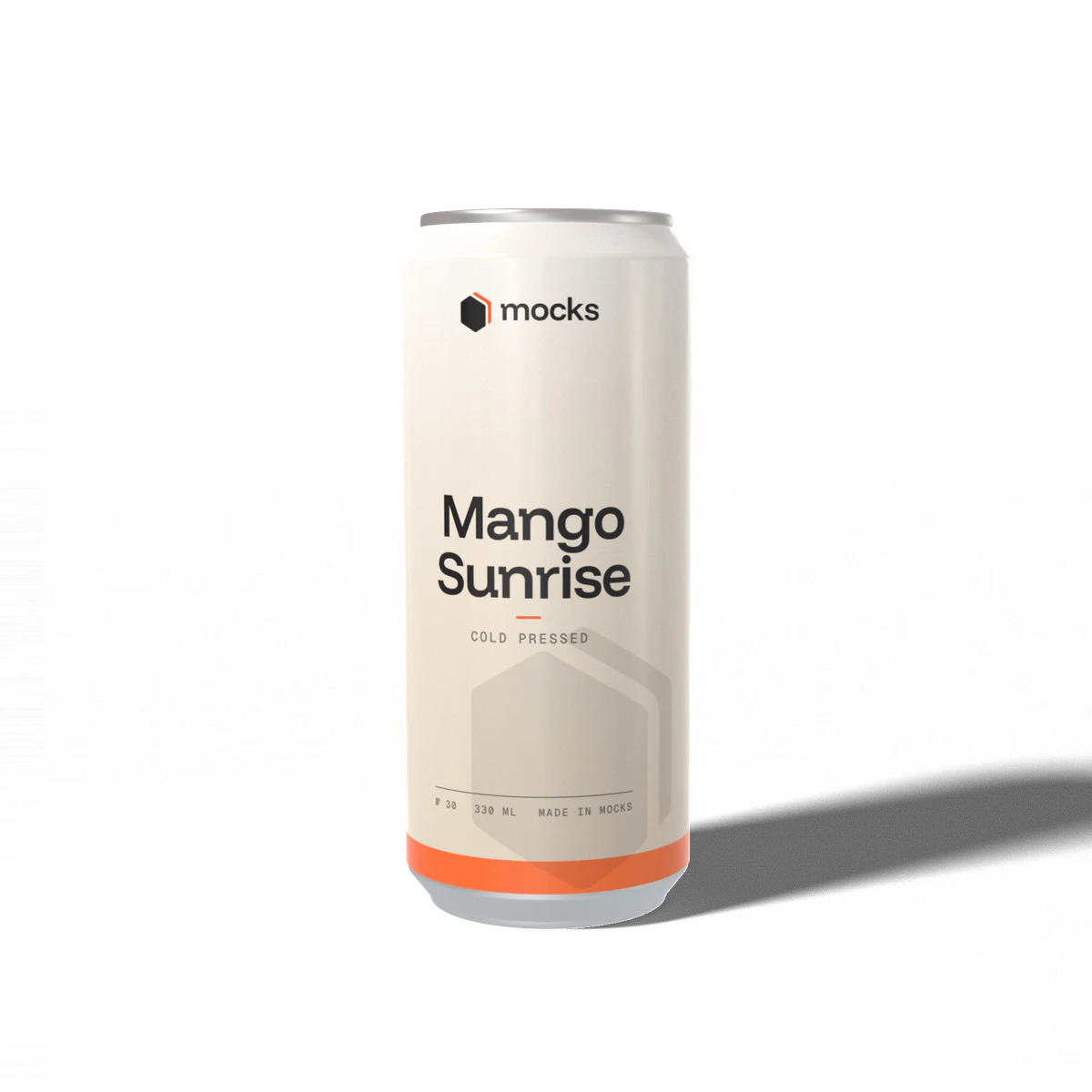
330 ml Slim Juice Can
Juice Can
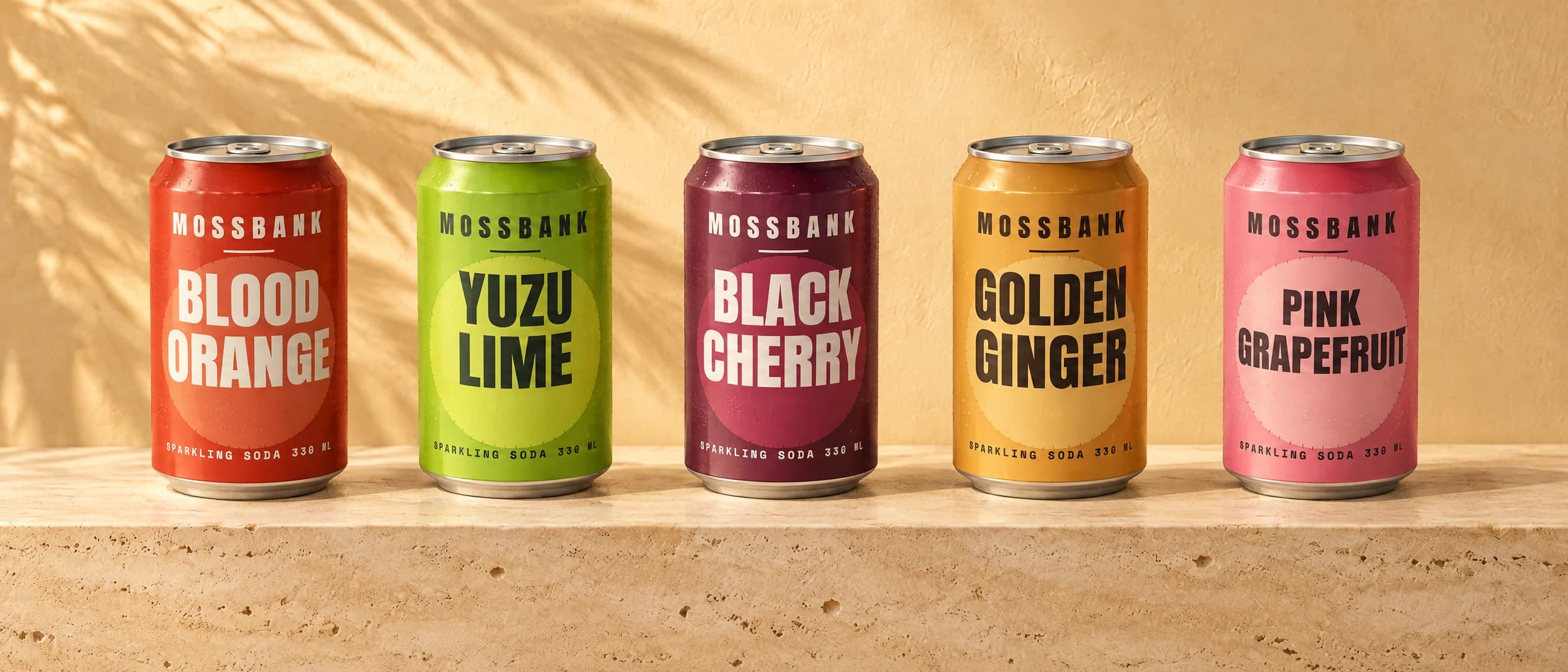
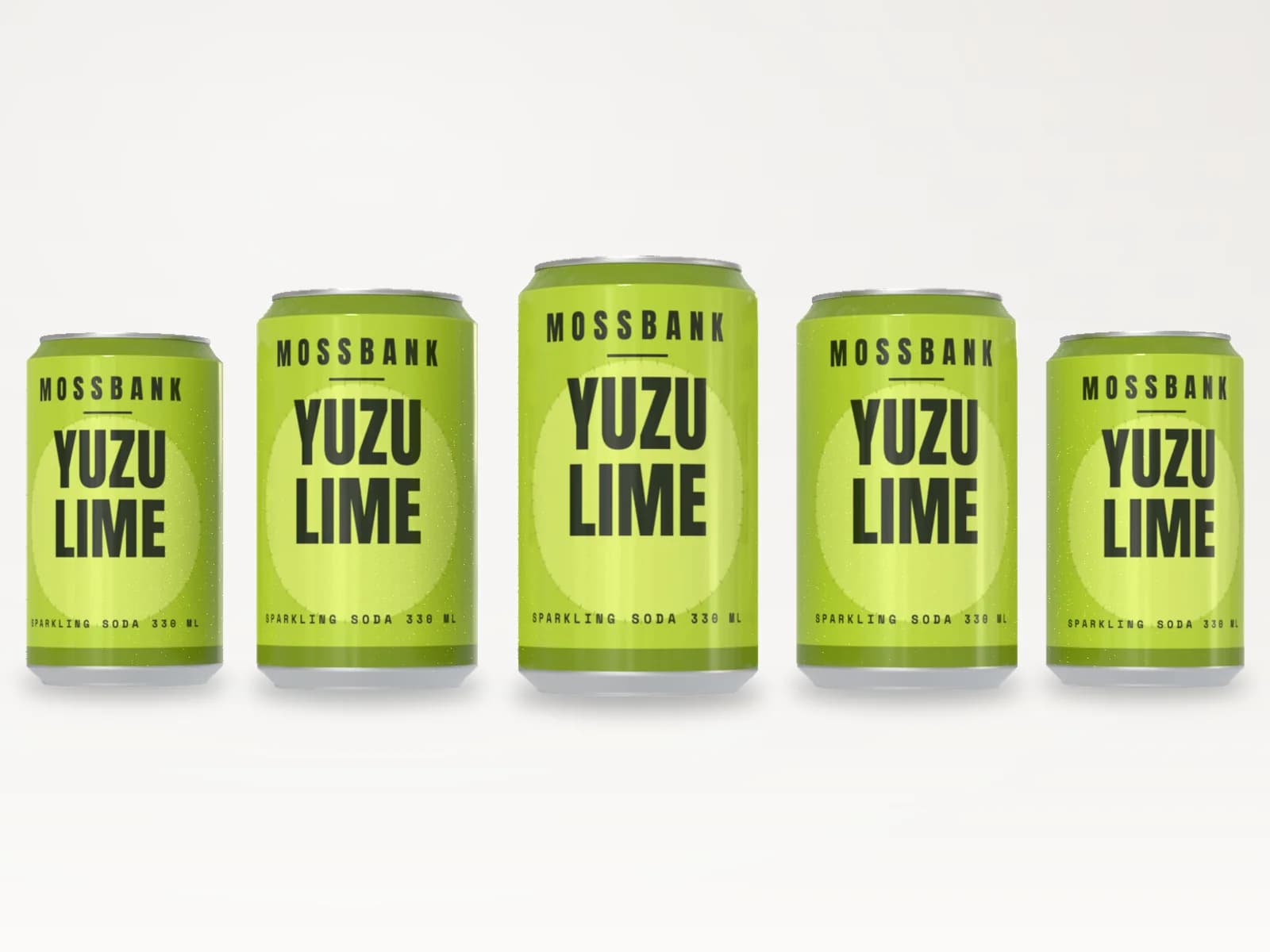
One can mockup, a whole flavor range
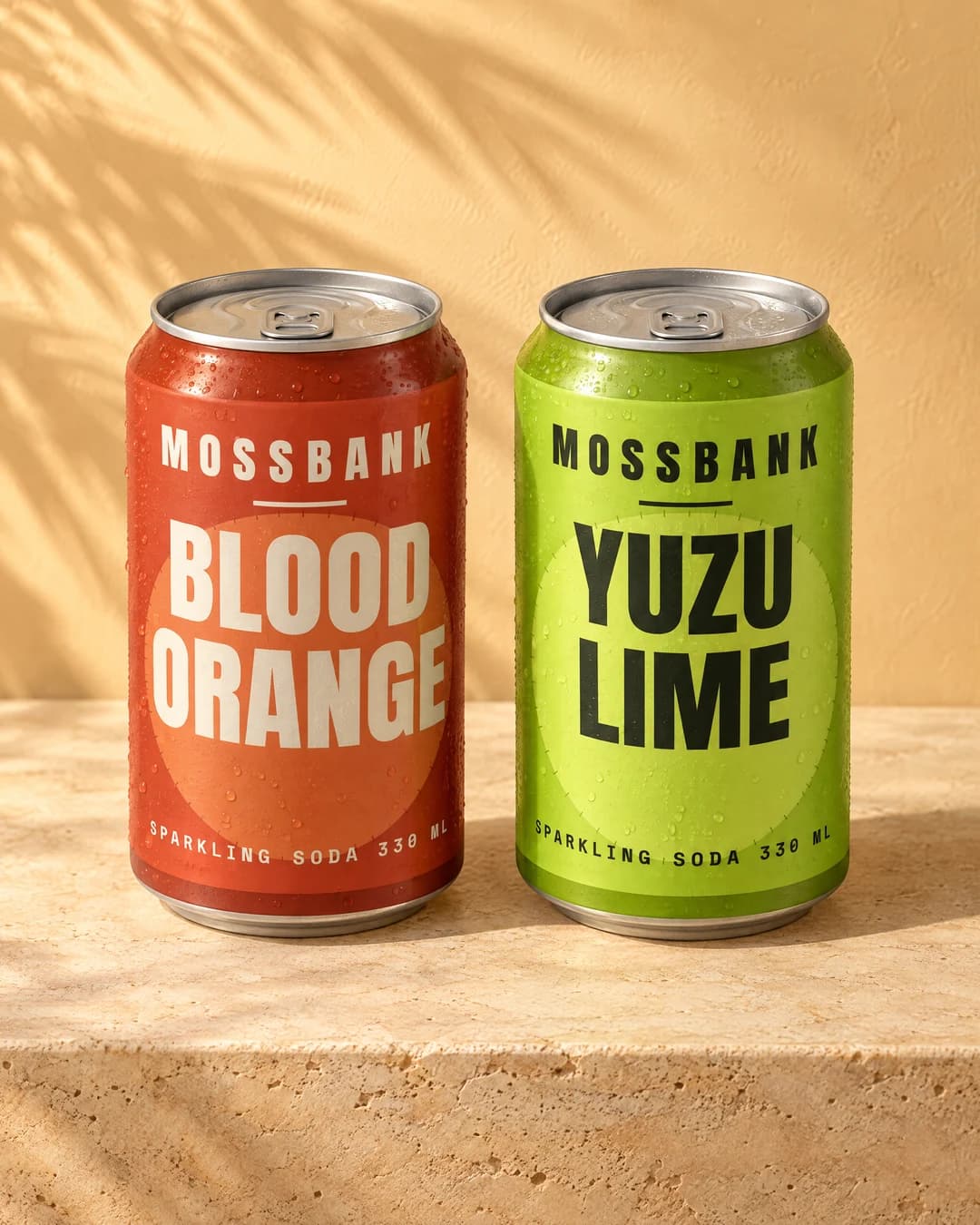
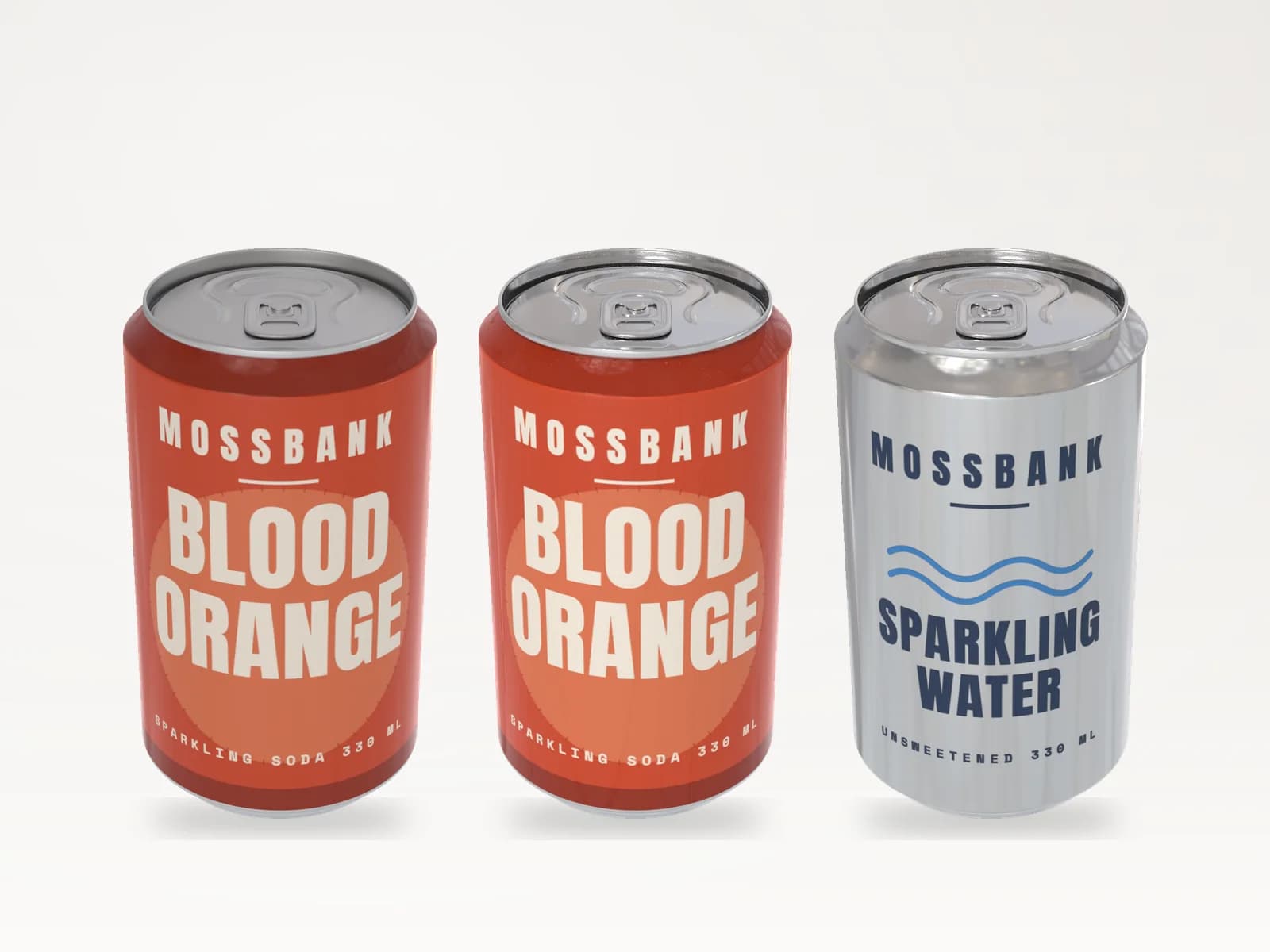
Five Mossbank flavors on one 330 ml can model, one camera angle. Each wrap was uploaded in the Mocks editor and exported as is, the same way you will make yours.
Free to use, no sign-up
Pick the can that fits your drink
Four beverage can shapes, each with its own wrap size in pixels. The aluminum bottles and tins are in the grid above. Open any model to see its print area under Upload and design.
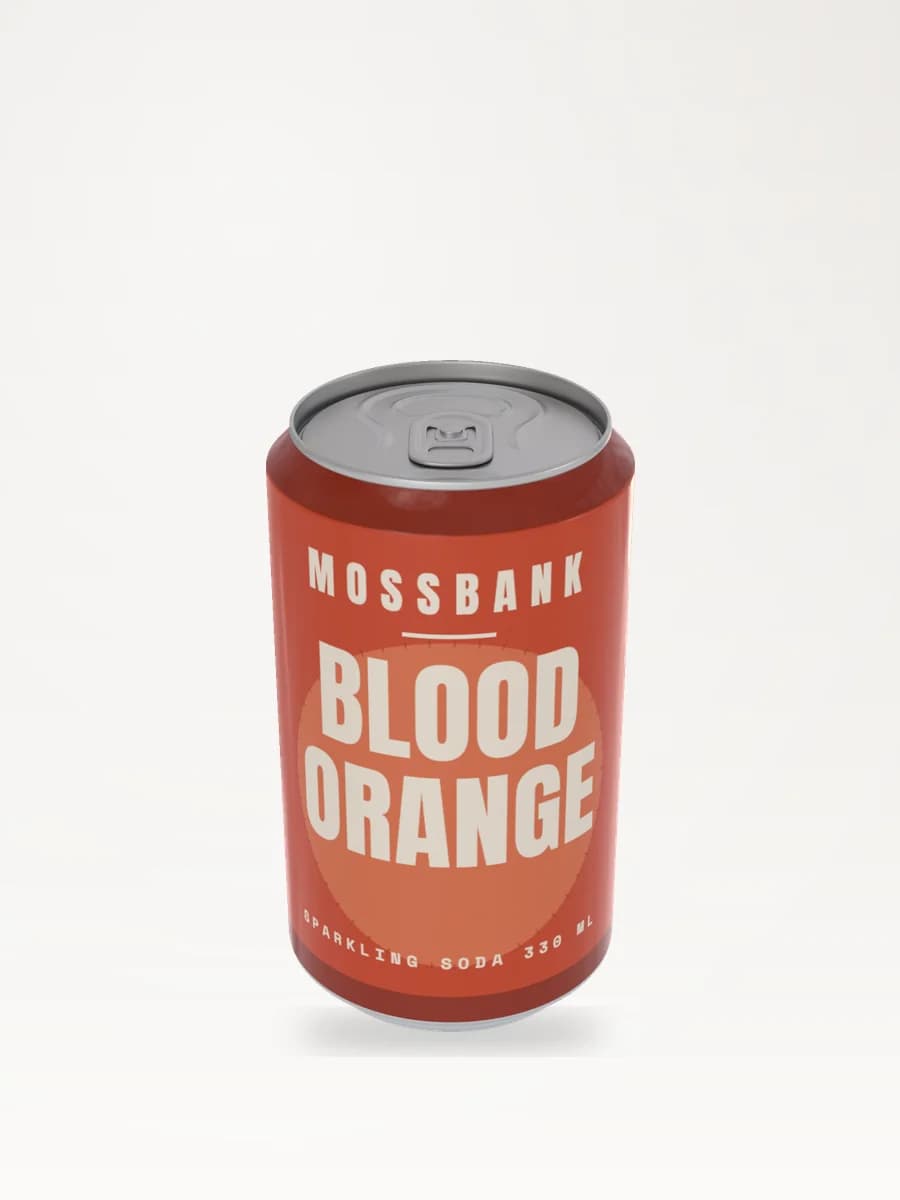
Standard 330 ml
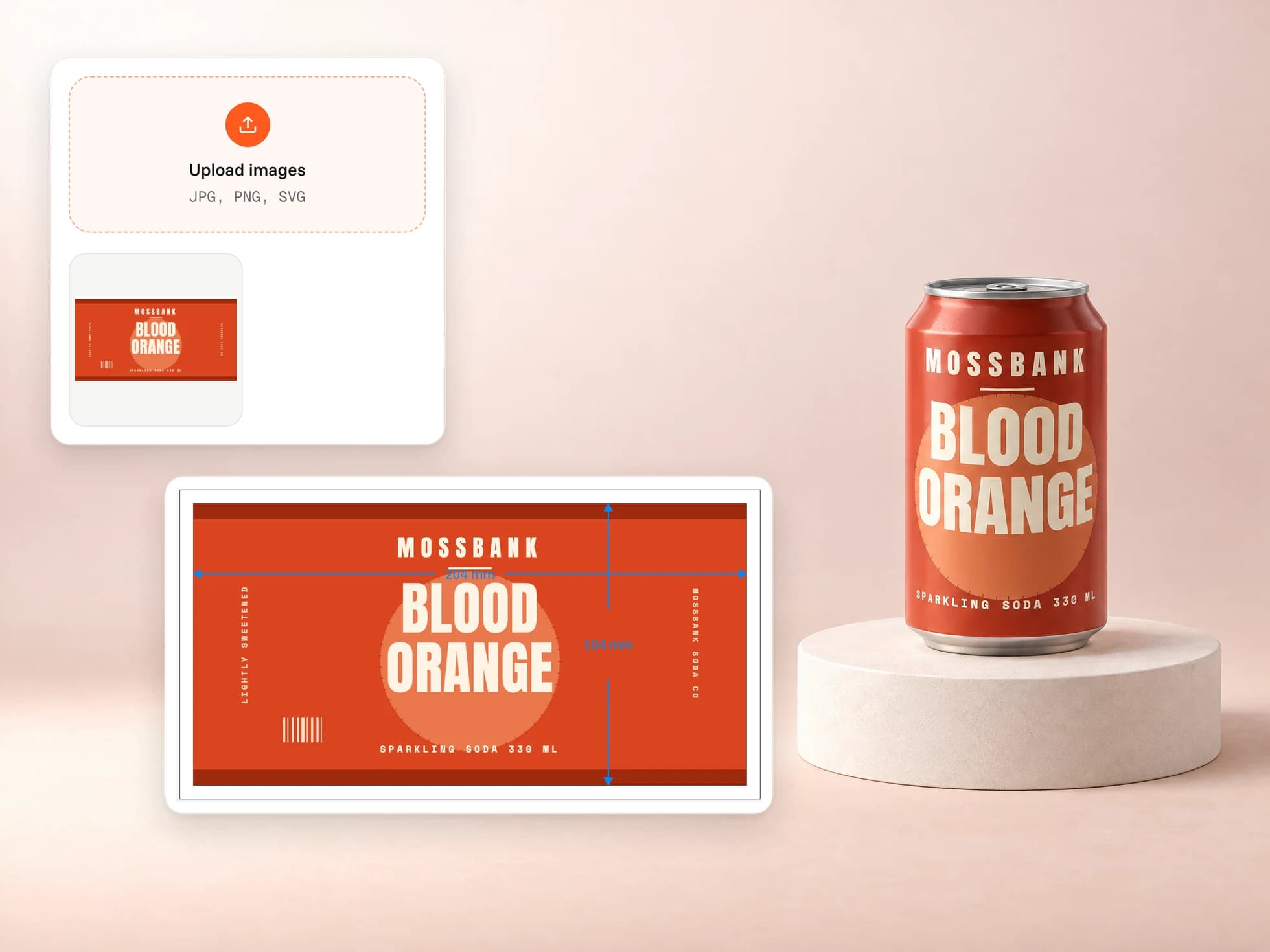
The short, wide can behind most soda can mockups, also right for lager and sparkling water. Its wrap is 771 × 393 px, so one landscape file covers the whole can.
Open the standard can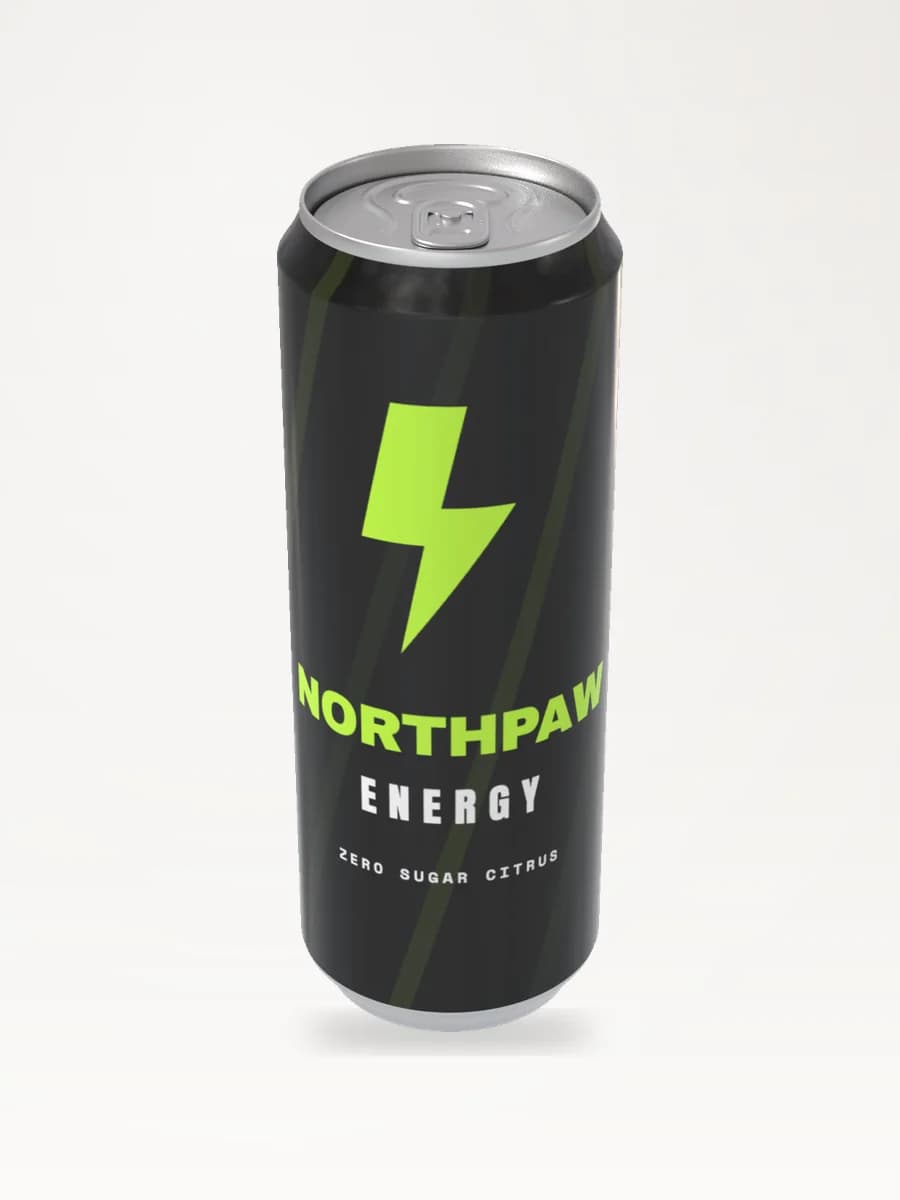
Sleek 330 ml
Taller and narrower, the usual shape for energy drinks, hard seltzer and iced coffee. The wrap is closer to square at 643 × 518 px.
Try the sleek can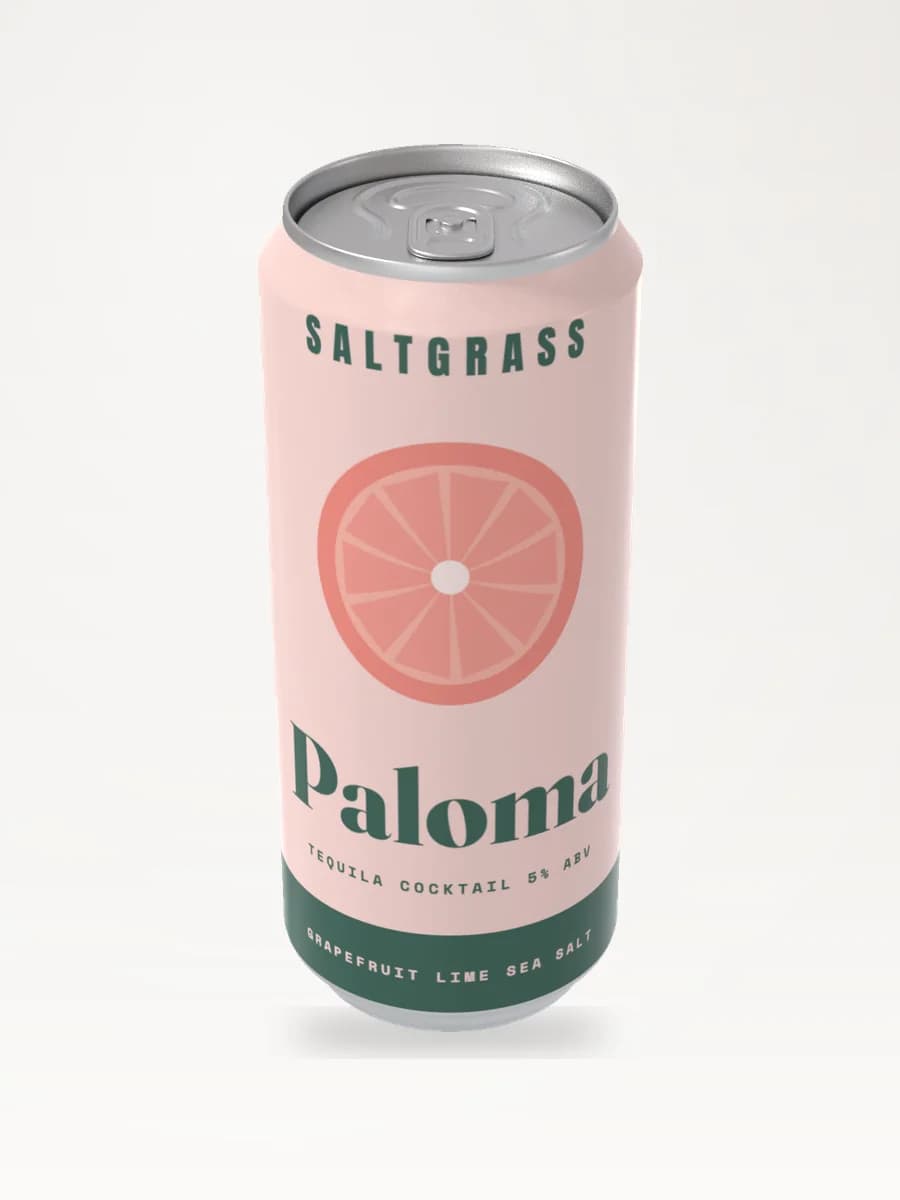
Slim 330 ml
A slender can for canned cocktails, juice and craft soda, with a 692 × 491 px wrap and room for a tall logo.
Mock up a slim can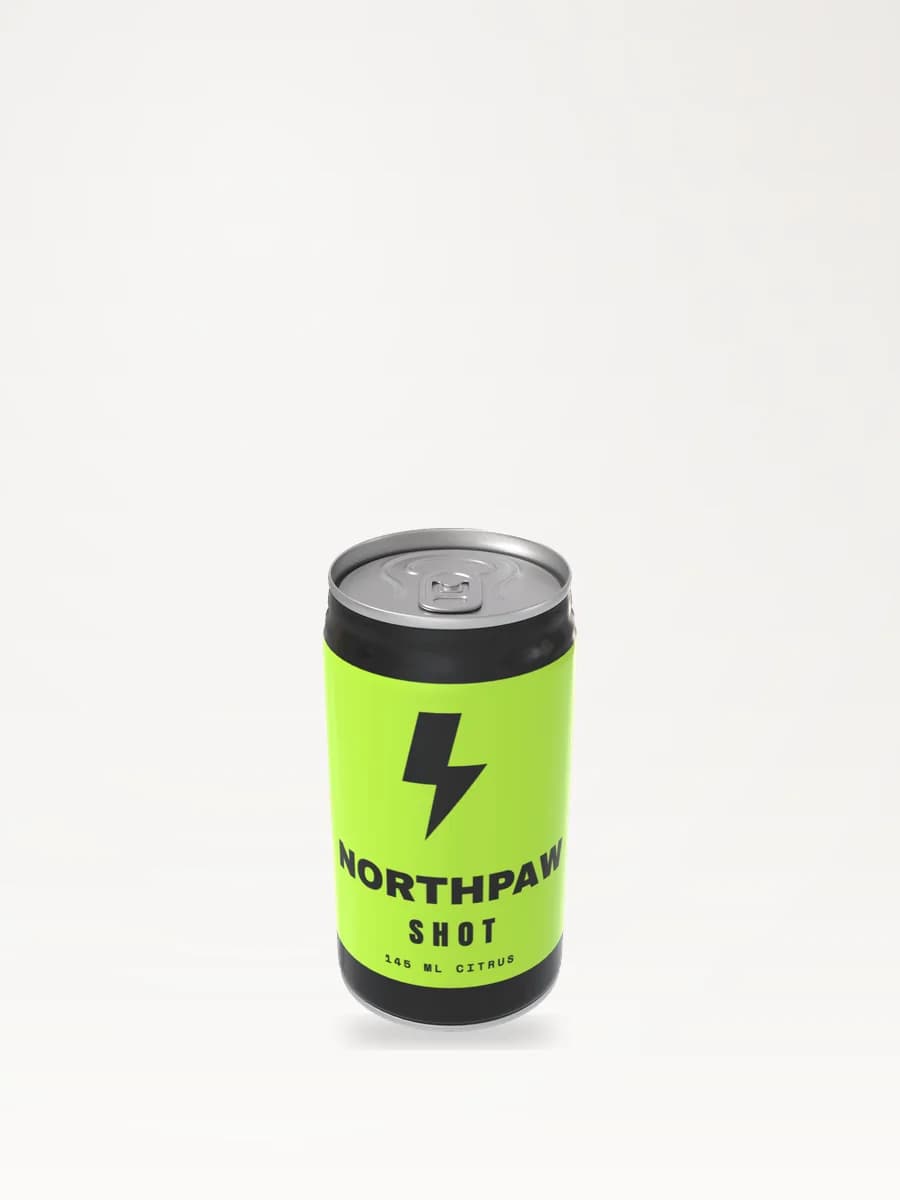
145 ml shot
A stubby mini can for energy shots, mixers and samplers. The wrap is small, 537 × 306 px, so keep the type large.
Design a shot can
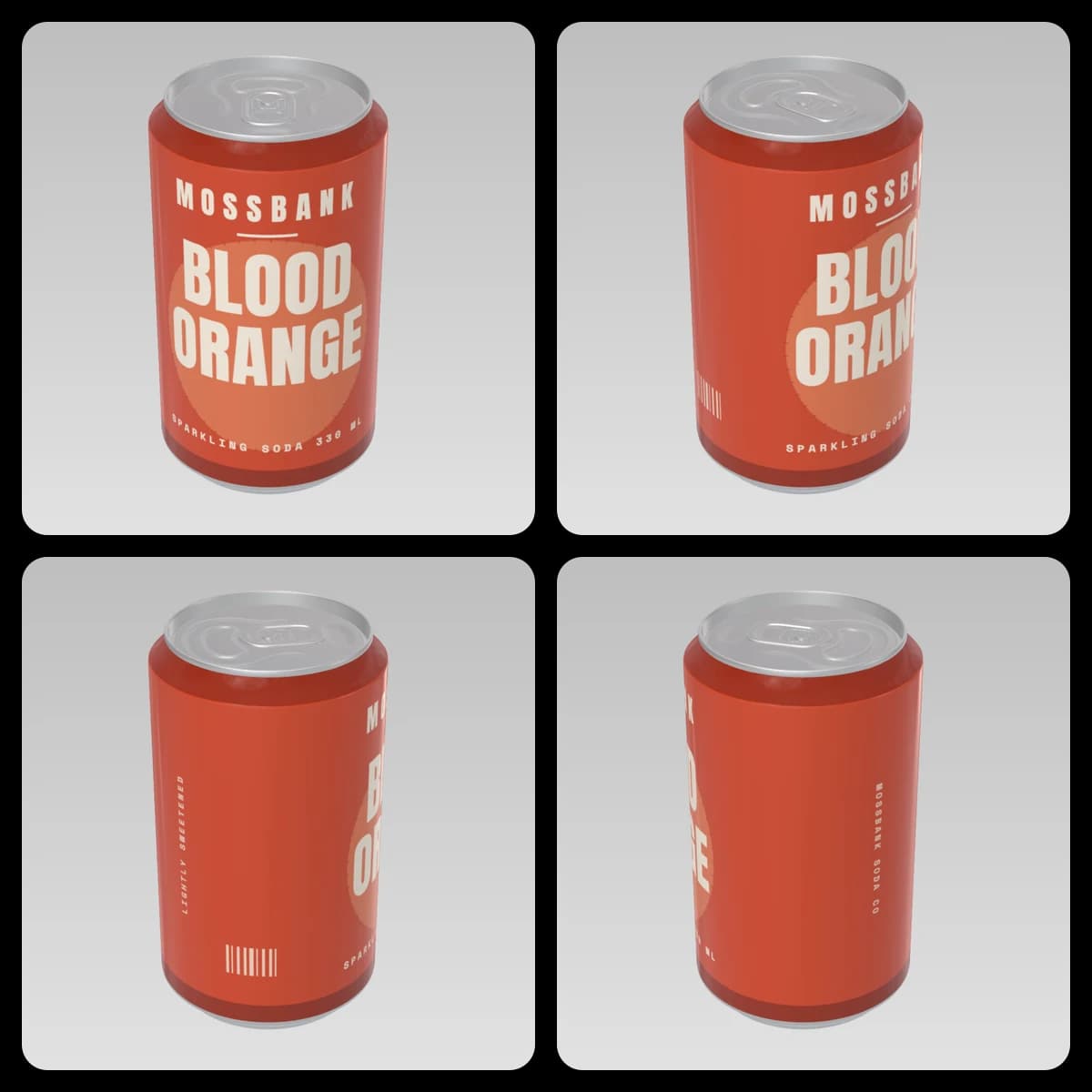
Spin your can mockup for launch day
The Animate tab turns the same can into a short video, so the teaser, the ad and the product photos all match.
How to make a can mockup in three steps
In your browser, nothing to install.
 1
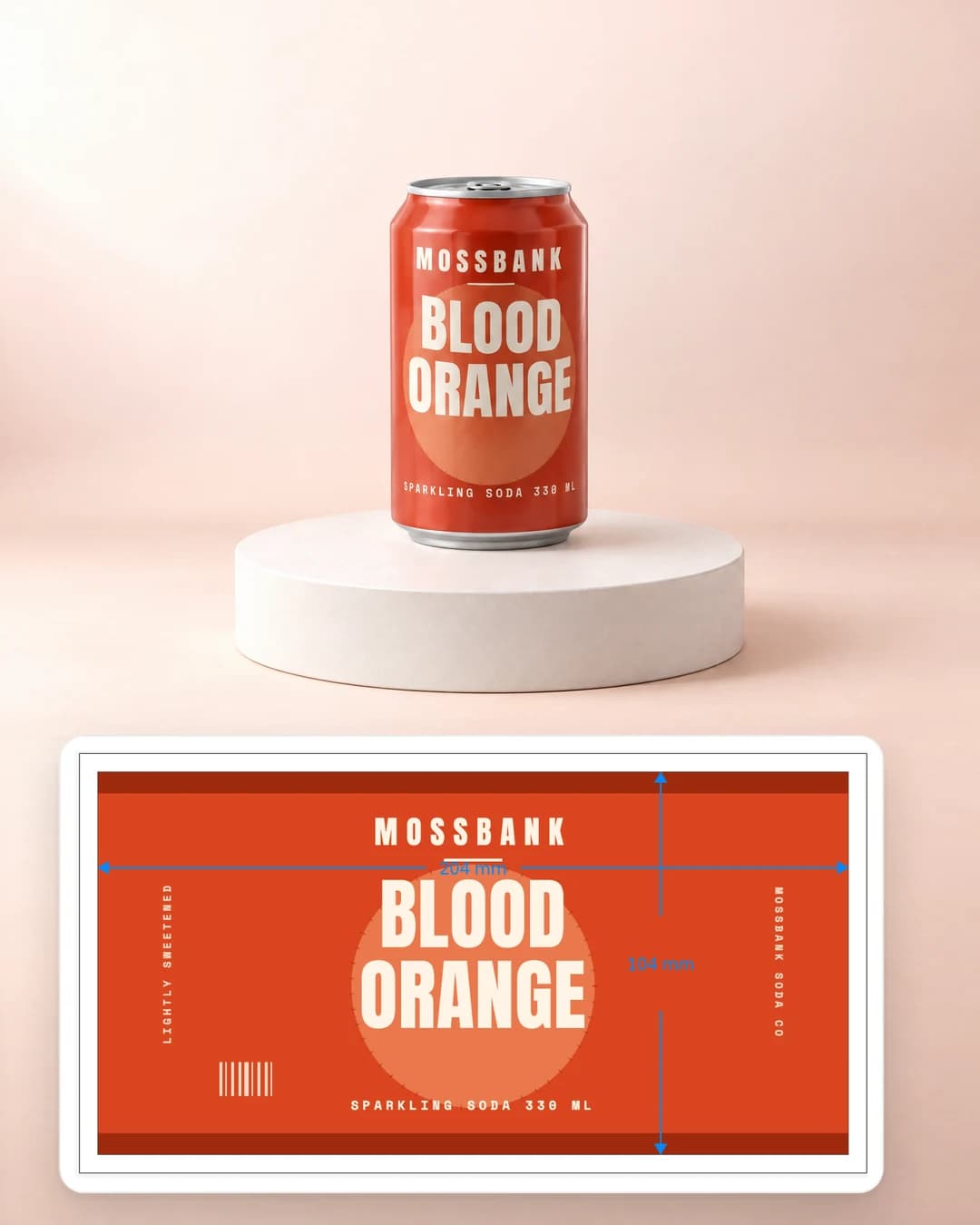
Upload your can wrap
Open Upload and design and add a JPG, PNG or SVG at the print-area ratio. It fills the whole wrap, and its center faces the front.
Upload a can wrap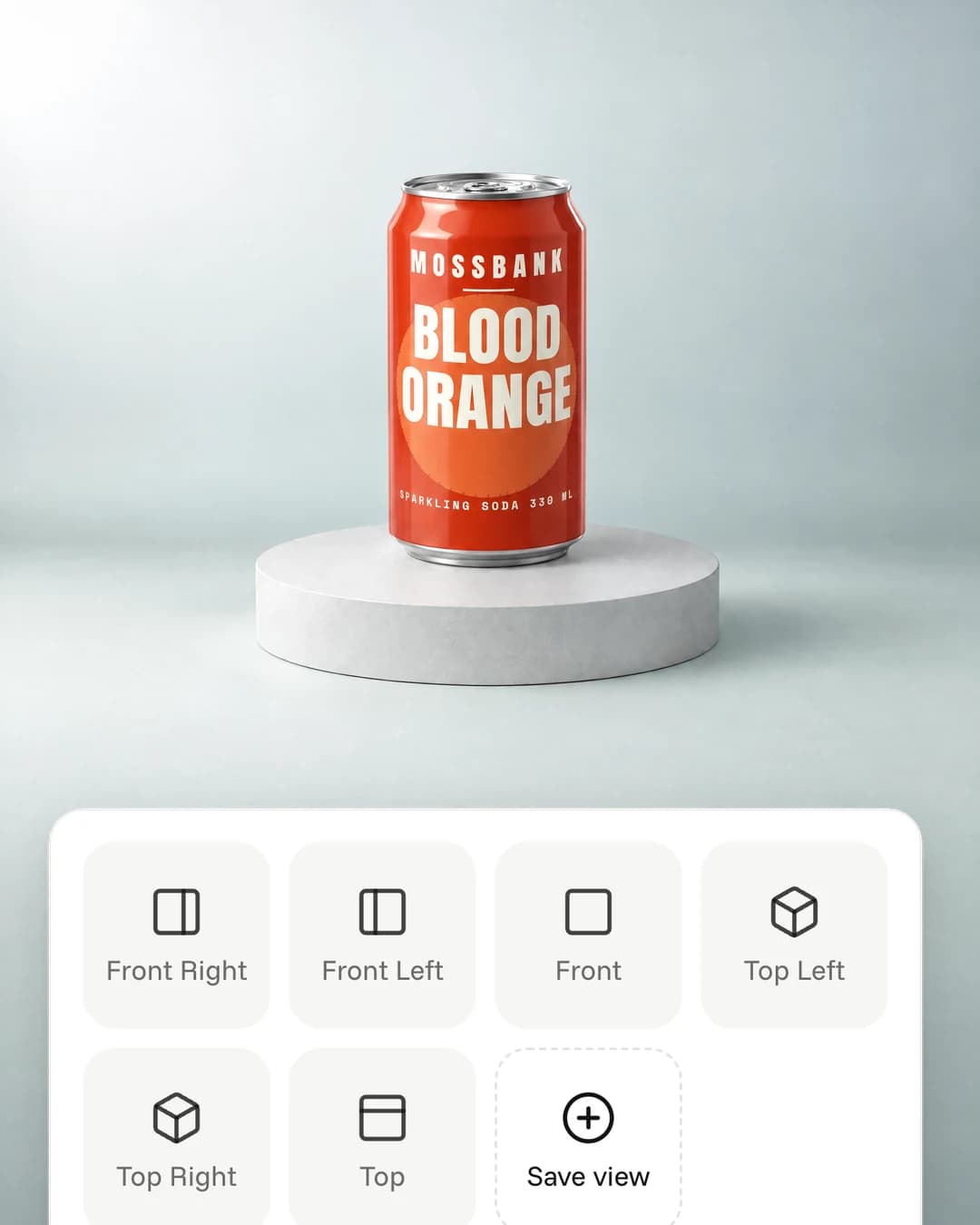 2
Pick a finish and angle
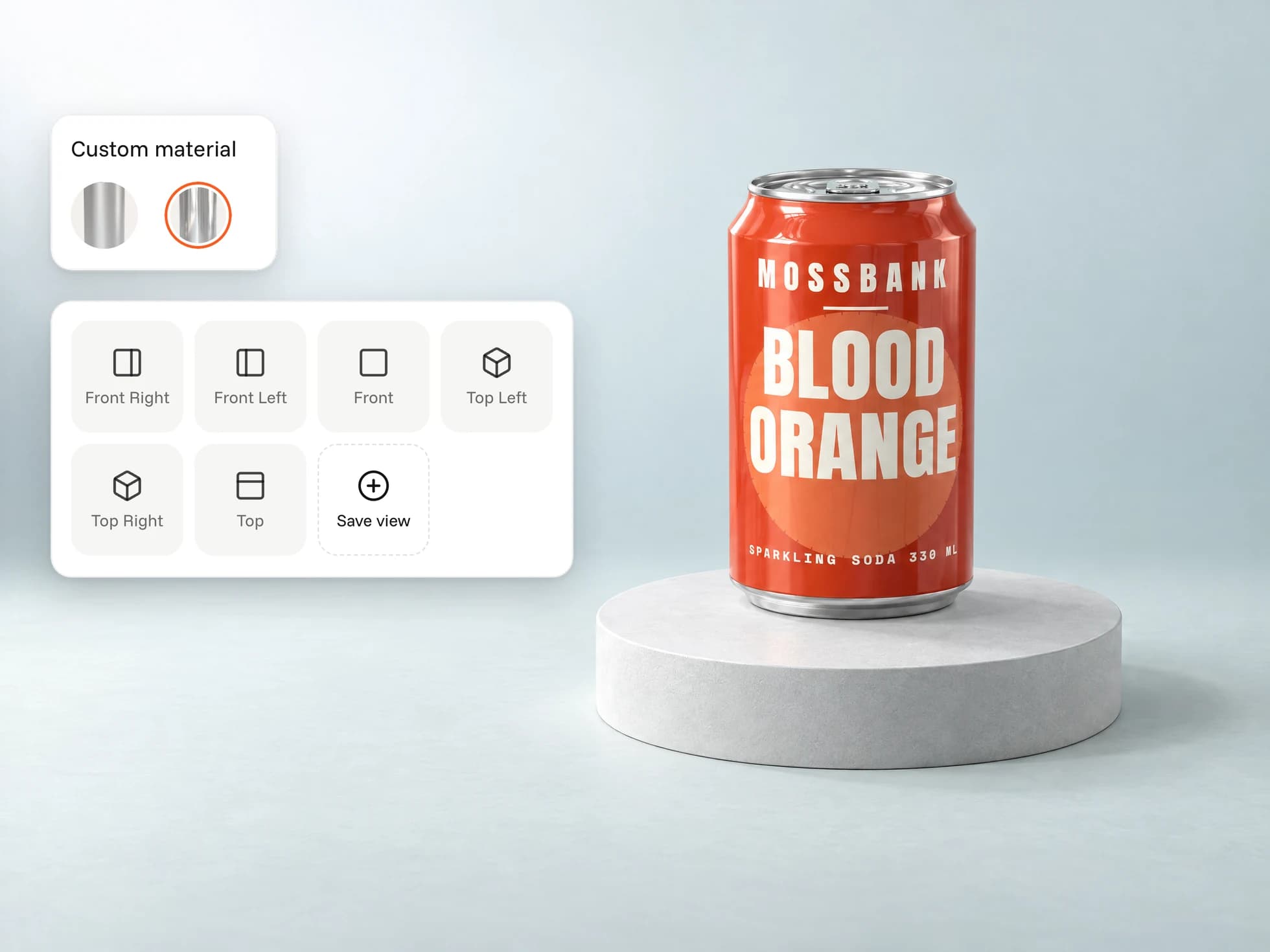
Choose matte or glossy metal, then drag the can or jump to one of six camera views. Save a view to reuse it for every flavor.
Try glossy metal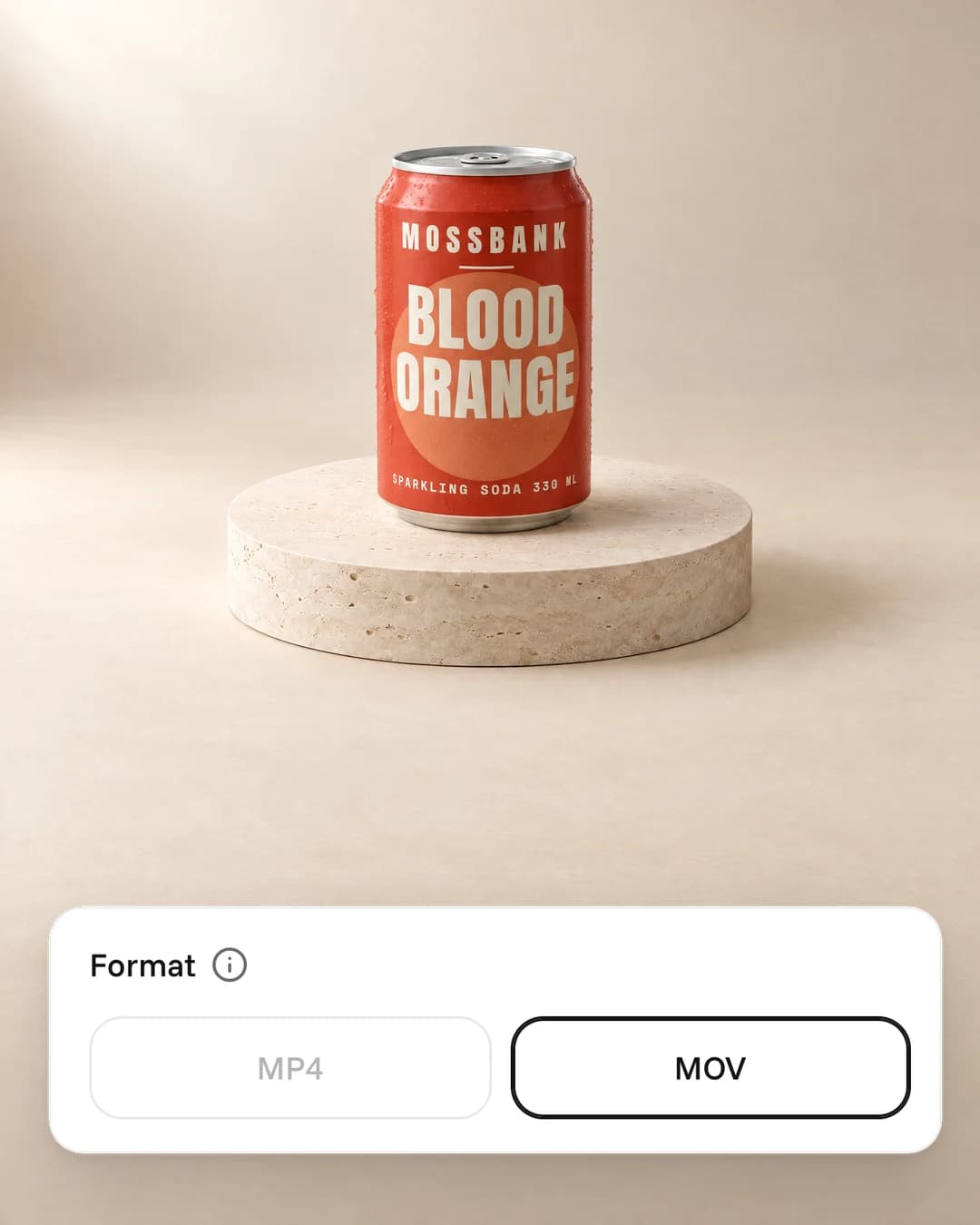 3
Export a turntable video
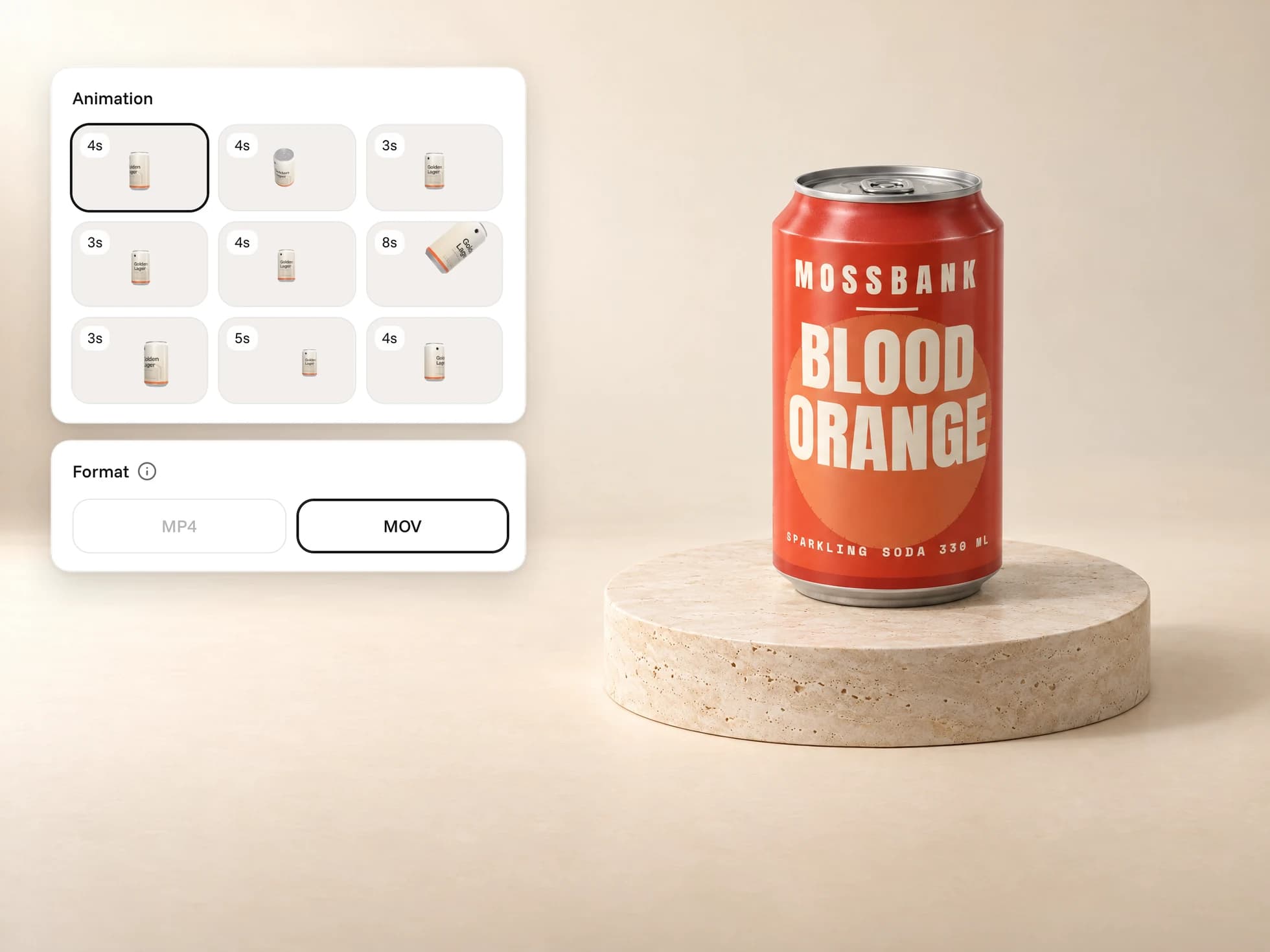
Open the Videos tab, pick one of nine animations from 3 to 8 seconds and save it as MP4 or MOV for reels, stories and launch posts.
Export a can video
A launch kit from one can
Four files most drink launches need, all from the same model and wrap, so you upload your artwork once.
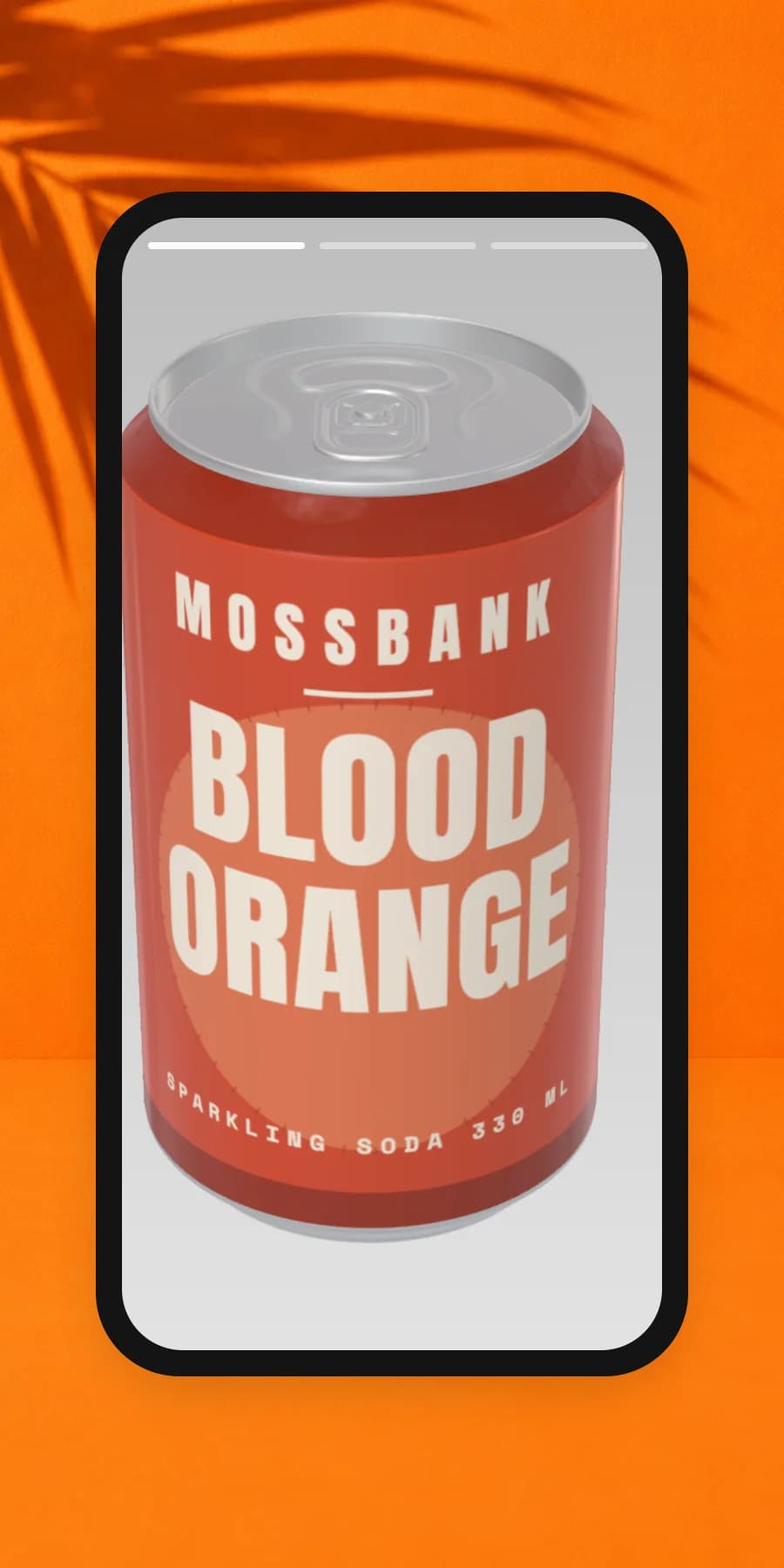
Teaser for social
Post the rotation clip a week before release, then reuse the stills on the pre-order page and in the launch email.
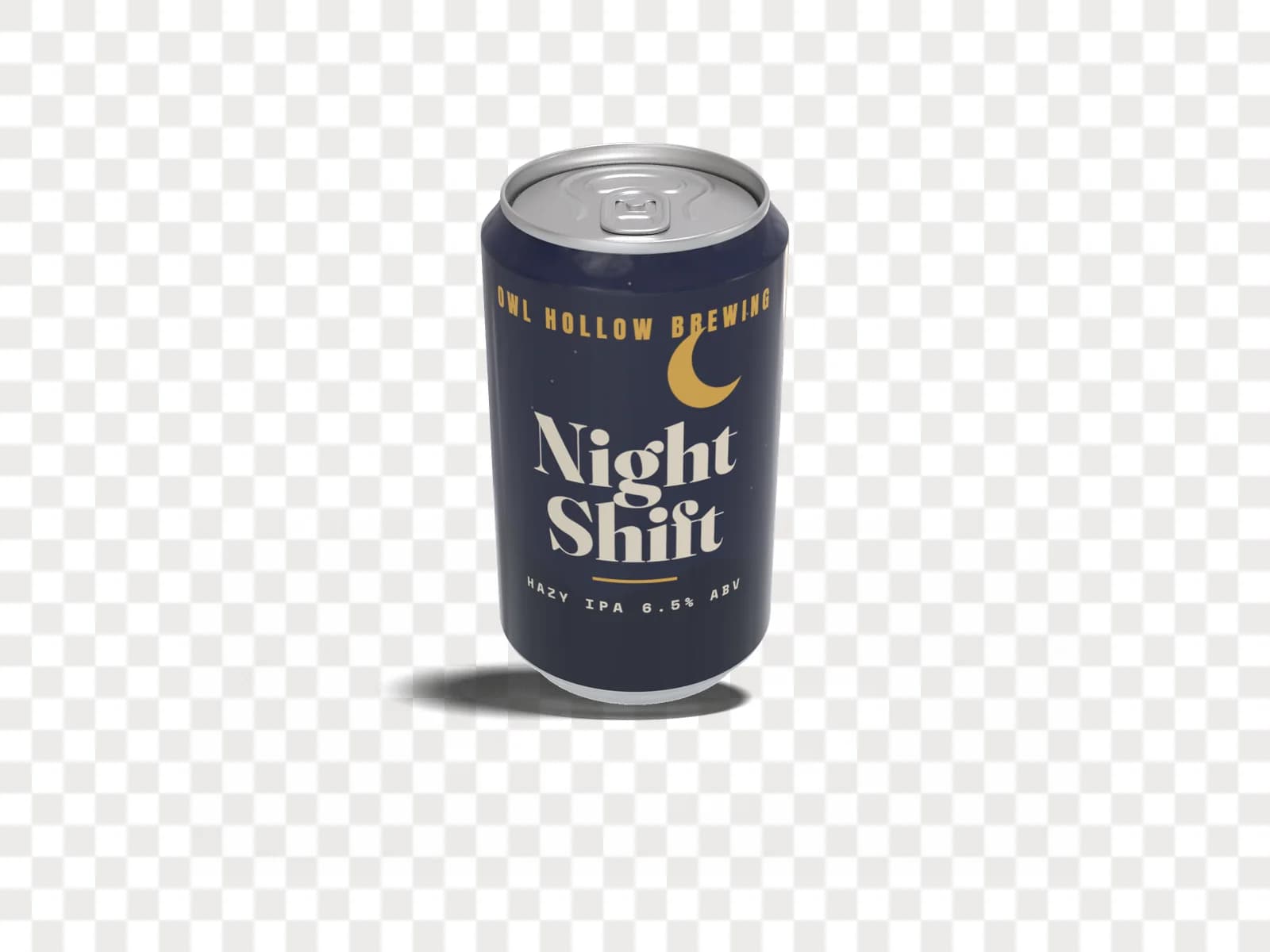
Clean PNG for the shop
Turn on Transparent, keep the floor shadow, and drop the can onto your product page or a retailer sell sheet.
Multipack and bundle shots
Choose an arrangement and the editor sets out copies of your can with matching shadows, ready for a multipack or bundle listing.
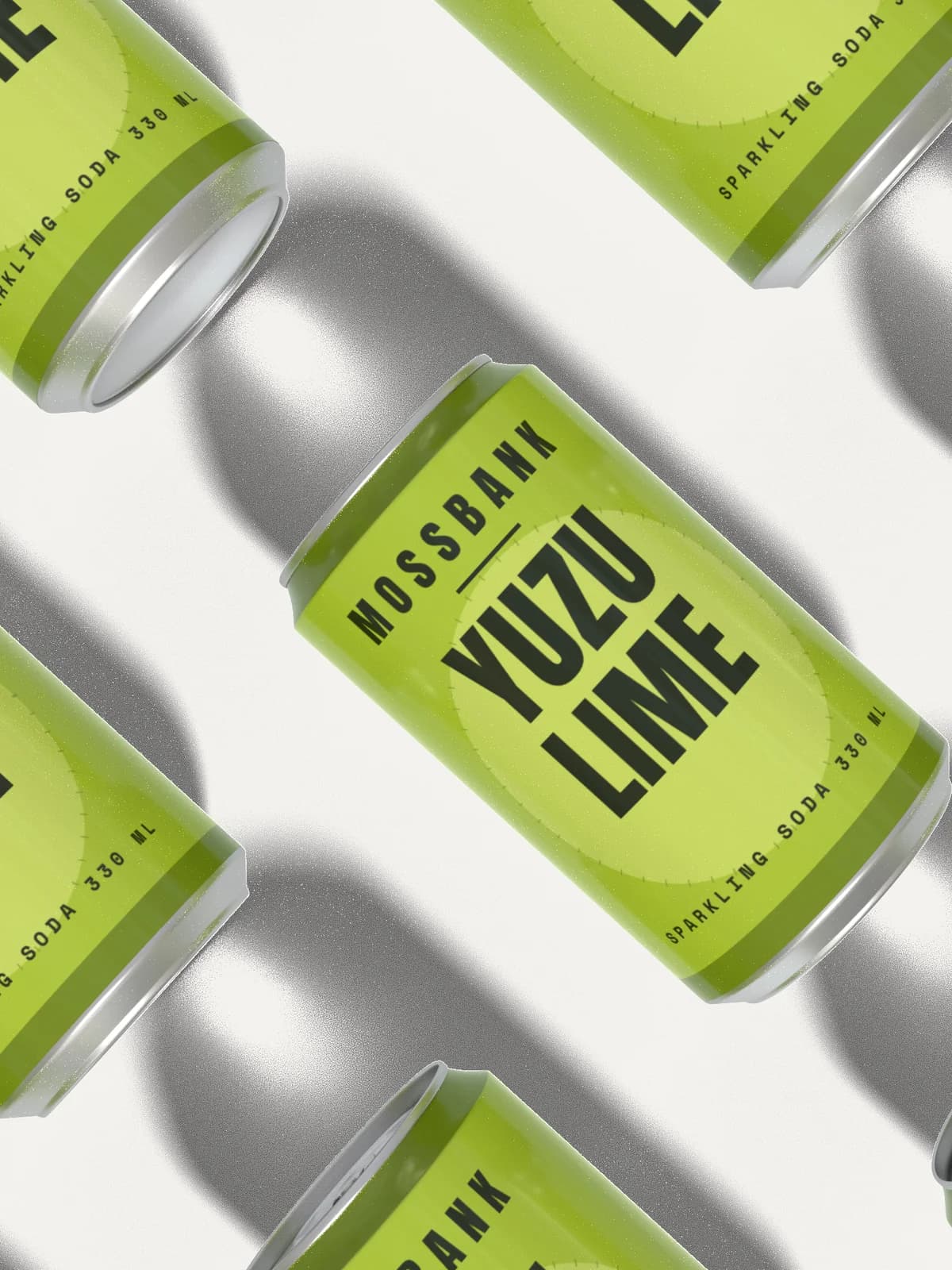
Pattern for posters
The flat-lay arrangements tile your can at an angle, a quick background for a poster, a menu board or a website banner.
Matte or glossy aluminum
Switch the material between Metal matt and Metal glossy. Leave parts of your wrap transparent and the bare aluminum shows through, like a can with a printed label. Matte keeps small type easy to read under bright light, while glossy catches highlights that suit soda and energy drinks. Turn the can and check how the reflections fall across your logo before you export.
Can mockups for breweries and drink brands
Who mocks up a can before the first canning run, and what they do with the images.
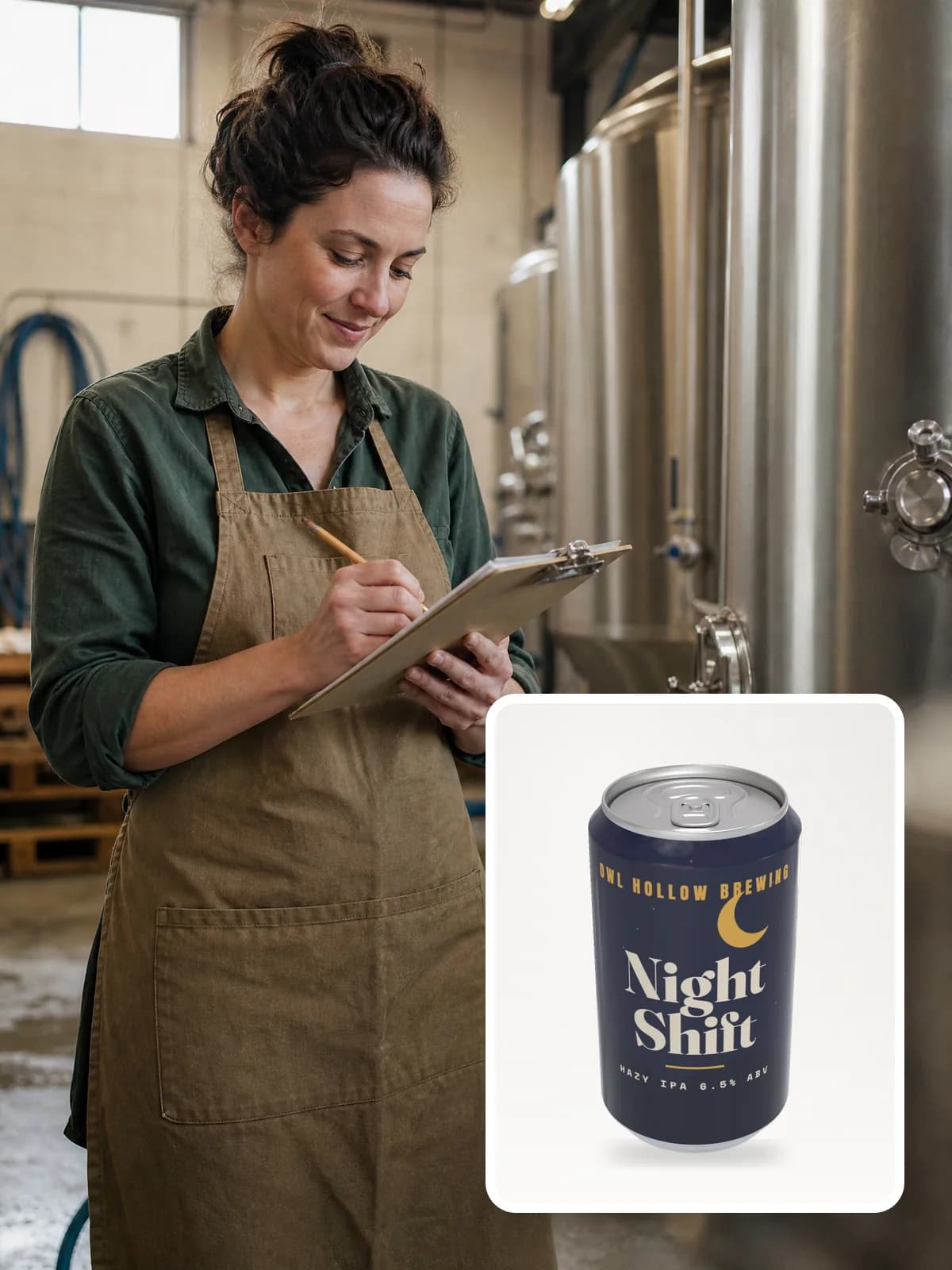
Craft breweries
Show a new release or a seasonal label to bottle shops and regulars before the cans arrive from the canning line.
Soda and sparkling water
Keep every flavor on the same can and angle, so the shop grid and the sell sheet look like one shoot.
Energy drinks
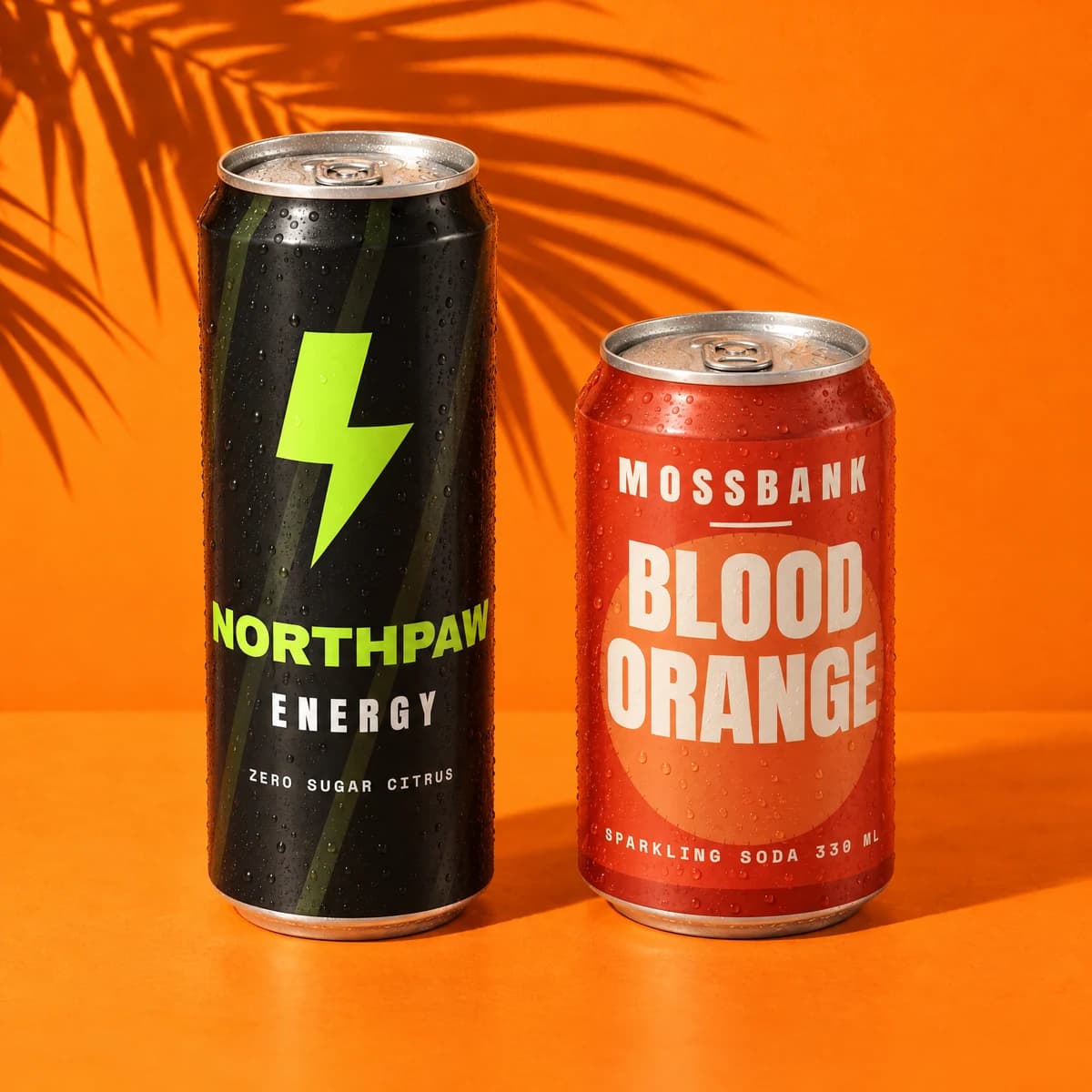
Make an energy drink mockup on the sleek can or the shot can, set a dark backdrop and check how your colors read before you print.
Canned cocktails
Mock up a slim can for distributor decks and pre-order pages while the recipe is still being finalized.
Can mockup questions
Explore more mockups
Make your first can mockup
Free to use, no sign-up, runs in your browser.