
Bottle mockups in 3D
Wrap your label around a 3D water, wine, beer, skincare or supplement bottle, switch between glass and plastic finishes and turn it to any angle. Export a transparent PNG or a short MP4 for your listing.
10 mockups
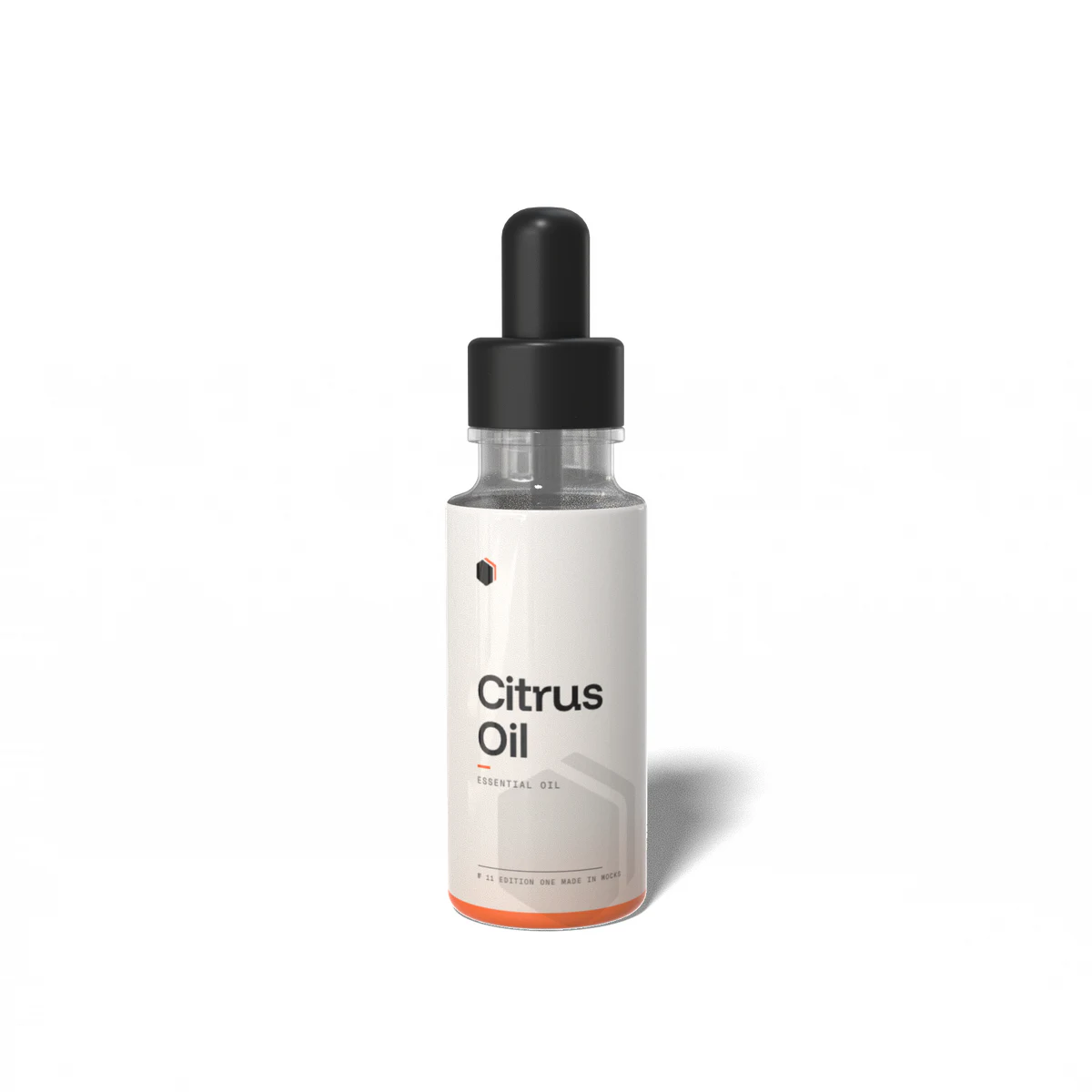
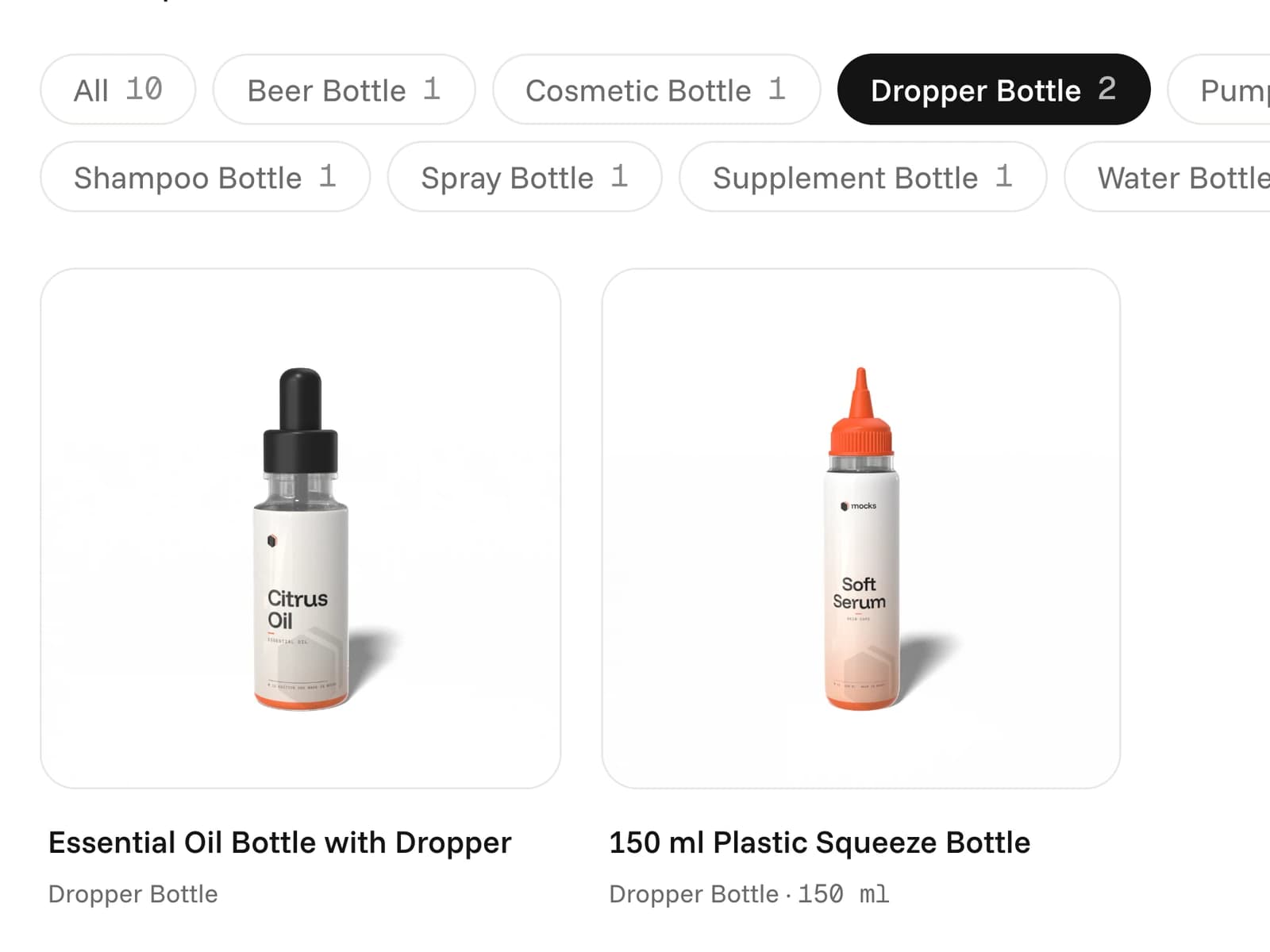
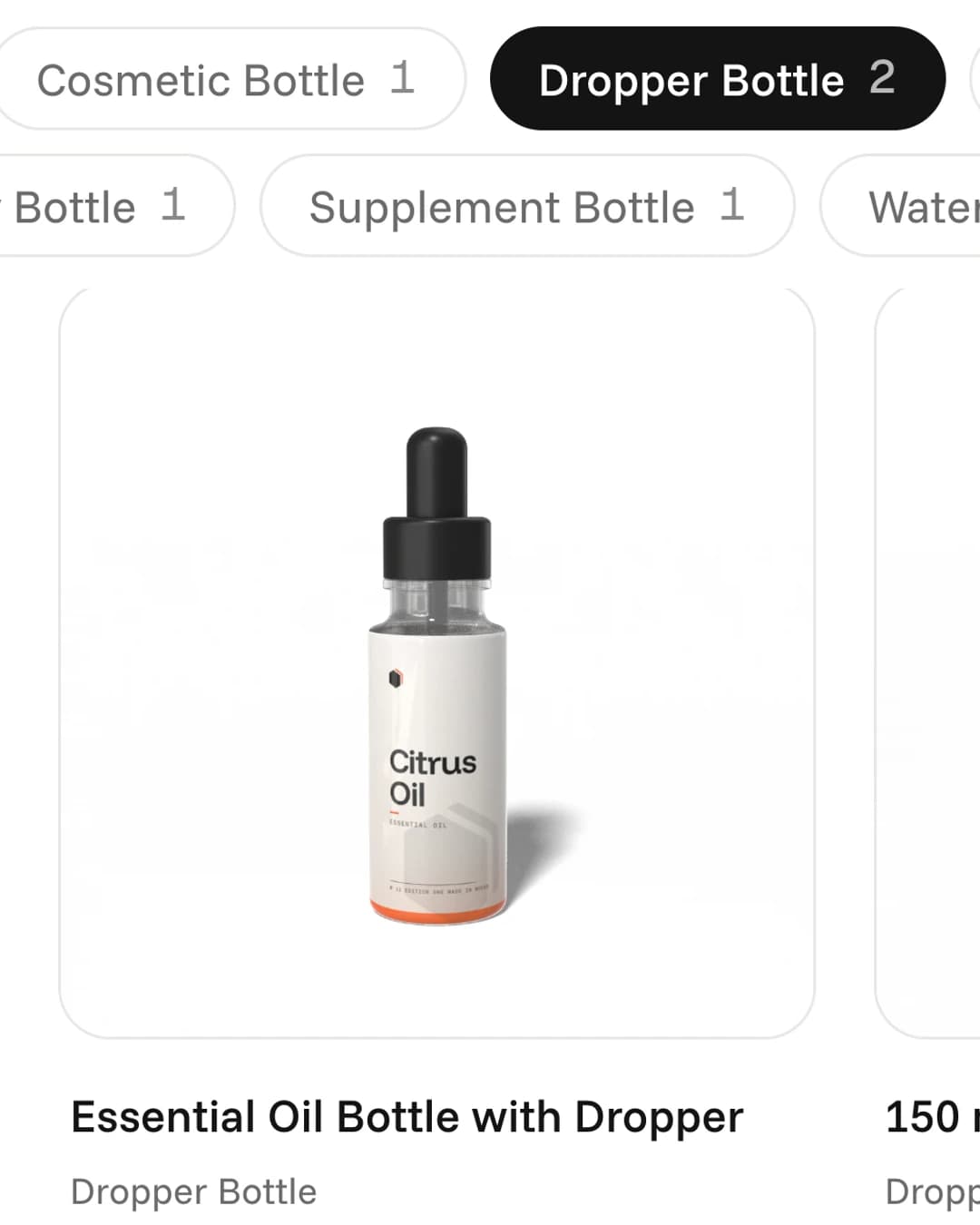
Essential Oil Bottle with Dropper
Dropper Bottle
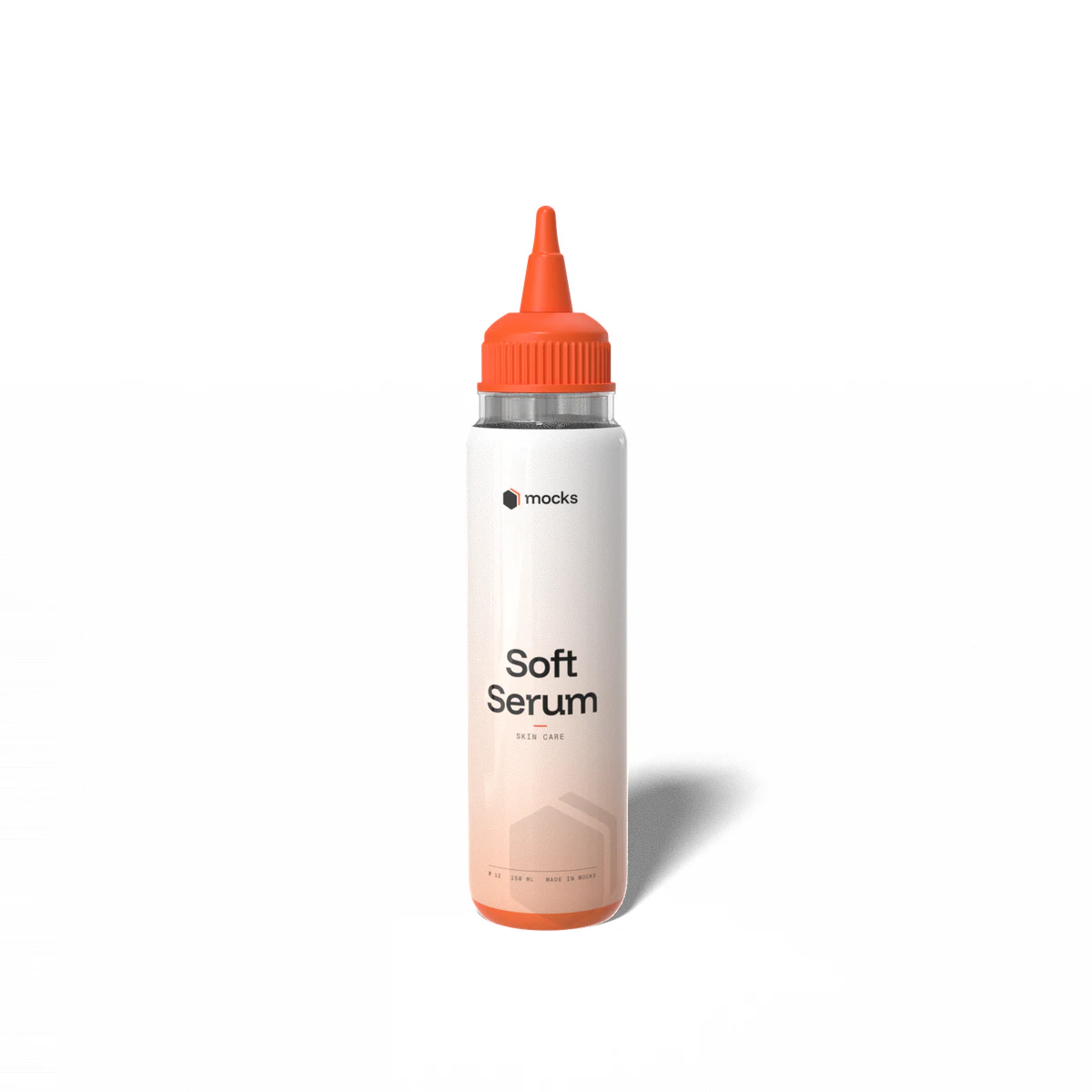
150 ml Plastic Squeeze Bottle
Dropper Bottle150 ml
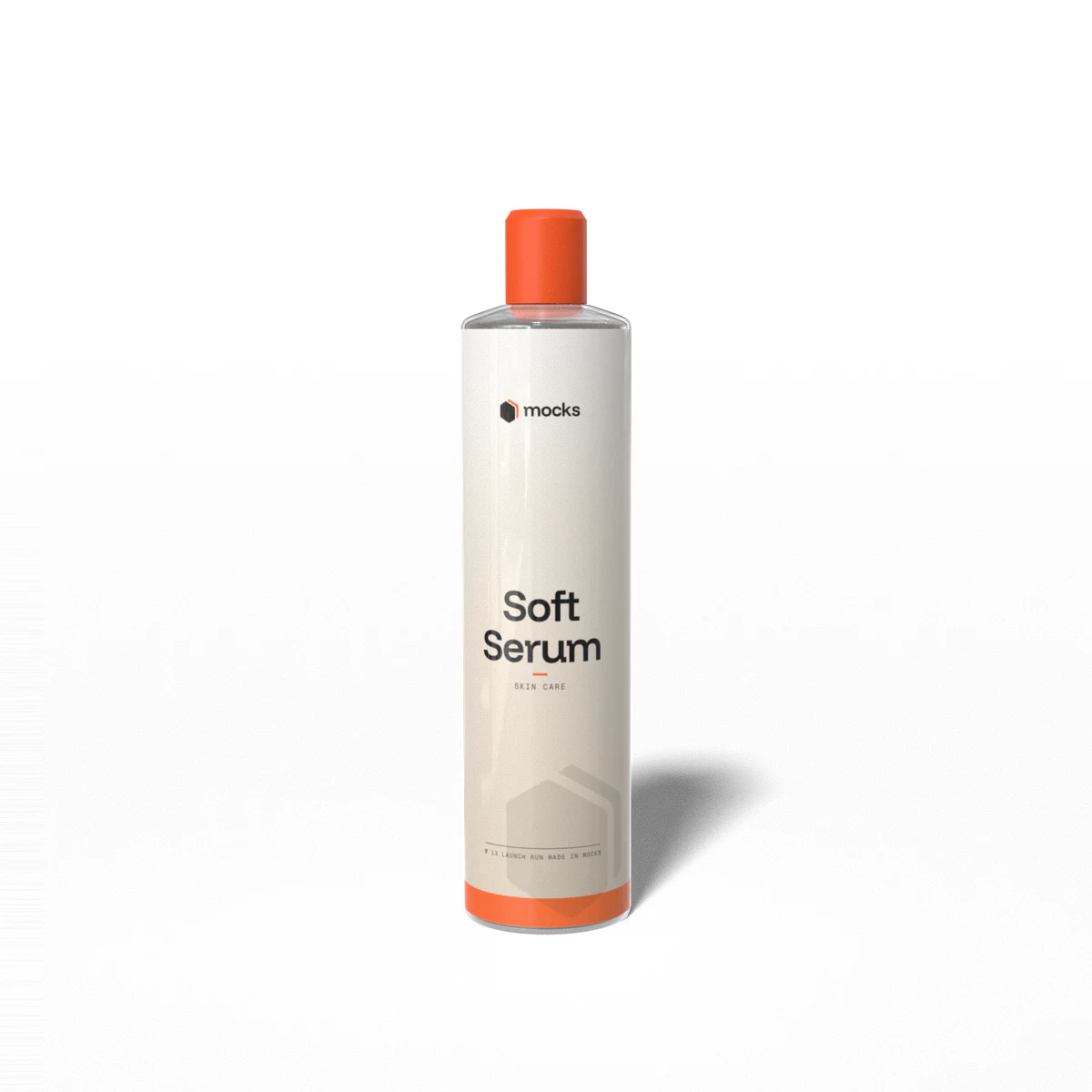
Slim Plastic Cosmetic Bottle
Cosmetic Bottle
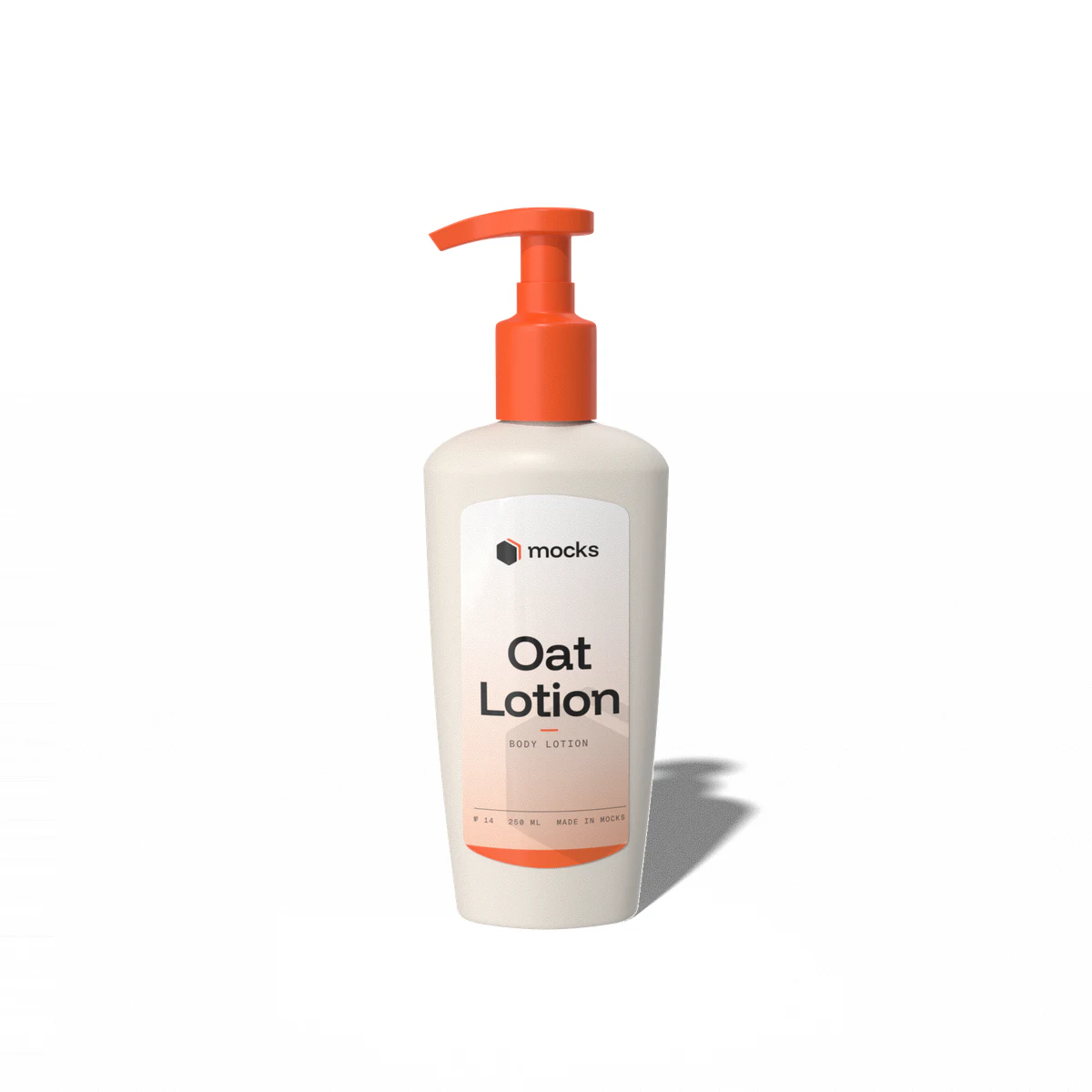
250 ml Lotion Pump Bottle
Pump Bottle250 ml
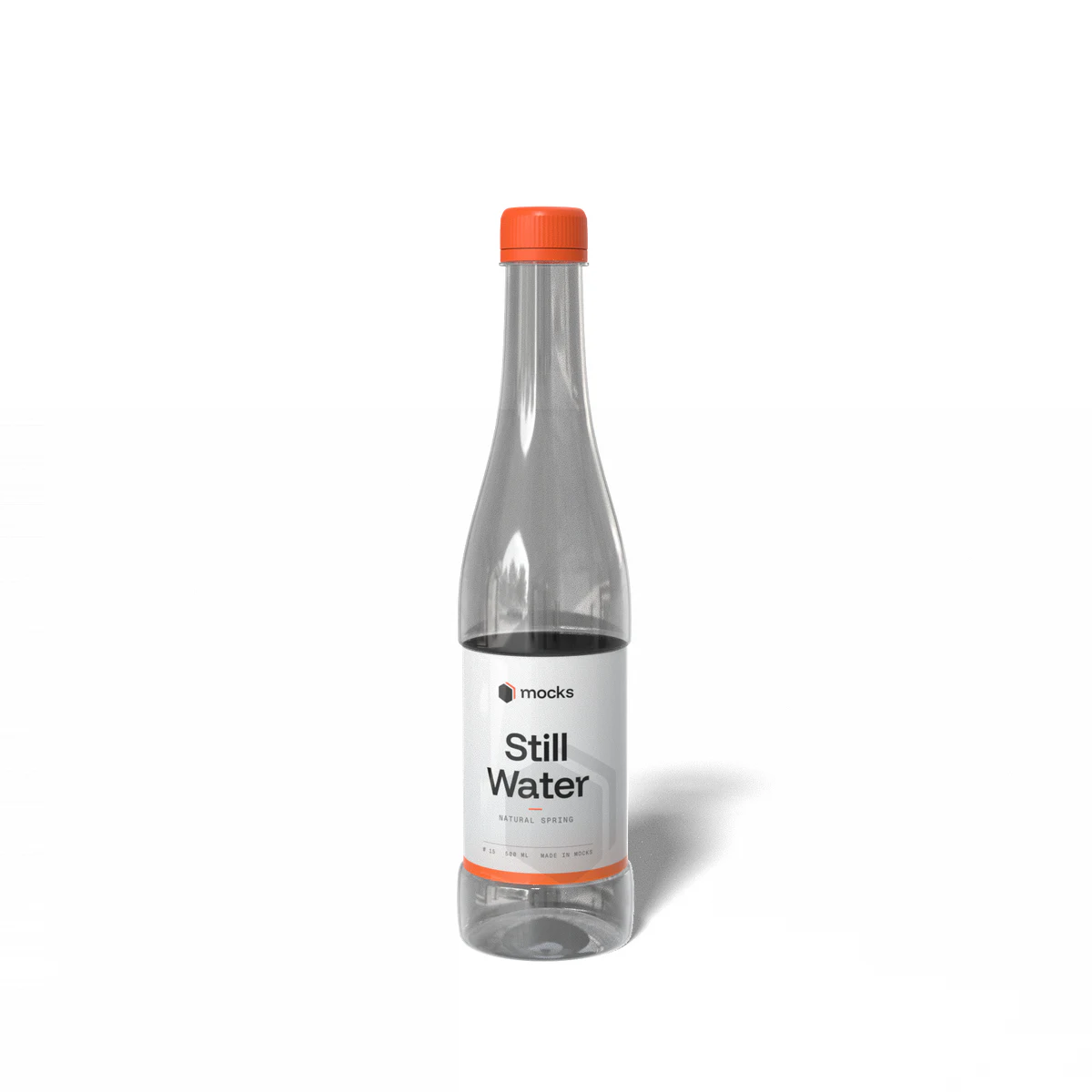
500 ml Bottled Water
Water Bottle500 ml
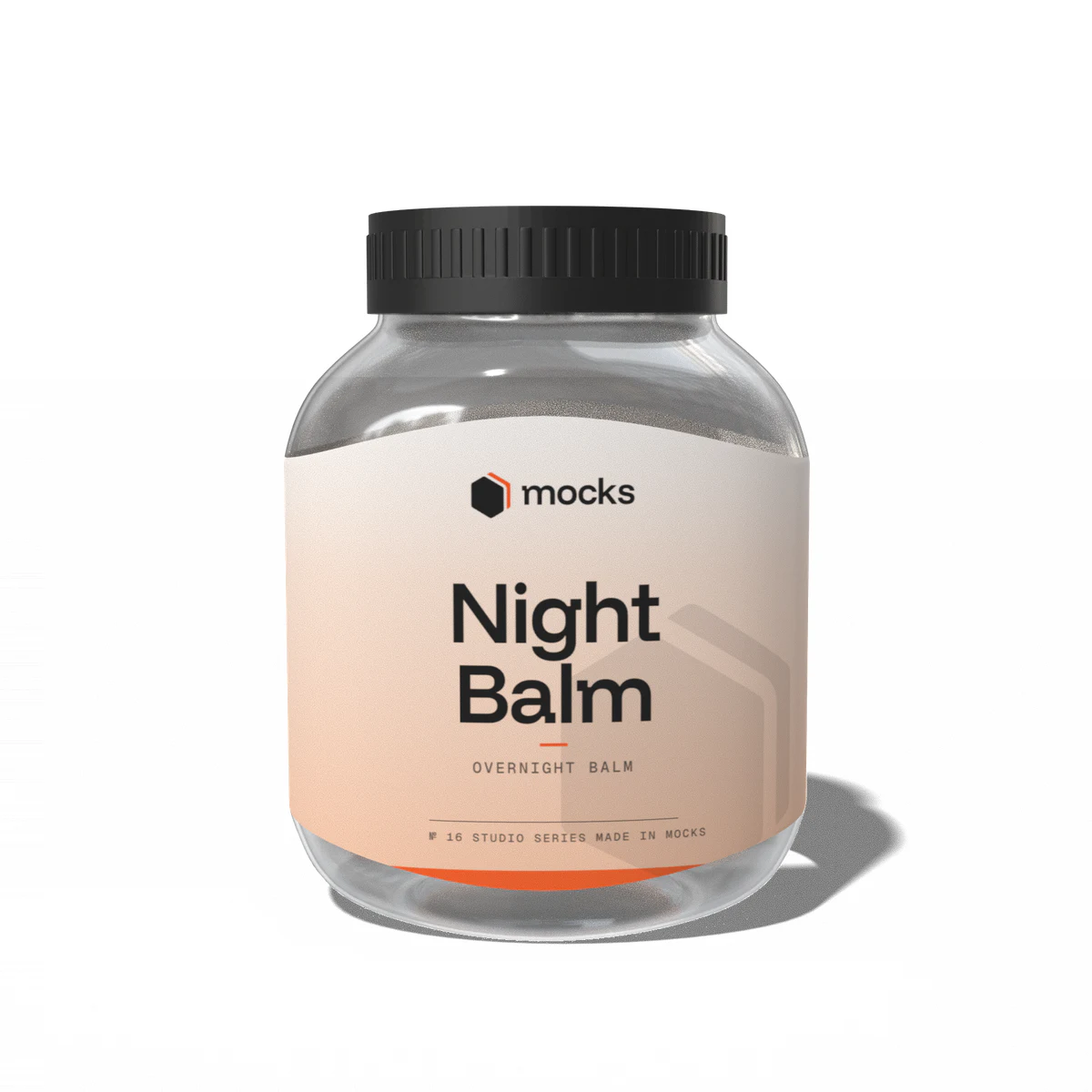
Wide Clear Supplement Jar
Supplement Bottle
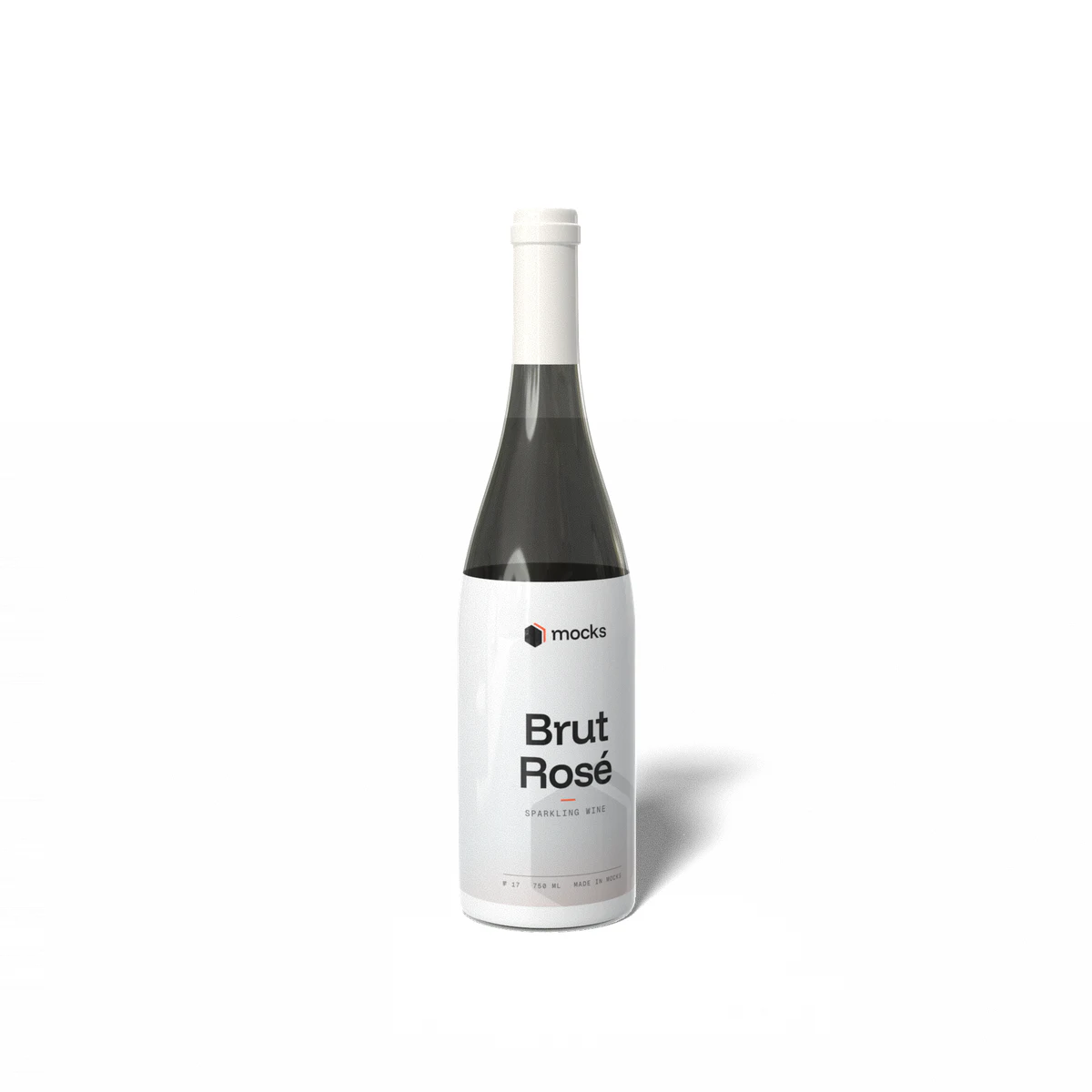
750 ml Glass Champagne Bottle
Wine Bottle750 ml
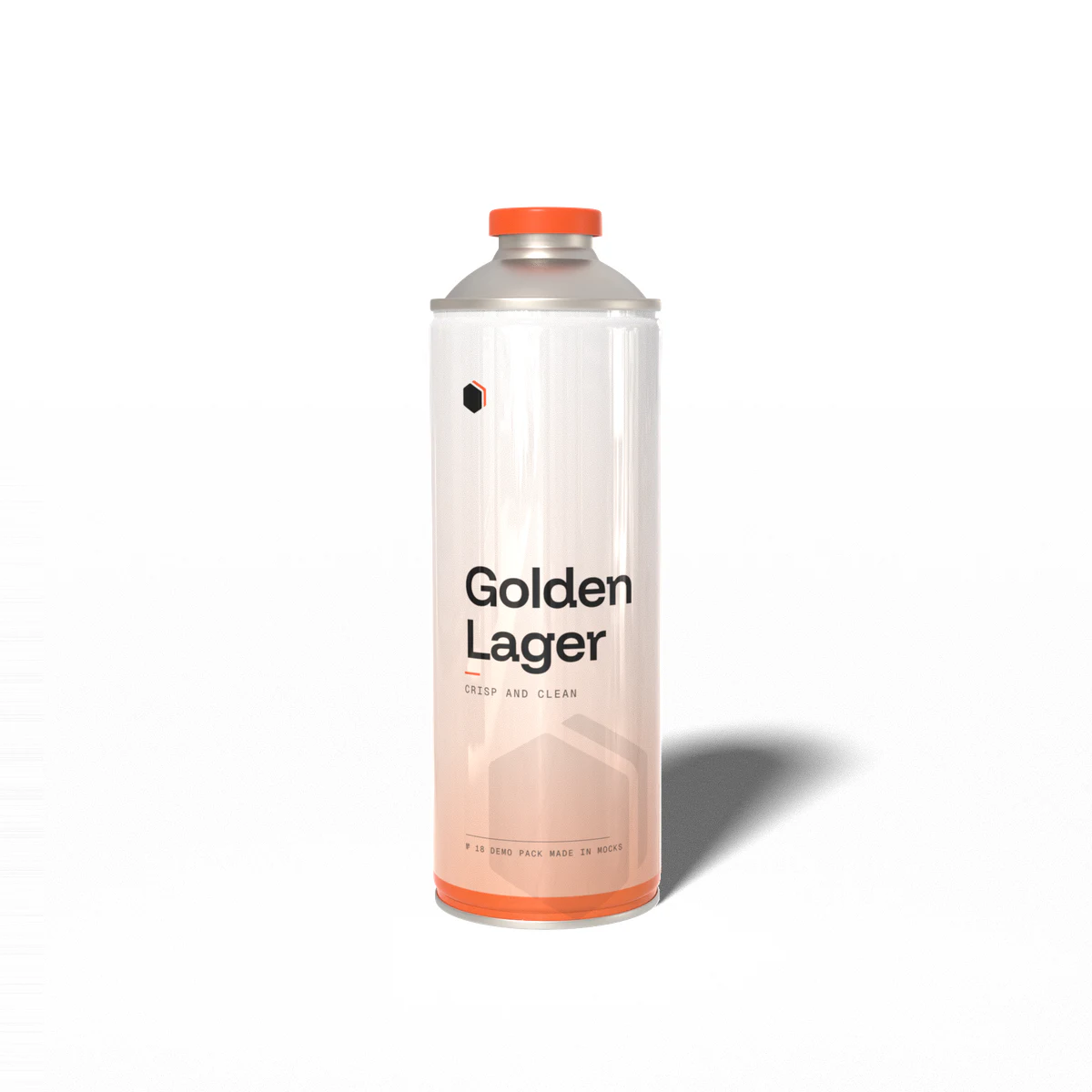
Aluminum Beer Bottle
Beer Bottle
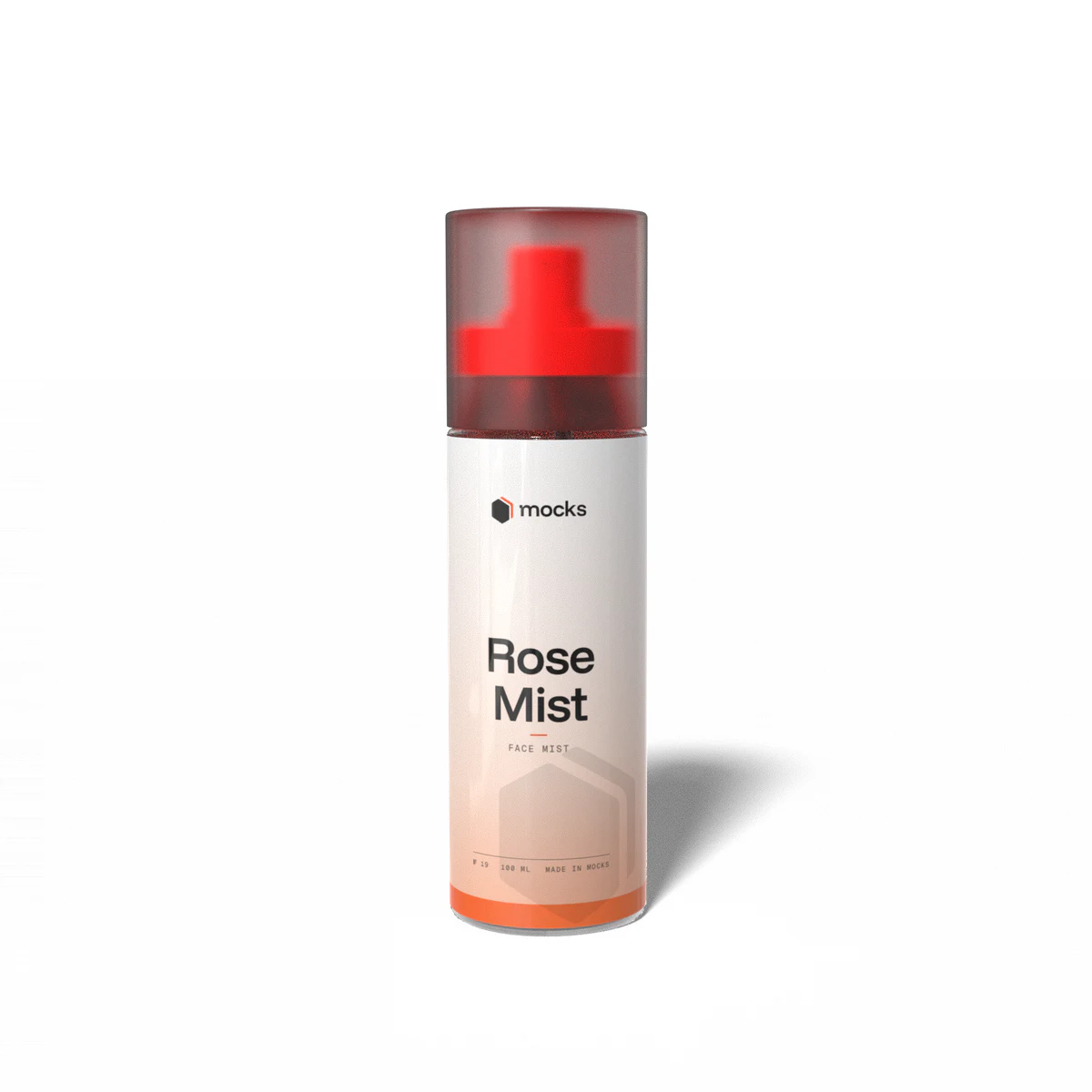
100 ml Plastic Cosmetic Spray Bottle
Spray Bottle100 ml
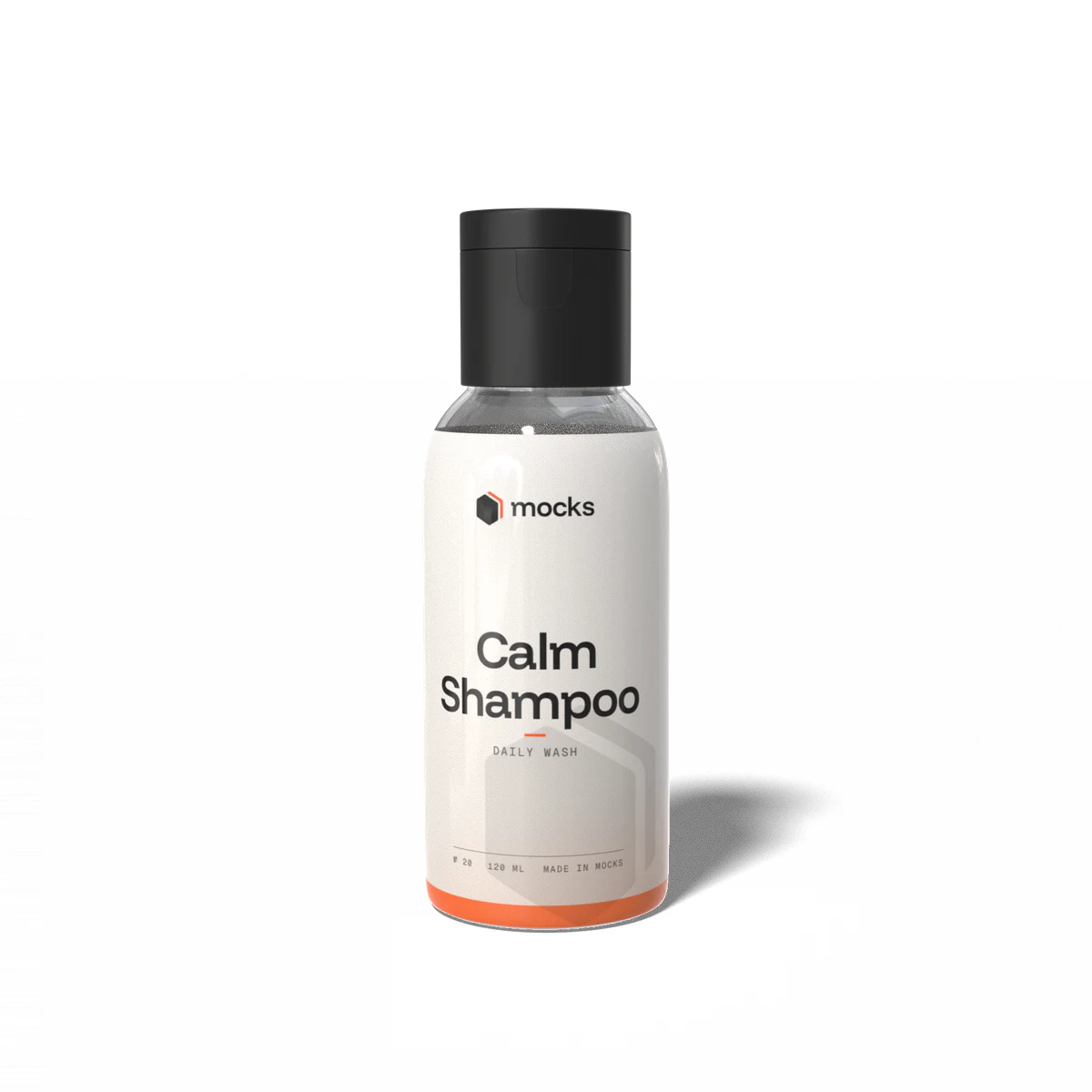
120 ml Shampoo Bottle
Shampoo Bottle120 ml
Your label on a 3D bottle mockup
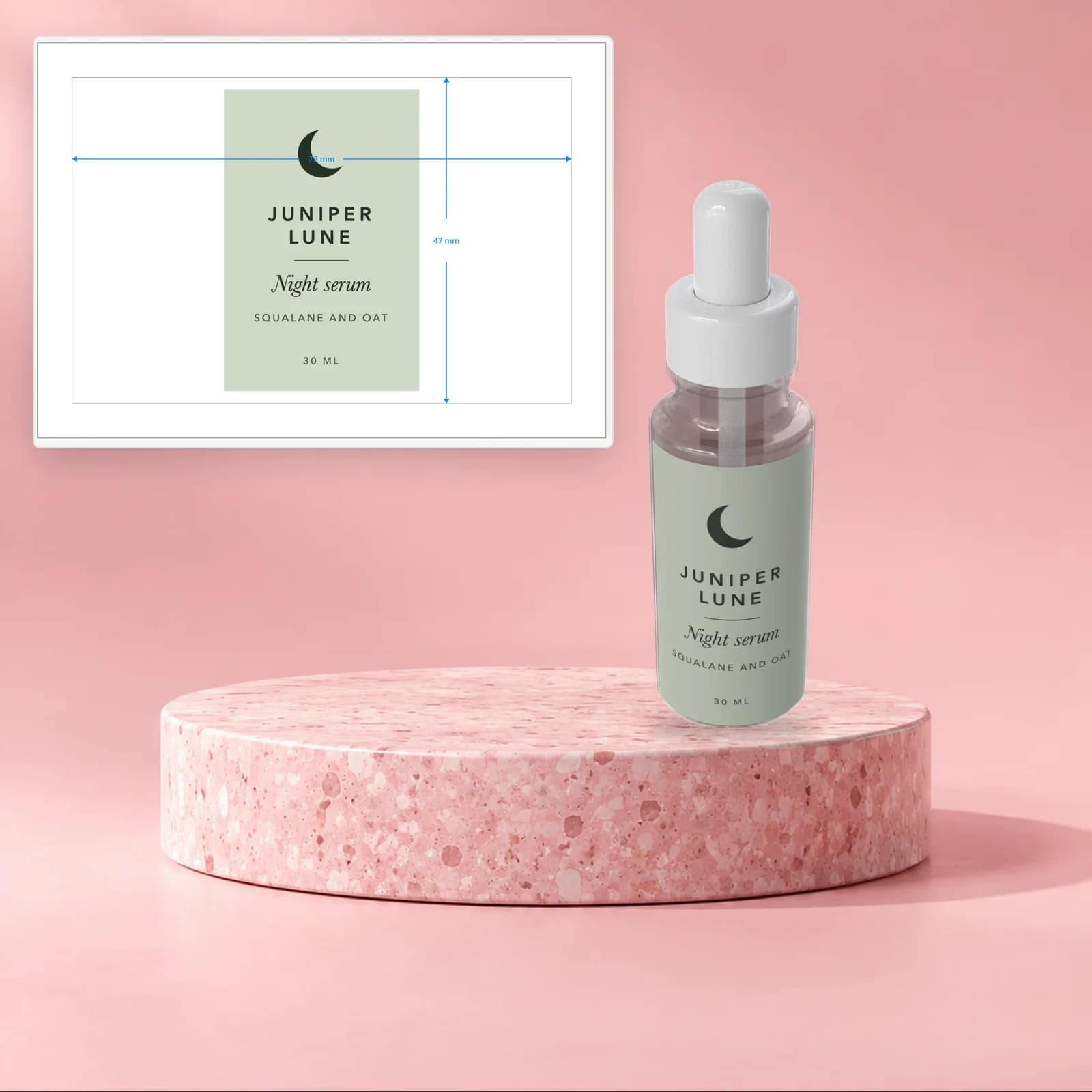
Upload the flat label and the editor wraps it around the bottle, so you see how the curve, the glass and the edges treat your design before you order labels.
Free to use, no sign-up
How to make a bottle mockup
Four steps in your browser, with nothing to install.
1Pick a bottle
Filter the grid above by type, from dropper and pump bottles to water and wine, and open the one closest to your real bottle.
Filter dropper bottles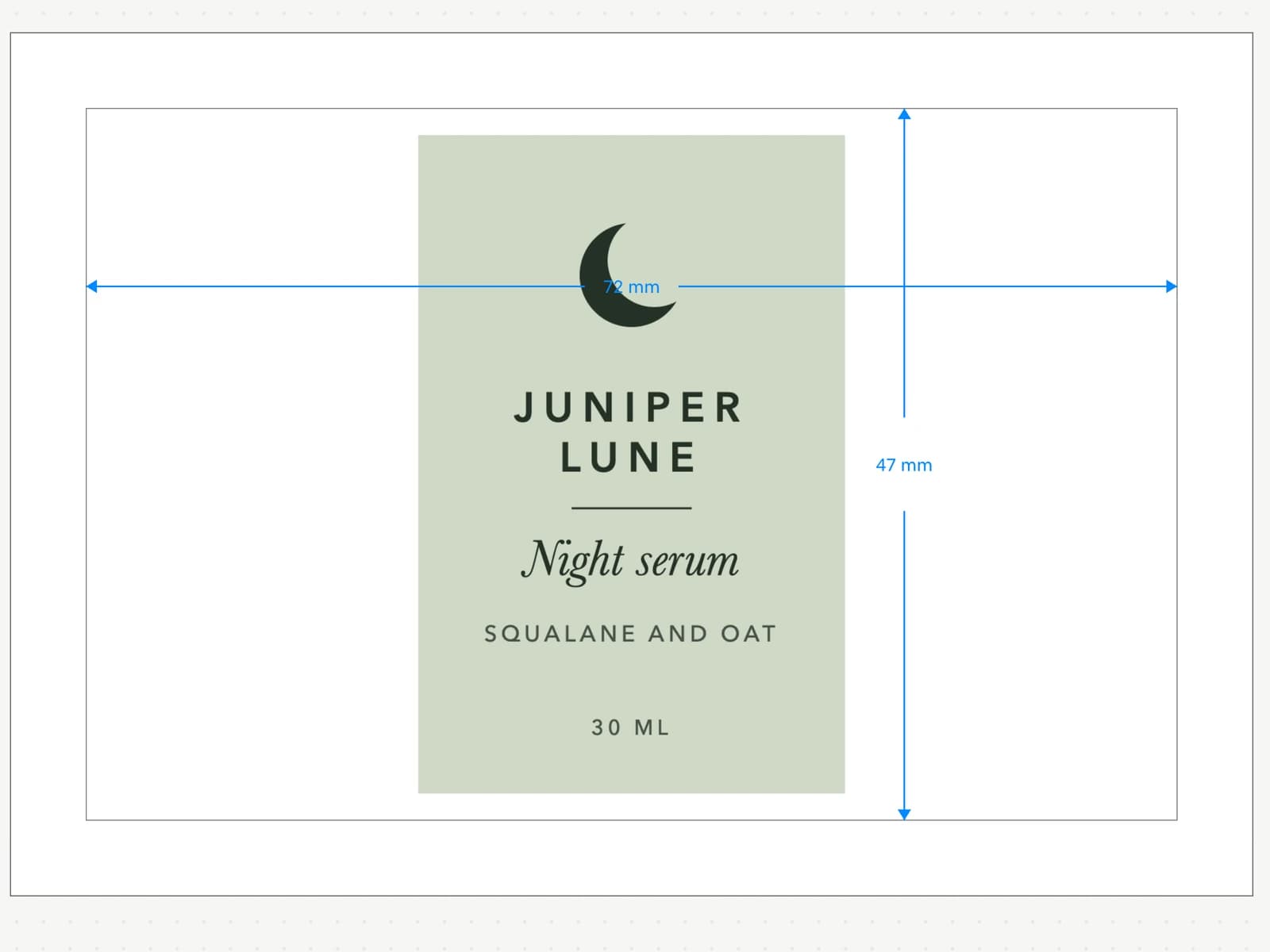
2Place your label
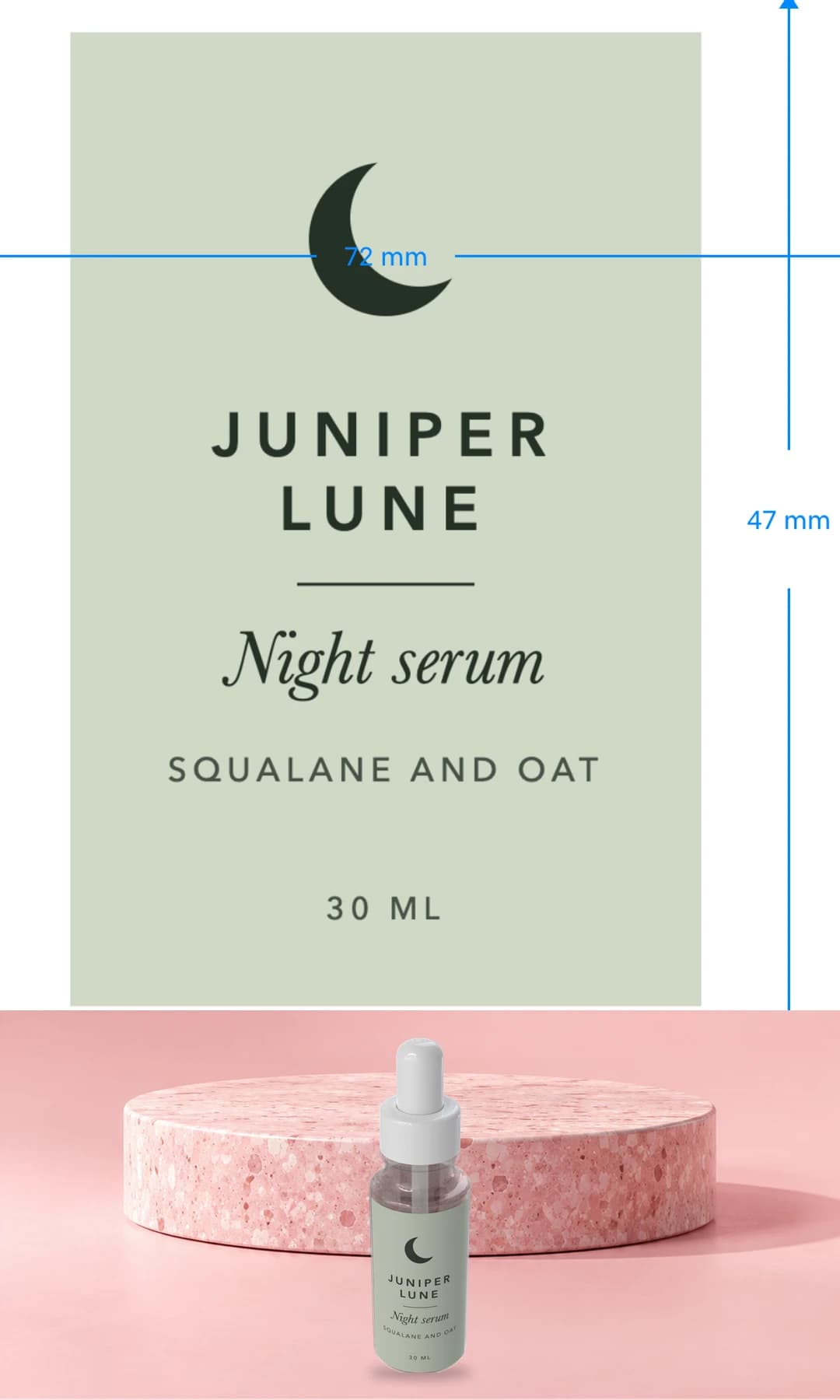
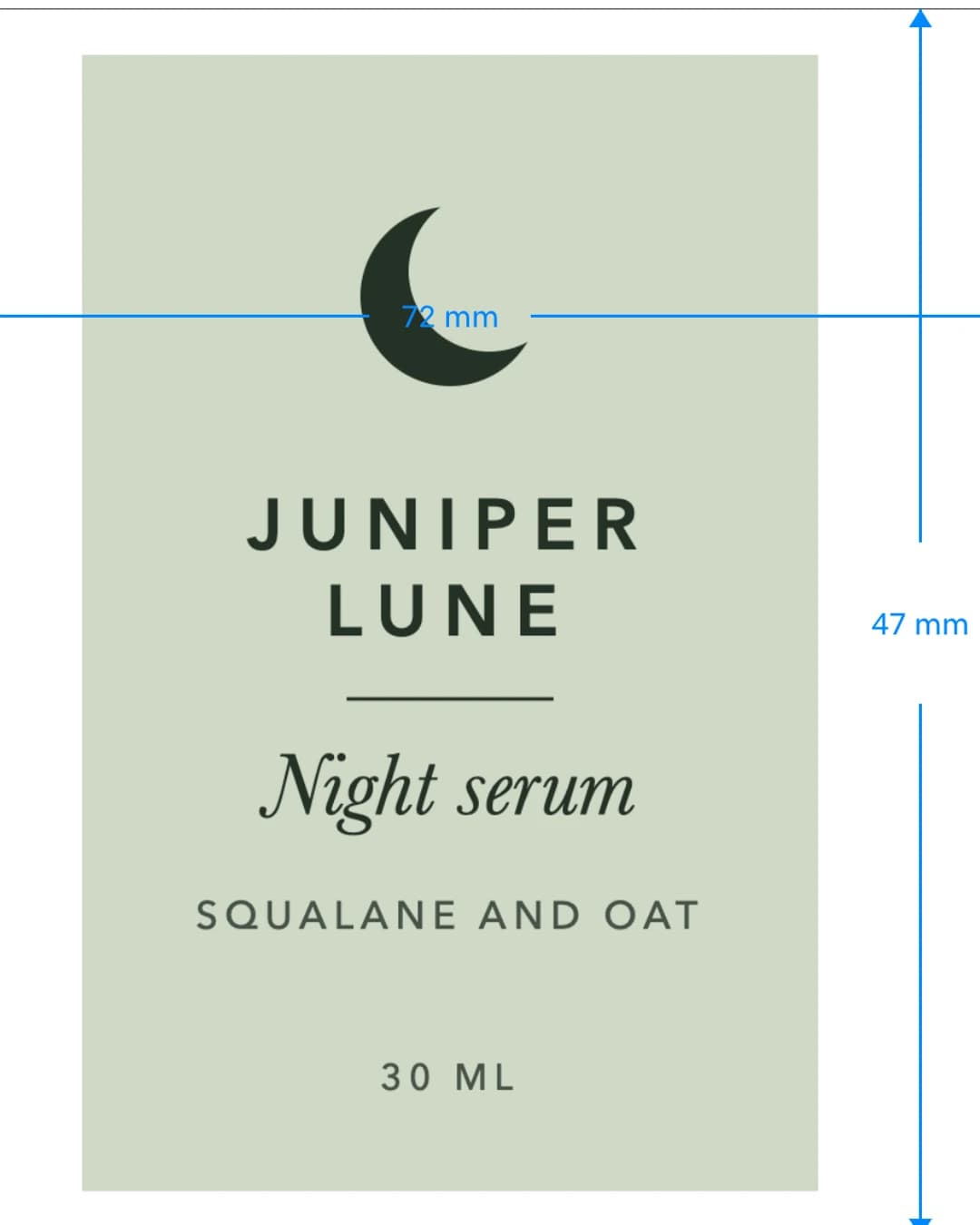
Open Upload and design and add your label file. A file with the same proportions as the print area fills it edge to edge.
Upload your label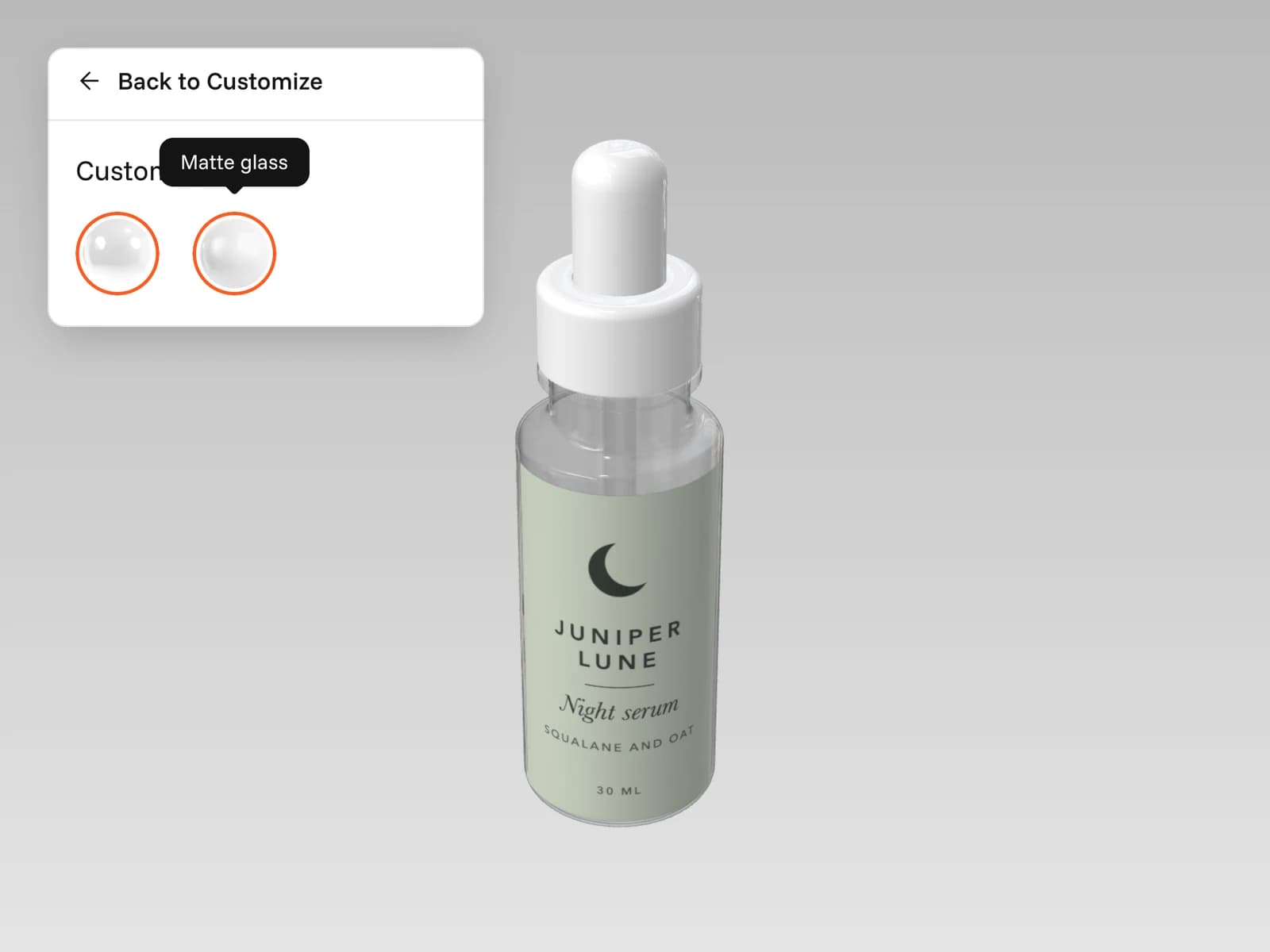
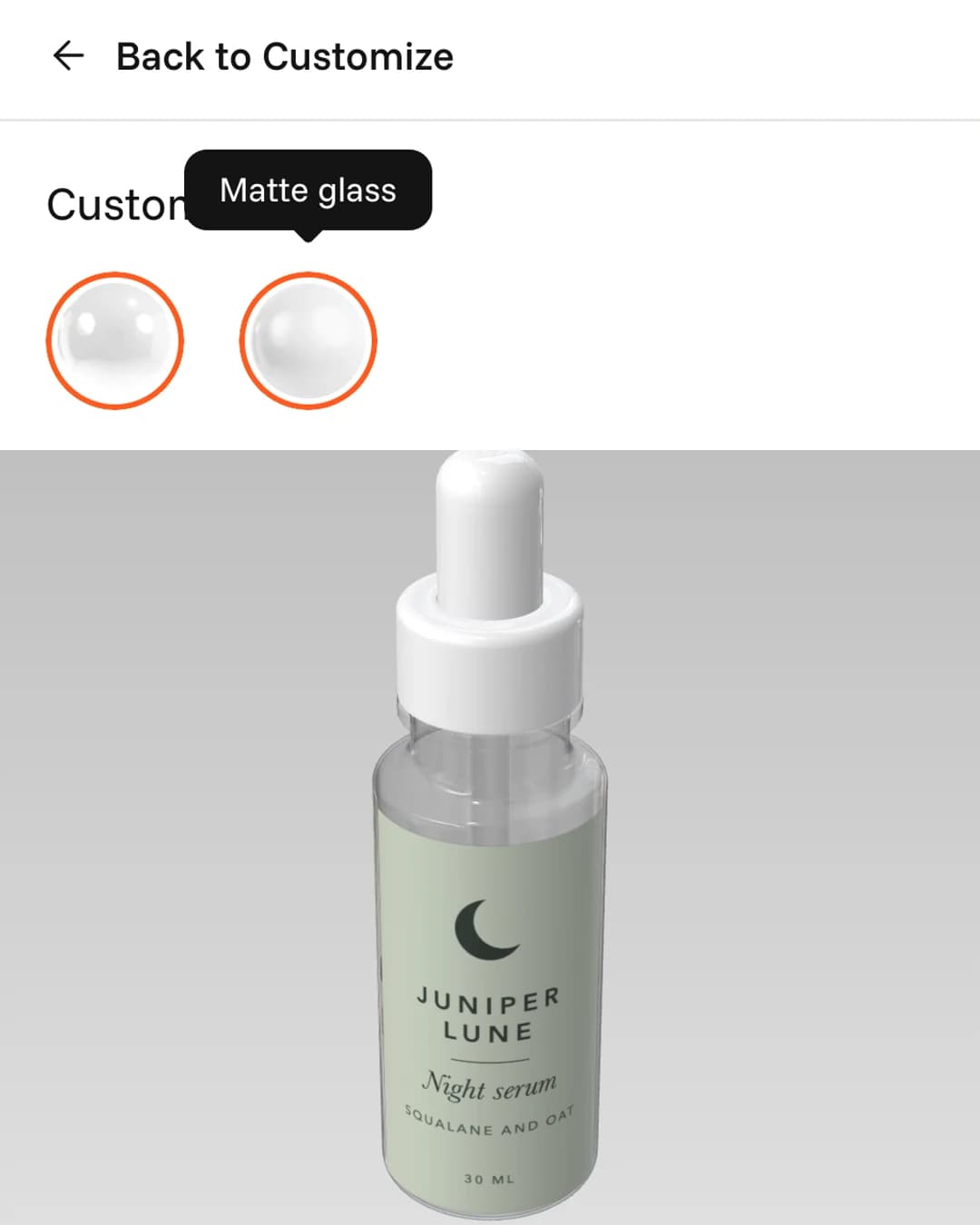
3Choose the finish
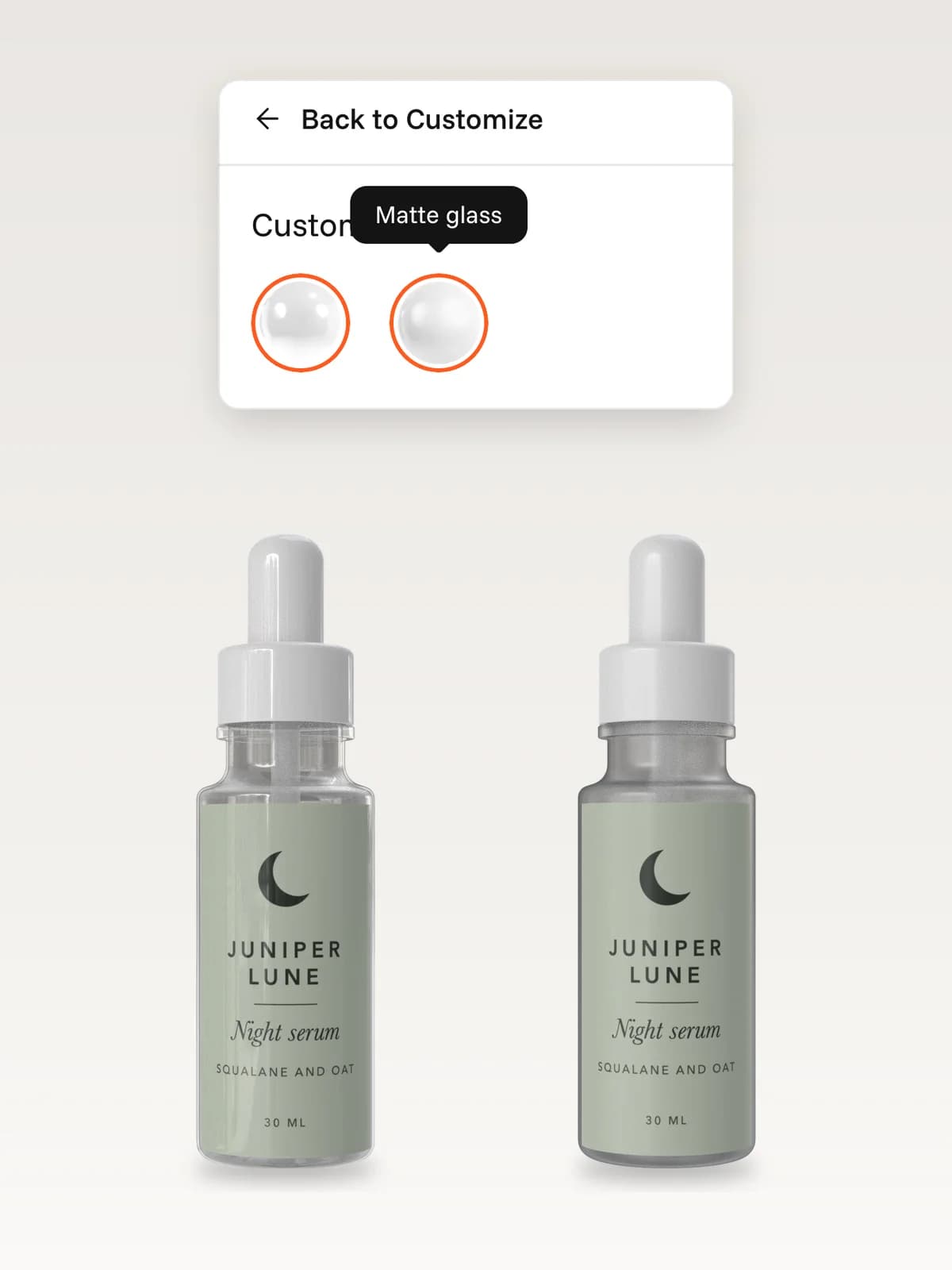
Switch the material, for example from glossy to matte glass, then pick a camera view or drag the bottle to your angle.
Try matte glass on wine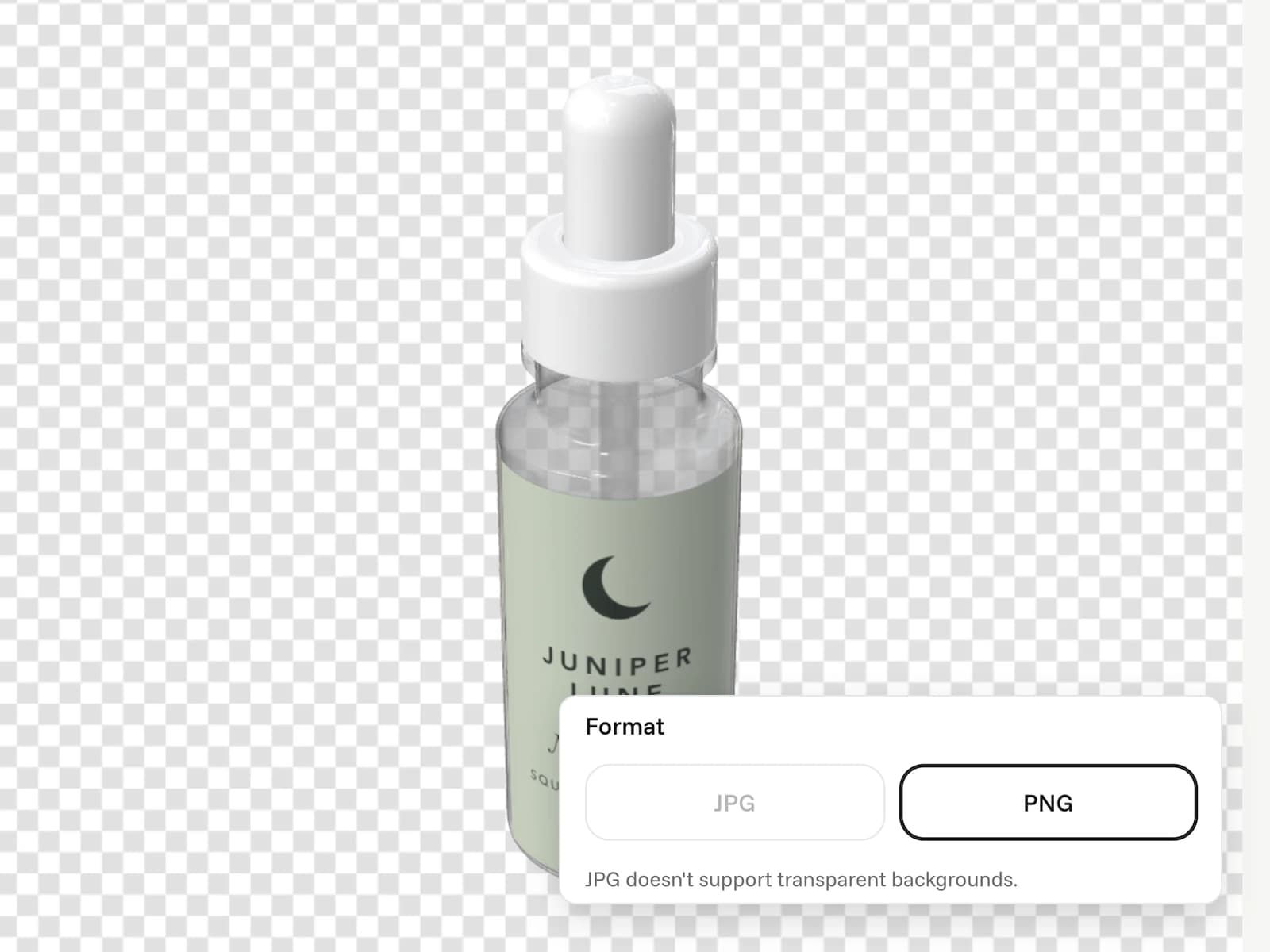
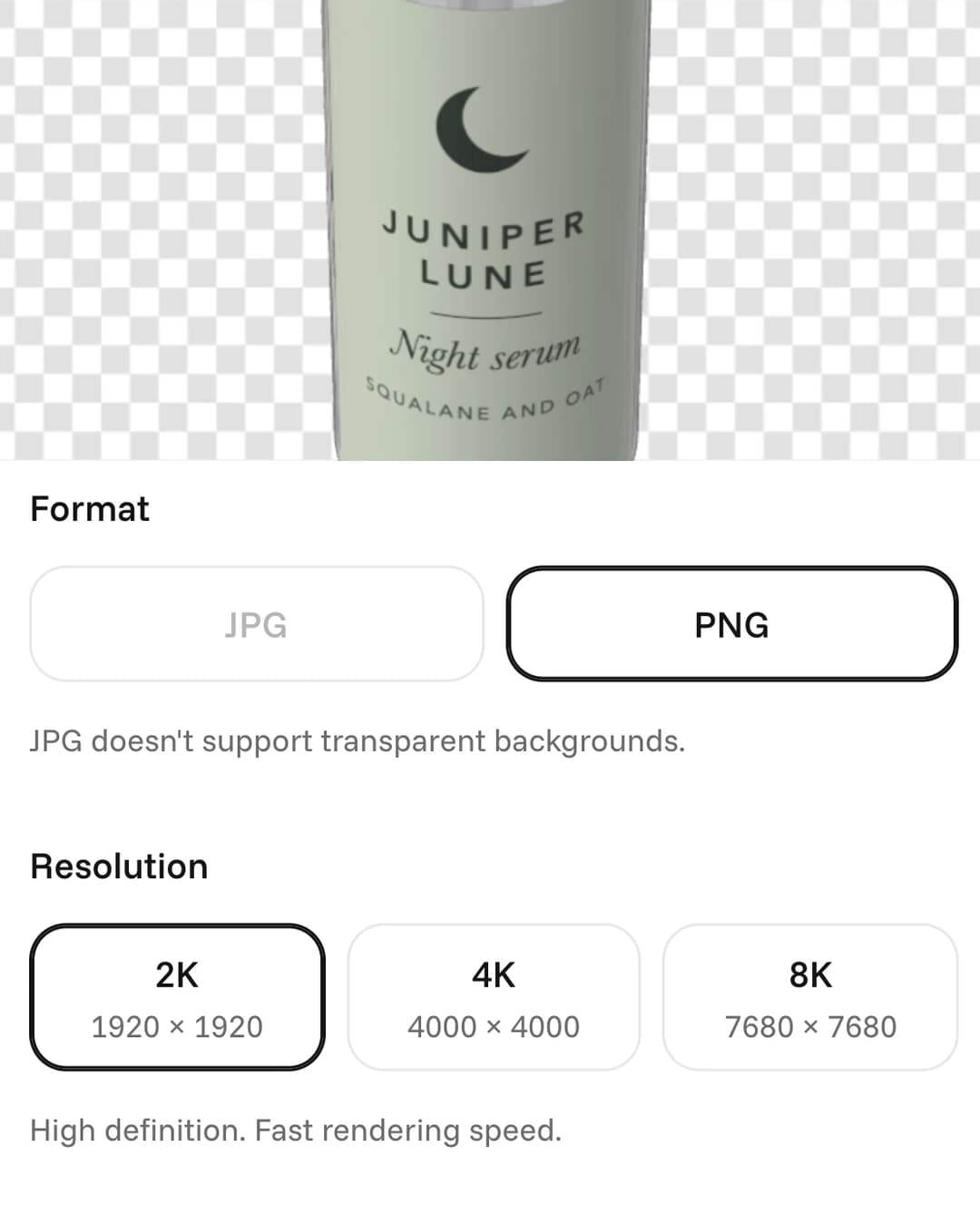
4Export a transparent PNG
Choose PNG and the background stays transparent, so clear glass shows whatever page you drop the bottle on. JPG renders it on a solid backdrop instead.
Export a transparent PNG
Bottle mockups for drinks, beauty and supplements
Start from the bottle your product actually ships in, then reuse the same label file across sizes and angles.
Water and soft drinks
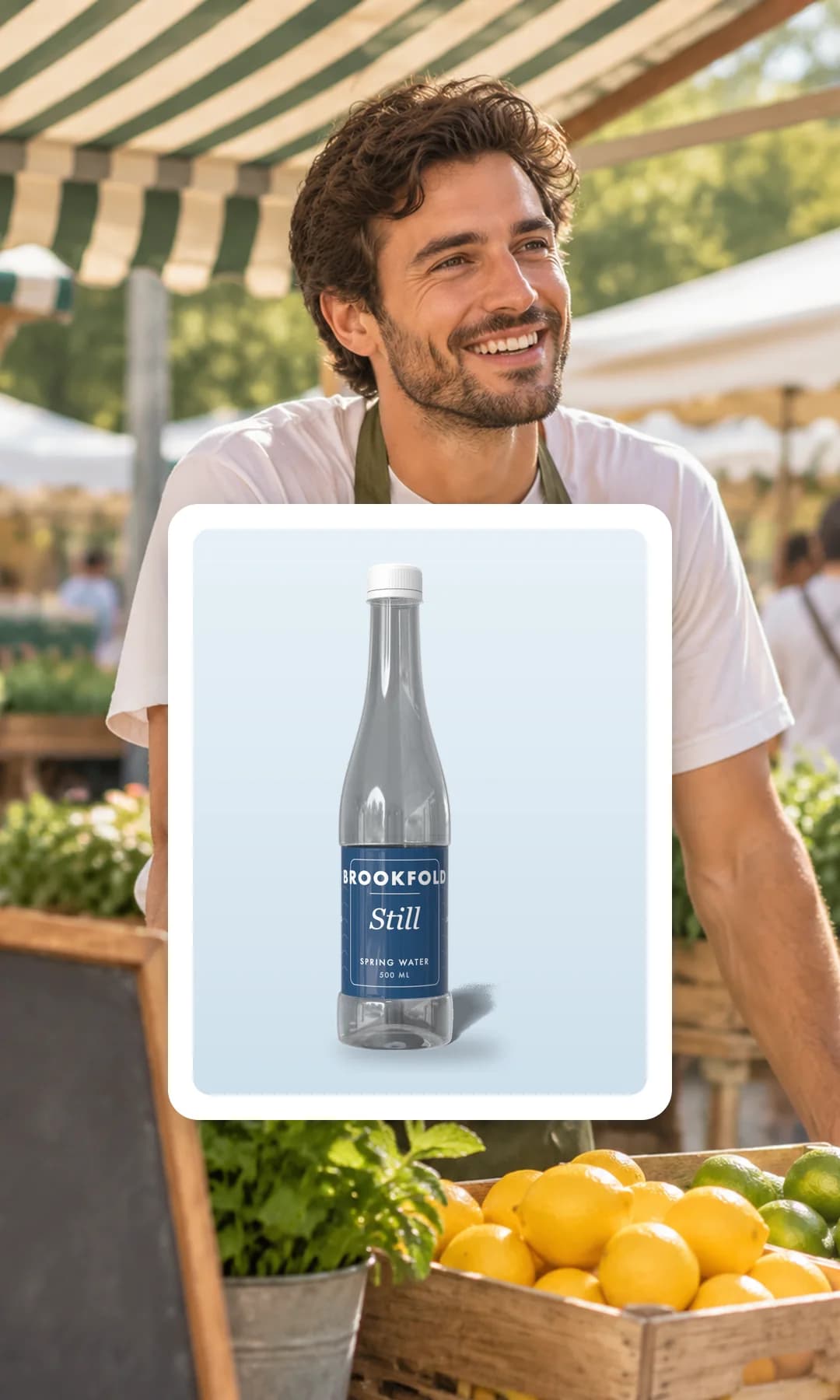
Put a flavor label on the 500 ml water bottle in clear plastic, ready for a market stall sign, a wholesale sheet or your online shop.
Wine and beer
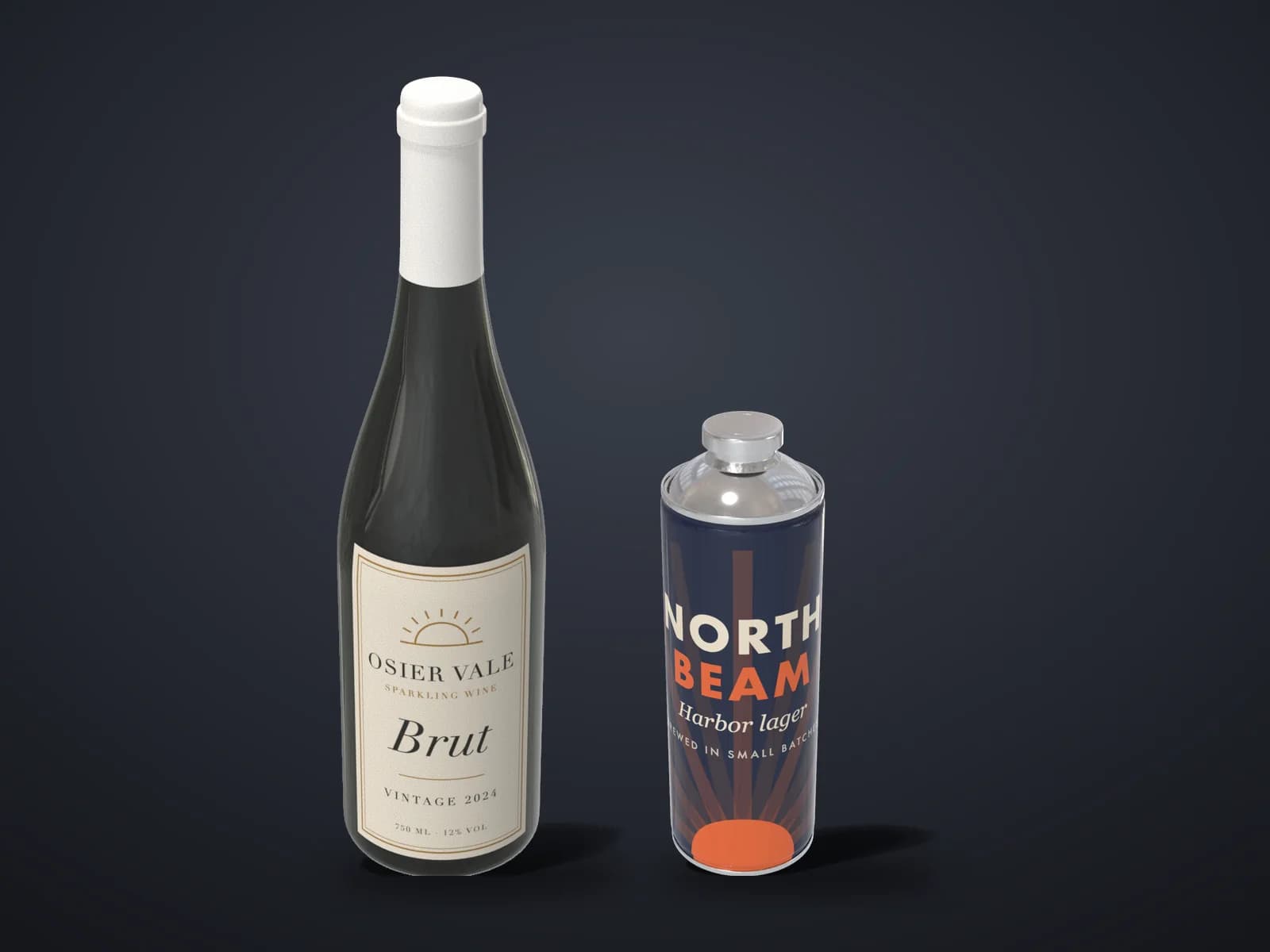
A 750 ml glass bottle for wine or sparkling wine, and an aluminum beer bottle printed all the way around.
Skincare and beauty
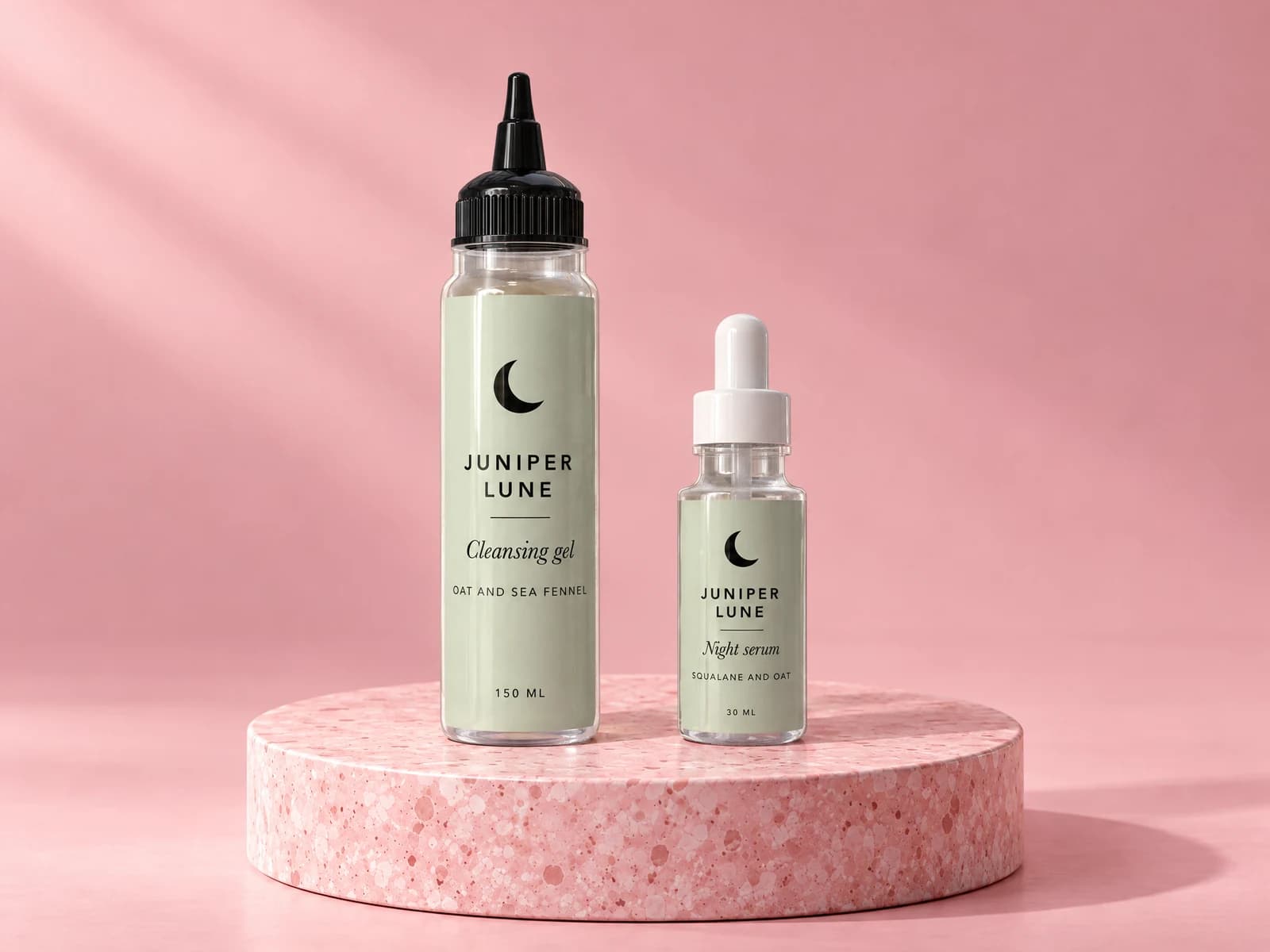
Dropper, pump, spray and squeeze bottles for serums, lotions and mists, in glass, clear plastic or opaque plastic.
Supplements
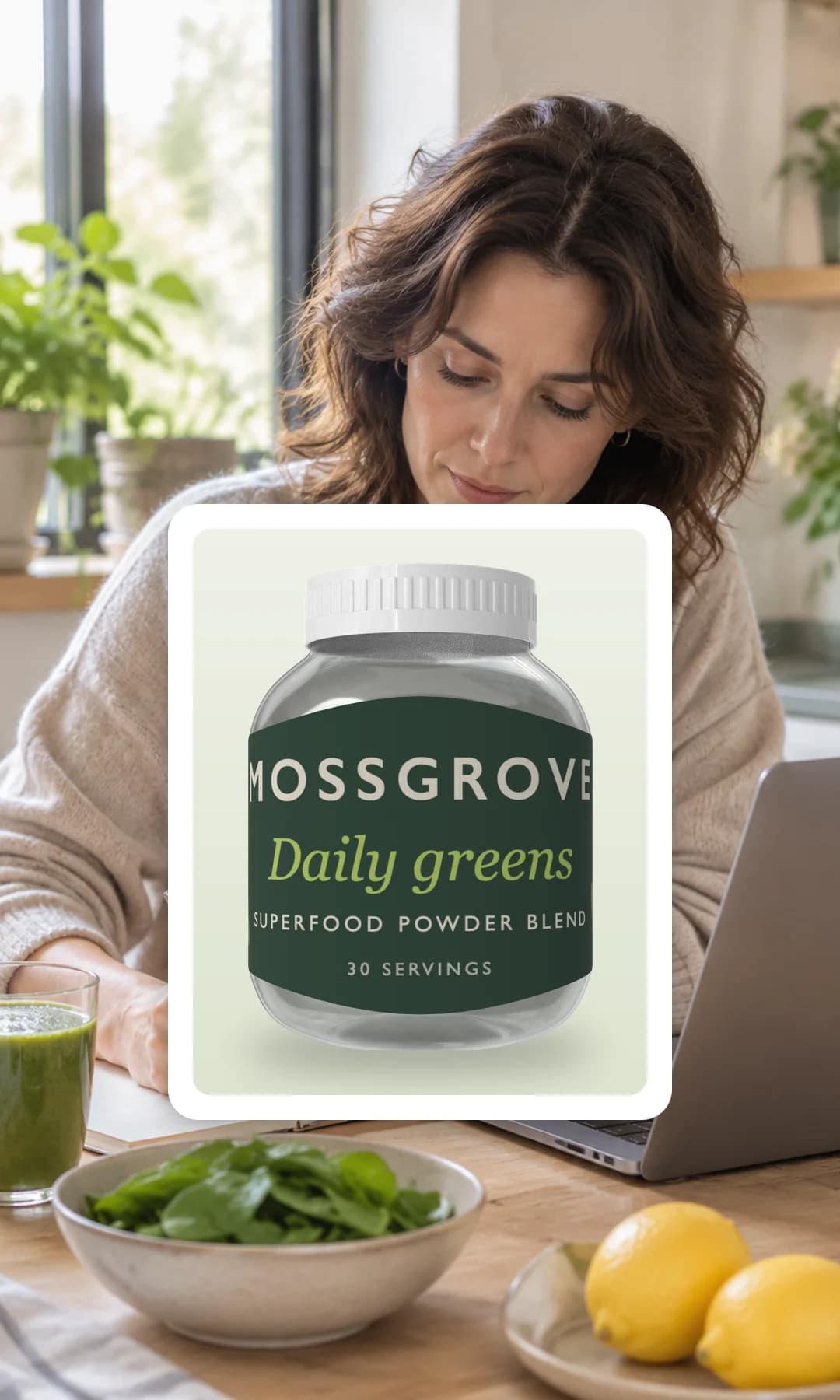
A wide clear jar for powders, gummies and capsules, with a label band that wraps the whole way around, so the supplement facts can sit on the back.
Glass, clear plastic or metal
Each bottle offers the finishes of its real material, in a glossy and a matte version, so you can judge how the label reads on each.
Glass
Glossy or matte glass on the dropper bottle, the 750 ml wine bottle and the 100 ml spray bottle.
Clear plastic
See-through plastic for the water bottle, the slim cosmetic bottle and the supplement jar, so the label shows against the clear body.
Opaque plastic
Solid plastic for the lotion pump. The shampoo bottle offers both clear and opaque plastic.
Metal
The aluminum beer bottle switches between glossy and matte metal, with your print covering the whole body.
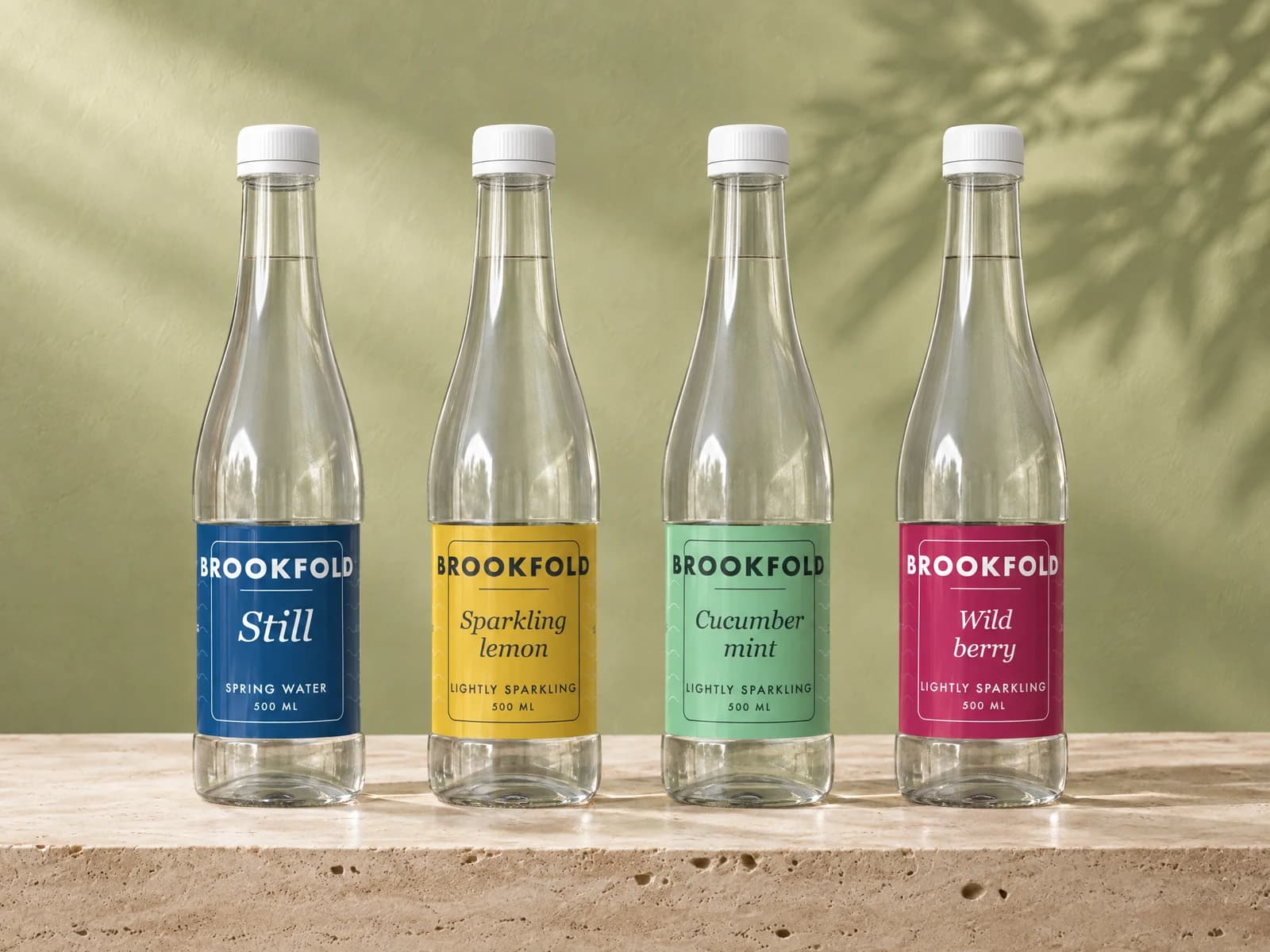
A water bottle mockup for every flavor
Keep the same bottle and camera view, swap the label for each flavor and export again: the shots line up as one family on your shop page. The Layout tab sets copies of one bottle side by side.
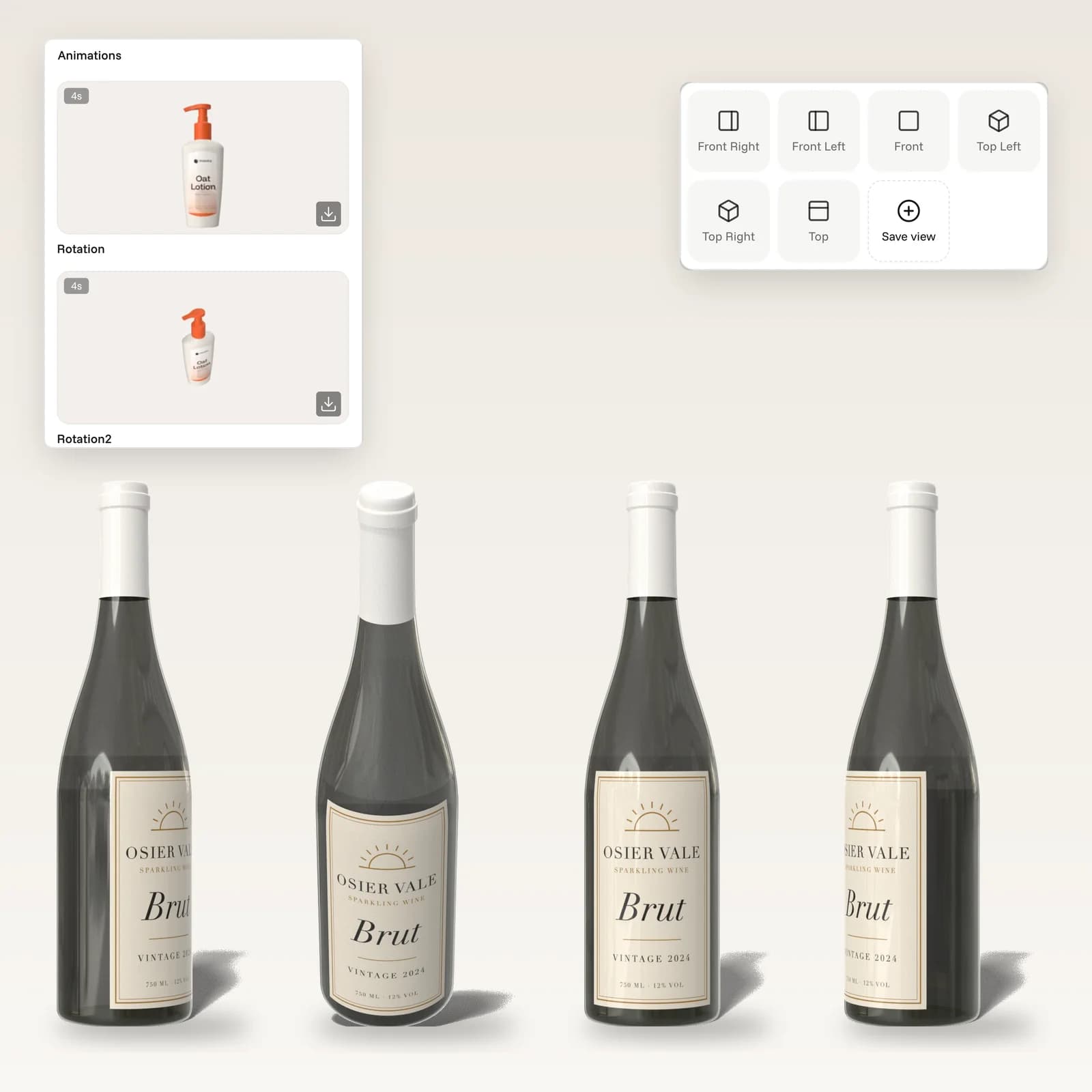
Turn it, film it, export it
The product page shot, the social video and the transparent cutout all come from the same bottle, with the same label and the same finish.
6
camera views, plus free drag and a saved view of your own
MP4
videos from animation presets such as Rotation and Entrance
PNG
renders with a transparent background, or JPG on a color
1:1 to 16:9
frames for square posts, stories and wide banners
3D bottle mockup or a sample photo shoot?
Both have their place. Here is what changes when the bottle is a 3D model.
3D mockup in Mocks | Photo of a sample | |
|---|---|---|
| Needs printed labels and bottles | No | Yes |
| A new flavor or SKU | Swap the label file | Print and shoot again |
| Glass or plastic, glossy or matte | Switch the material | Order other stock |
| Back label and sides | Turn the bottle | Extra shots |
| Transparent background | Built in | Cutout editing |
| Liquid and real reflections | Rendered empty | Yes |
Bottle mockup questions
Explore more mockups
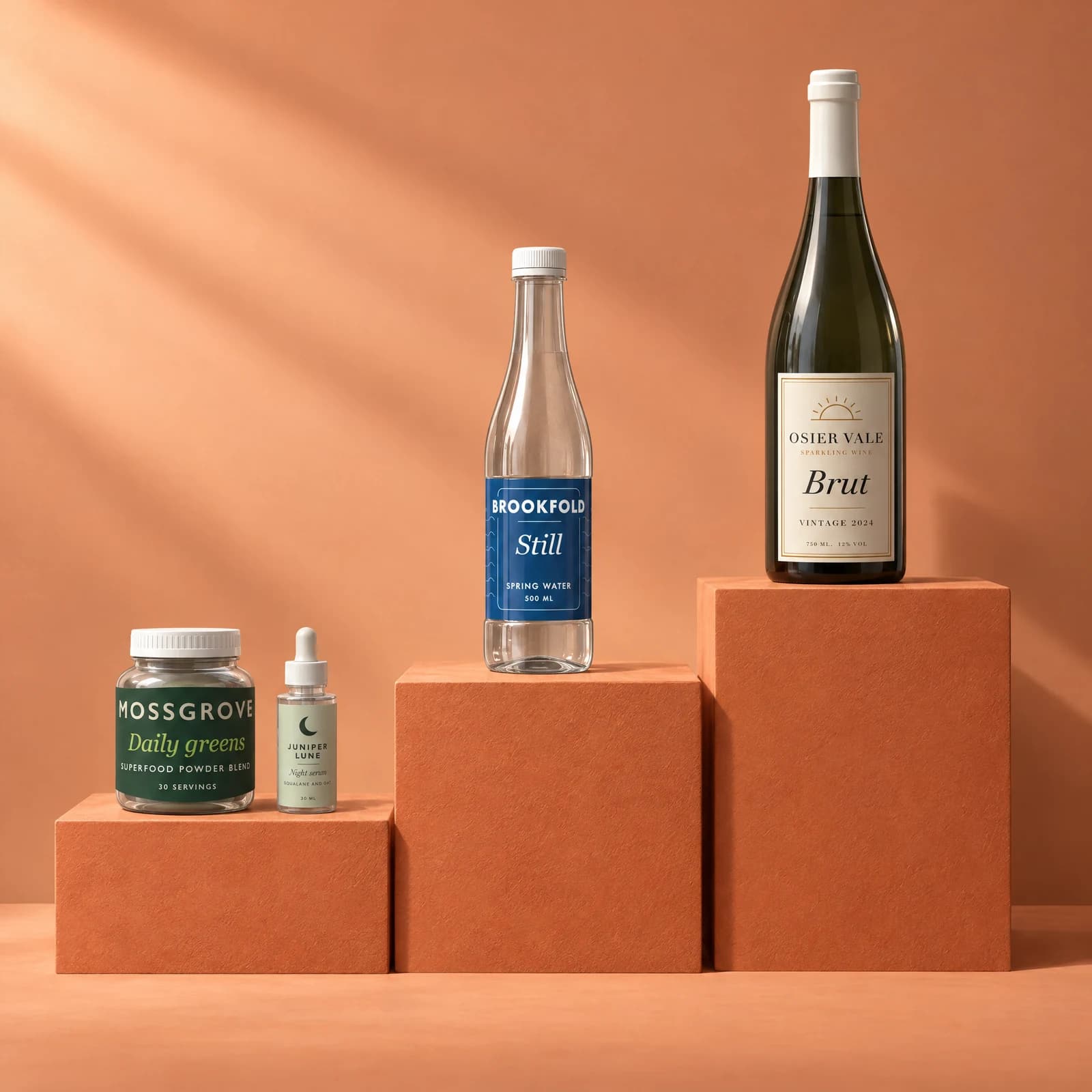
Make your first bottle mockup
Free to use, no sign-up, runs in your browser.