
Box mockups for your packaging
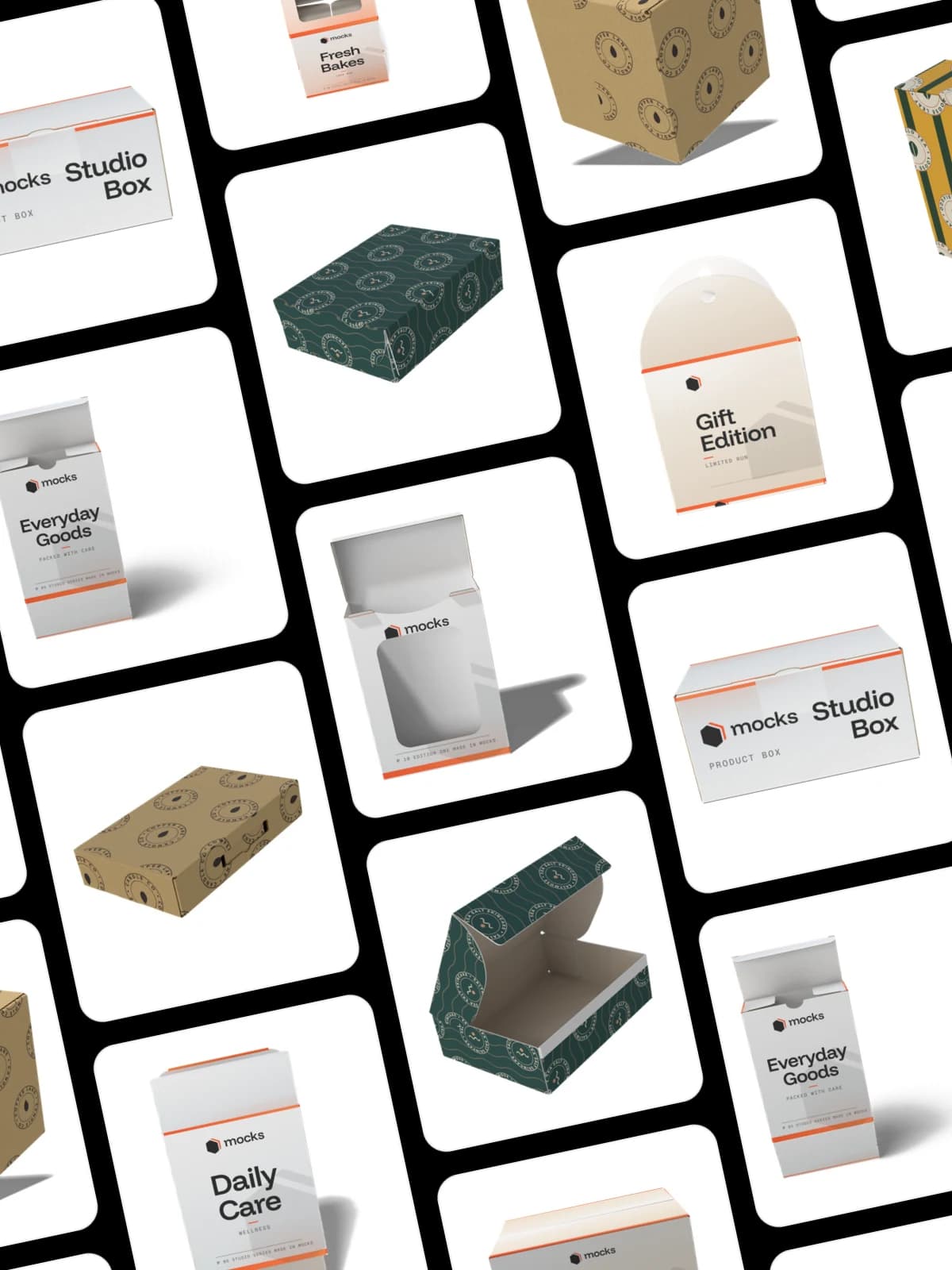
Place your artwork on the flat dieline of a mailer, shipping, tuck end or gift box and watch it fold into 3D. Open the lid, switch the board and export a transparent PNG or MP4.
10 mockups
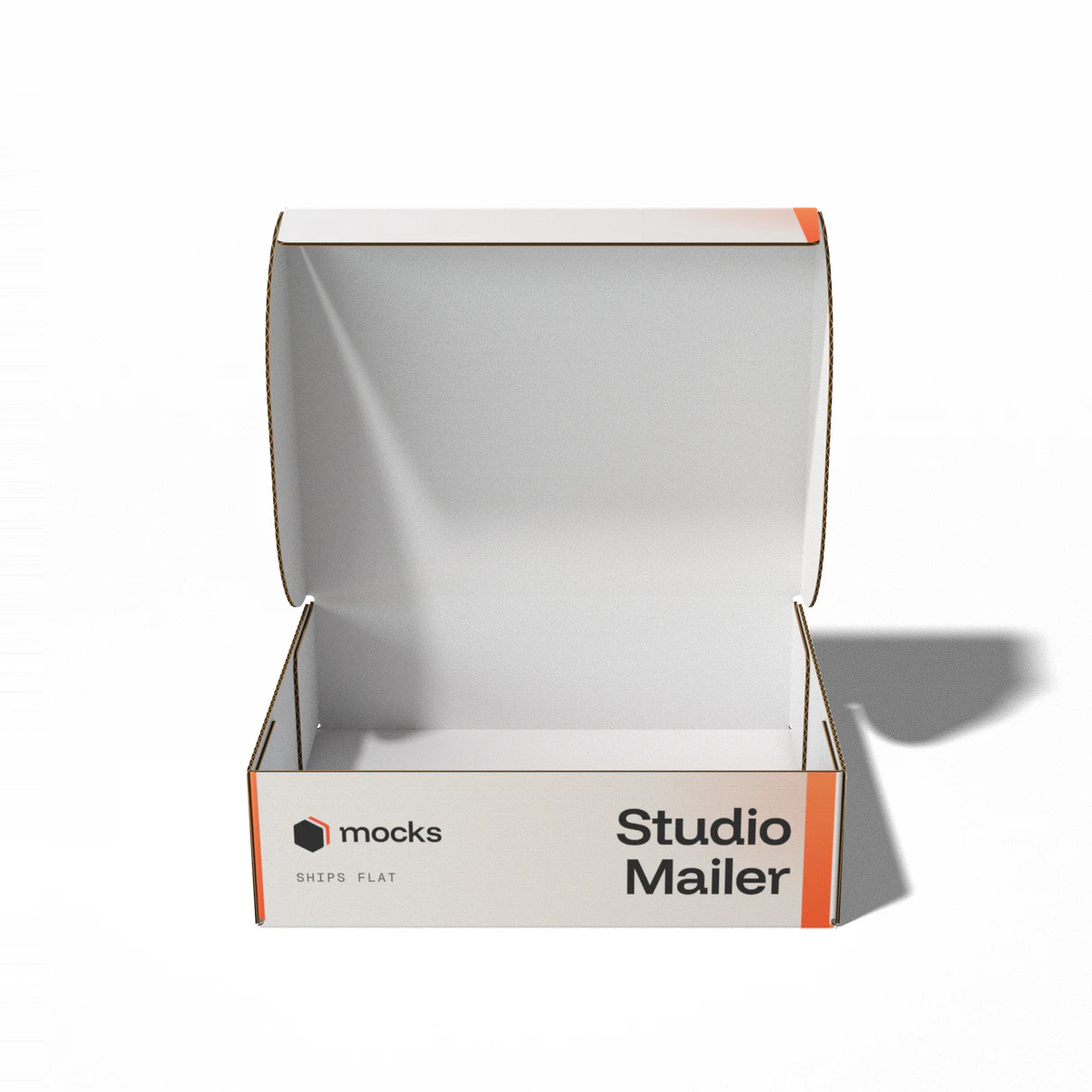
Curved Tuck-Front Mailer Box
Mailer Box163.5 × 62 × 208 mm
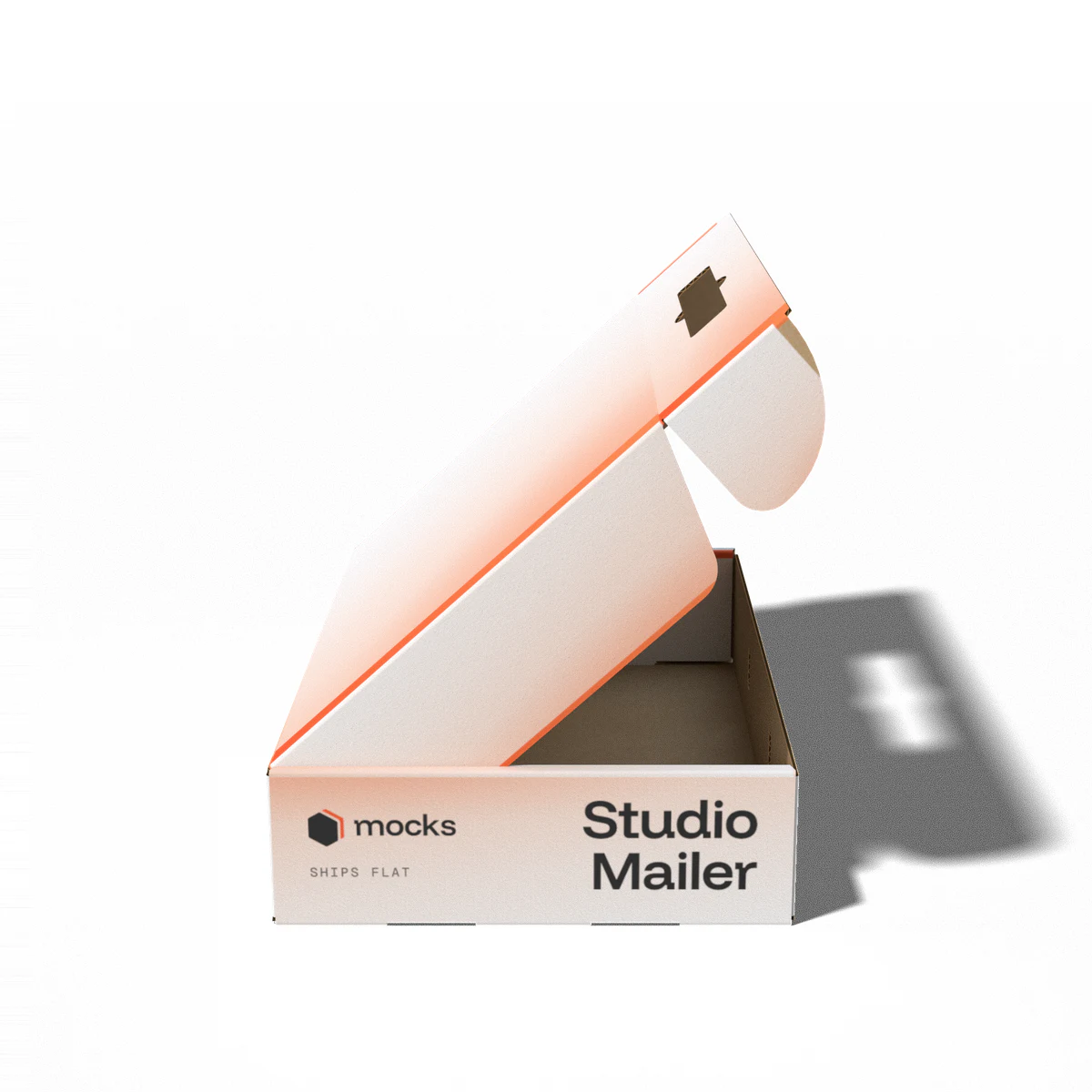
Mailer Box with Carry Handle
Mailer Box313 × 202 × 62 mm
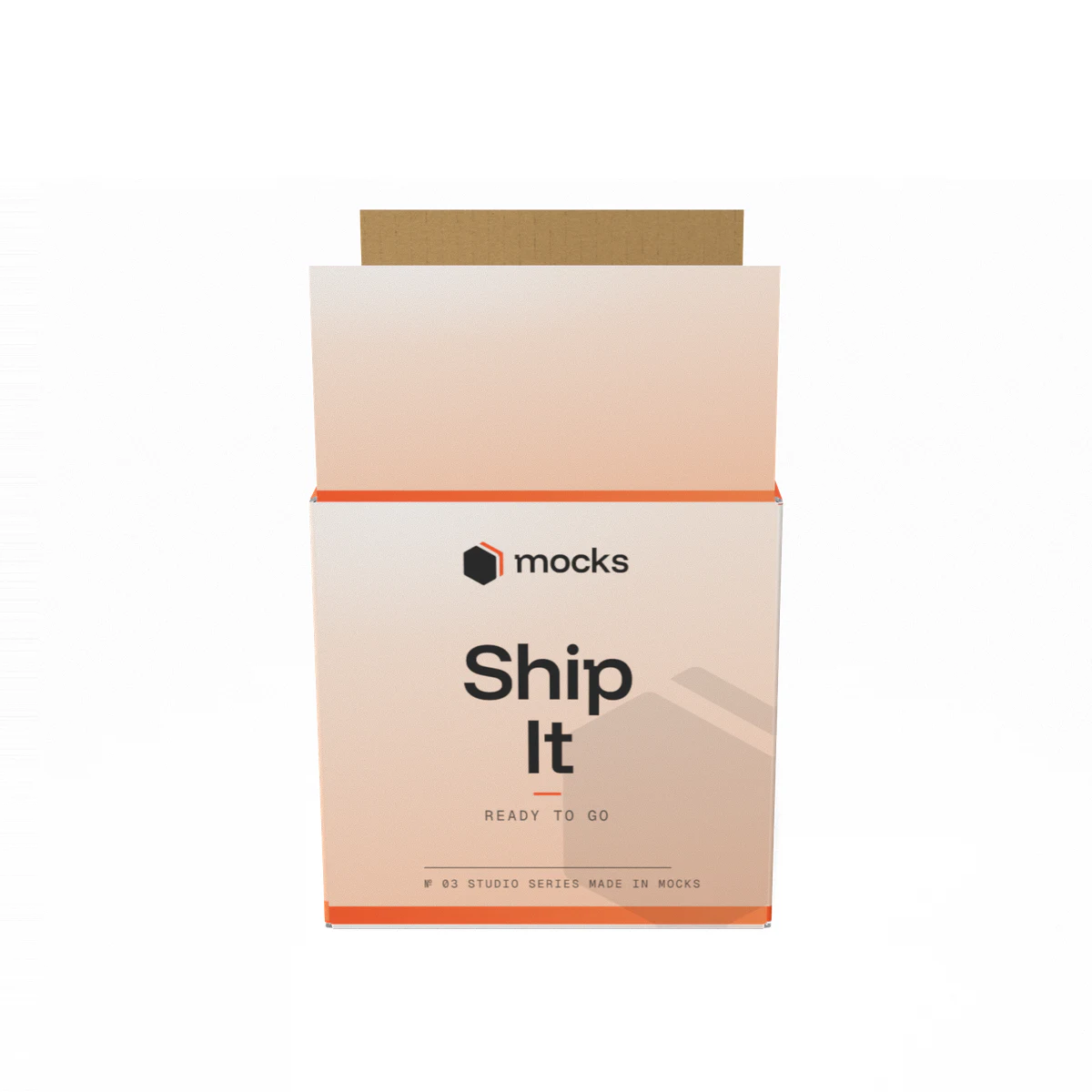 Custom size
Square Shipping Carton
Shipping Box305 × 305 × 305 mm
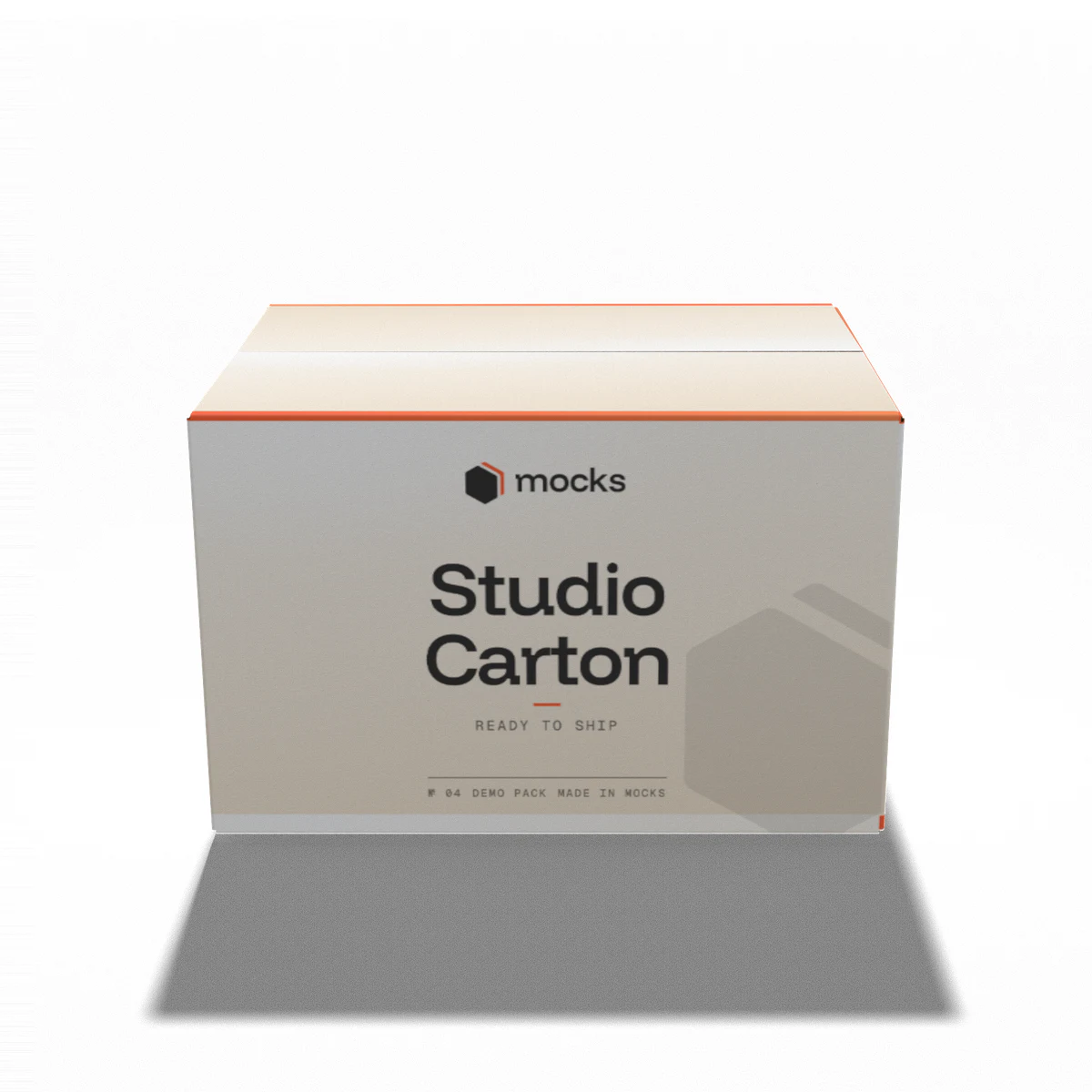 Custom size
Flat Shipping Box with Self-Locking Bottom
Shipping Box250 × 200 × 160 mm
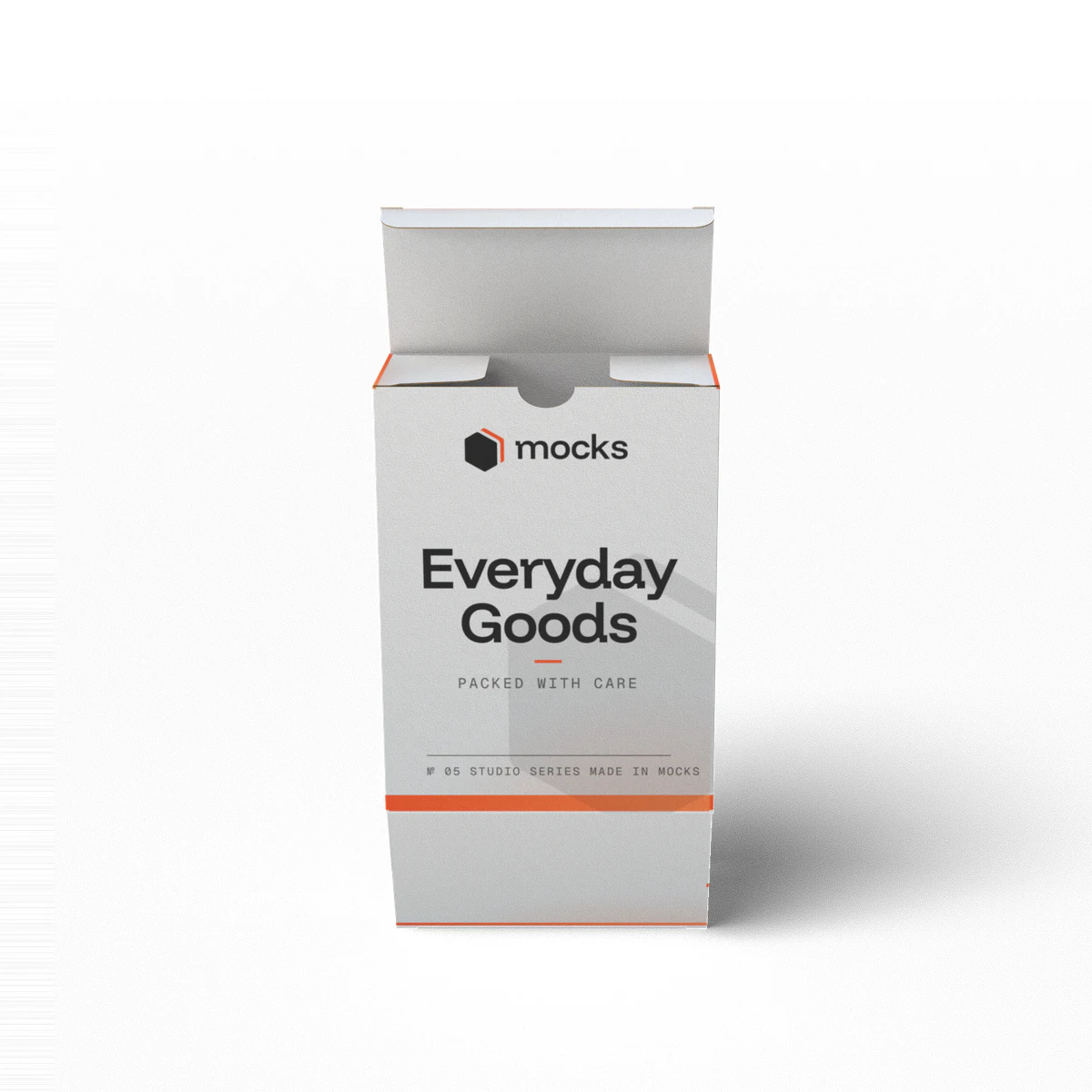 Custom size
Double-Tray Tuck End Box
Tuck End Box120.6 × 60.6 × 161.1 mm
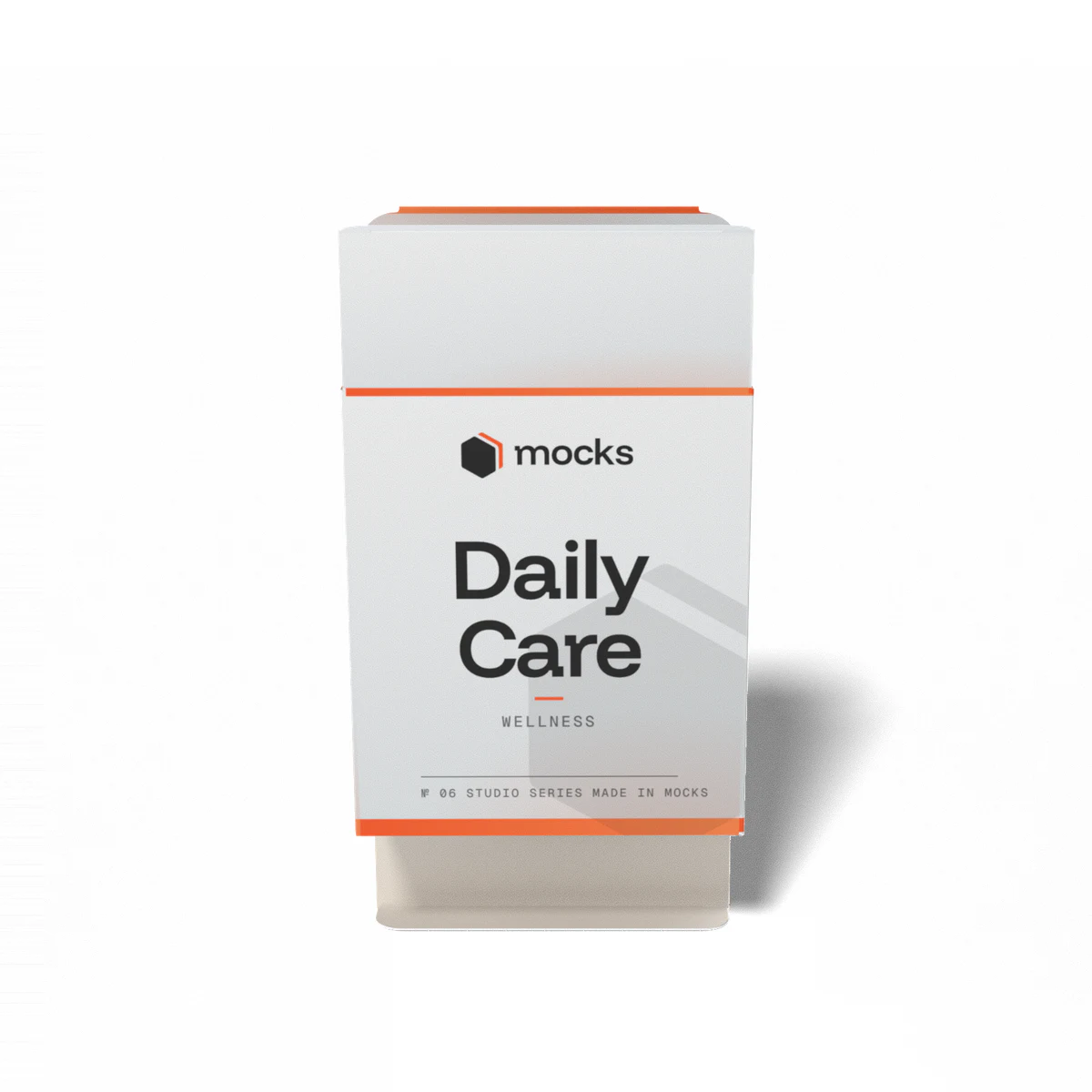 Custom size
Medicine Box with Hang Tab
Tuck End Box100 × 40 × 120 mm
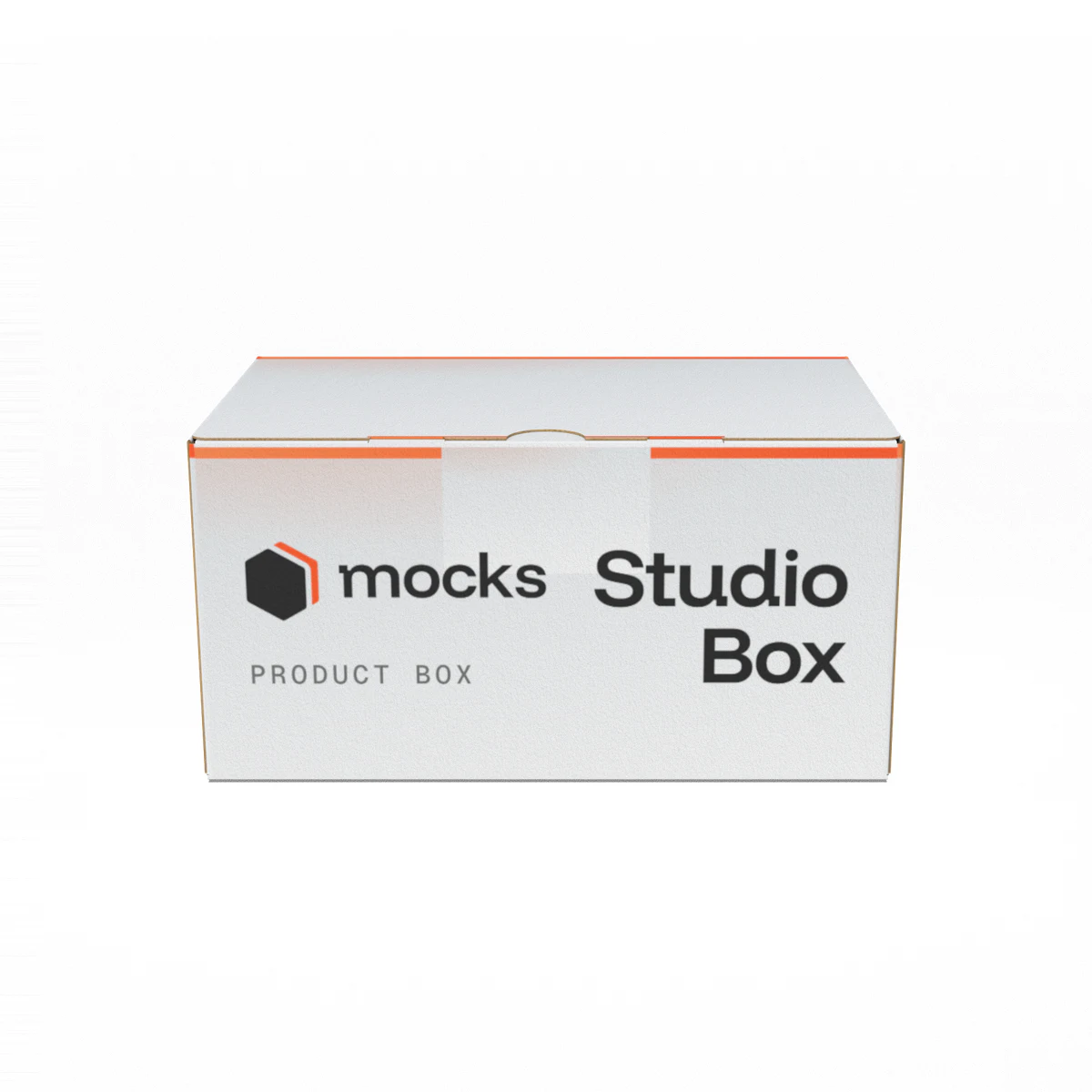
Snap-Lock Product Box
Product Box162.5 × 102 × 82 mm
 Custom size
Small Square Cake Box
Square Box85 × 85 × 85 mm
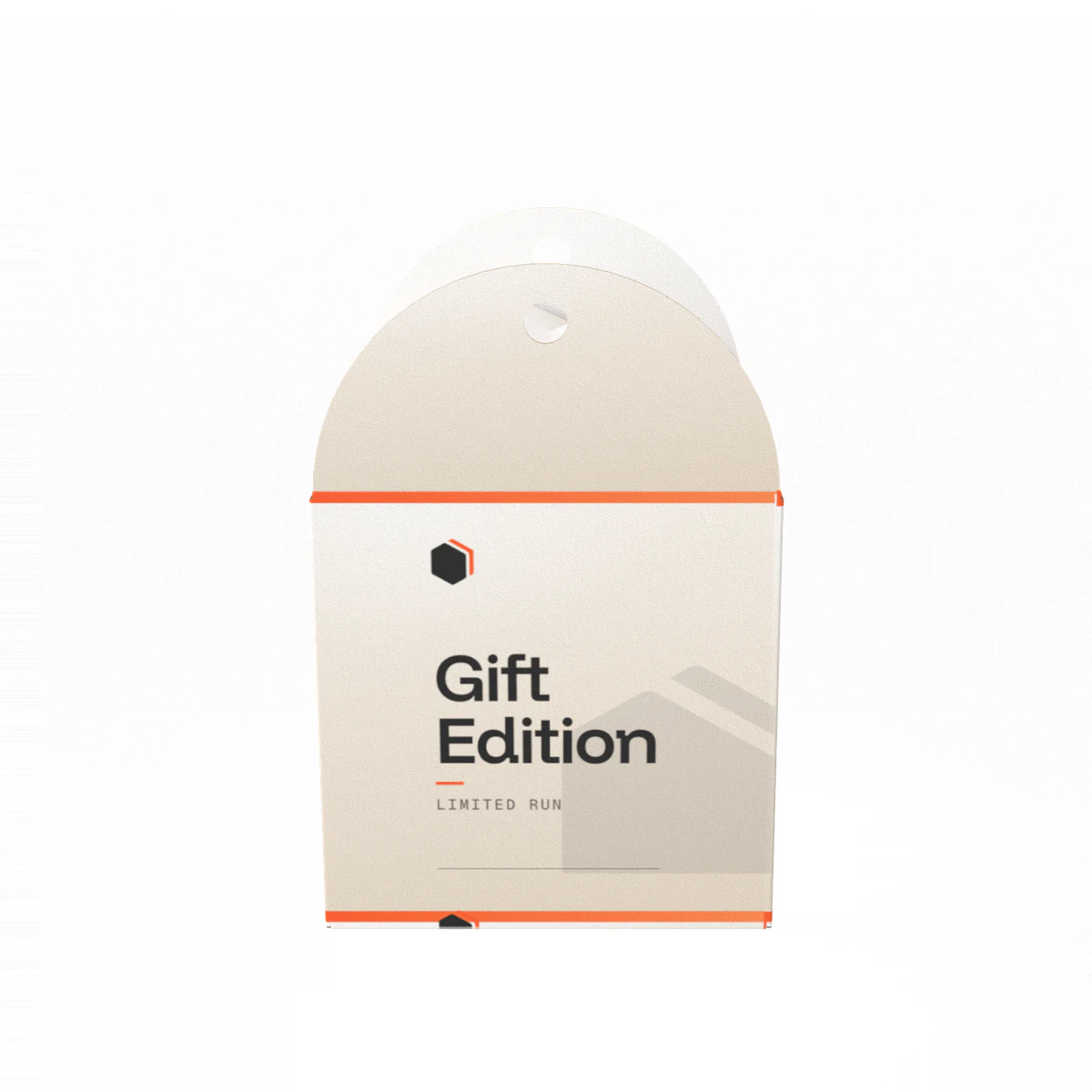
Dome Gift Box with Ribbon Holes
Gift Box65.6 × 65.6 × 66.1 mm
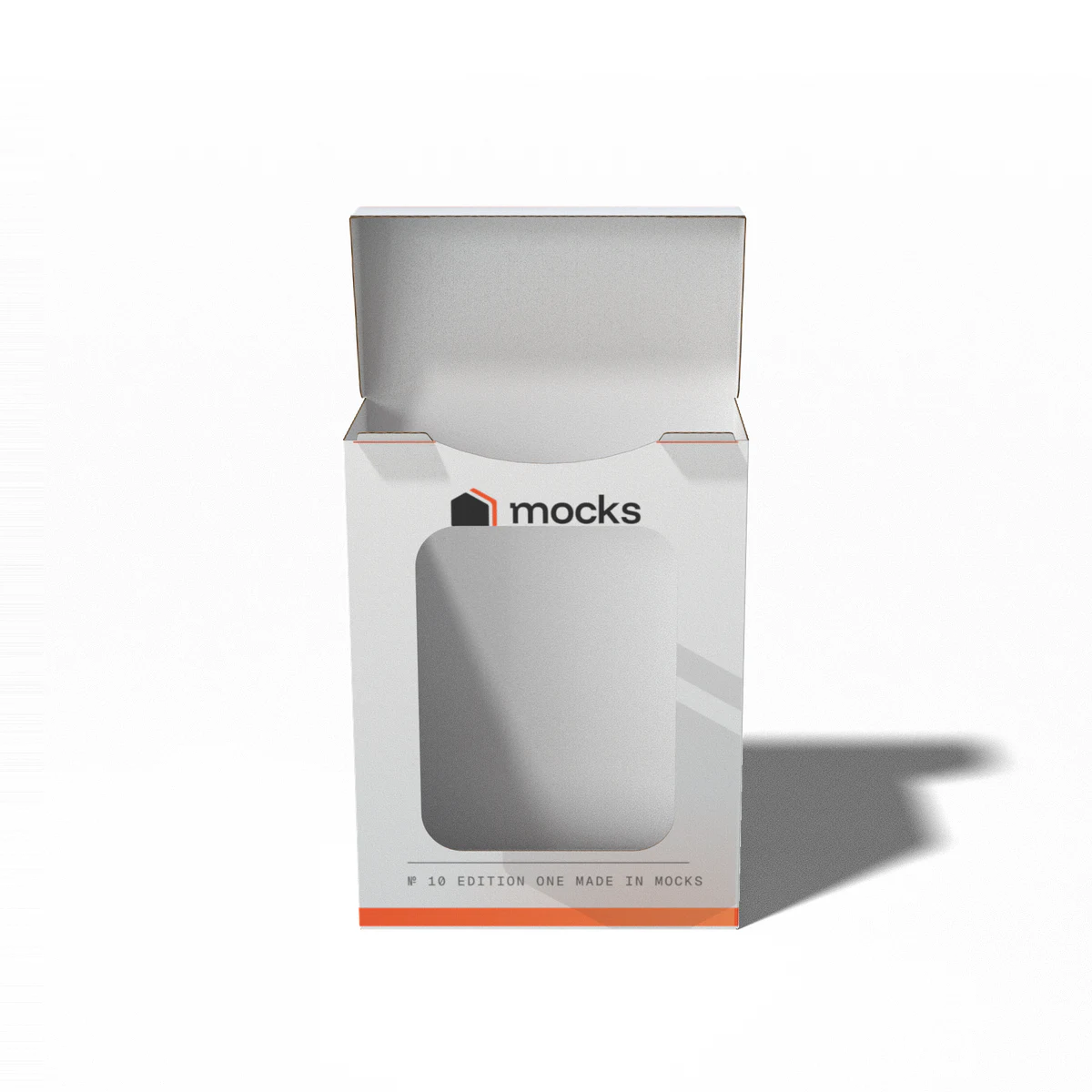
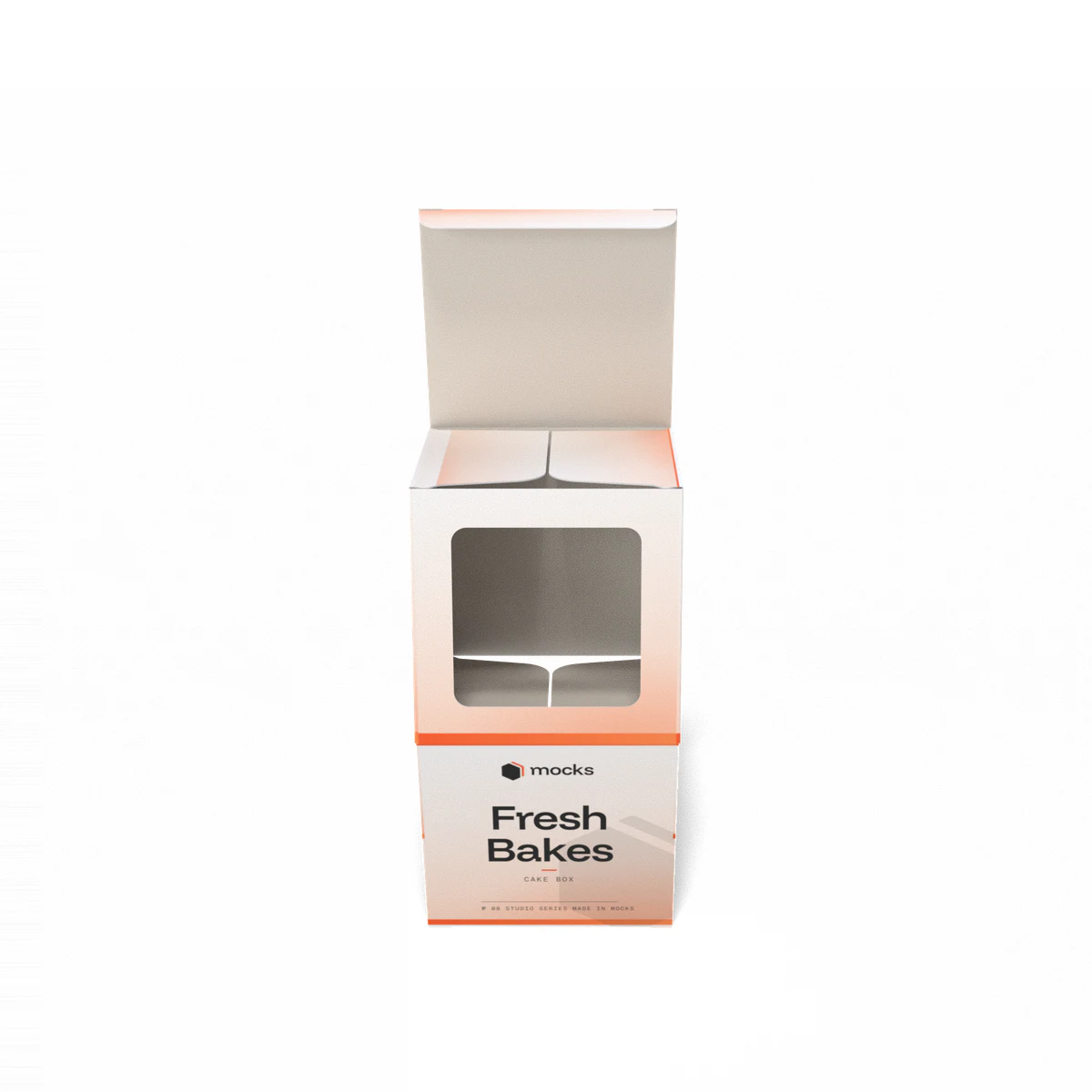
Window Tuck End Box with Snap Lock
Boxes with Window120.6 × 60.6 × 161.1 mm
From flat dieline to folded box mockup
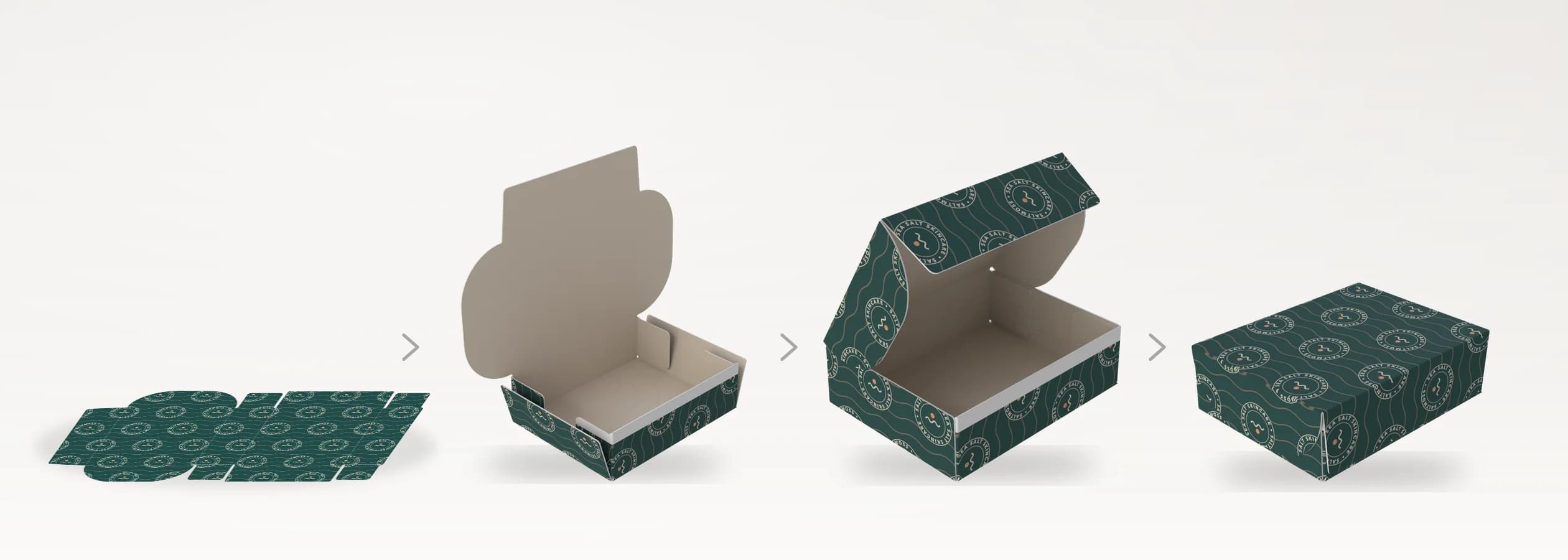
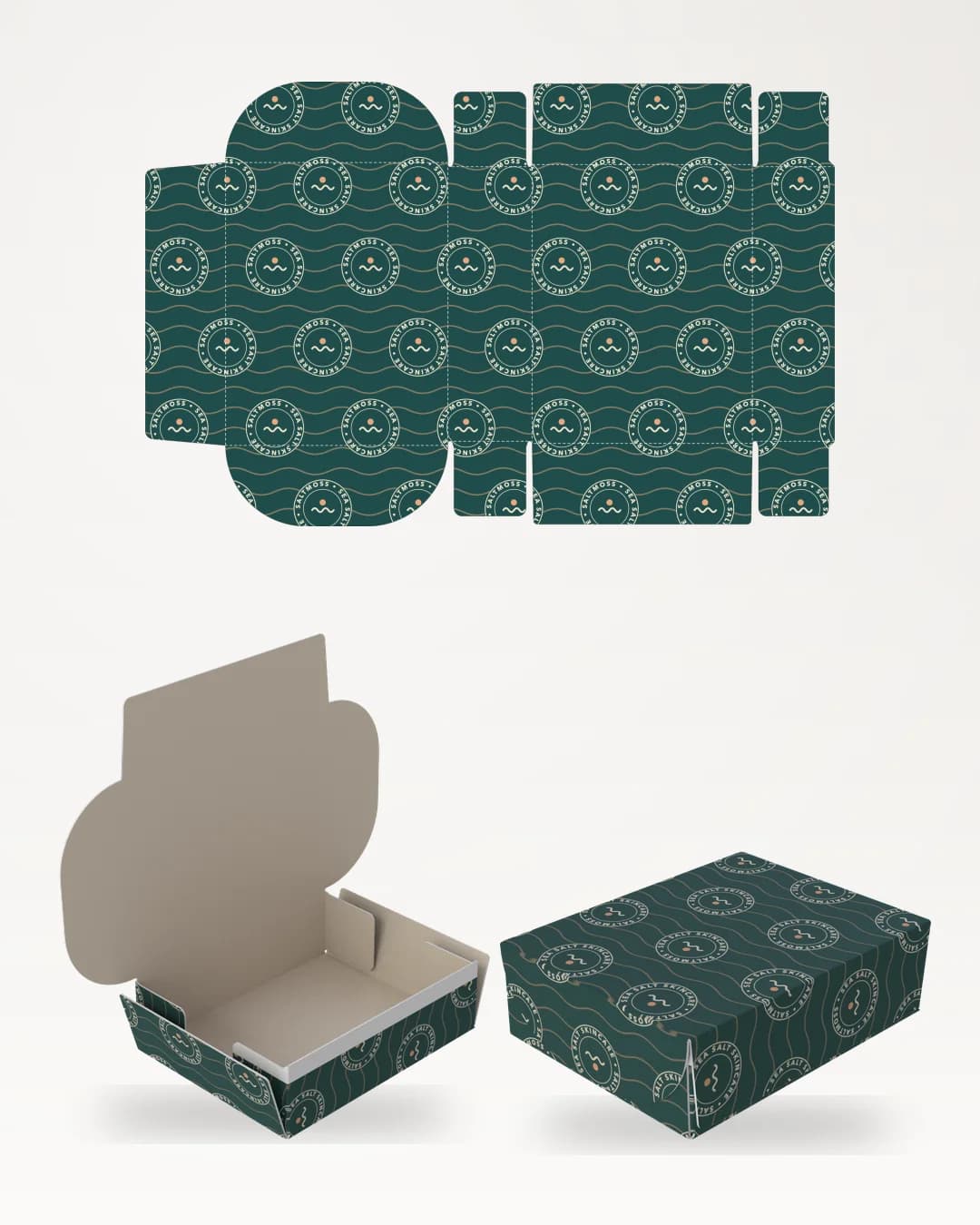
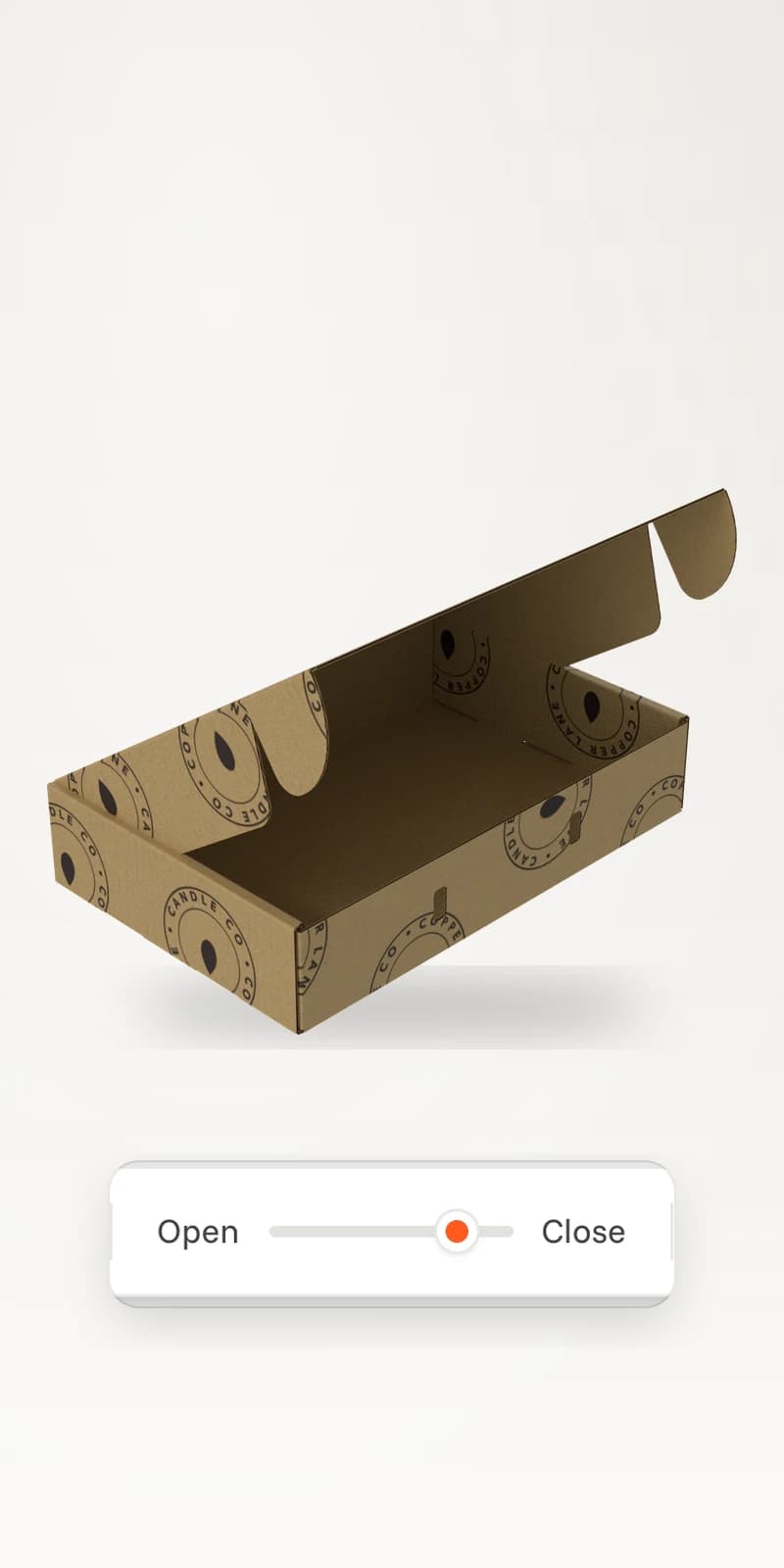
Your artwork goes on the real flat dieline of the box. Drag the Open and Close slider and the same box folds up in 3D, flap by flap, until the lid shuts. Each box here is an export from the editor, wearing that same file.
Free to use, no sign-up
Mailer, shipping, tuck end and gift box mockups
Ten box styles, each built from its own dieline. Pick the one closest to the box your printer will make, then filter the grid above by type.
Mailer boxes
A curved tuck-front mailer box mockup and a corrugated mailer with a carry handle, for subscription kits, gift sets and anything that ships as it is.
Shipping boxes
A flat shipping box mockup with a self-locking bottom and a square carton, both resizable: the brown box that lands on the doorstep.
Tuck end and product boxes
Double-tray, window, snap-lock and hang-tab boxes for tea, cosmetics, supplements and other products that sit on a shelf.
Gift and cake boxes
A dome gift box with ribbon holes and a small square cake box, for bakeries, candle makers and seasonal sets.
Open it, change the board, line it up
What you can change on every box mockup before you export it, without opening another app.
Open box mockup, lid at any angle
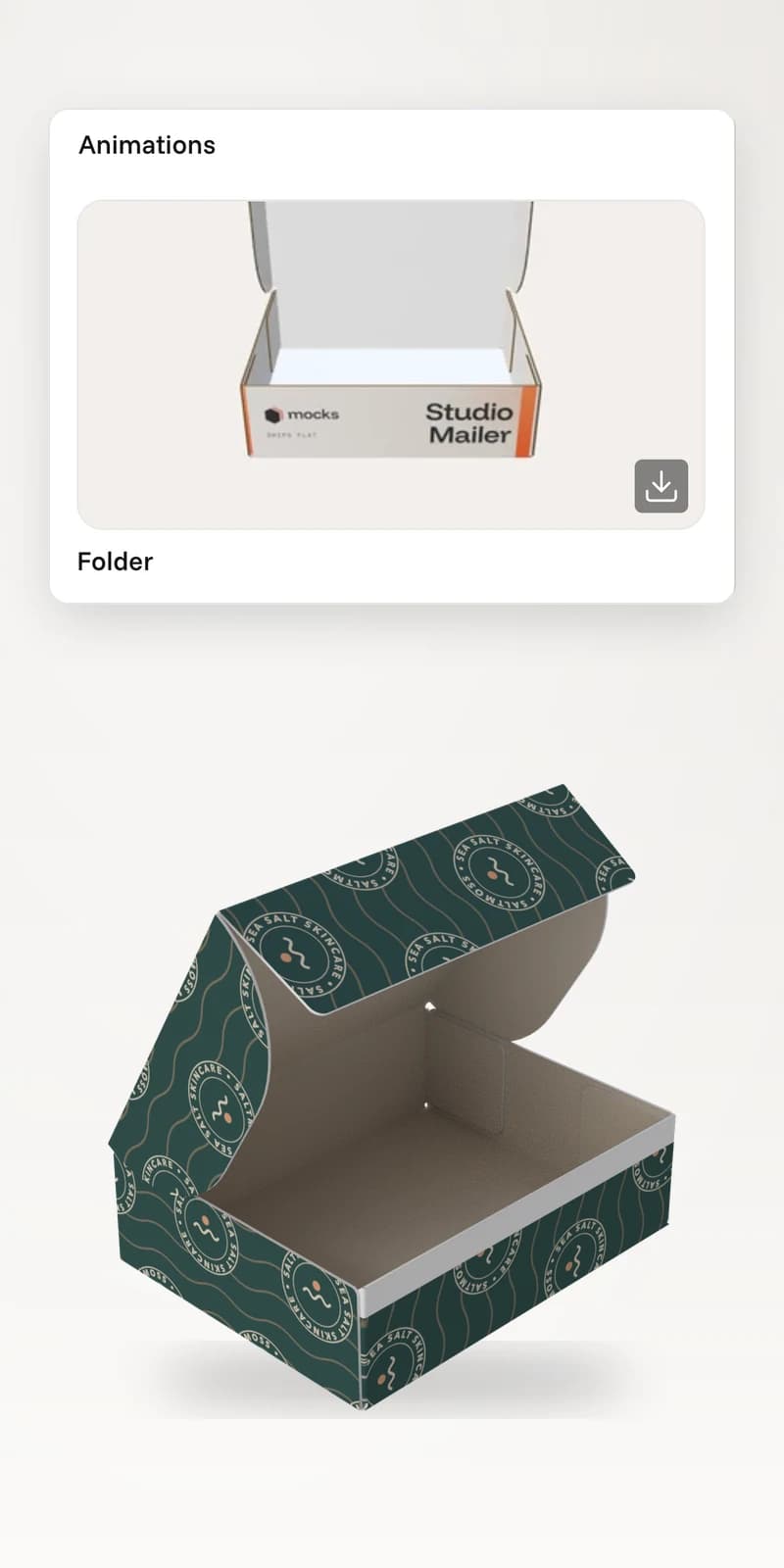
Stop the slider partway for an open box mockup with the lid up and the inside showing, or close it for a clean shelf shot.
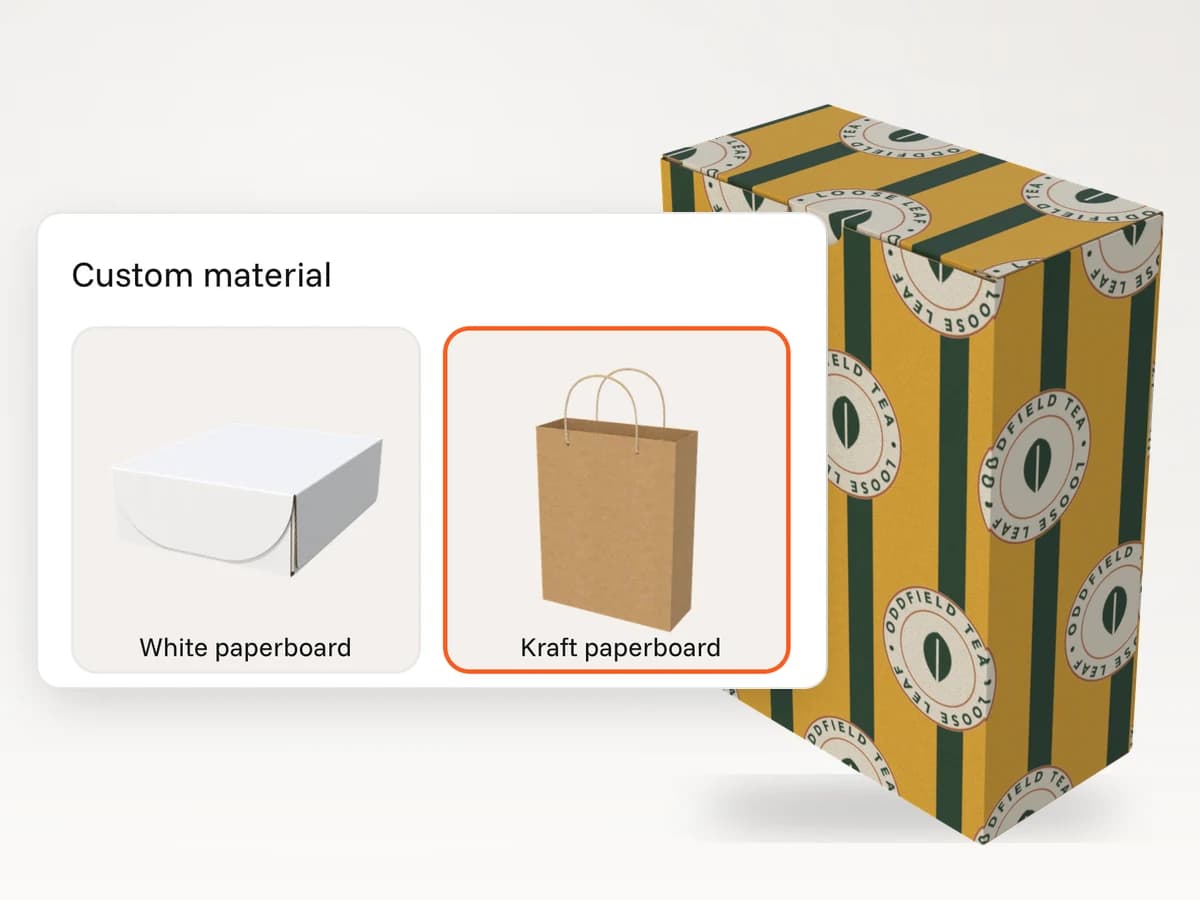
Corrugated, kraft or white board
Switch the material and the box changes with it: brown corrugated flutes, kraft paperboard or bright white card, depending on the style.
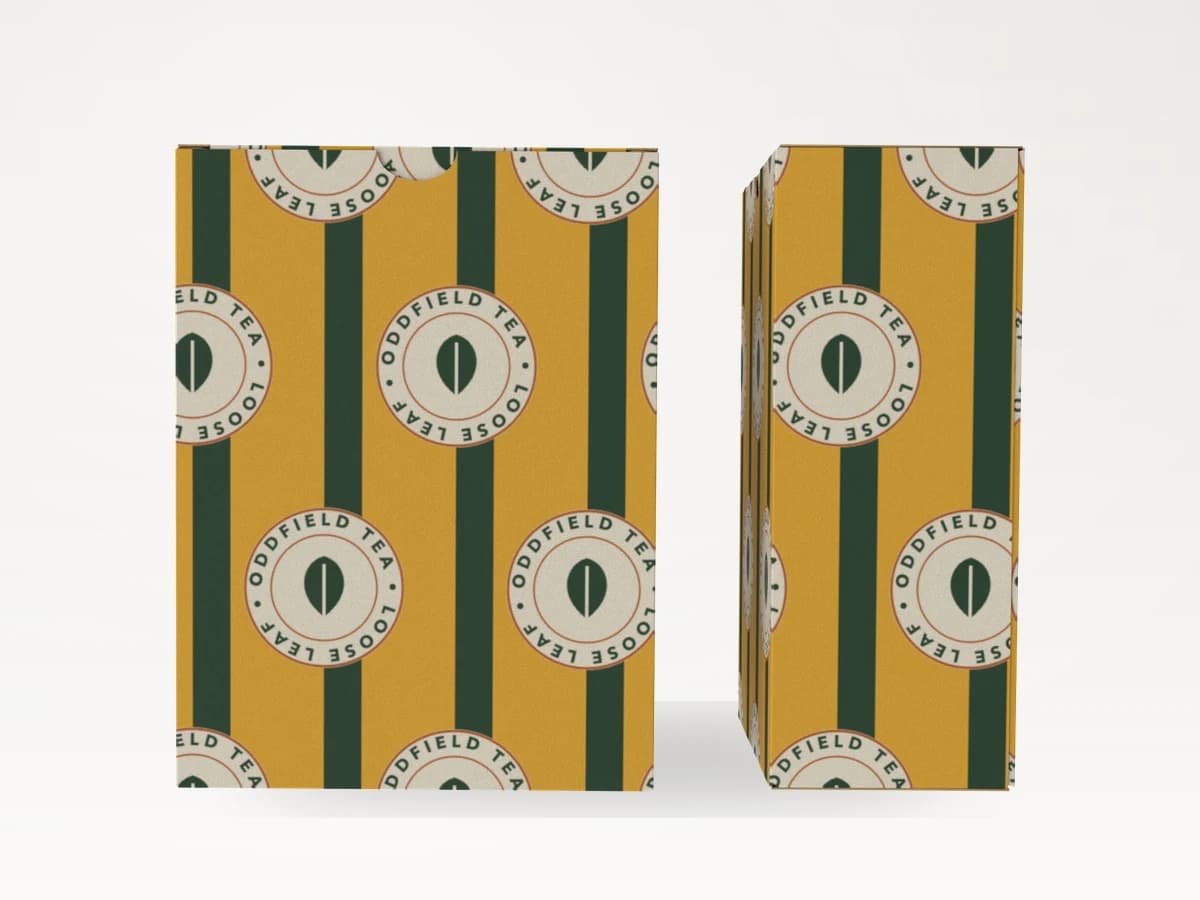
A row of boxes in one shot
Layout lines up copies of your box with the same print and shadow, for a bundle photo or a collection banner.
A short box video in MP4
Pick an animation preset such as Folder, Rotation or Drop and export your box as an MP4 clip for a product page, an ad or a launch post.
Your box size, your dieline file
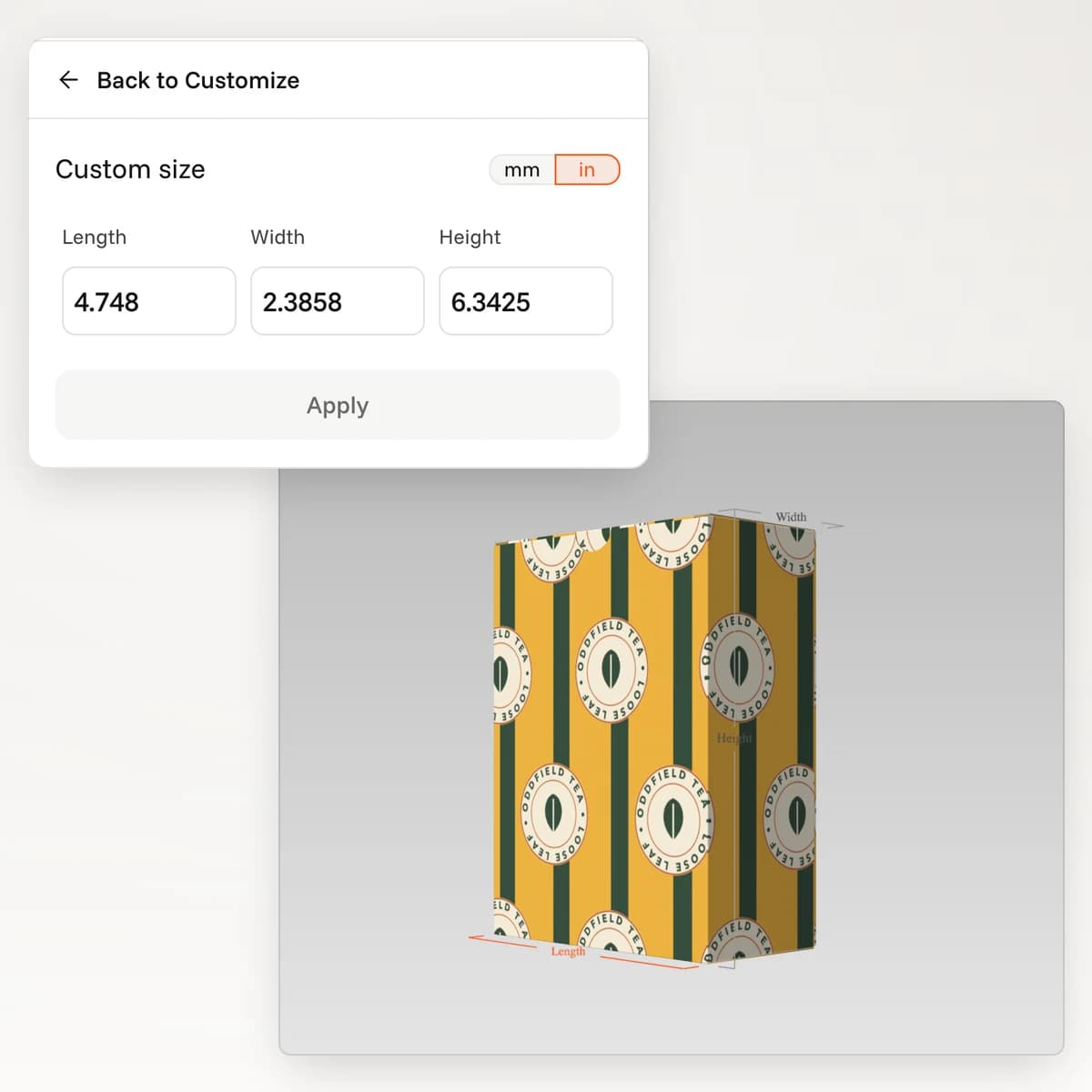
Set real dimensions on the resizable styles, then take the flat dieline with you to finish the print file.
5 box styles
take your own length, width and height in millimeters or inches, from shipping cartons to a hang-tab box.
AI, PDF, DXF
dieline downloads with cut, fold and bleed lines, ready to open in your design software.
6 camera views
front, side and top presets, plus free rotation and a saved view of your own.
JPG, PNG, MP4
still images in frames from 1:1 to 16:9, transparent PNG and animated video.
How to make a box mockup
Four steps in your browser, nothing to install.
1Pick a box and its board
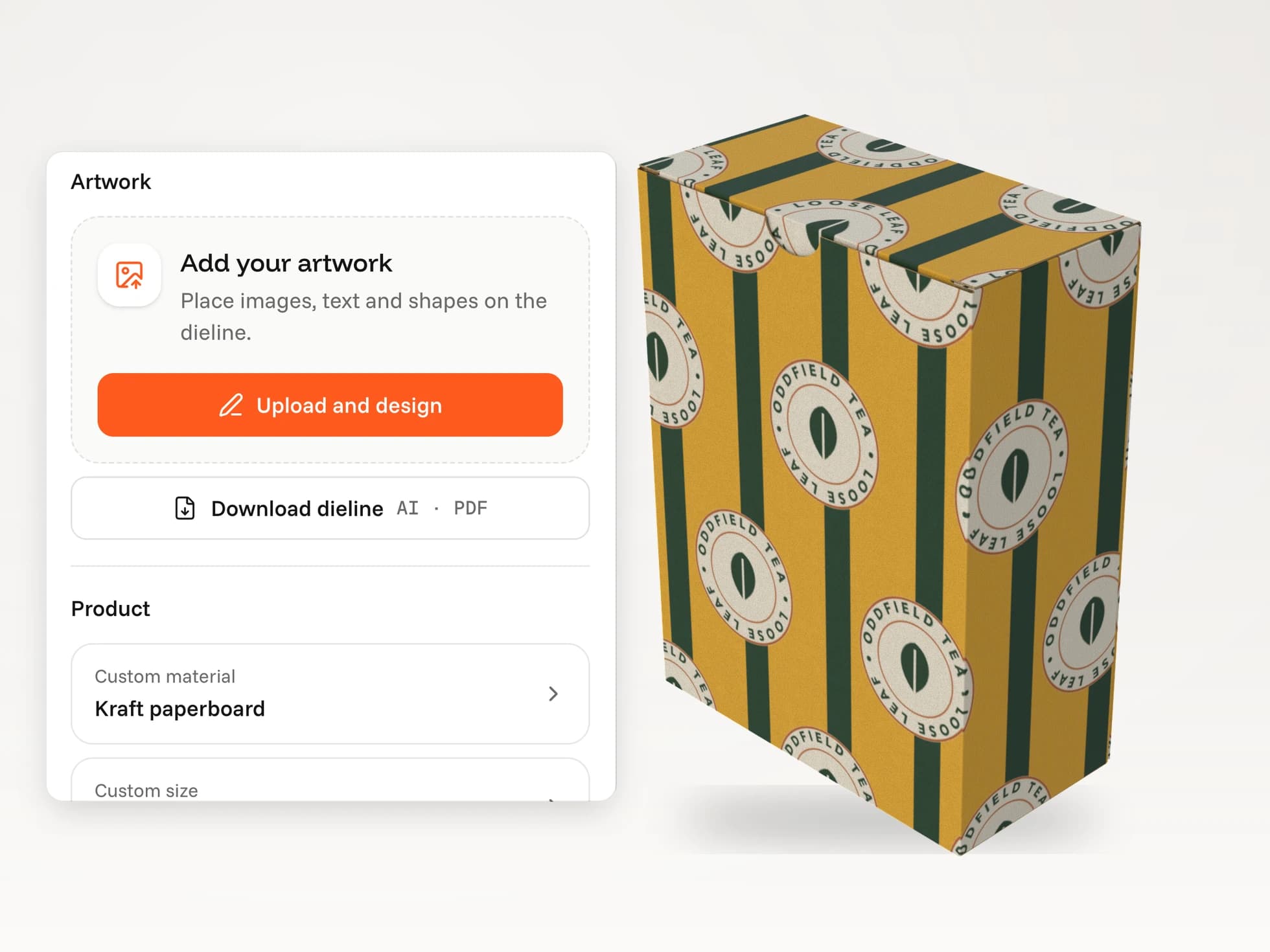
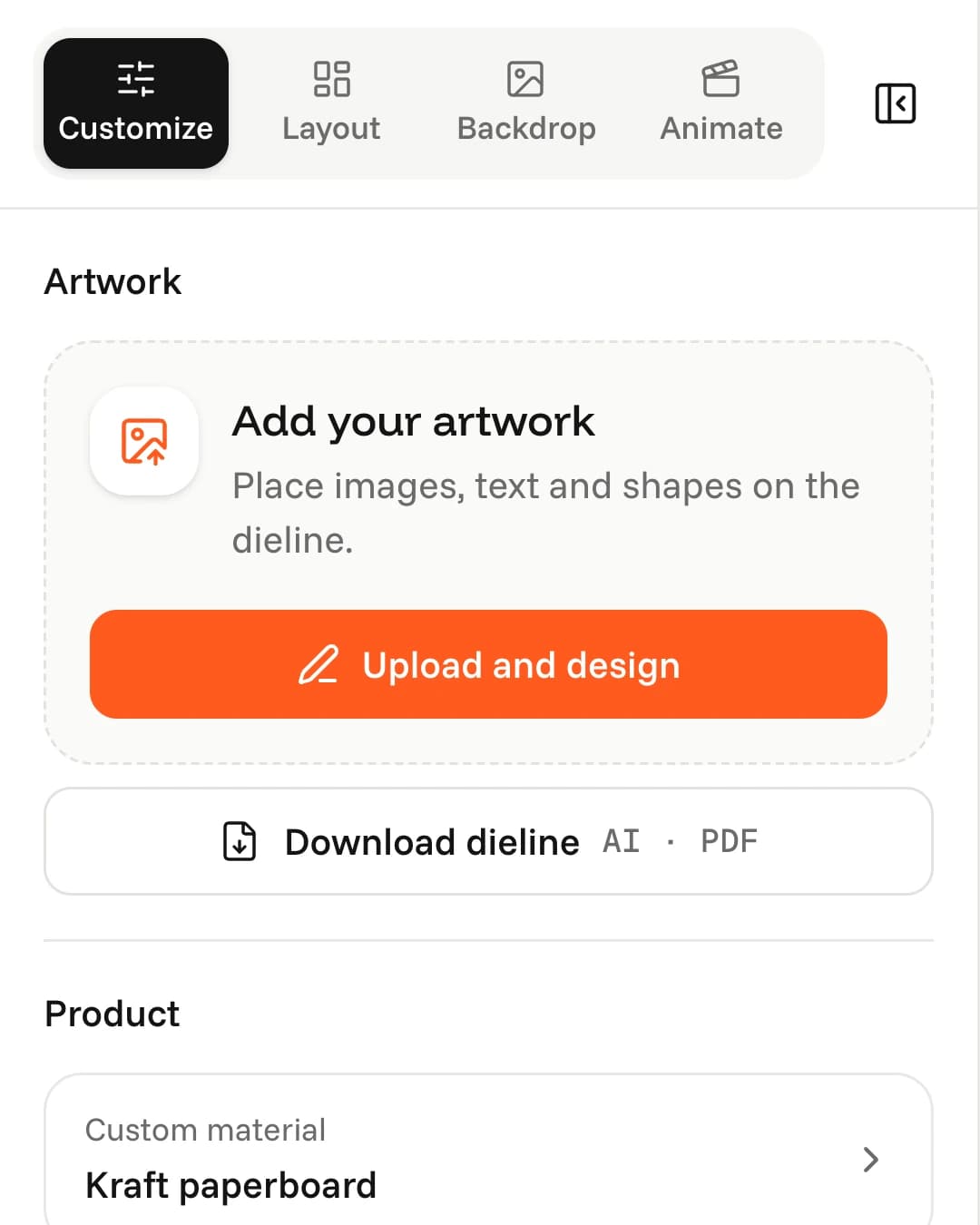
Choose a box style from the grid above, then set the material and, on resizable boxes, your own size in millimeters or inches.
Choose a box style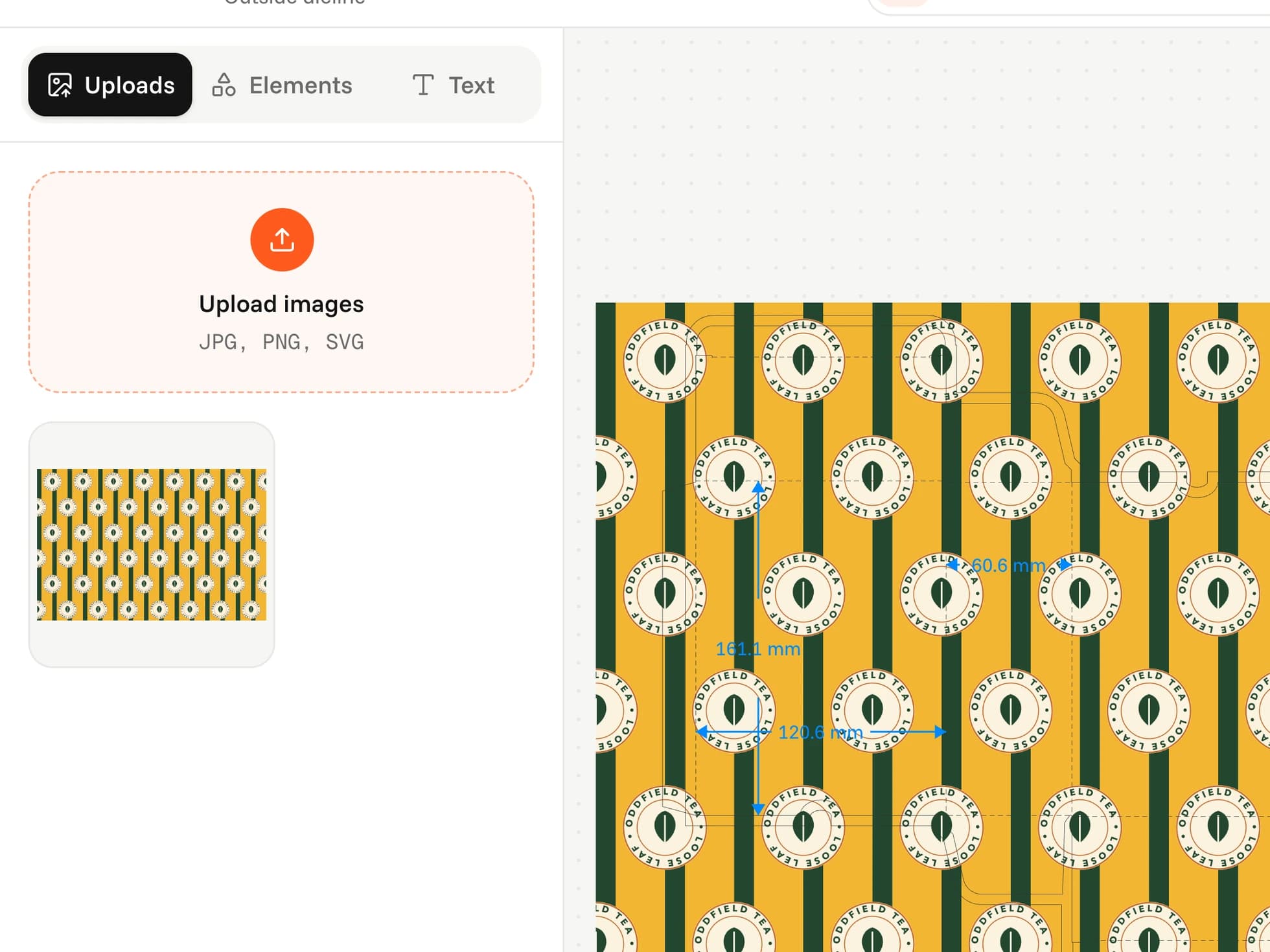
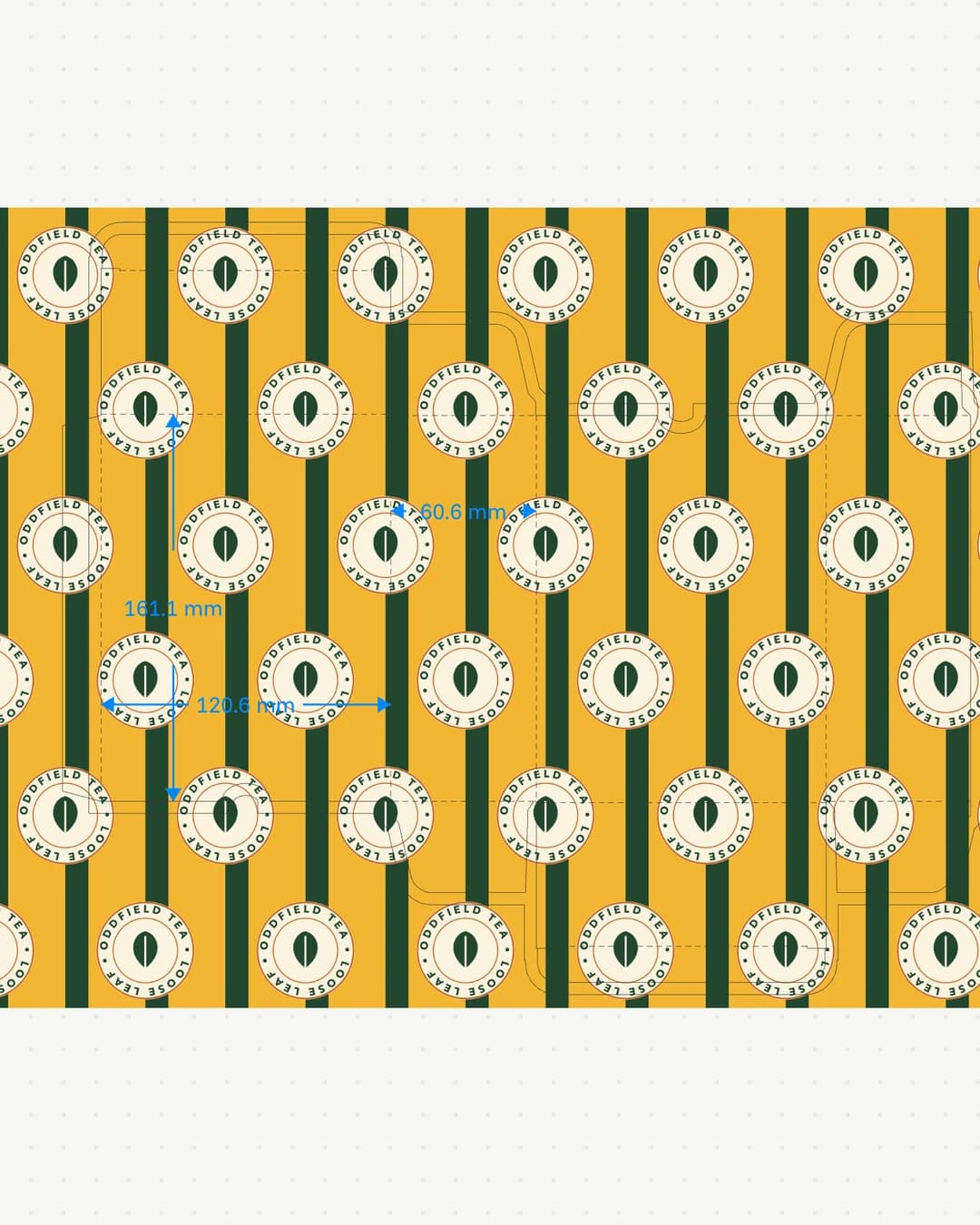
2Place your artwork on the dieline
Open Upload and design, add a JPG, PNG or SVG and drag it across the panels. The 3D preview updates as you go.
Upload your box artwork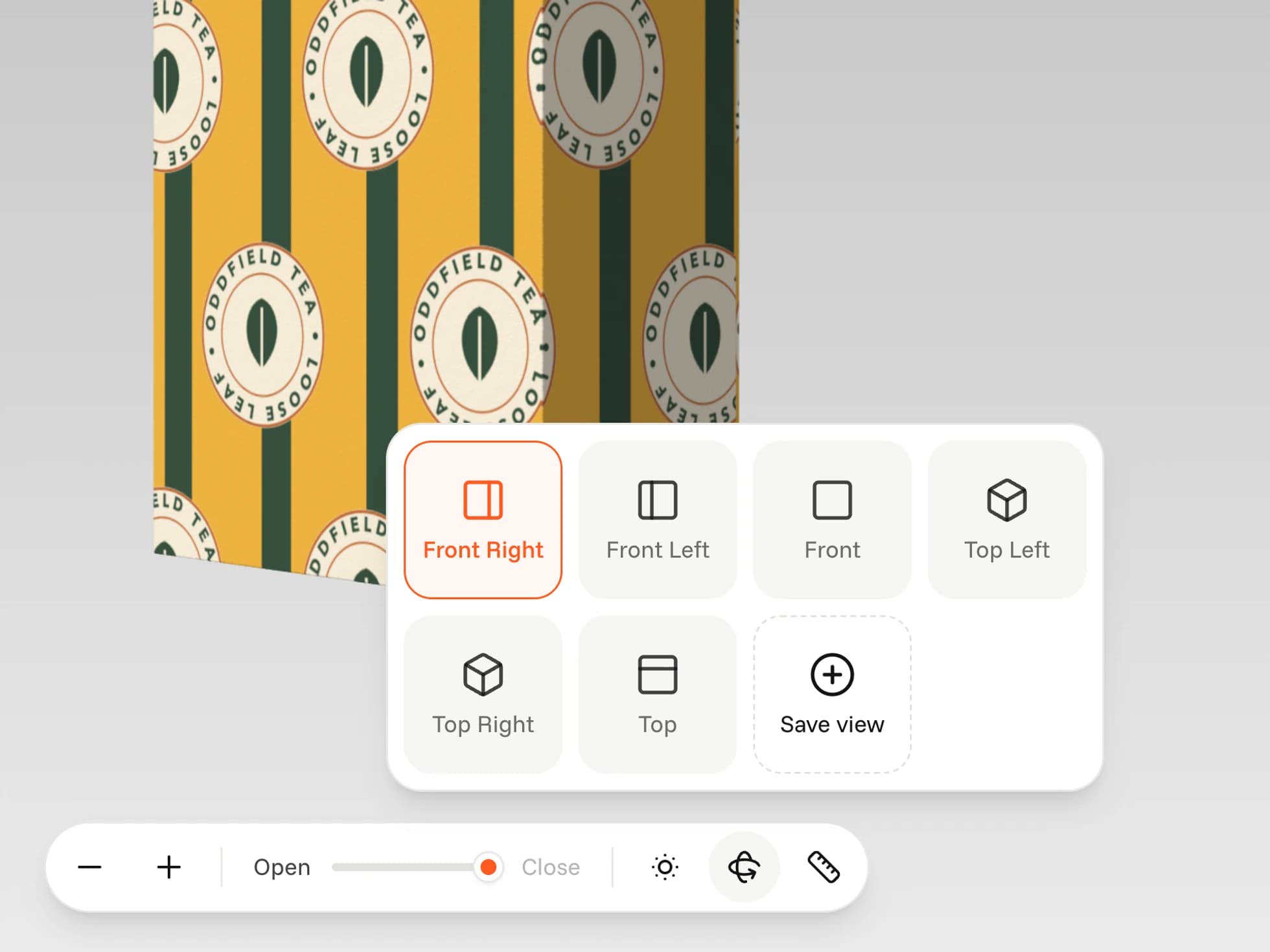
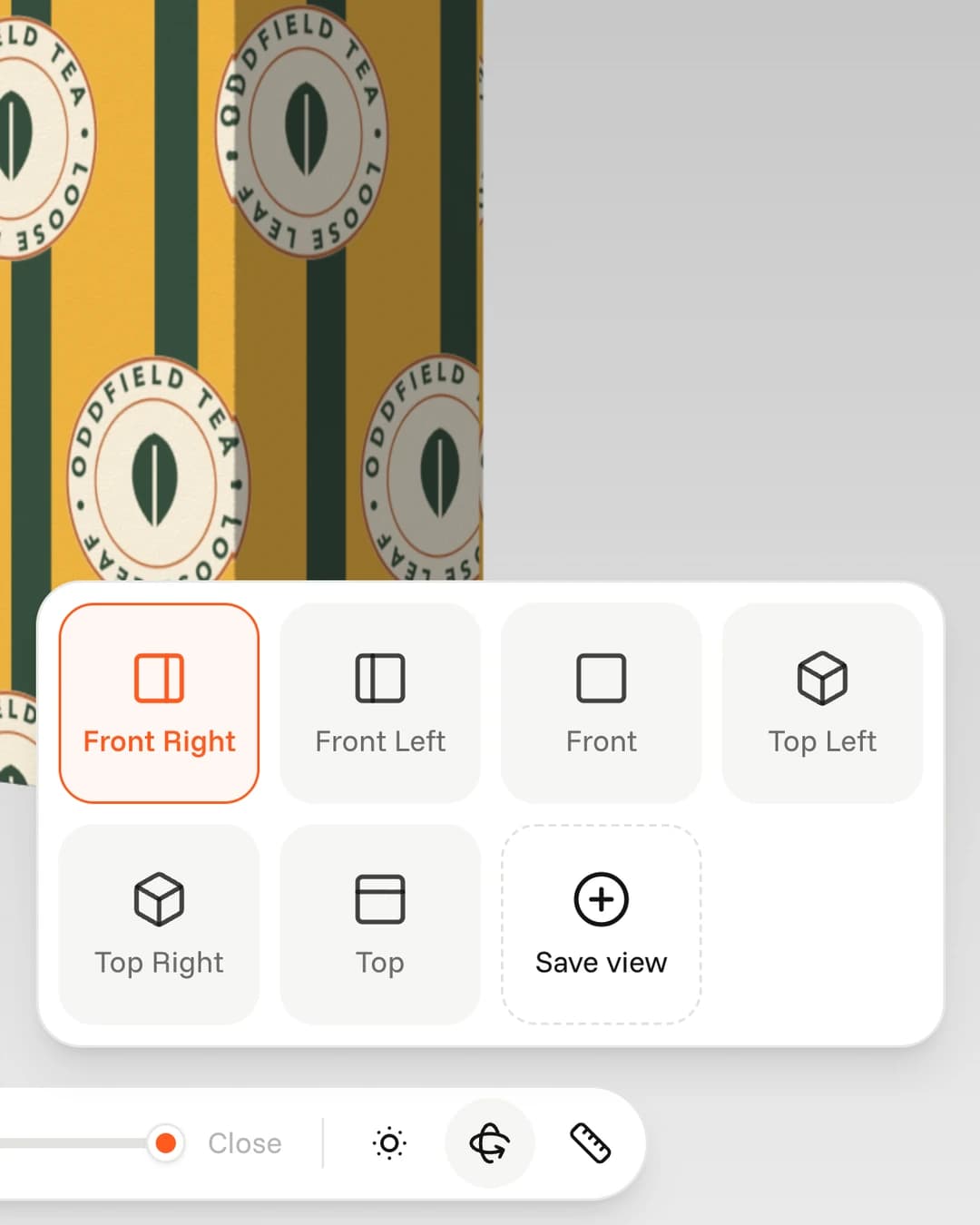
3Fold it and pick an angle
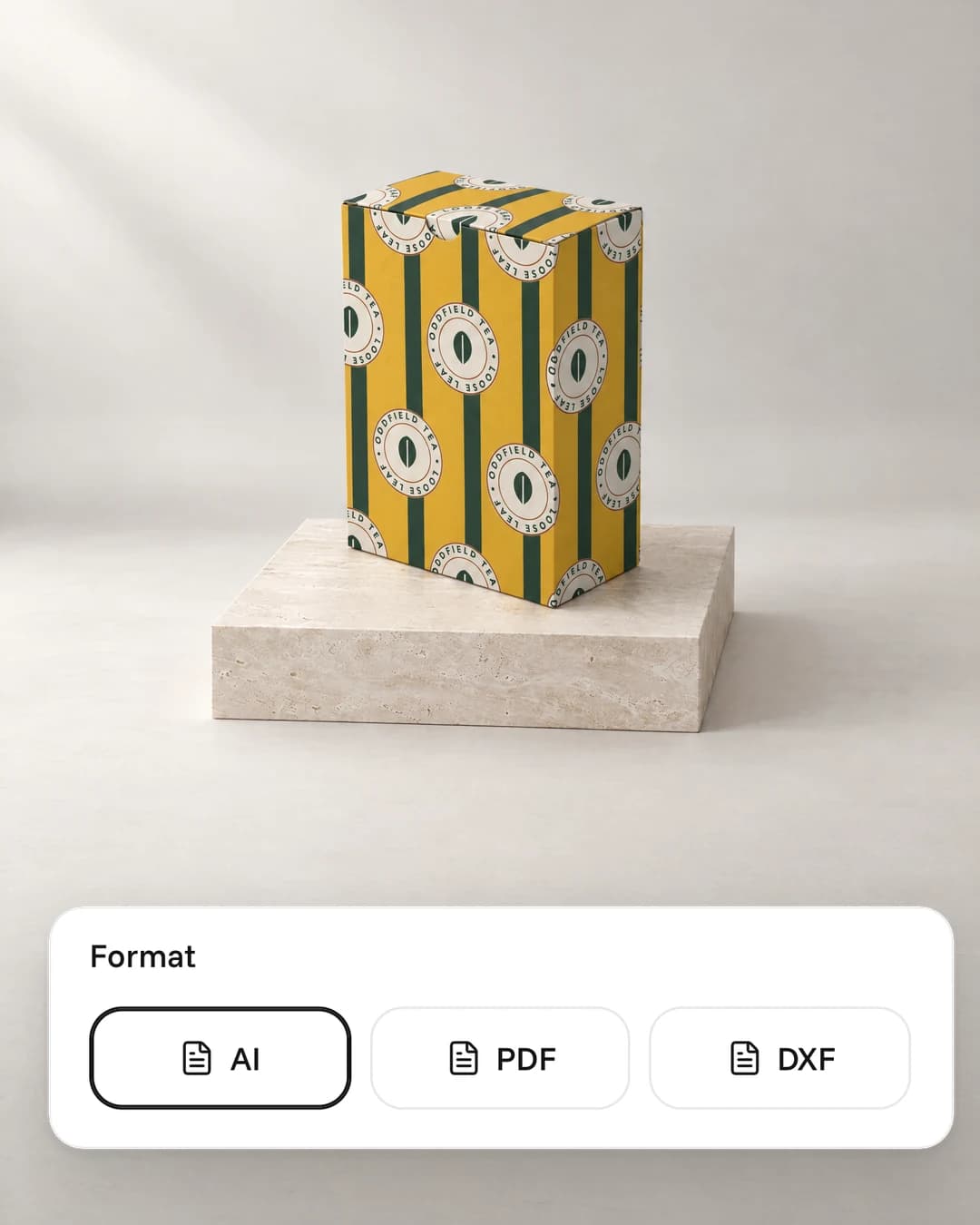
Close the box with the slider, then drag it round or jump to a camera preset such as Front Right.
Turn the box in 3D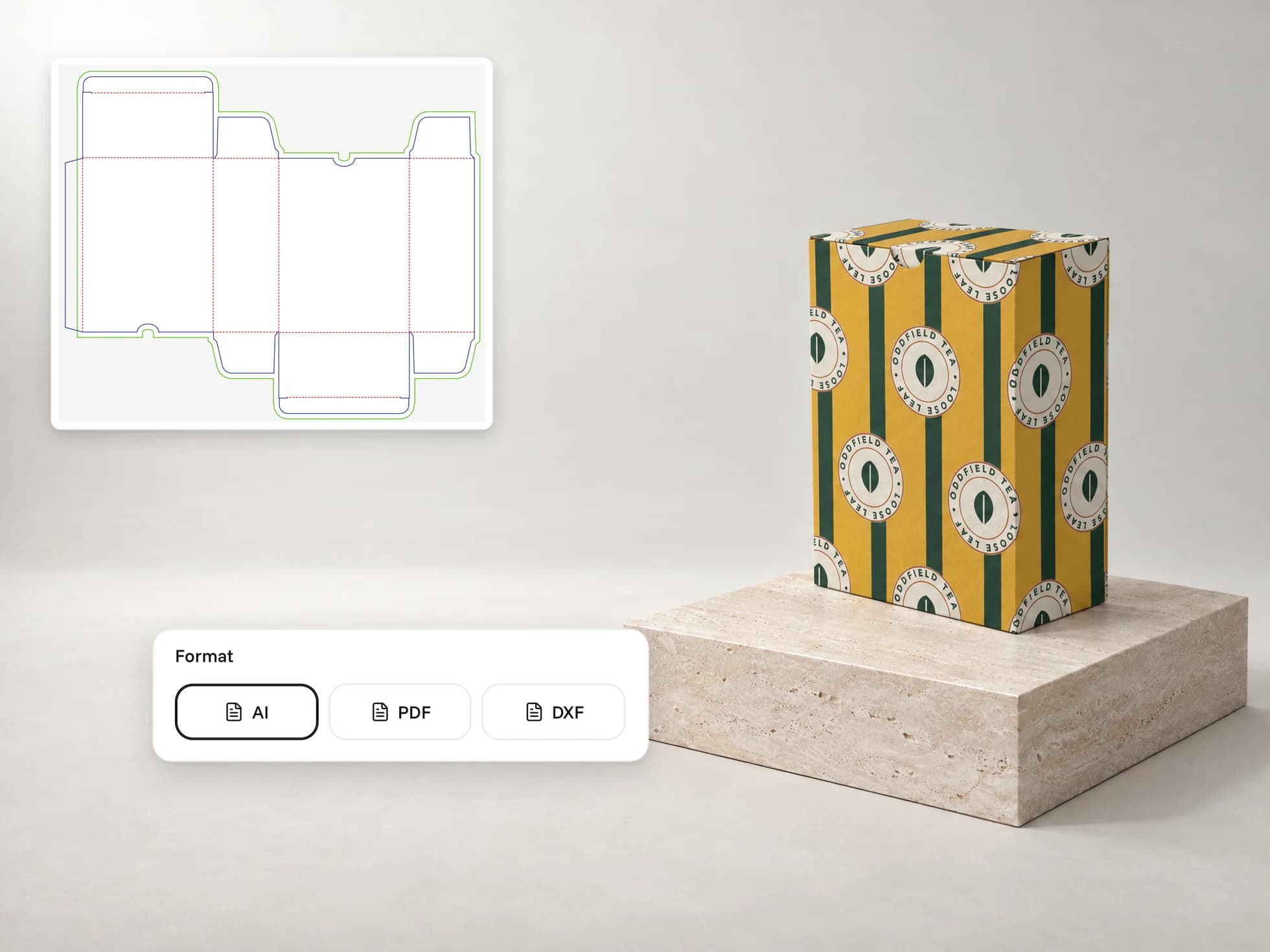
4Download the dieline
Switch to the Dieline tab and download the flat dieline as AI, PDF or DXF. Finish the print file in your design software and send it to your printer.
Download a dieline
Packaging mockups for launches and unboxing
Where a box mockup earns its keep before the first print run.
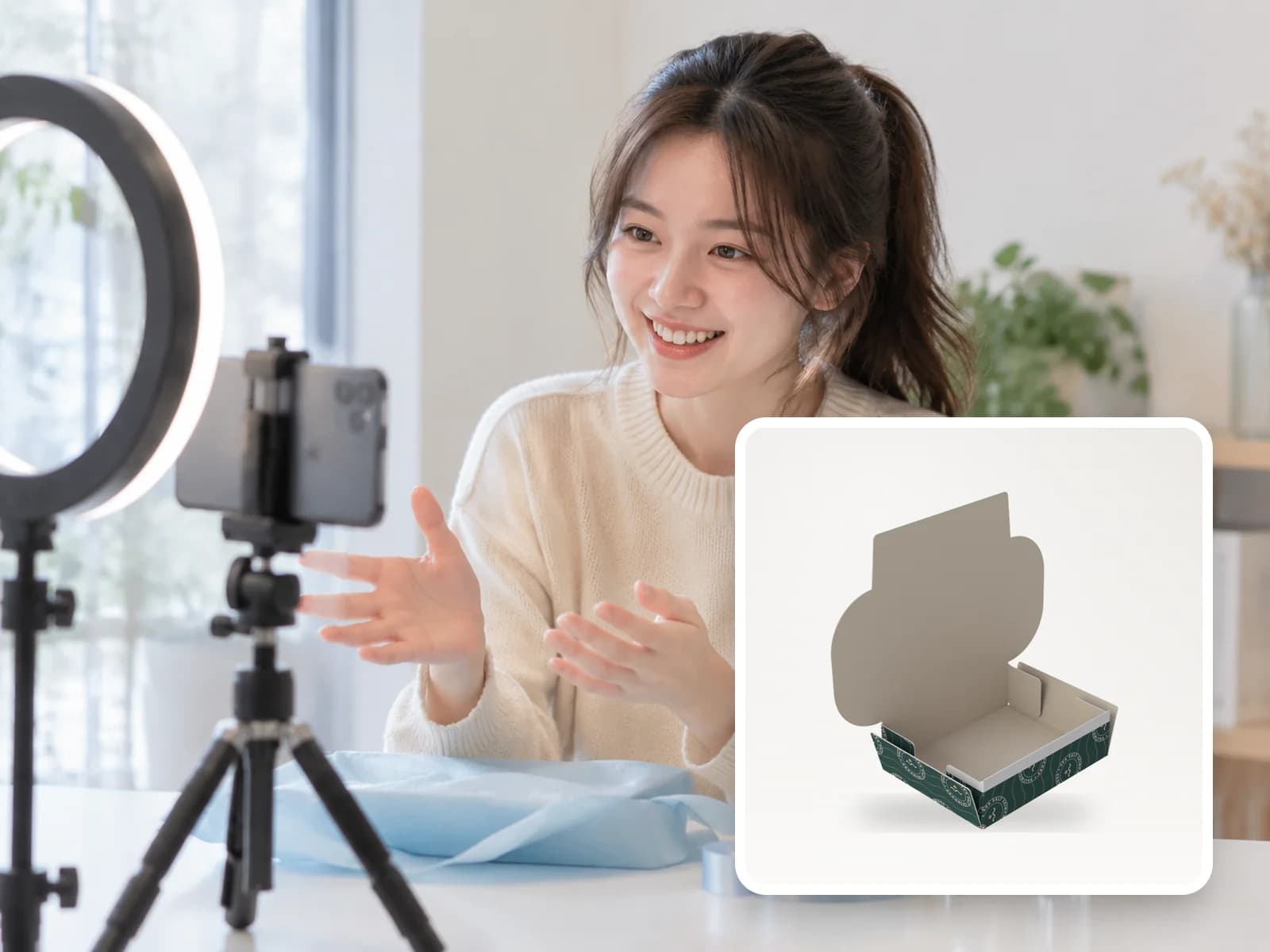
Unboxing previews
Show subscribers the mailer they will open, inside color and all, and post a short box video before the boxes arrive. A launch email can carry the same render.
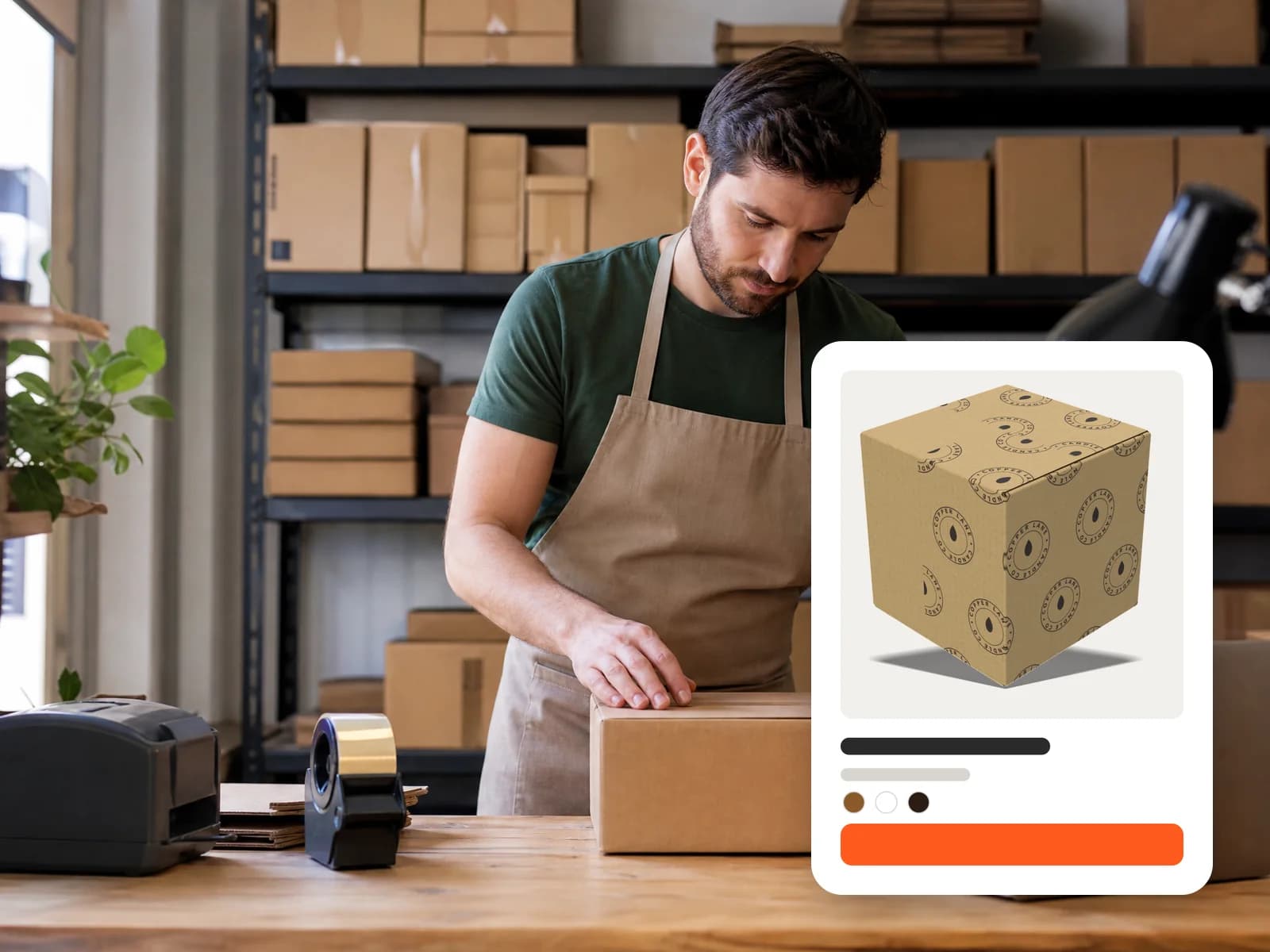
Shipping and store listings
Give every product page a matching box shot on a transparent background, and show buyers the carton that turns up at the door. New SKU, same angle, same backdrop.
Pre-order pages and pitch decks
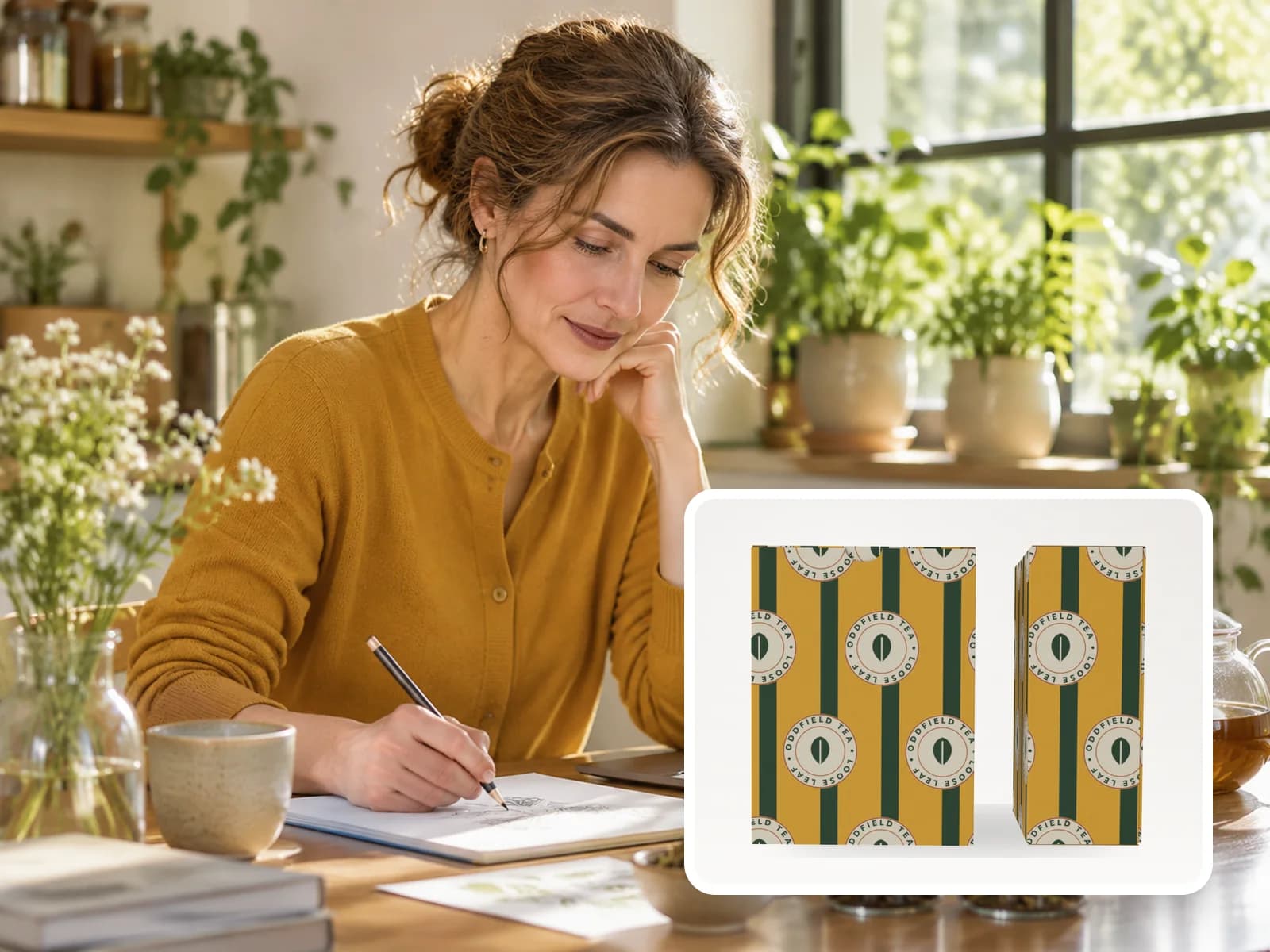
Put a finished-looking box in front of retailers or backers while the design still changes, then swap the artwork and render again. Retailers see the shelf box; backers see the mailer.
Box mockup questions
Explore more mockups
Make your first box mockup
Free to use, no sign-up, runs in your browser.