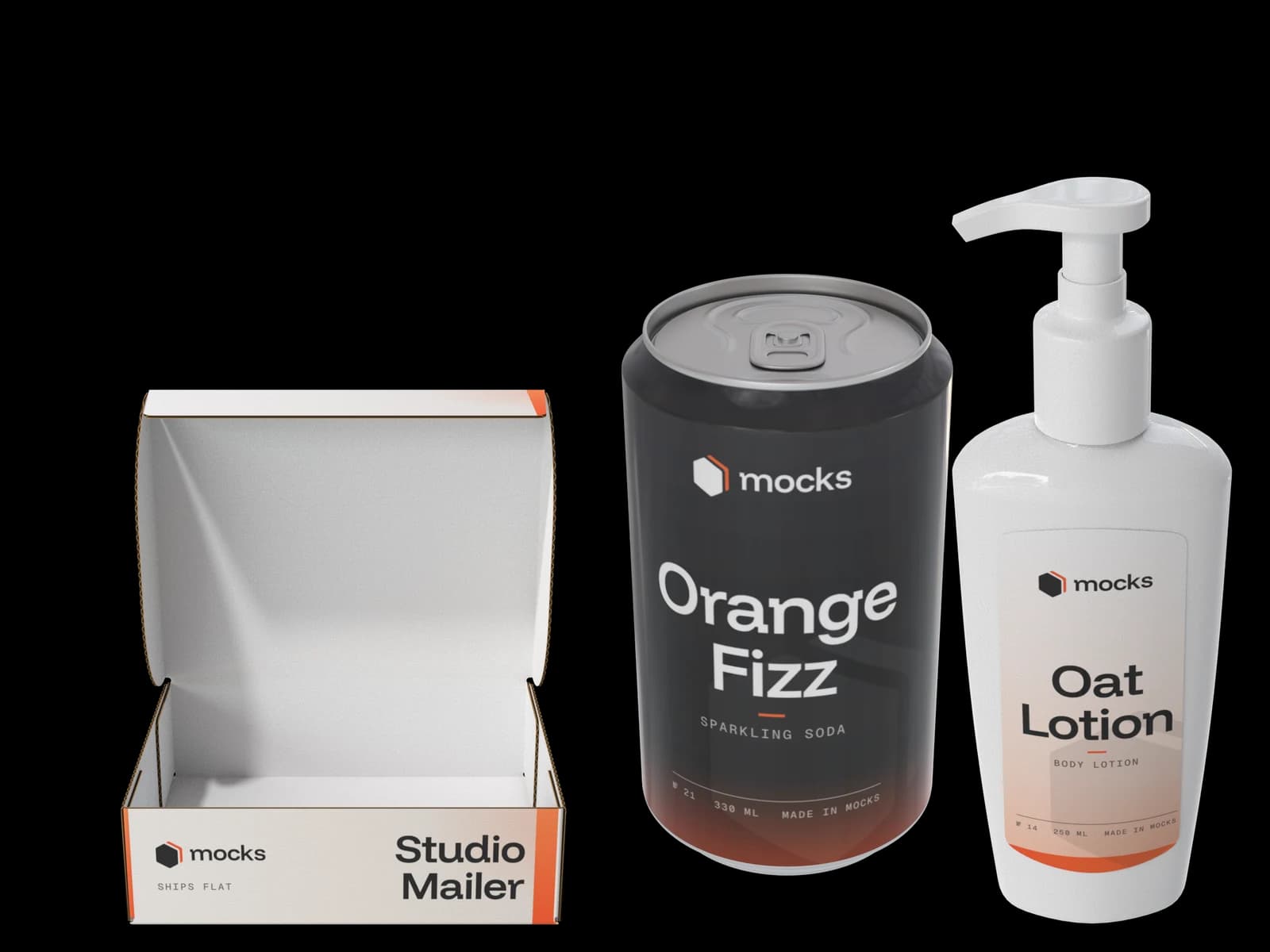
3D mockups for packaging and products
Pick a box, bottle, can, pouch or tee, add your artwork and turn it in 3D. Every model opens in the editor, free and without sign-up.
50 mockups
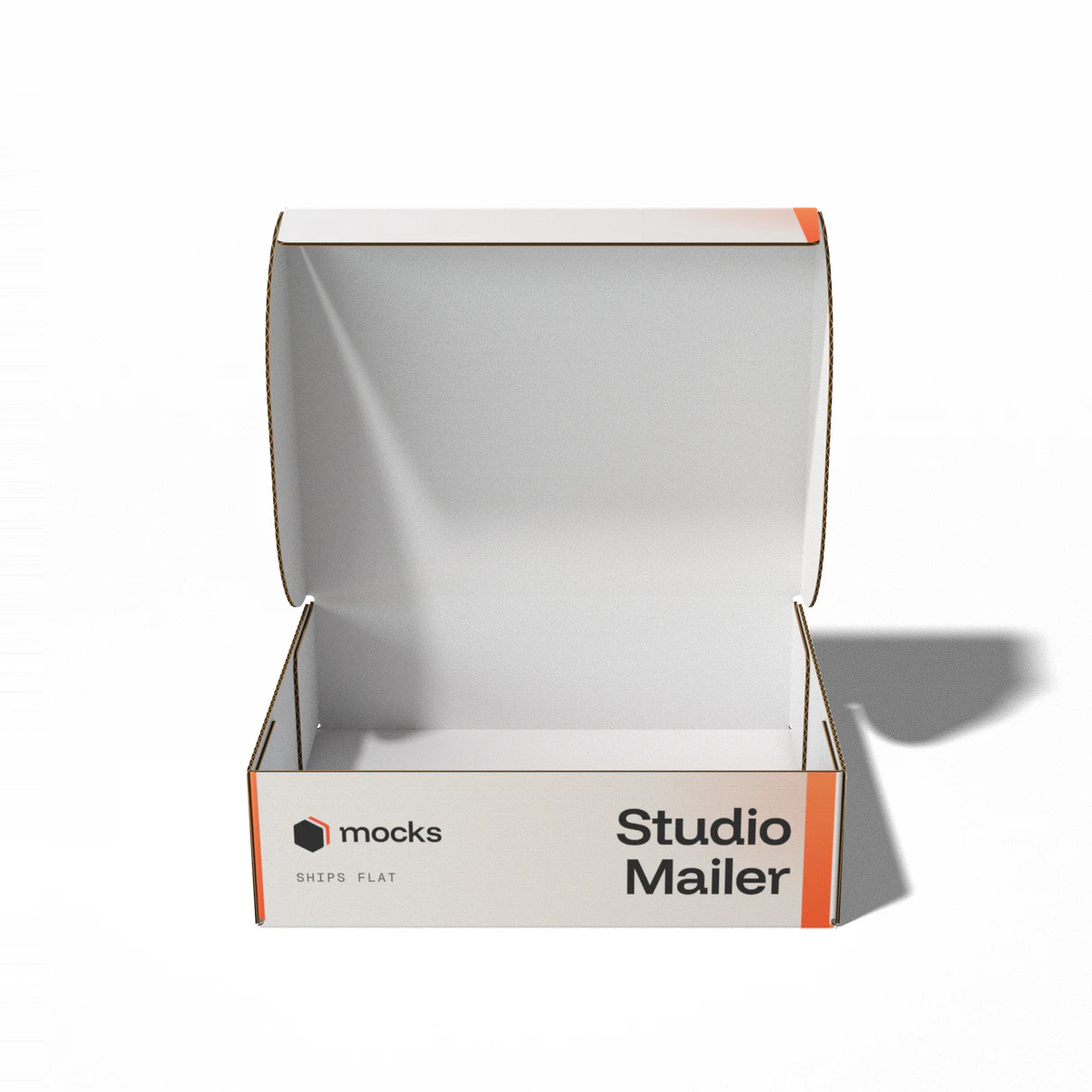
Curved Tuck-Front Mailer Box
Mailer Box163.5 × 62 × 208 mm
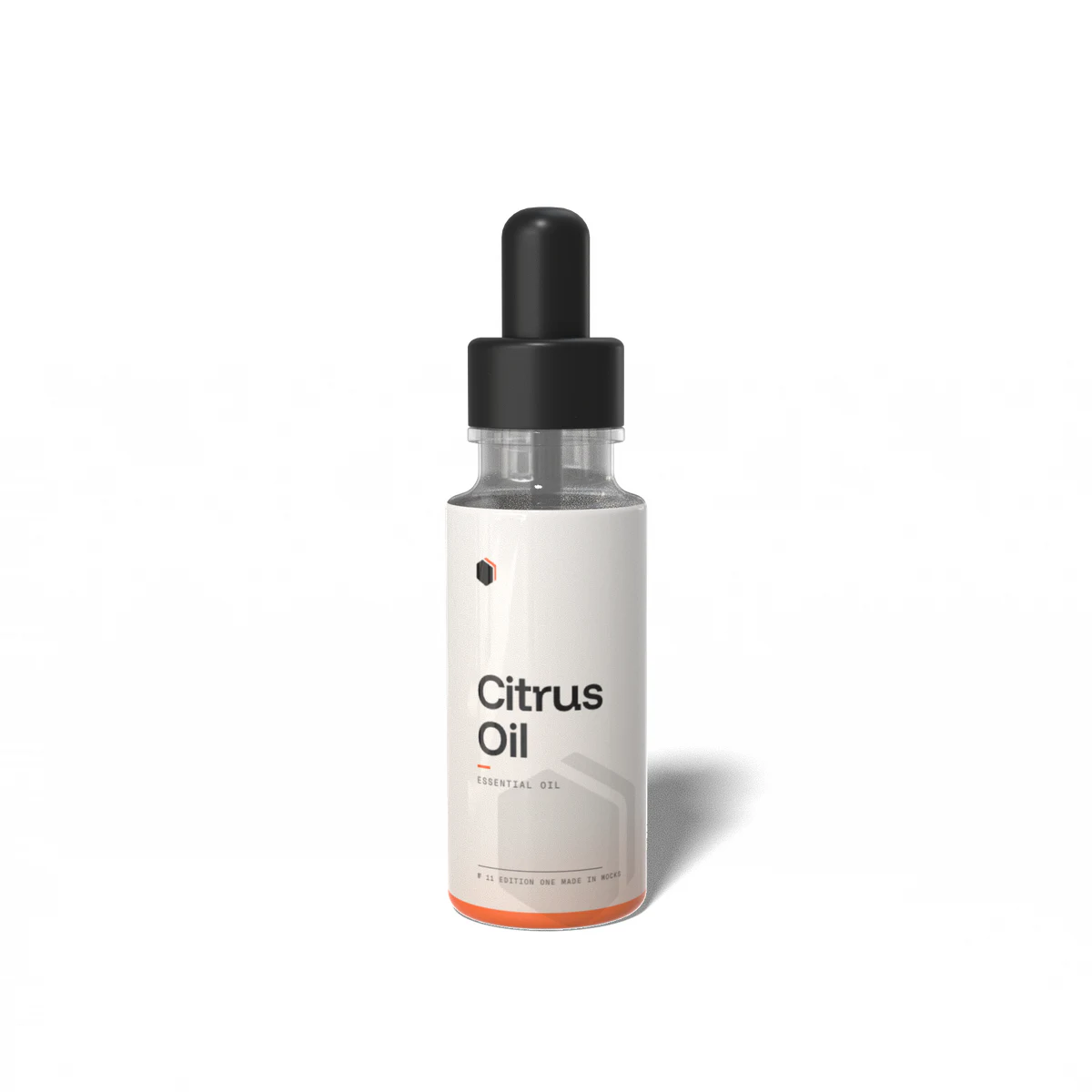
Essential Oil Bottle with Dropper
Dropper Bottle
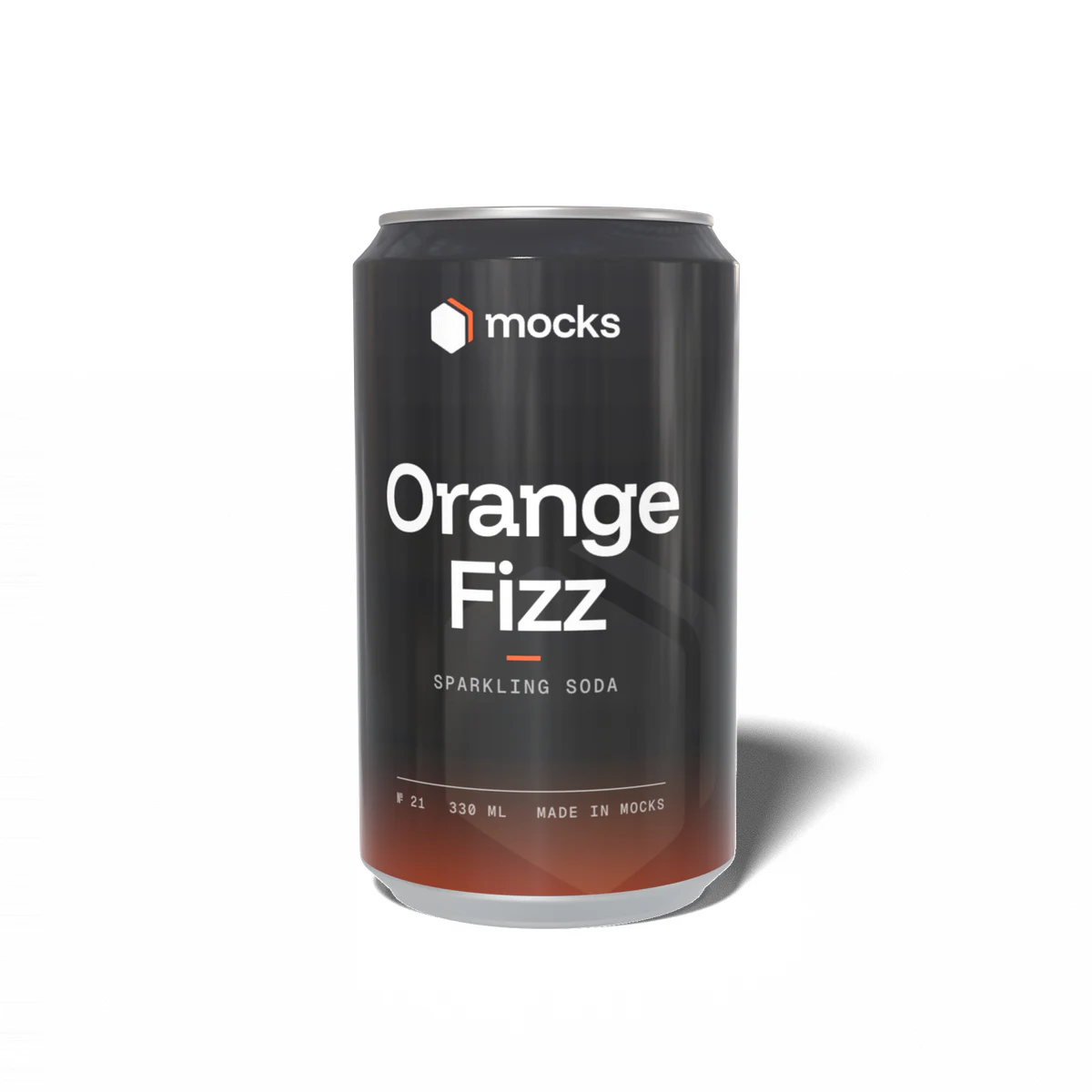
330 ml Standard Soda Can
Soda Can
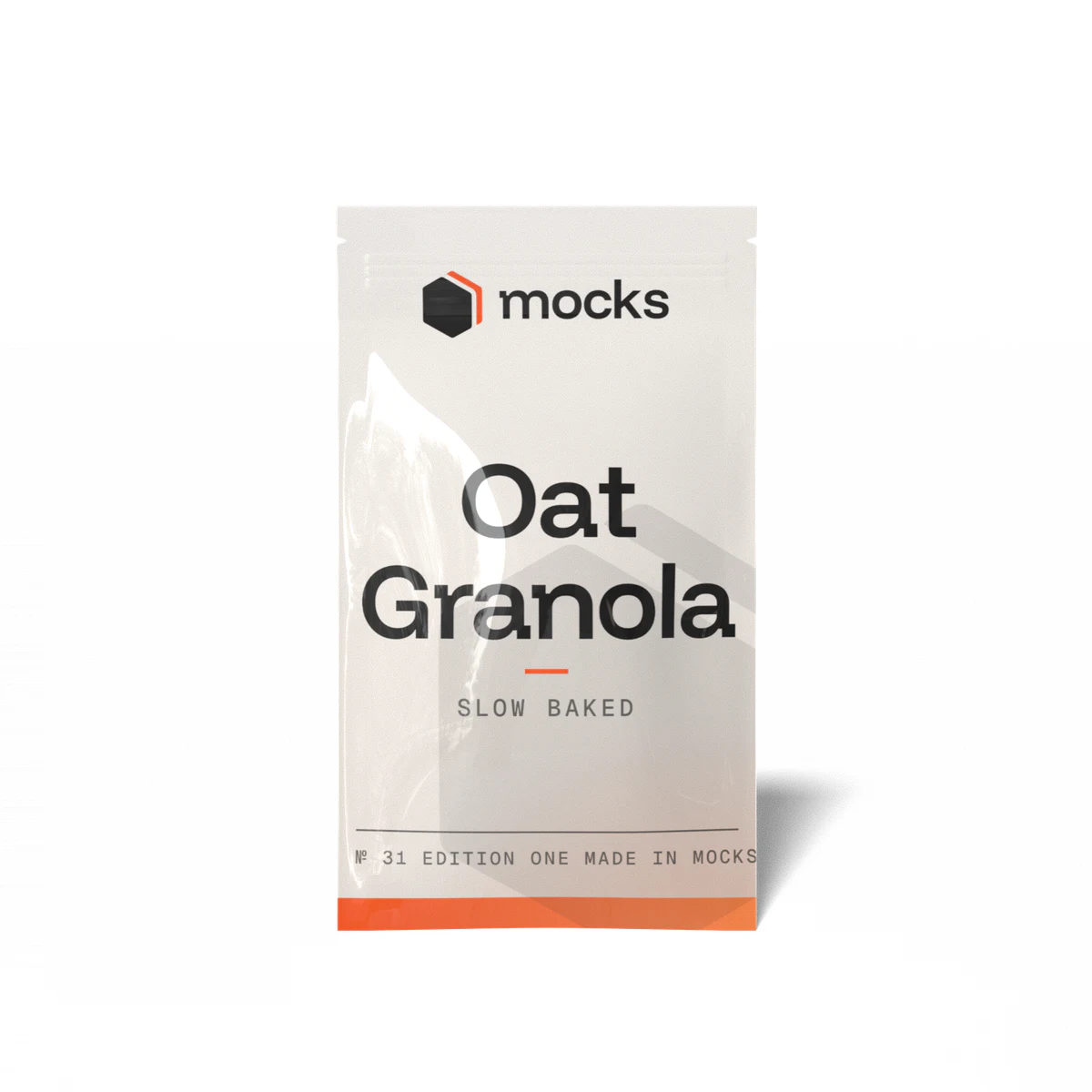
Flat-Bottom Zipper Pouch
Pouch
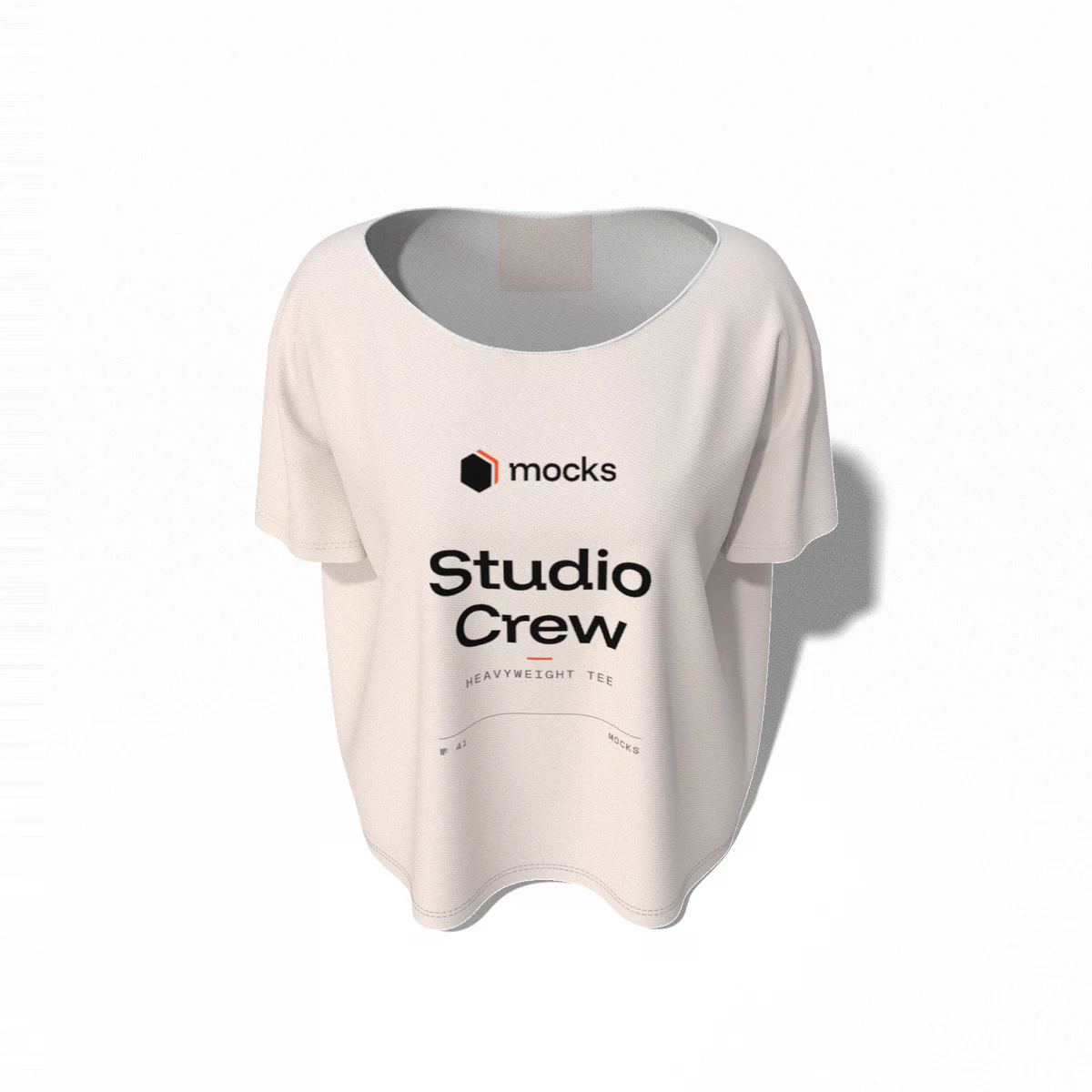
Women's Oversized Tee
T-shirt
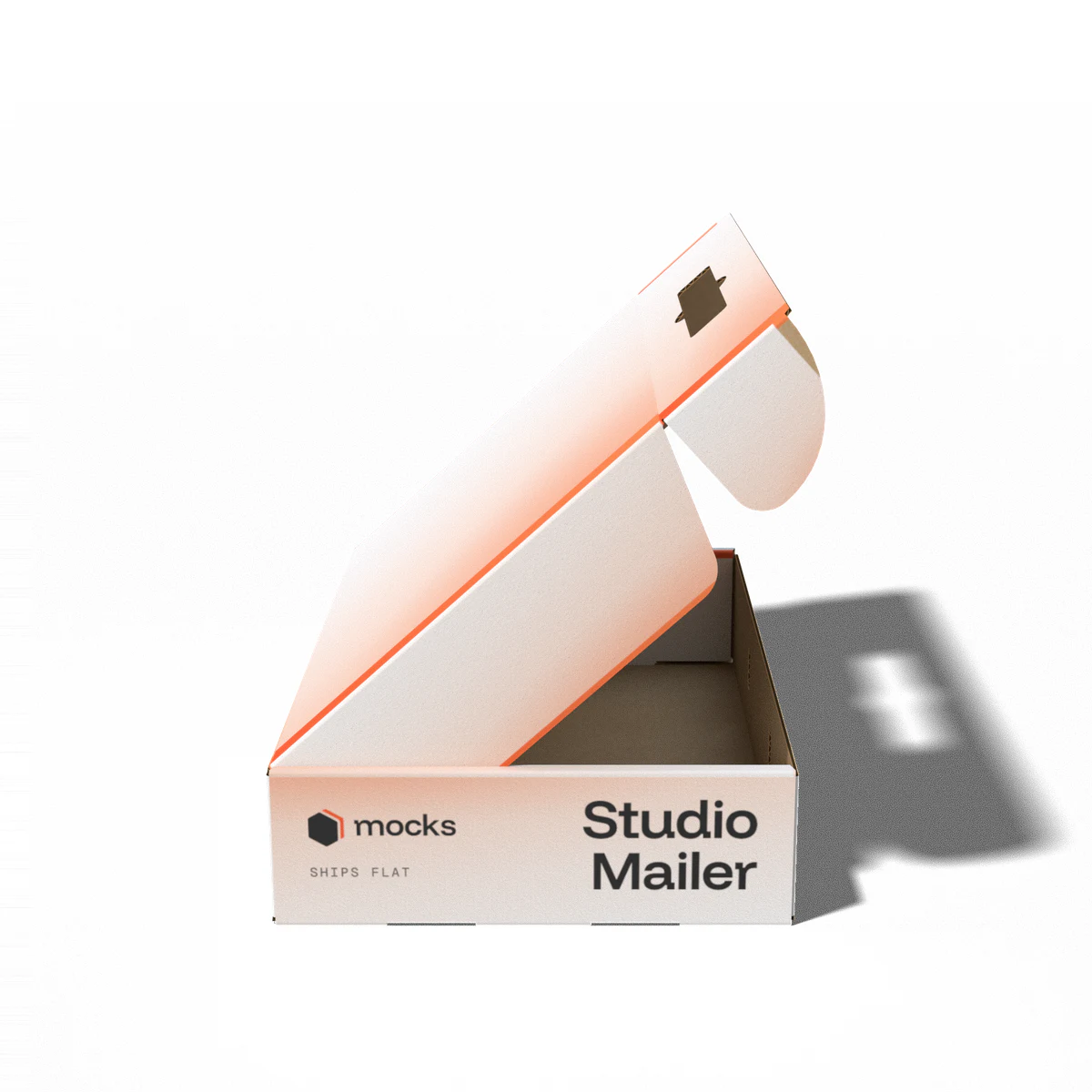
Mailer Box with Carry Handle
Mailer Box313 × 202 × 62 mm
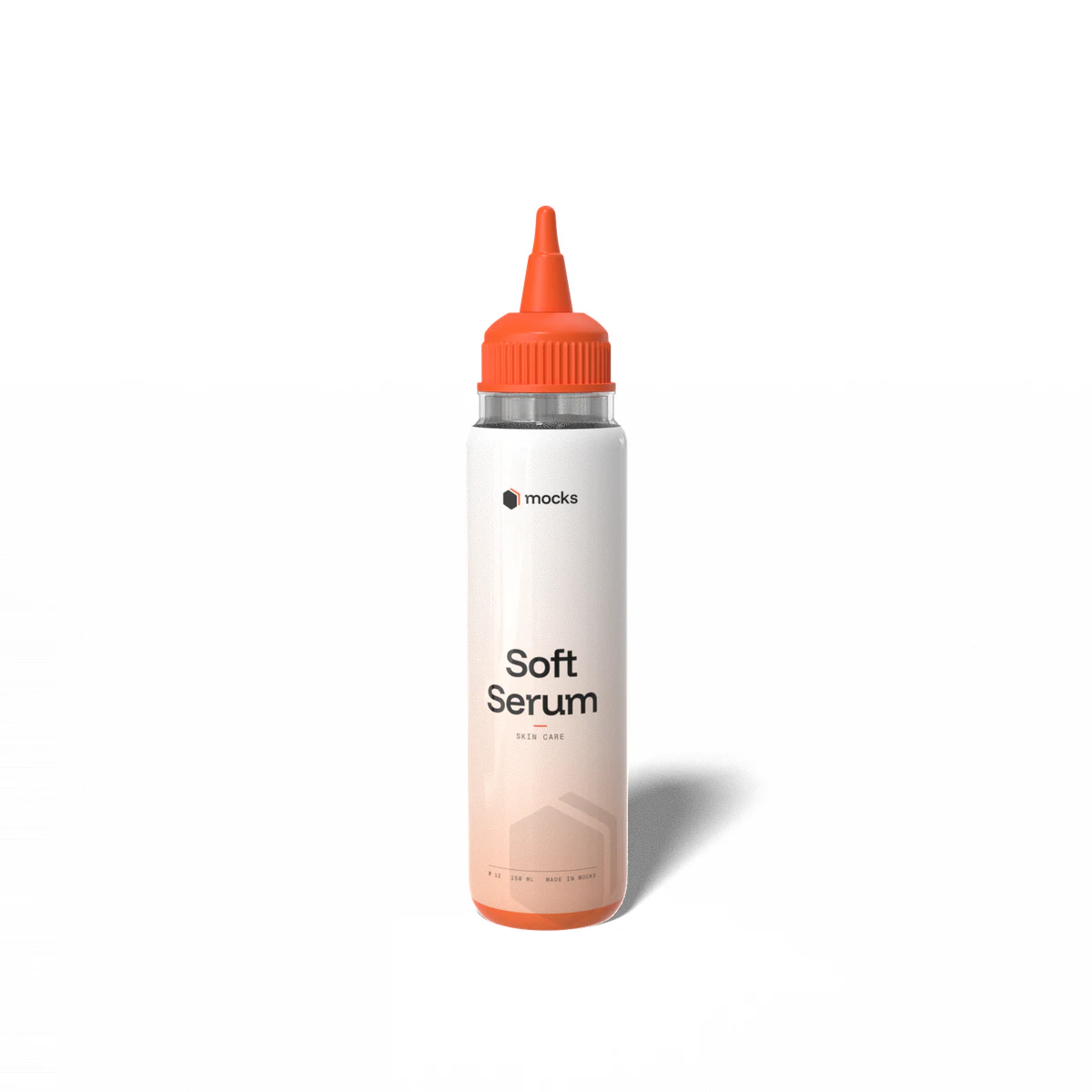
150 ml Plastic Squeeze Bottle
Dropper Bottle150 ml
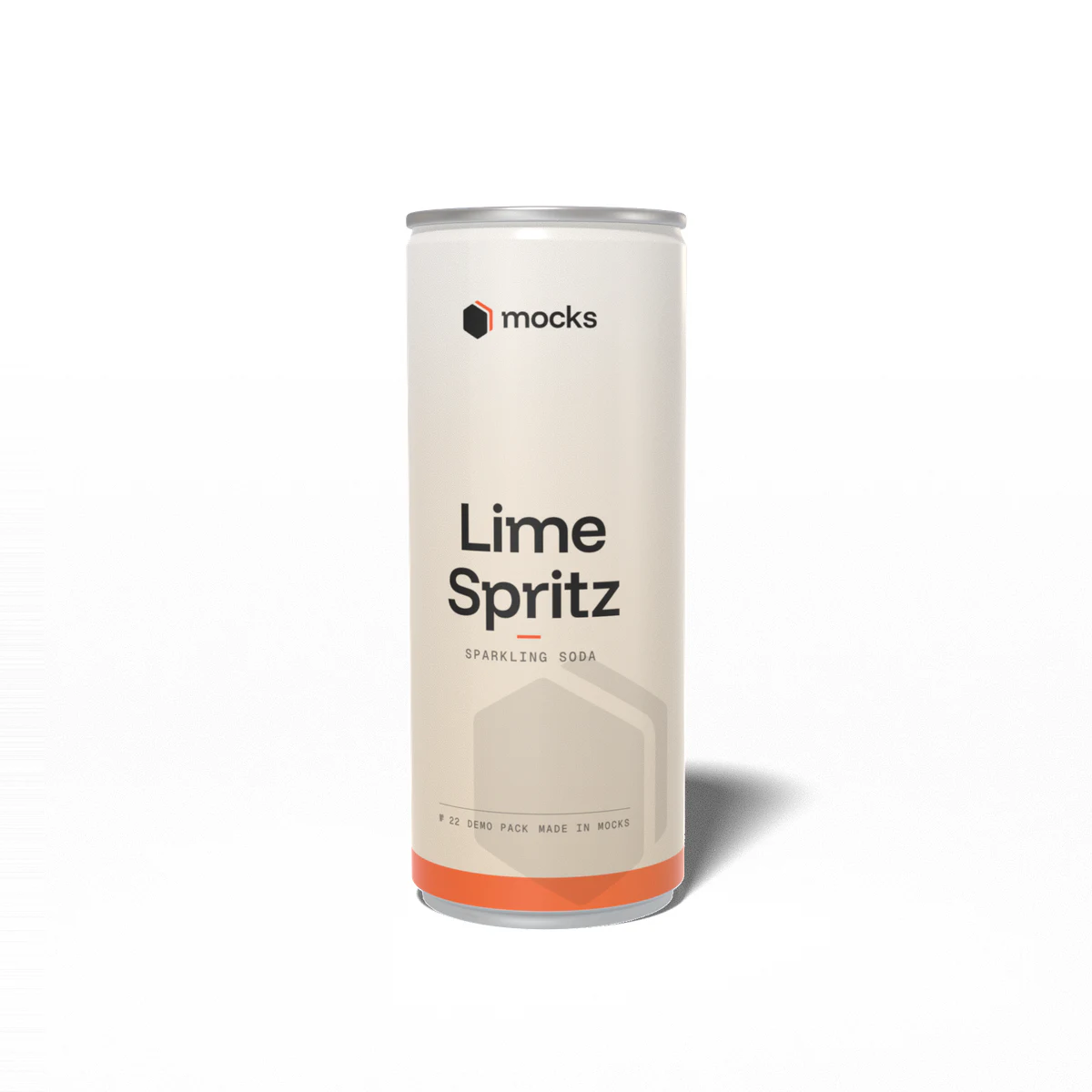
Tall Slim Soda Can
Soda Can
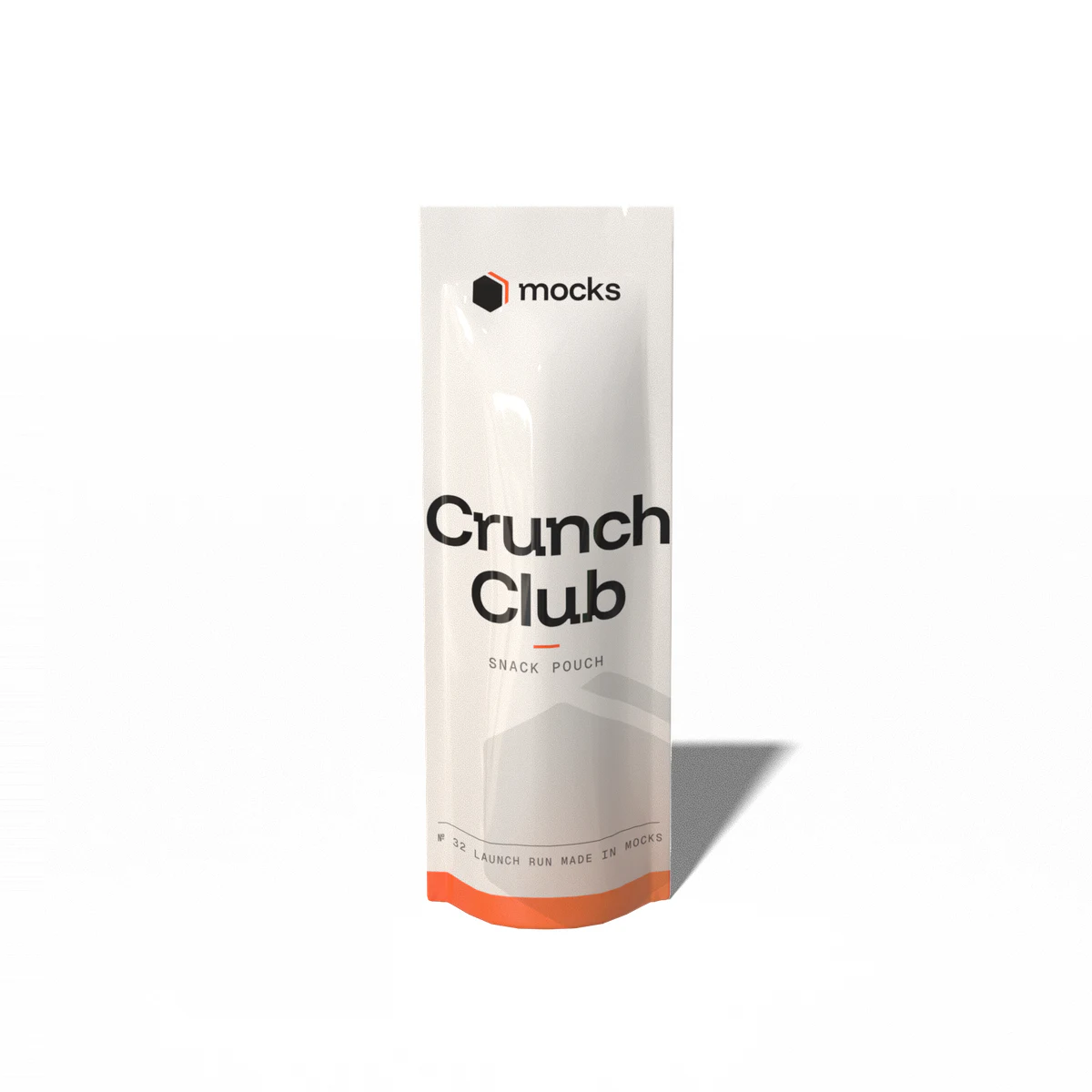
Stand-Up Snack Pouch
Pouch
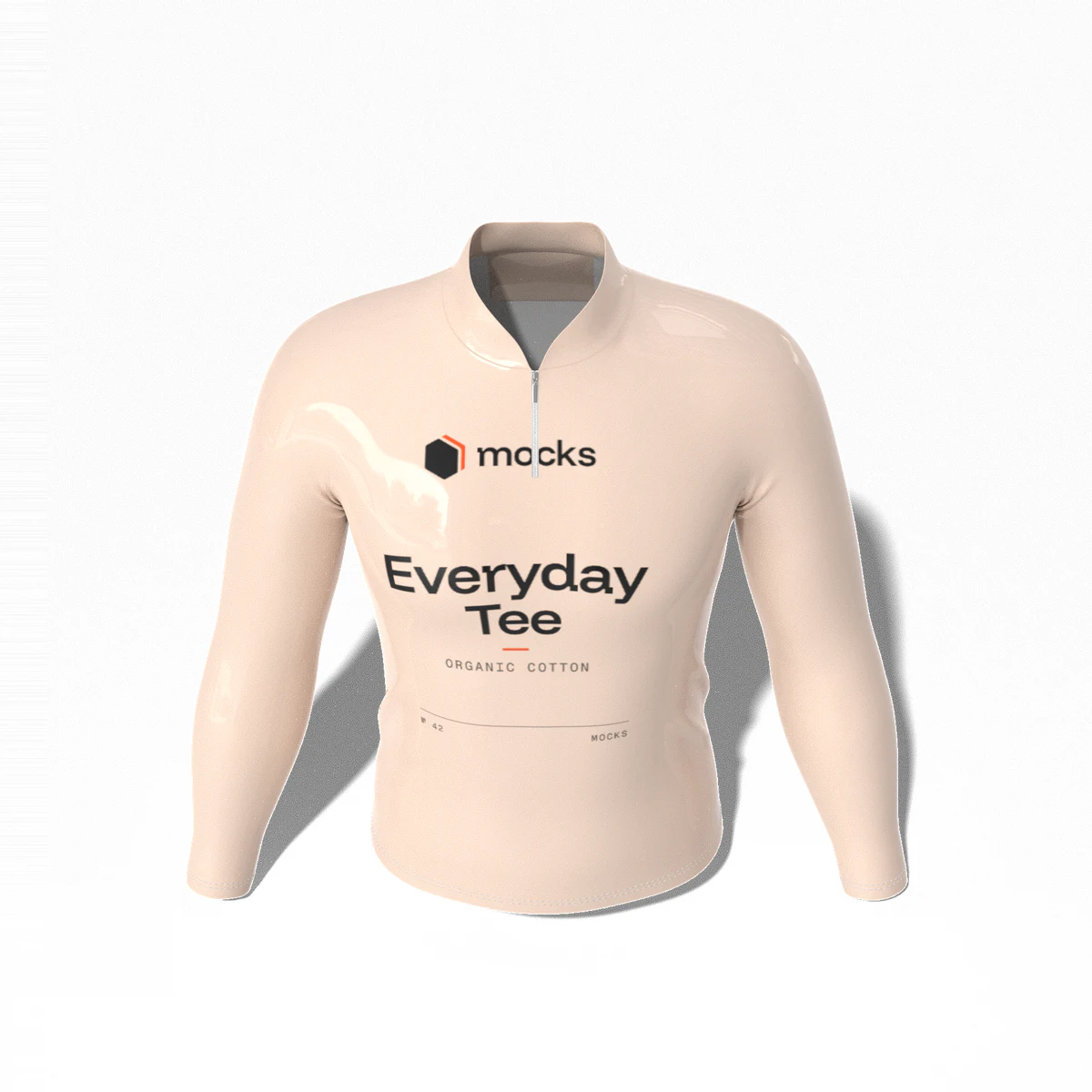
Long-Sleeve T-Shirt
T-shirt
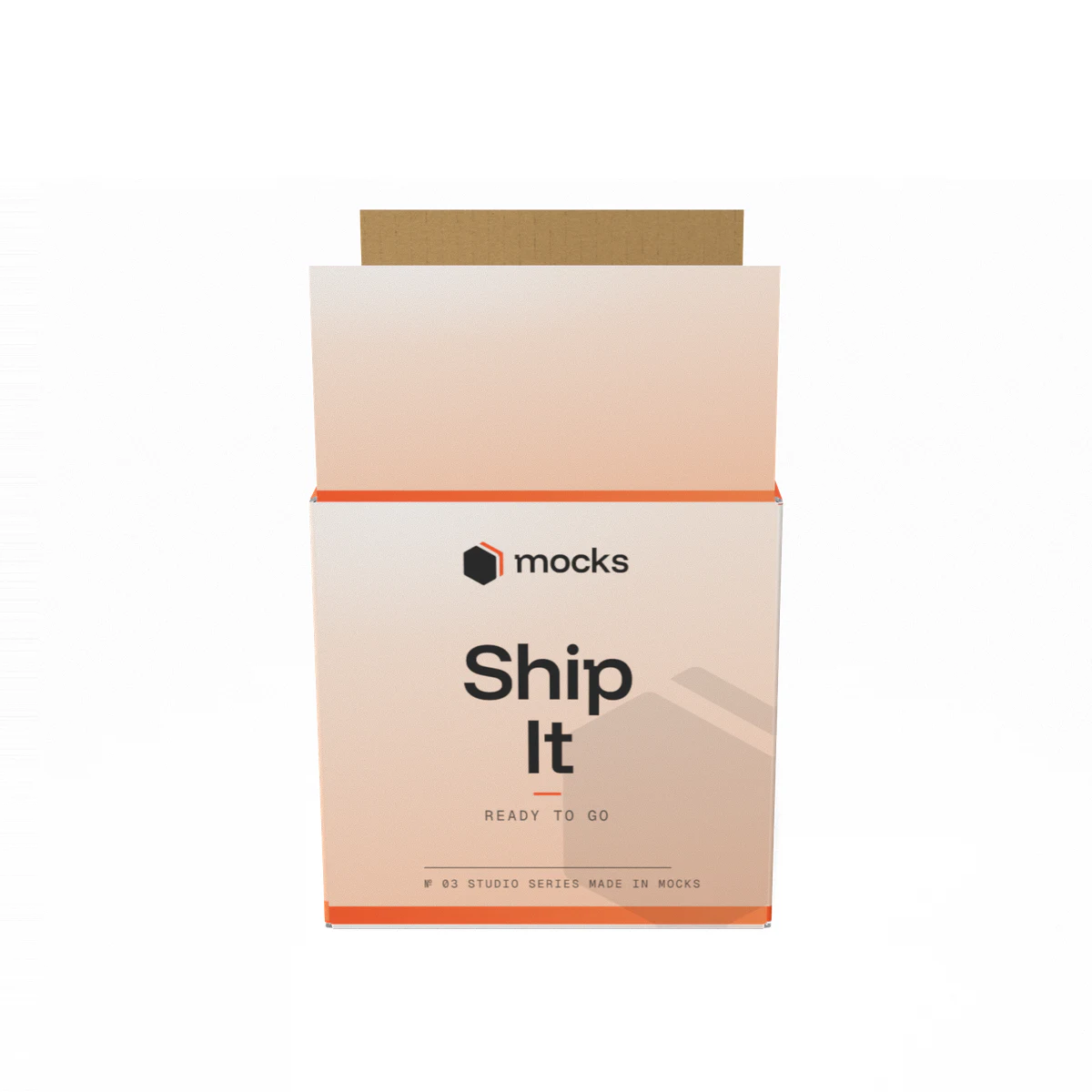 Custom size
Square Shipping Carton
Shipping Box305 × 305 × 305 mm
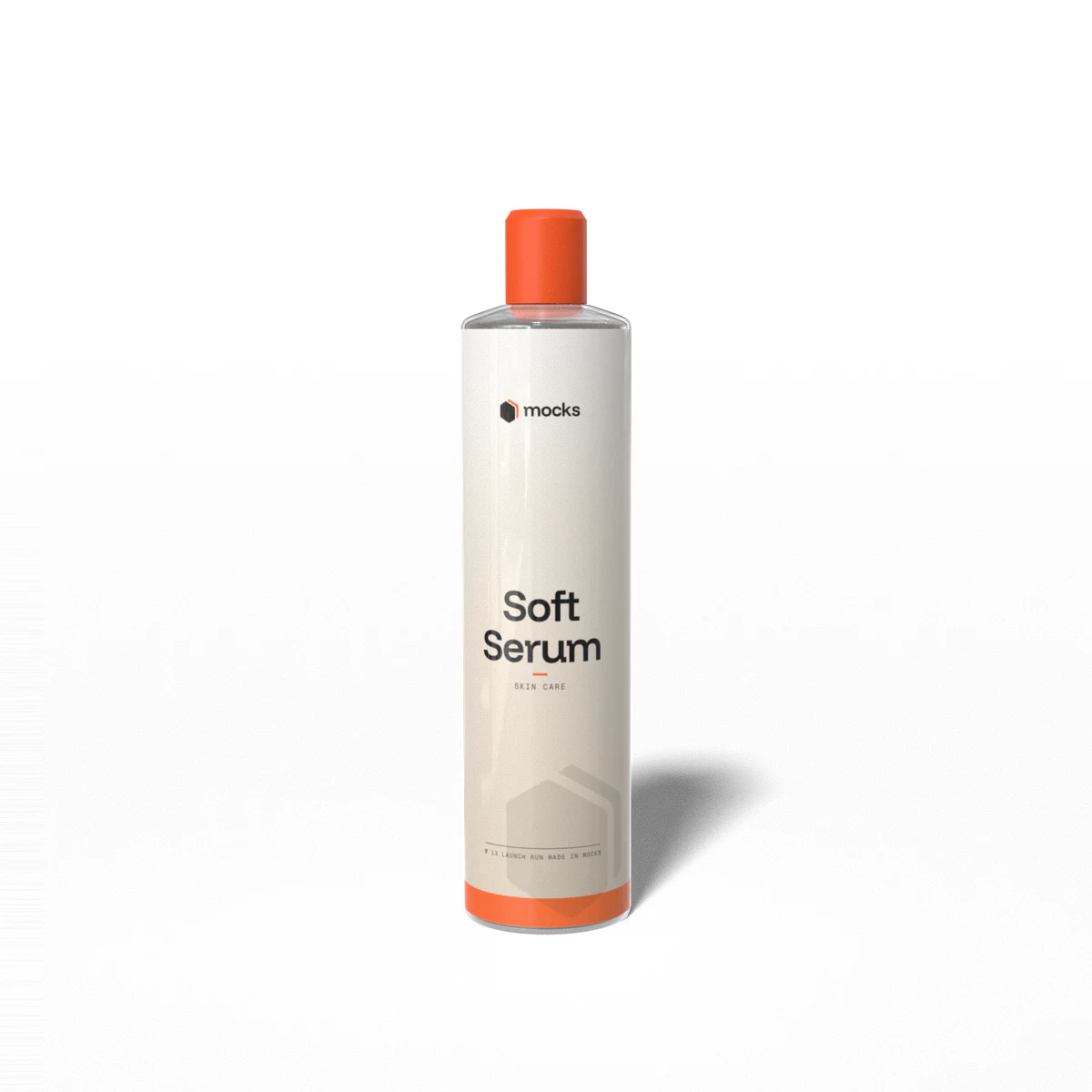
Slim Plastic Cosmetic Bottle
Cosmetic Bottle
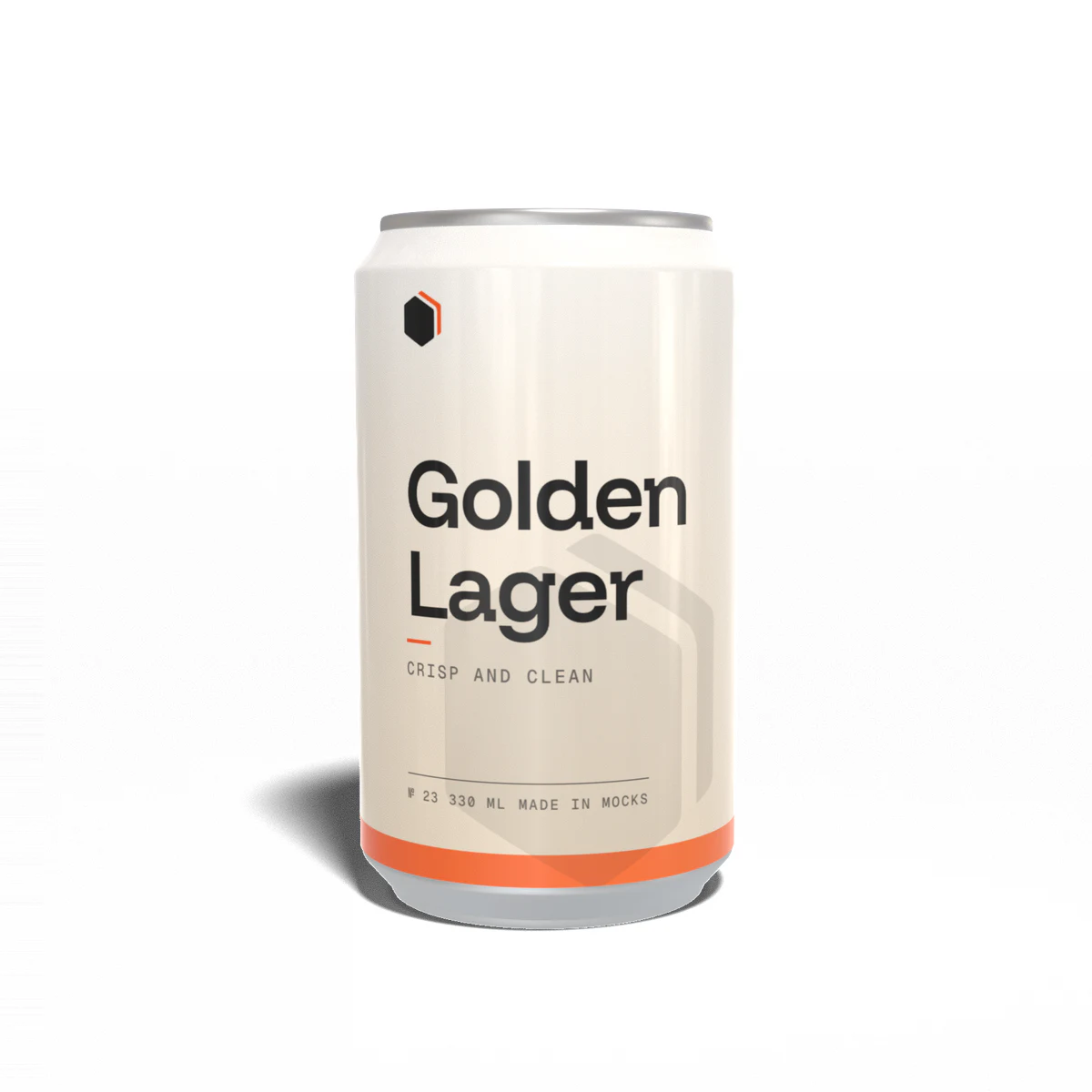
330 ml Standard Beer Can
Beer Can330 ml
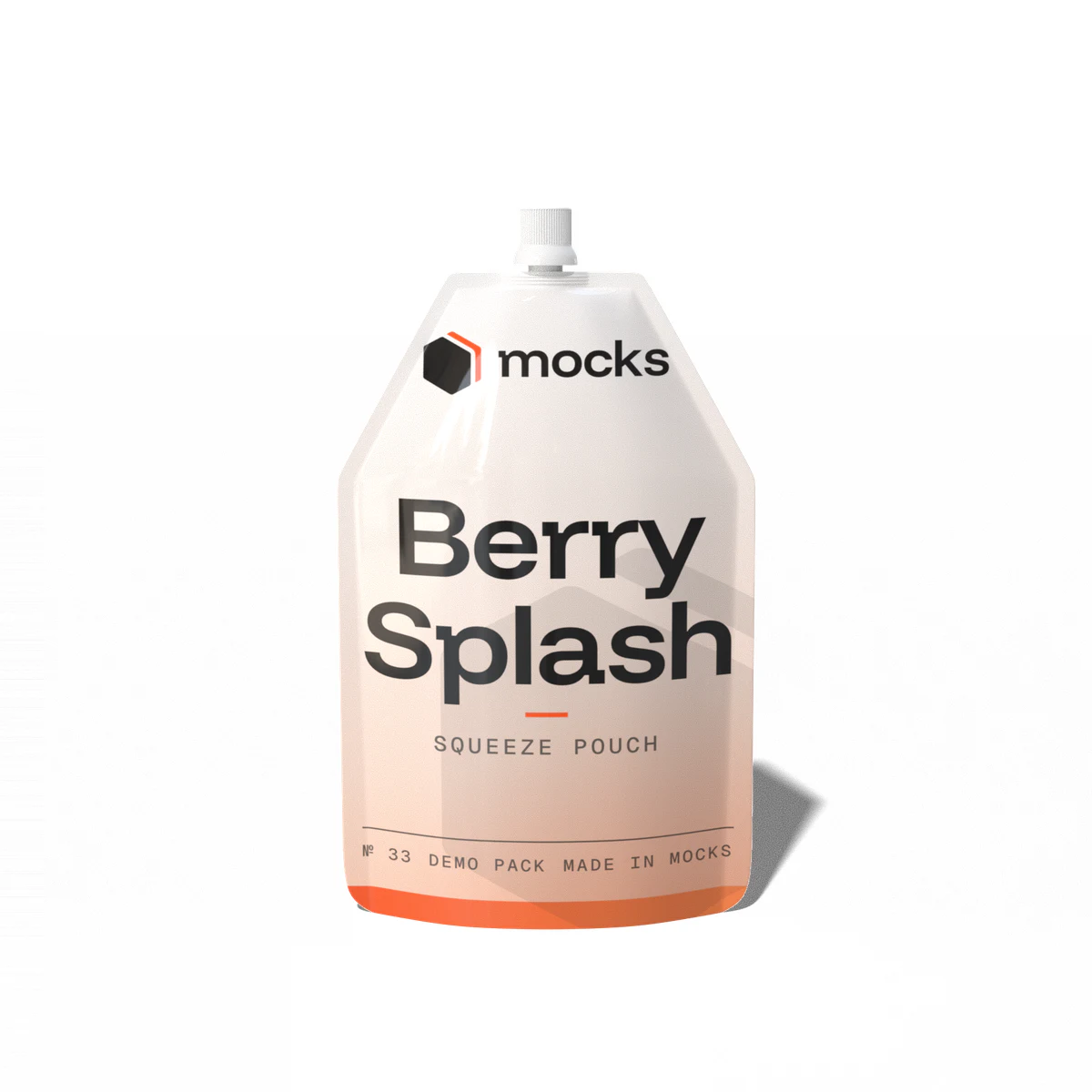
Spouted Drink Pouch
Pouch
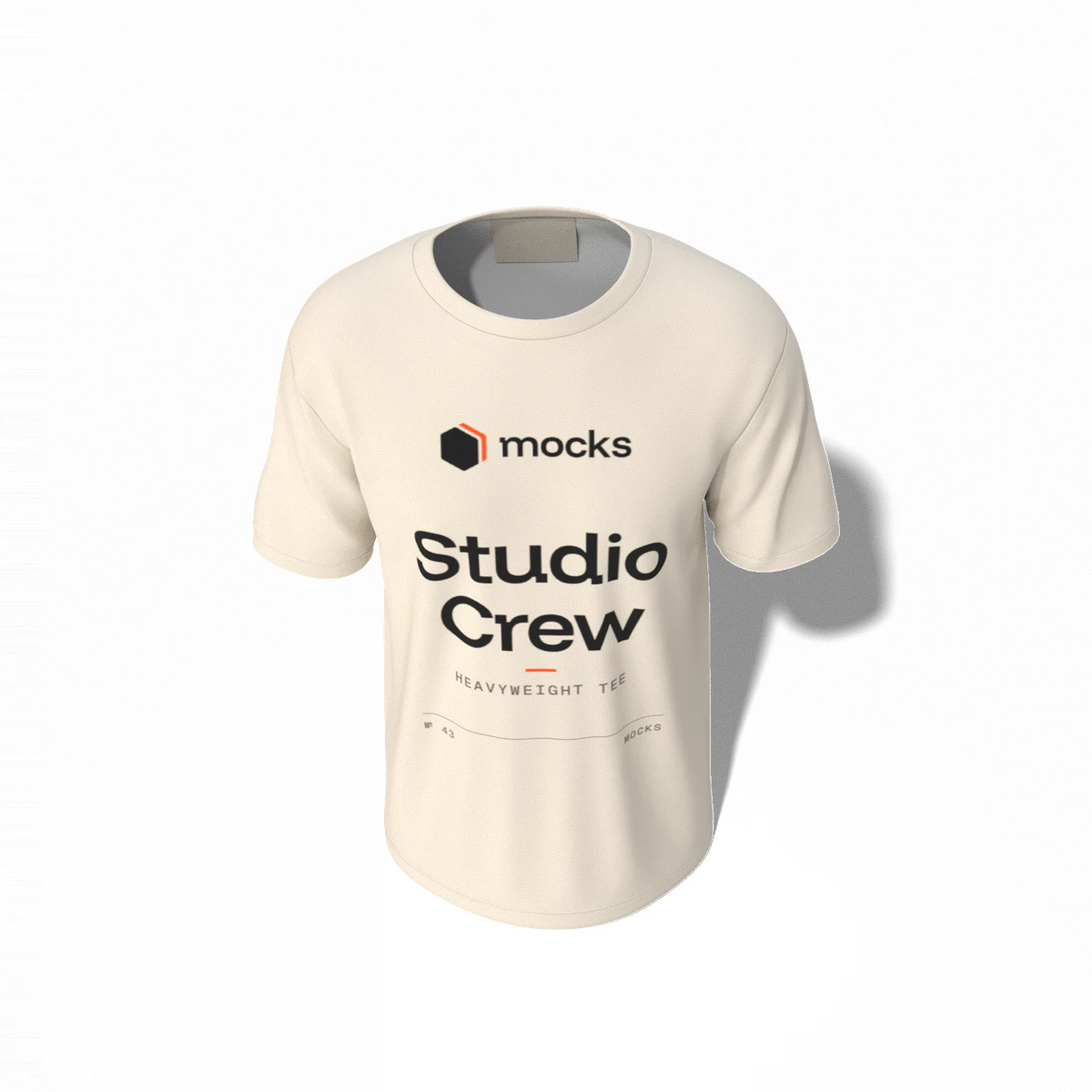
Basic T-Shirt
T-shirt
 Custom size
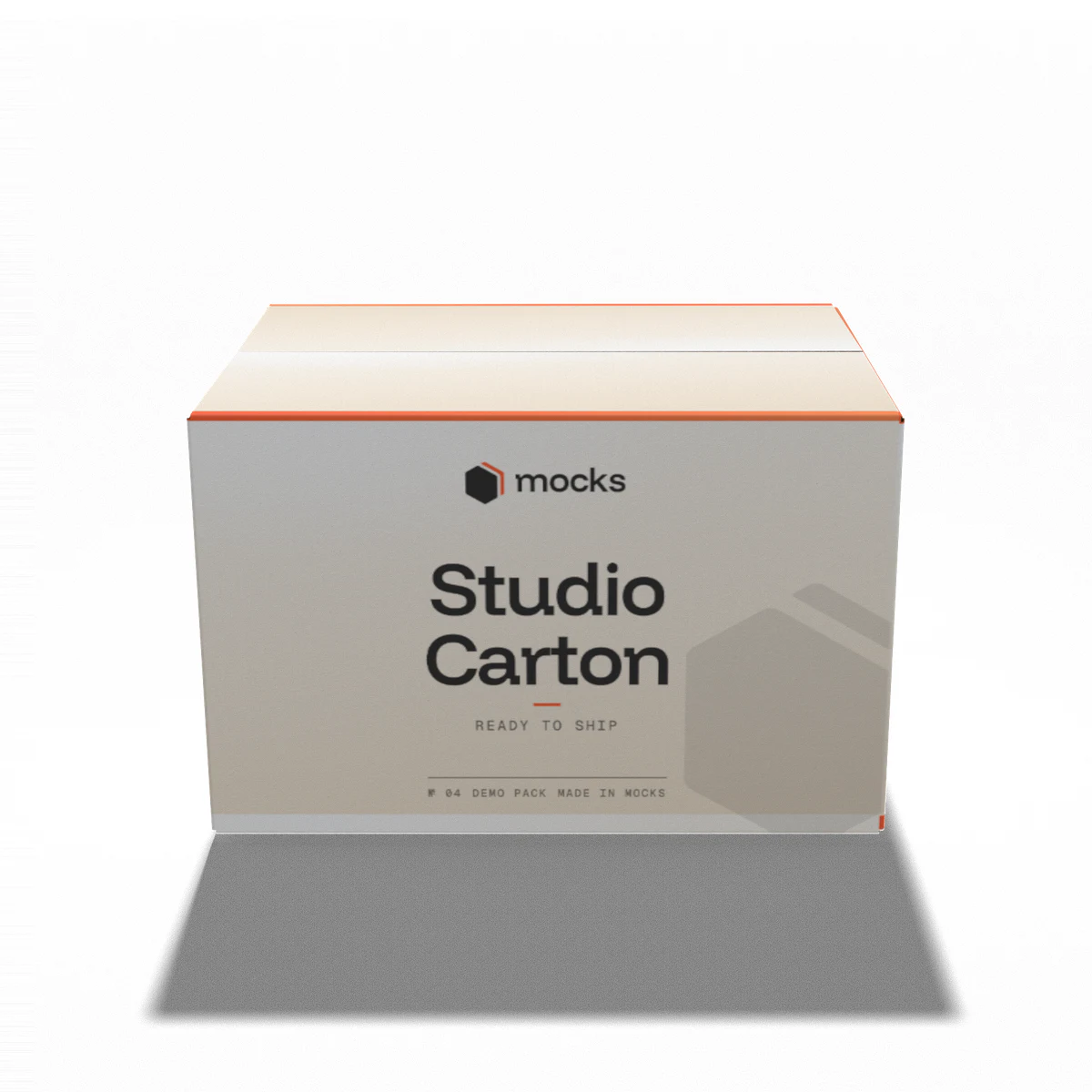
Flat Shipping Box with Self-Locking Bottom
Shipping Box250 × 200 × 160 mm
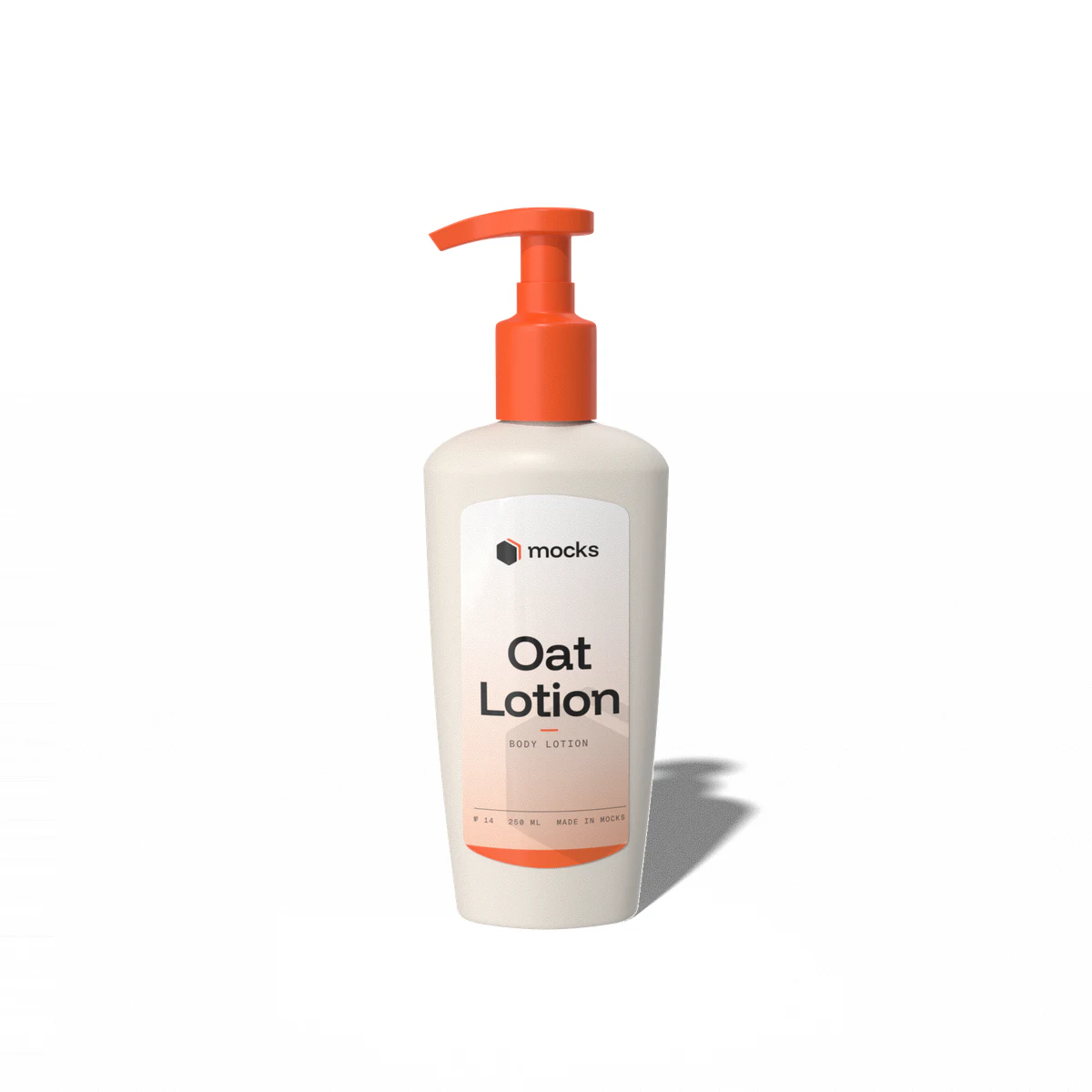
250 ml Lotion Pump Bottle
Pump Bottle250 ml
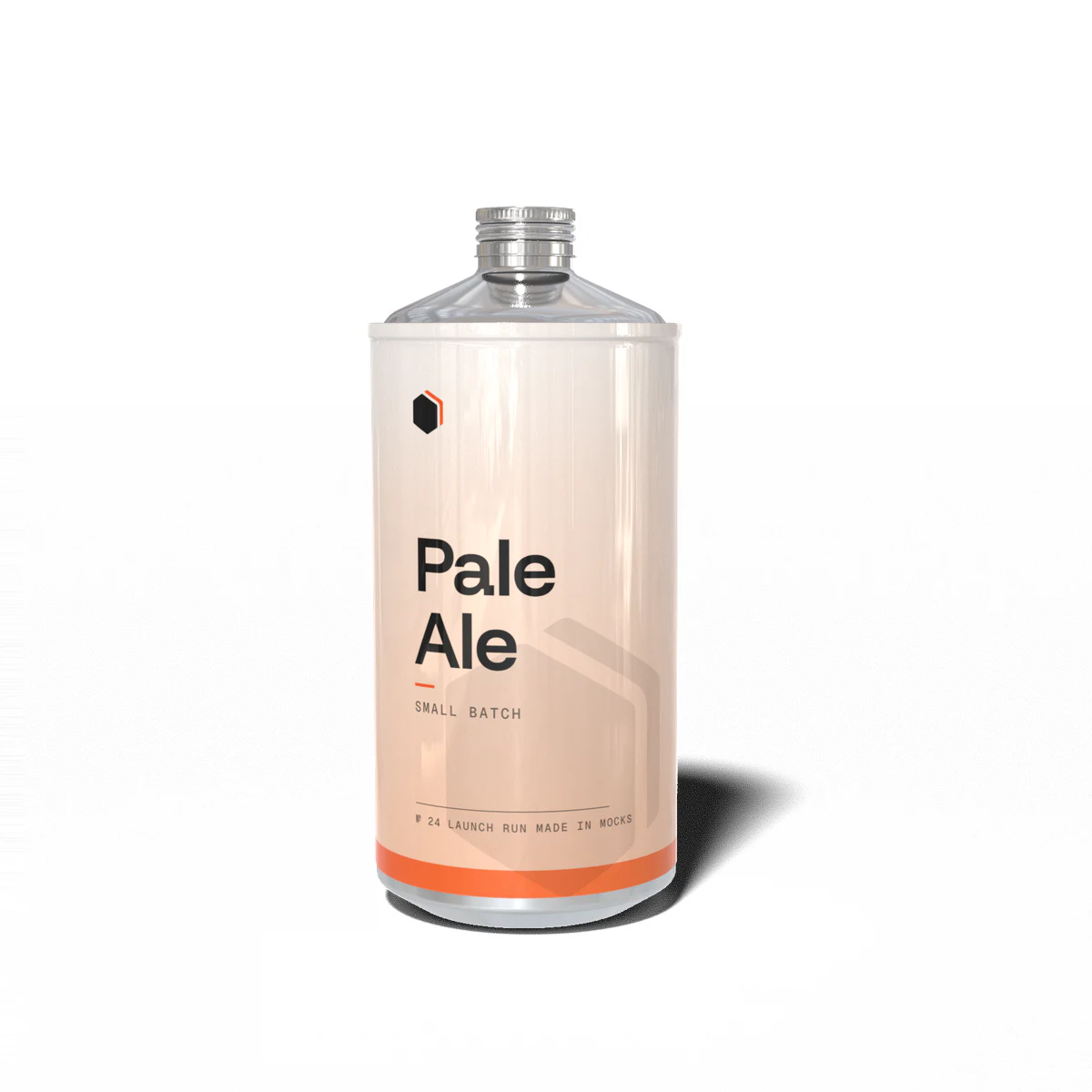
Large Draft Beer Can
Beer Can
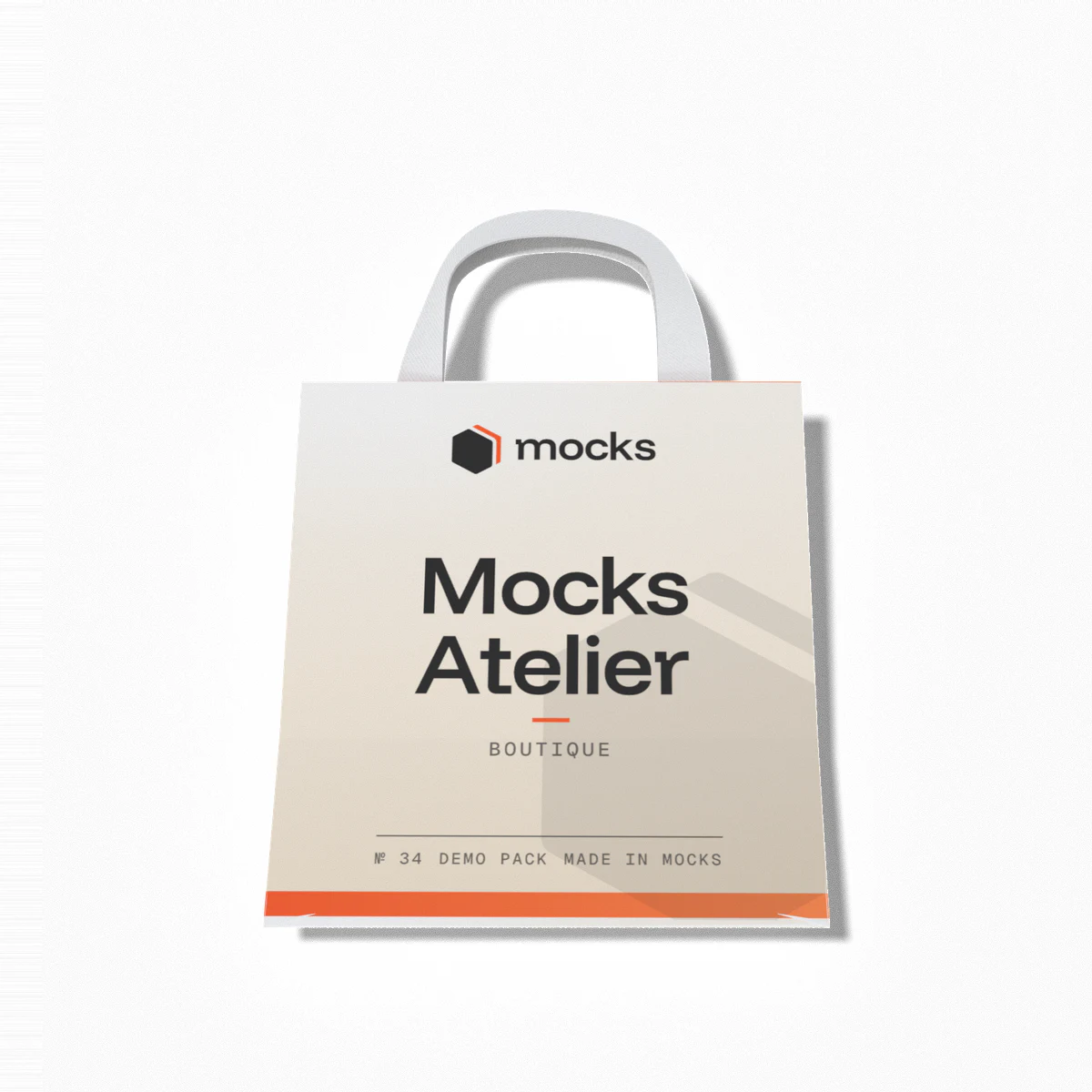
Luxury Paper Shopping Bag
Paper Bag
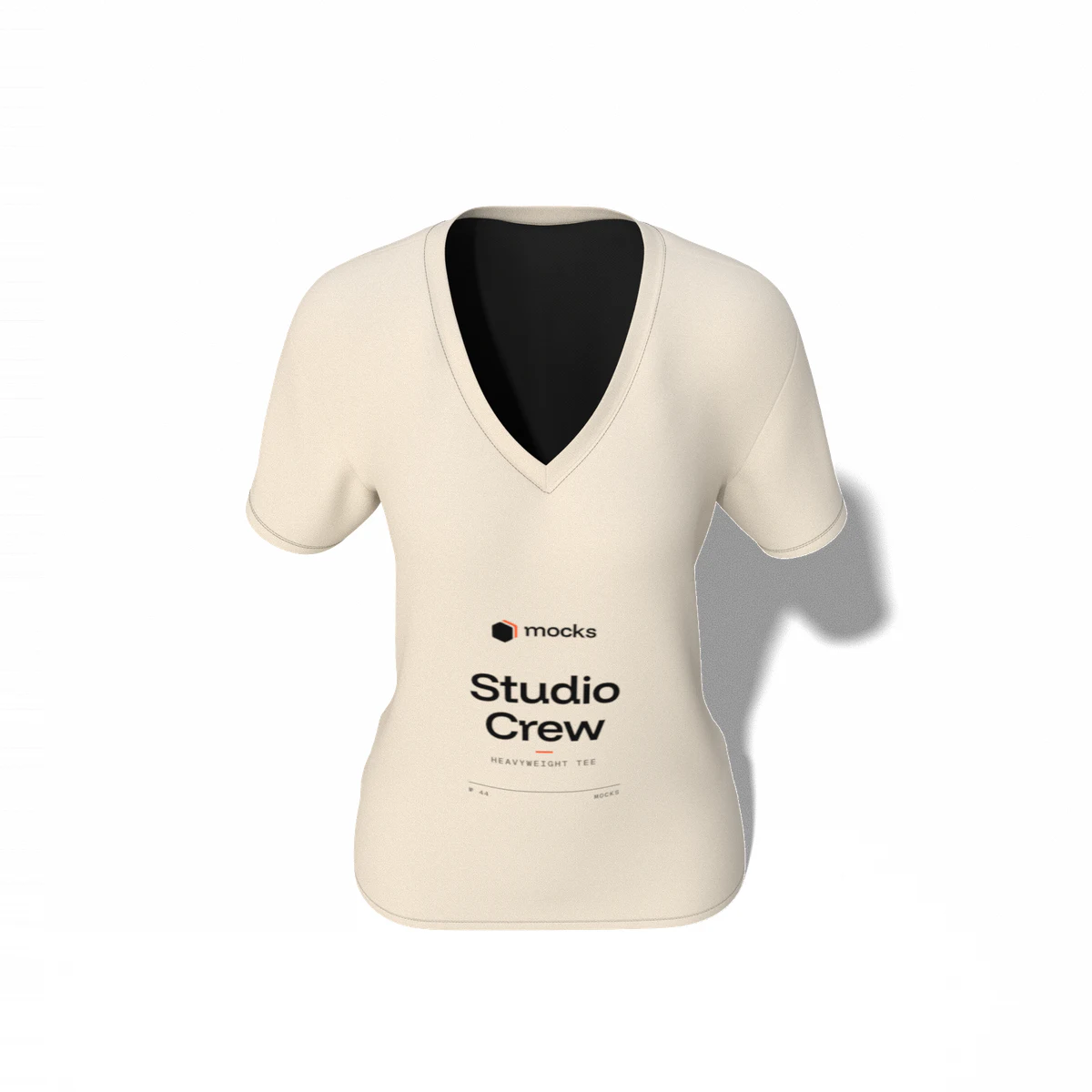
Women's Deep V-Neck Black Tee
Black T-shirt
 Custom size
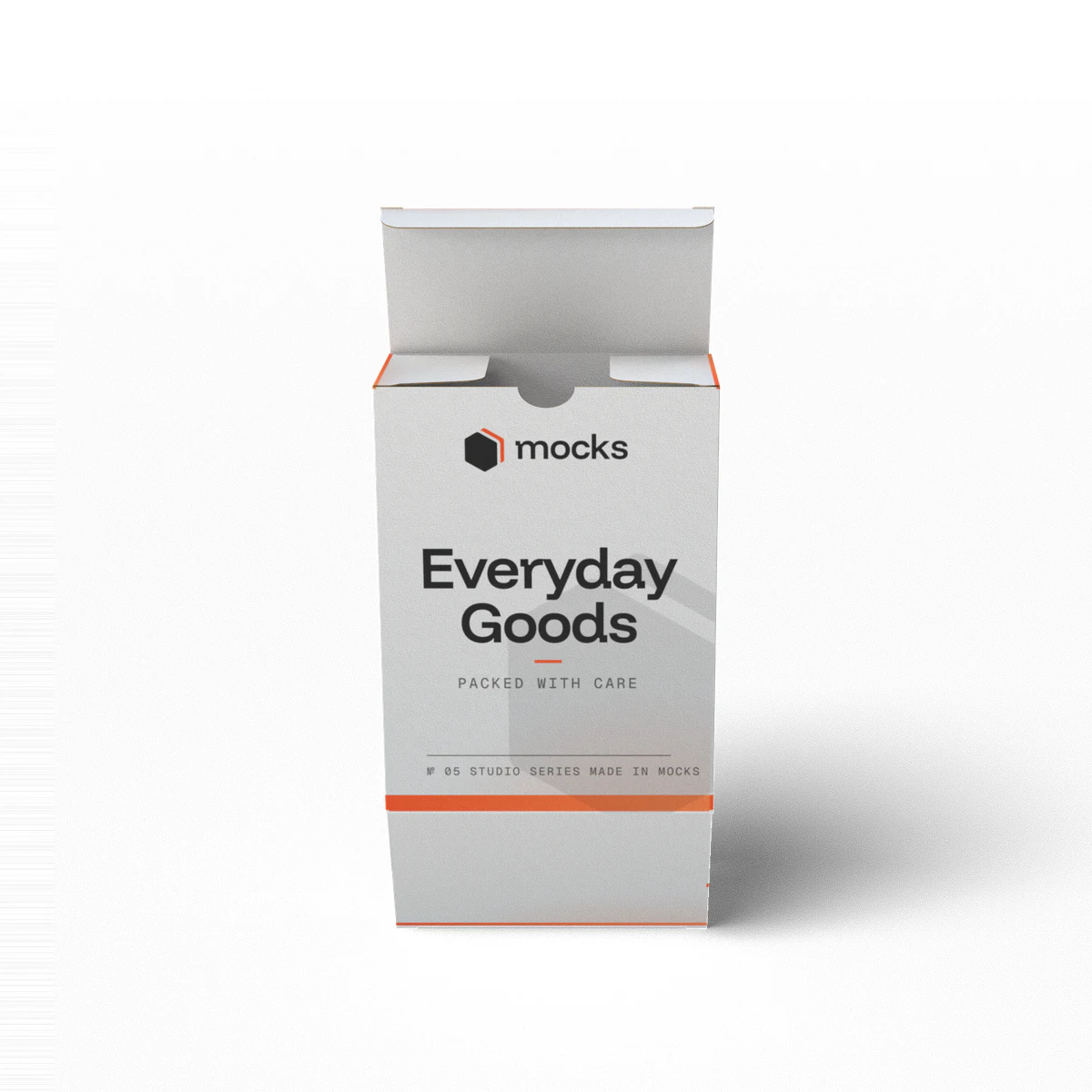
Double-Tray Tuck End Box
Tuck End Box120.6 × 60.6 × 161.1 mm
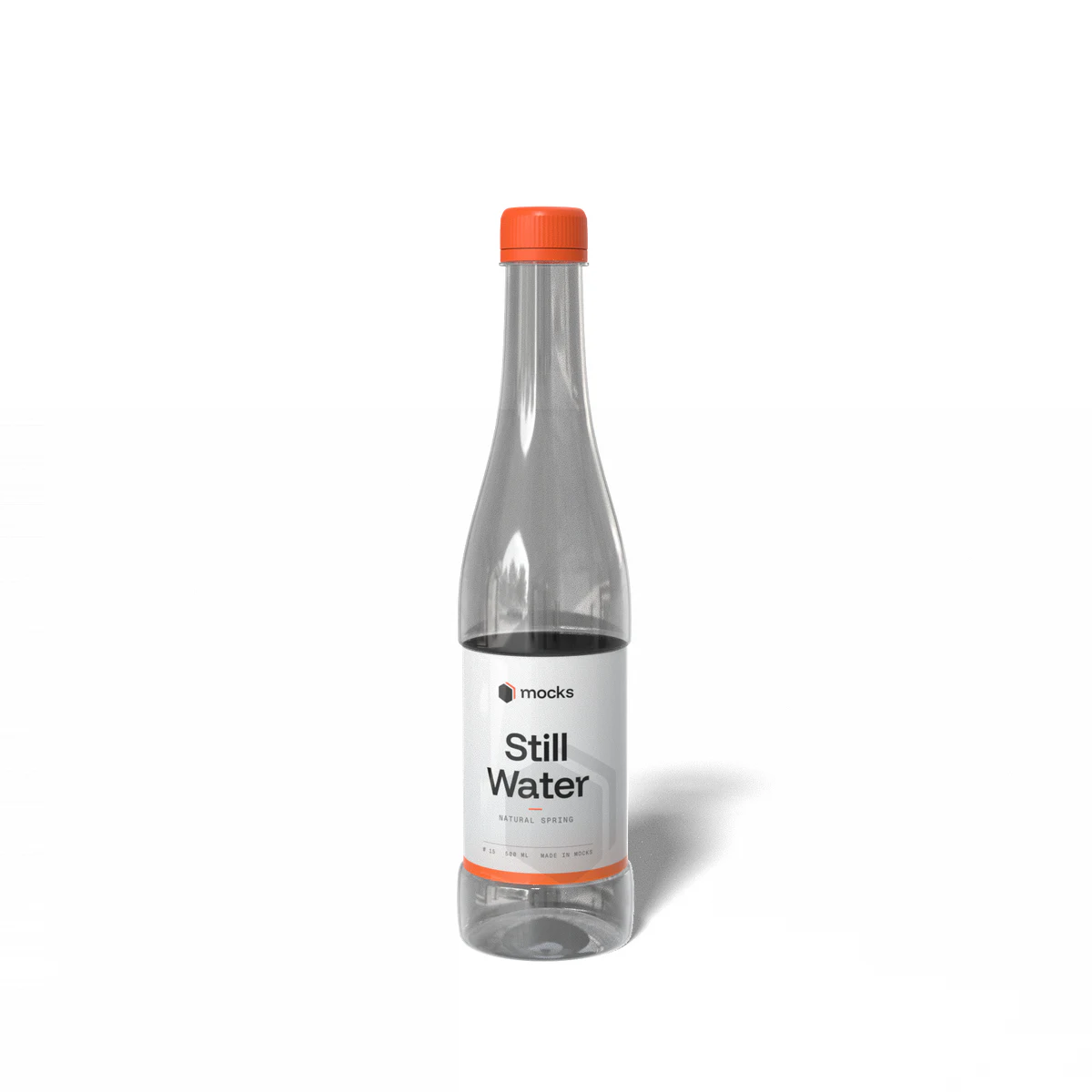
500 ml Bottled Water
Water Bottle500 ml
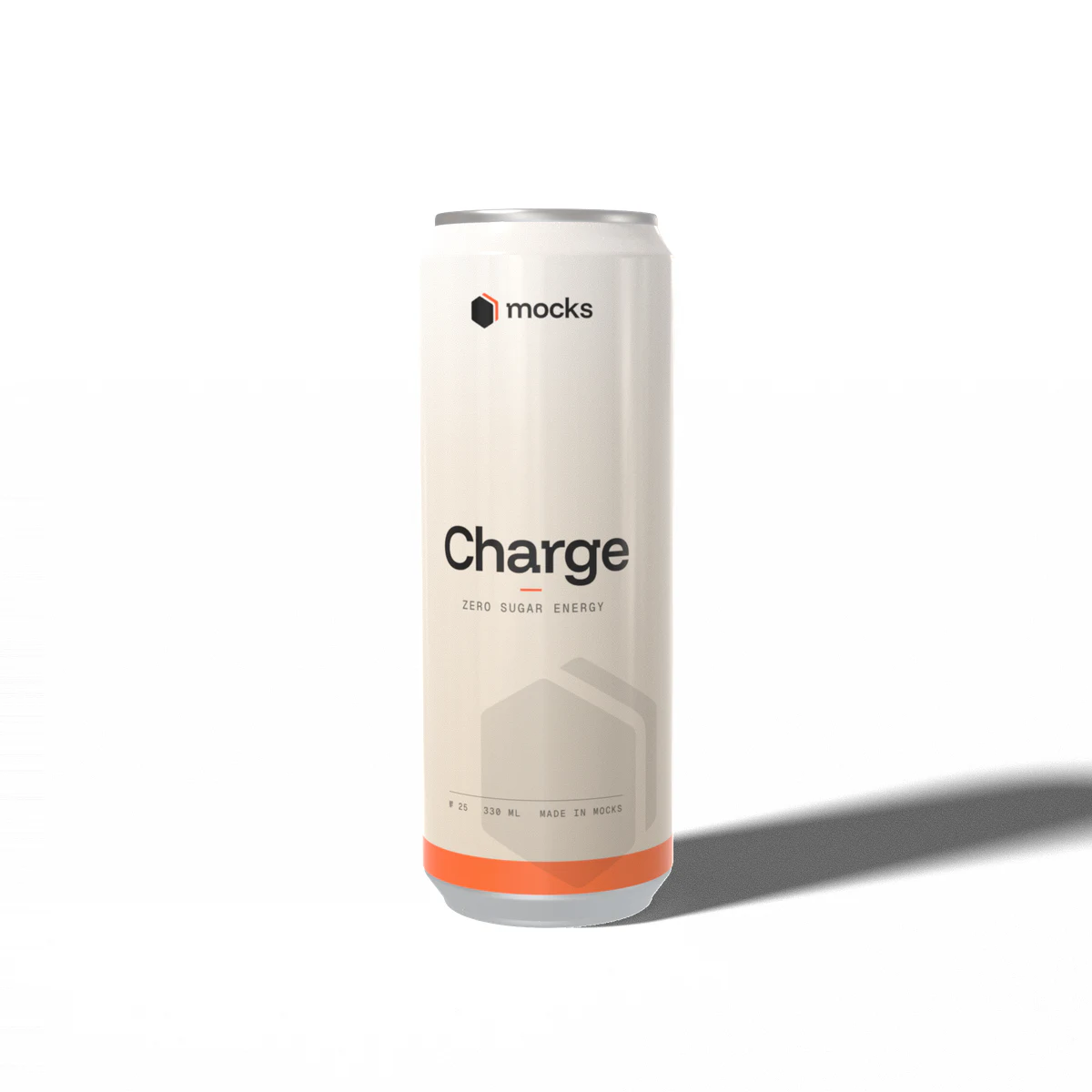
330 ml Sleek Energy Drink Can
Energy Drink330 ml
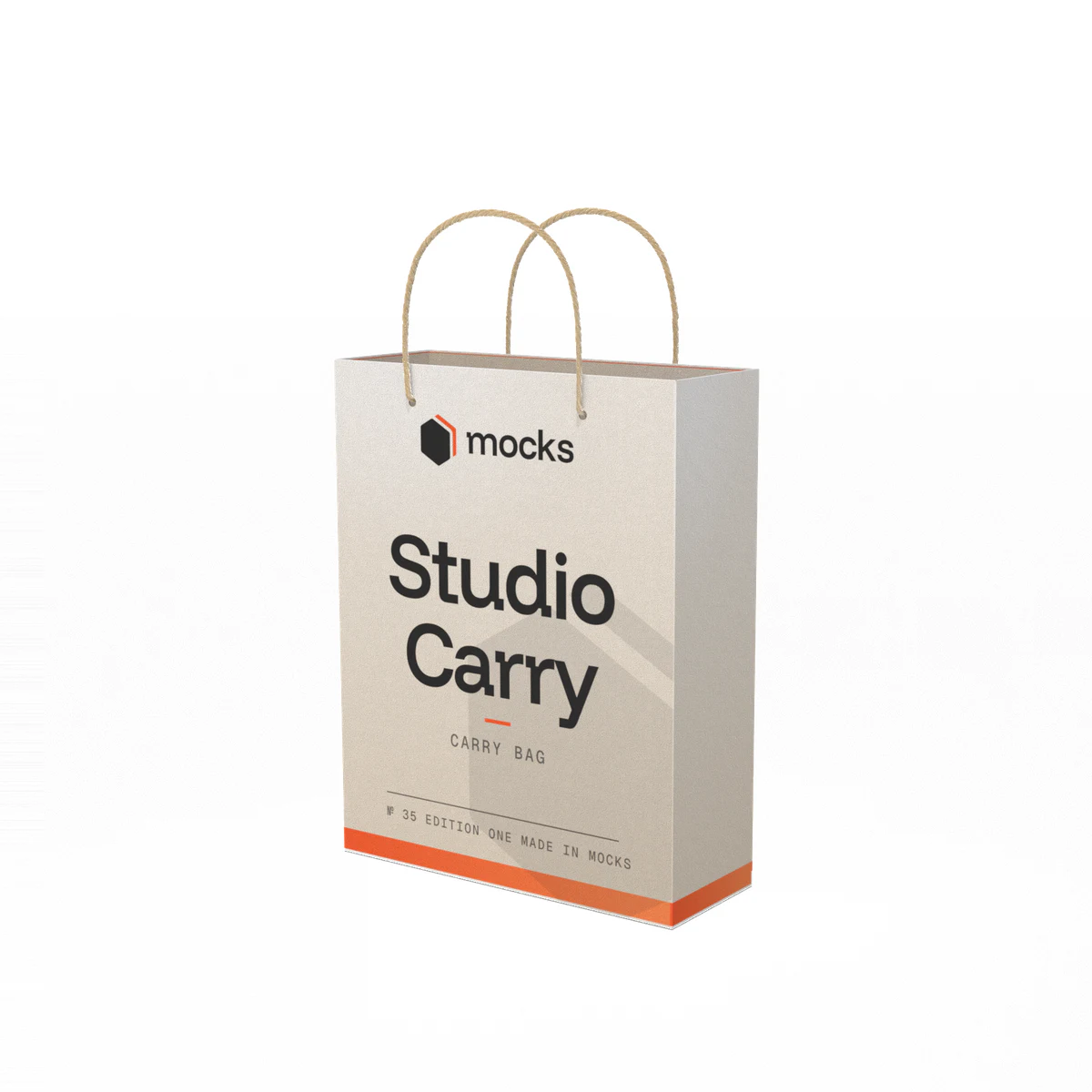
Brown Paper Carry Bag
Paper Bag220 × 80 × 280 mm
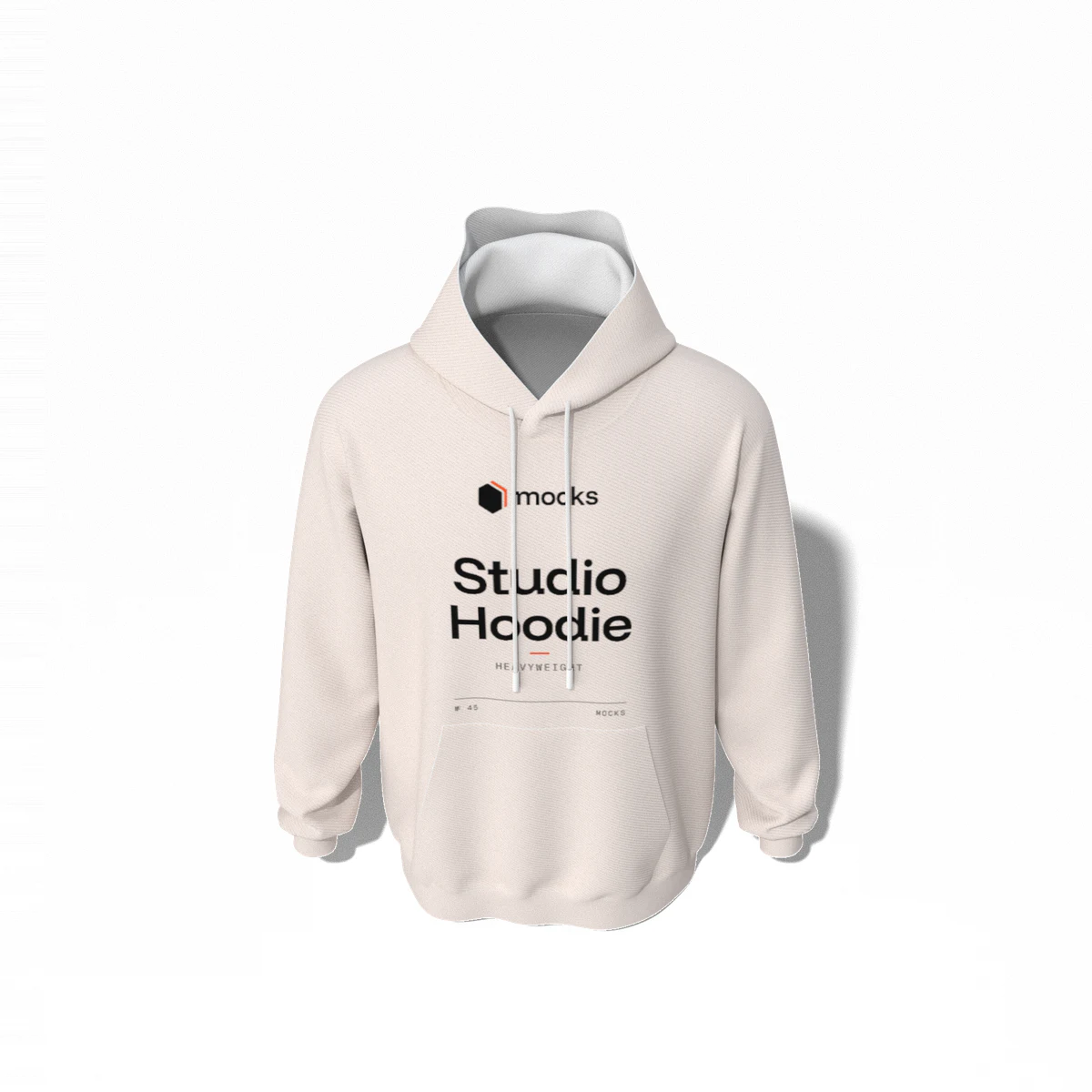
Oversized Drawstring Hoodie with Pocket
Hoodie
 Custom size
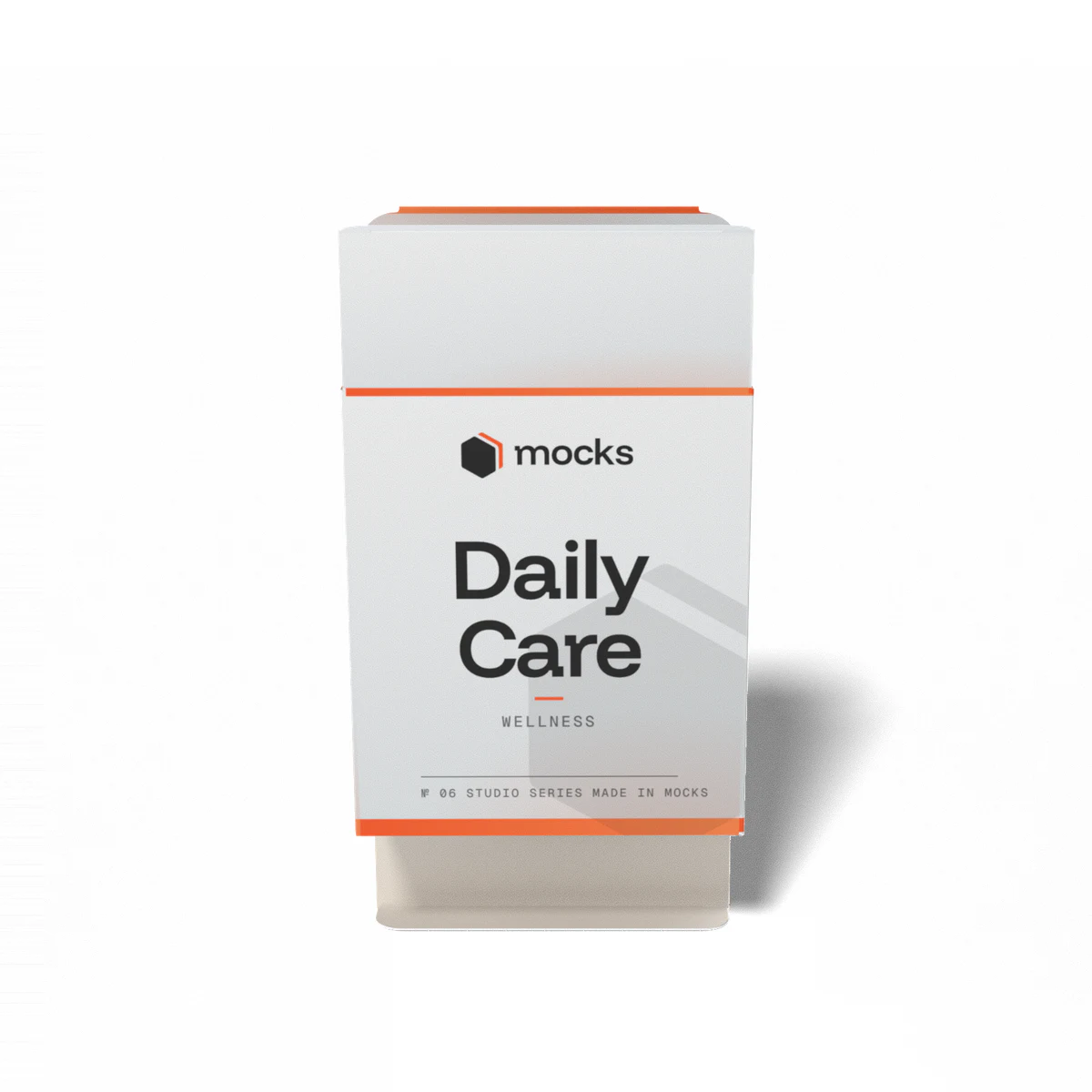
Medicine Box with Hang Tab
Tuck End Box100 × 40 × 120 mm
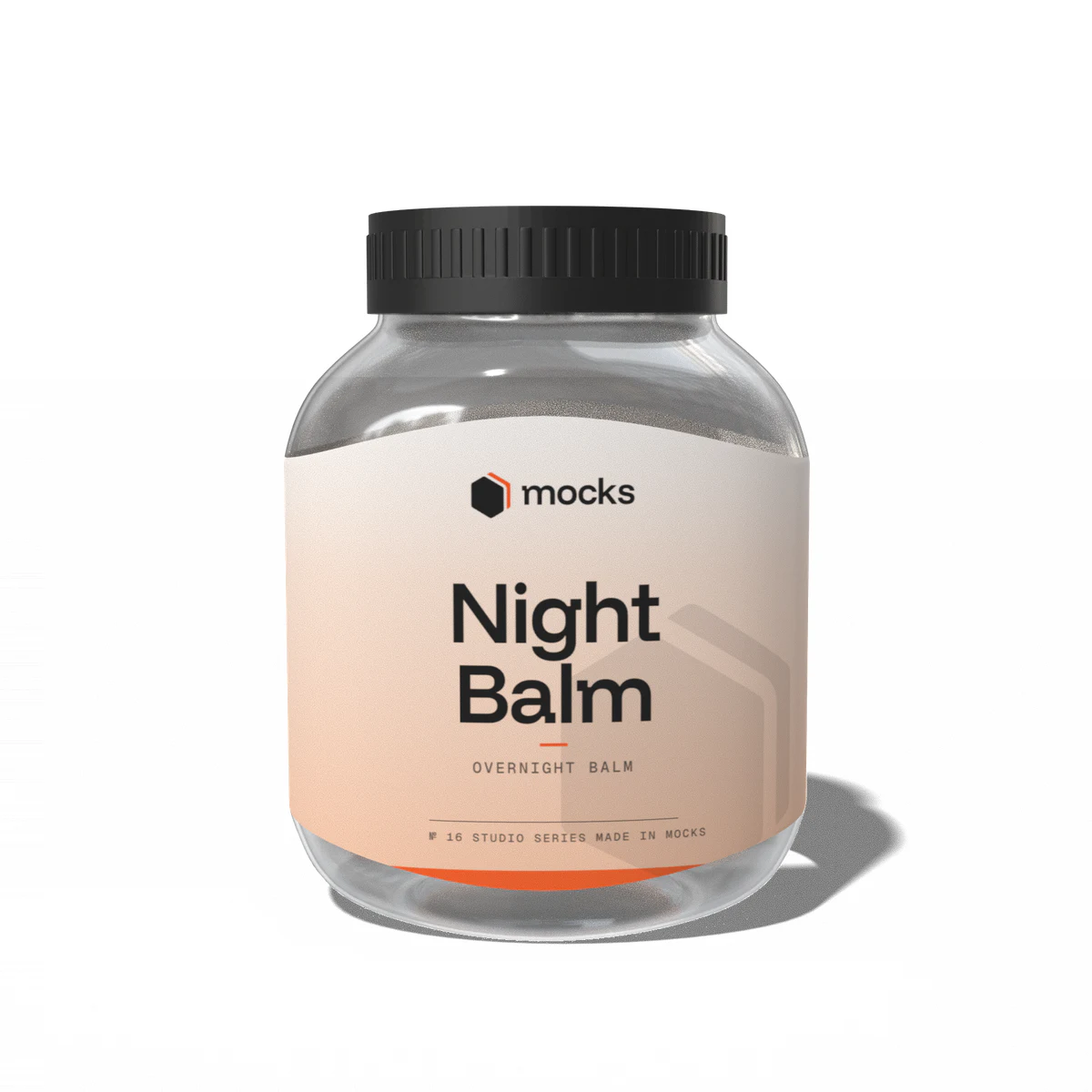
Wide Clear Supplement Jar
Supplement Bottle
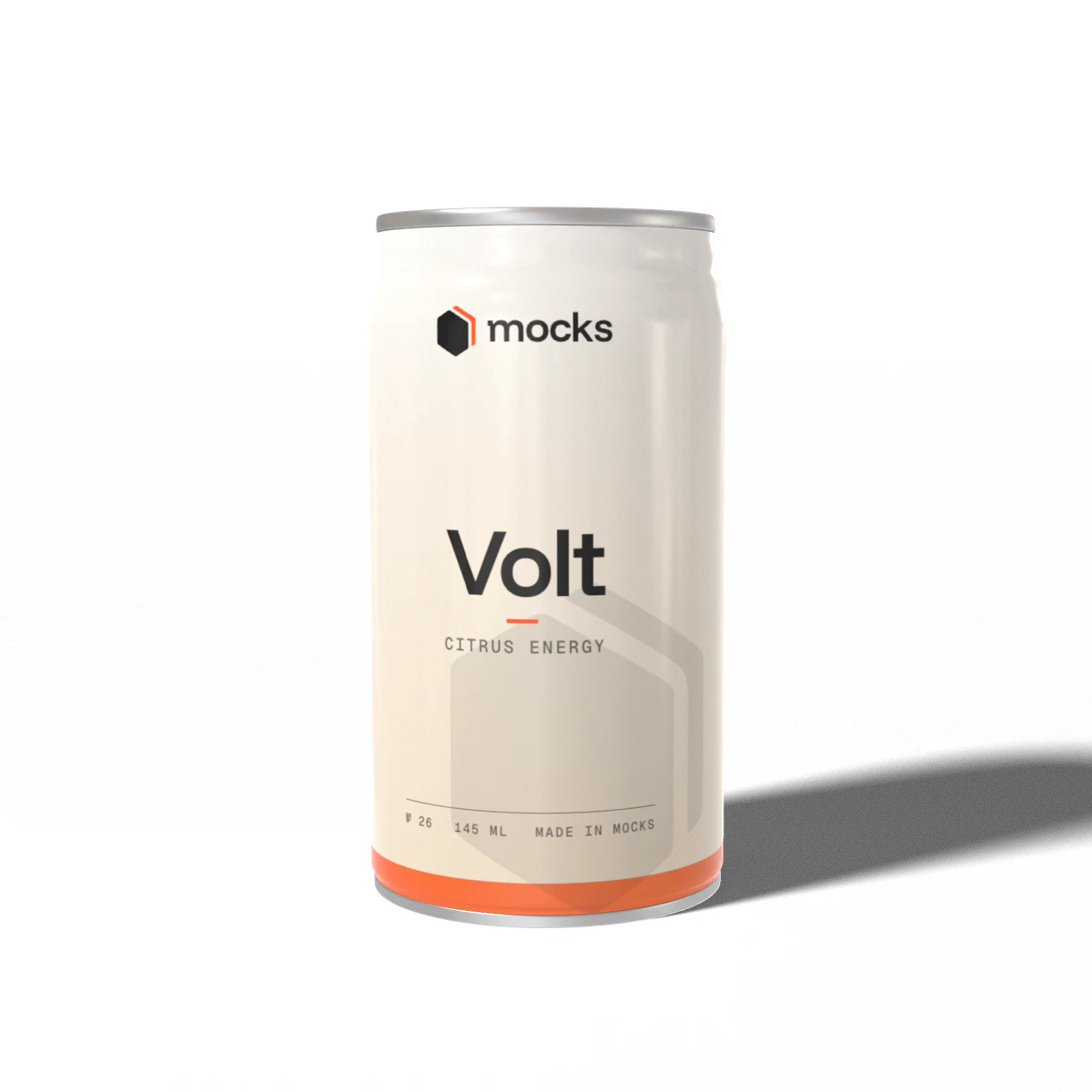
145 ml Energy Shot Can
Energy Drink
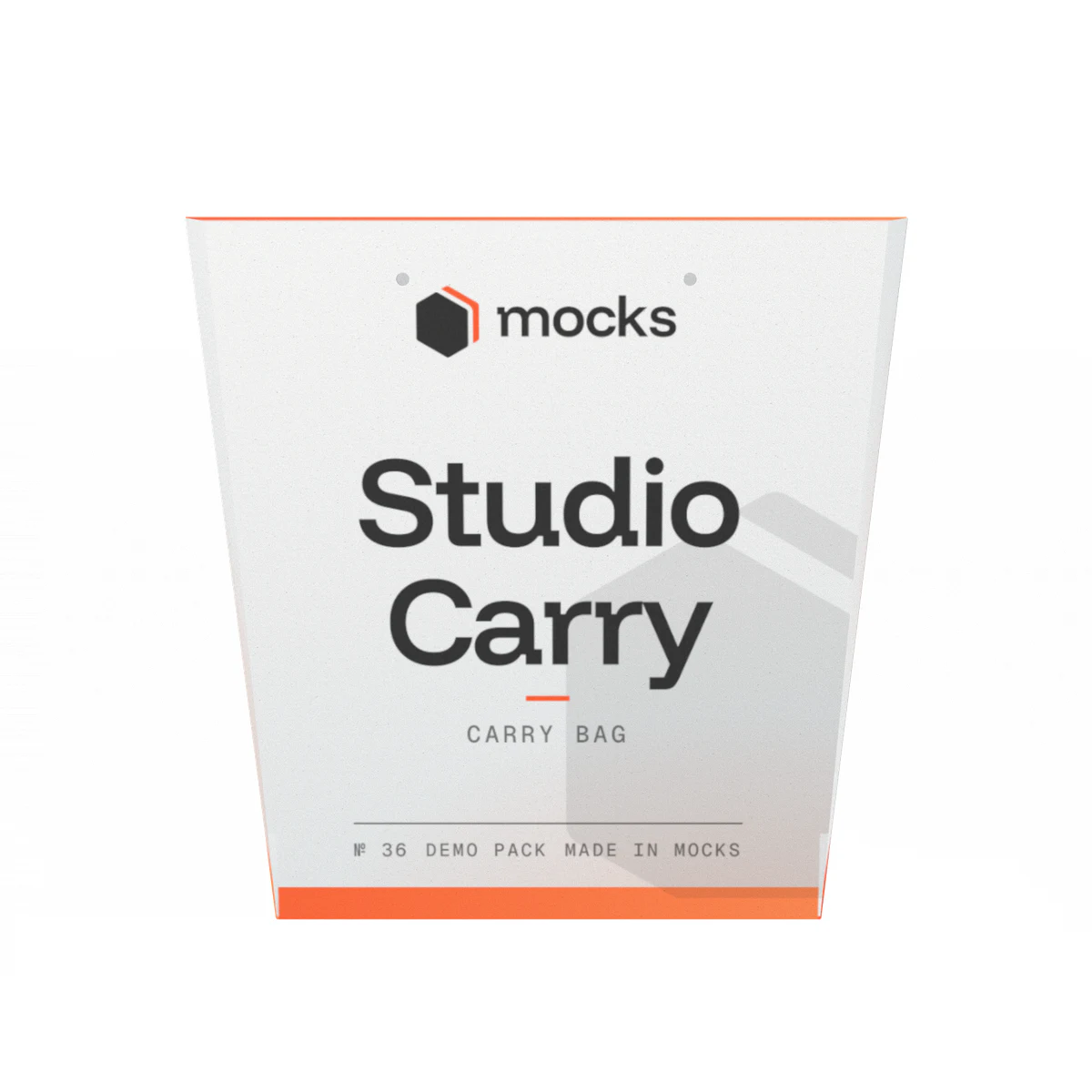
Trapezoid Paper Shopping Bag
Shopping Bag220 × 80 × 280 mm
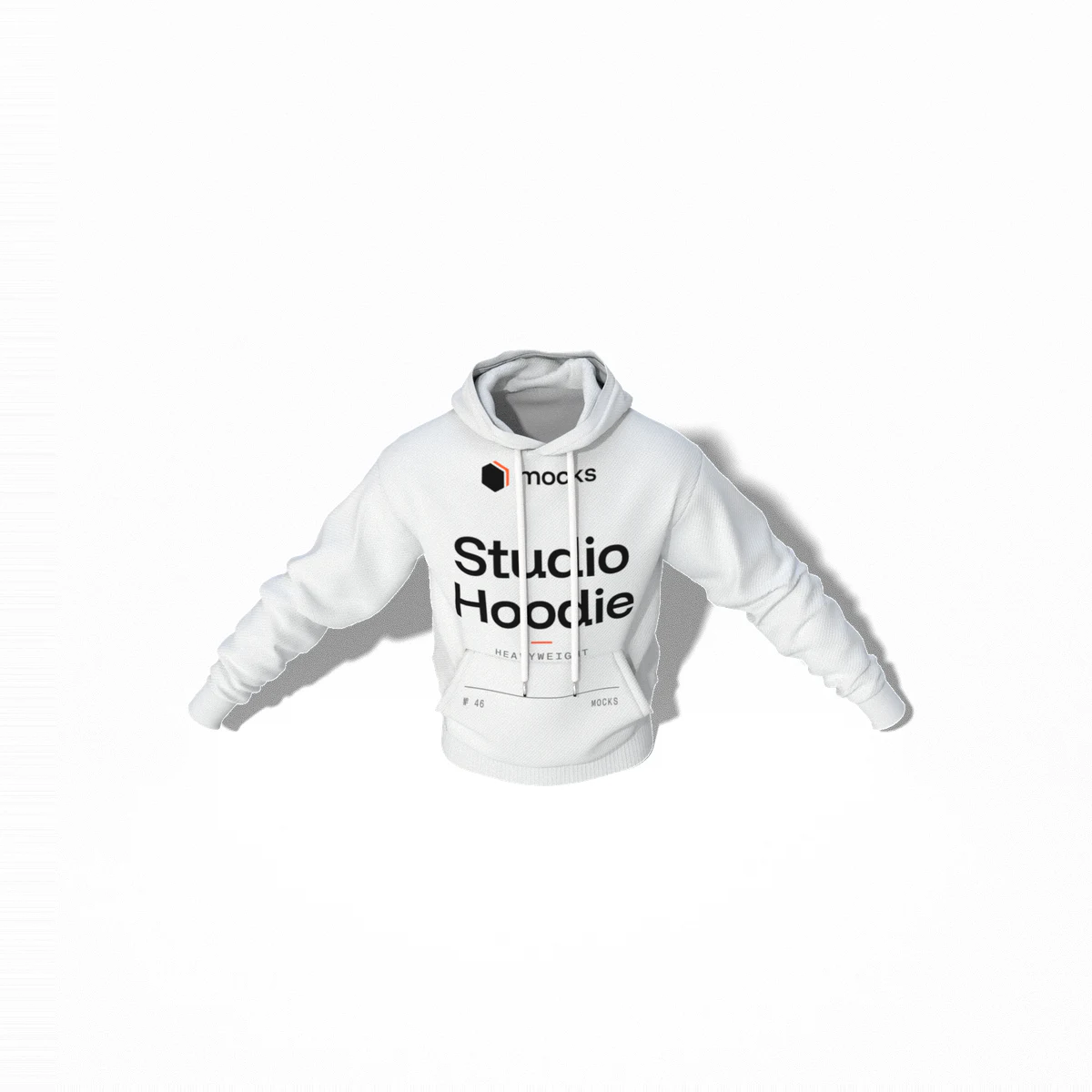
Boxy Hoodie on a Model
Hoodie
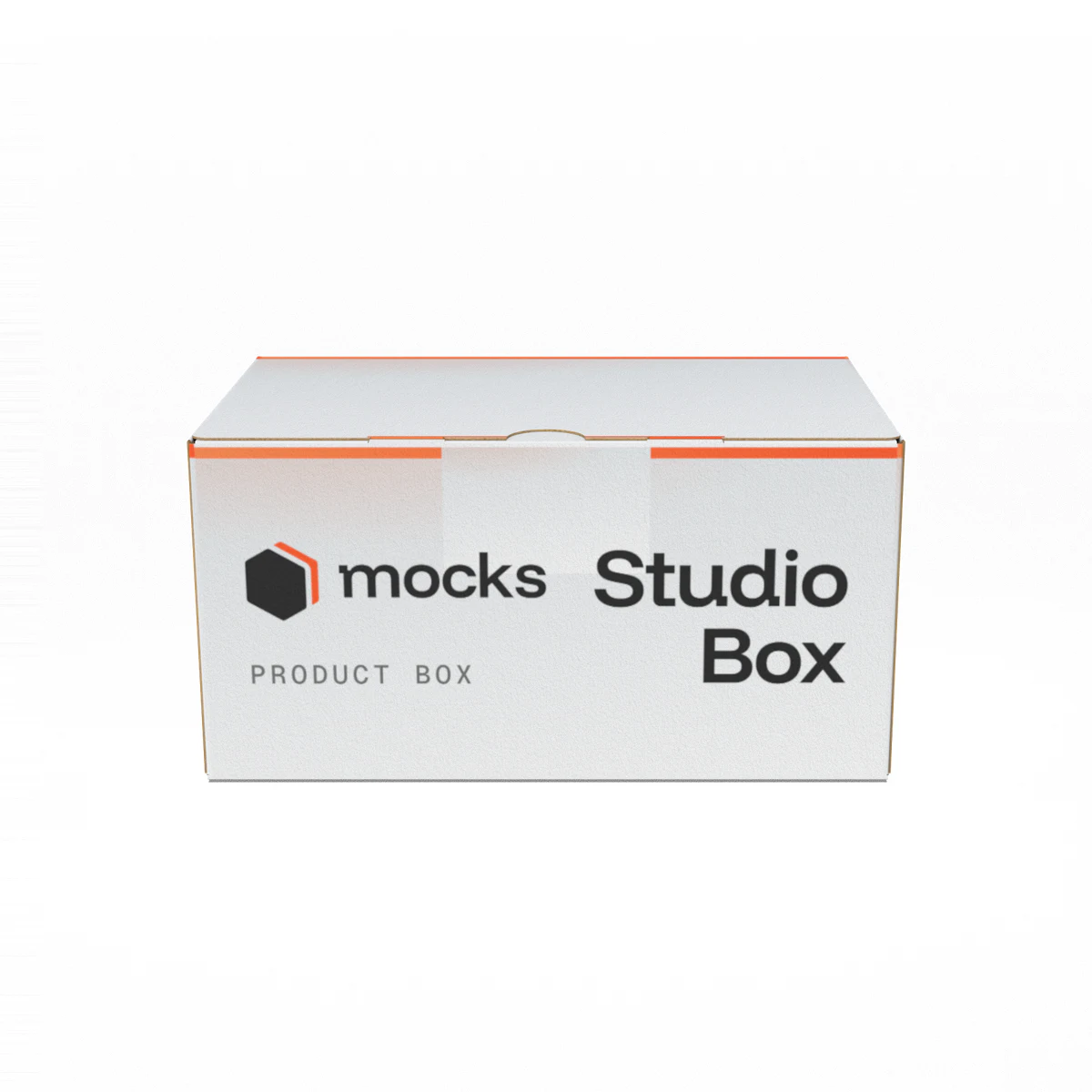
Snap-Lock Product Box
Product Box162.5 × 102 × 82 mm
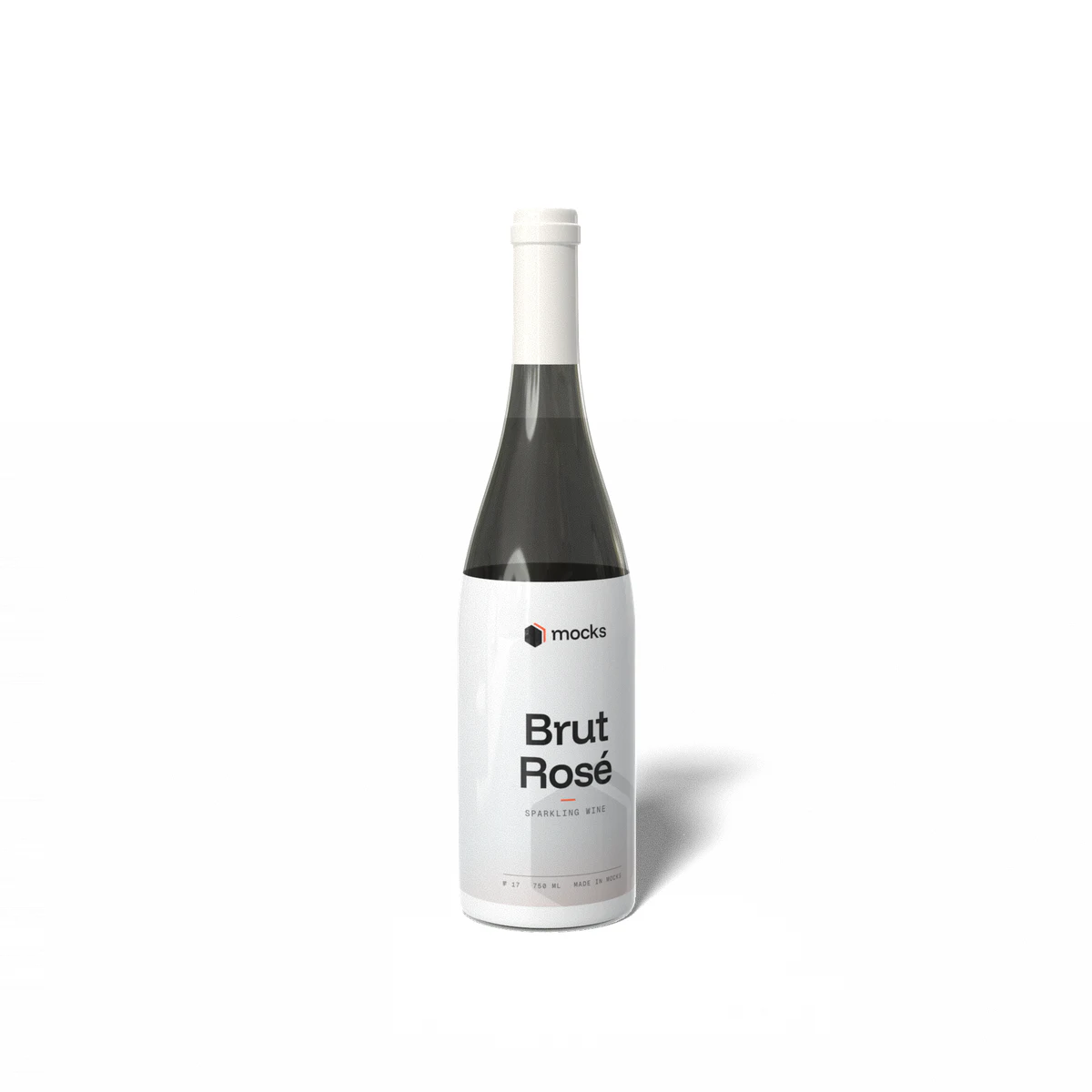
750 ml Glass Champagne Bottle
Wine Bottle750 ml
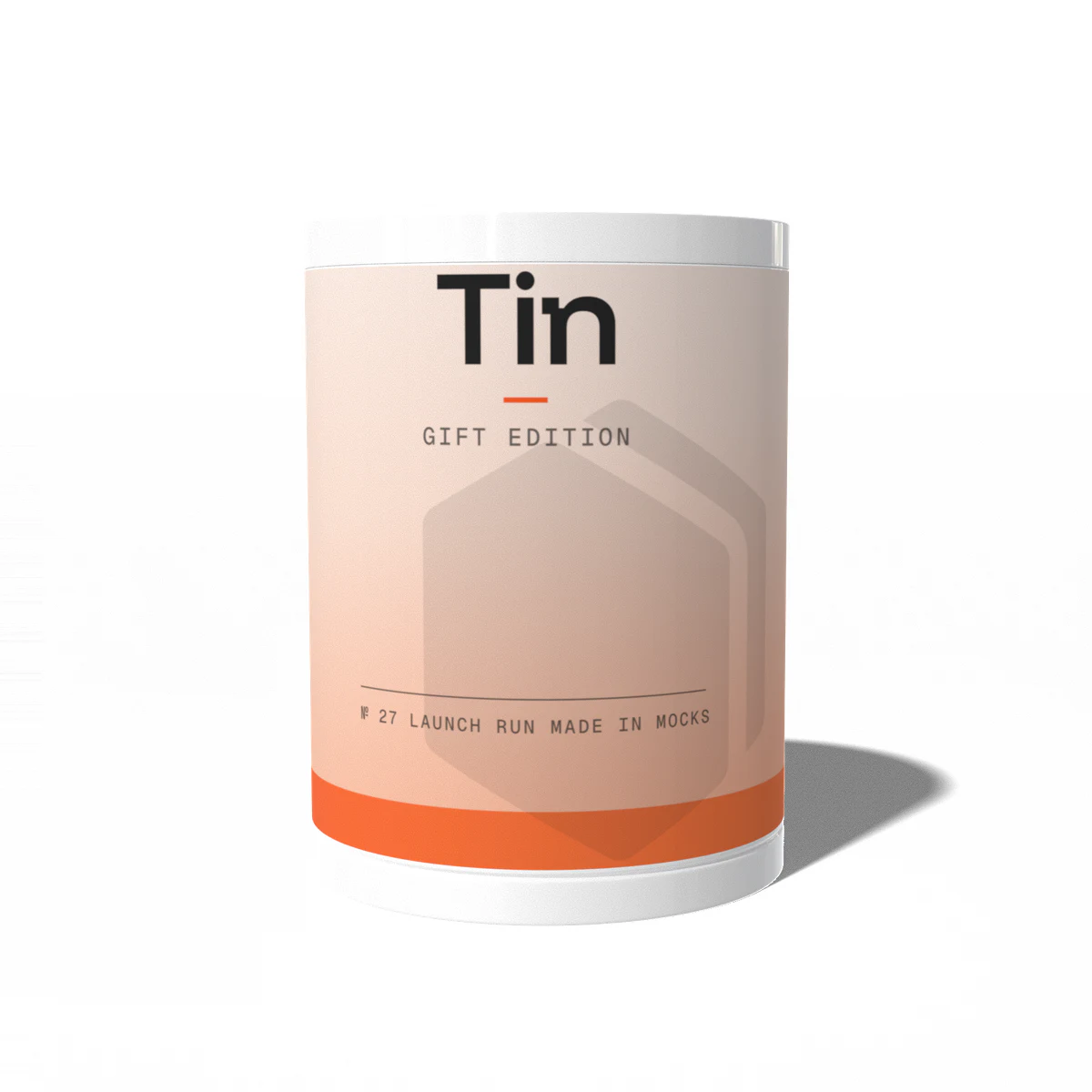
Large Round Tin
Coffee Can
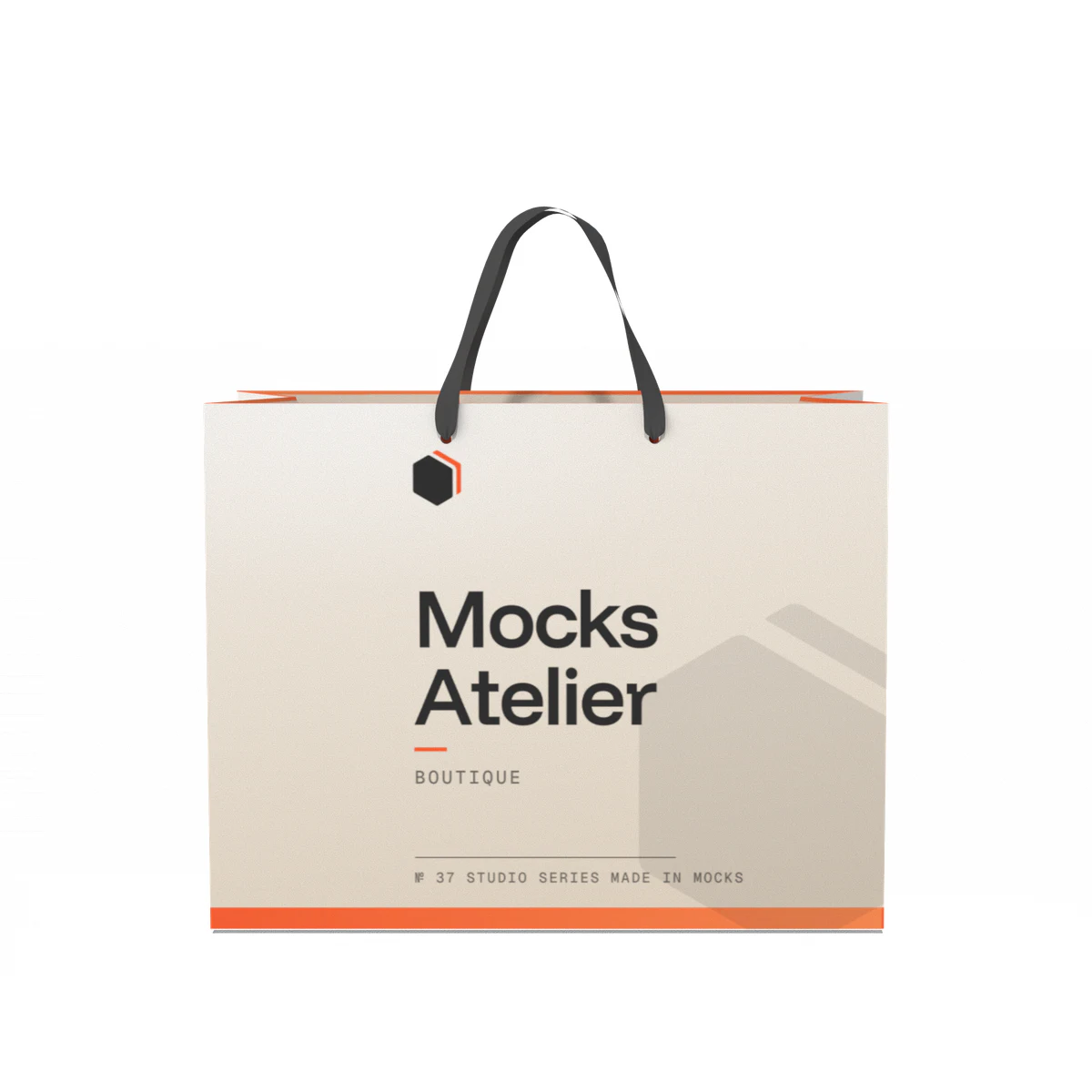
Small Boutique Shopping Bag
Shopping Bag
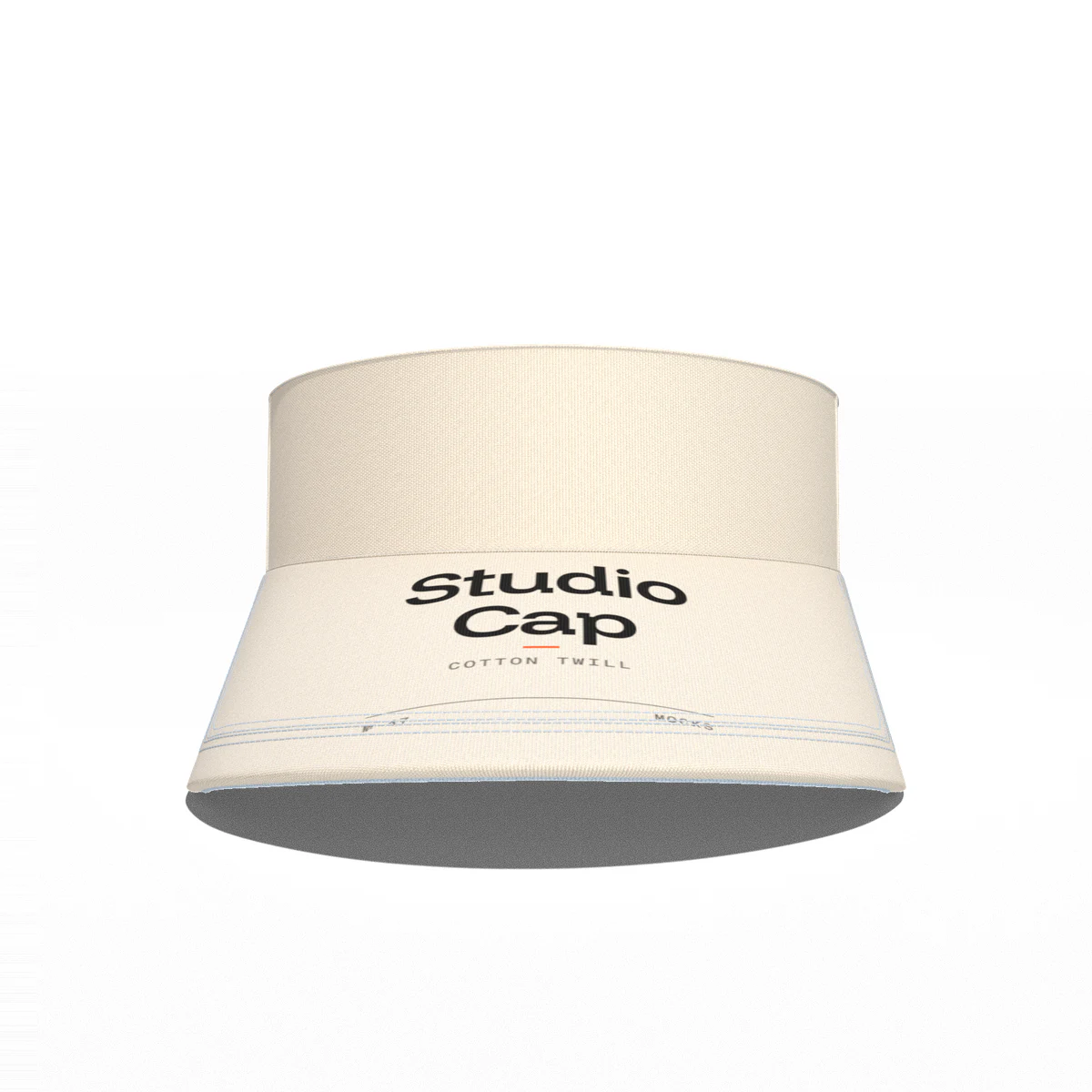
Tennis Sun Visor
Hat
 Custom size
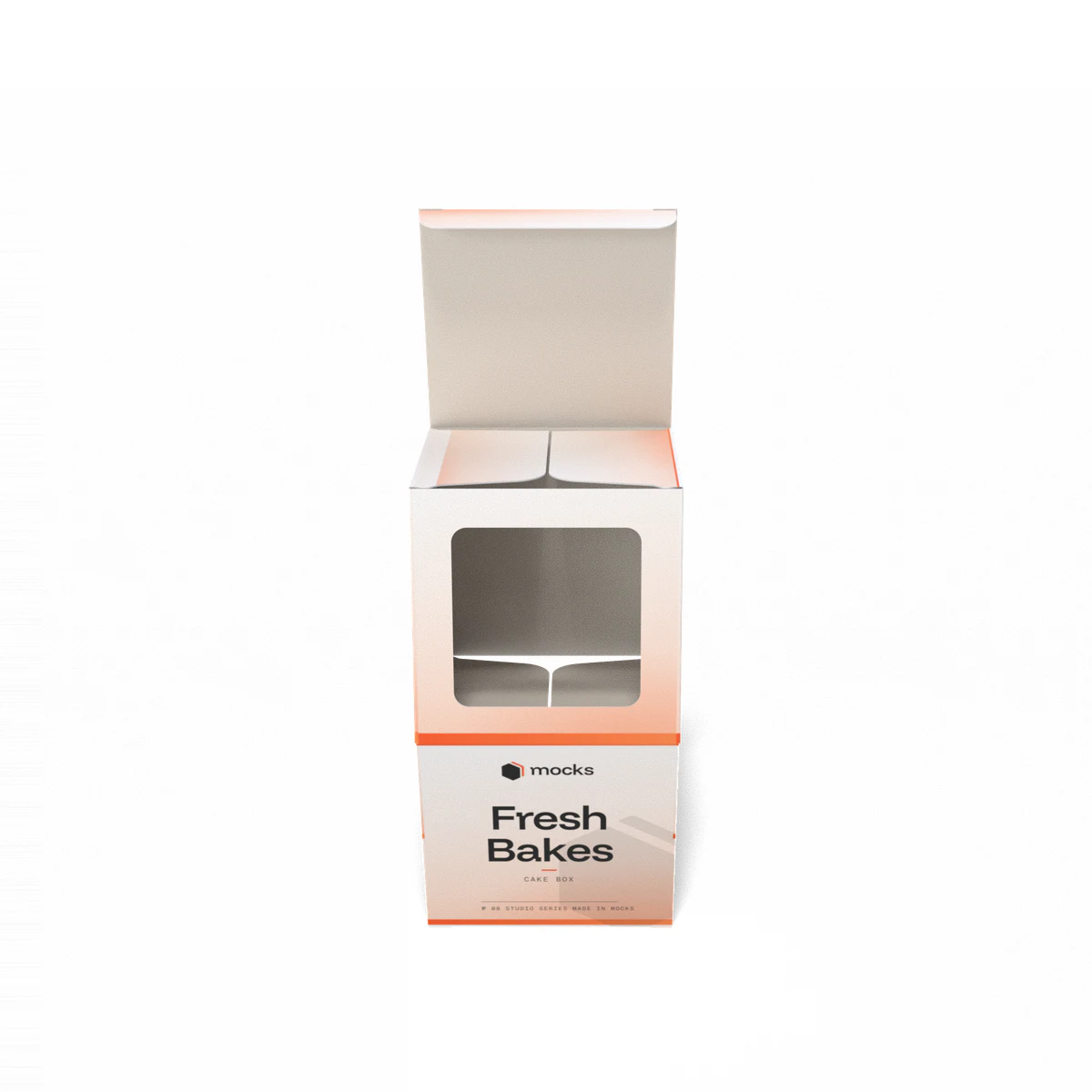
Small Square Cake Box
Square Box85 × 85 × 85 mm
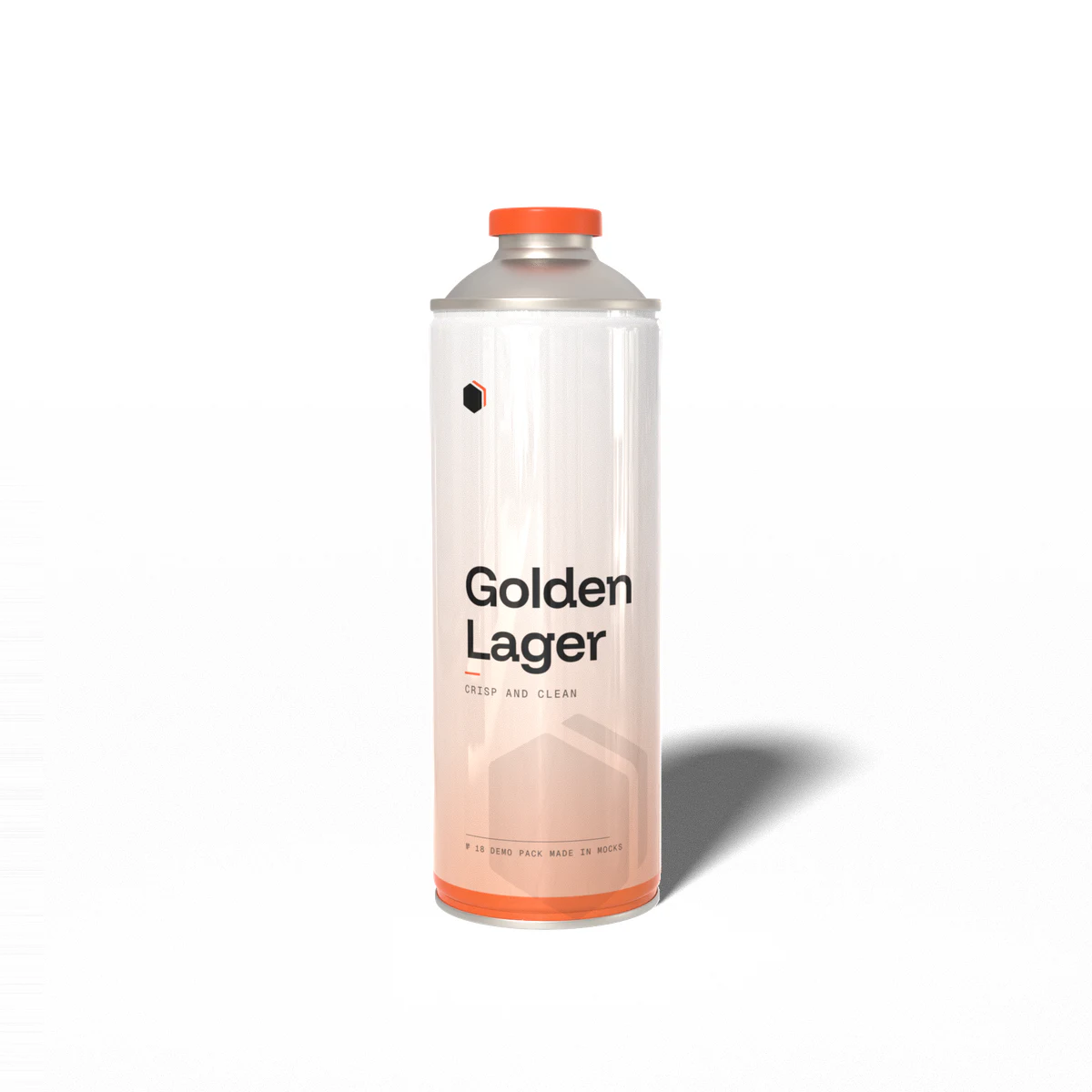
Aluminum Beer Bottle
Beer Bottle
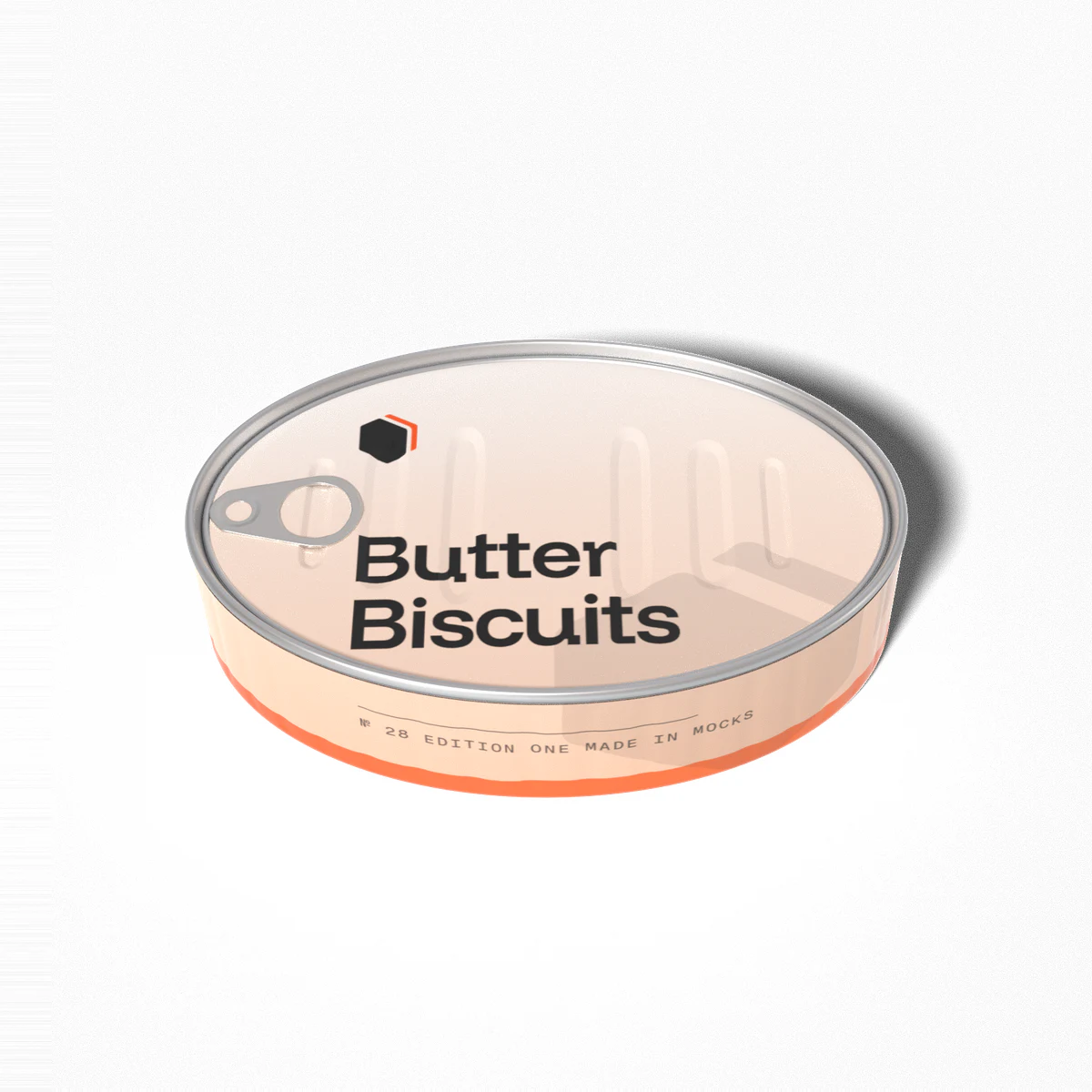
Wide Flat Food Tin
Food Can
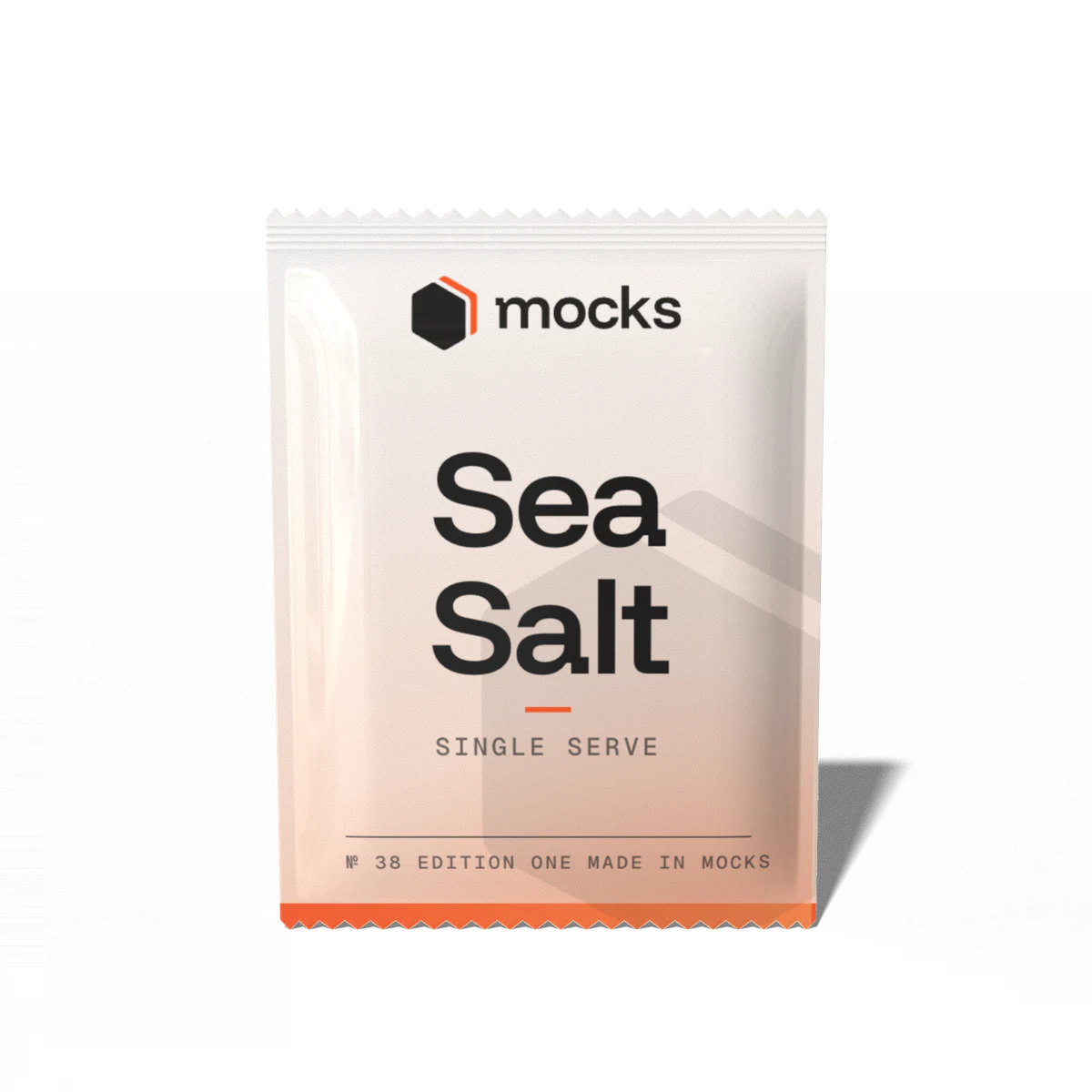
Small Condiment Sachet
Sachet
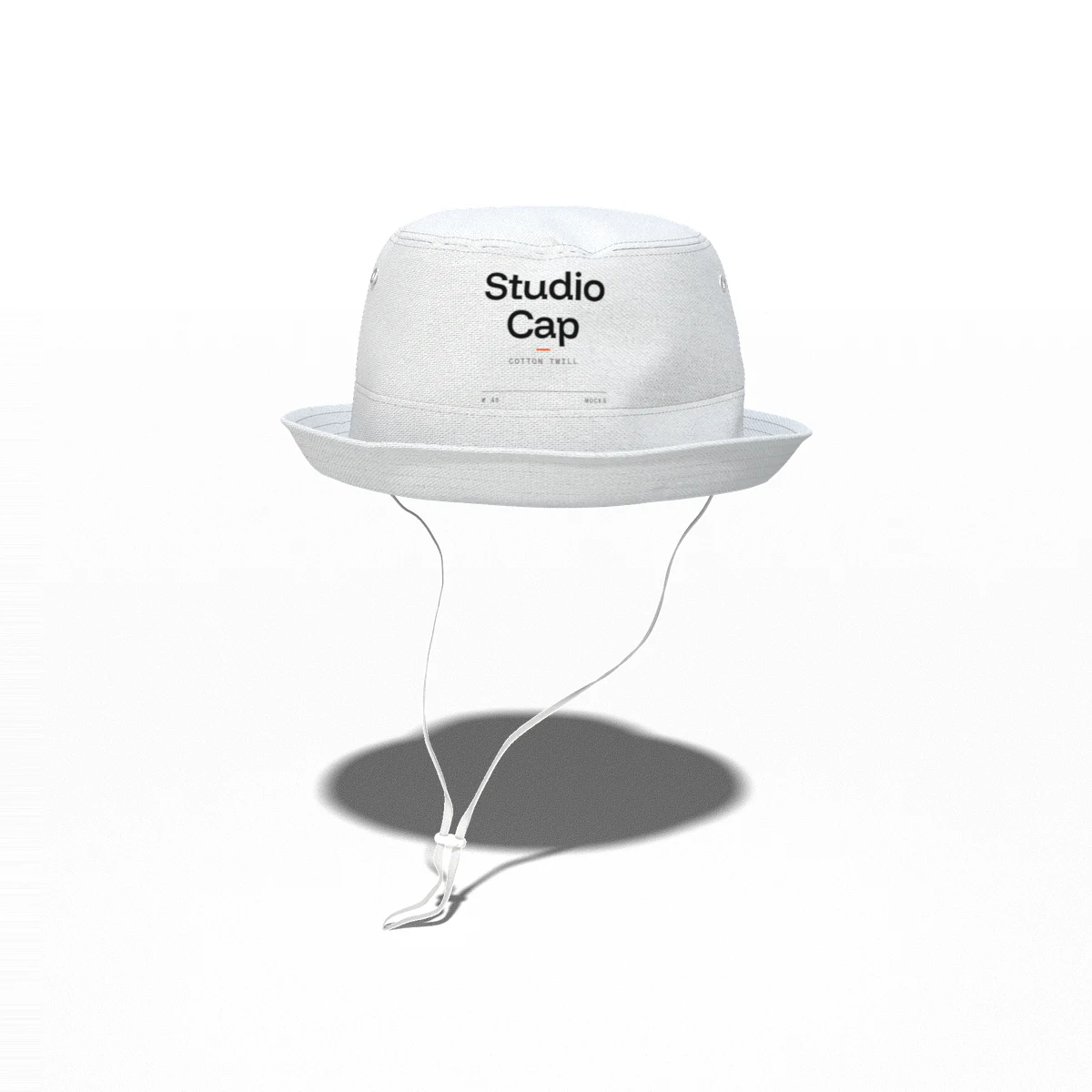
Drawstring Canvas Bucket Hat
Hat
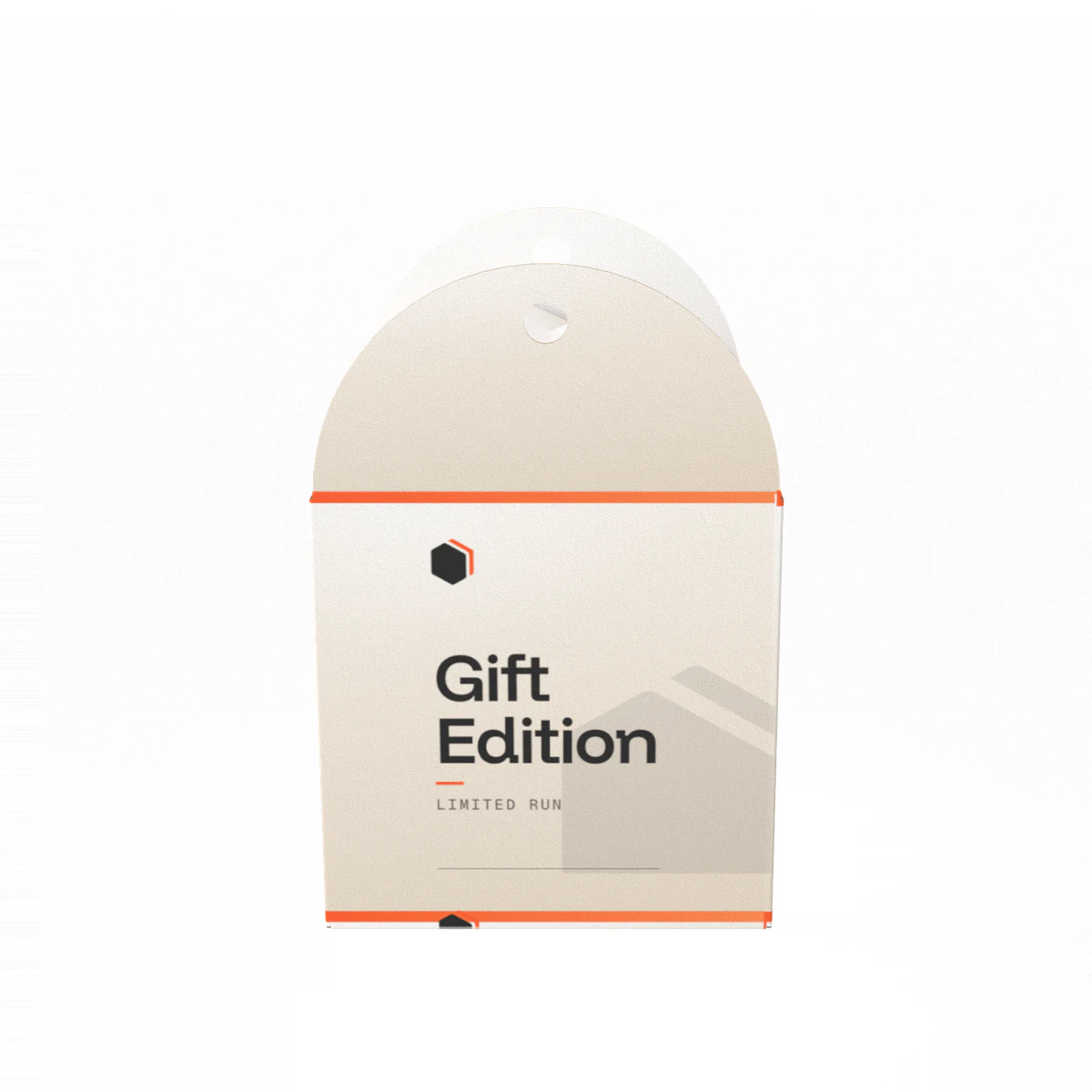
Dome Gift Box with Ribbon Holes
Gift Box65.6 × 65.6 × 66.1 mm
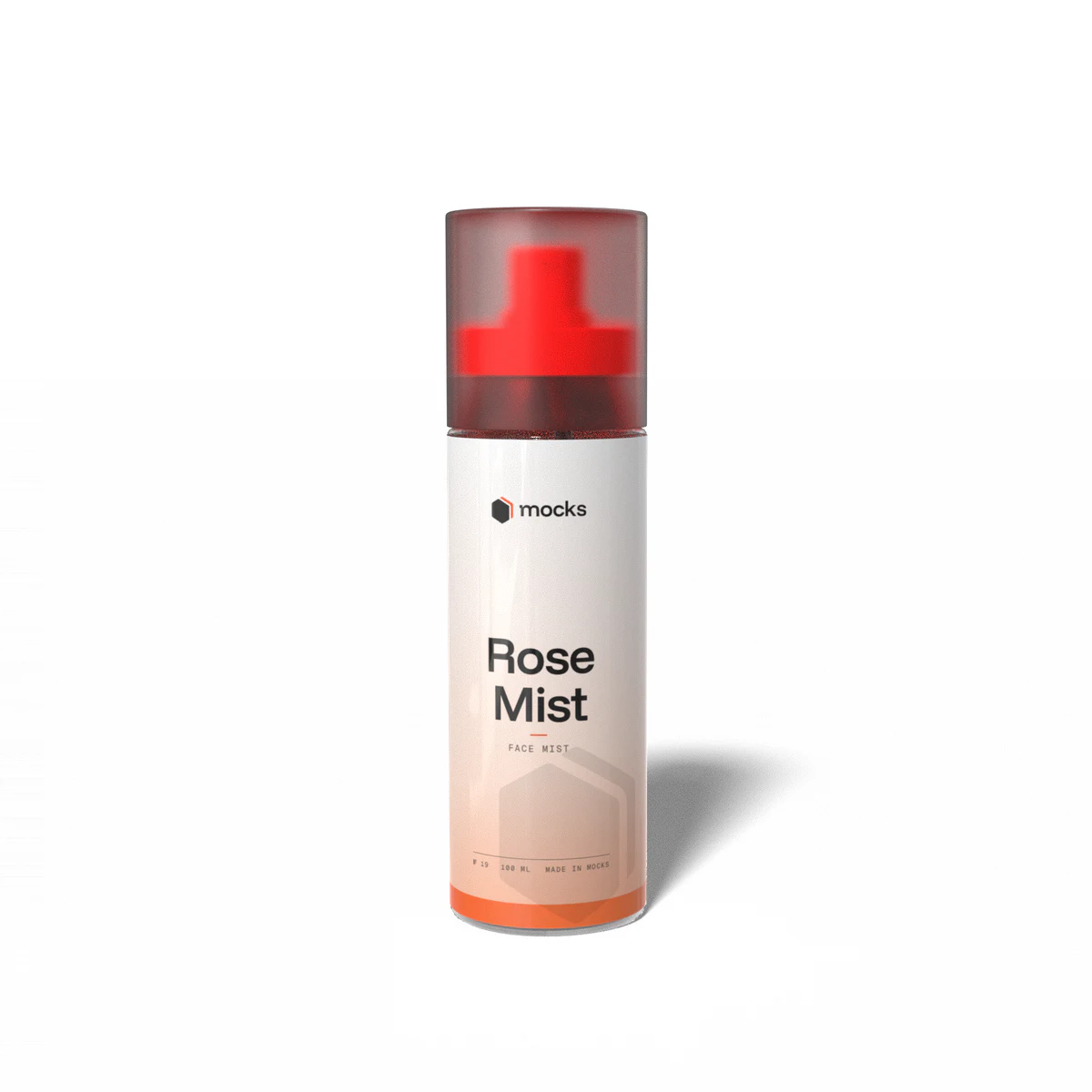
100 ml Plastic Cosmetic Spray Bottle
Spray Bottle100 ml
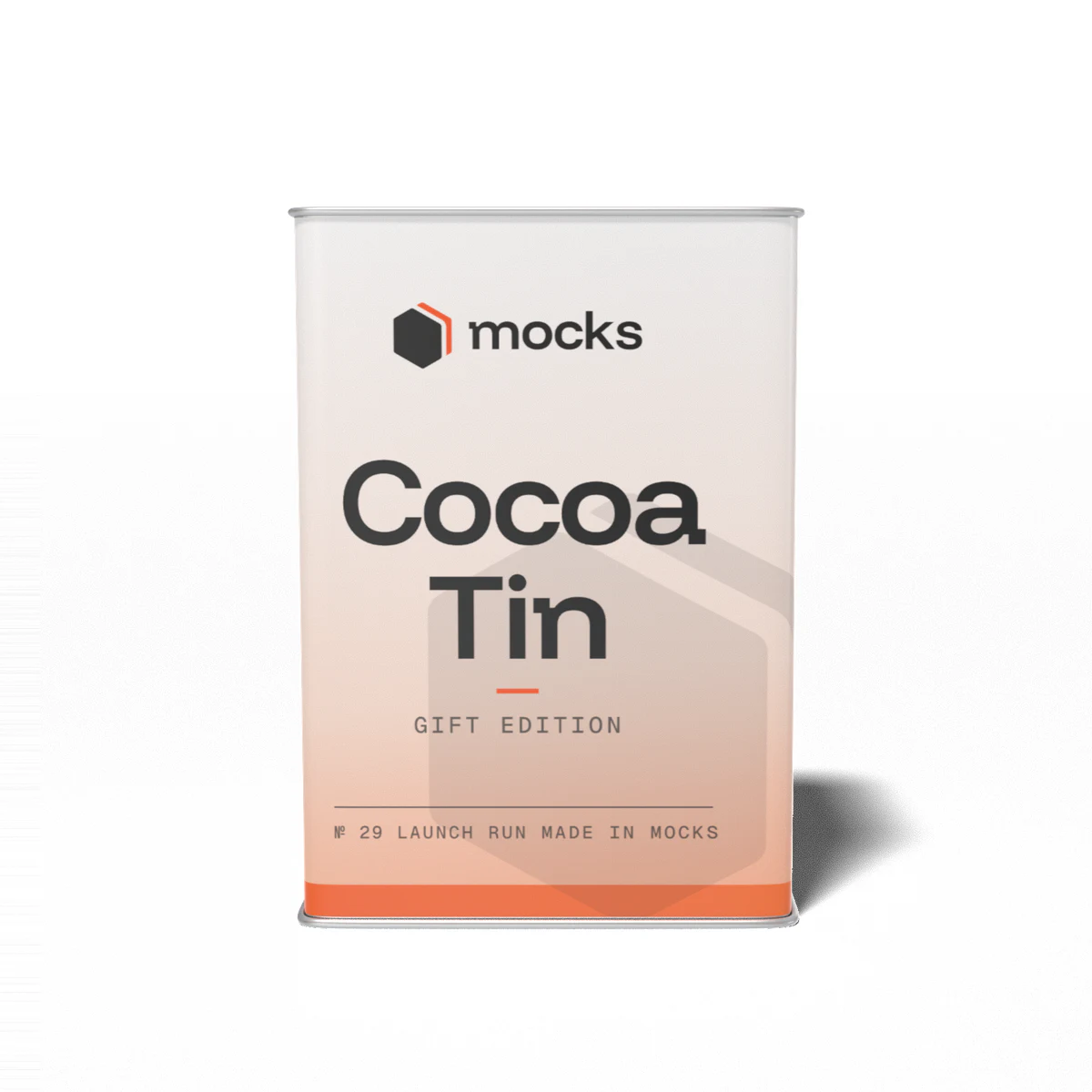
Square Biscuit Tin
Tin
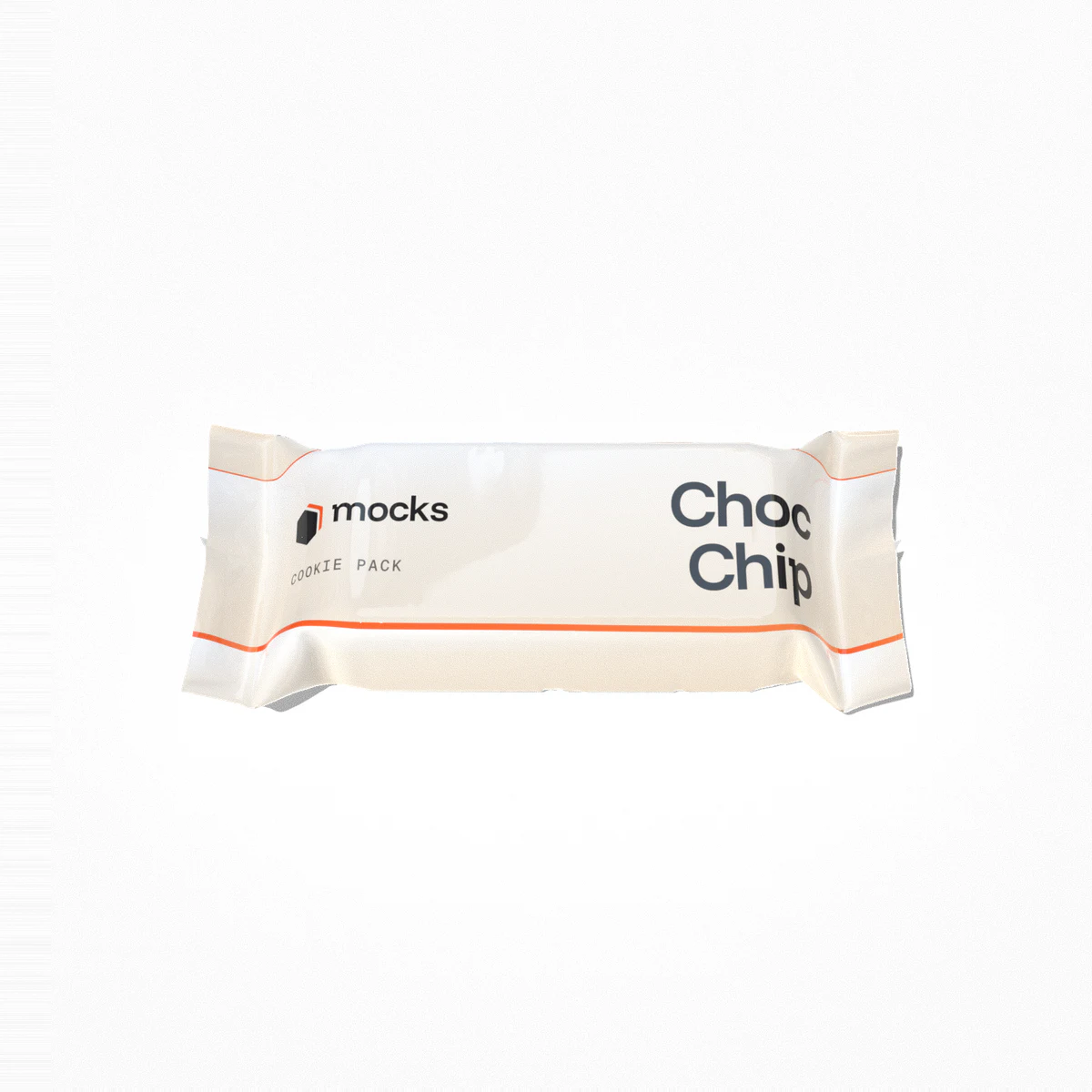
Cookie Pillow Pack
Sachet
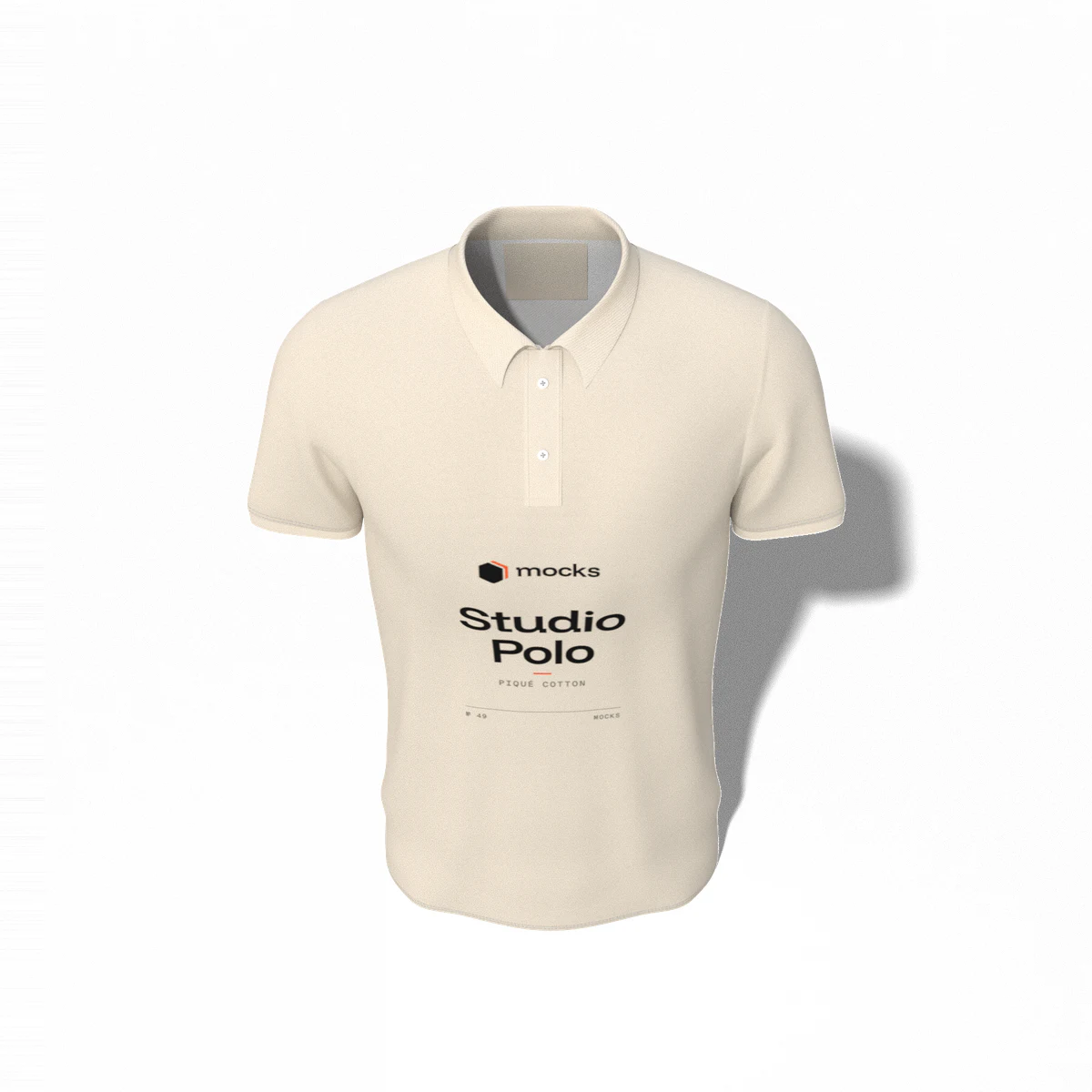
Classic Short-Sleeve Polo
Polo Shirt
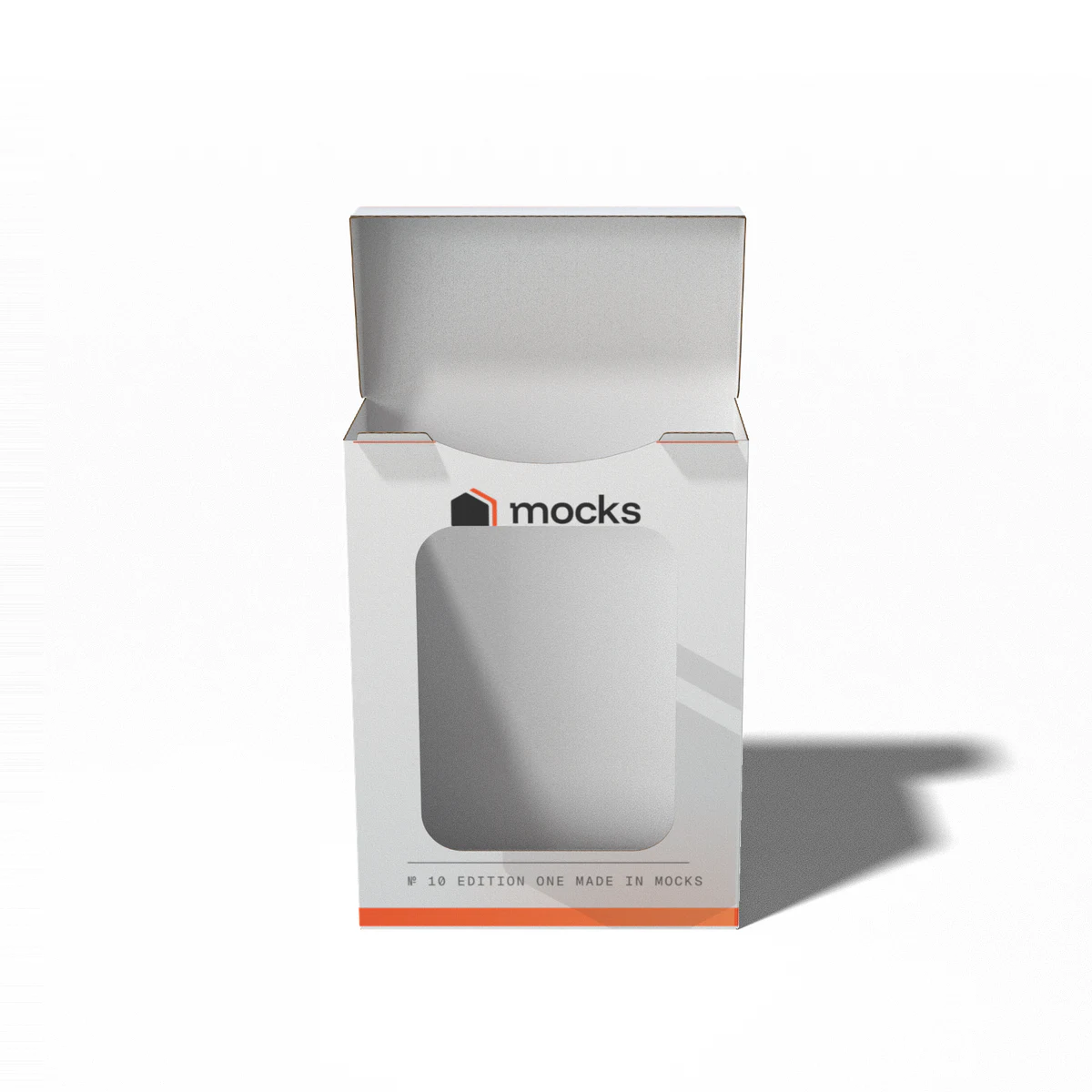
Window Tuck End Box with Snap Lock
Boxes with Window120.6 × 60.6 × 161.1 mm
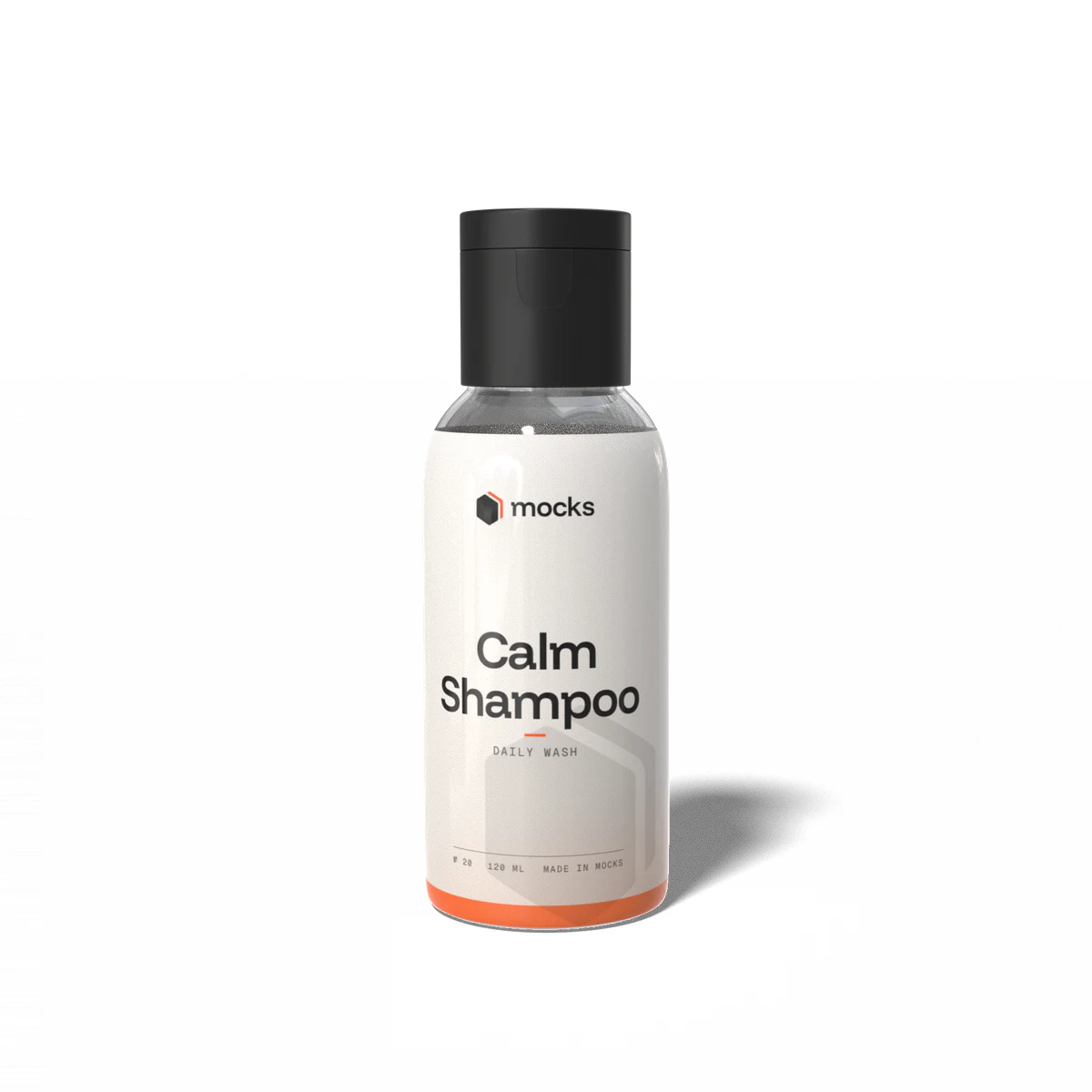
120 ml Shampoo Bottle
Shampoo Bottle120 ml
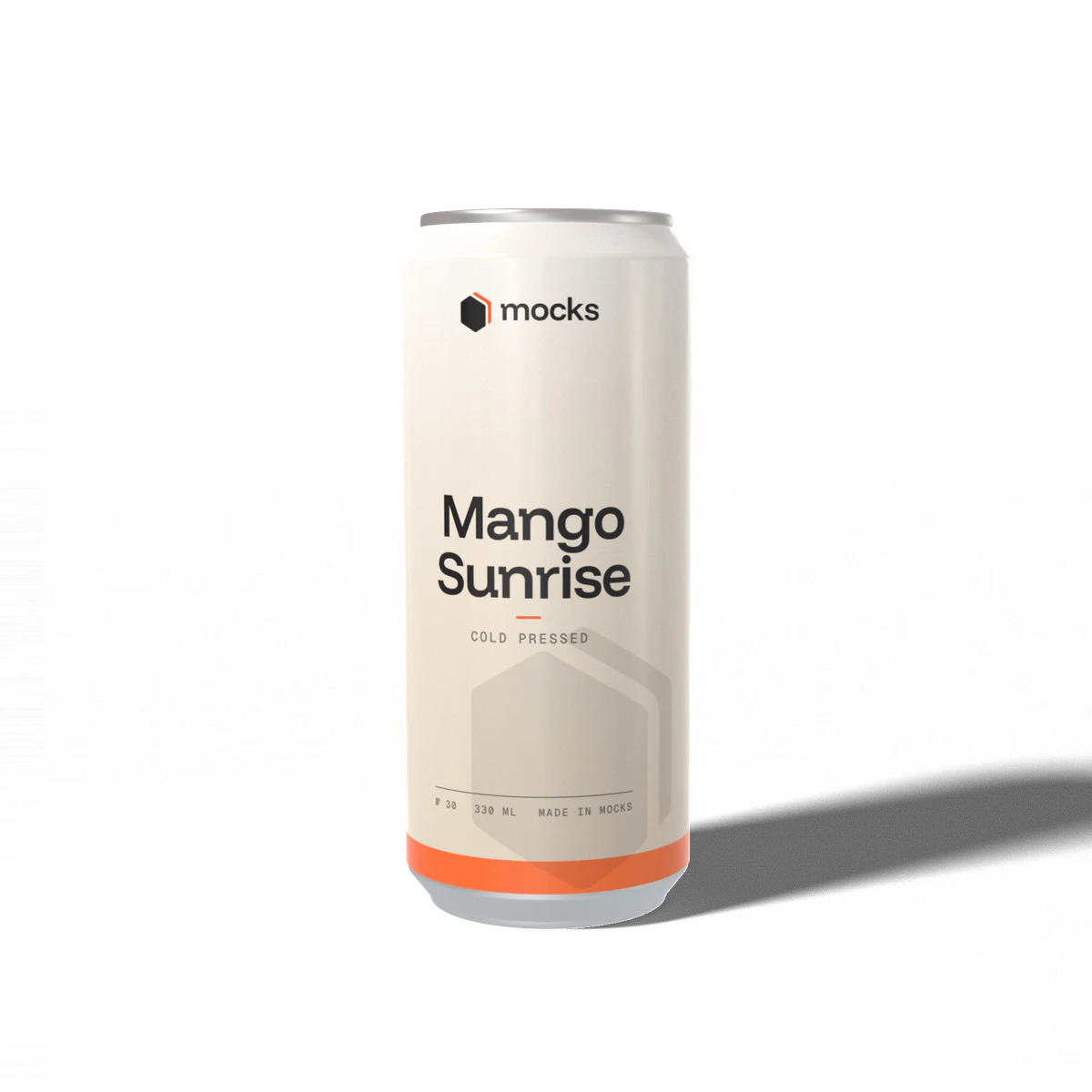
330 ml Slim Juice Can
Juice Can
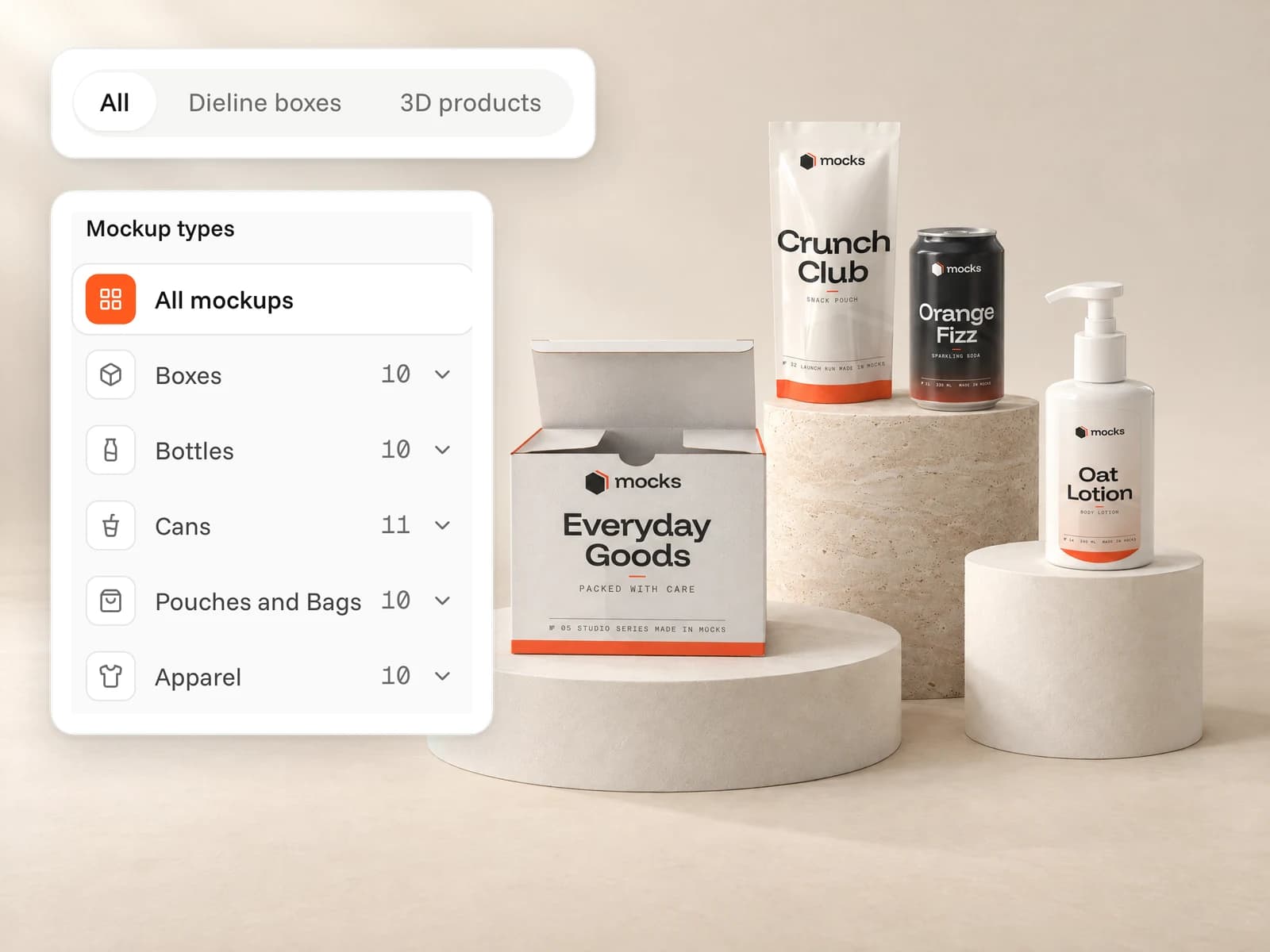
Packaging mockups and more by product type
Five product types are live, each with its own page of models and answers. Start with the shape closest to your product.
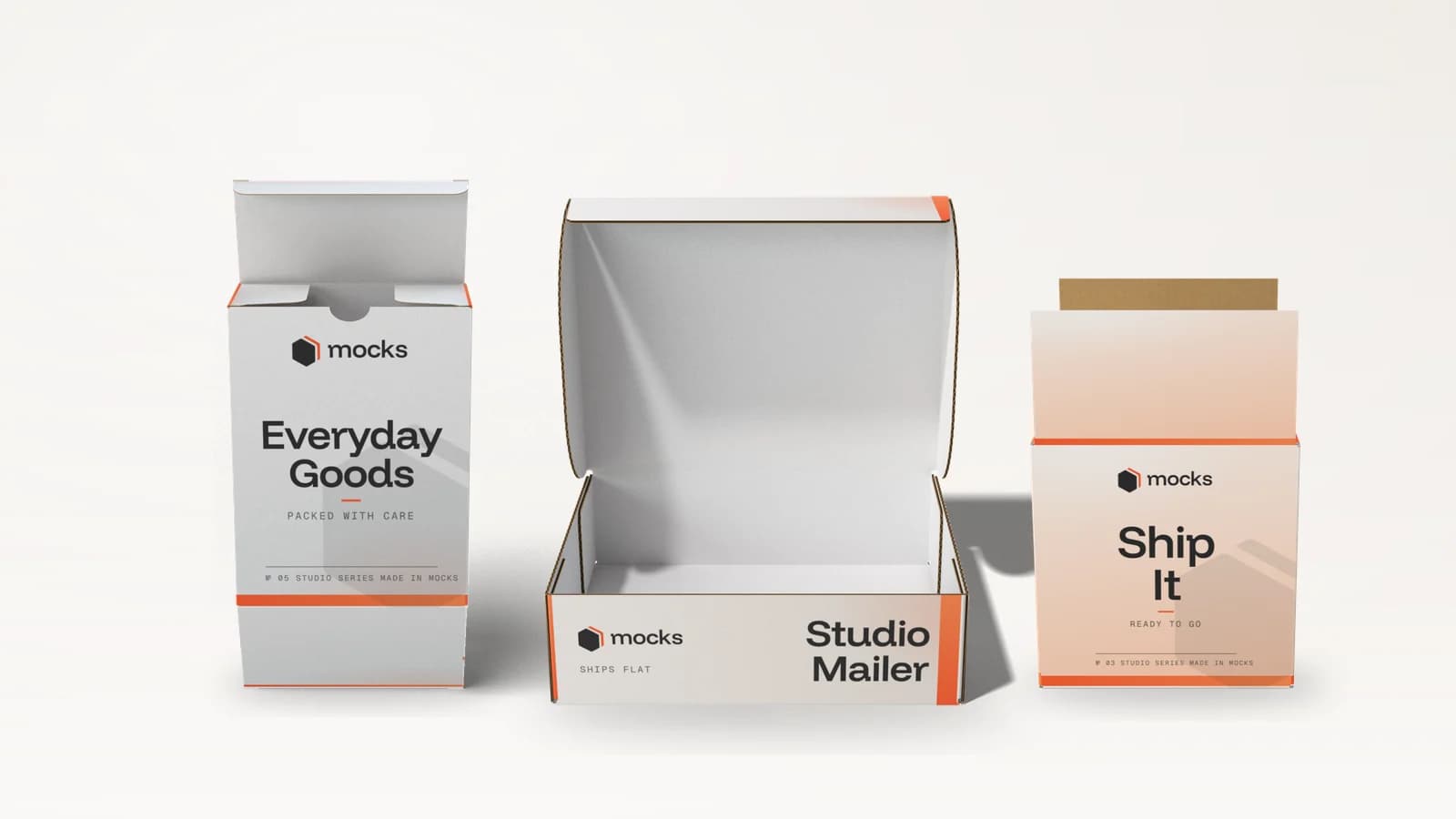
Box mockups
Mailer, tuck end, shipping, gift and window boxes. Open or close the lid with a slider and download the dieline for your printer.
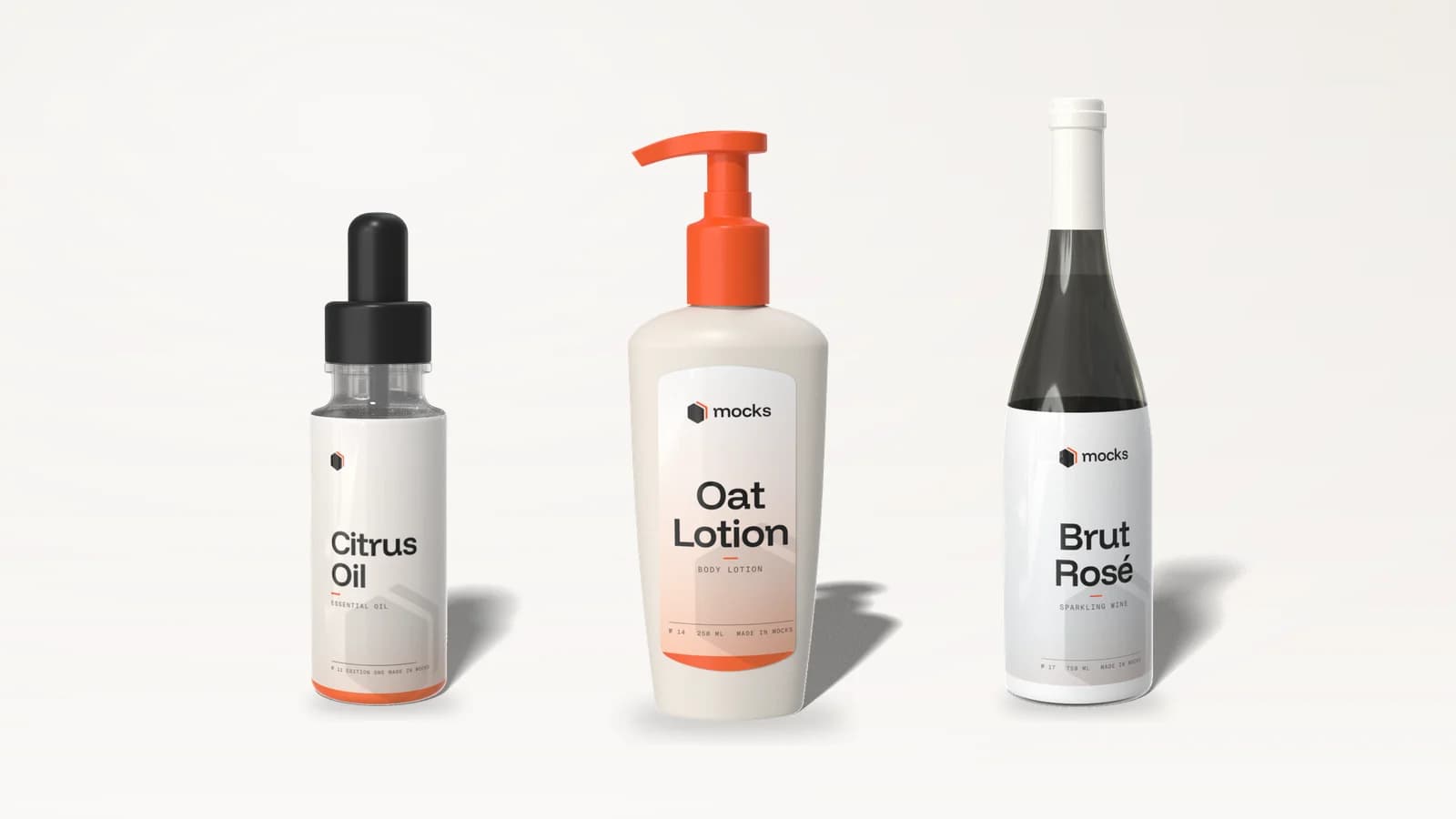
Bottle mockups
Dropper, pump, spray, shampoo, water and champagne bottles. Wrap your label around the body and switch the material finish.
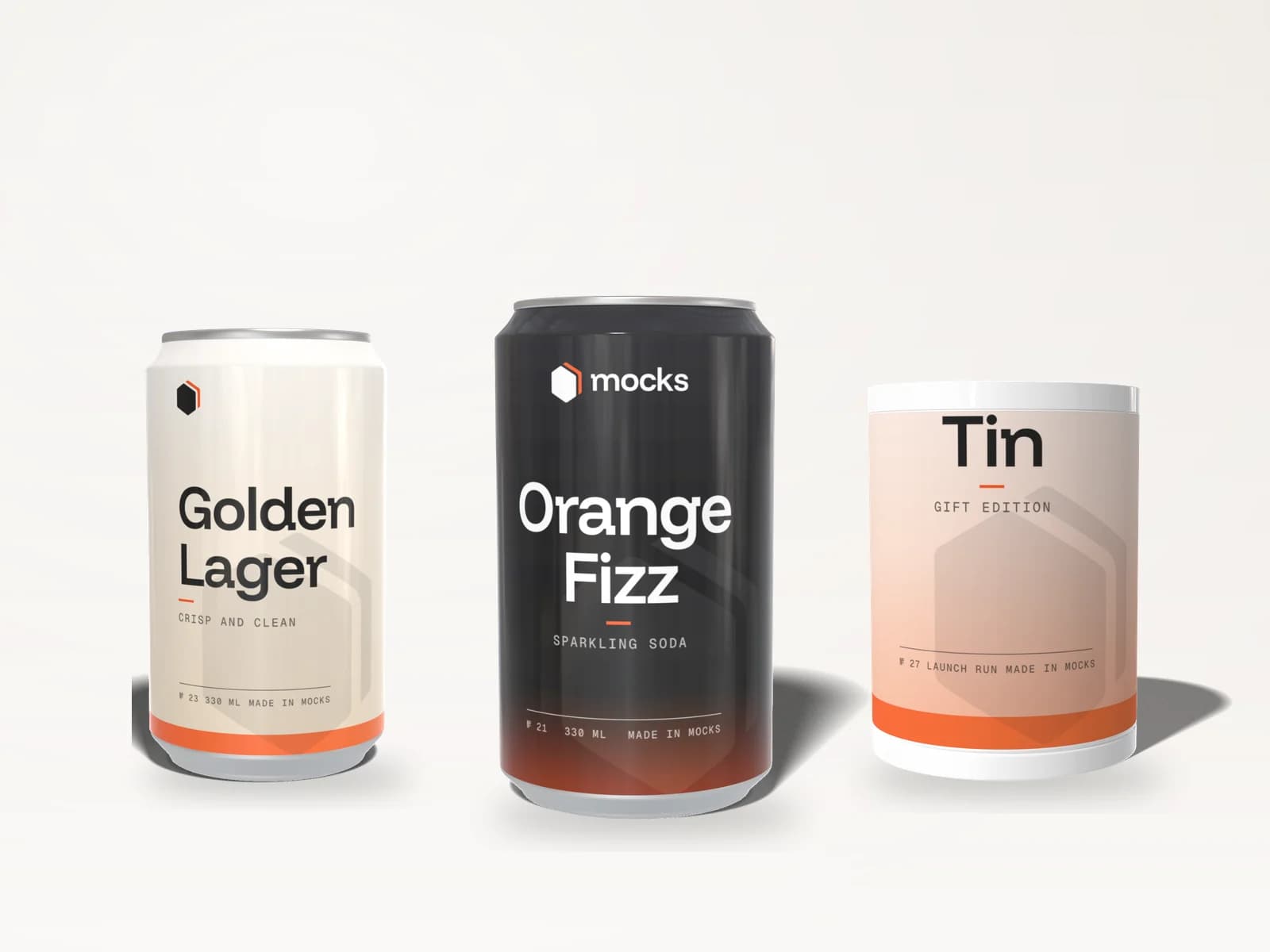
Can mockups
Soda, beer, energy drink and juice cans, plus round and square tins. One label wraps the whole can, seam to seam.
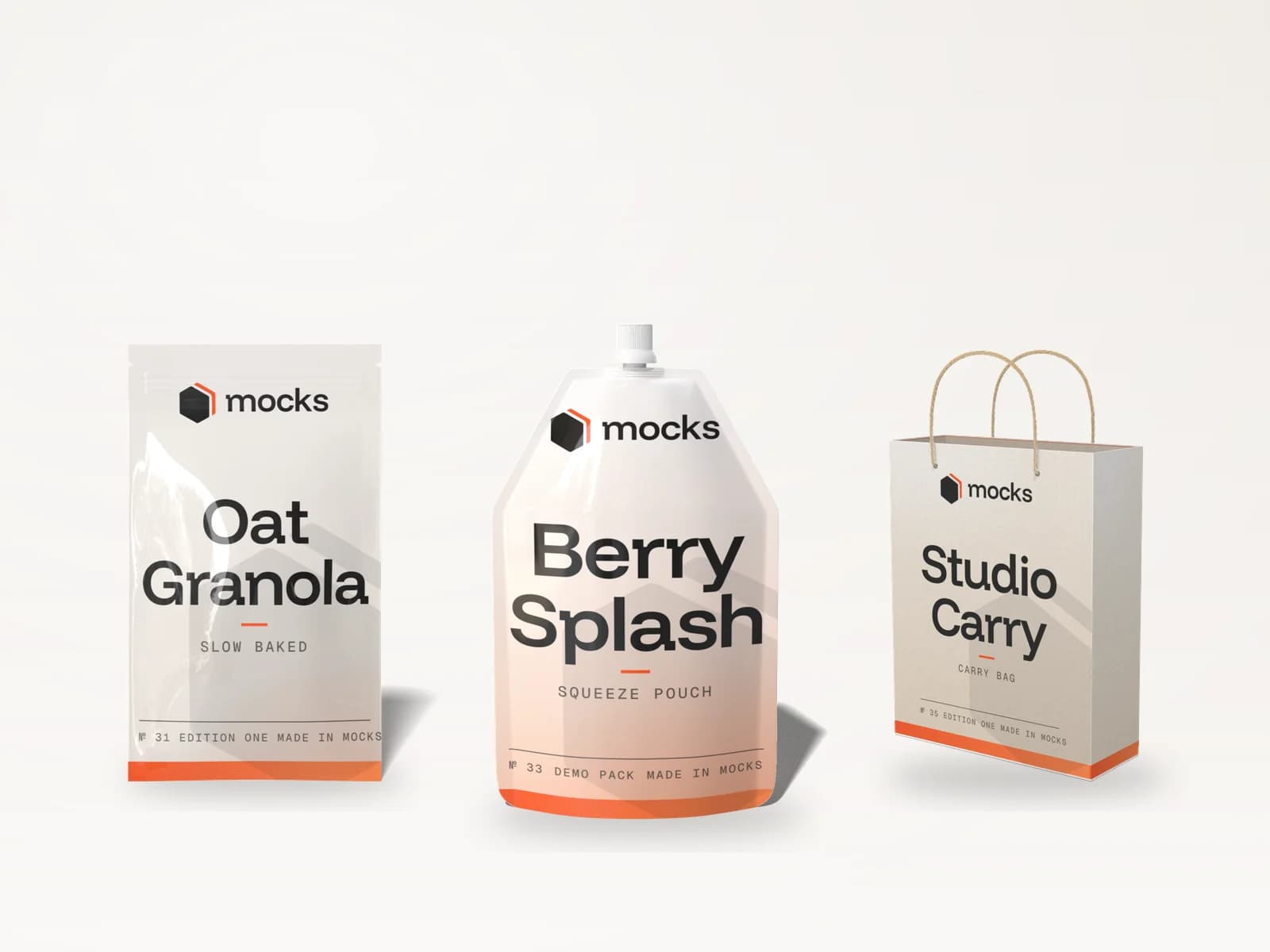
Pouch and bag mockups
Stand-up, zipper and spouted pouches, sachets and paper shopping bags for snacks, coffee, retail and gifts.
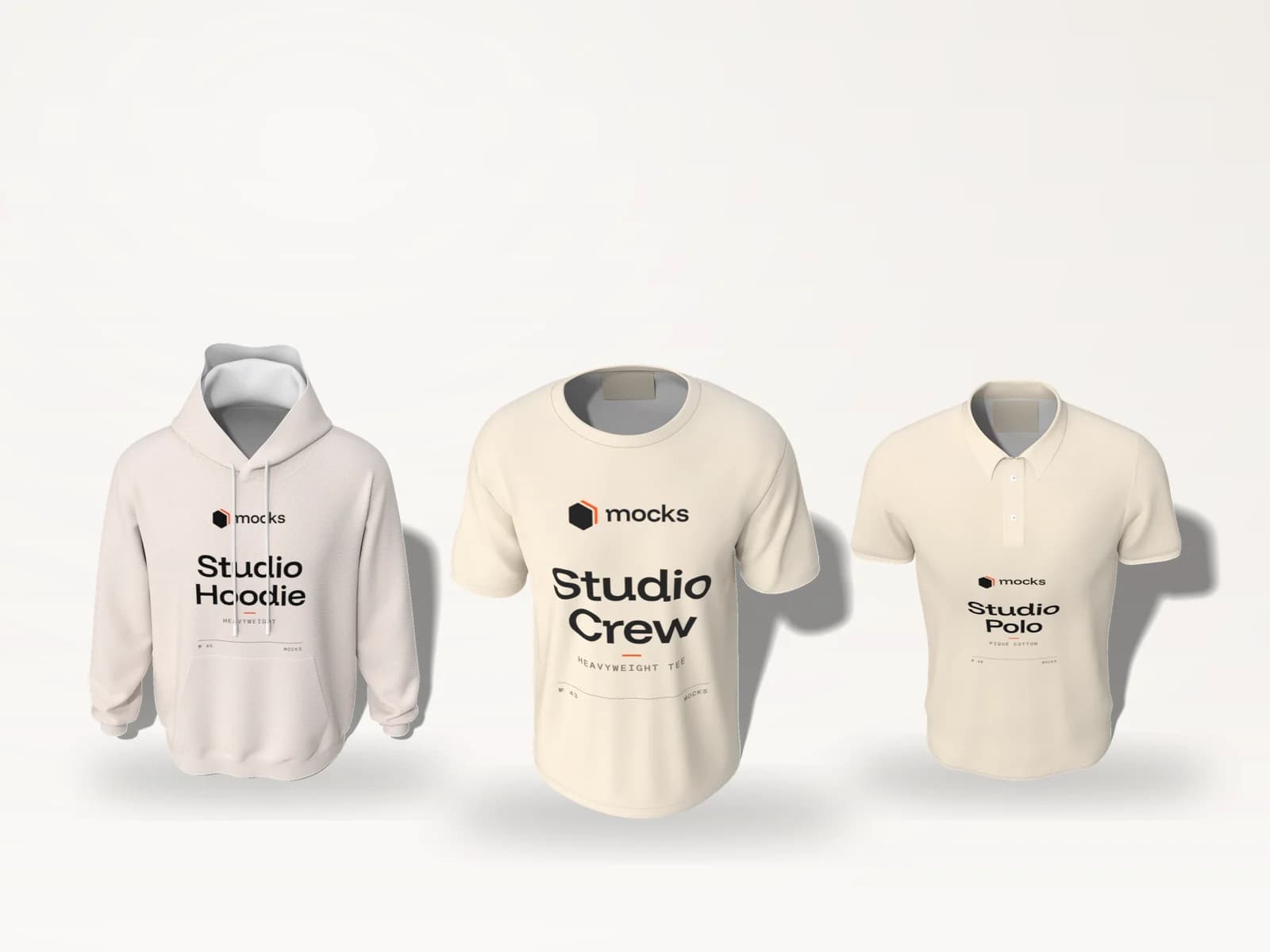
Apparel mockups
T-shirts, hoodies, a polo, hats and socks. Place your print on the flat sewing pattern, then recolor the fabric.
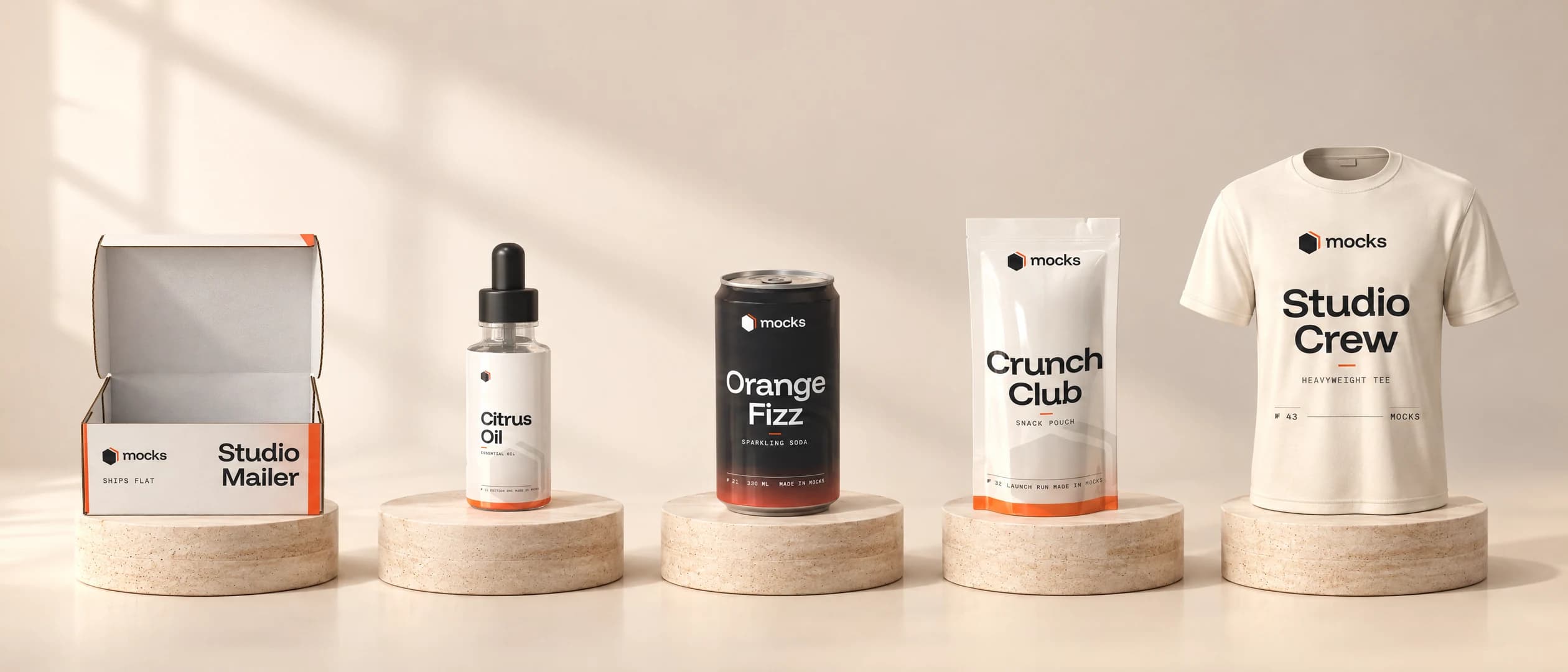
Five product types, one 3D mockup editor
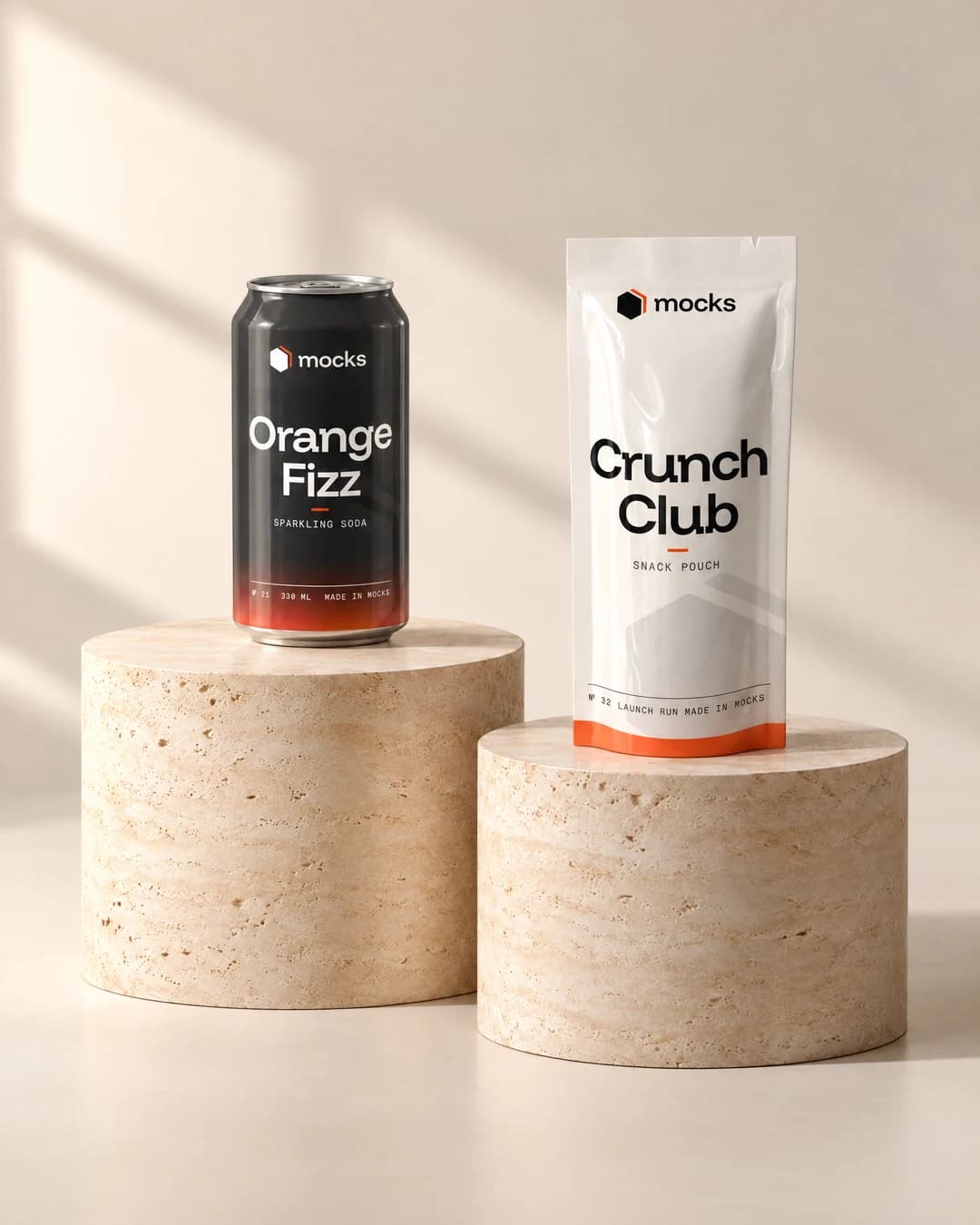
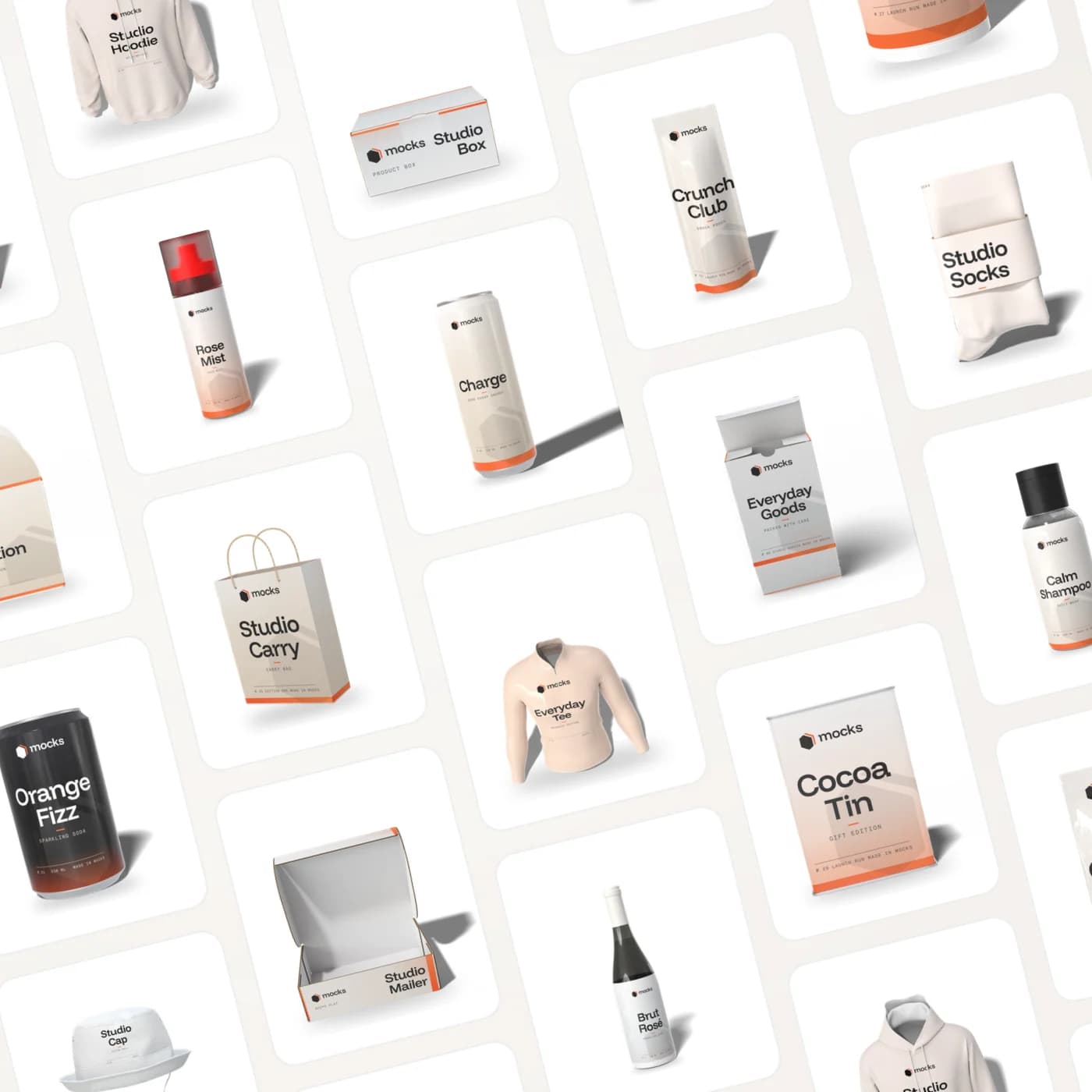
Nothing here was photographed. Each product mockup is one of our 3D models, rendered with a label placed in the same editor you are about to open.
Free to use, no sign-up
How to make a 3D mockup
The same four steps for a box, a bottle or a hoodie, all in your browser.
1Choose a model
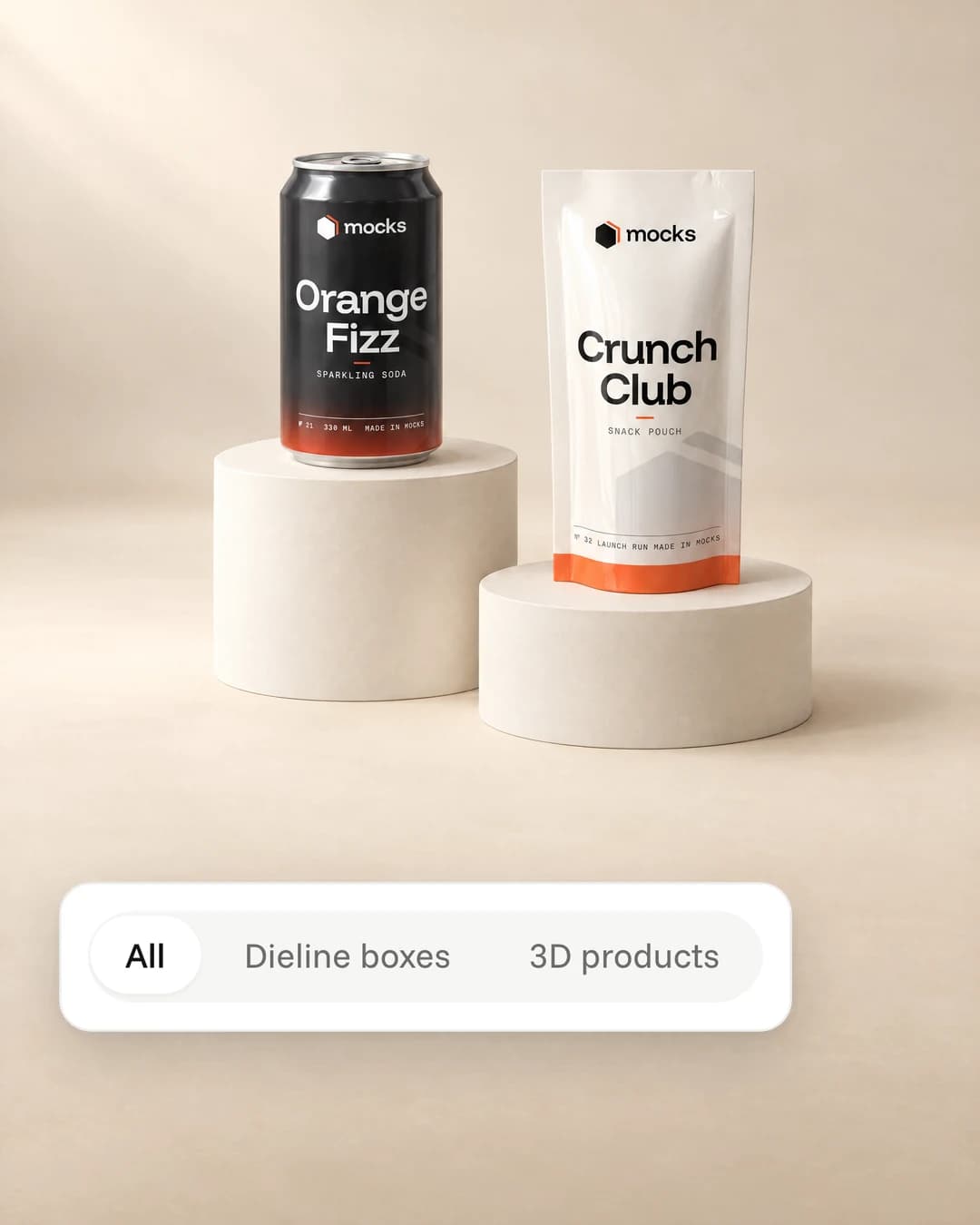
Browse the grid above or narrow it by type. Dieline boxes fold open and closed; 3D products such as bottles and tees turn freely.
Show only dieline boxes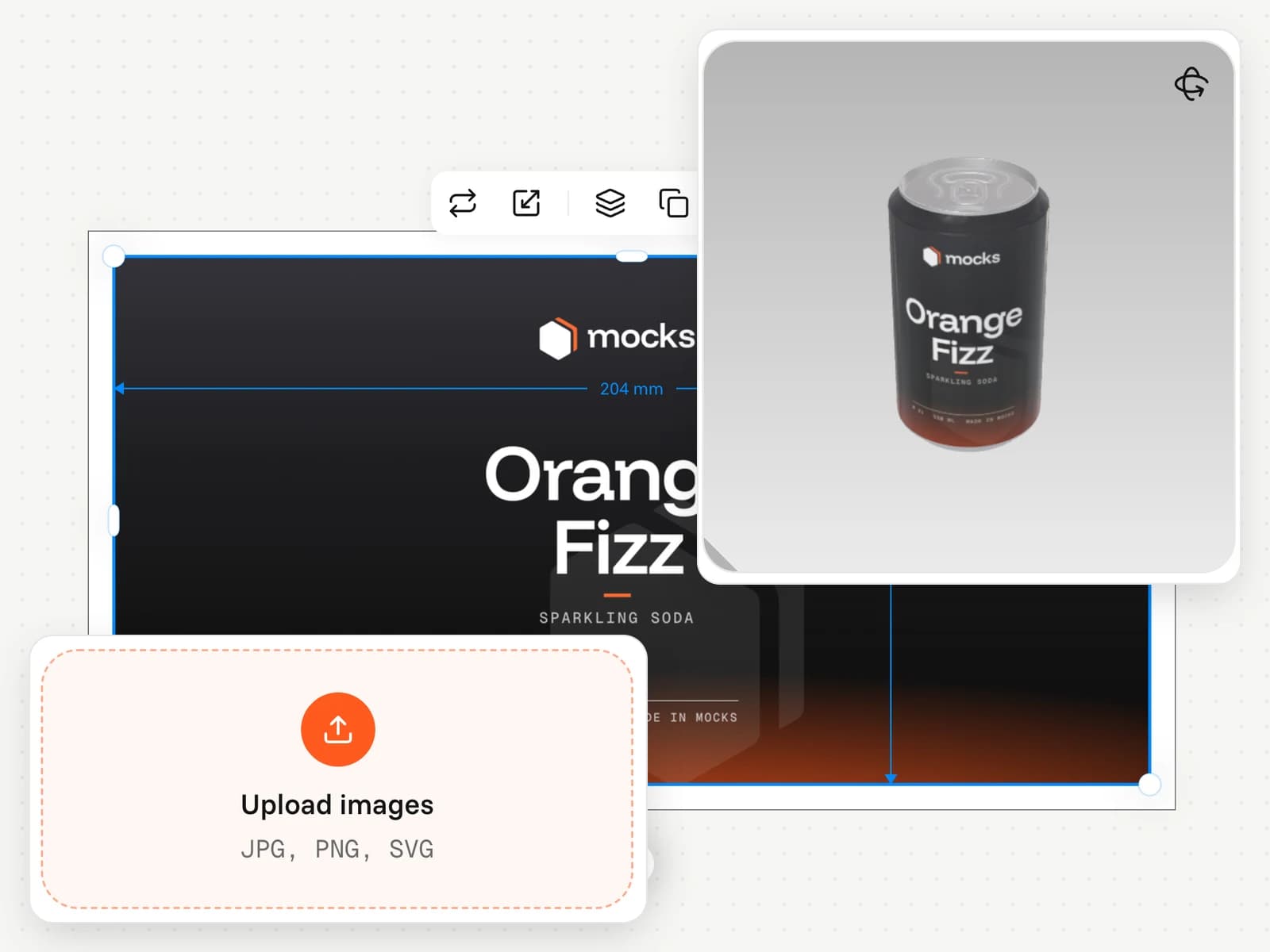
2Add your design
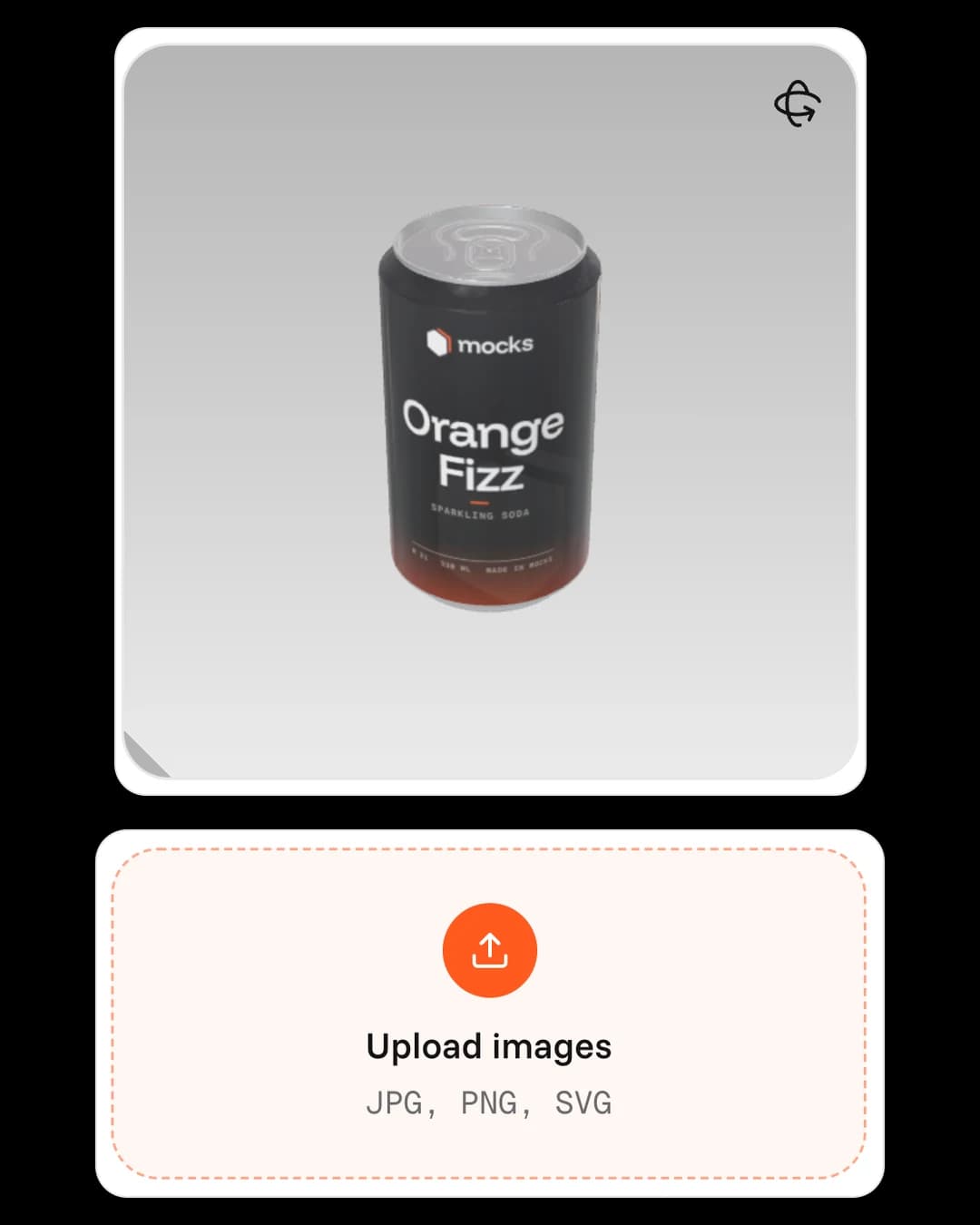
Open Upload and design and drop in a JPG, PNG or SVG. It lands on the flat dieline, measured in millimeters, beside a live 3D preview.
Upload a can label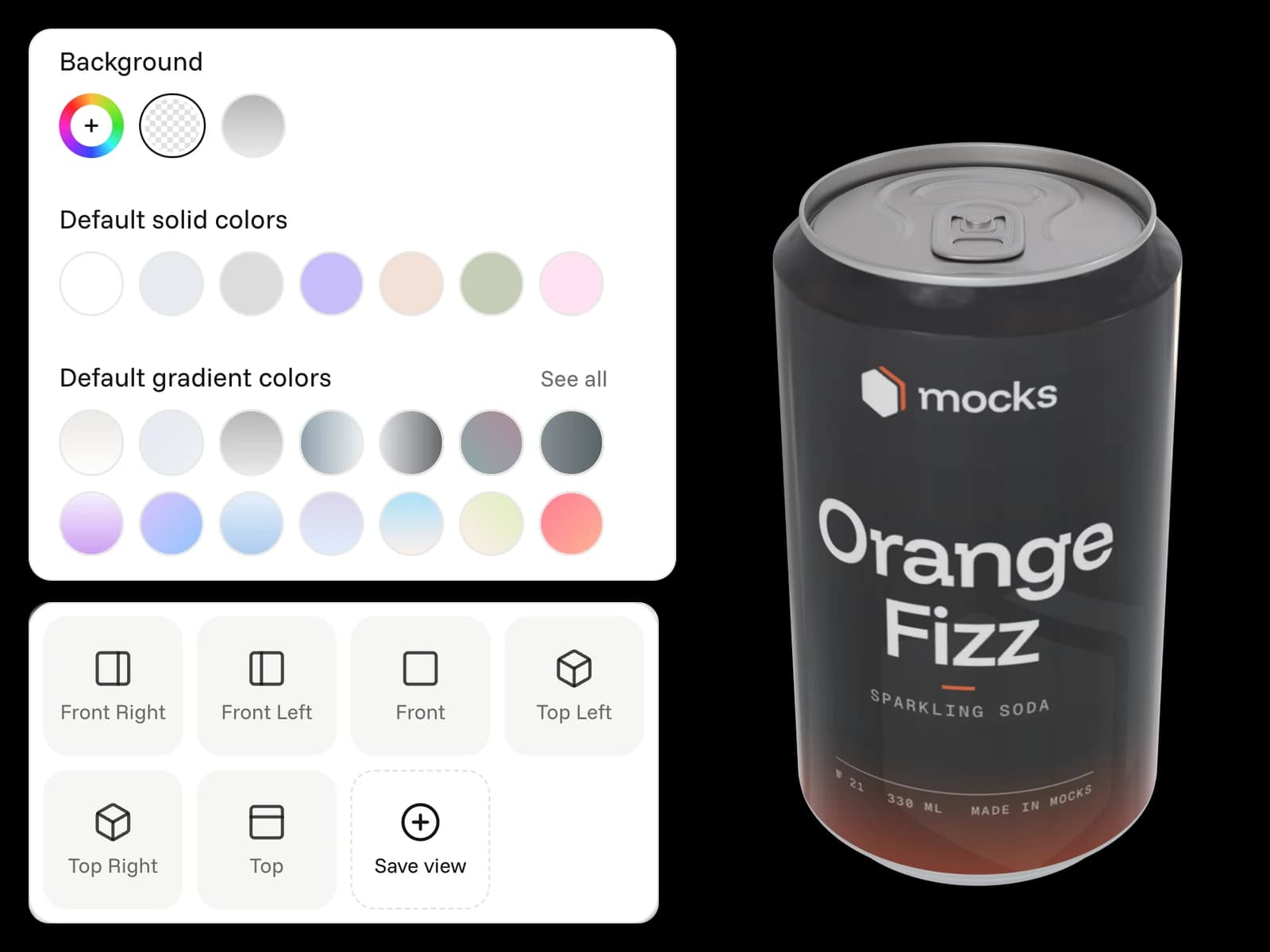
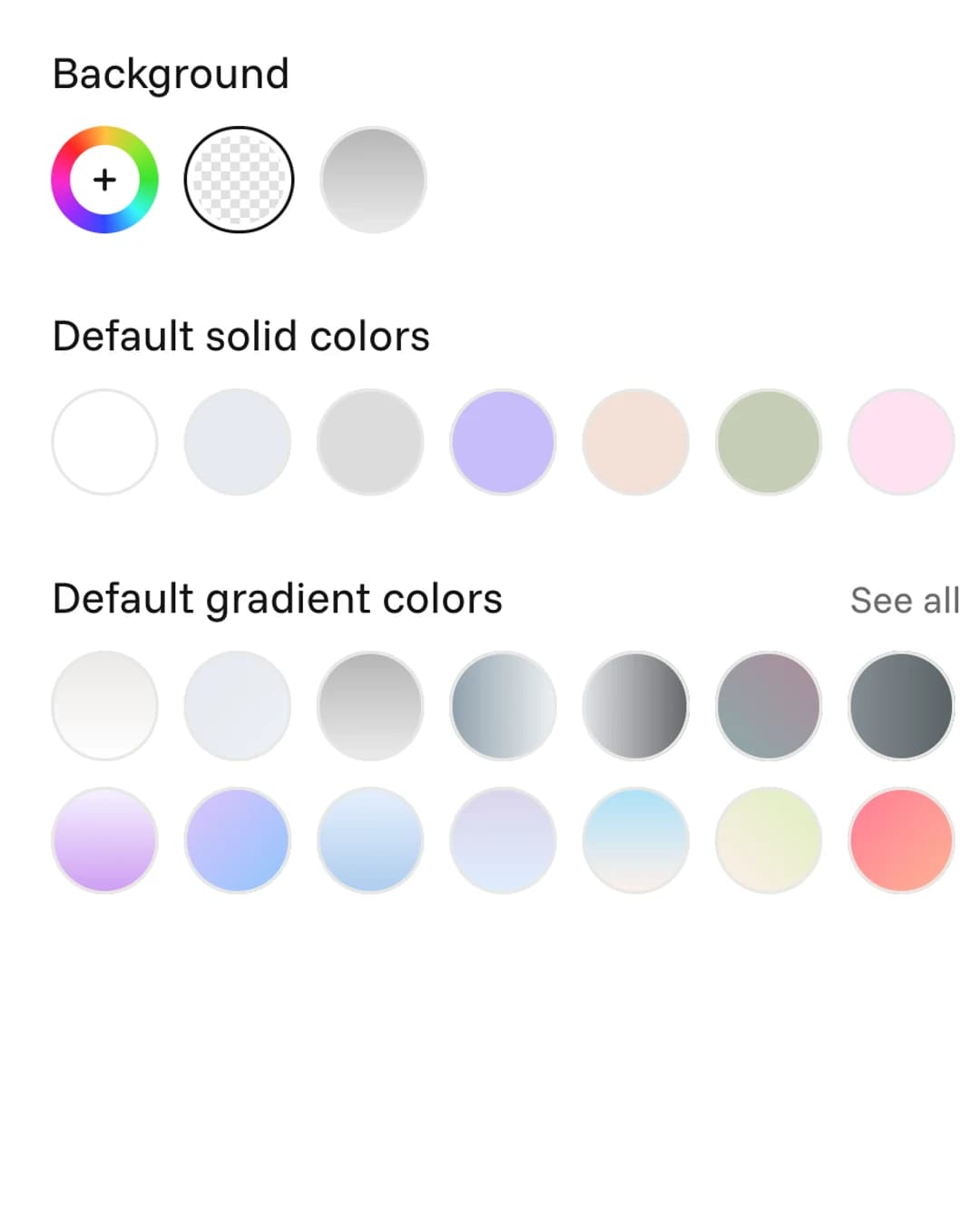
3Set the look
Pick a material or package color, jump between six camera views or drag the model, then choose a solid, gradient or transparent backdrop.
Try the backdrop panel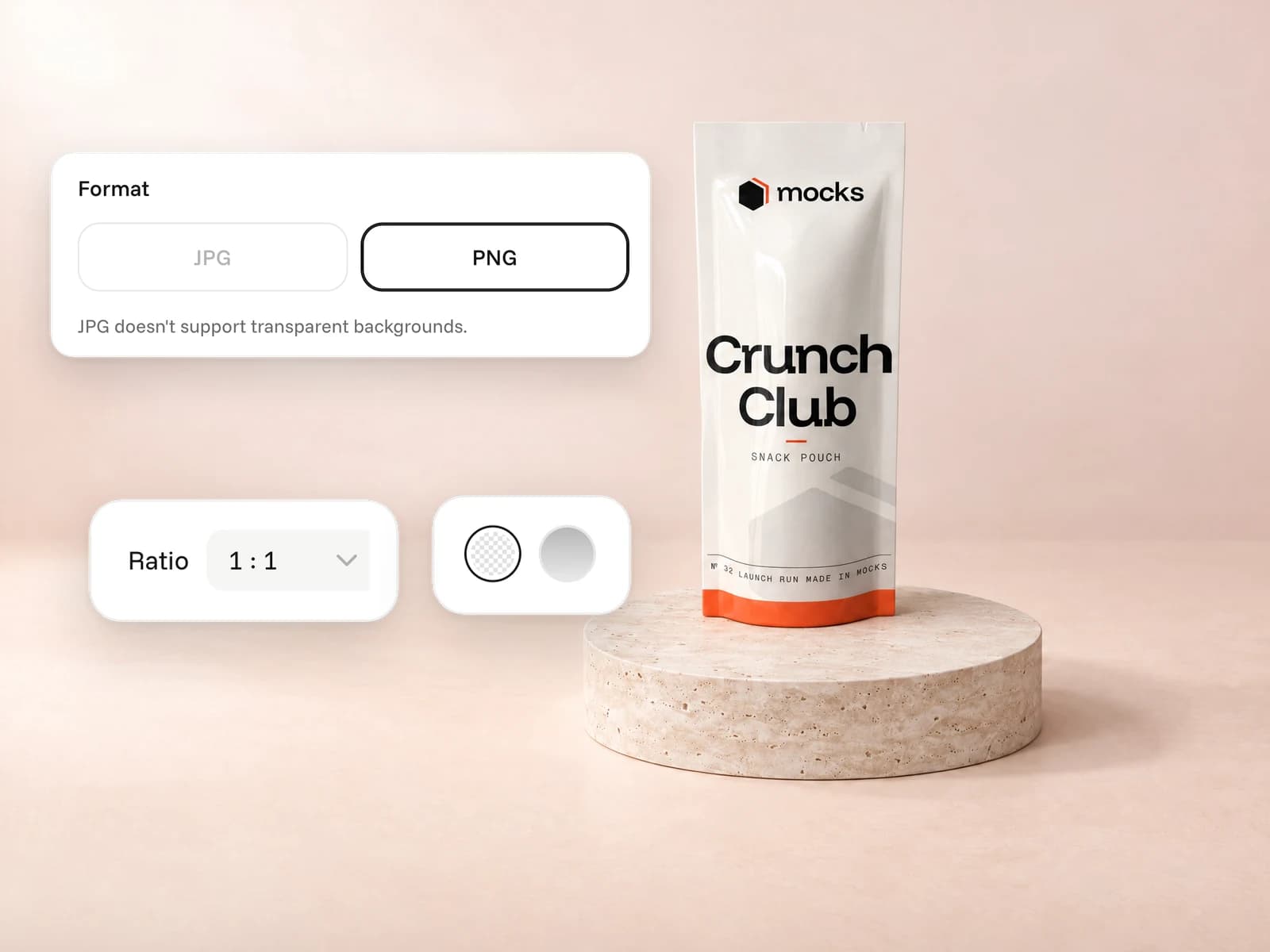
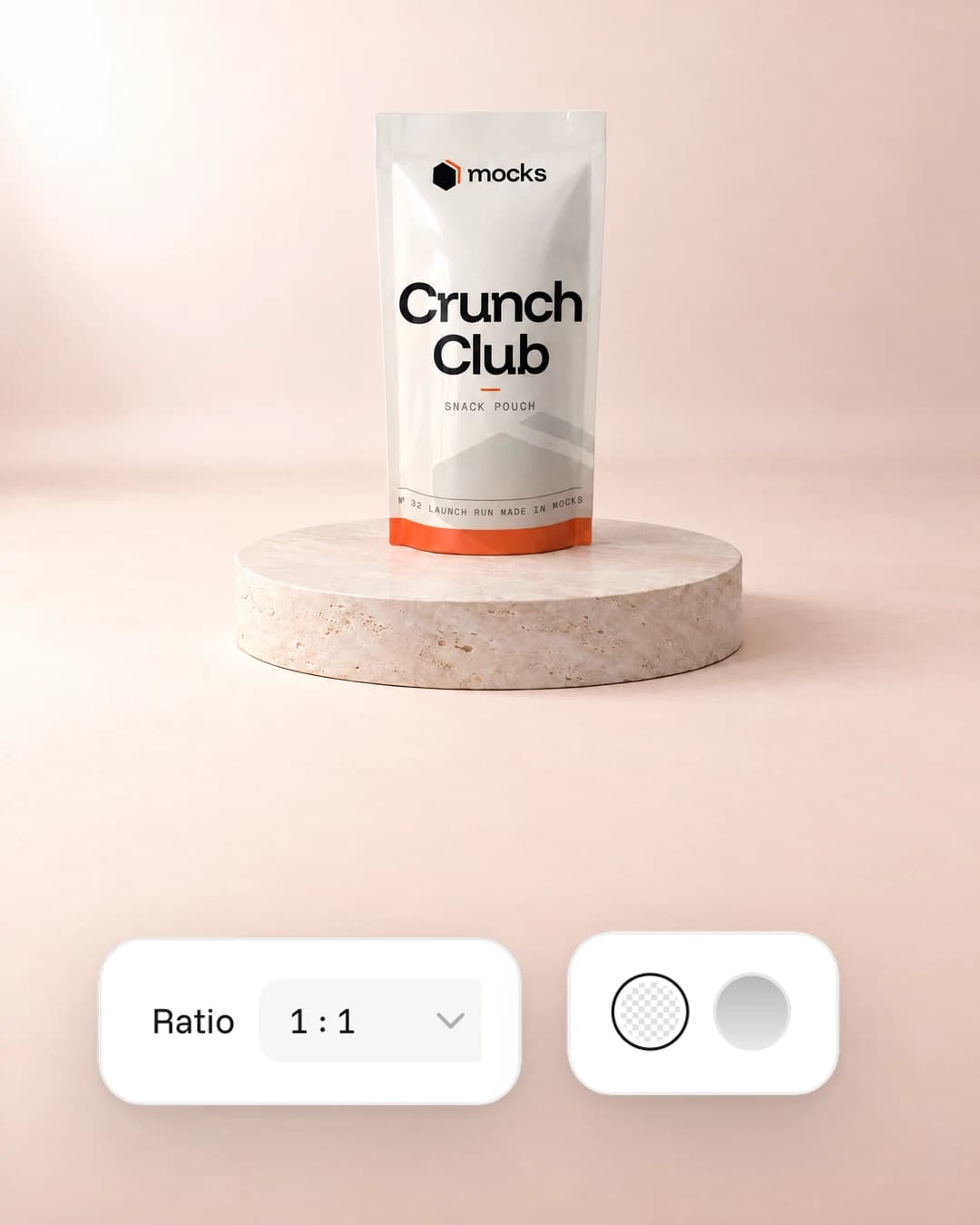
4Frame it and export
Set the frame from 1:1 to 16:9, keep the background transparent or pick a solid color, then render a JPG or PNG. Videos and dielines sit in the tabs next to it.
Render your first PNG
One model, every file you need
Stills, motion and print files come from one 3D model, so every product mockup in a launch kit matches.
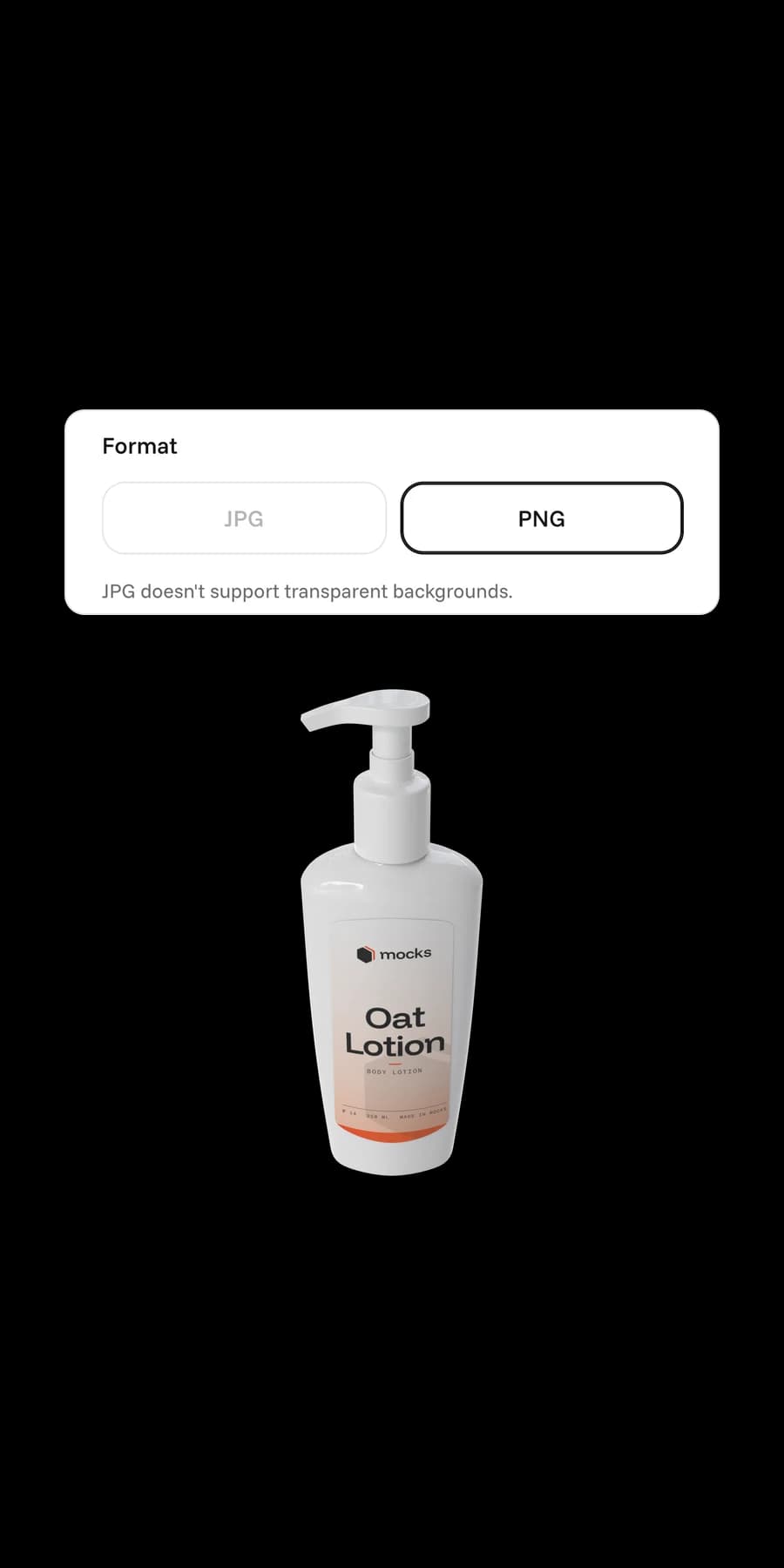
Transparent PNG and JPG
Drop a cutout straight onto a product page, an ad or a pitch deck, in square, portrait or wide frames.
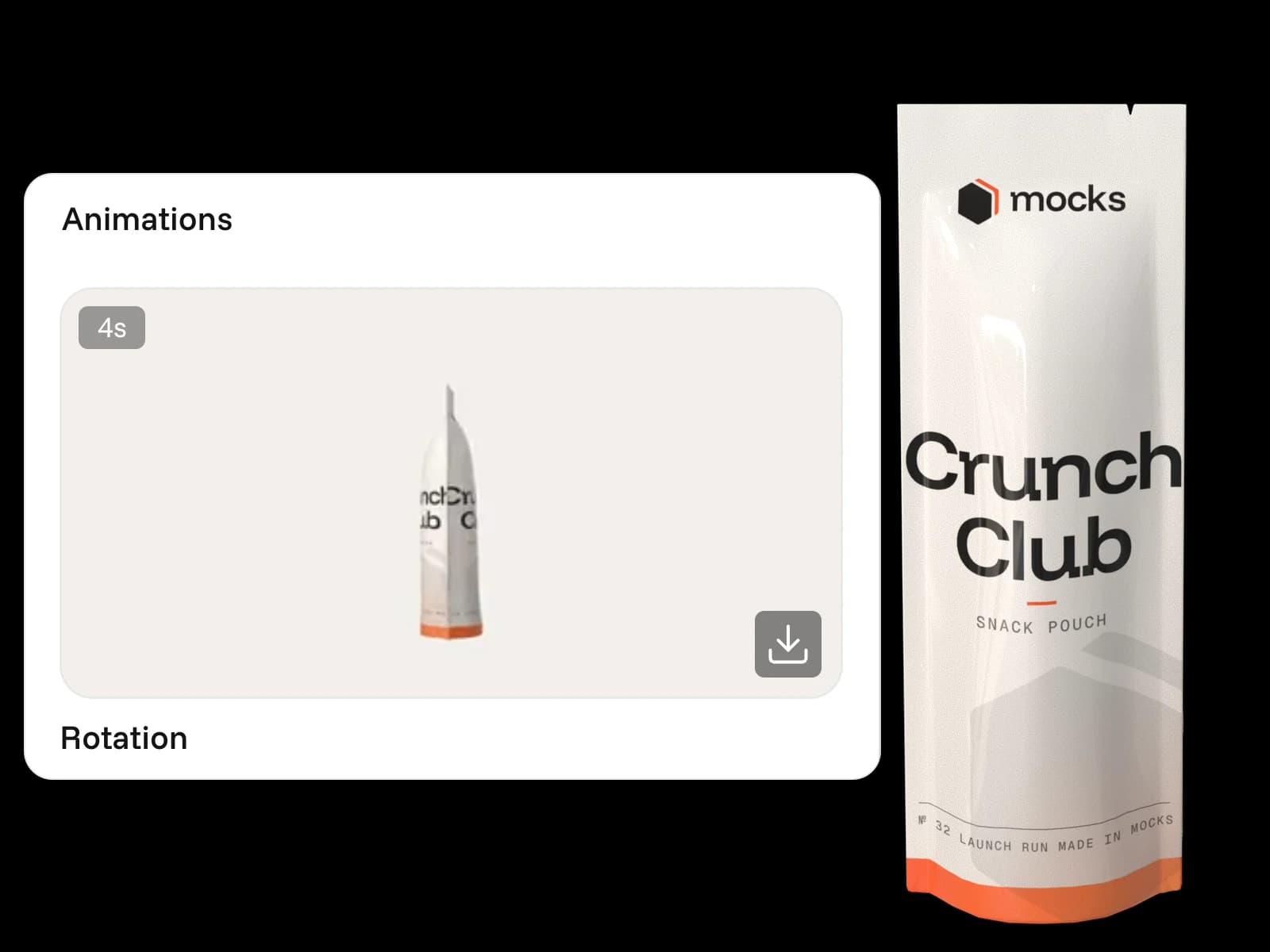
Short product videos
Animation presets such as Rotation move the model for you and export an MP4 for social posts.
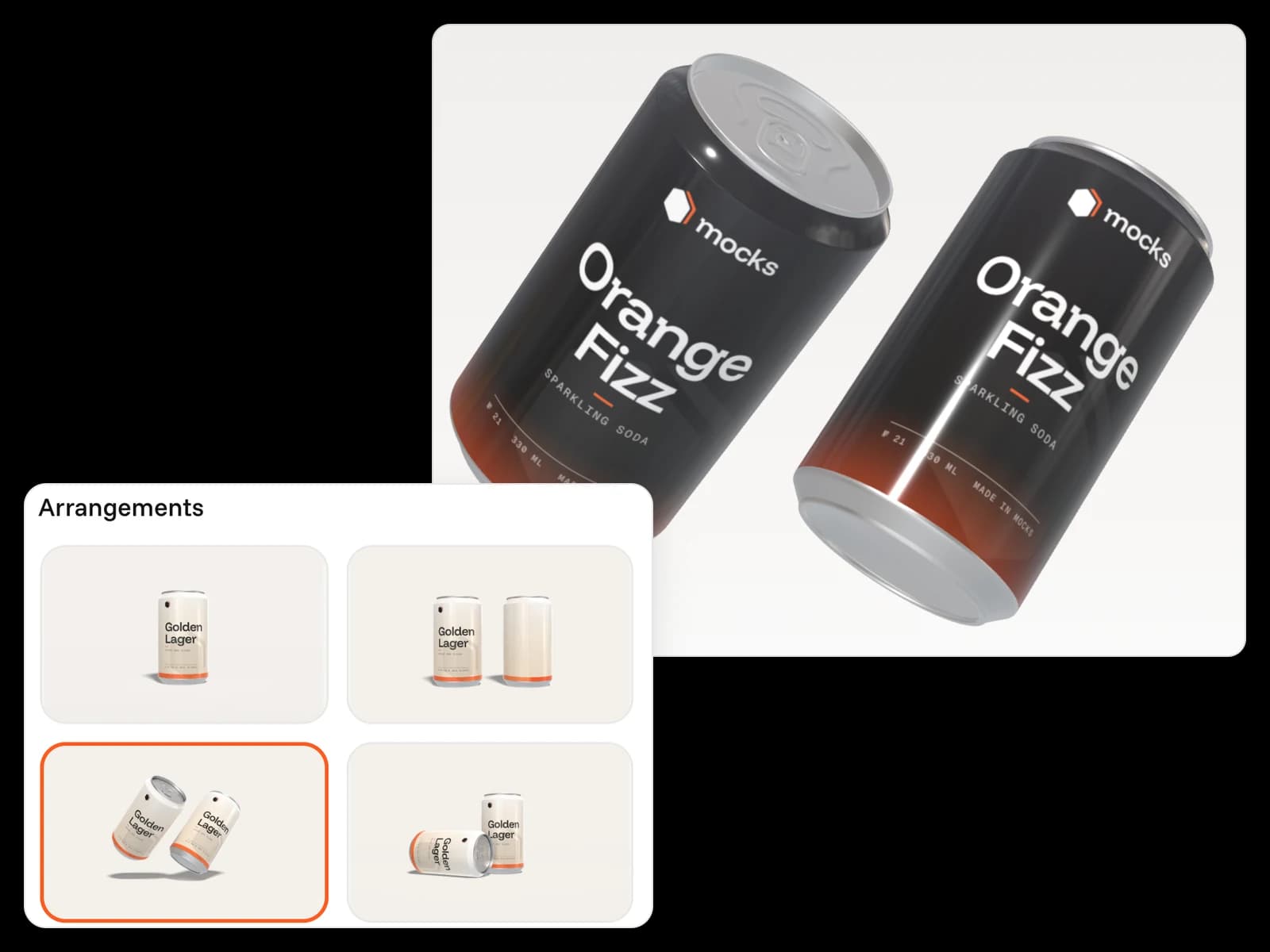
Several products in one shot
Layout lines up copies of your model with matching shadows, ready for a range banner or a bundle.
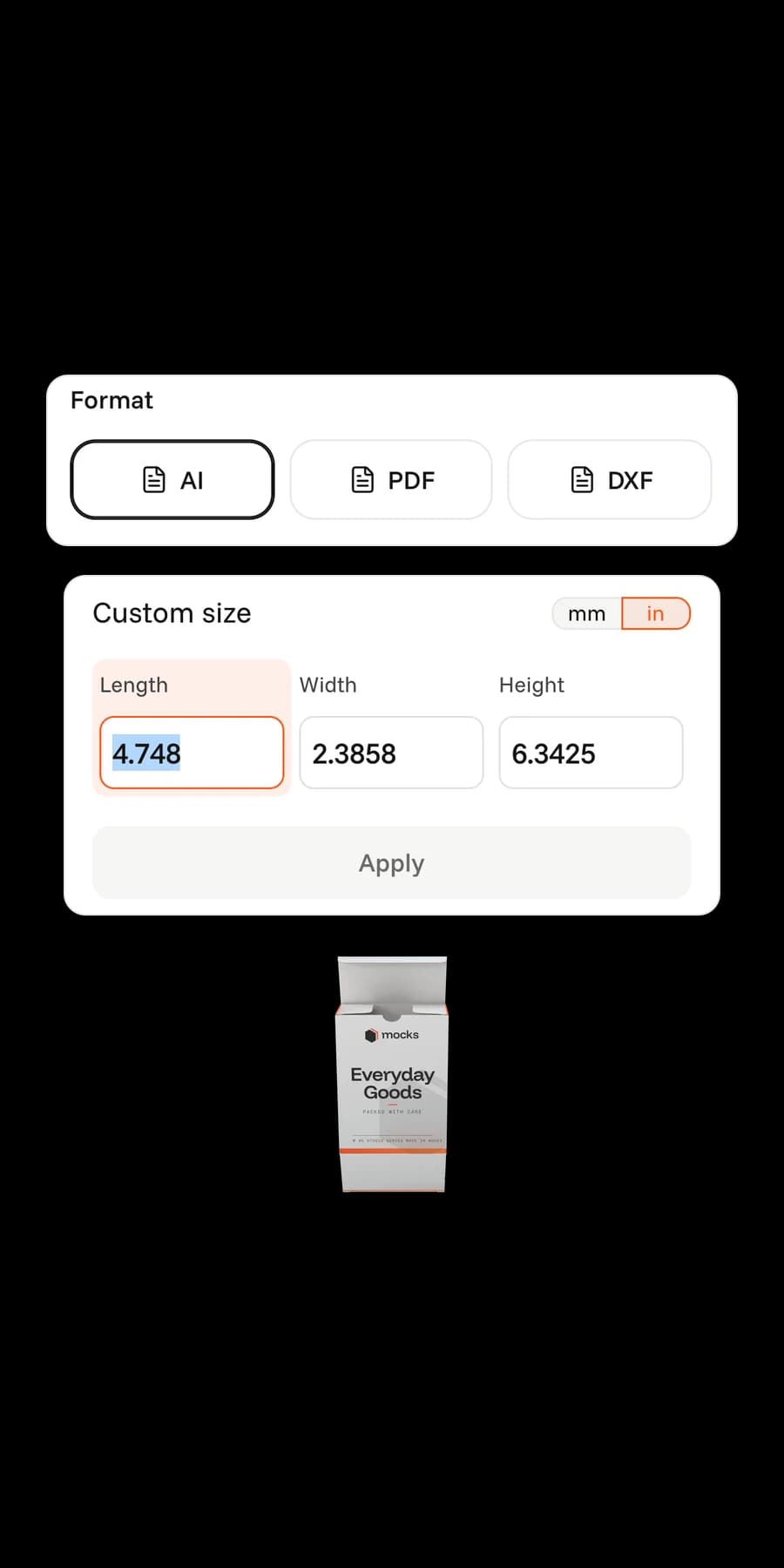
Dielines and custom sizes
Box models download their dieline as AI, PDF or DXF. Models with a Custom size panel take your own length, width and height in mm or inches.
What every 3D mockup gives you
The same controls on each model, from a 145 ml energy shot to a boxy hoodie.
6 camera views
Front, top and four angled presets, plus free drag and a saved view of your own.
6 frame ratios
Square 1:1, portrait 4:5 and 3:4, landscape 4:3, wide 16:9 and tall 9:16.
3 upload formats
JPG, PNG and SVG. Export a PDF or Illustrator file to PNG or SVG first.
4 backdrops
Solid color, gradient, your own color or fully transparent behind the product.
3D mockup, product photo or flat template?
Each has its place. A real shoot still wins on props and texture; here is what a 3D model changes.
- Before samples exist
- Exact product shapeClosest model
- New angleDrag or pick
- Next SKU or flavorNew label
- Short videoMP4 preset
- Real props and settingBackdrop only
- Before samples exist
- Exact product shapeExactly
- New angleReshoot
- Next SKU or flavorNew shoot
- Short videoVideo shoot
- Real props and setting
- Before samples exist
- Exact product shapeIf one fits
- New angleNew template
- Next SKU or flavorEdit each file
- Short video
- Real props and settingAs photographed
3D mockup questions
Put your design on a 3D product
Free to use, no sign-up, runs in your browser.